A:AnswerMy humble opinion is No. For photo/portrait designing or any good amount of work with visual/video files, you need at least 512GB Solid State drive. I would even consider 1TB SSD. I just think that the more space will allow you best access and storage at your fingertips. The resolution on such files will only get higher. Using cloud storage is not ideal due to whatever your wi-fi speed is. Up to 16GB mem is also a good investment. i7 Intel processor too.
A:AnswermacOS includes Pages, Numbers, and Keynote, which are similar programs to Microsoft Office's Word, Excel, and PowerPoint respectively. It also comes with iMovie (consumer-grade video editor) and GarageBand (music creation program). These may be installed automatically, but are otherwise available on the Mac App Store for free.
It's a bit of a vague question to ask if it can handle music and video editing, but the simplistic answer is it can do lightweight editing. If the purpose of the laptop would be heavy video editing, you'll want something more powerful, but occasional, casual video editing use will be fine.
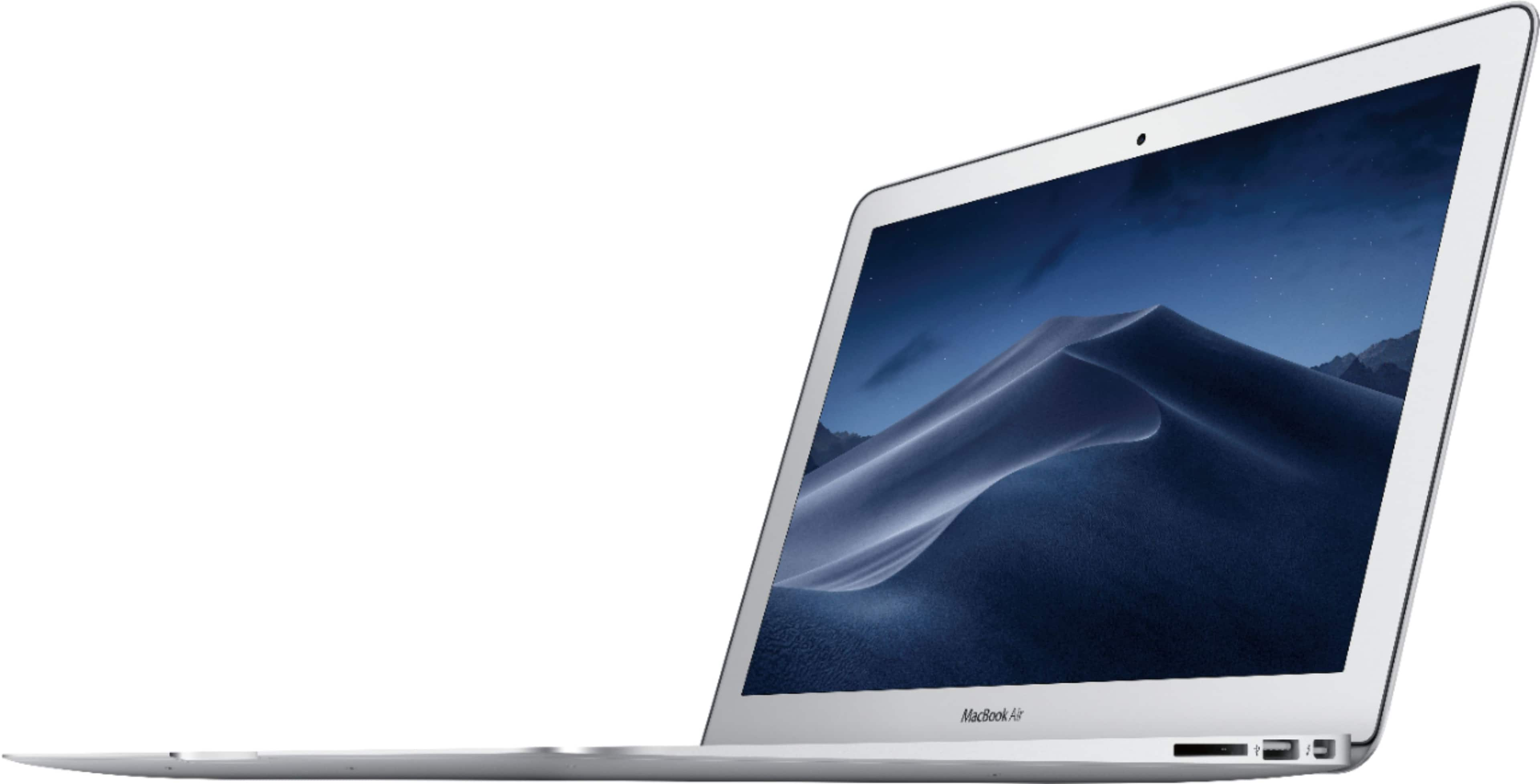
The MacBook Air does have a full-size SD card reader and two USB 3.0 ports.
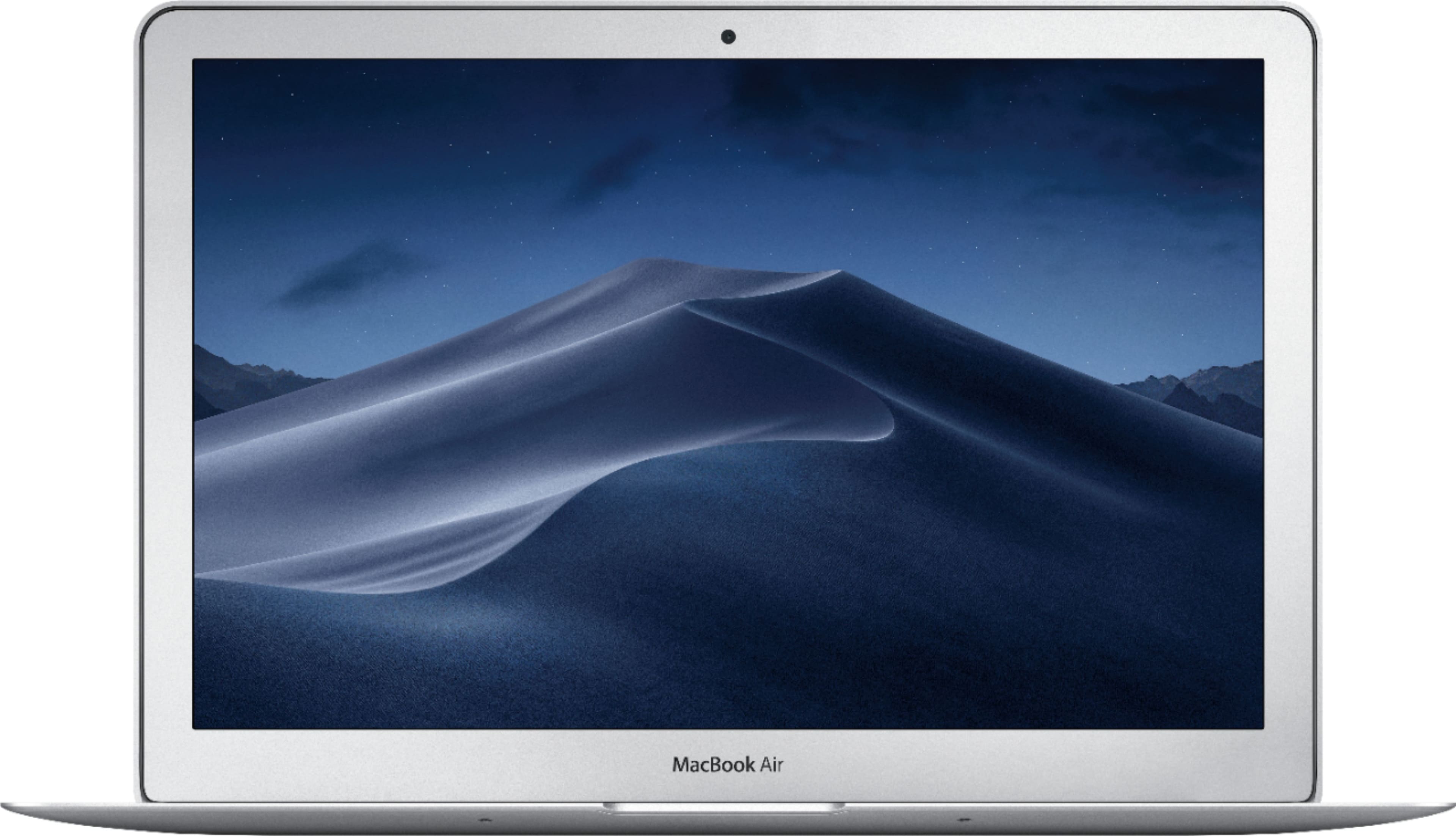
A:AnswerNot sure what you're referring to with color variations of the MacBook Air; the MacBook Air is only offered in silver, even from Apple.
The MacBook and MacBook Pro do have more than one color variant though.
A:AnswerYes. Every time you're making a purchase on bestbuy.com it asks if you want to use the best buy card. Read the info online or go in to your nearest store and apply and buy it there, you support the local store more by doing so and you won't buy this particular MacBook because it's actually garbage, IF you talk to someone who knows anything there.
A:AnswerNo Apple computers have DVD drives, these were removed several years ago, however you can purchase and connect an external DVD drive and burn discs.