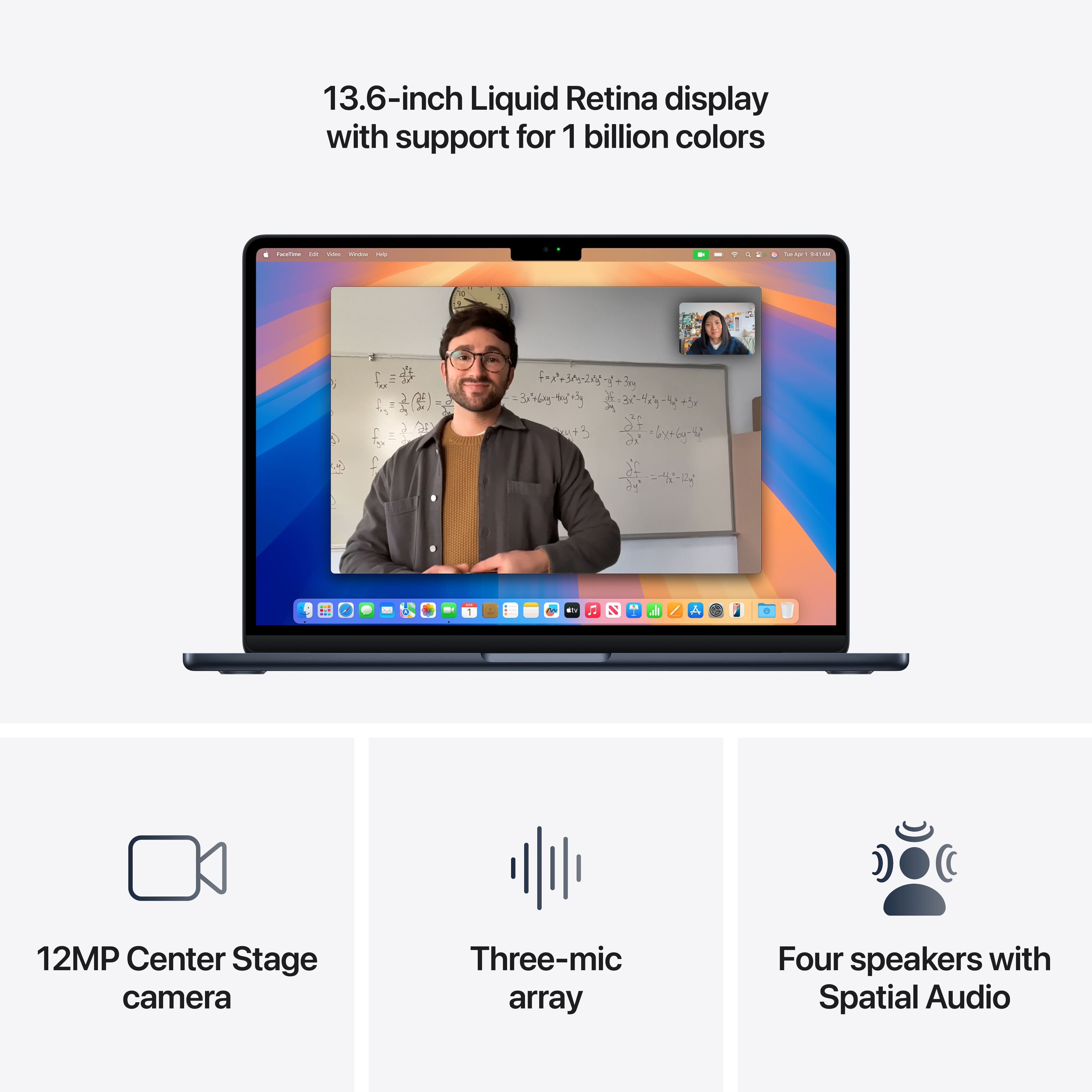
A:AnswerTo power off your M4 MacBook Pro, click the Apple Menu () > Shut Down. Closing the lid only puts the Mac to sleep. To turn it back on, open the lid, press any key, or press the Touch ID/power button.
A:AnswerYes — it can run After Effects, but how well it handles it depends on what kind of projects you’re doing and for how long. Easy stuff runs pretty smoothly — layers, simple effects, 2D animations, basic animation work feels responsive.
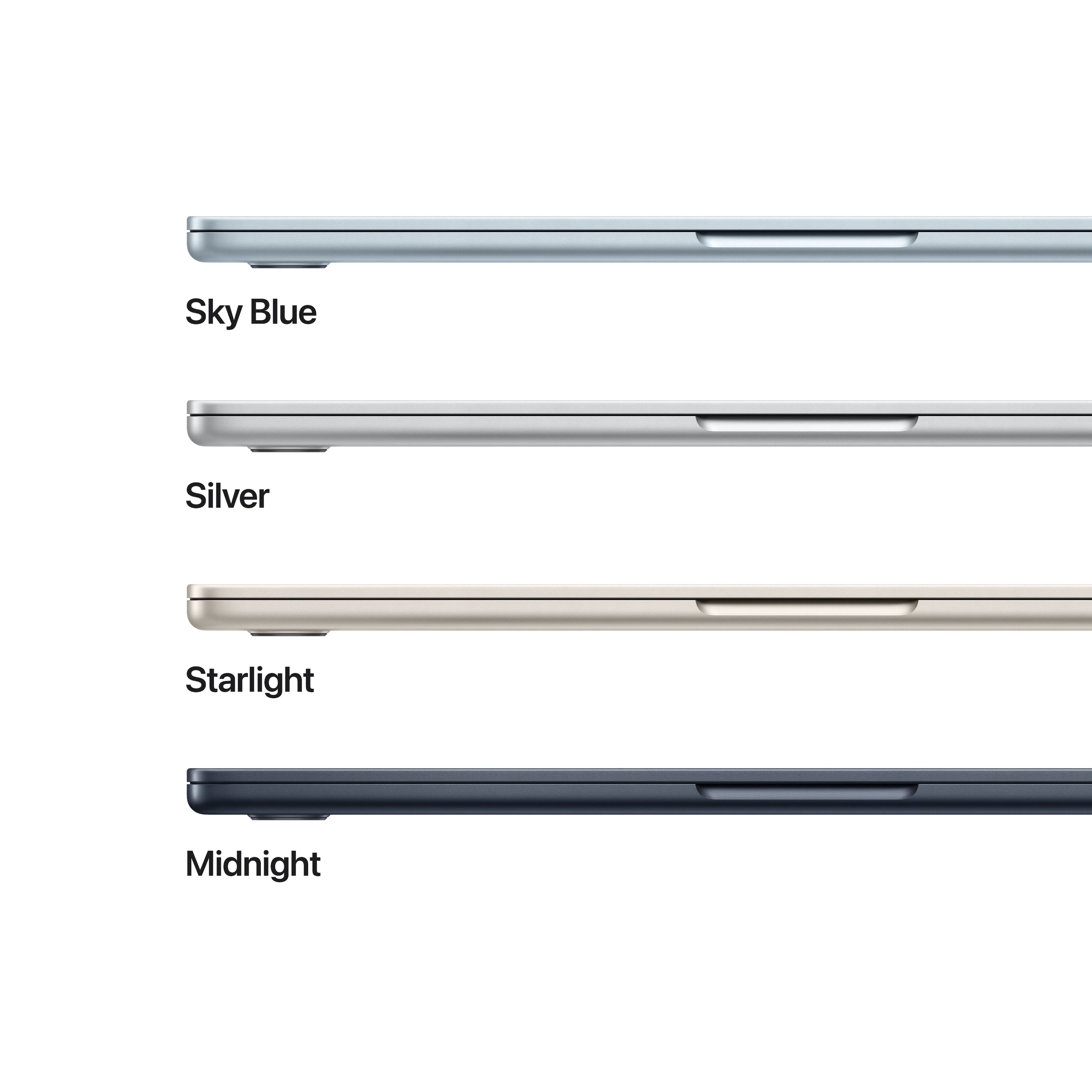
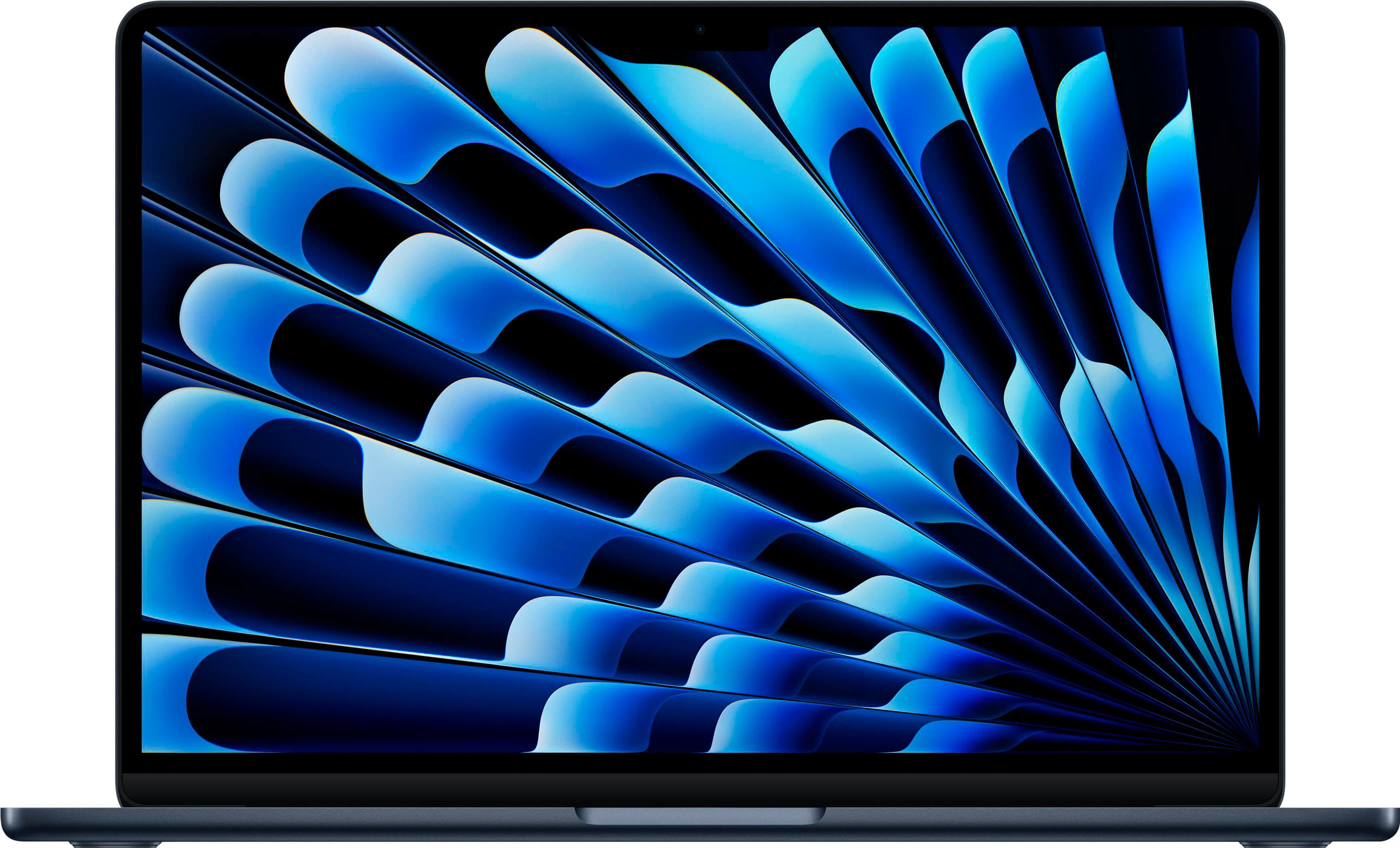
A:AnswerI have no idea, but I do love the color! I didn't know if I would like it but I do. I have never scratched my other Macs nor have I scratched this one, nor have I ever scratched any of my iPhones or iPads to test the color underneath. I think they are well made.
![The text on the image is a keyboard layout, which includes the following keys:
1. 2. 3. 4. 5. 6. 7. 8. 9. 0.
A. S. D. F. G. H. J. K. L.
Z. X. C. V. N. M.
I. O. P. { [ } ] | /
Caps Lock.
Shift.
Control.
Option.
Command.
Option.
Shift.
Control.
Command.
Option.
Y.
A.](https://pisces.bbystatic.com/image2/BestBuy_US/images/products/b77bd574-2873-4e4e-9882-ab47ea405001.jpg)