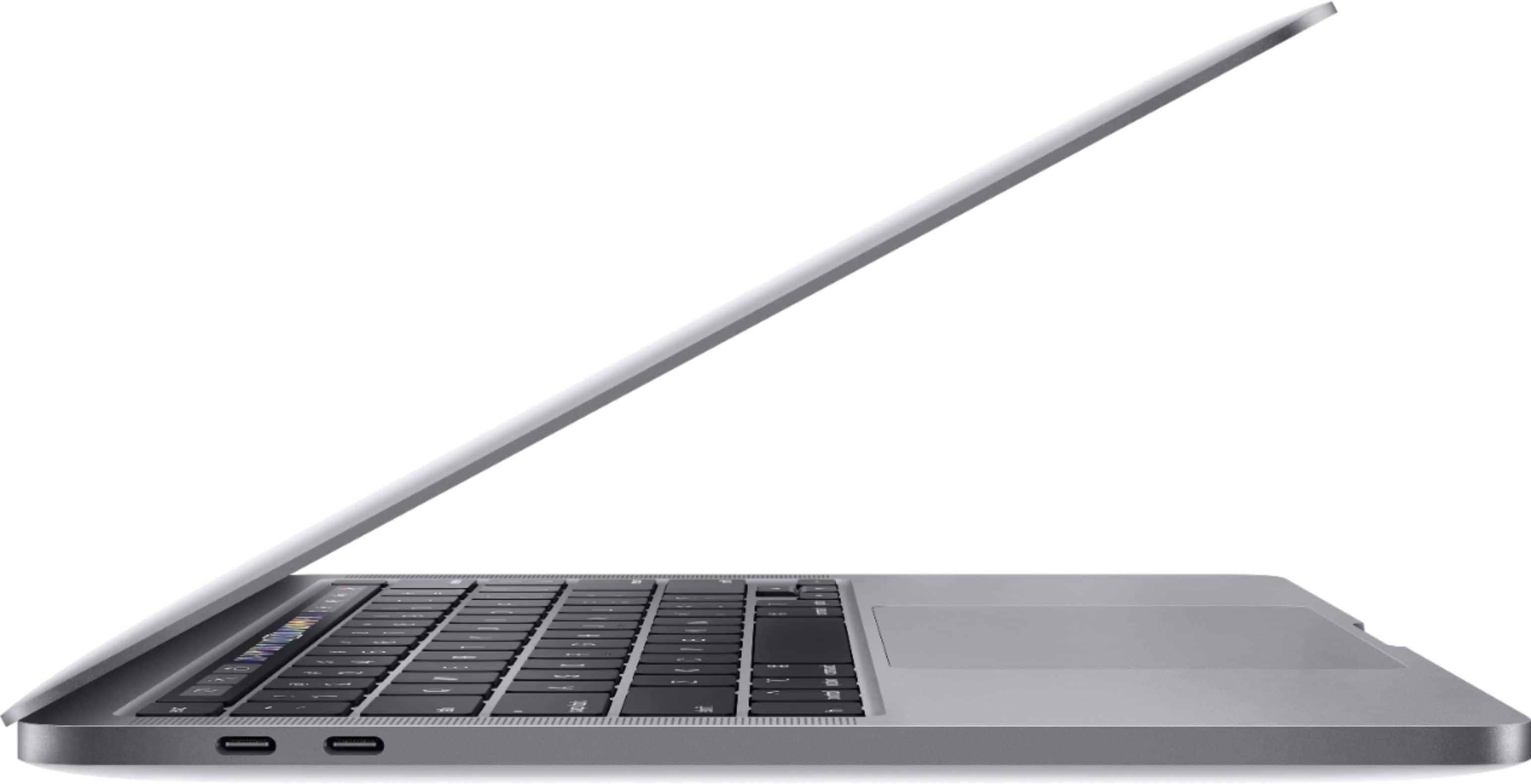
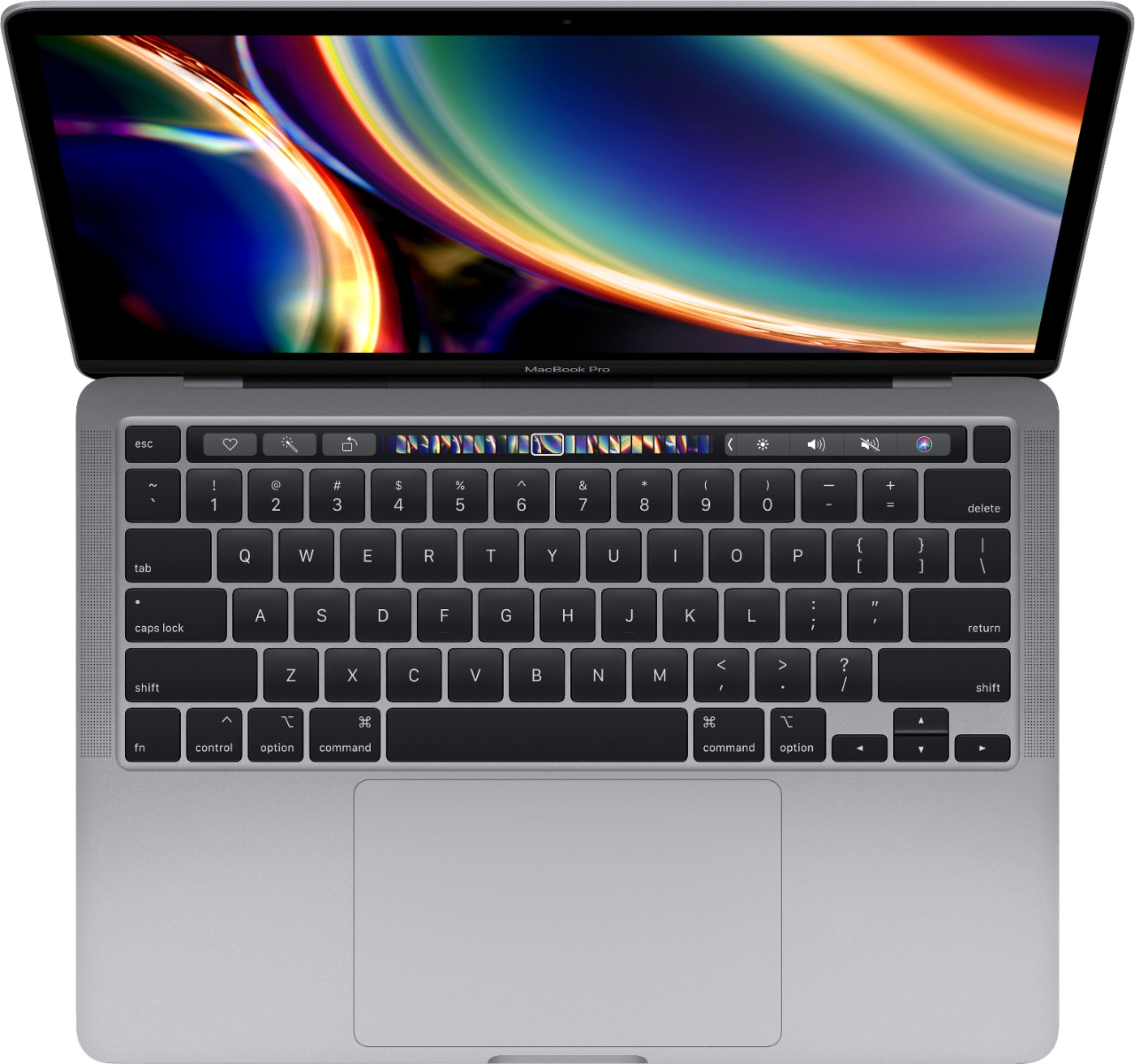
A:AnswerIt is not recommended to take apart a MacBook to add things like memory, and doing so may void your warranty. I would recommend just getting your desired configuration up front, and if you need 32 GB of ram, either order a custom configuration from Apple (available as a 13 inch model with 32 GB of ram) or just get the 16 inch model.
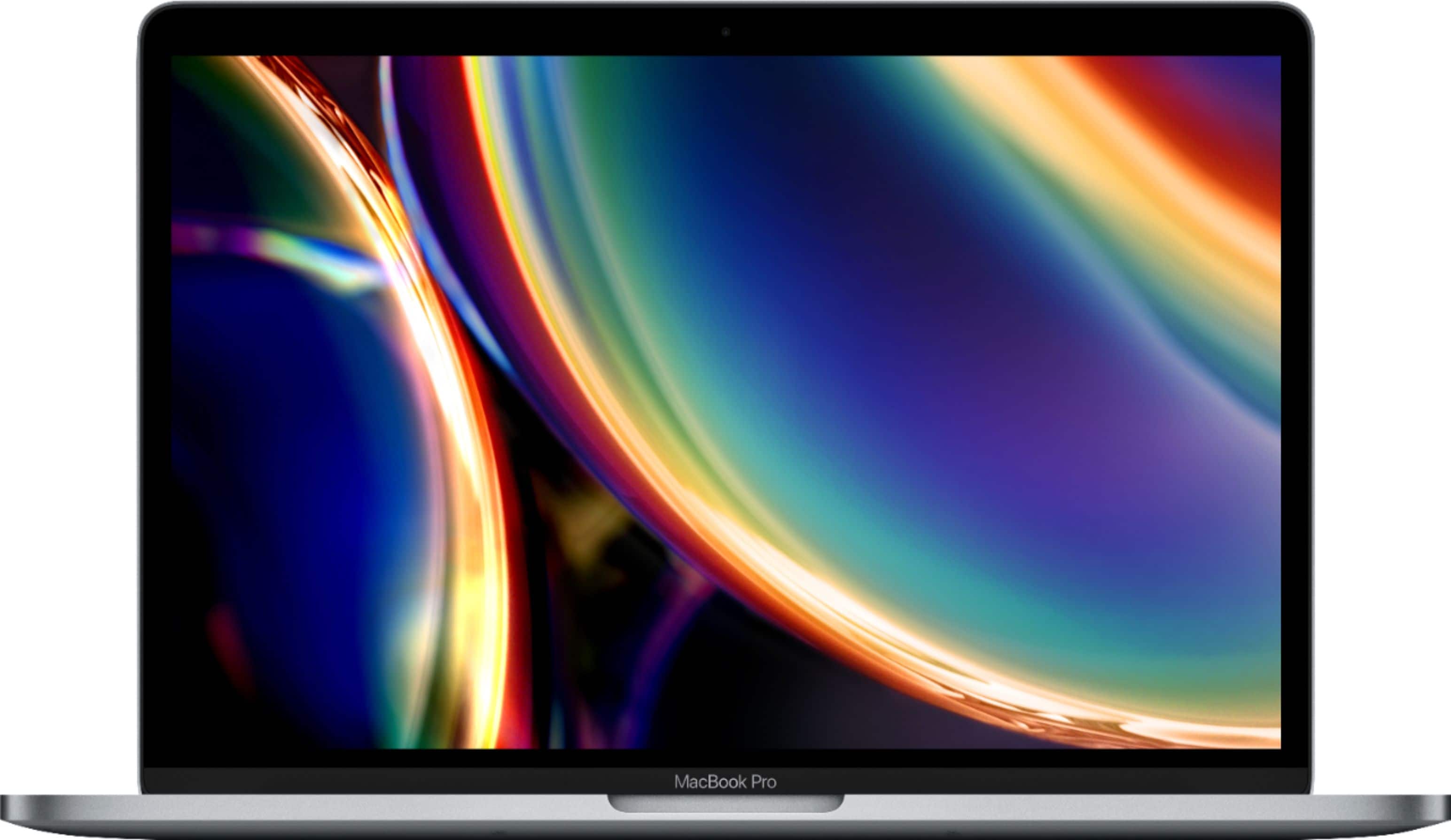
A:AnswerThis exact laptop was just released and only comes in the 13" configuration. If you want the larger screen, you should check out the 16 inch MacBook Pros released last fall. They are basically the same size as the old 15" pros, but with smaller bezels for the extra inch. They have some advantages over this exact laptop, like better speakers and a redesigned heat cooling system, and this one has a few advantages too, like the 10th generation Intel processors and I believe faster RAM. Still, both machines can be configured in pretty comparable ways, so if you want the larger form factor check those out too.
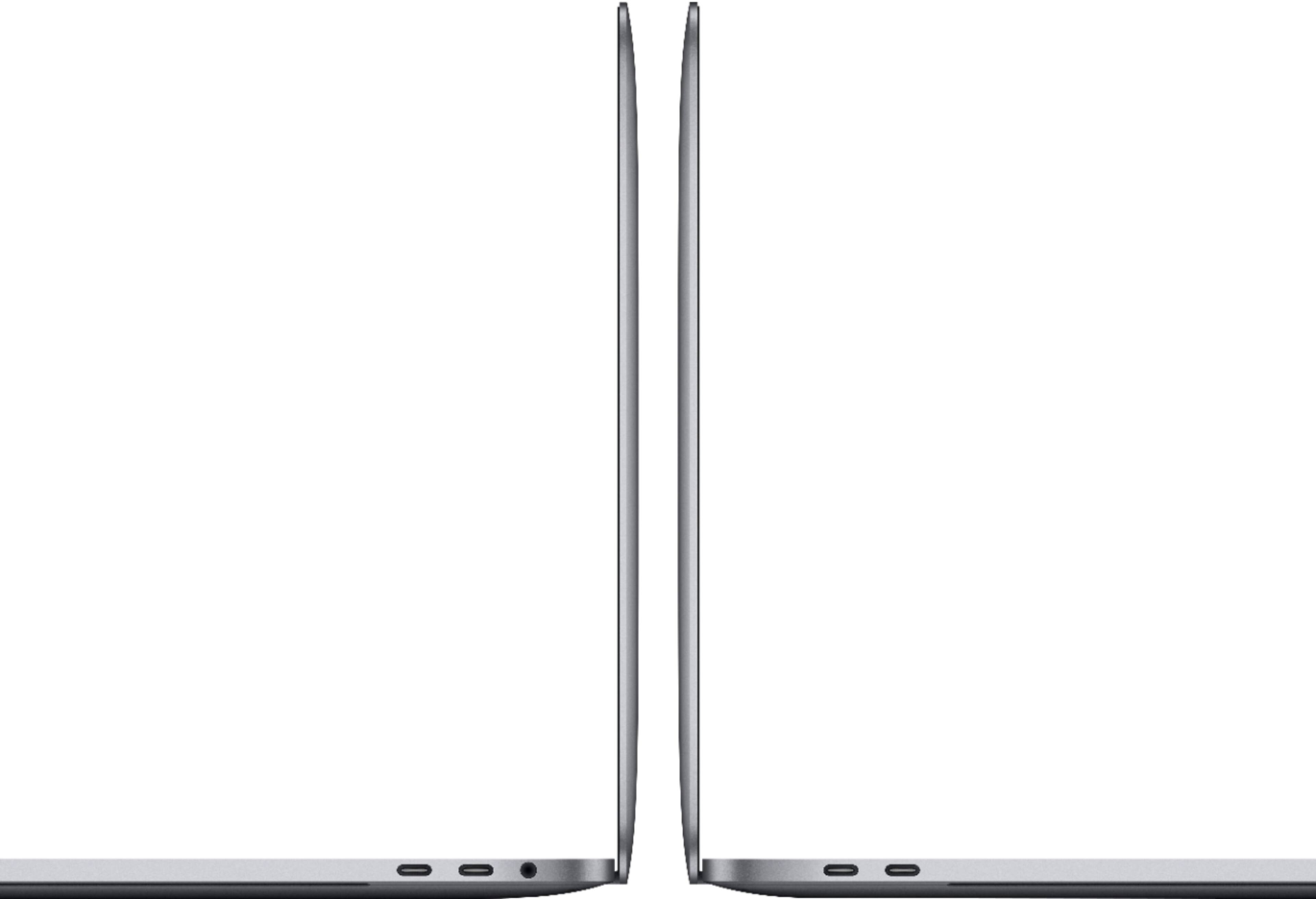
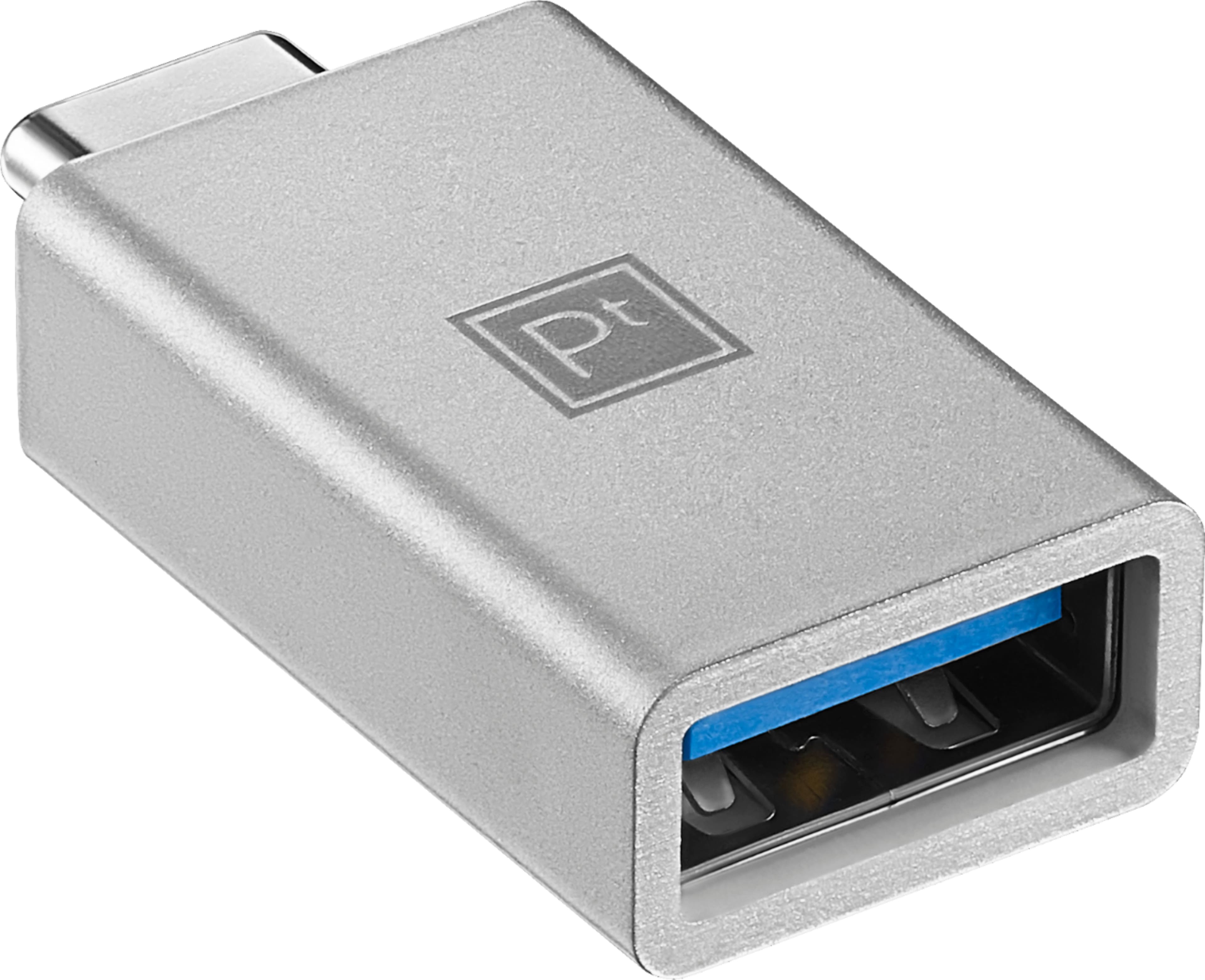
A:AnswerI gave the MacBook access to my Google account so all my photos from phone, iPad and cloud are synced. For my old Nikon I had to get a USB to USB-c converter, about $10 at the store but available on line too. Hook up the transfer cable from your camera to the converter and the MacBook will take you through the steps to import the photos.