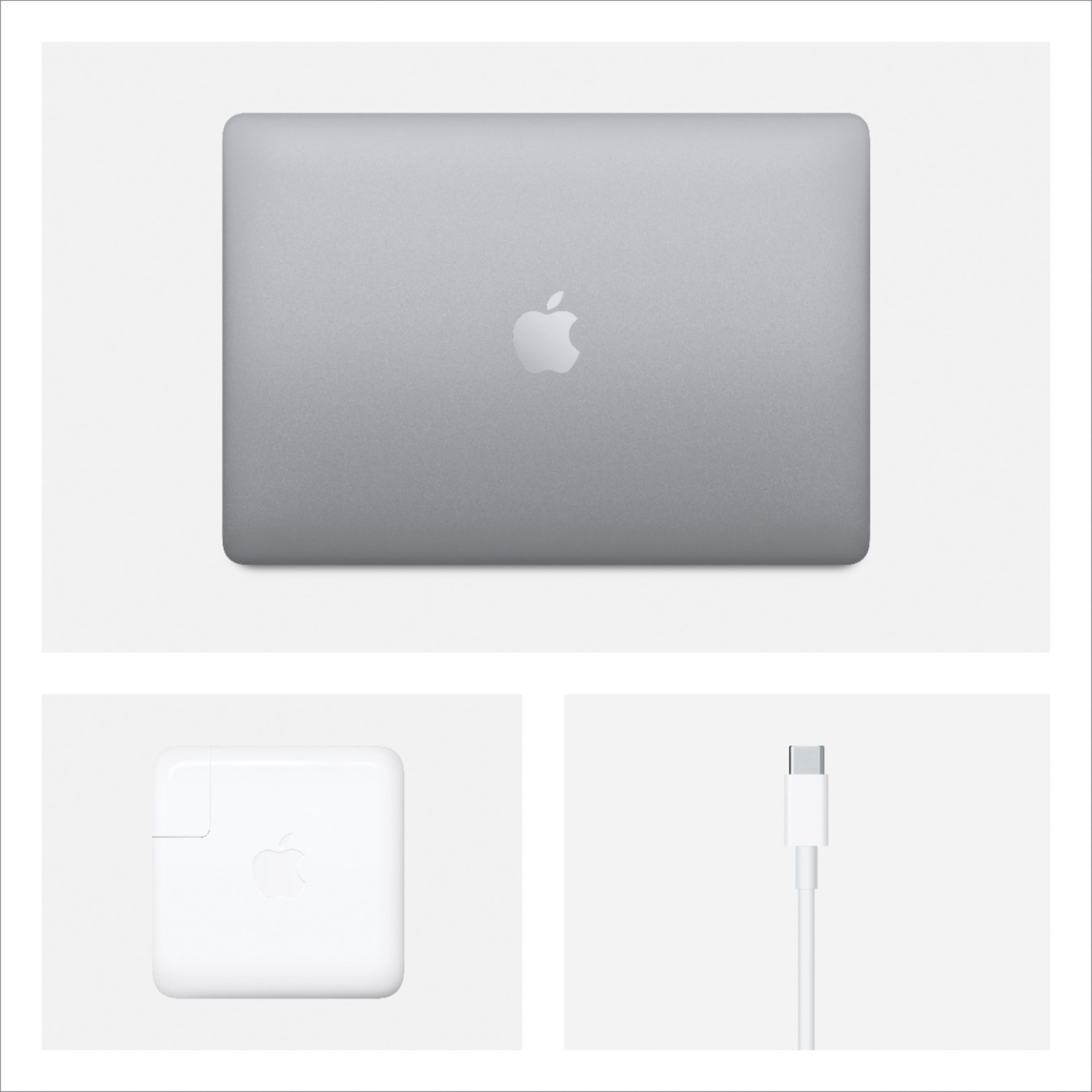
A:AnswerAll new Apple products sold by Best Buy carry the same warranty as if you bought the item from Apple directly. The included warranty provided by Apple for a MacBook Pro is for 1 year. You can, however, purchase extended coverage known as AppleCare. The AppleCare Protection Plan for MacBook Pro extends hardware repair service and technical support coverage to three years from your MacBook Pro's original date of purchase. You can only purchase the AppleCare Protection Plan while your MacBook Pro is covered under Apple's One-Year Limited Warranty.
A:AnswerI traded in my 2014 MacBook Pro laptop when I bought this new one. I learned a couple of things about the process. What I did was buy the new laptop first and then trade in my old one. I got a Best Buy gift card with the trade-in amount on it, but it was too late to use on the new laptop because I had already paid for it. The right way to do it would be first trade in your old MacBook and get the gift card, and then go buy the new laptop, that way you can use the gift card on the new laptop.
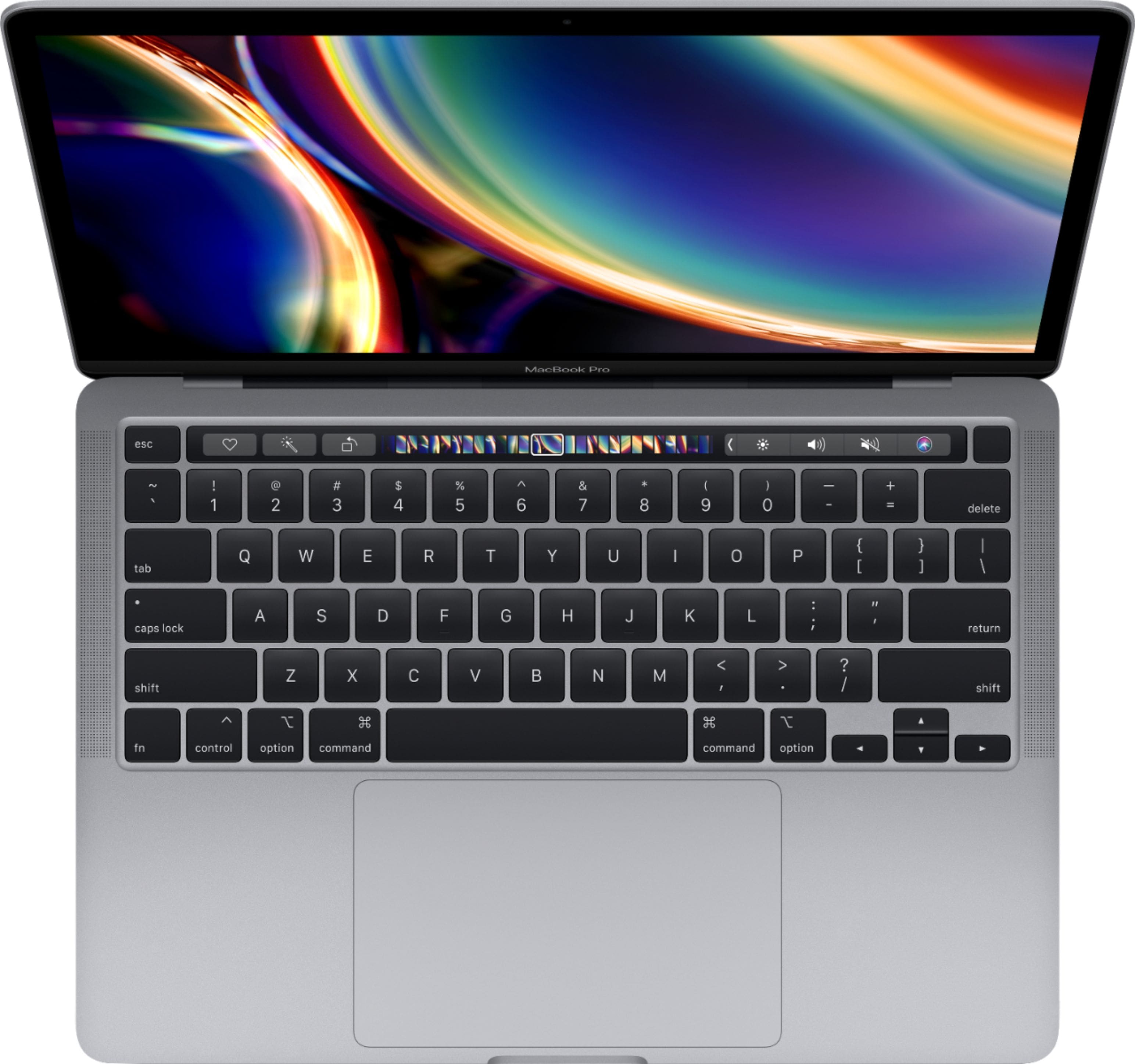
A:AnswerYou’ll learn a lot more by searching how to use the touch bar. As simply explained as possible, it’s the little black strip sitting just above the keyboard. It updates and functions much like a touch screen. You can control sound, have access to all F1-12 keys. As a bonus with each application new keys will appear specific to this program to make it’s use easy. Say you use Zoom, a new “Leave” key will appear there. The bar continually updates with push buttons to make using the computer easy. It’s a very cool feature once you get the hang of it.
A:AnswerYup, I downloaded the creative suite apps, I wanted and have photoshop in addition to acrobat. Runs pretty well I feel. I ran into no crashing problems or lags.
A:AnswerWhen you purchase a MacBook through ordering online, you can choose the type of keyboard you want, along with the keyboard language. There also should be a way to make the on-screen keyboard either QWERTY or AZERTY, however, the default physical keyboard is QWERTY.
A:AnswerYour Mac comes with a wide range of apps already installed, so you can have fun, work, connect with friends, get organized, buy things, and more. Productivity programs like Pages, Numbers and Keynote and creative programs like Photos, iMovie and GarageBand are all available for free with your new Mac.