Memorial Day SaleEnds 5/25. Limited quantities. No rainchecks.Shop now
User rating, 4.7 out of 5 stars with 228 reviews.
Show only Answered Questions
Include AI Generated Q&A
Asked 5 months ago by MagicKeyboard.
Answered 5 months ago by Anonymous
Asked 6 months ago by Diana.
Answered 4 months ago by KimNVerified Purchase
Asked 6 months ago by Nette.
Answered 2 months ago by Serge
Asked 7 months ago by PamB.
Answered 6 months ago by AndreaGVerified Purchase
Asked 7 months ago by Anonymous.
Asked 9 months ago by Eslpz1.
Answered 3 months ago by JustineVerified Purchase
Asked 10 months ago by Anonymous.
Answered 7 months ago by LorenzoVerified Purchase
Asked 1 year ago by Suzy.
Asked 1 year ago by Keyboard.
Answered 1 year ago by SherrilynnBVerified Purchase
Asked 1 year ago by CAKP.
Answered 11 months ago by Anonymous
Asked 1 year ago by Pepperdyne.
Answered 1 year ago by SharonUVerified Purchase
Asked 1 year ago by BUKINUT.
User rating, 4.7 out of 5 stars with 1034 reviews.
User rating, 4.6 out of 5 stars with 936 reviews.
User rating, 4.6 out of 5 stars with 79 reviews.
User rating, 4.7 out of 5 stars with 610 reviews.
User rating, 4.7 out of 5 stars with 114 reviews.
User rating, 4.6 out of 5 stars with 78 reviews.
User rating, 4.7 out of 5 stars with 321 reviews.
User rating, 4.7 out of 5 stars with 3203 reviews.
User rating, 4.8 out of 5 stars with 112 reviews.
User rating, 4.8 out of 5 stars with 25 reviews.
User rating, 4.5 out of 5 stars with 129 reviews.
User rating, 4.6 out of 5 stars with 39 reviews.
User rating, 4.7 out of 5 stars with 89 reviews.
User rating, 4.6 out of 5 stars with 196 reviews.
User rating, 4.5 out of 5 stars with 210 reviews.
User rating, 4.9 out of 5 stars with 47 reviews.
User rating, 4.7 out of 5 stars with 3668 reviews.
User rating, 4.7 out of 5 stars with 900 reviews.
User rating, 4.7 out of 5 stars with 123 reviews.
User rating, 4.6 out of 5 stars with 452 reviews.
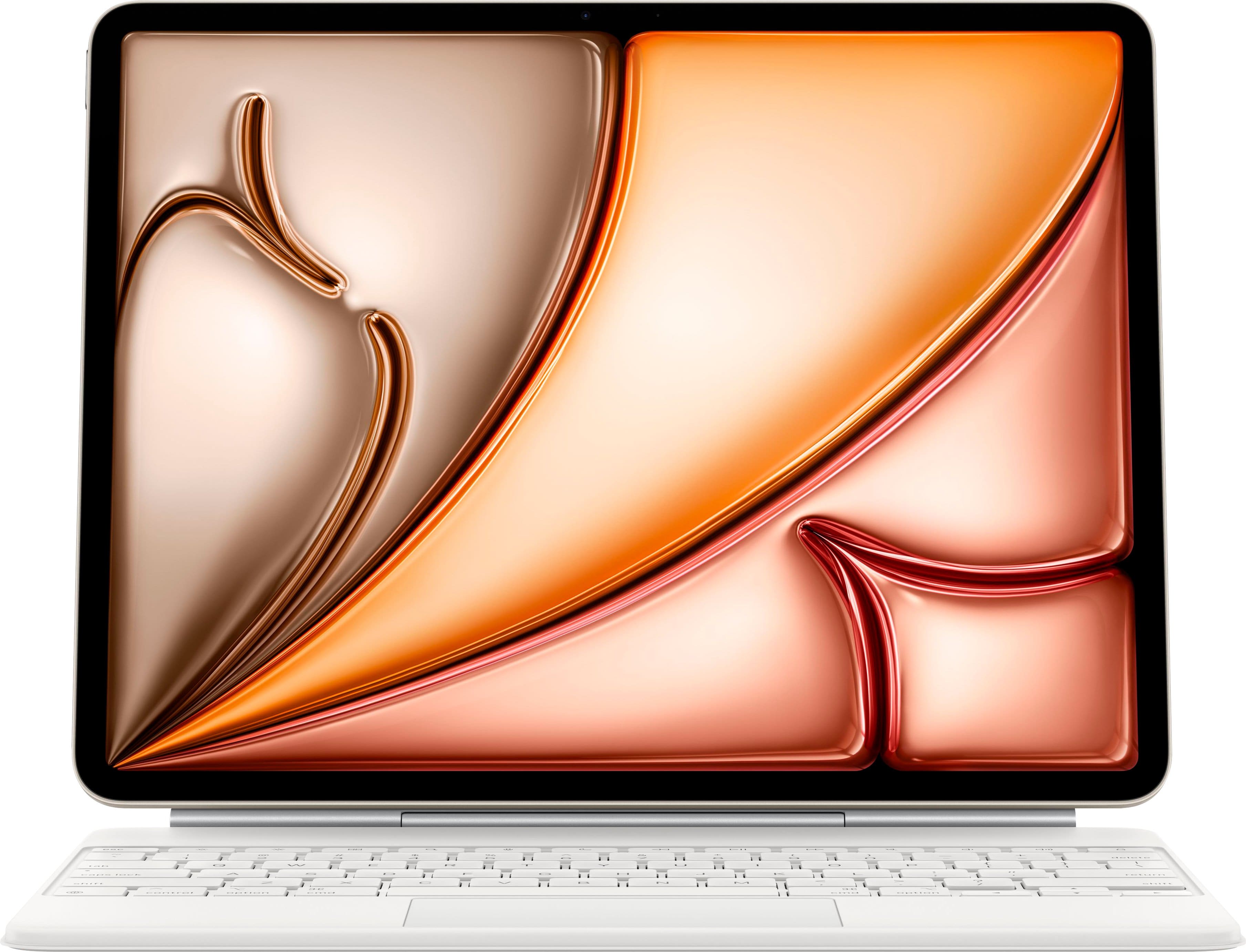
![The text on the image is a keyboard layout, which shows the position of the keys on a keyboard. The keys are grouped as follows:
1. Alphanumeric keys: A, S, D, F, G, H, J, K, L, Z, X, C, V, B, N, M, <, >, ?, /, shift, control, T, option, and cmd.
2. Function keys: F1 through F12, which are located across the top of the keyboard.
3. Numeric keys: 0 through 9, which are located in the bottom row of the keyboard.
4. Punctuation keys: [, ], ;, ' and ", which are located in the bottom row of the keyboard.
5. Navigation keys: arrow keys, which are located in the bottom row of the keyboard.
The image shows a close-up of a keyboard with a colorful background, highlighting the keys and their positions.](https://pisces.bbystatic.com/image2/BestBuy_US/images/products/da9713d8-98ed-435c-b483-ccbcdca58ec4.jpg)