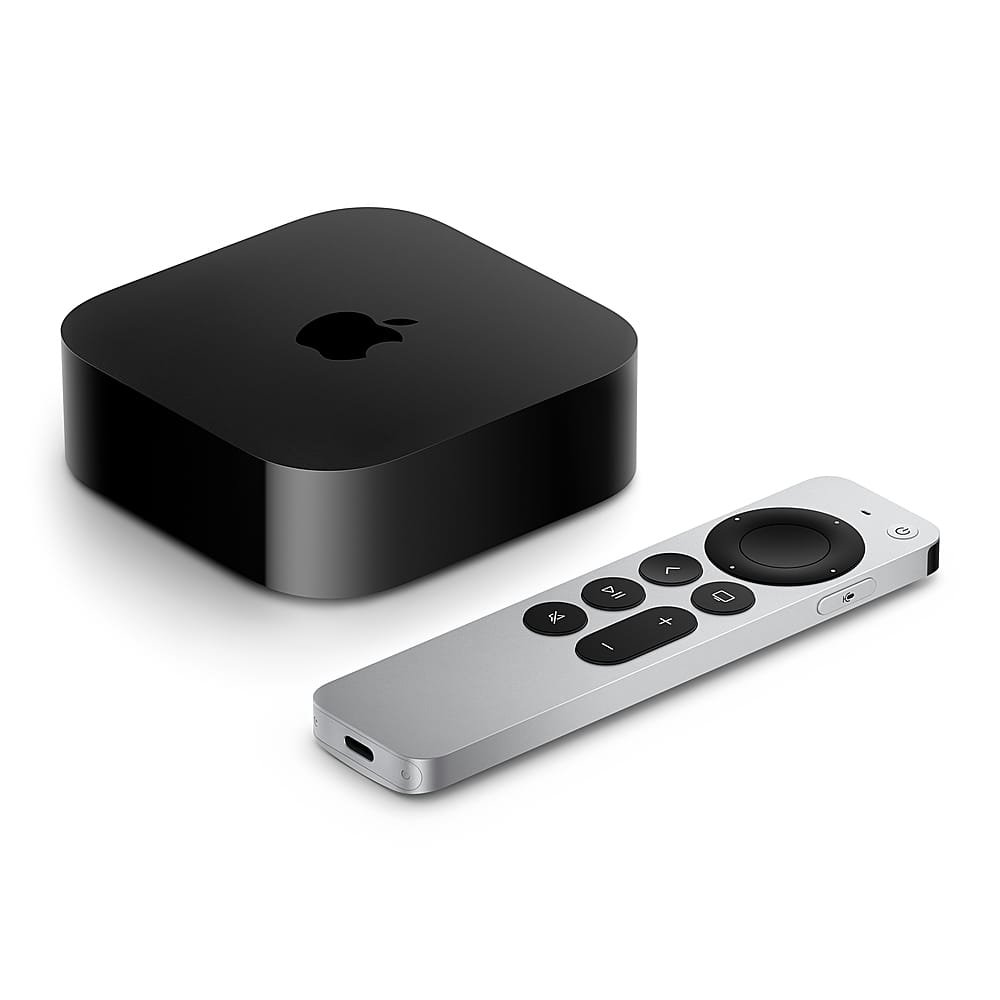
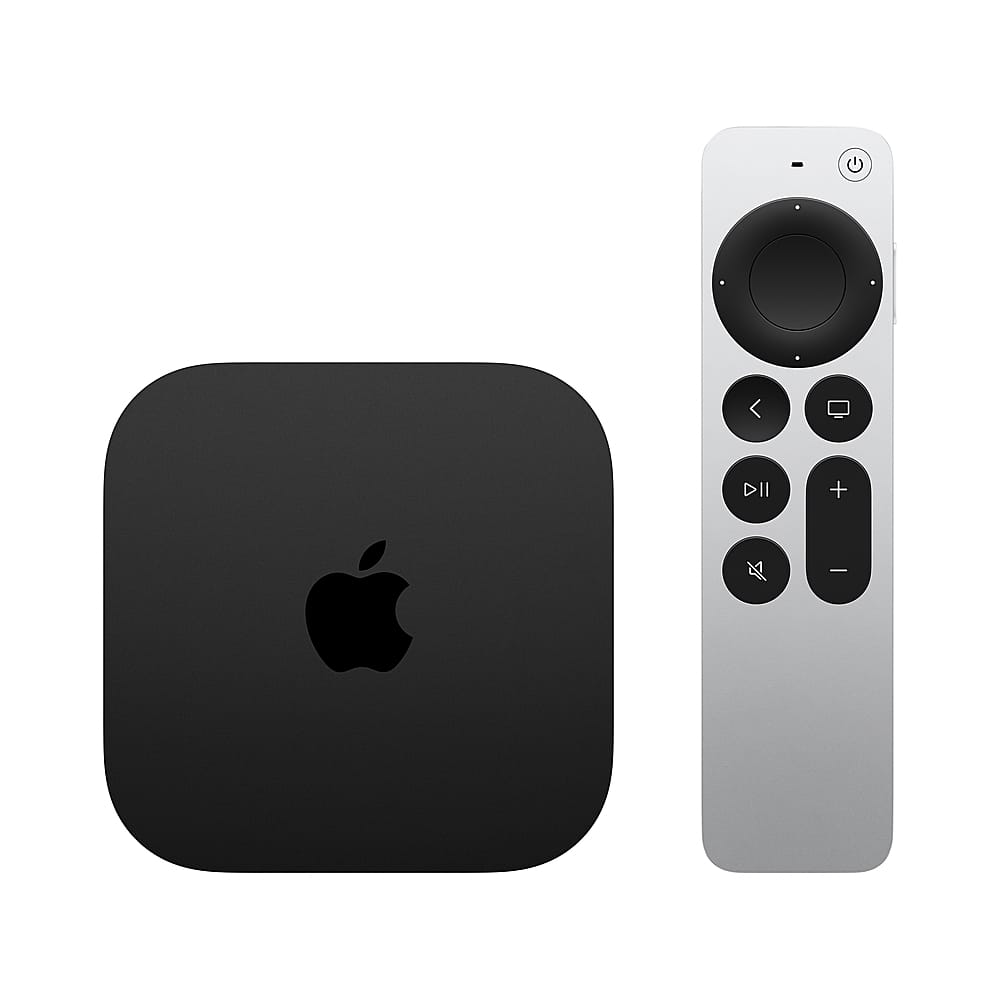
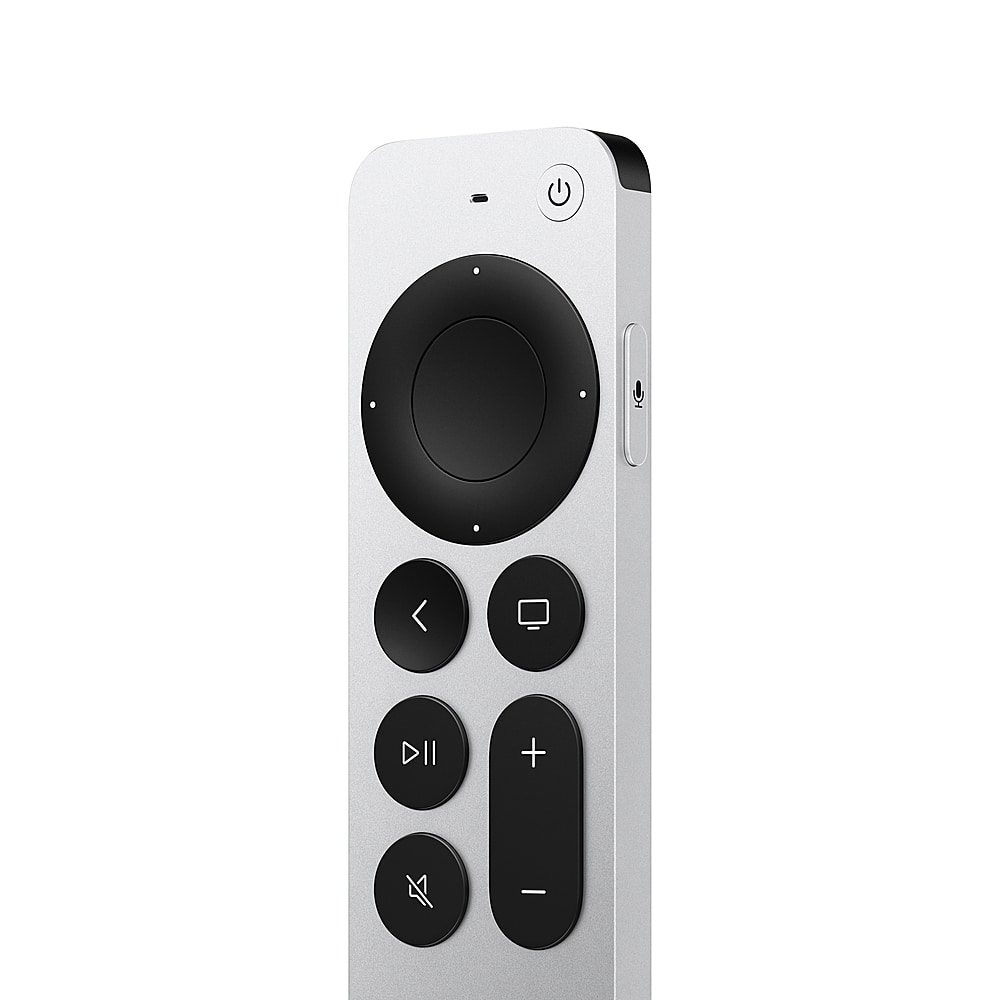
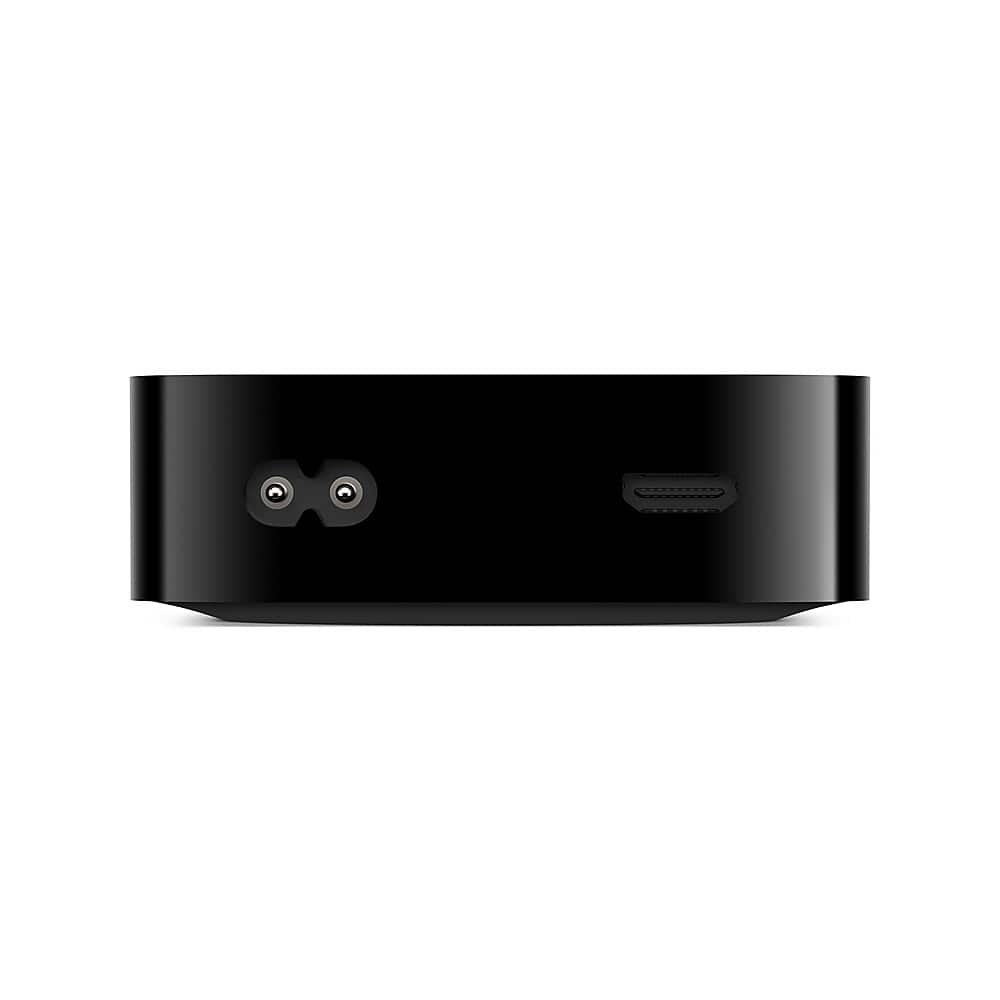
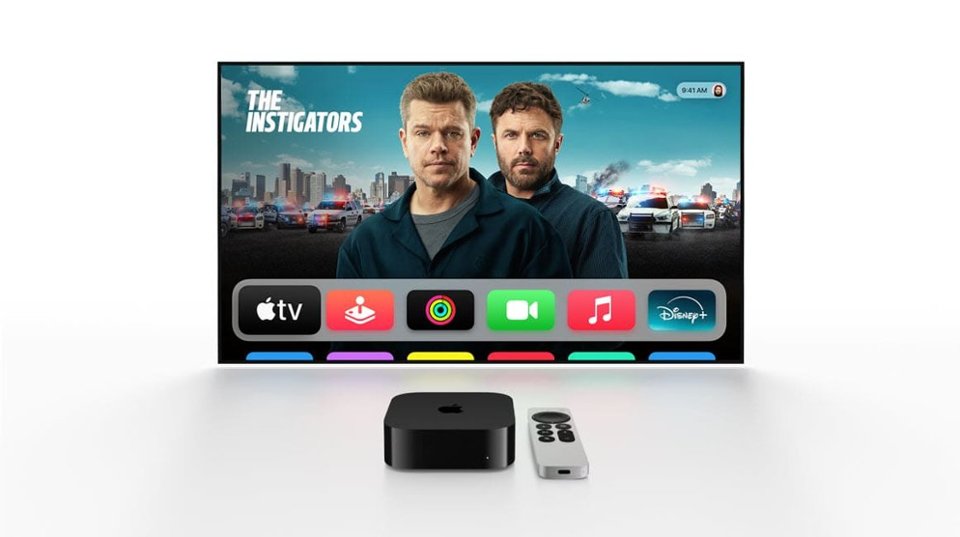
A:AnswerYes, even with a smart TV, Apple TV can be useful. It provides a smoother interface, faster performance, better app support, and the excellent Siri Remote. You also get access to the Apple ecosystem (Apple TV+, Fitness+, iCloud, AirPlay).
A:AnswerAbsolutely. Apple TV works with any TV that has an HDMI port, including your Samsung QLED. You’ll just need to connect it via HDMI and switch the input.
A:AnswerInstead of casting like Chromecast, Apple TV uses AirPlay. You can AirPlay Netflix (and most apps) from your iPhone directly to the Apple TV. It works similarly to casting, just under Apple’s ecosystem.
A:AnswerInstead of casting like Chromecast, Apple TV uses AirPlay. You can AirPlay Netflix (and most apps) from your iPhone directly to the Apple TV. It works similarly to casting, just under Apple’s ecosystem.
A:AnswerThere’s no monthly cost to use the Apple TV device itself once you’ve purchased it. However, you may pay subscription fees for apps/services (like Netflix, Hulu, or Apple TV+), depending on what you choose to watch.
A:AnswerThe remote doesn’t have a dedicated “next” button, but you can use the touchpad/clickpad to swipe or tap to skip tracks in music apps. Many apps also show on-screen controls to go forward/backward.
A:AnswerNot all iPhone apps are available on Apple TV. Only apps developed for tvOS (Apple TV’s operating system) can be downloaded. You’ll need to check the App Store on Apple TV to see if the Gran Board app is available there.
A:AnswerUnfortunately, this is more of a Spectrum app limitation than the Apple TV itself. Apple TV just runs the Spectrum app, and features like the guide and recording are controlled by Spectrum. Unplugging/restarting the Apple TV often refreshes the app, which is why it works temporarily. The best bet is keeping the app updated or contacting Spectrum for fixes since Apple TV can’t override how their app works.
A:AnswerApple TV itself doesn’t have DVR/recording features. Recording depends on the app or streaming service you’re using. For example, if you use a service like YouTube TV, Hulu + Live TV, or Spectrum (with DVR included), you can record events like bull riding. But the Apple TV on its own can’t record live TV.
A:AnswerYes, you can download the Xfinity Stream app from the App Store on Apple TV. Once you log in with your Xfinity credentials, you’ll be able to watch live TV and On Demand content included with your subscription.
A:AnswerNo, Apple TV does not support Android emulators. It only runs tvOS apps from the Apple App Store. If you want Android apps, you’d need an Android-based streaming device.