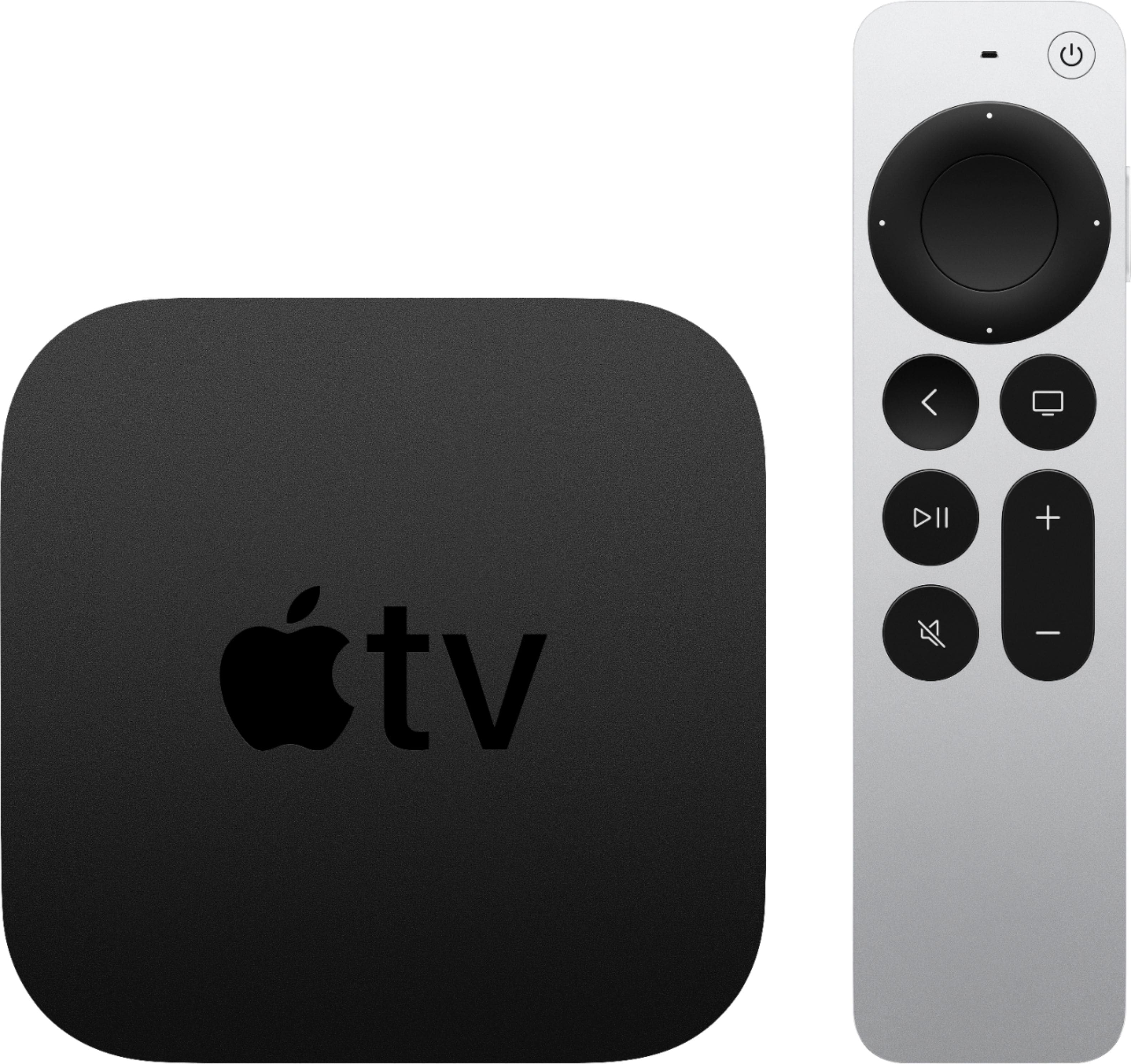
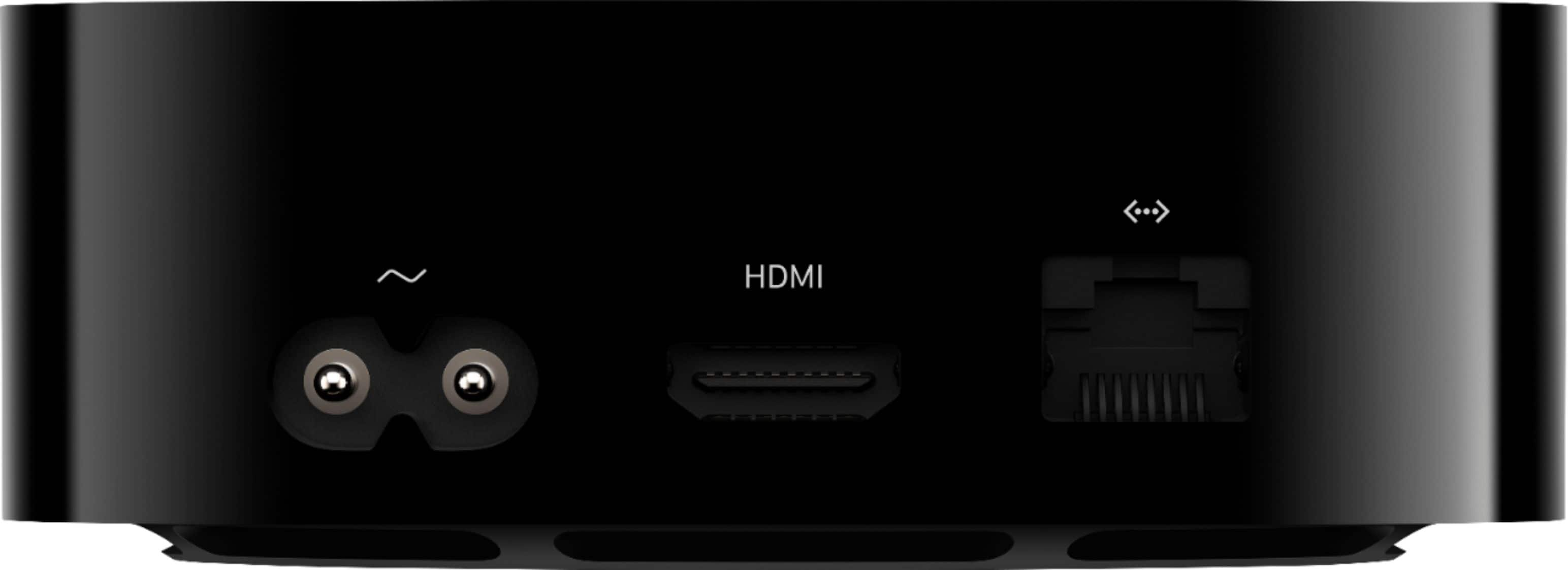
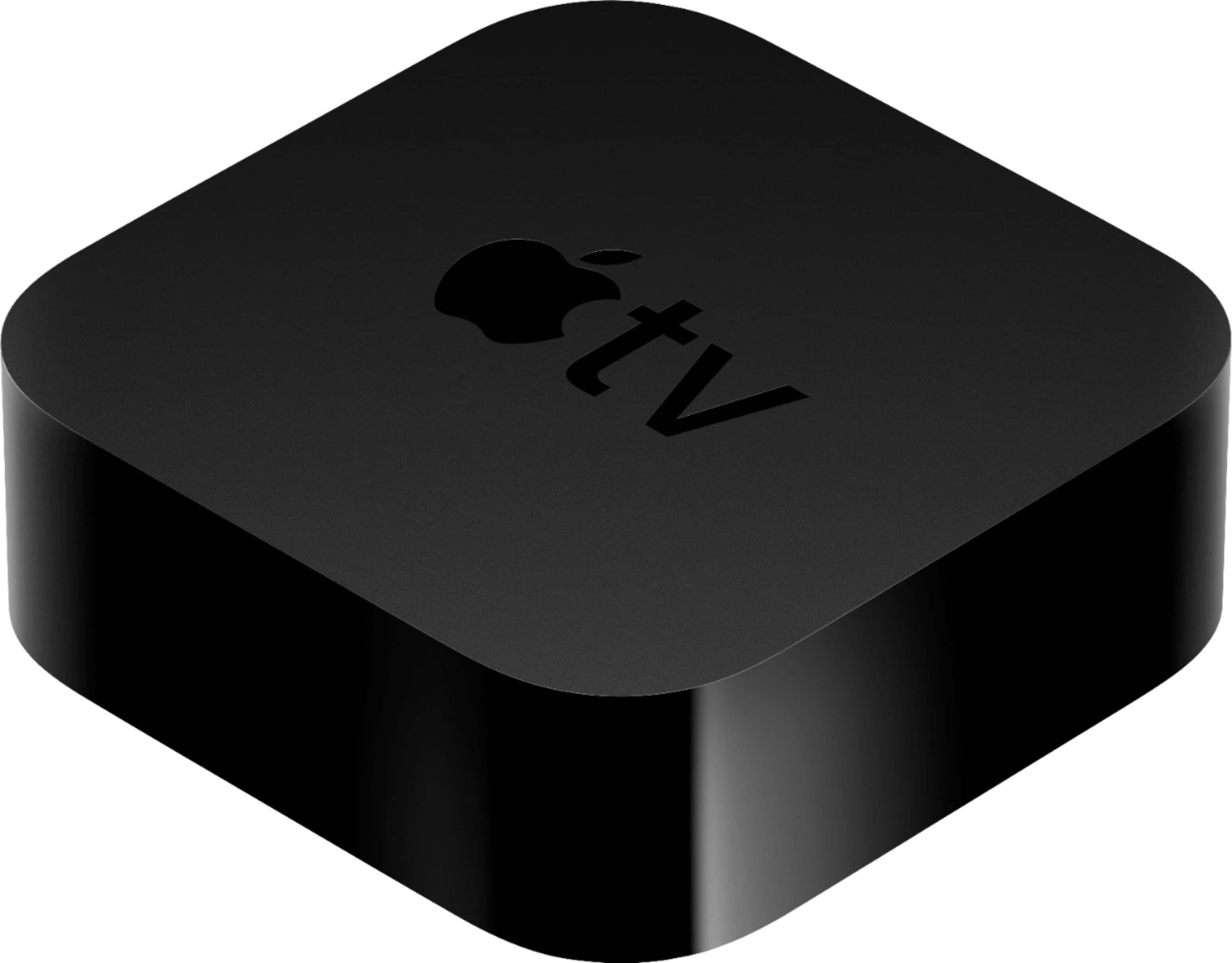
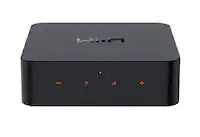
A:AnswerThis device hooks directly to your tv with an HDMI cable. You will need internet (either Wi-Fi or rather eat), no cable box required to watch content on Apple TV
A:AnswerHotel TVs are tricky. You need access to be able to switch inputs to the TV. Some allow that and some don’t. If they don’t, sometimes it’s just an input button missing from the hotel remote and you can find a physical button on the tv to access a menu. Or, maybe a universal remote and use it’s input button. If input switching is defeated, see below!
Most TVs have a secret menu for technicians and you may be able to search the internet for the magic sequence to make the remote open a service menu. I’ve cracked into a few hotel TVs this way, but make notes on what you’re doing so you can put it back the way it was. I learned this when I had to do a firmware update for my Samsung plasma TV. They no longer supported the TV, and there was a well documented issue that degraded the picture over time. Samsung had a firmware fix, but denied it existed. On an Internet forum (not Samsung’s), just before the lynching party started, a kind service tech finally spilled the beans and I was able to put the TV into a green screen mode that would allow me to force a firmware update. I think he even called it a “hotel mode.” It now works great!
The process will be odd to you if you’ve never done it. Example: on remote: press mute, then enter 225, I just made up the button presses and left out other steps because I don’t want people reading this and hosing up their TV, but you get the idea. My plasma was way more elaborate than that. Some of the button pushes can get pretty bizarre depending on brand. You might also want to carry a universal remote just in case the hotel remote doesn’t have a necessary button (like “input”), but then you have to set the remote for that brand TV. It’s some gymnastics, but doable.
A:AnswerThis is just a streaming device. Streaming services and TV streaming services are a separate purchase through the providers themselves. not apple or Best Buy
A:AnswerThis model Apple TV supports 4K, so if you have the Roku 4K or fire stick 4K, then no it probably would not. Just depends on the model Roku or Firestick you have.
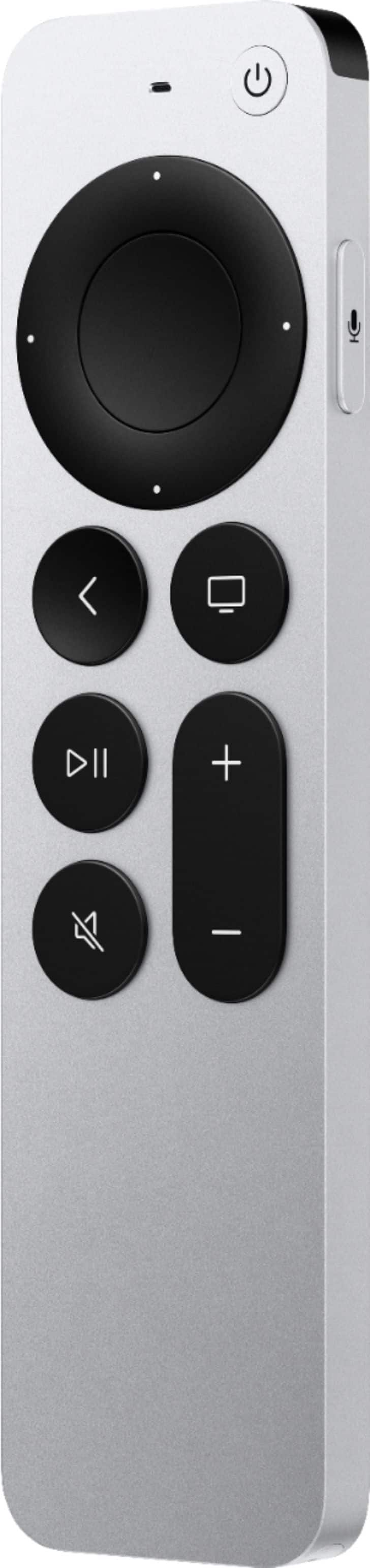
A:AnswerYes! The remote sends the column control commands to the tv, not the Soundbar. So it’s actually your tv telling the solo 5 to increase volumn. It’ll work fine. I use it to control an optically connected Soundbar too. Has lots of options to program the remote for different devices as well
A:AnswerI have HDR10 on mine but when my internet connection is slower I noticed certain apps will select a lower quality. I’m not sure if this is 100% correct but when I wait a short time and try again it will populate to show the higher quality as it’s format.