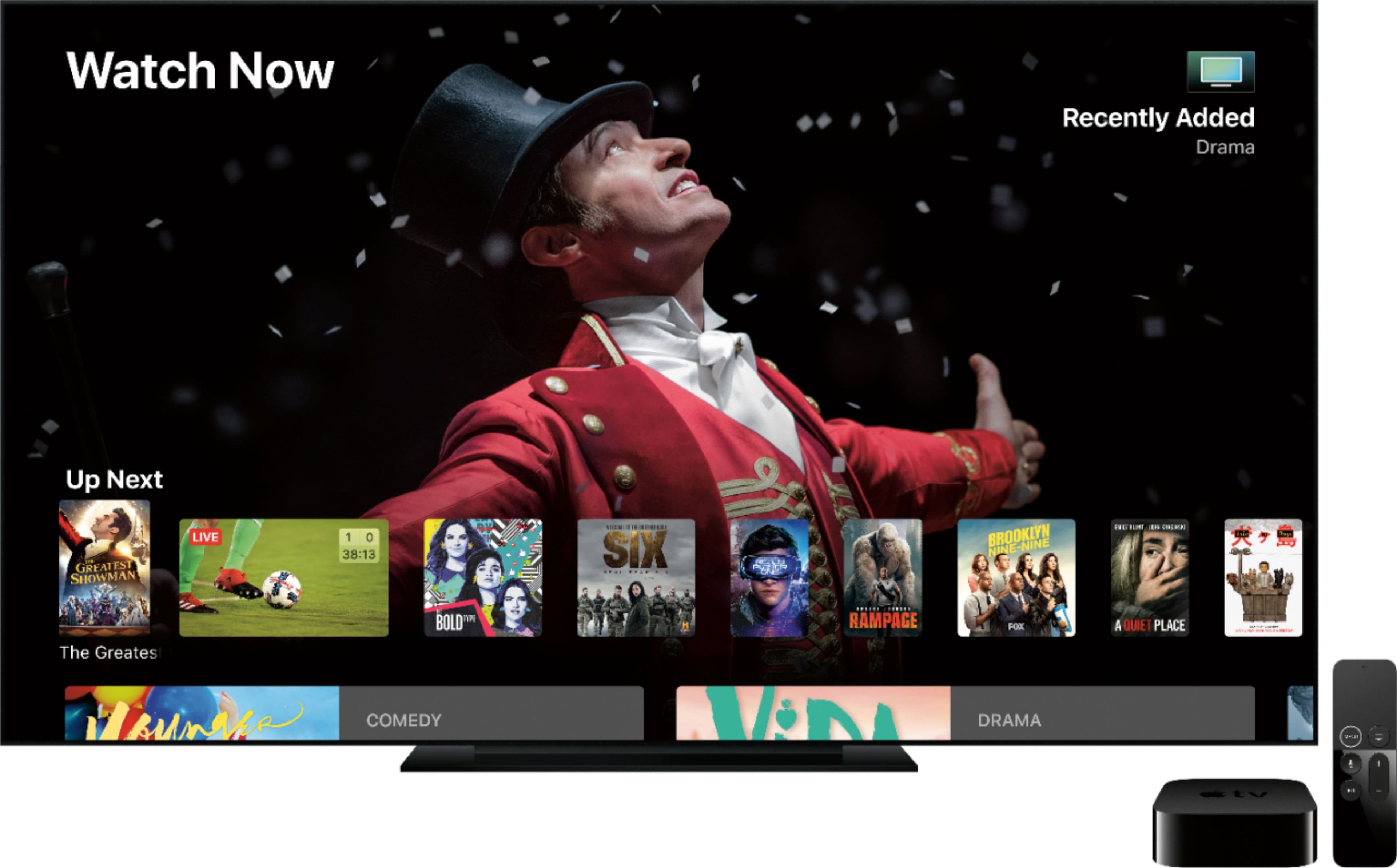
A:AnswerIf your iPod touch is up to date on iOS, then yes, for the most part you can, though not every video service supports sending video from your device to the AppleTV, like it’ll vary on n “app” by app basis.
A:AnswerI just upgraded from second generation Apple TV to the latest, and didn't loose any TV shows or Movies. They all should be attached to your iTunes account, so when you sign in with your Apple ID onto the Generation 4 all of it will come up, it will just look different as they seperated out TV Shows and Movies.
A:AnswerApple TV Plus is $5 a month and I think it is well worth it. They are adding a lot of new content/series and we are enjoying it more than some of our other services! It's a good value for what they are offering right now.
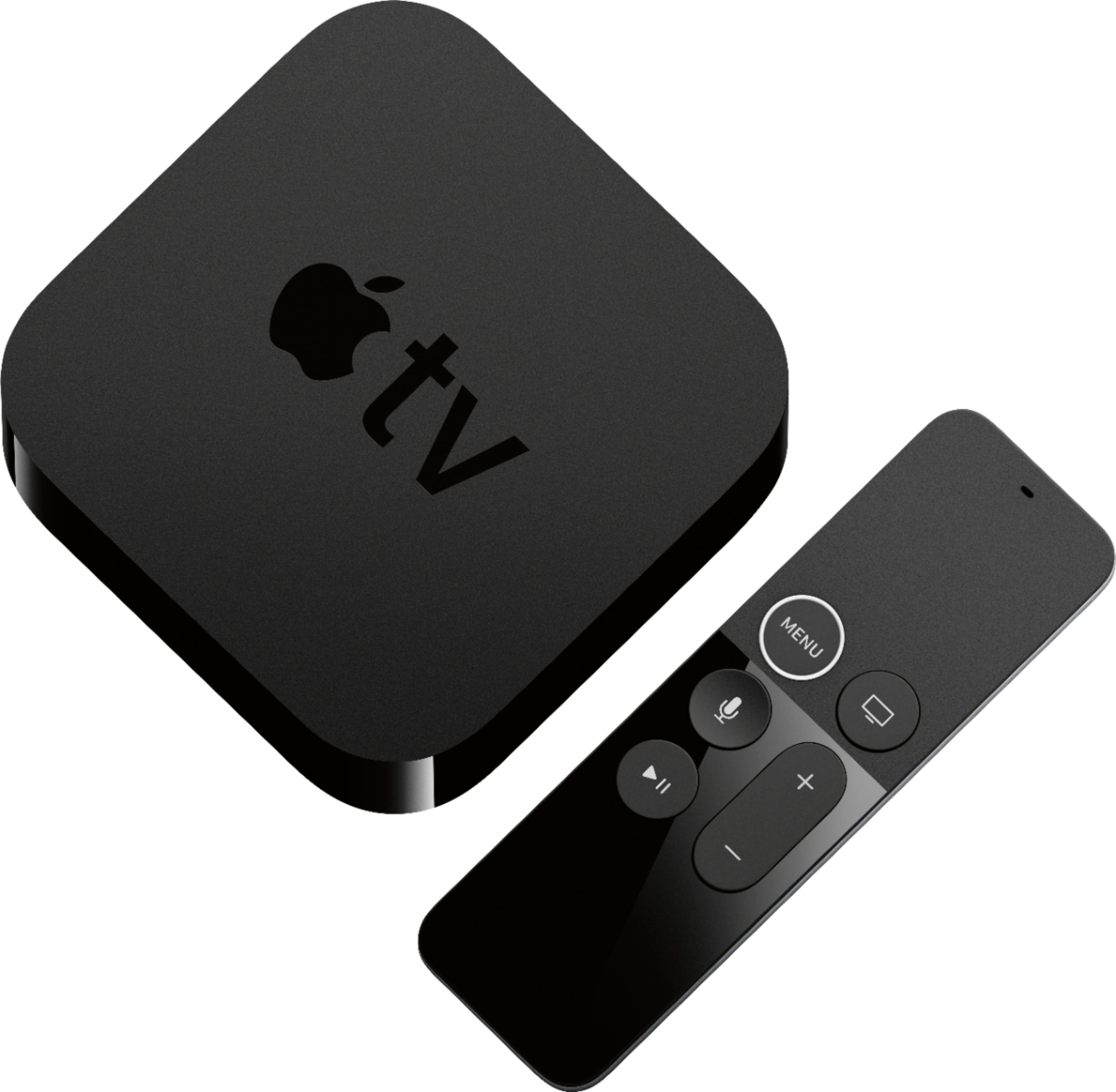
A:AnswerIt comes with everything you need, including an HDMI cord. Only thing you need to buy is a TV (and preferably a case for the remote, it is glass so it will crack easily). :)
If you found this helpful, please click the Helpful button below. Thanks :)
A:AnswerGet a soundbar. We have our apple TV connected directly to our LG soundbar and from there to the TV, both via HDMI. Works great and while you may need to tweak the audio delay, its super easy and has been great for us.
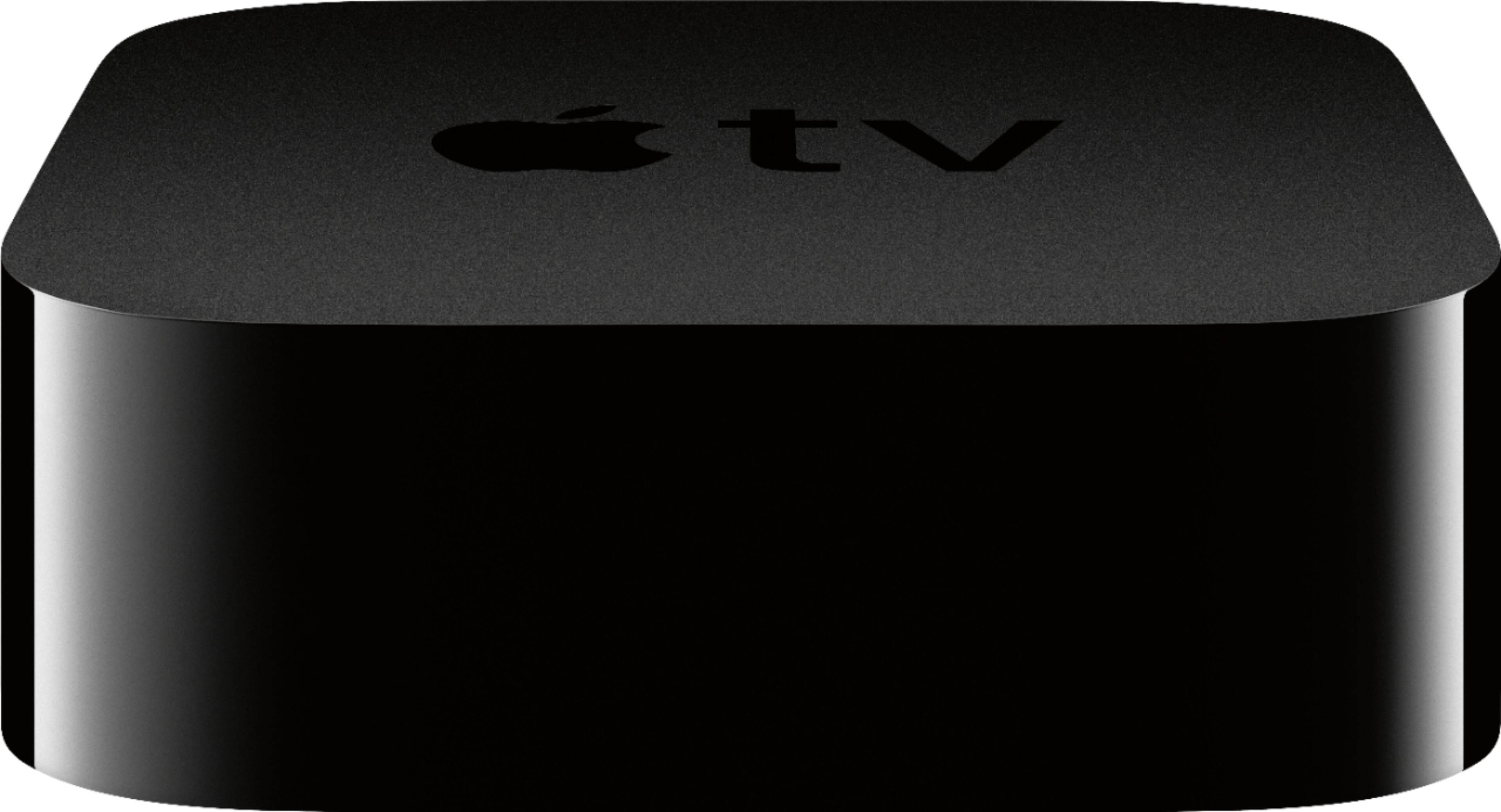
A:AnswerOkay, so “appletv” refers to 3 separate things
1) the physical AppleTV box…after you buy it this doesn’t cost anything to use, save for separate streaming services you might sign up for.
2) the AppleTV App available for AppleTV, iOS, and I assume macOS, which is also free to use.
3) AppleTV+, Apple’s streaming service, which full price is $5/month. (Possibly cheaper if you prepay, etc.)You don’t have to get AppleTV+ to use an AppleTV, though it is a pretty good service.
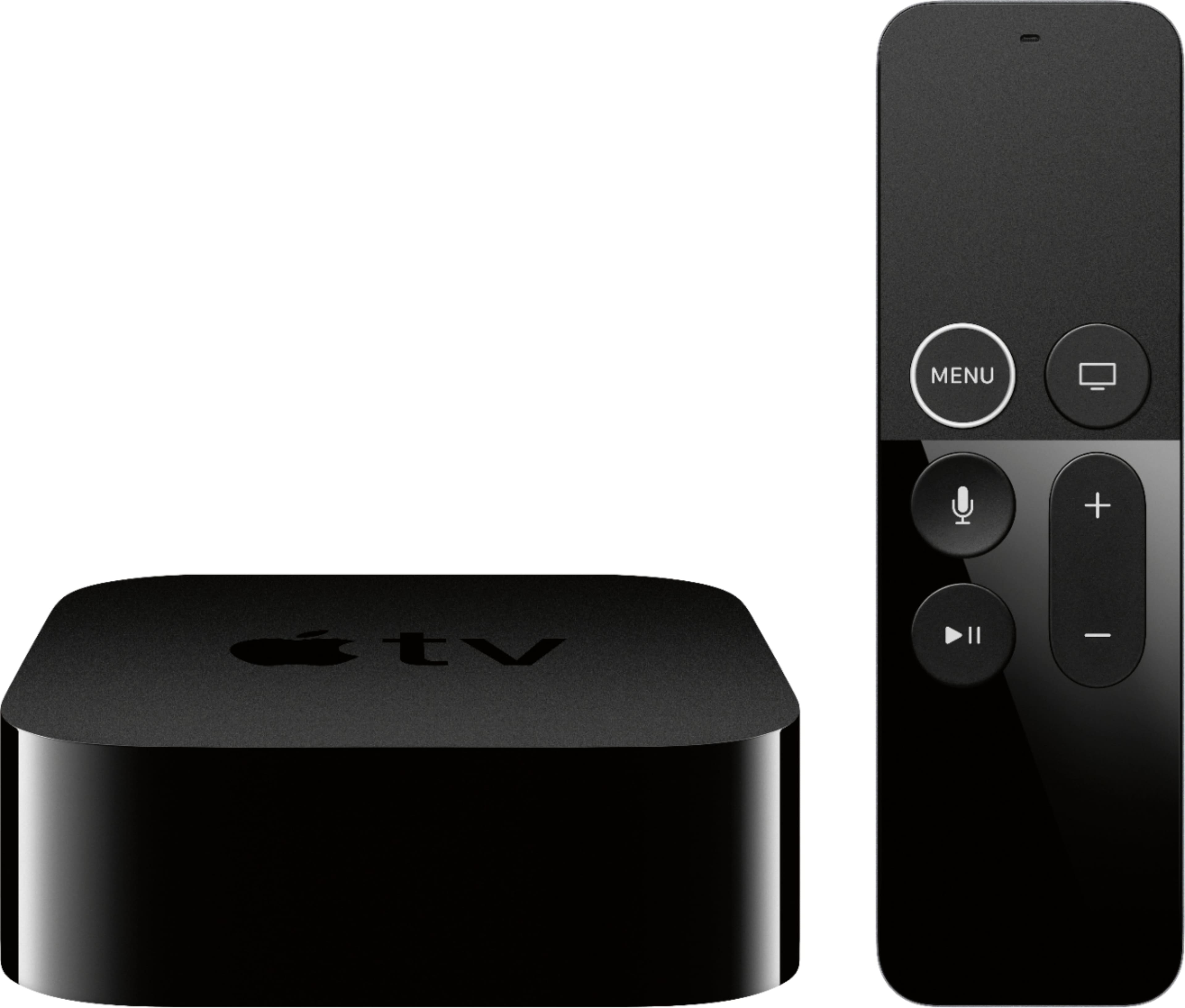
A:AnswerThis is for watching tv, you want to hook it up to a screen not a phone. The type of cellular phone does not matter, or even the brand of tv will not matter.