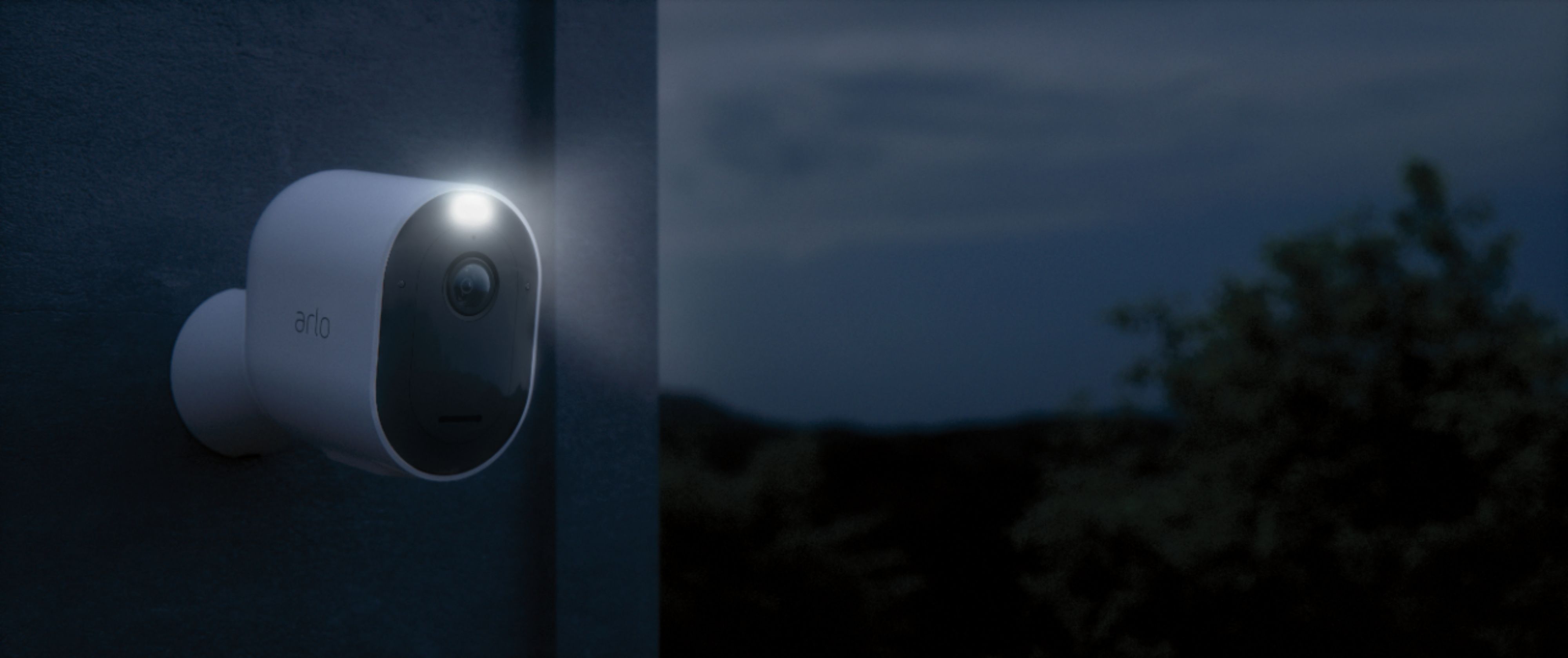
A:AnswerYou can place your Arlo camera a maximum of 300 feet (90 meters) from the SmartHub or base station. The maximum line-of-sight range of 300 feet is reduced by each wall, ceiling, or other major obstruction between the camera and base station. ^RM
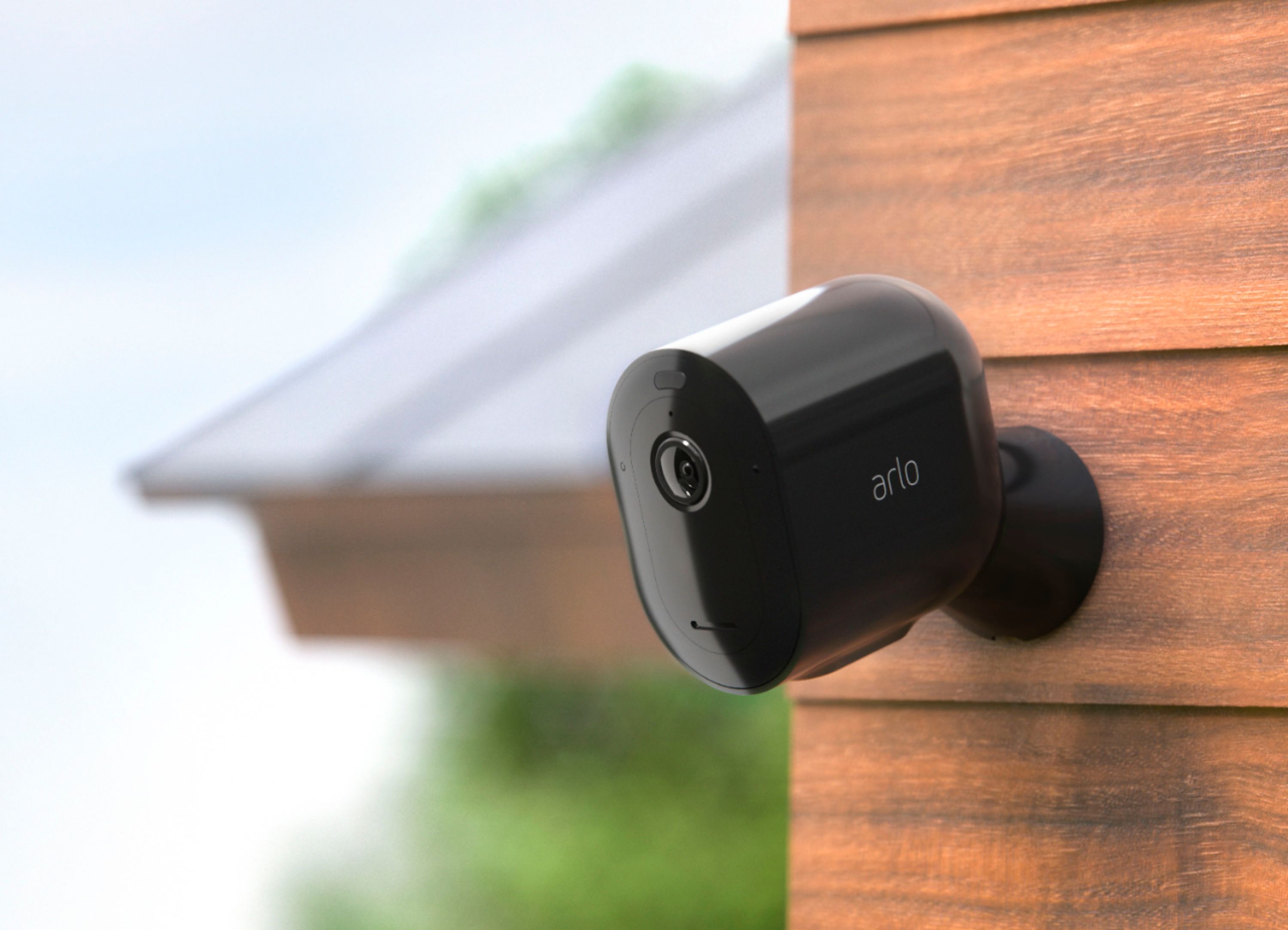
A:AnswerCamera is recommended to be mounted 7-12 ft. high above the ground. For tips on how you can position the camera, please check this link : https://kb.arlo.com/37/. ^RM
A:AnswerIf you're asking if you can add multiple Arlo SmartHub in a single account, then yes. That is possible. You can add as many Arlo SmartHubs in an Arlo account. ^RM
A:AnswerThe Arlo SmartHub provides an extra layer of security to the cameras and it serves as a bridge to connect the compatible Arlo wireless cameras to your network. ^RM
A:AnswerOn Arlo Pro 3 cameras, you can set your camera to record until motion stops, up to 300 seconds (5 minutes). The Arlo Pro 3 requires a minimum of 2 Mbps upload per camera. Arlo works with the minimum requirements, but the functionality and video quality might be negatively affected. With a lower upstream bandwidth, there is a greater possibility that video quality might be pixelated and unclear. You might also experience a delay in starting a live stream.
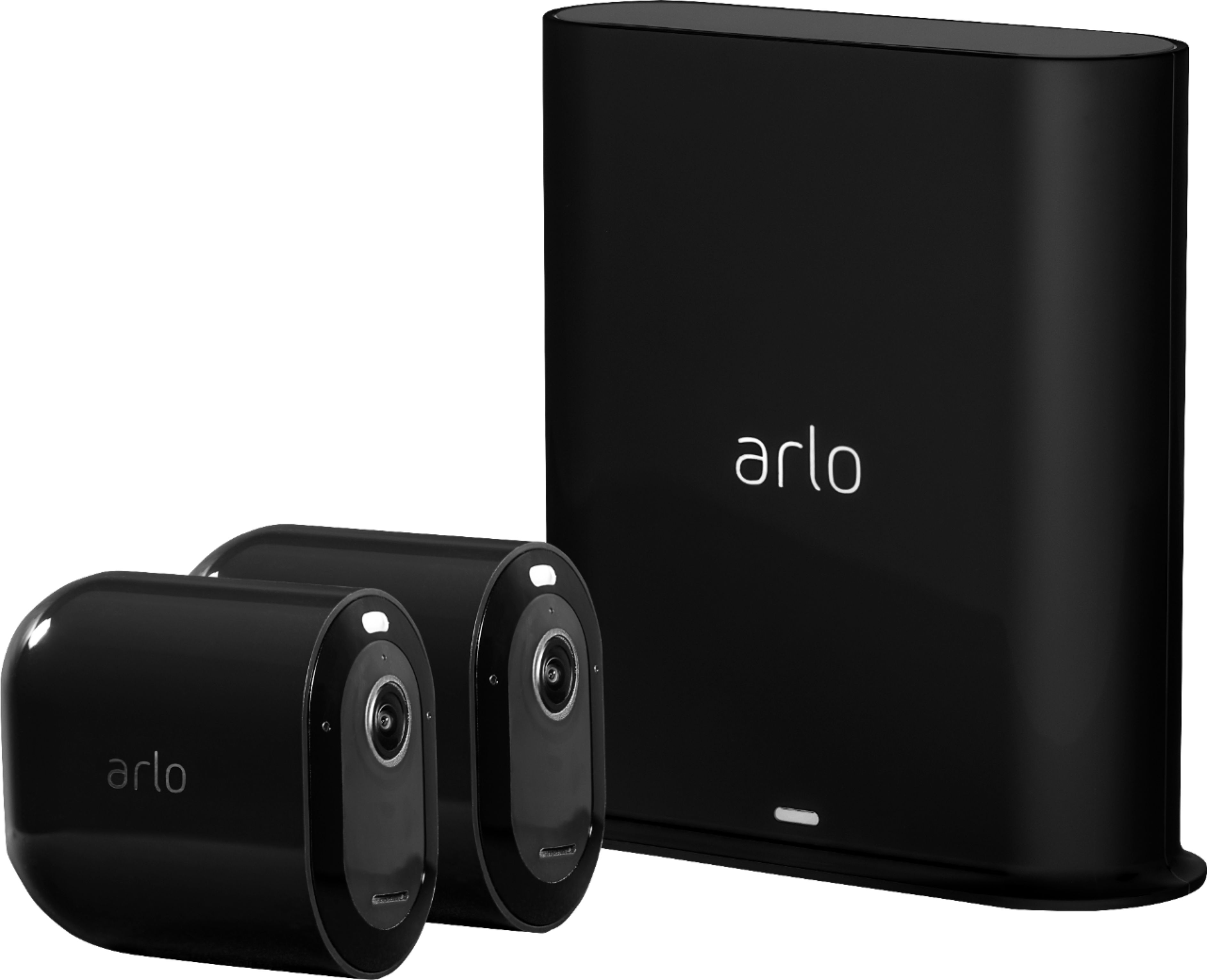
A:AnswerThe Arlo Pro 3 camera is compatible with VMB5000, VMB4540, VMB4000, and VMB4500. It is not compatible with VMB3500 or VMB3000. To take full advantage of Arlo Pro 3’s new features, such as 2K video we recommend pairing your Pro 3 camera with an Arlo SmartHub. For more information: http://bit.ly/2nwv6ok
A:AnswerYou can place your Arlo camera a maximum of 300 feet (90 meters) from the SmartHub or base station. The maximum line-of-sight range of 300 feet is reduced by each wall, ceiling, or other major obstruction between the camera and base station: https://kb.arlo.com/35
A:AnswerYes, when camera is armed, it sends push alerts to your phone when it detects motion. Please ensure that the camera still gets wireless connection from its Arlo SmartHub. ^RM
A:AnswerThe Arlo base station that it comes with can work with 220V however its power adapter voltage input will be based in the region where it will be purchased from. ^RM
A:AnswerYou can view streams from the Arlo Pro 3 camera for a maximum of 30 minutes. If you view a stream for longer than 30 minutes, the Arlo app will stop streaming. To resume the stream, simply press the play button again. ^RM
A:AnswerBoth camera models can work in the same Arlo SmartHub that the Arlo Pro 3 camera kit will come with. The base station with your current camera does not support Arlo pro 3 cameras. Please check this link to learn more : https://kb.arlo.com/000062284/. ^RM
A:AnswerYou can only install one Arlo app to a smartphone however, you can add multiple Arlo systems setup at different locations to the same Arlo account and manage all cameras using one Arlo app. Please ensure that your Arlo Smart plan supports the total number of cameras added. ^RM