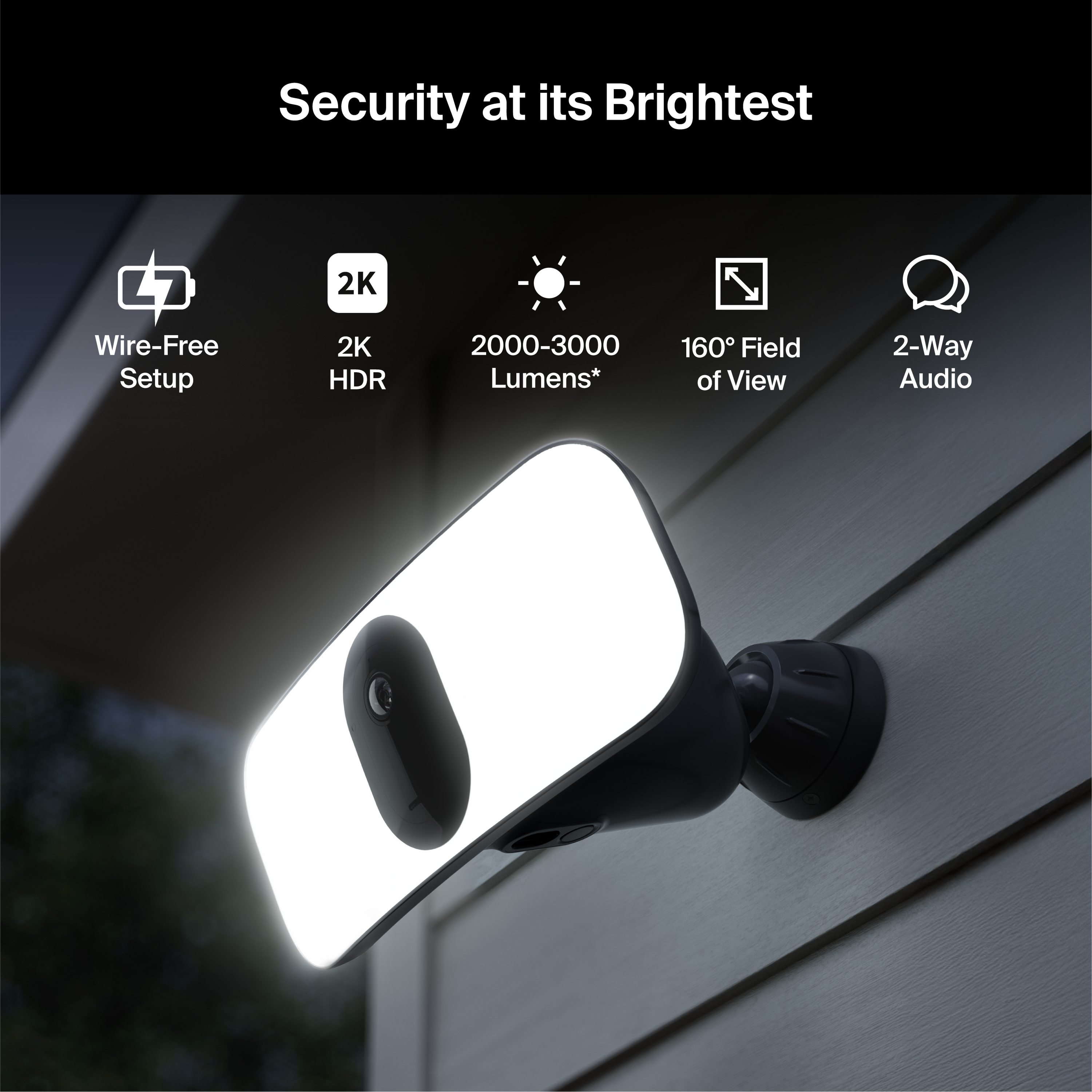
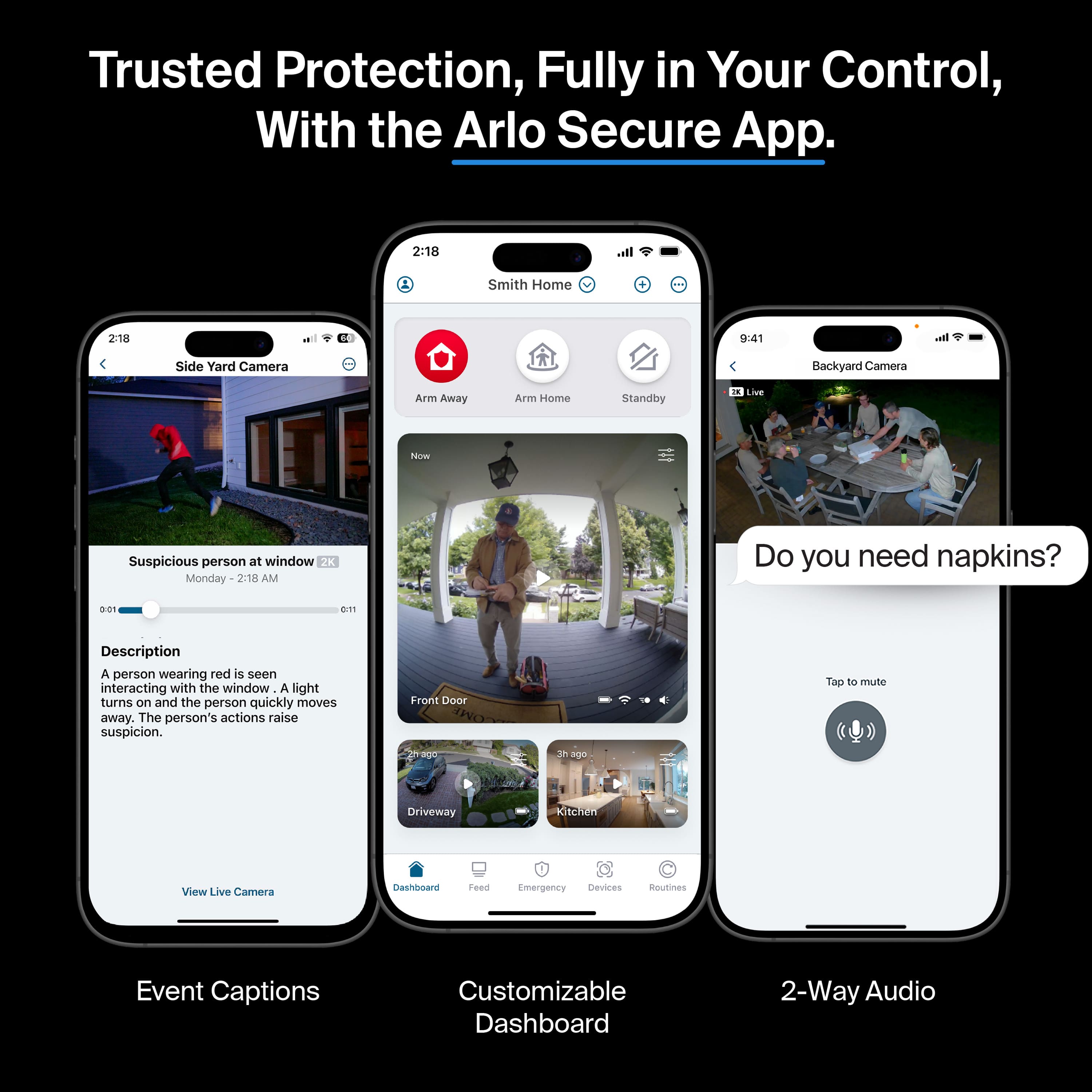
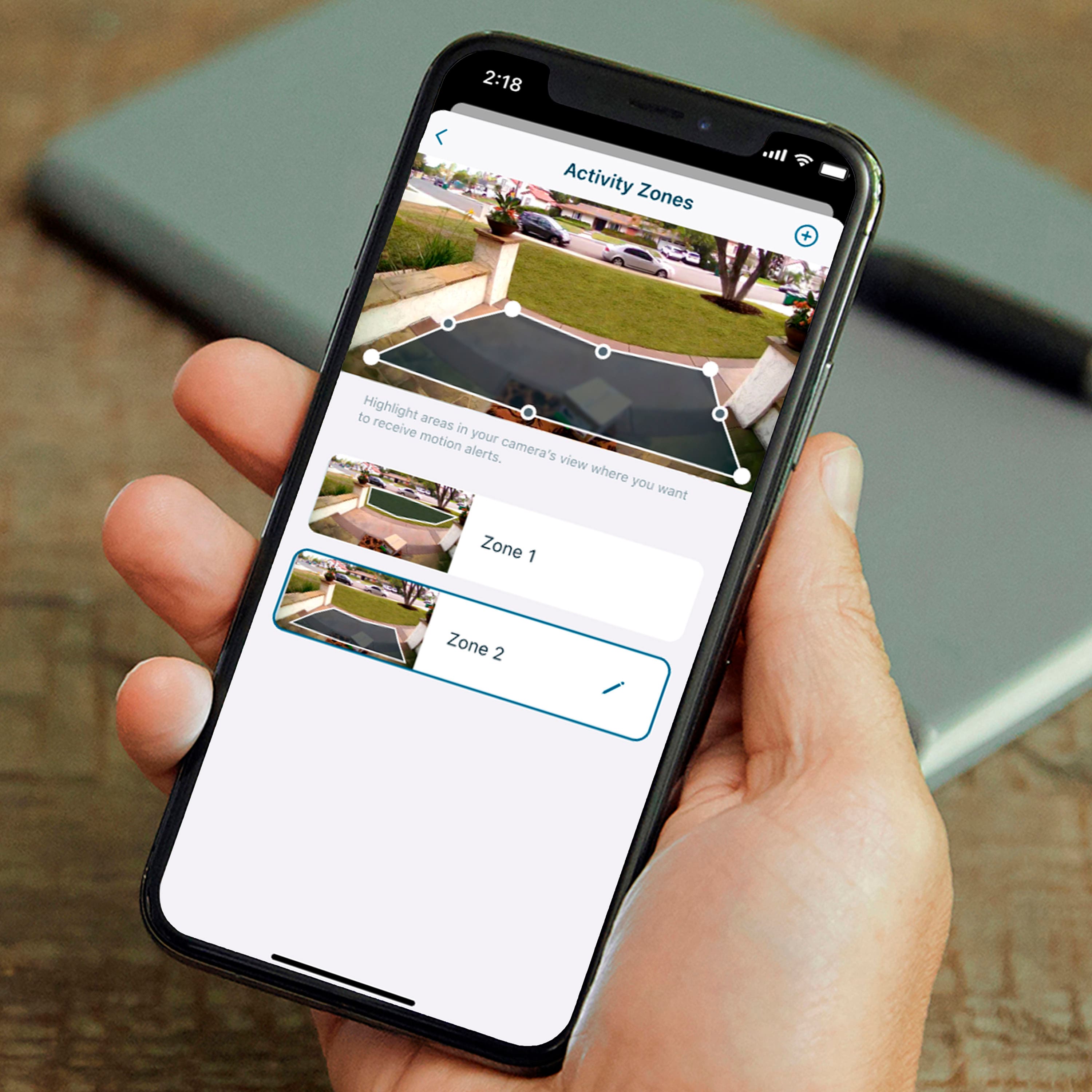
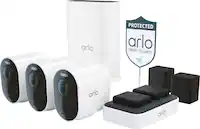
A:AnswerAll Arlo products connect through the Arlo app that you download to your phone. I have 3 Arlo Pro 3 flood cameras and 2 Arlo Go cameras that I monitor through the app.
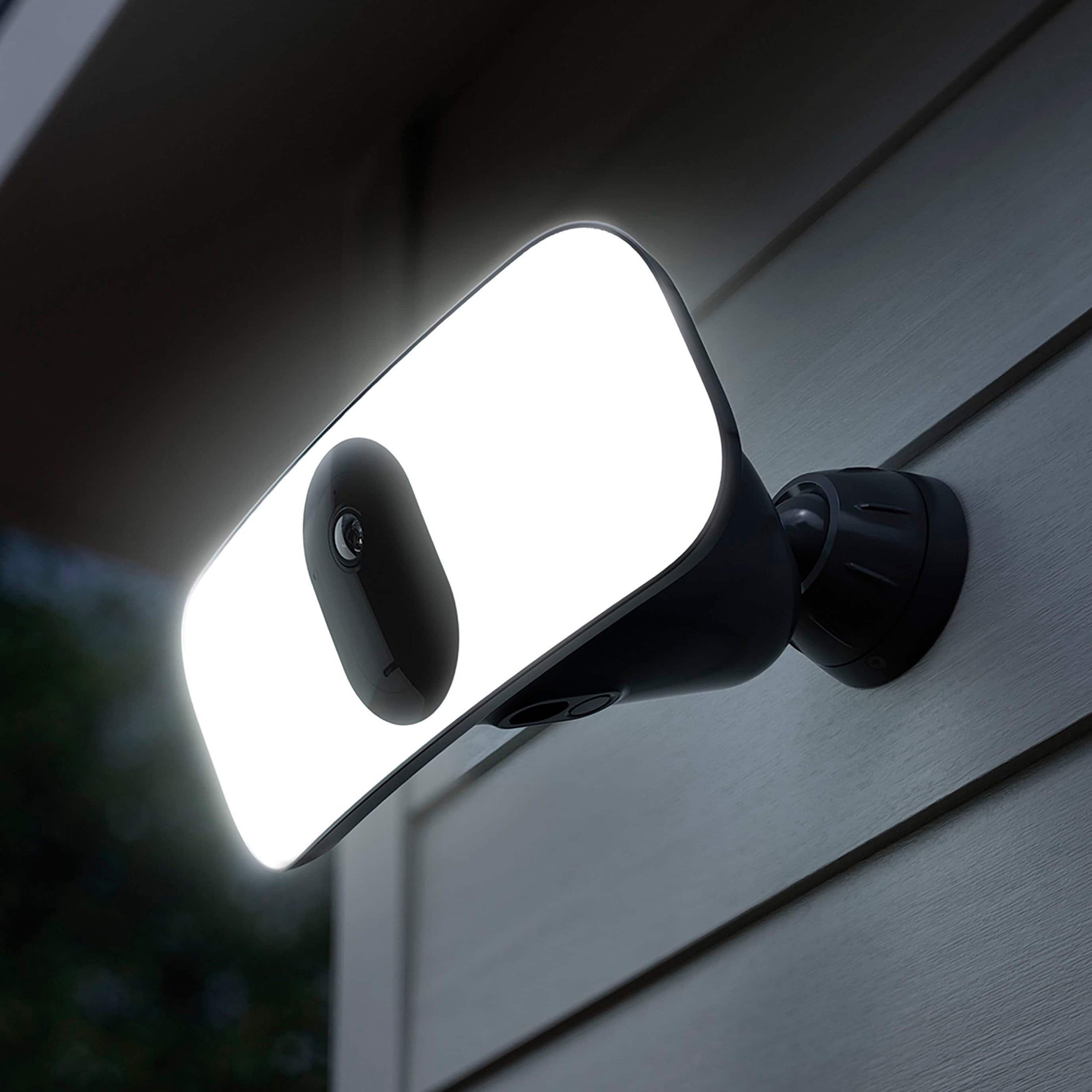
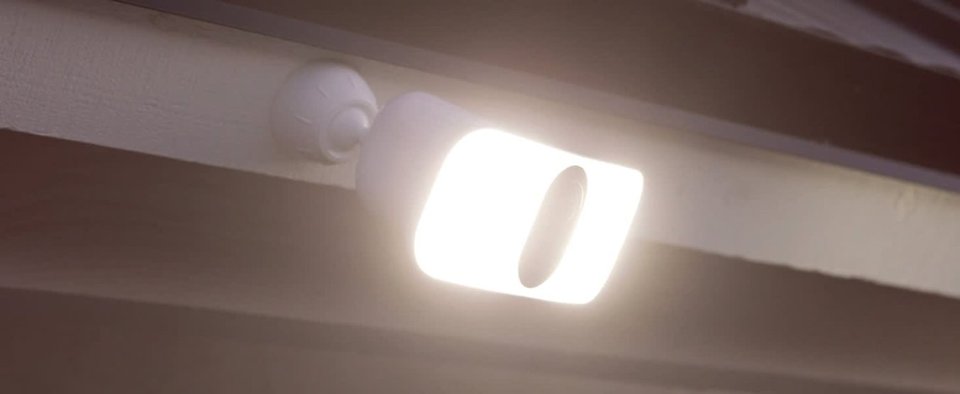
A:AnswerYes it likely would, but if you do that you risk the floodlight itself reflecting on the window and ruining any video quality. It’s better suited for outdoor use.
A:AnswerDon't know exactly yet. I've had mine for about three weeks and it appears that two of my cameras are getting somewhat low on battery. My guess is that two of them will
need to be recharged in about 5 weeks total time used. The other two have a lot left in them. They might go another month or more.
The answer seems to be anywhere from one to two months or more depending on how many times it detects motion.
A:AnswerYes, it does. All of the cameras need to read the QR code as part of the installation process. That is how they are registered with Arlo and then available online.
A:AnswerNo, it needs WiFi. There is an option for a solar panel for keeping the battery charged, but no onboard memory/storage (no SD card). I suppose you could use a battery operated WiFi hotspot, but it seems like a lot of trouble and expense to go through, when game cameras are affordable and available for this very task. Good luck.
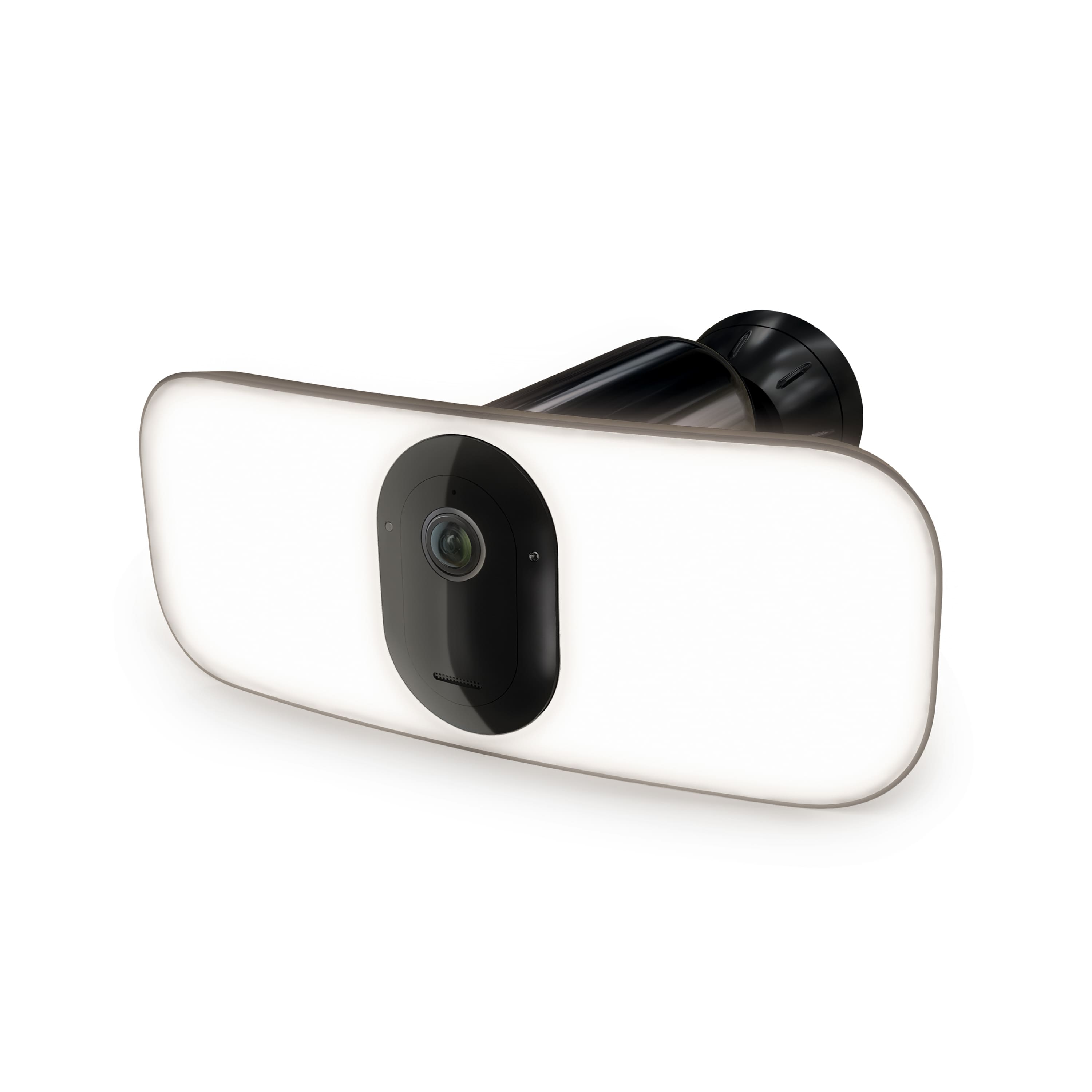
A:AnswerThe Arlo Pro 3 camera's batterie life lasts approximately 3–6 months with average use. For tips on how you can use your Arlo camera in cold temperature, please check this article : https://kb.arlo.com/000051490/. ^RM
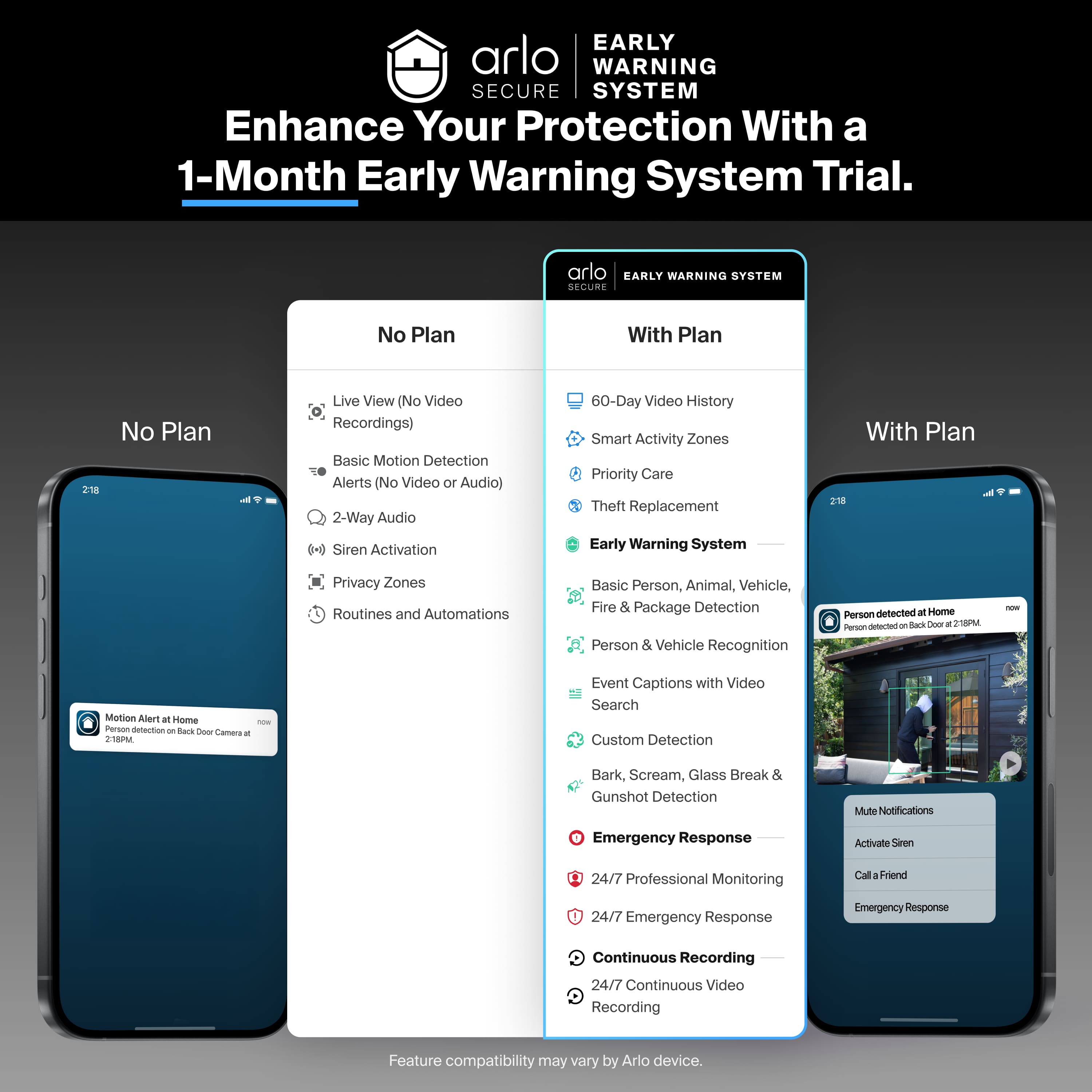
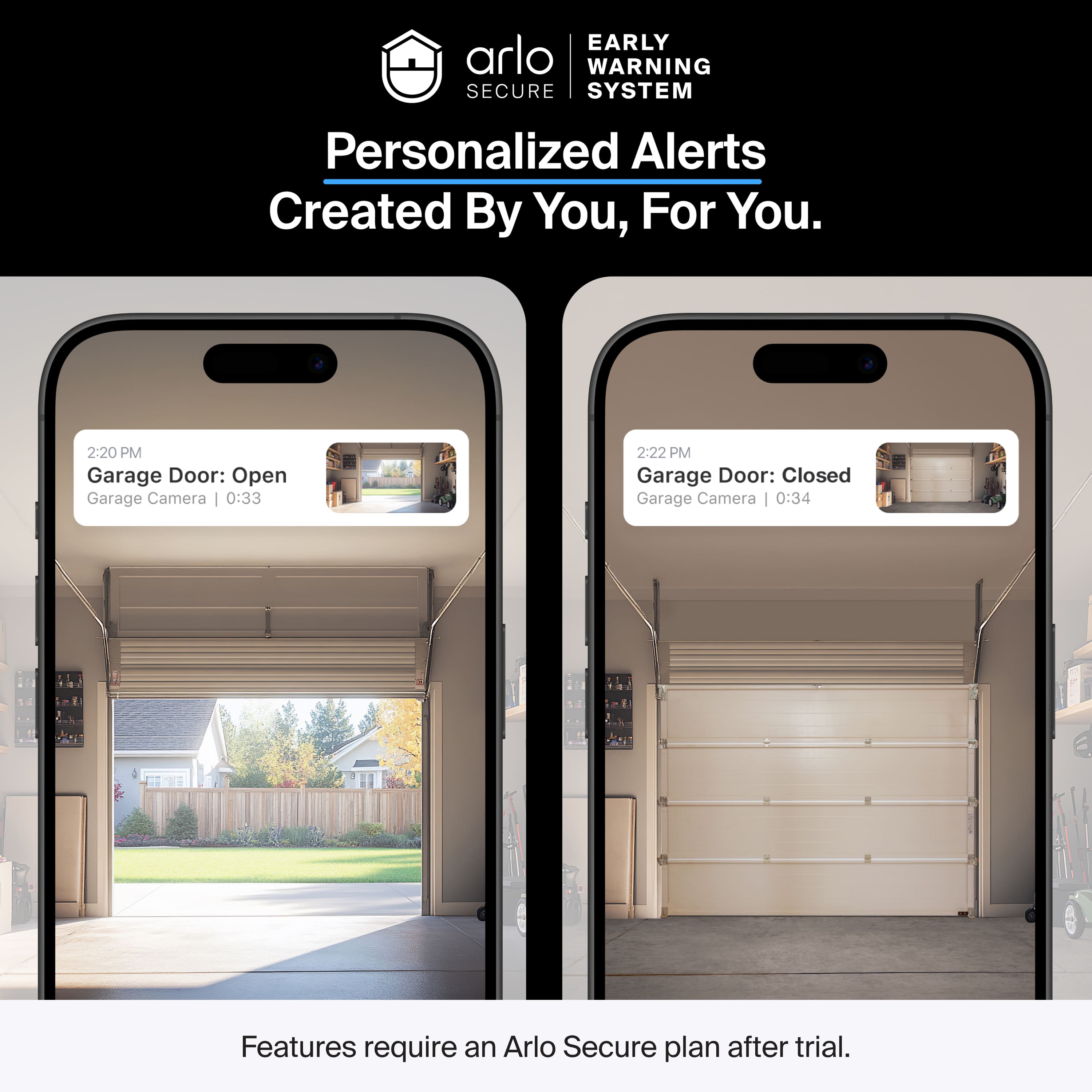
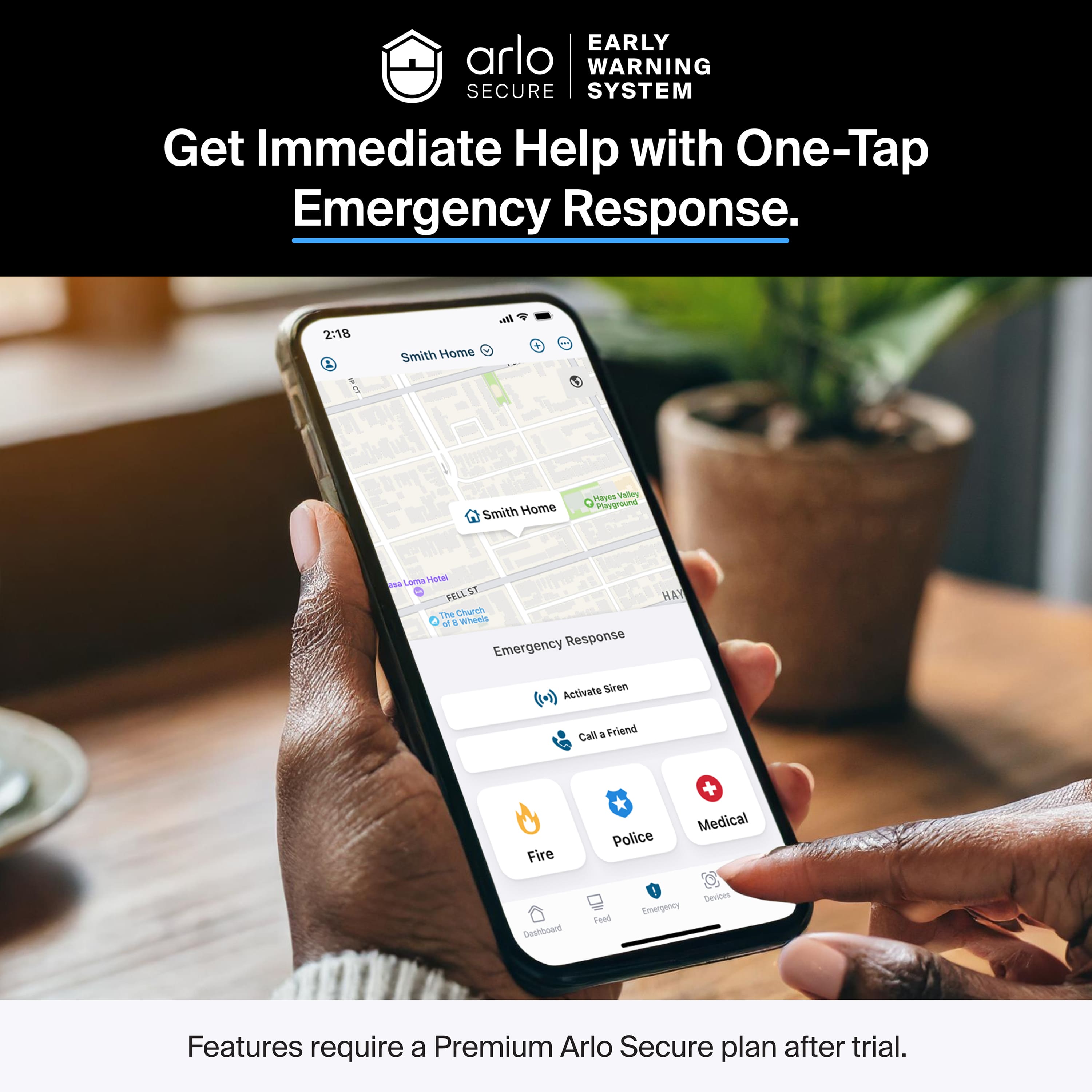
A:AnswerThe Arlo Pro 3 Floodlight camera comes with an Arlo Smart trial which lets the camera saves videos in the cloud and utilize the advanced Arlo Smart features listed here : https://kb.arlo.com/000056583/. Without an Arlo Smart subscription, you can still add up to 5 cameras to your Arlo account, live stream, and receive motion and audio notifications. ^RM
A:AnswerYes, the Arlo app is free to download for both iOS and Android devices. Once your account and cameras are setup, you will be able to monitor them using your phone. ^RM