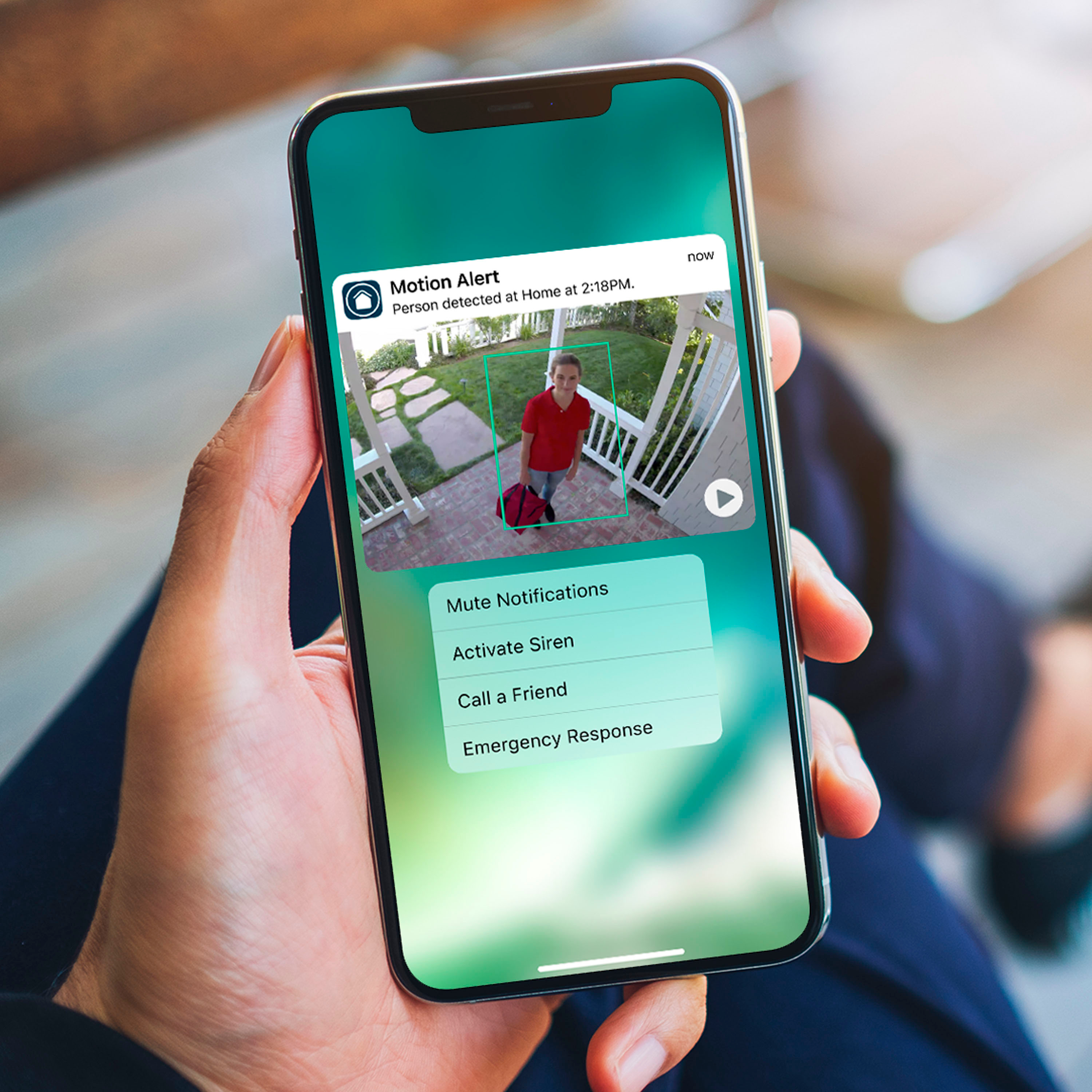
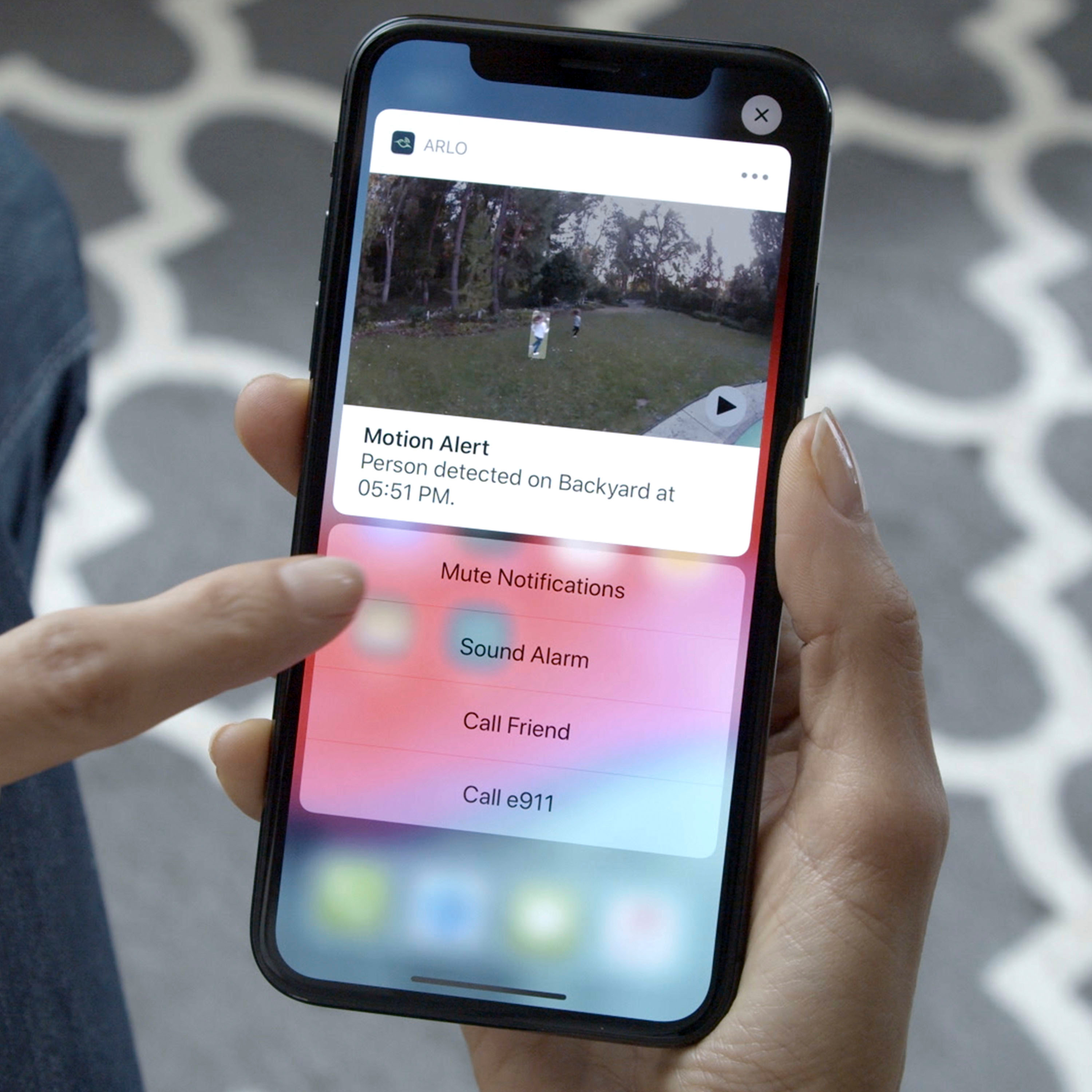
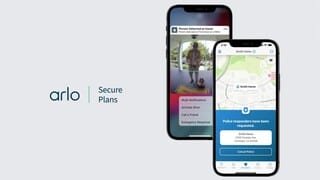
A:AnswerThere are plans that you can pay monthly for. Currently $30/month gives you professional monitoring as well as other useful services. $20/month gives you all there services but doesn’t give you the professional monitoring if you just want to monitor it yourself with the Arlo app. And yes WiFi is how you connect to the cameras.
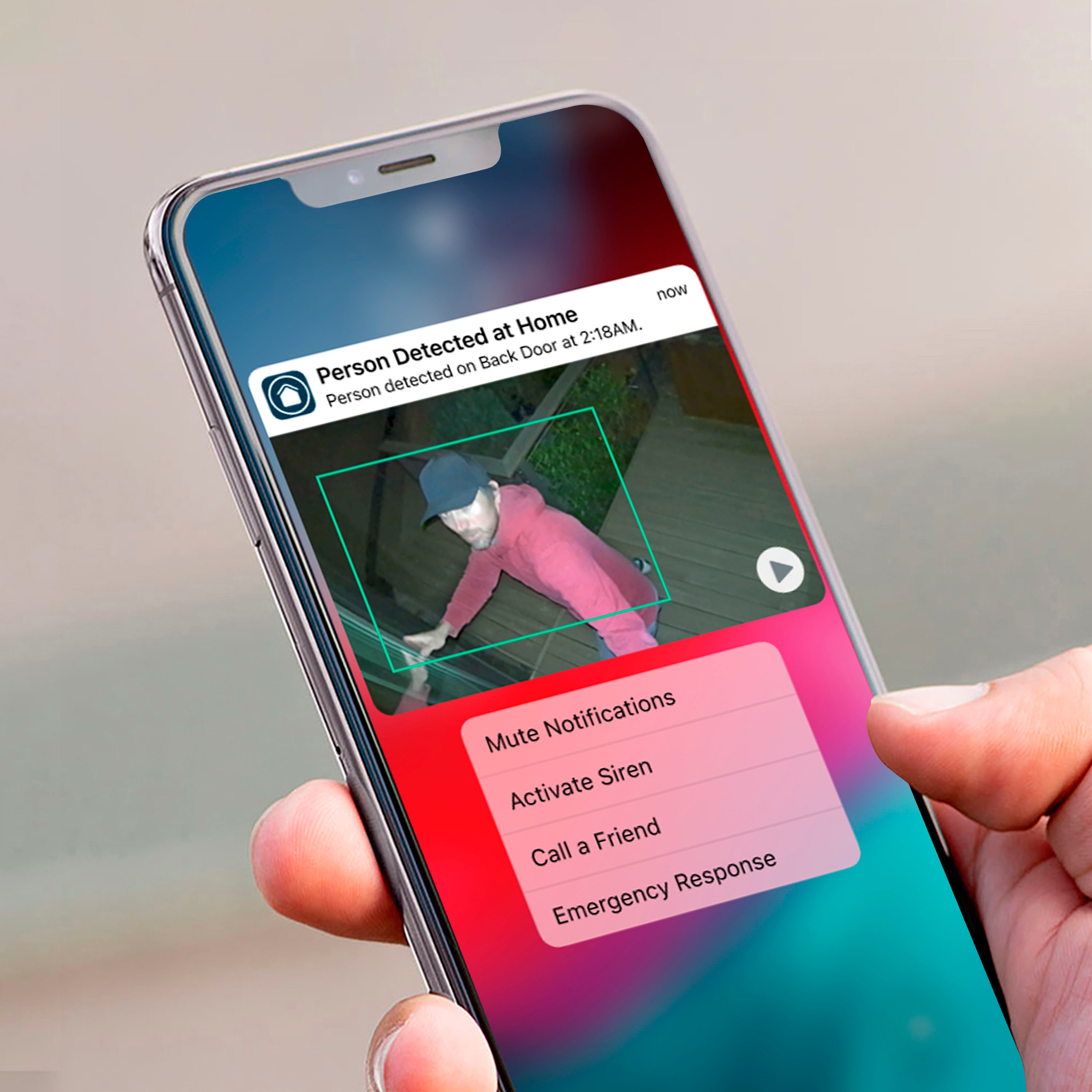
A:AnswerYes, cloud storage is available with a compatible Arlo Smart Hub. An Arlo Secure subscription enables 30 Day cloud storage, enables you to record in 2K or 4K video resolution, activate advanced object detection, create cloud activity zones, respond to emergencies, and much more.
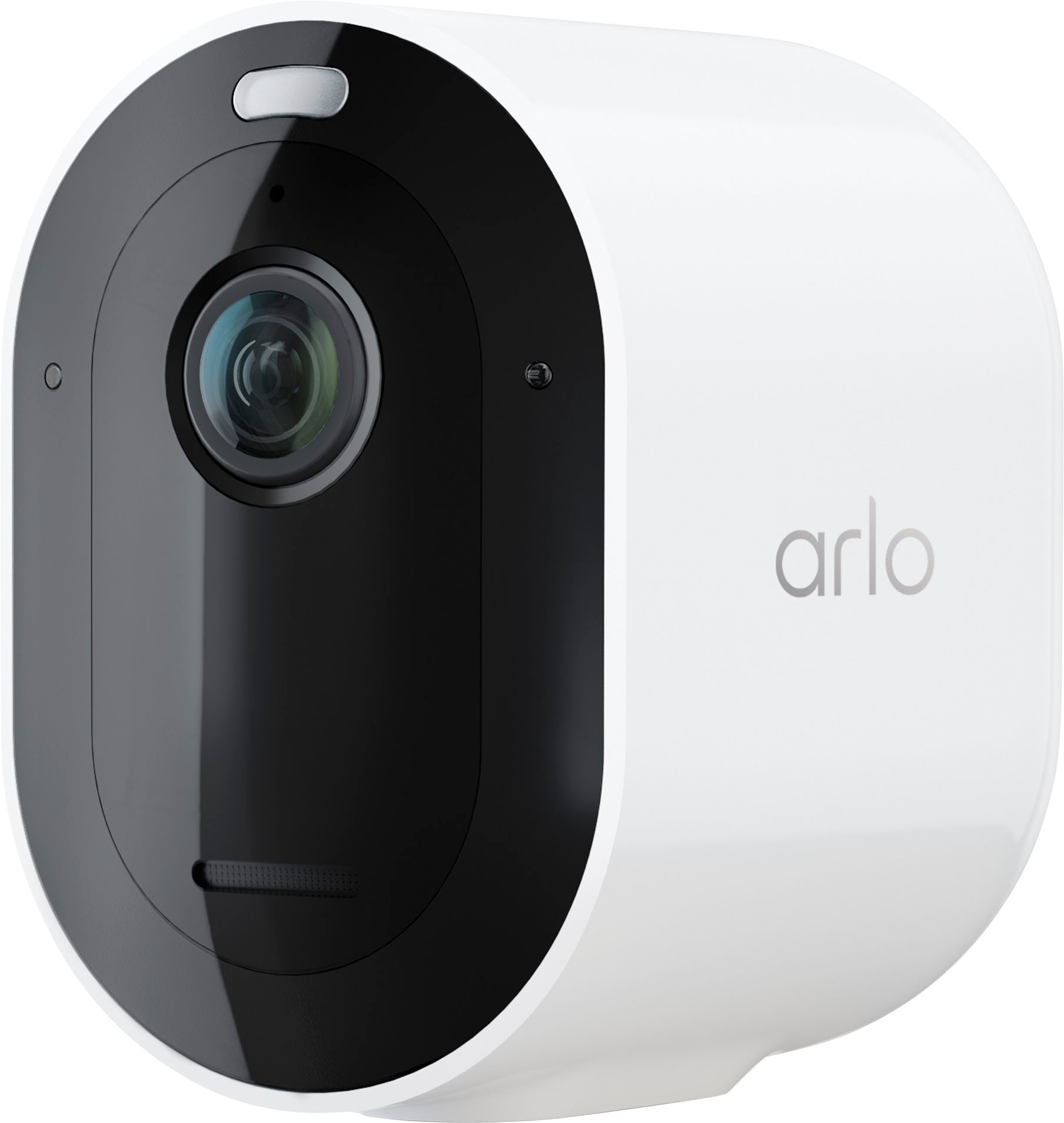
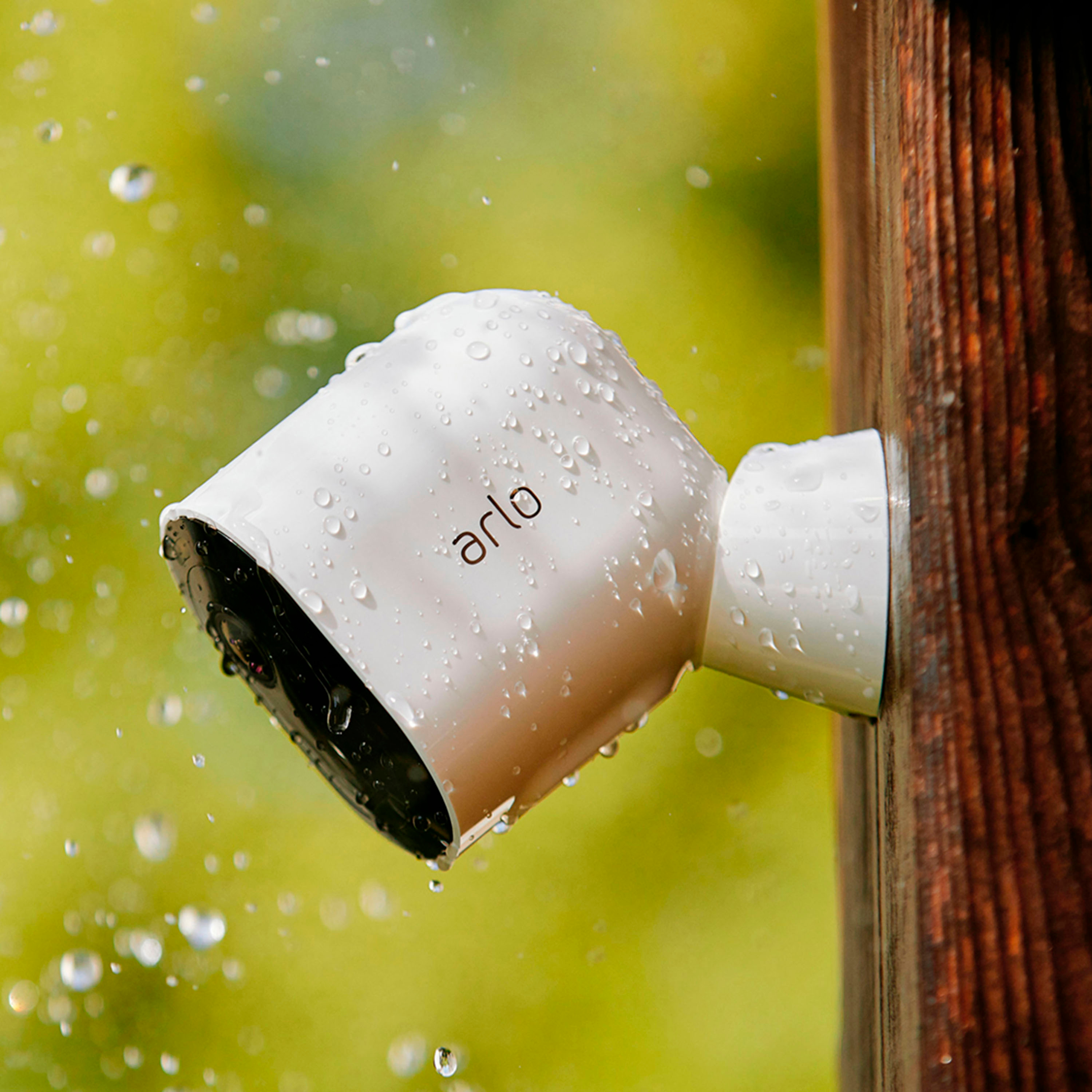
A:AnswerAccording to the relatively detailed Arlo knowledge base, their products have similar operational temperatures so broadly speaking the specific package won't charge what would work best for you.
The following is from KB article 1705, which I don't believe I'm allowed to link to directly.
Recommended Operating Temperature Range for Arlo Cameras and Doorbells
Arlo Ultra series, Arlo Pro series, Arlo Go series, Arlo Essential series, Arlo Audio Doorbell, Arlo Video Doorbells:
-4°F to 113°F (-20°C to 45°C)
Arlo Wire-Free Camera (VMC3030):
14°F to 122°F (-10°C to 50°C)
Note: Arlo Q, Arlo Q Plus, Arlo Baby, and Arlo Essential Indoor Cameras are designed for INDOOR USE ONLY.
A second article that's linked from the first states:
Follow these tips to keep your batteries charged in cold weather:
If your camera stops charging because the battery is too cold, bring the camera to a location where the temperature is above freezing and plug it in.
Your camera resumes charging as soon as the battery reaches a safe temperature.
If your cameras are in a location that routinely experiences temperatures below freezing, you might need to bring your cameras inside to charge more frequently than in warmer months.
You can also use an Arlo Charging Station or Arlo Dual Charging Station to keep spare batteries charged for your Arlo Ultra series, Arlo Pro series, or Arlo Go series cameras.
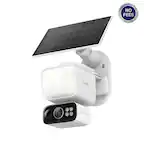
The Arlo Solar Panel might not be able to keep your camera fully charged on days that are cloudy, rainy, or otherwise don’t provide enough solar energy.
The Arlo Solar Panel might be unable to keep your camera charged during periods of heavy use.
The total energy that an Arlo Solar Panel can produce depends on external factors such as temperature, shade, weather, and the amount of dust or debris on its surface.
If the Arlo Solar Panel is not keeping your battery charged, clean off any accumulated dust or debris and ensure it is receiving enough sunlight.
If your camera battery level drops suddenly in cold weather:
Return the camera to room temperature and power cycle the camera by removing and reinstalling the batteries without the camera plugged in.
After the camera is back online, check if the battery capacity notification is restored to normal.
If your camera is still reporting low battery in cold weather, place your camera in a warmer location to see if the problem is duplicated in that setting.
If you still have problems with your battery power, visit Arlo Support to speak with an expert.
A:AnswerHi,
Thank you for reaching out. Arlo Solar Panel can help your camera battery stay charged, so you don’t need to worry about recharging it. The solar panel is a great low-maintenance solution for outdoor camera installations in hard-to-reach areas. To learn more, please visit: https://kb.arlo.com/1319889
For further assistance, please navigate to Settings > Support in the Arlo App for service options available to you.
We appreciate your patience and understanding.
Best Regards,
Arlo Team