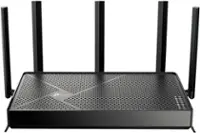
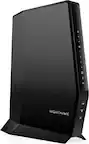
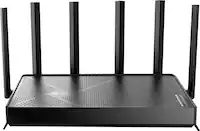
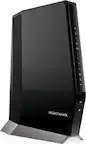
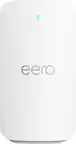
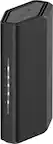
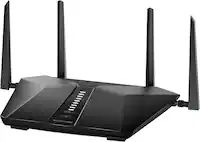
A:Answer I don't think so. As far as I know, their pods rely on being able to talk with Xfinity branded hardware.
Quote from Xfinity FAQs: "Pods can be purchased online at xfinity.com/xfipods or in Xfinity Stores by eligible Xfinity Internet customers with a compatible xFi Wireless Gateway (Arris TG1682G, Cisco 3941T) or xFi Advanced Gateway (Arris TG3482G, Technicolor CGM4140COM). "
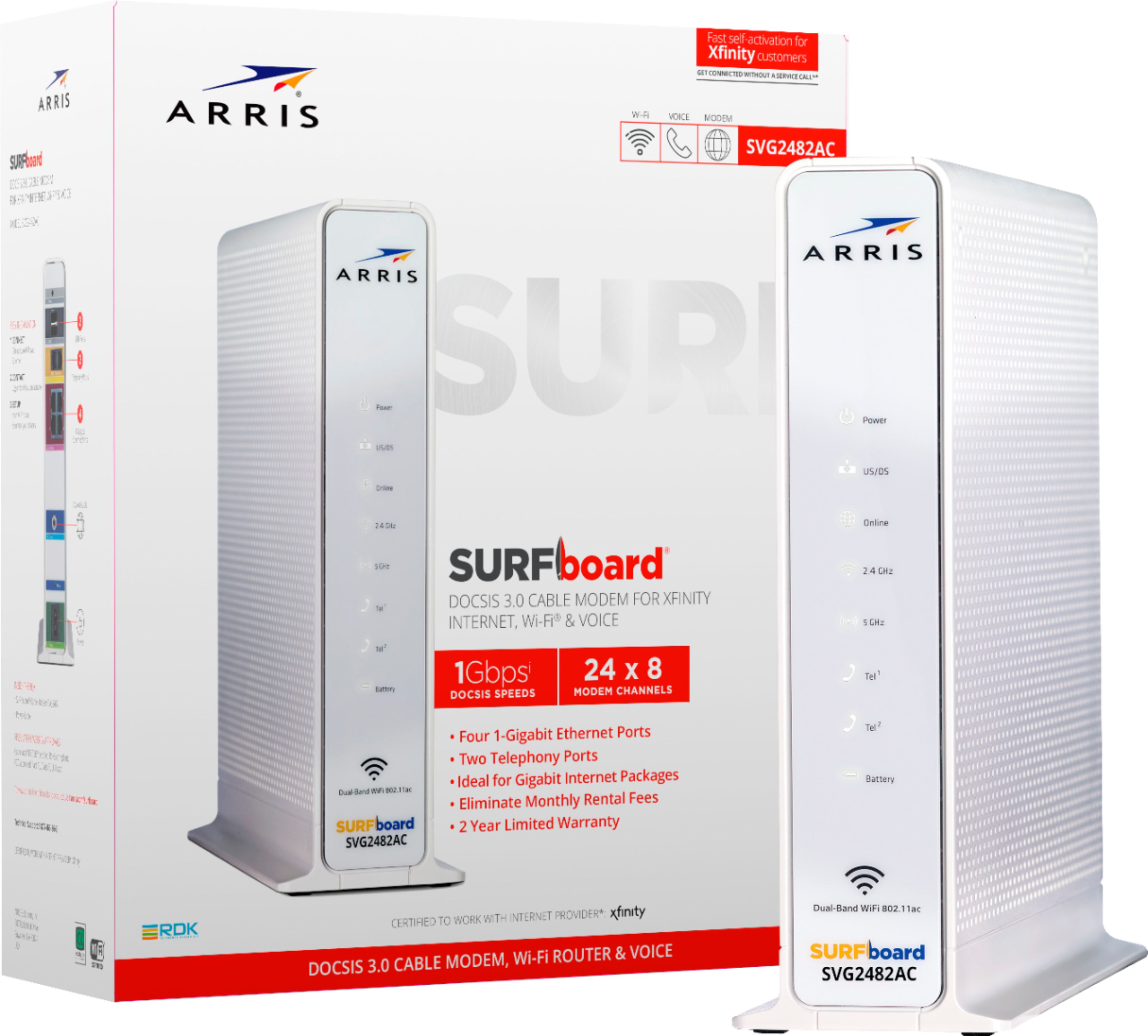
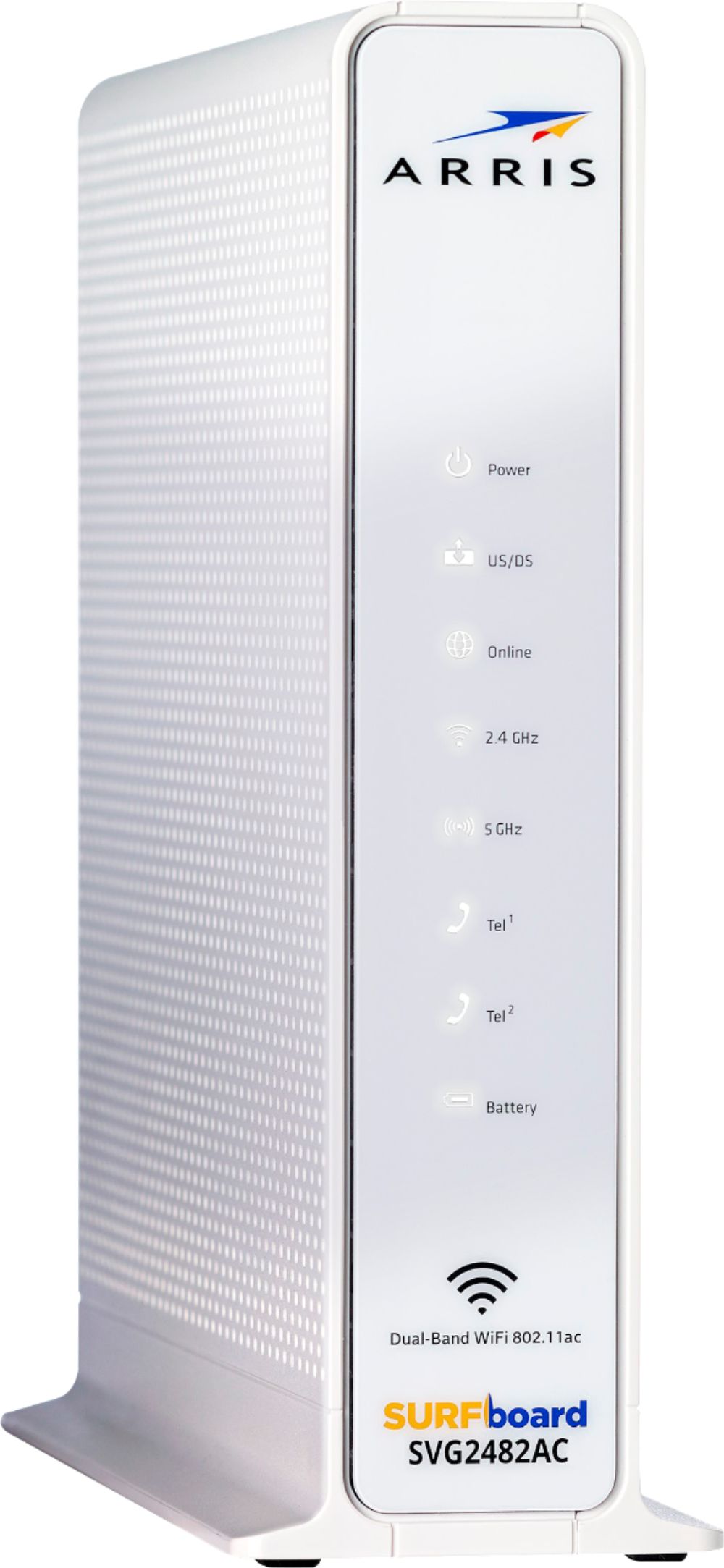
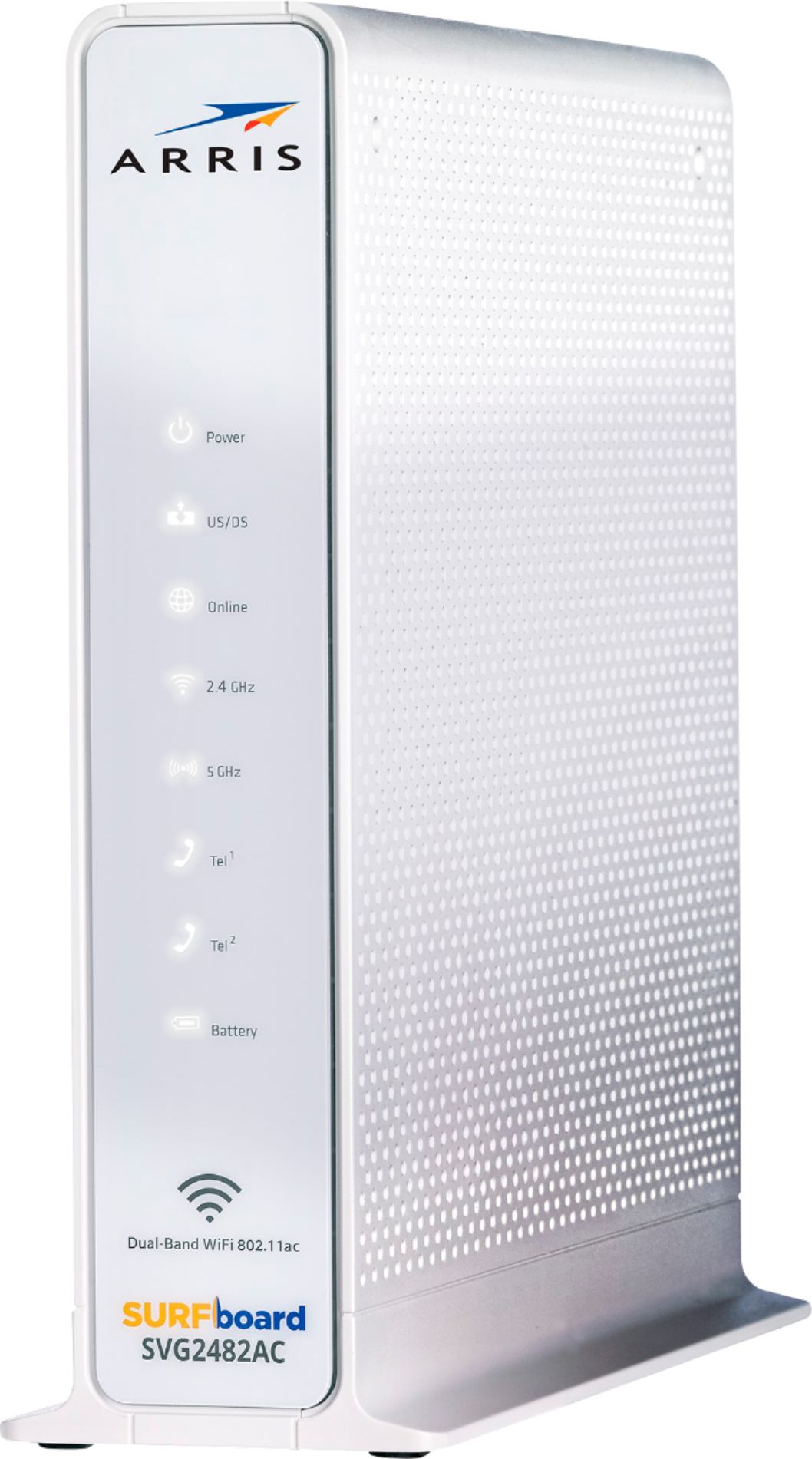
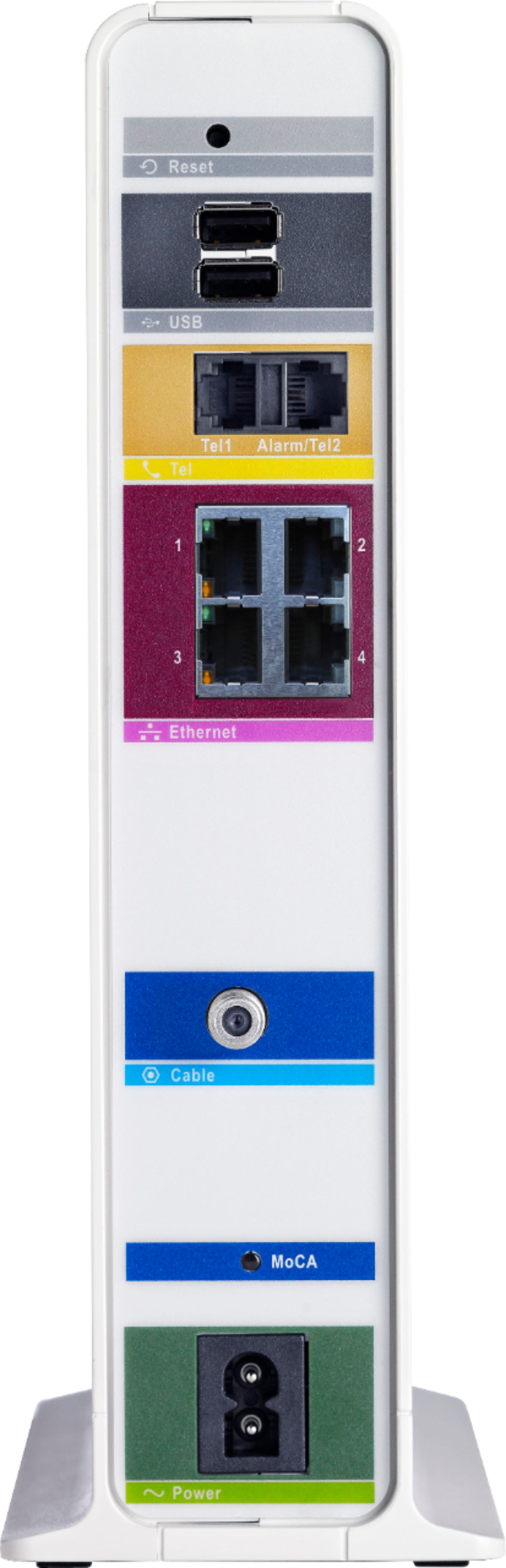
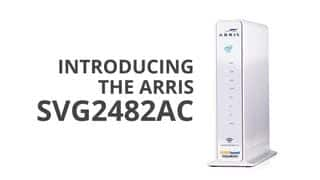
Since this hardware isn't in that list and isn't Xfinity branded, I'd say a definite No.
I use an ethernet Powerline Extender solution from TP-Link. You could use this:
https://www.bestbuy.com/site/tp-link-n300-wi-fi-extender-starter-av500-powerline-adapter-kit-white/2080319.p?skuId=2080319
Plug a network cable from the router into the network port on one and plug it into the wall (you CANNOT plug it into a surge strip or the signal won't travel), and set the other one in the house in the wifi dead zone and it will use the wiring of the house to extend the wifi network. Please follow instructions about syncing the device encryption to keep your neighbors from peeking in on your network traffic.