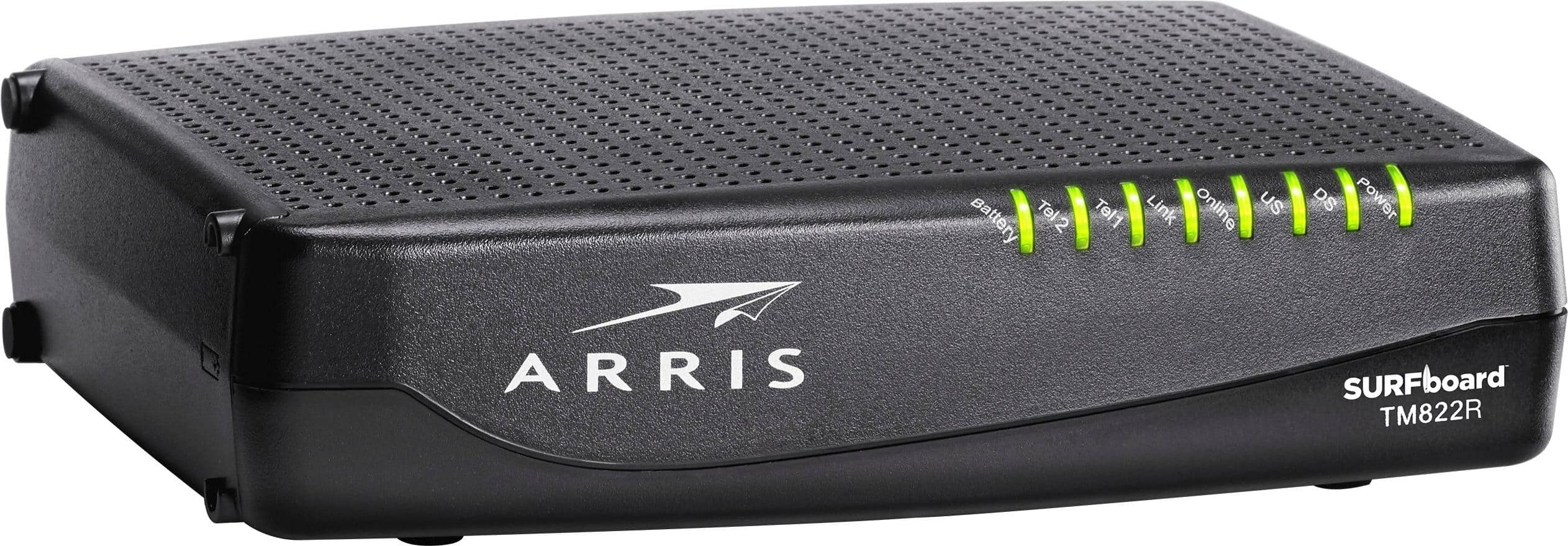
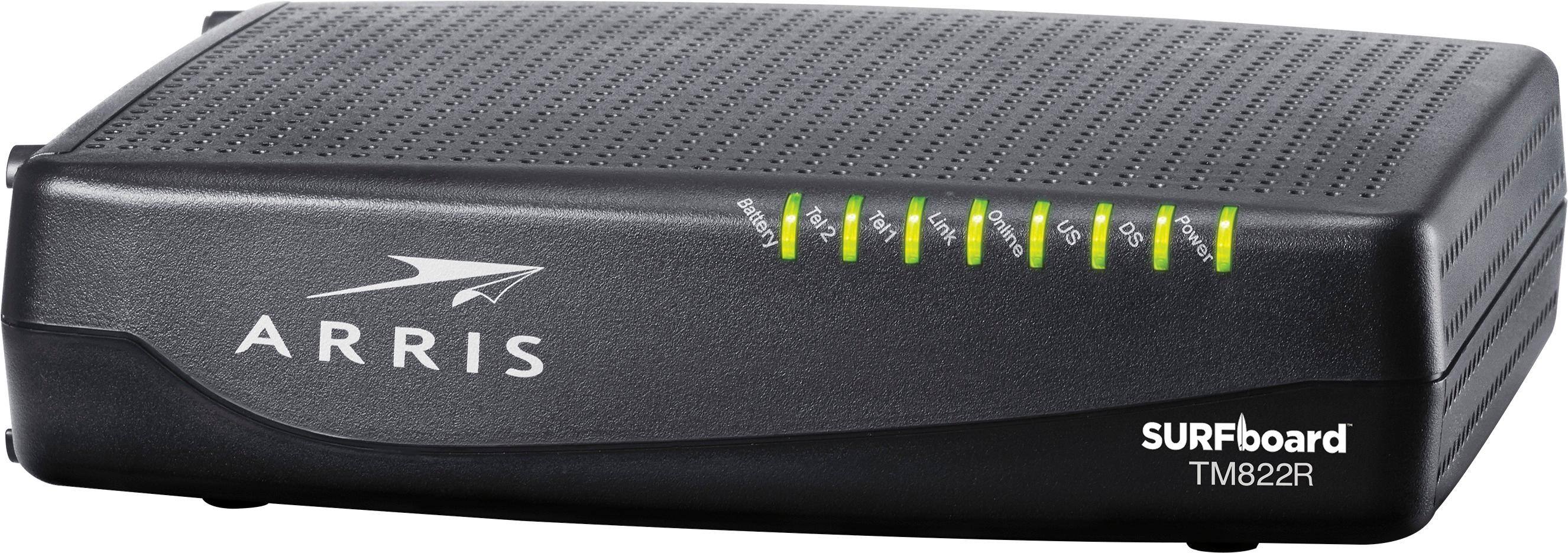
A:AnswerI purchased the Arris TM822R to no longer pay my internet provider the monthly fees, also. It was reasonably priced with good performance levels, and worked with my internet providers services.
I was not happy with the performance of the mixed/combined router and wifi device either, as provided by my internet provider.
I purchased a Netgear Nighthawk AC1750 for my home office wifi router needs, and it works very well, at a reasonable price point.
My home is about 1500 square feet and it works well indoors and outside on my porches for coverage, with no dead spots.
I can recommend both devices from my experience with both of them, from my own use so far, from my home office.
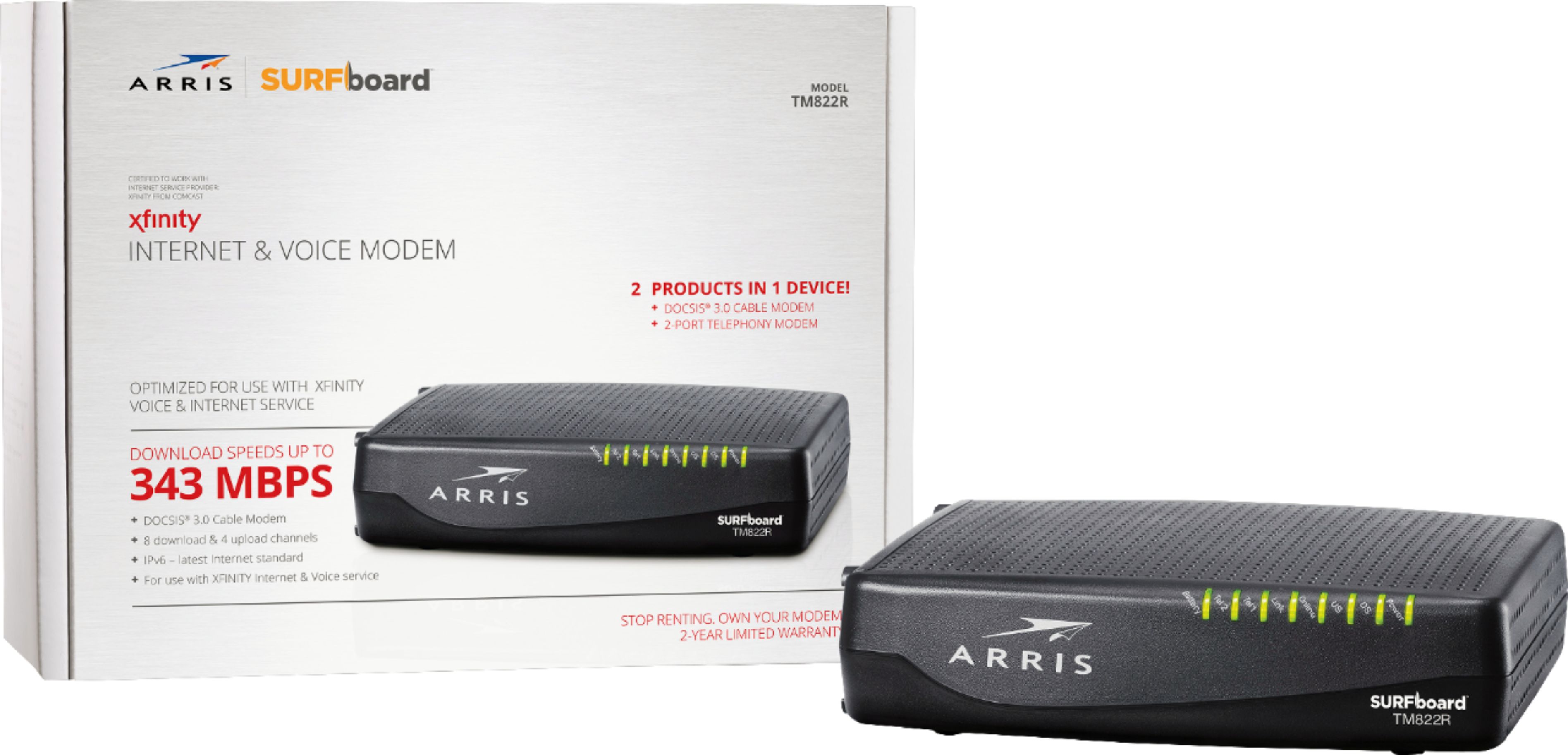
A:AnswerIn my experience with the prior model, these are good until struck by lightning (!) or when you decide to go to a newer model just to make sure you’re not bottlenecking the service you pay for in your monthly cable internet bill. I feel sure this unit could be satisfactory for me until at least 2023, maybe longer, but I will keep my eye on the market for product advancements, and if there’s a quantum leap or a pressing need, I may upgrade sooner. Your mileage may vary... I hope this helps you.
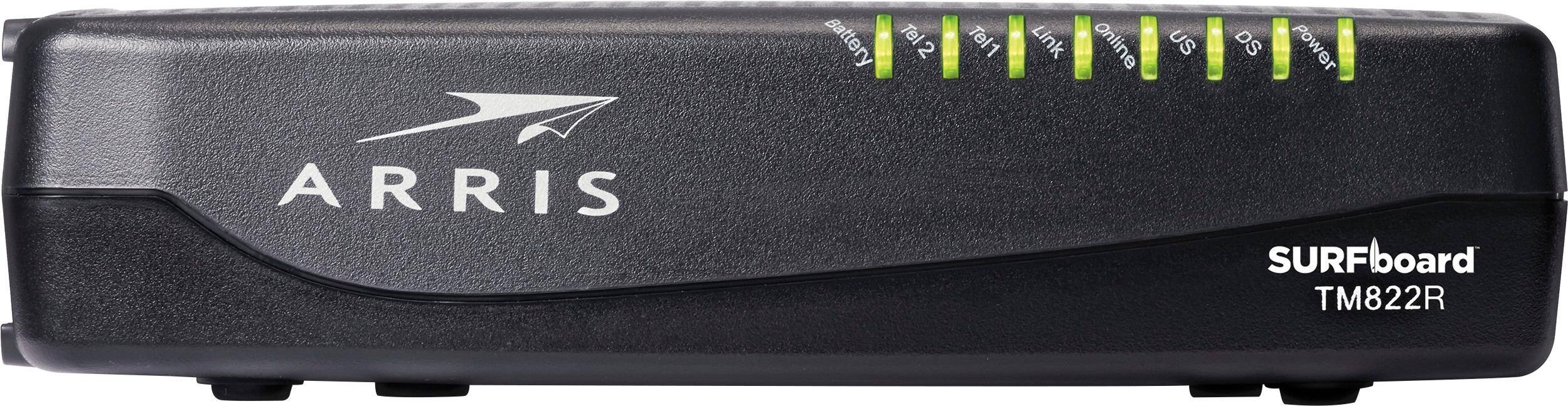
A:AnswerThird light from light is upstream communication (outbound). Mine is working correctly and is blue. Note that in upright orientation screw mount points are on the right side — thus I assume the right side is oriented down in your setup.
A:AnswerThe first answer is "anyone you want." Mine is a Netgear Nighthawk, but there are many others. More important may be the questions of how large an area do you want to reach, how many devices does it have to support, and so forth.
A:AnswerYou will need to expand your network beyond the Apple’s built in Ethernet ports by adding a separate Ethernet switch. Recommend at least an 8-port gigabit model, and also review your cabling to make sure all is rated Cat-5e or Cat-6 (earlier standards are not gigabit rated). Also if your Apple Airport router is old enough that it has 10/100 Ethernet, instead of gigabit Ethernet, you would want to upgrade your router to something newer to take advantage of this product’s gigabit connection. Since Apple has left the router business, that’s a non-Apple product unless you can find one of the last model AirPort Extreme (802.11ac) somewhere. Hope this helps.
A:AnswerNot sure how to remove a previous answered question so please use this one and my previous statement was incorrect. This modem does not have a router built in.
Cable One does support ARRIS DOCSIS 3.0 modems.
Cable ONE GigaONE requires customers to use a DOCSIS 3 Cable Modem. These modems incorporate the latest cable technology, have the capability to deliver faster Internet speeds, and have a longer expected lifetime. Existing customers with older modems, using DOCSIS 2 technology, will still be able to utilize some Cable ONE High Internet packages, but will not be able to utilize the faster High Internet speed packages without first replacing their modem. Cable ONE strongly recommends customers select DOCSIS 3 modems which are capable of at least 32 channel bonding for the best speed performance.
Note: Cable ONE Phone Service is only supported on Arris cable modems (eMTA) leased from your local Cable ONE office or purchased through Arris.
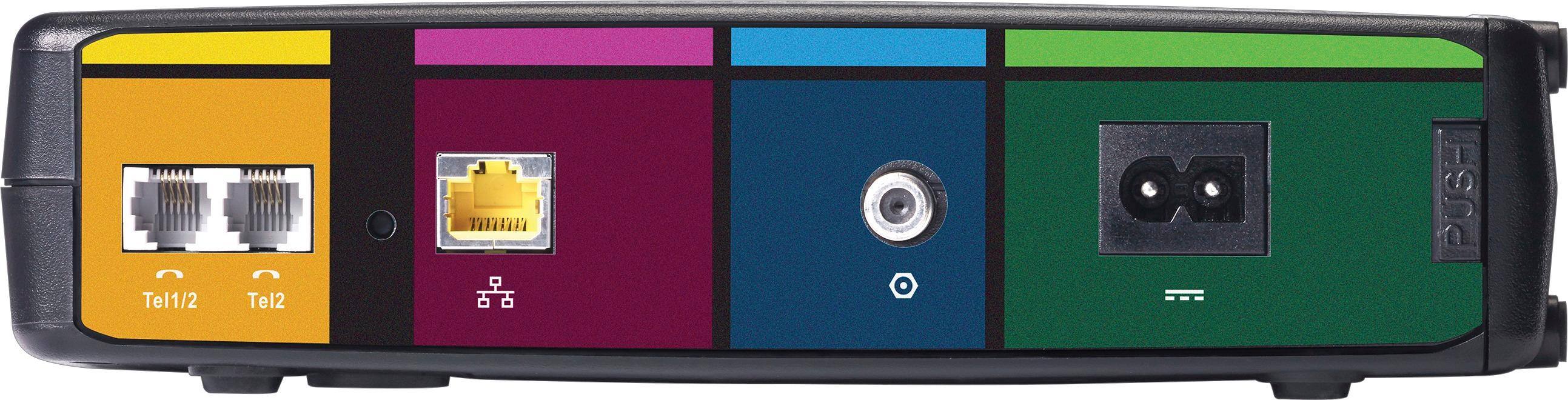
A:AnswerThis should be. Spectrum/Time Warner uses three company modem brands Technicolor, Ubee, and Arris. Telephone modem wise Arris is the normal modem they offer. Similar model same ports just doesn't have the color scheme in the back. Warning telephone 1 only works for regular phones. Telephone 2 is for second number such as Fax or office.
A:AnswerNo. I saw someone on the internet saying it would, so I bought one of these (TM822R) today. It didn't work with Buckeye Cable in Toledo. I called Buckeye. They confirmed that it was not supported. The R version is reportedly not compatible with their software.
A:AnswerMake sure the modem is in a well ventilated area (they do get warm) and it will last a long time. About twice a year I blow the dust out of mine to keep it venting properly.
A:AnswerThis is the only one that works with optimum, but be careful because calling into optimum can be costly the service rep. Couldn’t register my modem and after 45 minutes said I need a technician who came the next day only to tell me she put the wrong info in (that it’s optimum modem) and they still charged me $80 service fee so there went my savings.....SAD