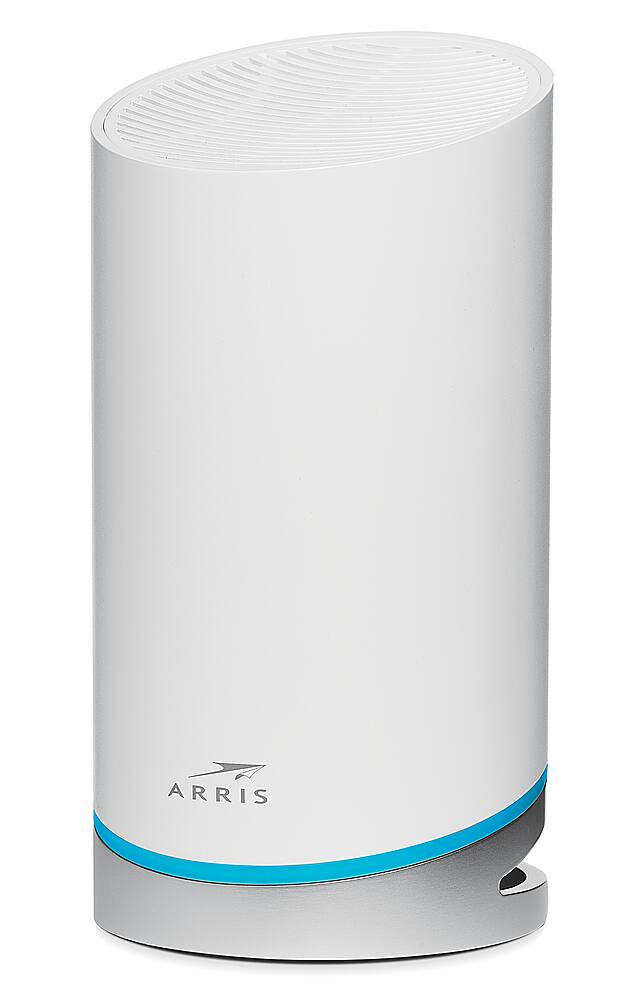
A:AnswerNearly. You can control the brightness within the app down to as little as 10% of full intensity. I have one of mine set that low and it does not distract at all. I presume it cannot be fully disabled as the LED colors indicate if there is a problem (red is offline) and the status whenever it is rebooted.
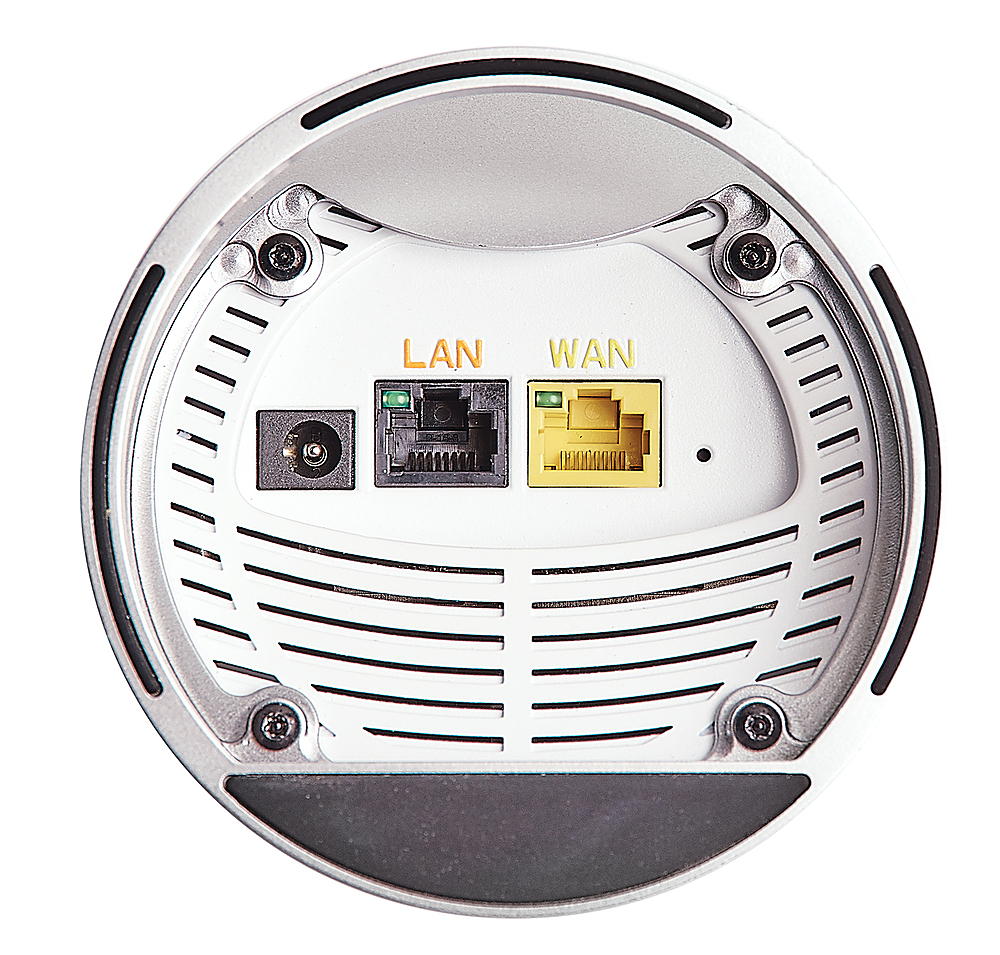
A:AnswerHello, this model does not have a land line port. However, it will work with any internet service provider. You simply connect your AT&T modem to this router for Wi-Fi coverage.
A:AnswerThis router will work with any modem as long as it has an Ethernet port to connect to the router. Your internet speeds (download & upload) are dependent upon the speed plan you subscribe to and the ability of your modem. The Wi-Fi then takes that connection and shares it around your home. Without knowing what speed your existing Wi-Fi is, it's hard to say. The Wi-Fi speeds of this router are 6.6 Gbps.
A:AnswerHello - yes, this router is compatible with any internet service provider. You simply connect it to your existing modem. If that modem has Wi-Fi built-in, you would need to disable the Wi-Fi so that this device becomes your Wi-Fi router.
A:AnswerHello - the SBG10 has built-in Wi-Fi. However, if you wanted to expand your Wi-Fi Coverage you could disable the Wi-Fi in the SBG10 and use it just for the modem functionality and setup your SURFboard mAX Mesh Wi-Fi system for expanded and faster Wi-Fi.
A:AnswerThis is a mesh Wi-Fi system and requires an ethernet WAN connection to be operational. Yes, you can connect this mesh system to your existing Verizon modem/gateway