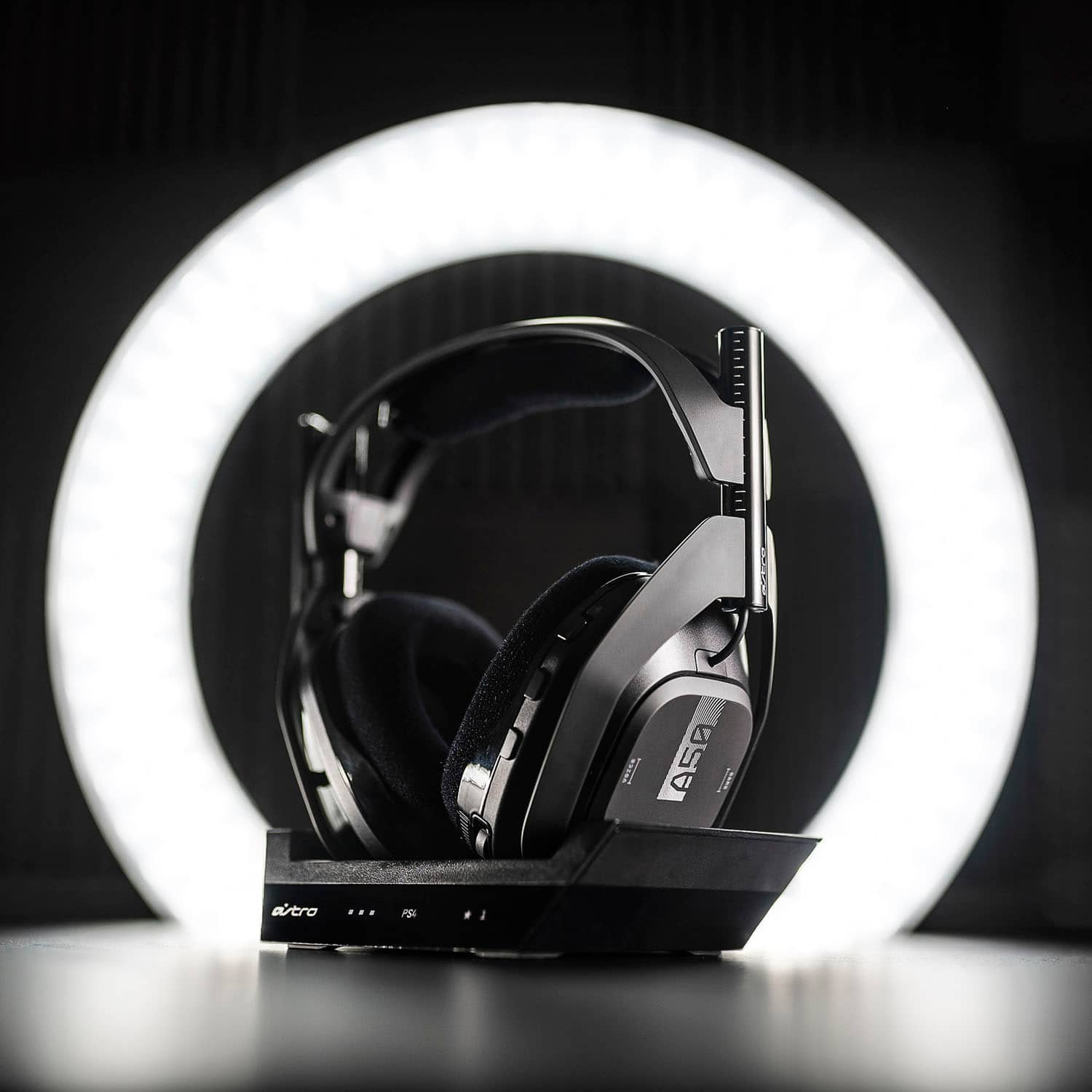
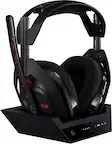
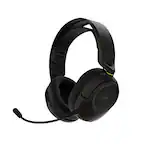
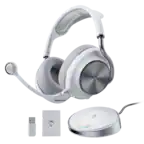
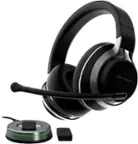
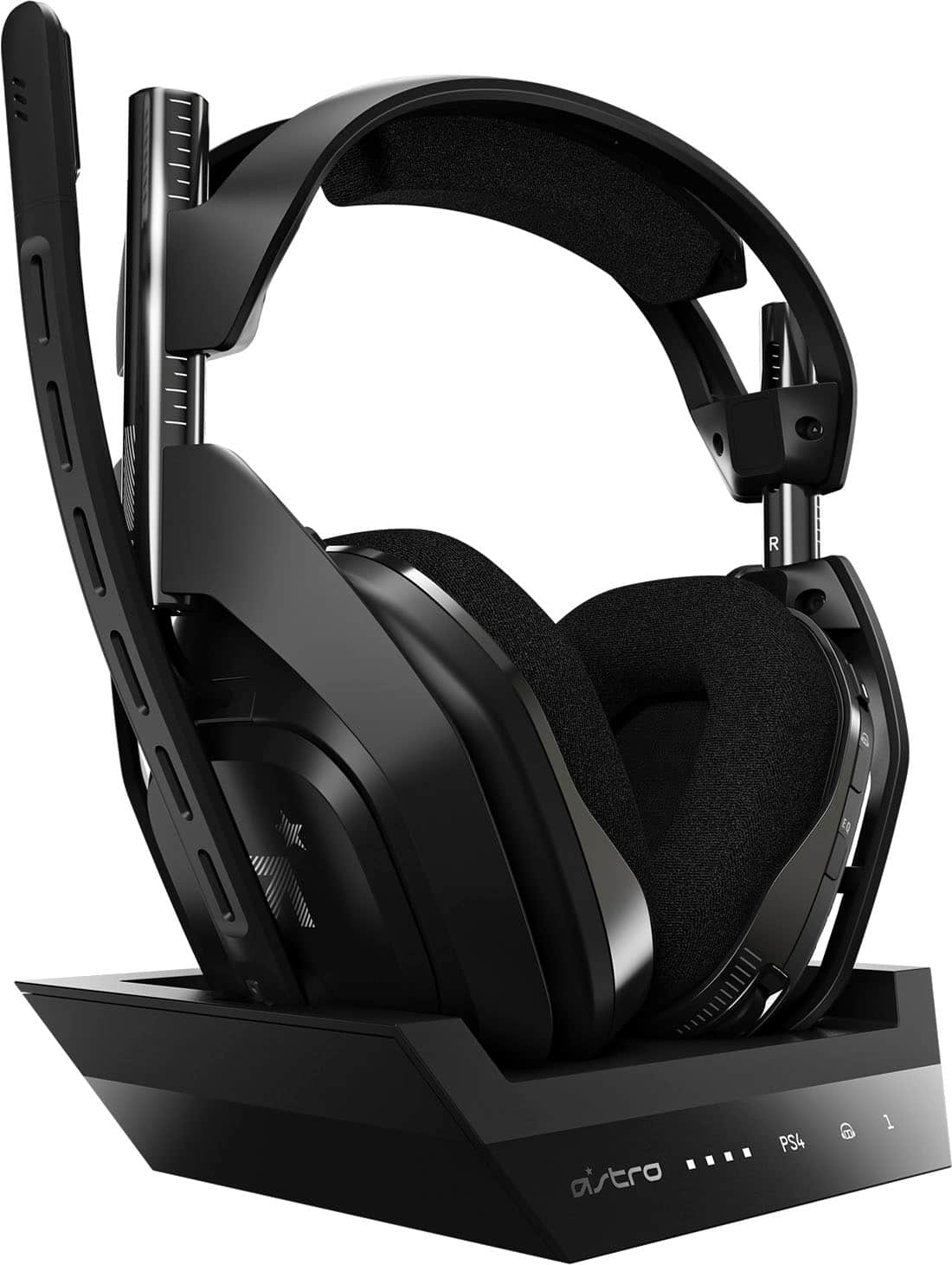
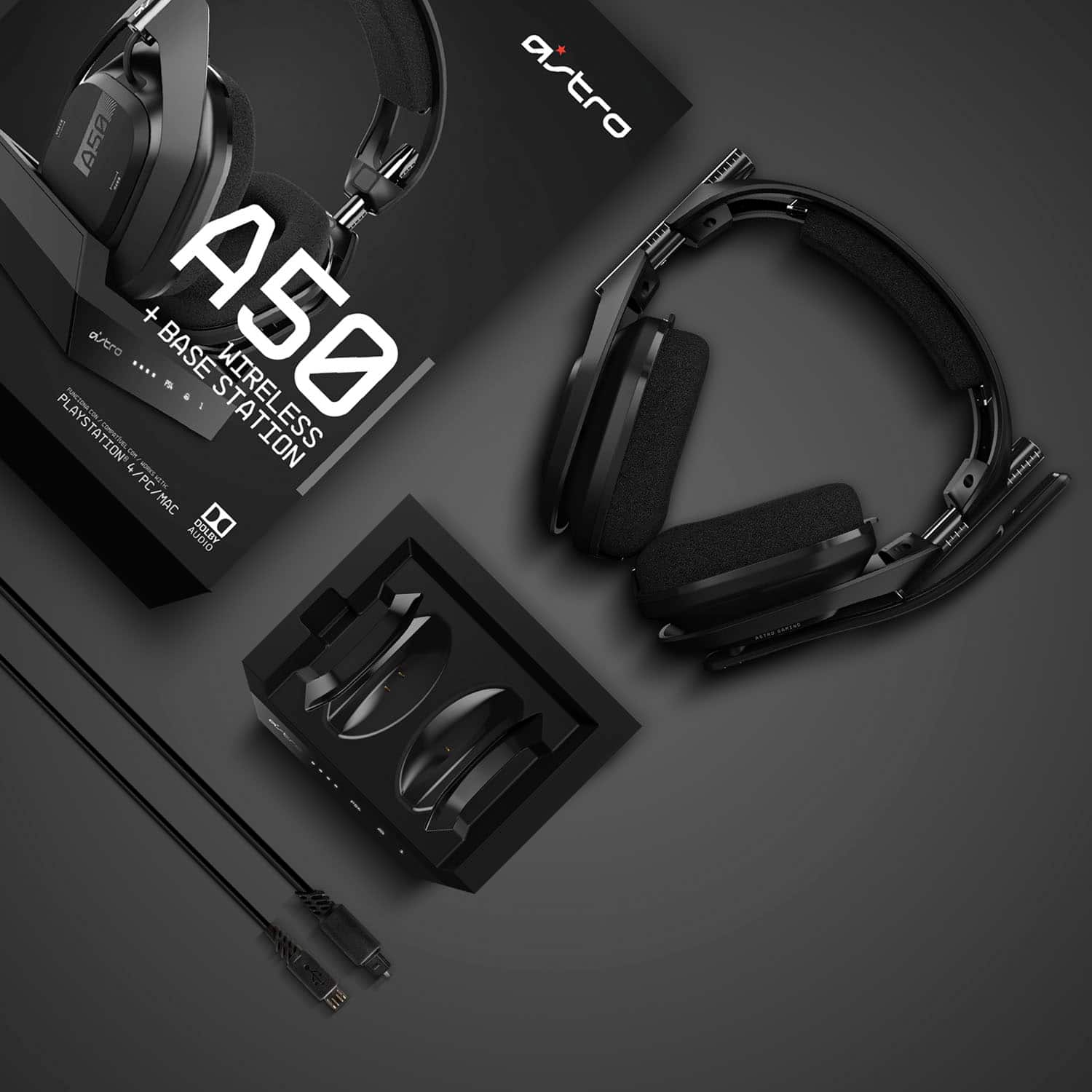
A:AnswerYes. As long as you connect the charging base which acts as the wireless hub to your tv. You will have to connect the Optic cables for the tv + base plus power on the base by connecting via USB port. If your TV does not have optic outputs then this will not work. When connecting your device to the PS4, you will only be able to access any and all content from your PS4 wirelessly when it comes to audio.
A:AnswerHi Skamikaze1983,
Yes, best buy allows its tech writer to review products prior to release and in this case, I don't know when the release is but you can pre-order it if you want to.
A:AnswerI have not, but my recommendation would be to contact astro as they potentially have seen this issue on a larger scale. It could potentially be the cable and since its a non-standard 3.5mm cable they may send you one for free and from my experience they should send it to you for free if youre still under warranty.
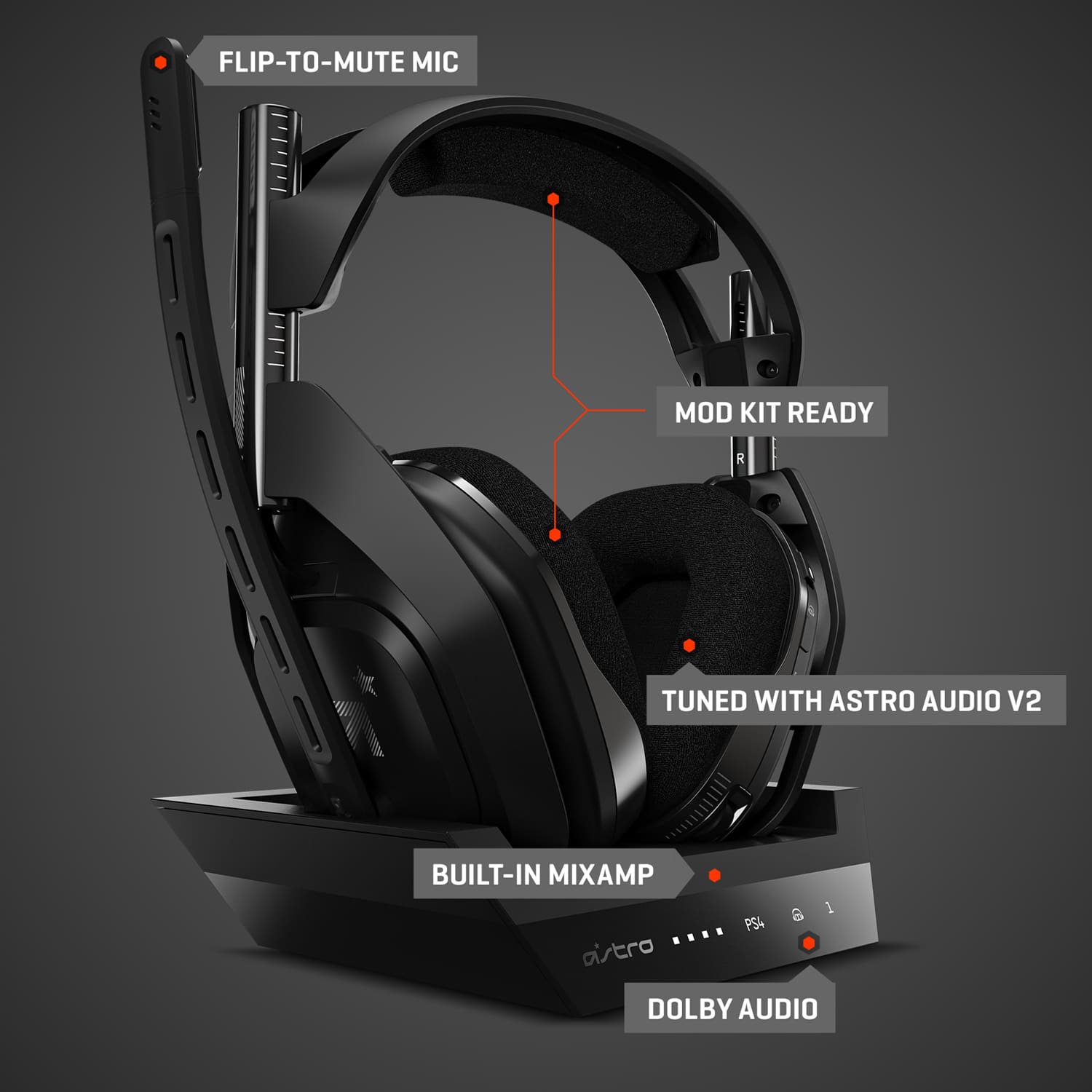
A:AnswerIt has a base station that pugs into your pc via usb for power. The headset connects to the base station. You can also connect the headset to the base station via micro usb if you get to the point where the battery dies down.
A:AnswerYes it would work without issue, I would just research the mix on it first, I actually returned mine and got a different headset entirely because the mic was horrible.
A:AnswerI have had the prior version of these for several years and have never experienced this problem. You may want to reach out to Astro as they are pretty good at supporting/resolving these kinds of things.
A:AnswerGet the Xbox version and PS4 base. As the PS4 does not have Atmos support built in and the Xbox version comes with a Dolby 2 year subscription in the box.

![The text on the image reads "VOICE U GAME J A M ALT [] CIAL." This text is likely a description or a label for the headphones and keyboard.](https://pisces.bbystatic.com/image2/BestBuy_US/images/products/6349/6349969cv19d.jpg)