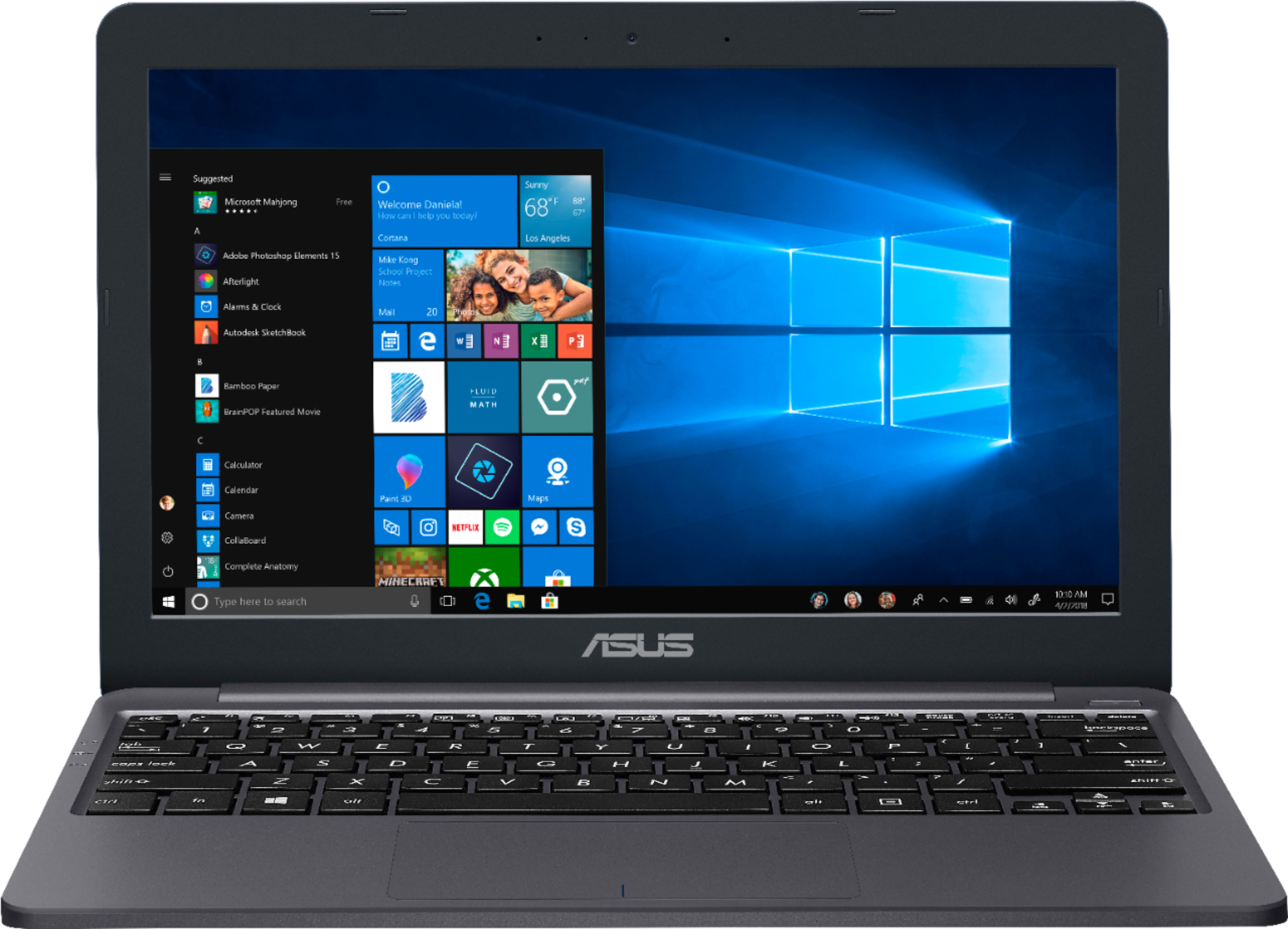
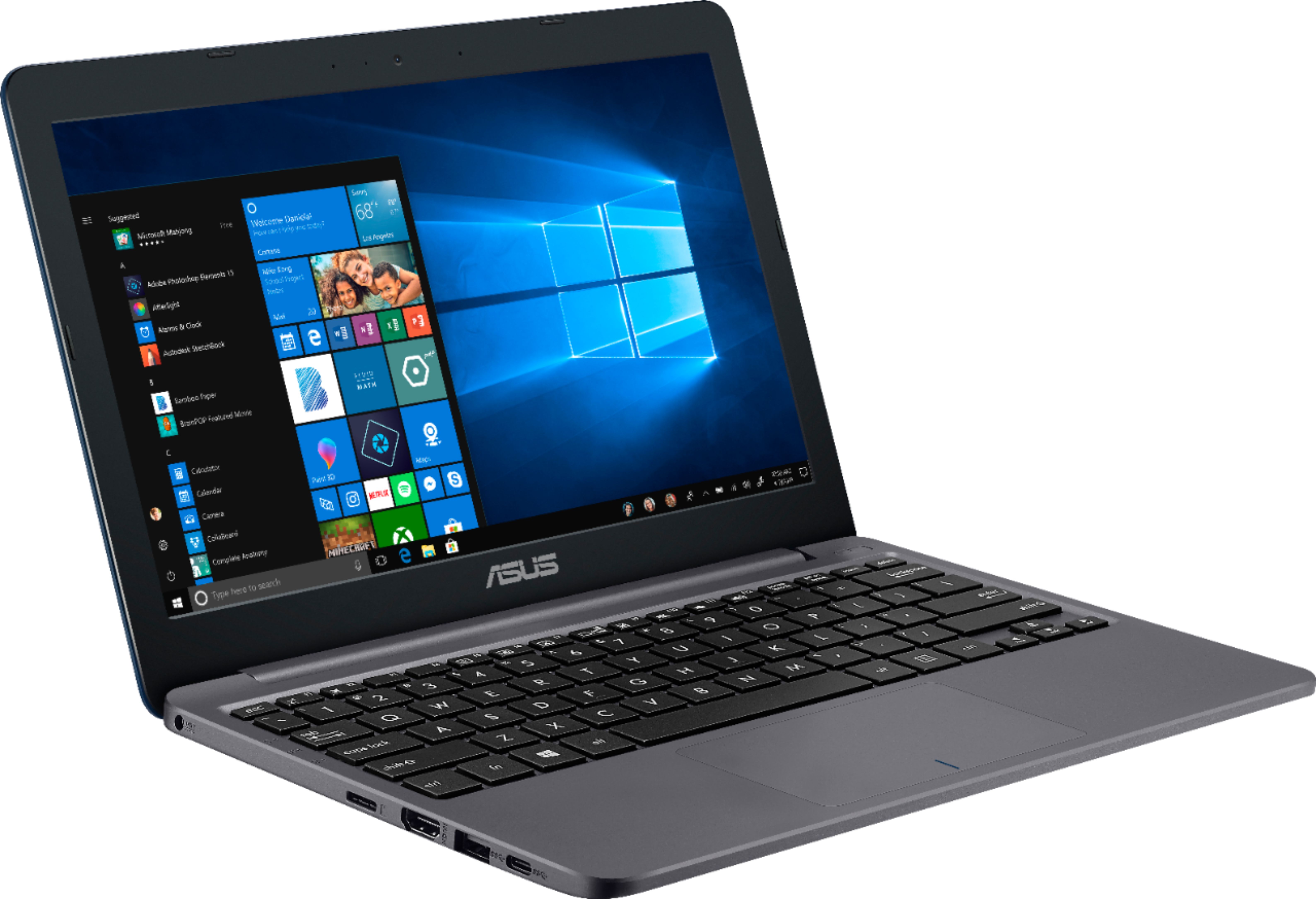
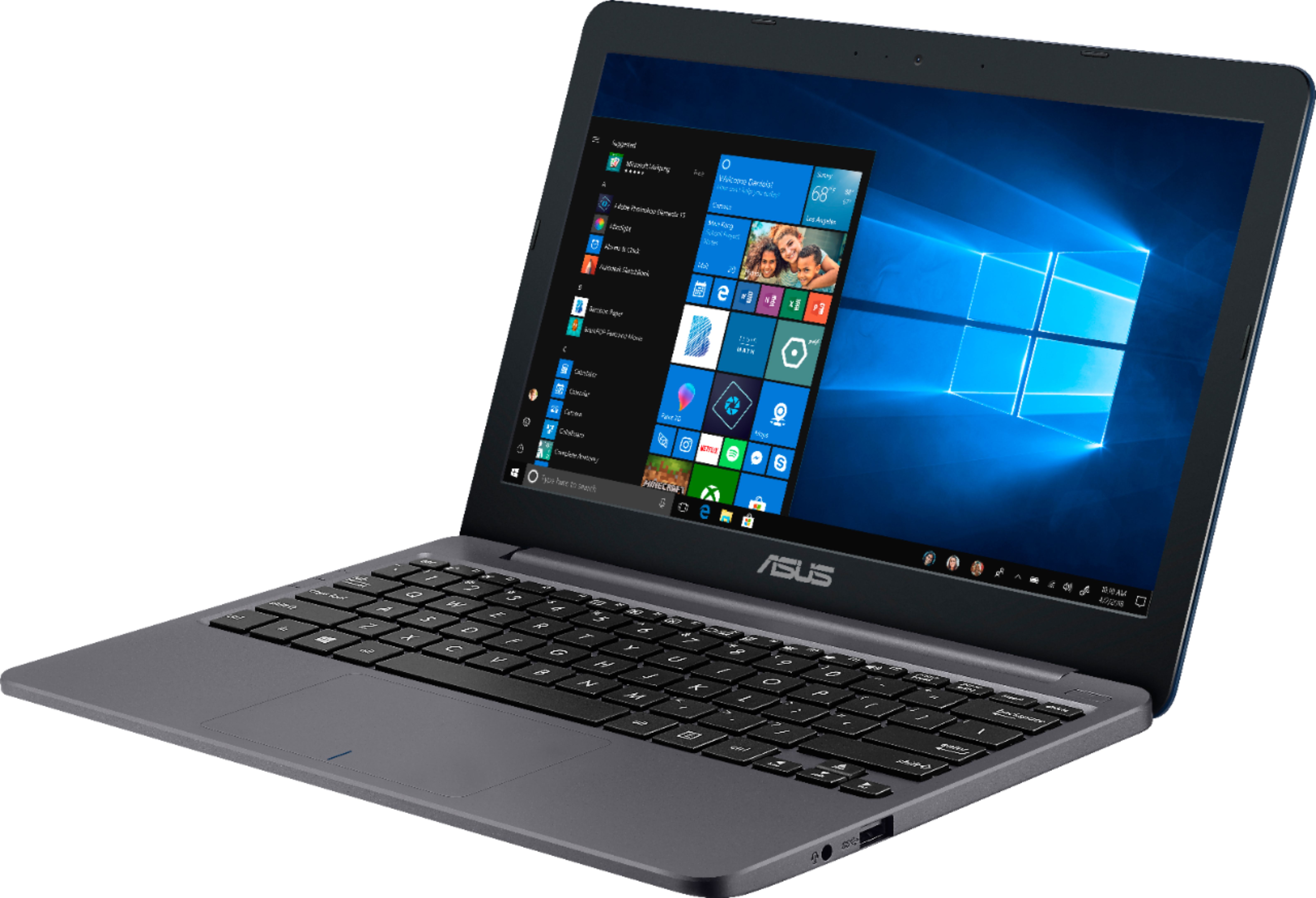
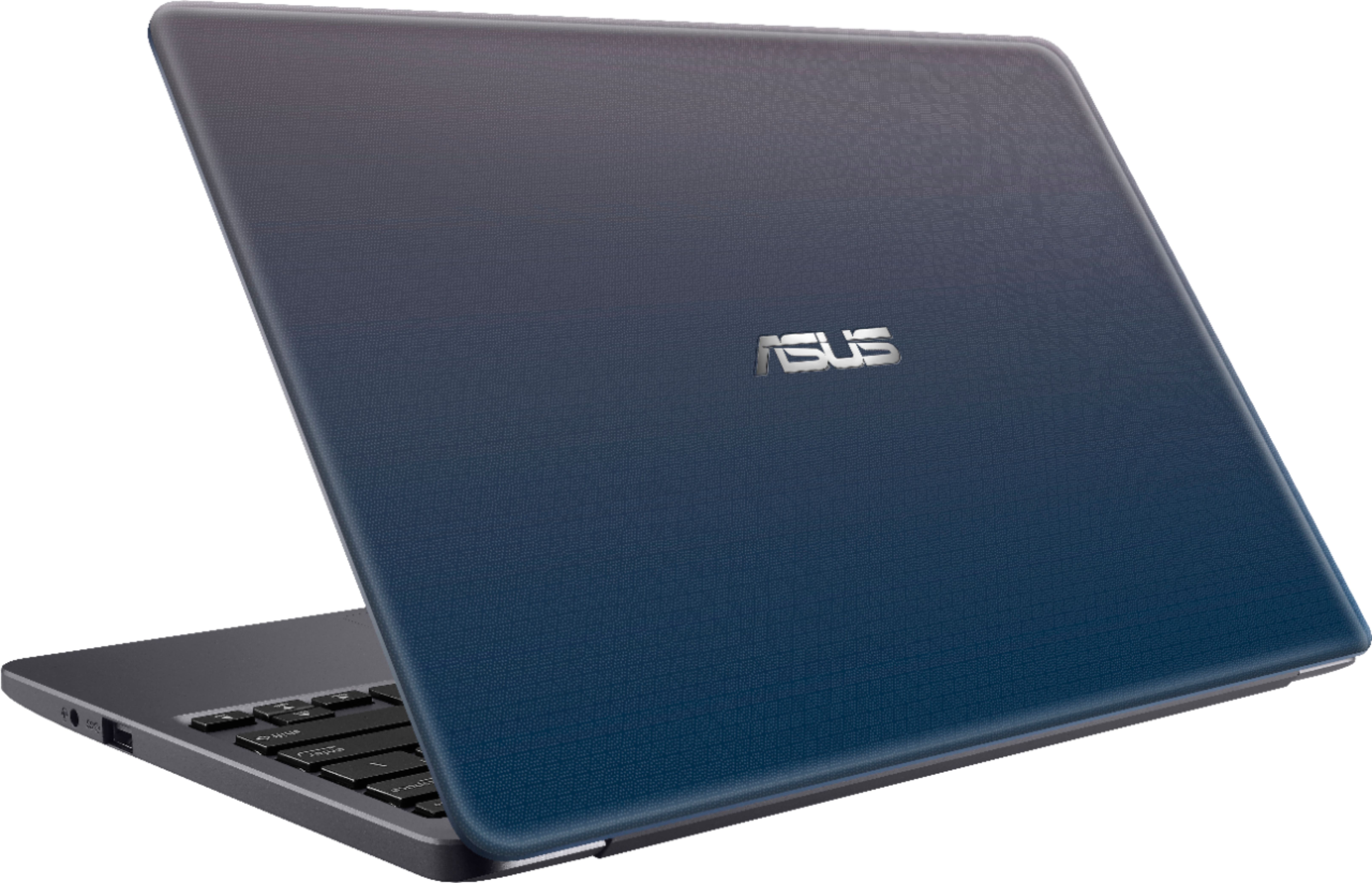
A:AnswerI would NOT recommend this product for gaming. We are on a family network and have steam on our devices, it is useless on this notebook. This is best for someone who just wants to write and use the internet. No bells or whistles and not a good gaming notebook in this mama's opinion!
A:AnswerDoes come from factory with 10s (safe mode) but can easily be upgraded with win 10 to put programs on. Program to do it is installed on computer.
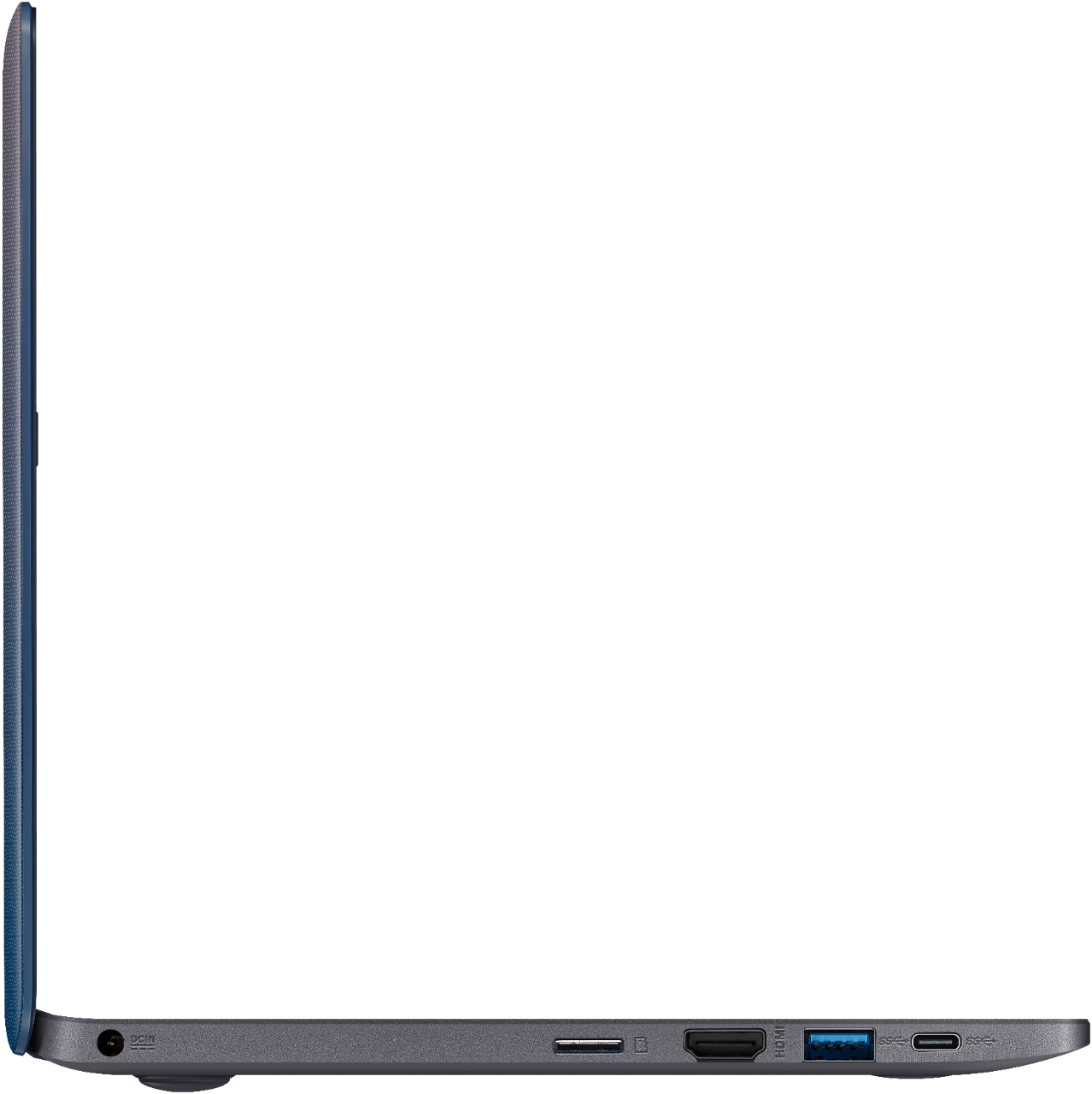
A:AnswerAfter installing the windows update and installing Chrome I have about 12GB left on drive C so do like I did and add a micro SD card and expand your storage space! Mine came with 32GB but it just isnt enough on its own. Add a 128 or even 256 and be worry free! Here the recommendations would not find the 128 or 256 ones but you get the idea. Buy MicroSD that is the size of the slot on this model.
A:AnswerYes, those programs can be installed on this device however it comes with Windows 10S, you might need to update it to Windows 10 Home before being able to install those programs. The device can be updated to Windows 10 Home for free.
A:AnswerNo I plugged in my Samsung fast charger and it did NOT charge the battery. Use the charger that comes with it and it charges very fast 100% in an hour or less!