A:AnswerDon't put that Chromebook in the trash. You or someone else can install a Linux operating system, such as Linux Mint, and have a perfectly usable computer again. There are videos online that instruct how to install over Chromebook. Donate or sell it to someone else if you don't want to tackle it yourself. Hope the suggestion inspires you.
A:AnswerYes, the laptop is a good recommendation for college student that requires basic computing needs like, word-processing, emailing, video-conference, emaling and web-surfing or online research.
A:AnswerThe RAM or SSD are not upgradeable and it's features are posted at: https://www.bestbuy.com/site/asus-14-0-laptop-intel-celeron-n4020-4gb-memory-128gb-emmc-star-black/6469400.p?skuId=6469400
A:AnswerThe laptop doesn't meet the system requirements of Minecraft and SIMS games. It is good for basic or light computing like, web-surfing, emailing or word-processing and other applications.
A:AnswerI purchased this computer in April 2022 and there was a sticker on the box stating:
MICROSOFT 365 PERSONAL
Premium Apps Included for 1 person with this PC
Subscription Activation required within 180 days of Windows Activation Date.
So, Yes Powerpoint is included, free for 1 year.
Check the box label in case the older store stock does not have the sticker
A:AnswerThe replacement AC adapter need to have the following specification: Input: AC 100-240V, 50/60Hz, Output: 19V 2.37A 45W, Plug Size: 4.0mm * 1.3mm
A:AnswerNo there isn’t but considering how much they’re not charging to put one in there that you can go buy an external one somewhere for as little as like 19 bucks that works fantastically. I don’t think you really need to worry about it this is a good base model you can add what you want the way you want it instead of getting stuck with the package they prepared for you.
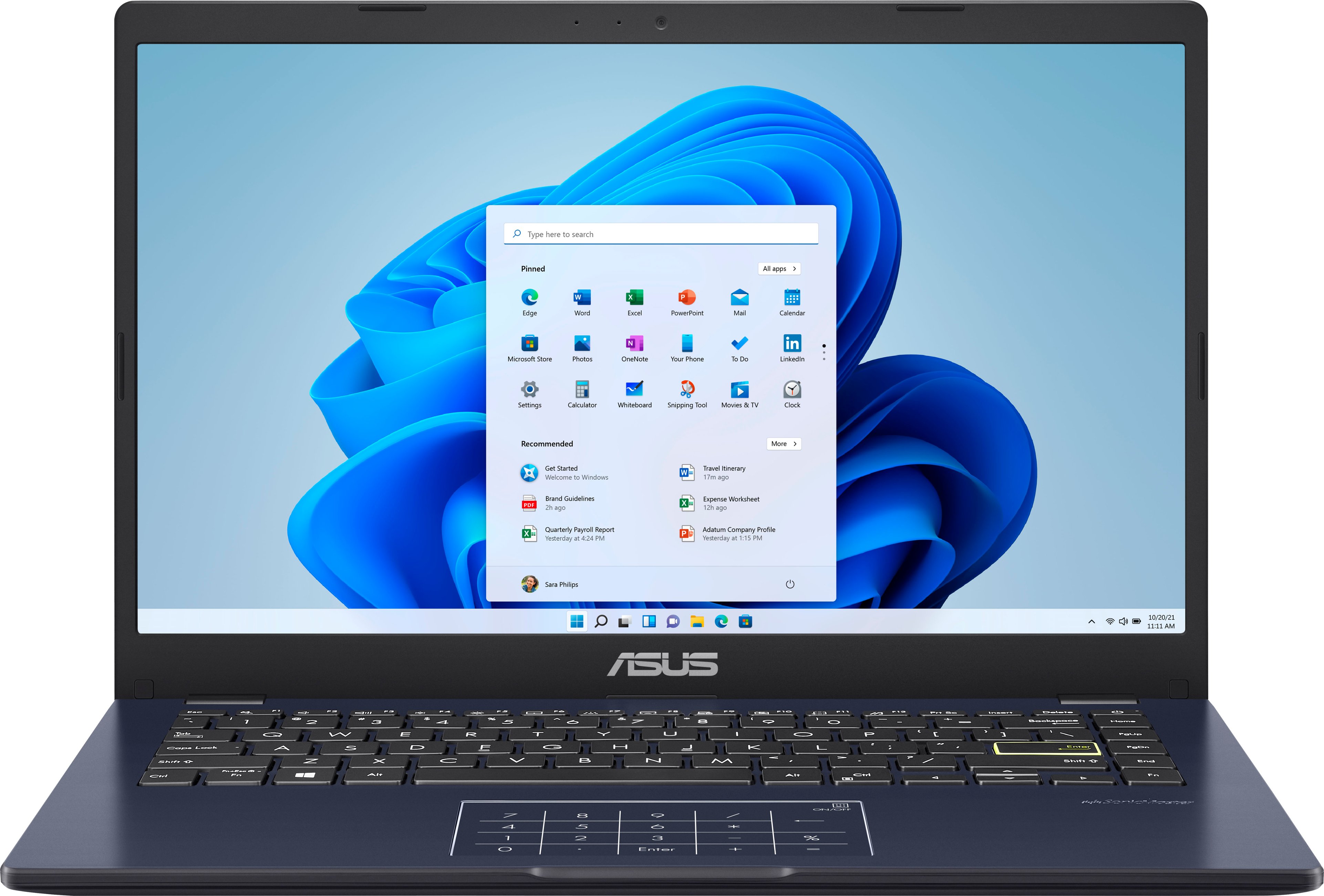
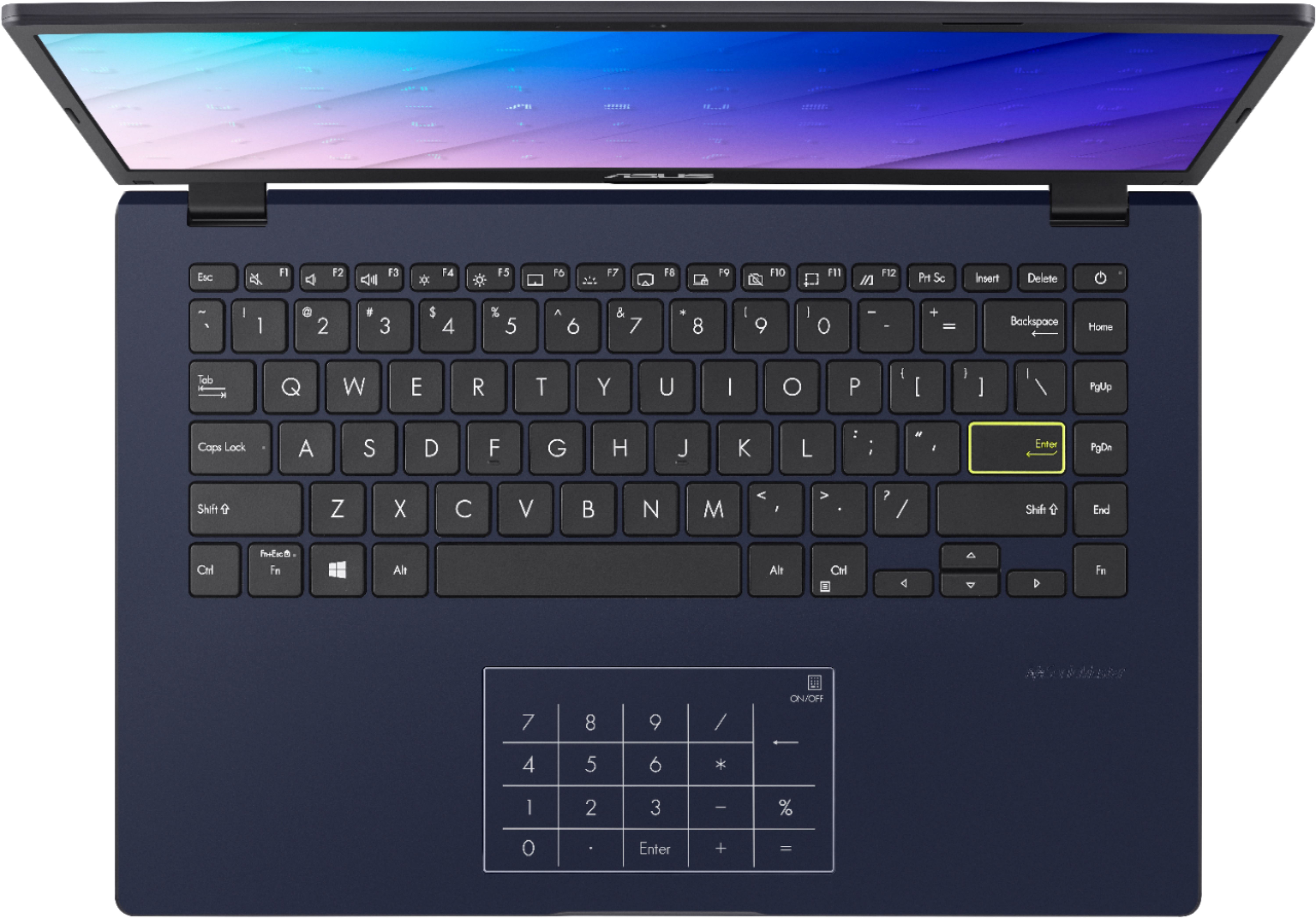
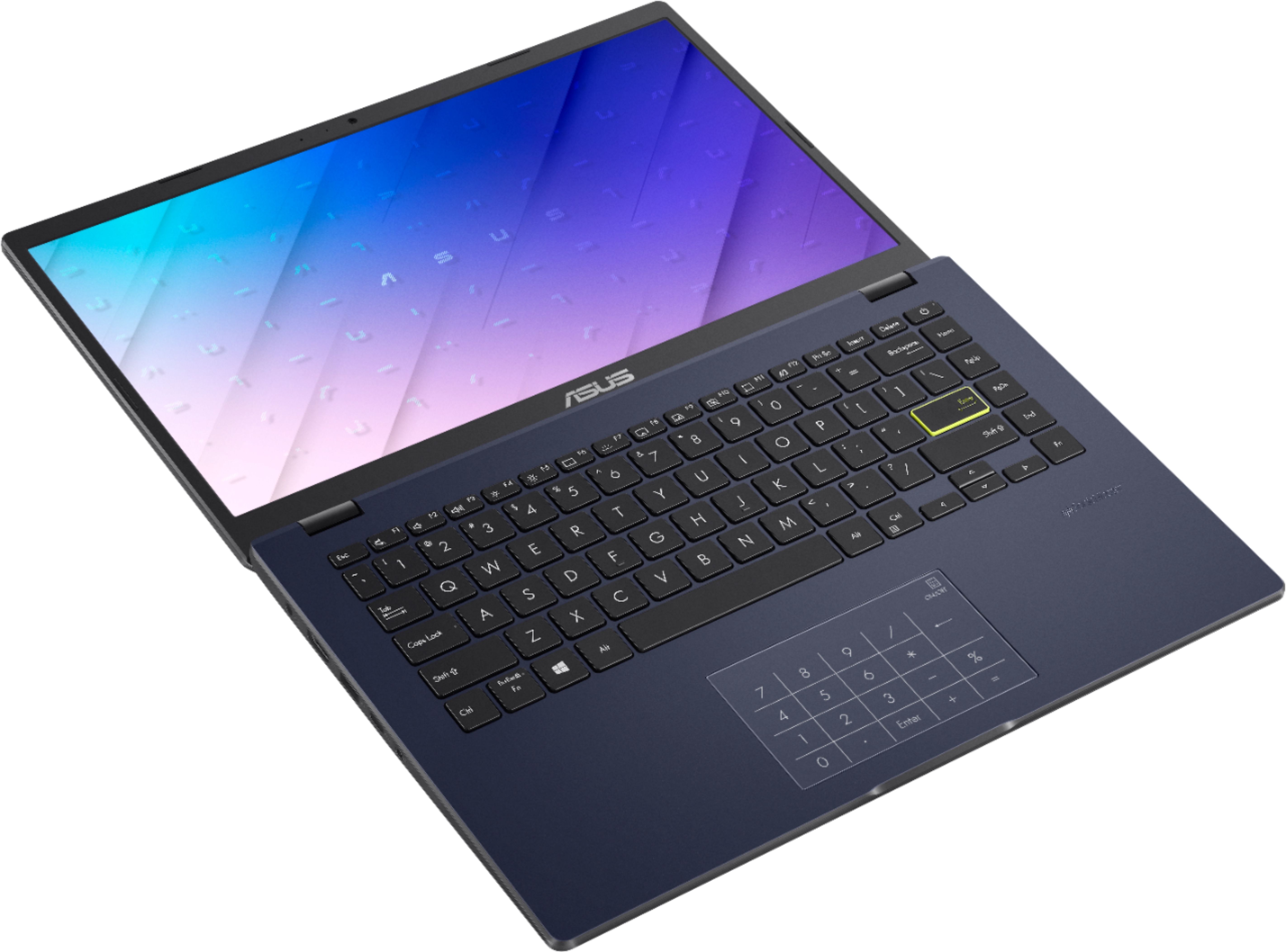
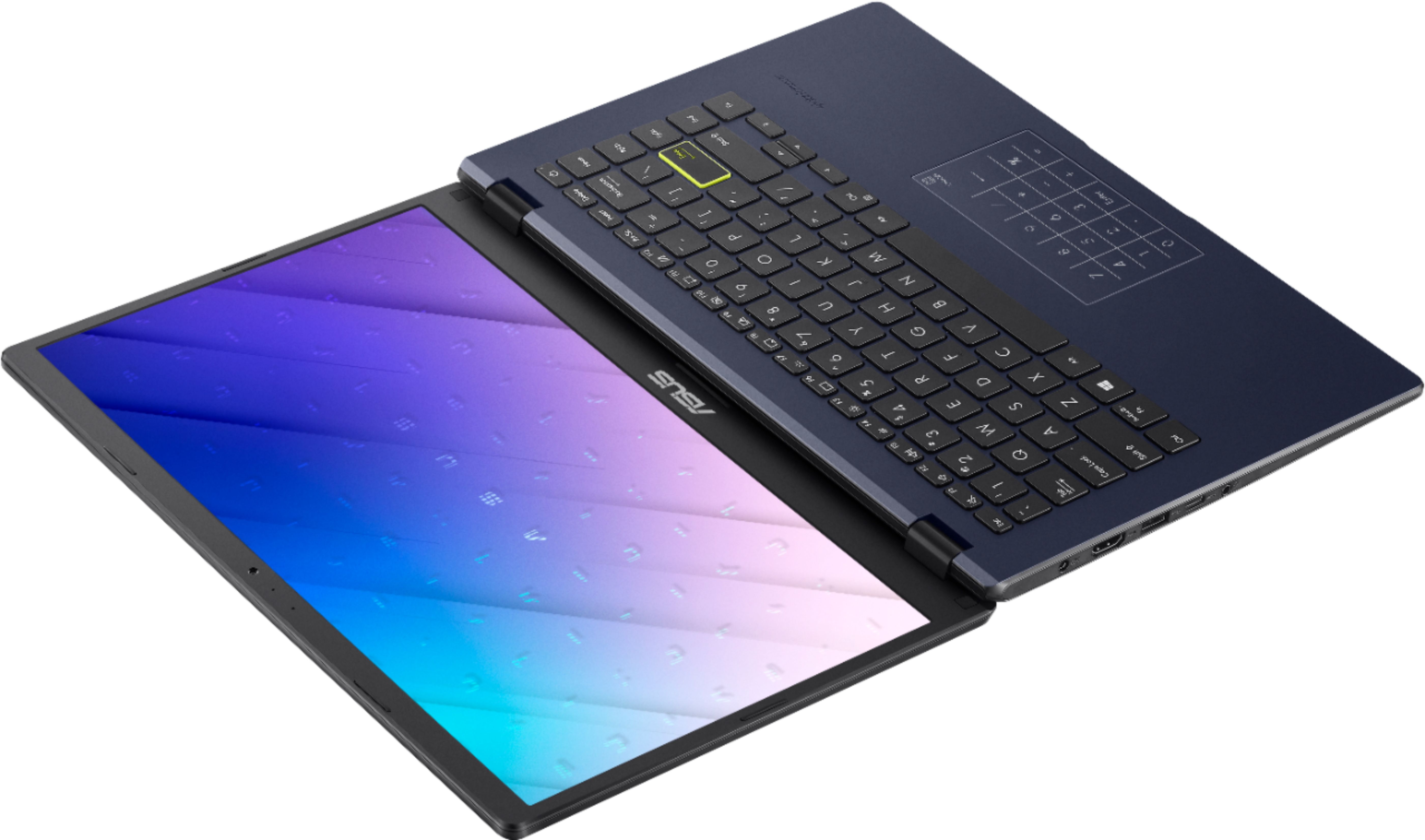
A:AnswerYes, when the number key pass is turned on it actually only works as number keypad , when you want to use as mouse touchpad you have to turn numbers off