A:AnswerWhile it will run those items, it’s not very powerful graphically so if you wanted to find out what would run at a minimum then it would be perfect if you’re looking for something to program for gaming PCs and laptops then this is definitely not where you want to start coding you can do but as far as actual playback of what you’re written? I wouldn’t bet money on it.
A:AnswerIt’s not a glittering finish so you can watch movies and such rather easily. But I’m running discovery plus and sling and Pluto and they’re all just fine on playback it’s really more your speed connection on Wi-Fi then it is the quality on playback.
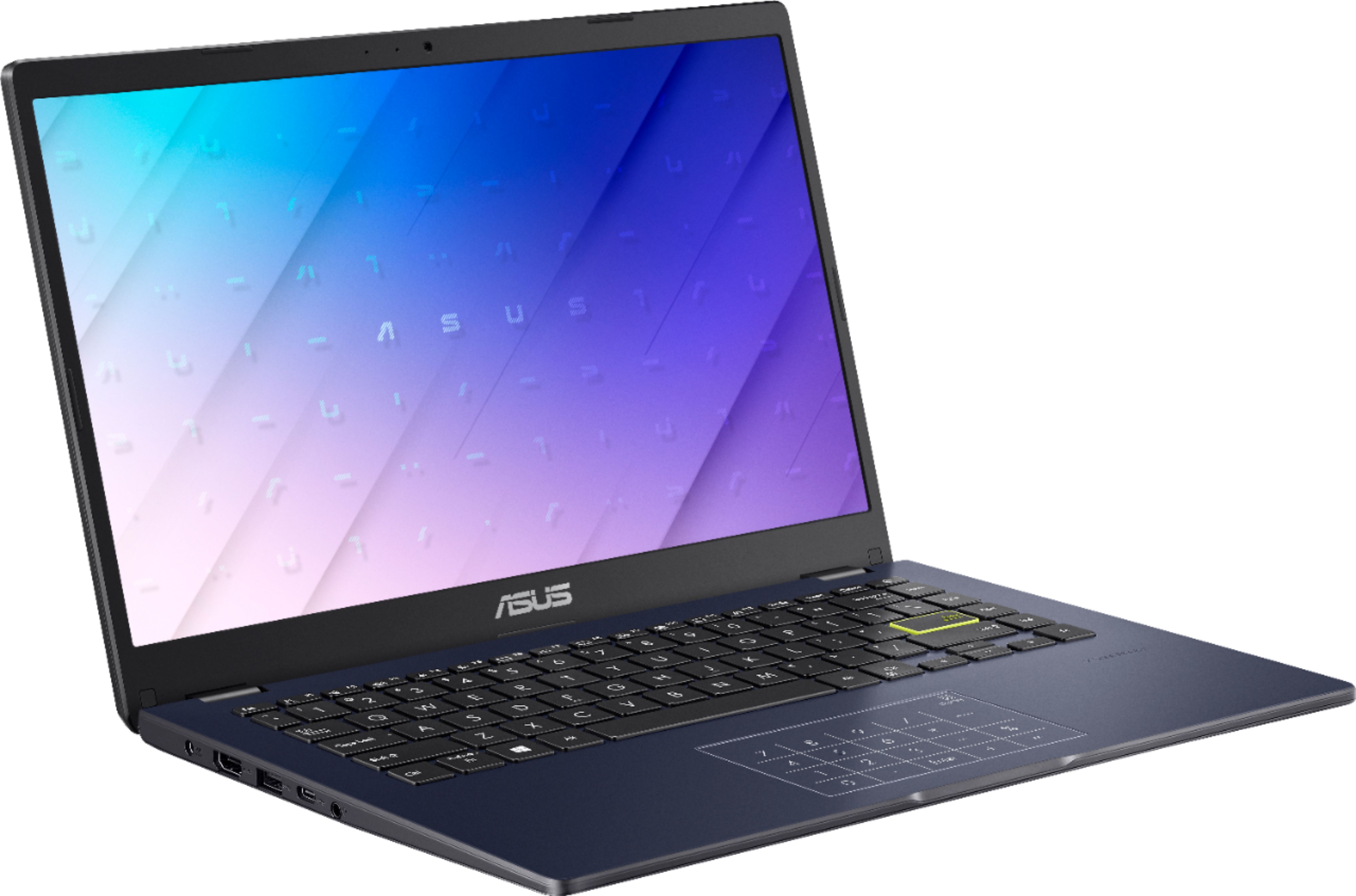
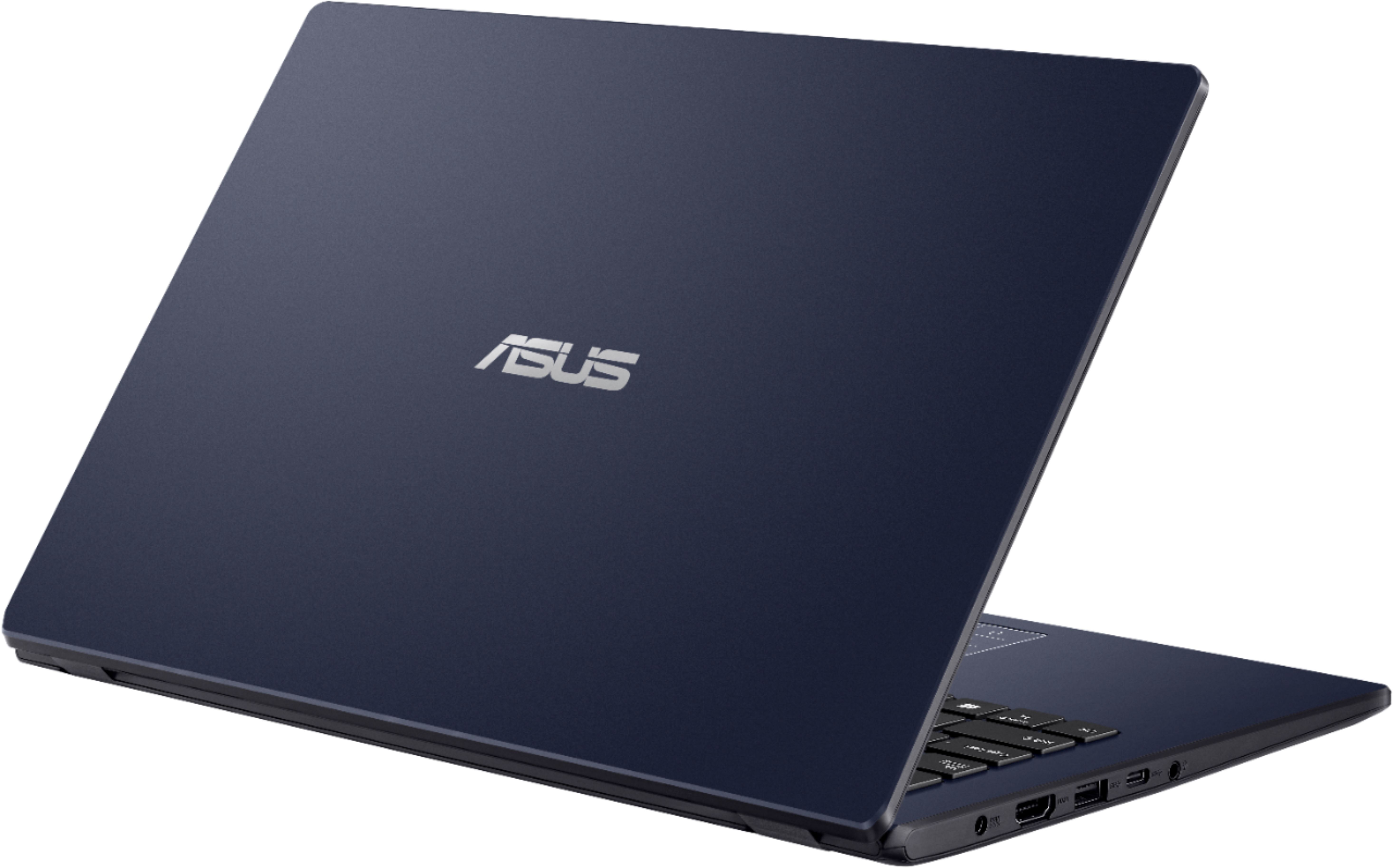
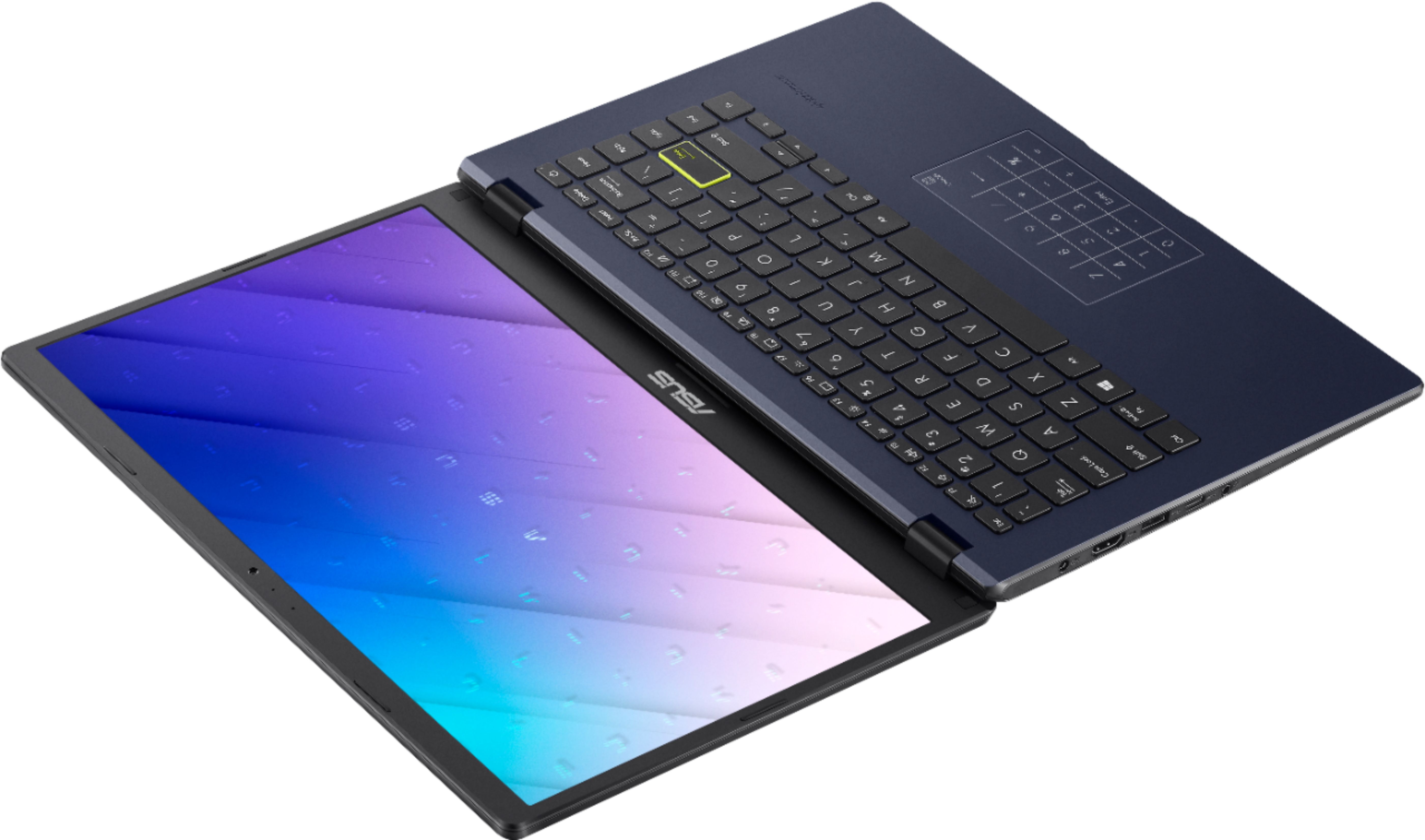
A:AnswerActually I’d recommend an external DVD burner because they’re so cheap now, they have their own separate power supplies in most cases but it’ll plug right into either the basic USBon the right or the high-speed ports on the left and works like a charm and it’s definitely a minimum investment and then you got a burner on top of it just something else you got to Carry so when you get your case make sure you get one with pockets!
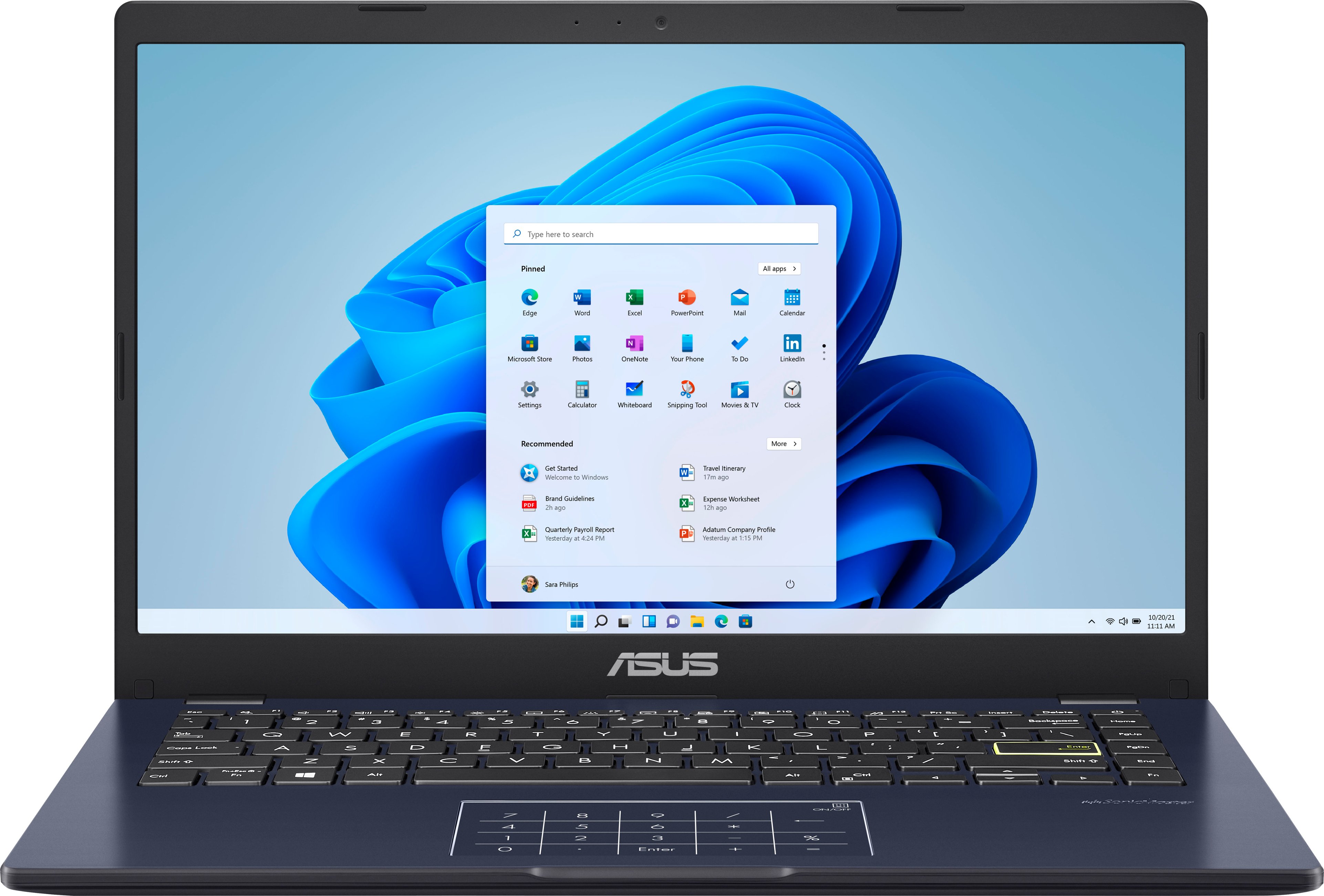
A:AnswerThis computer comes from the factory with Windows 10 in S mode, which for security purposes only allows you to use apps from the Microsoft Store. (You can take it out of S mode if you desire so you can use any app or software program). Once available, you will be able to update to the new Windows 11 Home version direct from Microsoft at no cost.