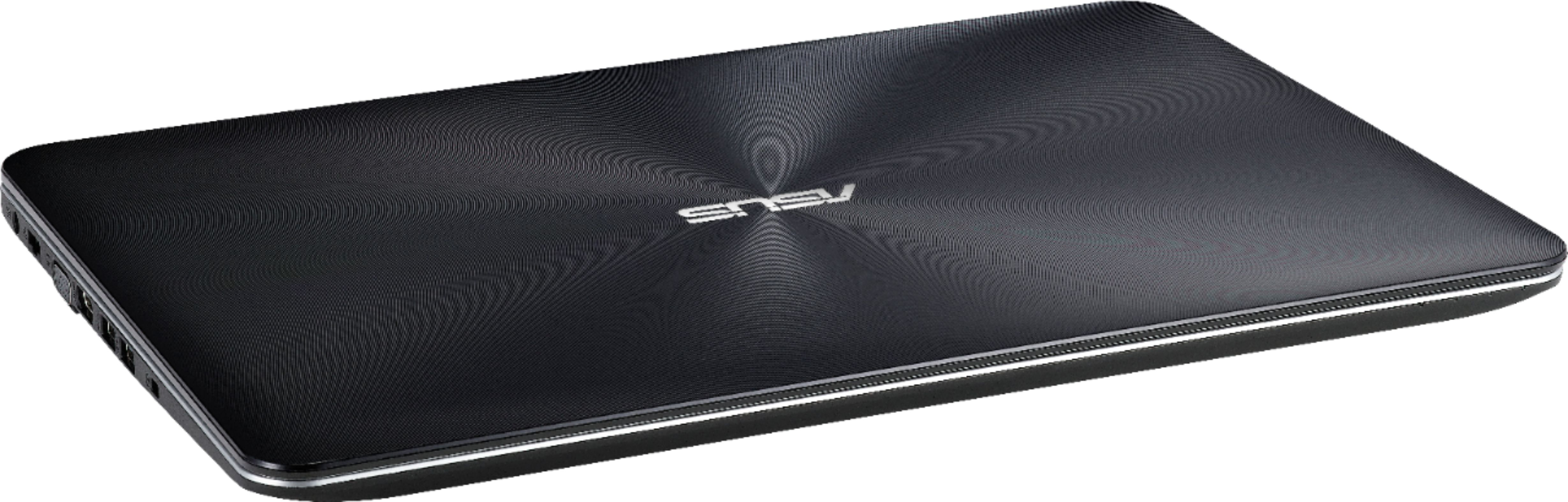
A:AnswerThe battery is only a 2 cell & embedded. I just commented to my son when we got it that I don't like this new battery stuff that laptops are doing. Just like new cellphones. It's very annoying having to remember to check just one more thing when shopping.
A:AnswerIt really depends on what you are going to be using the computer for. I have the AMD A12 and it has worked very well. I'm not a gamer, but I have many tabs open at once on this computer and Stream shows and videos in HD with no problem. The computer doesn't even seem to ever heat up or make any exhaust noise. Unless you are gaming, or using very complex photo editing software etc... the AMD 12 will be totally fine.
A:AnswerYes, you can replace the existing 128GB SSD drive with a 512GB SSD drive. We recommend all our customers to look for a professional technician to upgrade their SSD drive.
A:AnswerIf laptop will not bootup into WINDOWS, boot from a recovery disk using F2 after a system reboot or restart. If WINDOWS is still bootable, factory restore can be initiated inside Settings, Update & Security, Recovery then click "Get Started" button and follow the wizard.
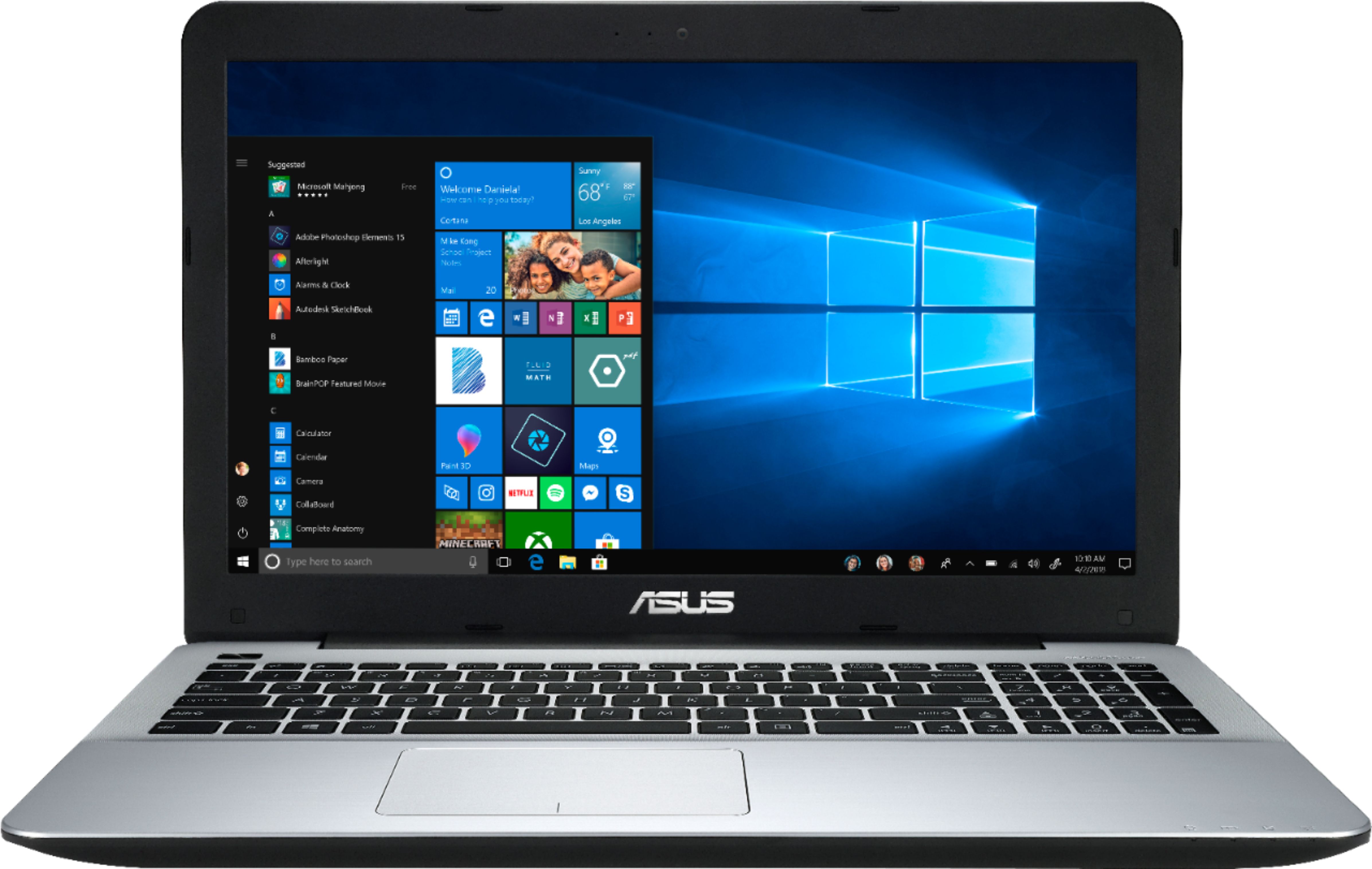
A:AnswerMostly, only high-end or high-performance ASUS laptop comes with a 2 year global warranty and entry-level or mainstream laptop comes with a year warranty coverage.
A:AnswerYou should be able to use any 2.5SSD out there. I put in a Kingston A400 240GB which appeared to be a little thinner than the stock 128GB. For this reason I buffered the hard drive bracket with several layers of duct tape because the USB ribbon that went over the top of it. I also used a SATA to USB cable and used GPARTED to format and make it bootable prior to install. Sorry I don't know what windows utility you could use if that's your OS. However you might not have that problem as Windows takes charge of hardware and should provide the proper formatting. I would steer clear of Inland and SanDisk unless its SanDisk Ultra II.