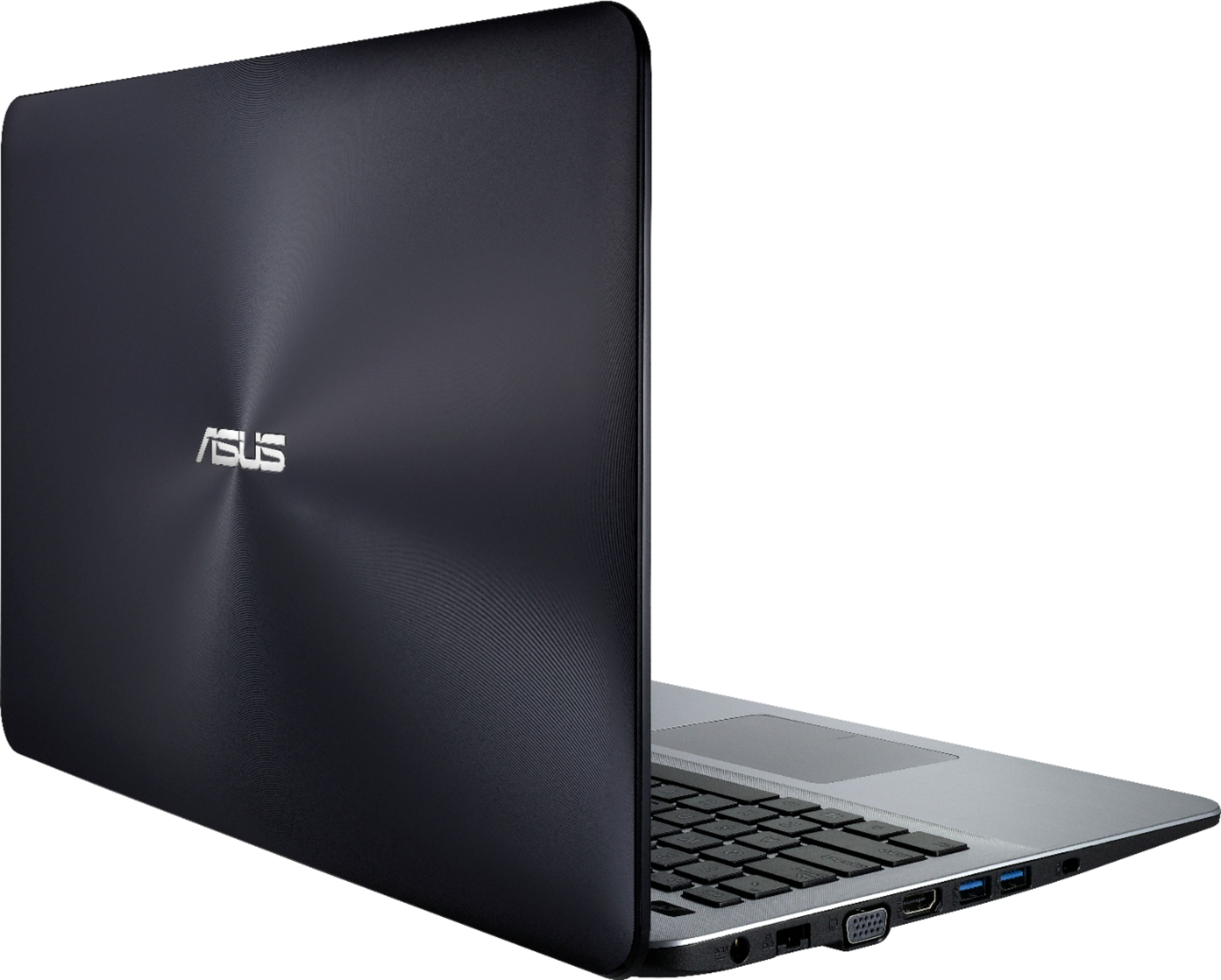
A:Answer No, the WIFI card is not soldered to the motherboard. It screws onto the board, and is usually near the battery. You will have to take the battery out to get to it, and it usually has one small hole in it for a screw (you should be able to use the same screw that the old one had) and looks like a little square waffer. Just look for it, unscrew it, put the new one in, and the battery back, and that's it. However, be careful when dabbing around on the motherboard-always use rubber gloves, to prevent static electricity from getting on the motherboard. If this happens, you will have to buy another computer. Other than this little issue, the replacement process is very straight forward.