A:AnswerI switched from Android Nextbook tablet to this Asus laptop, my sync turned on and when I signed in to my Google account everything transferred just fine. No expert here but I didn't run into any problems or lose any saved data.
A:AnswerThe Chromebook is perfect for running popular computing applications and light or casual games. The Chromebook doesn't meet the system requriements of SIMS, Roblox and Mnecraft will work properly.
A:AnswerOurs work perfectly! With YouTube TV, Netflix and Amazon prime video.
Sounds like you have a bad connection between your Router and your Chromebook.Try to plug the Chromebook directly into the router.
Hopefully it helps!!
Good luck!
A:AnswerThey are listed as the same model on several different websites. The specs (depending on configuration) are identical on both. I think CX5 is what they are calling it in North America. I have the CX5 and have been very impressed with it.
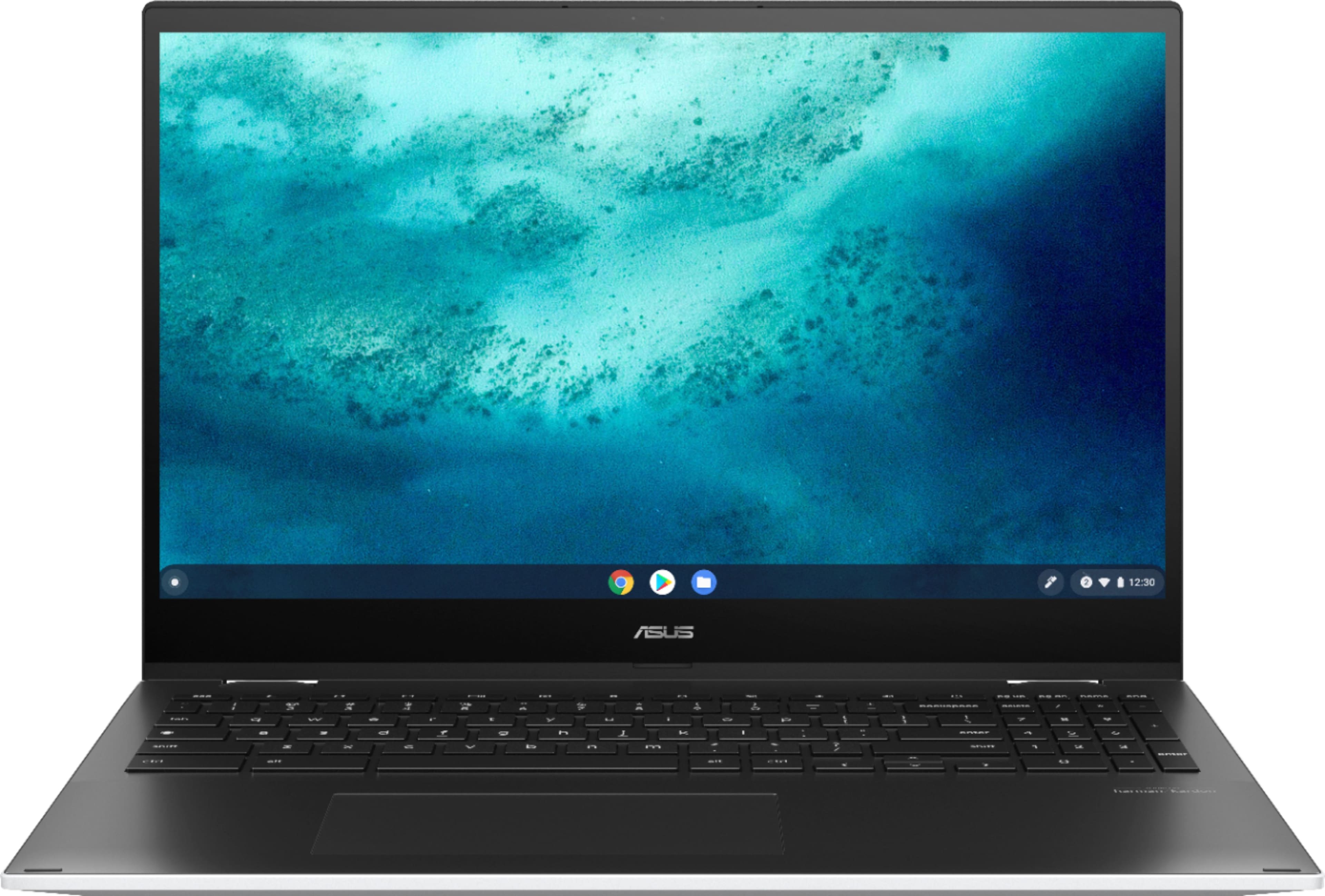
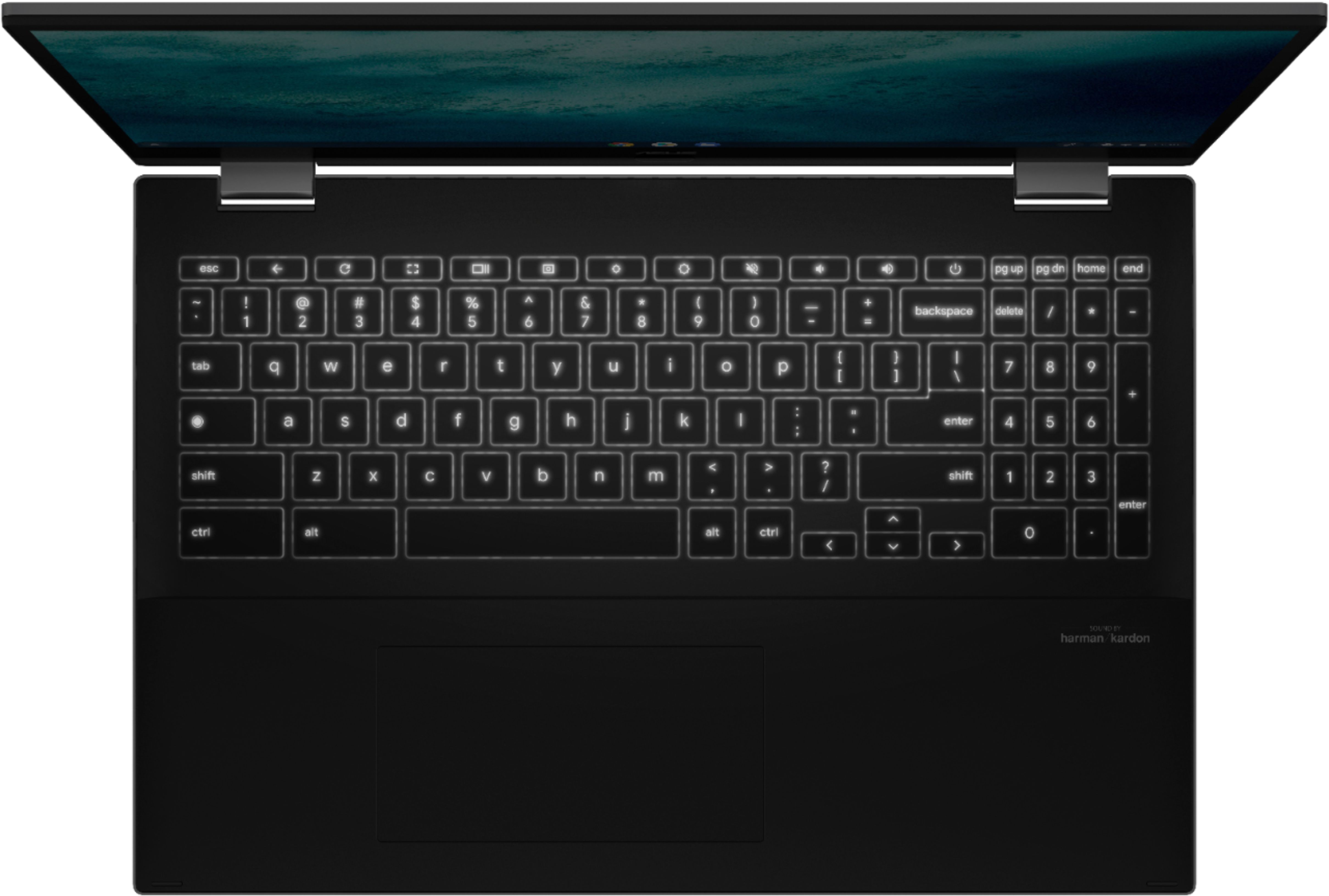
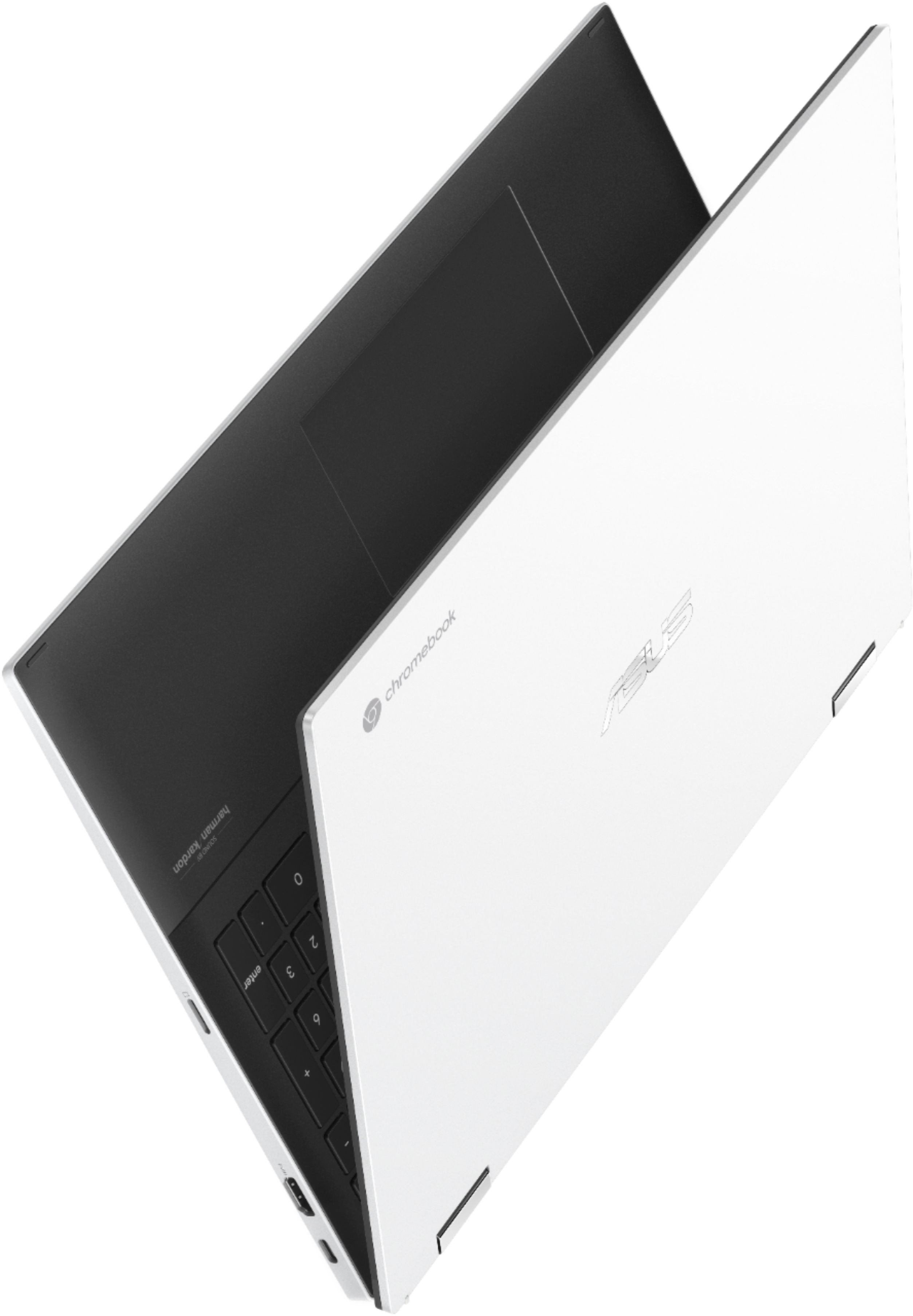
A:AnswerThe processor is different as well. This model is i3-1115G4 and CX5 is i3-1110G4. Also the bigger form factor with the 15.6" screen means there is enough space in the keyboard are to add a 10key entry pad.
A:AnswerThe operating system installed on this model is Chrome OS. Chomrebooks can only come installed with Chrome OS and can neither use Windows 10, Windows 10 SE or any other version of Windows.
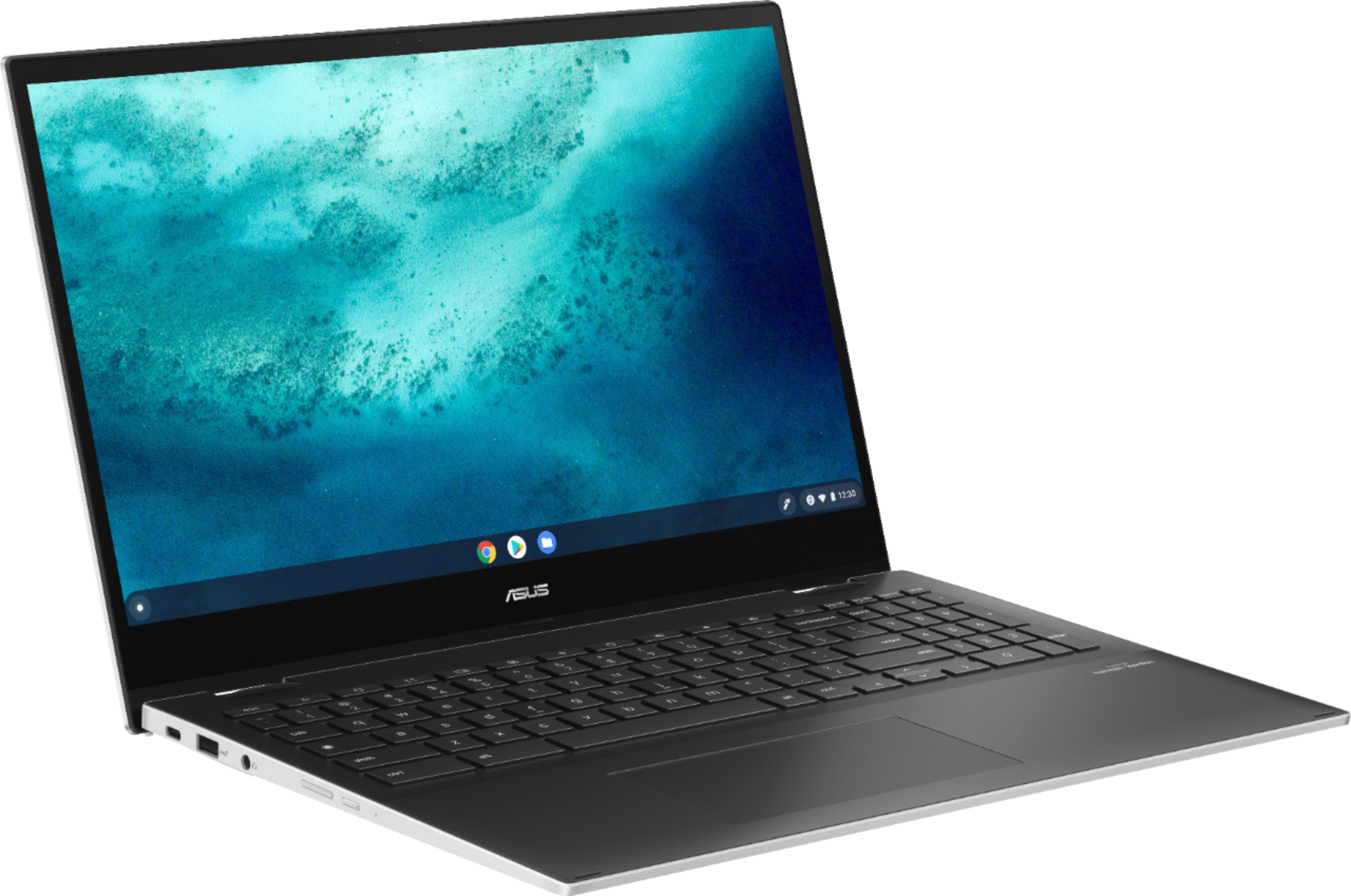
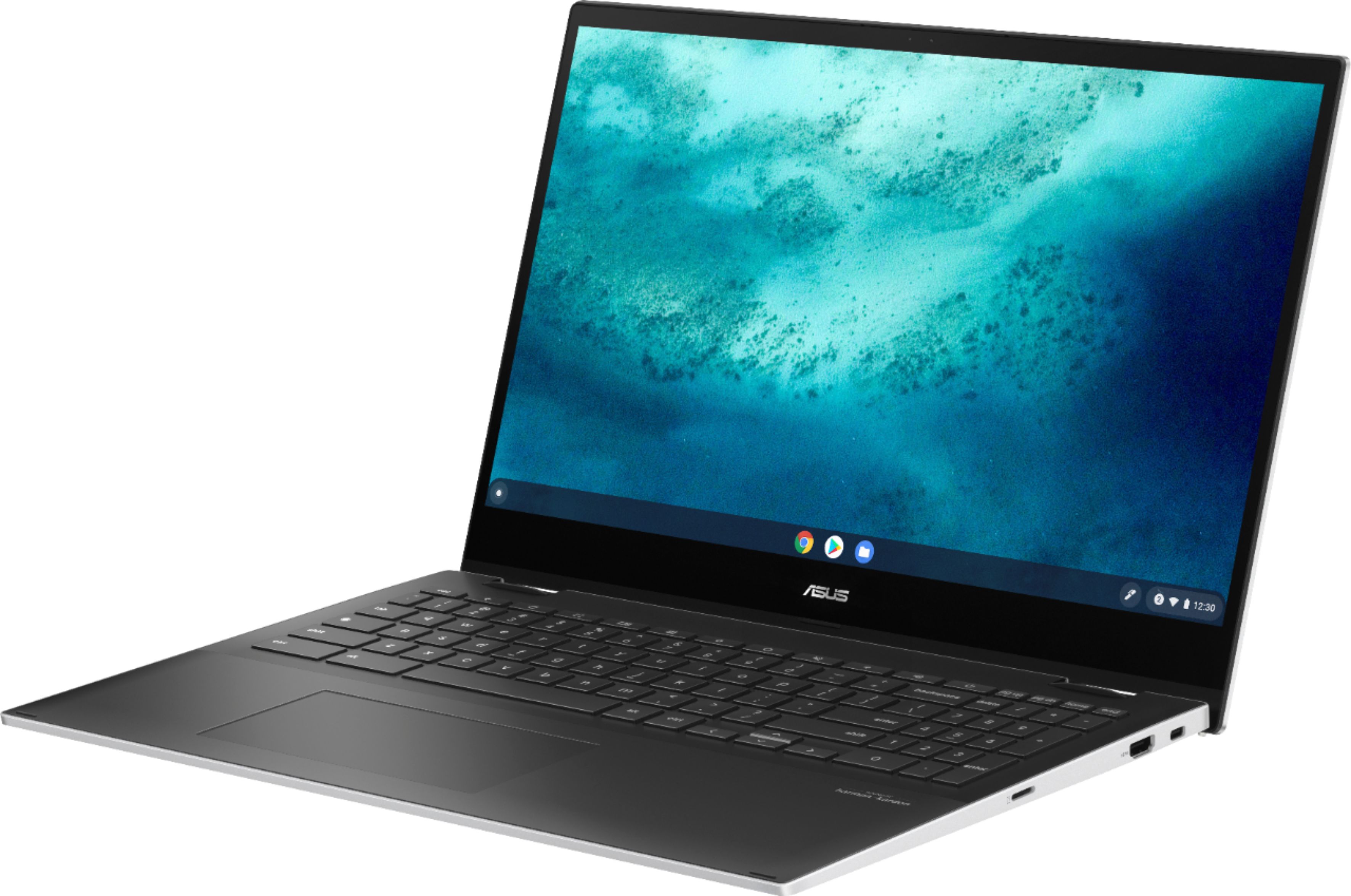
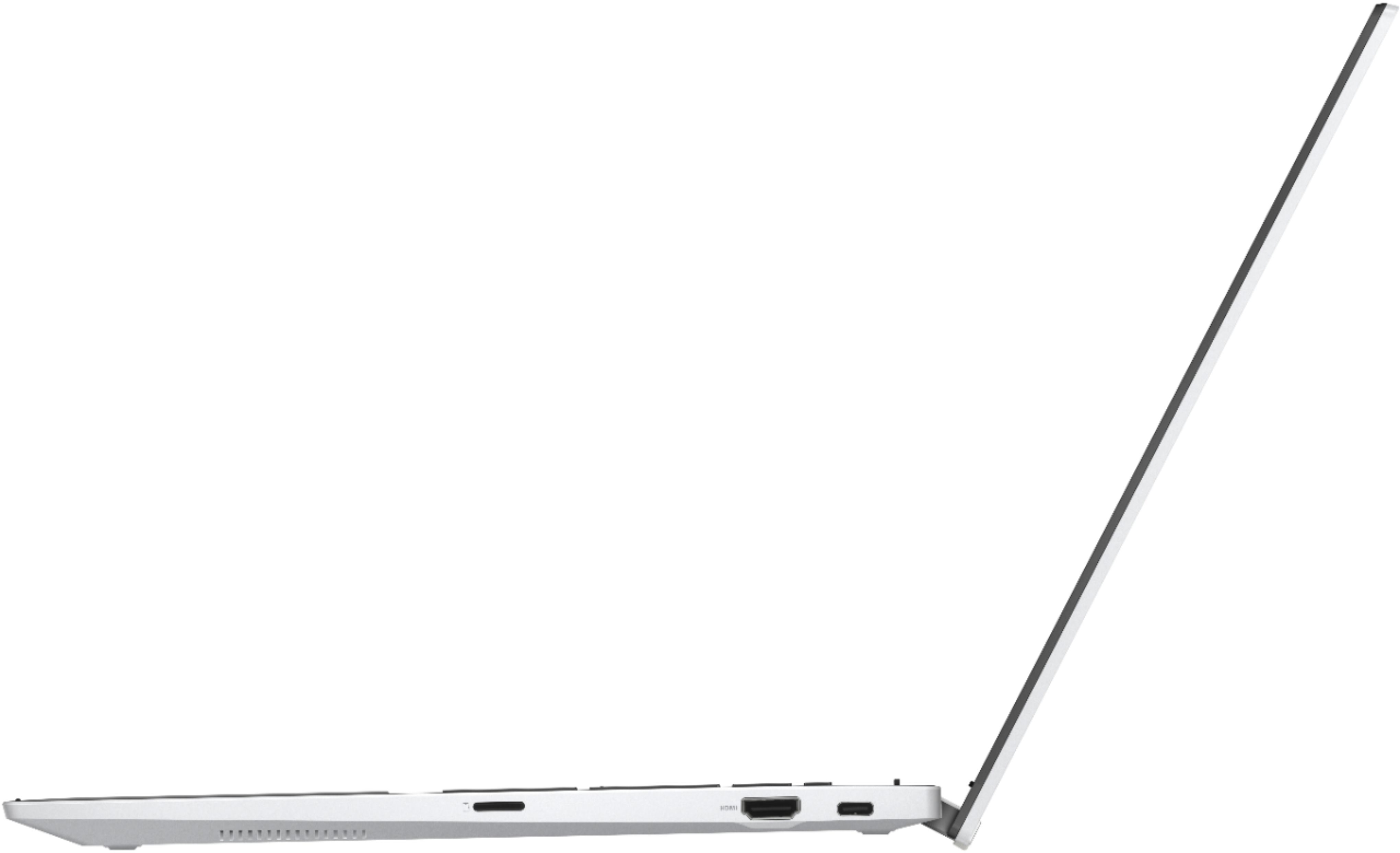
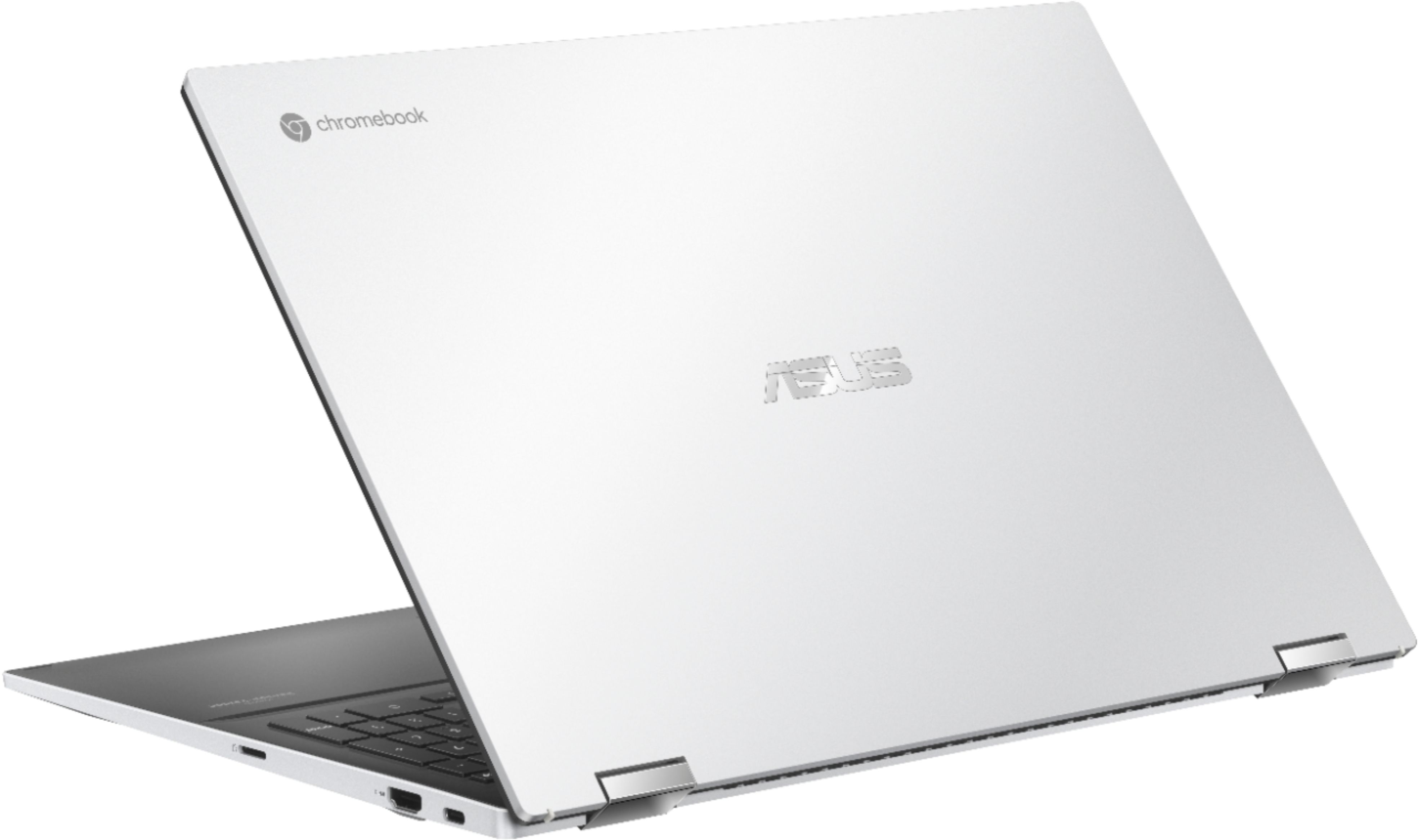
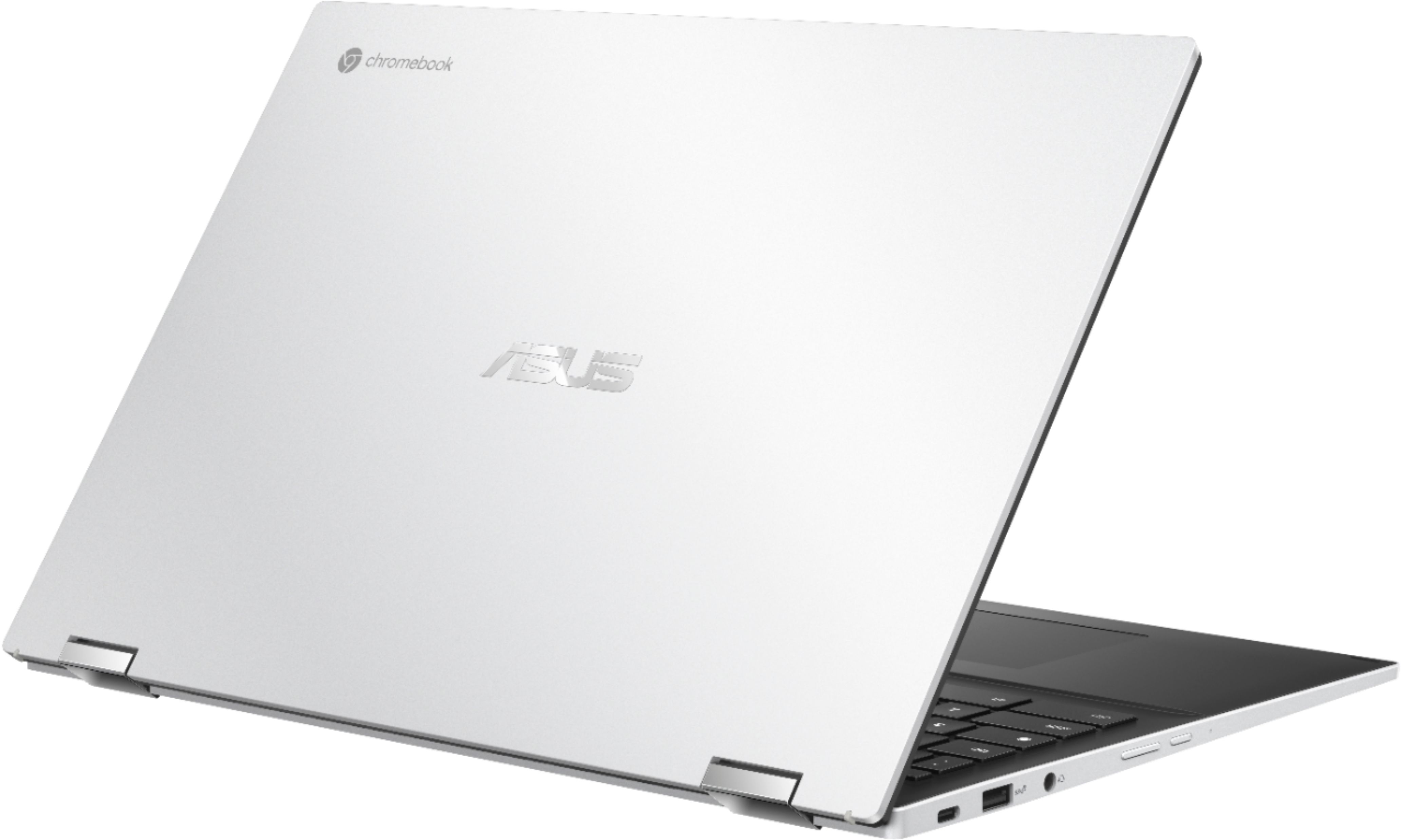
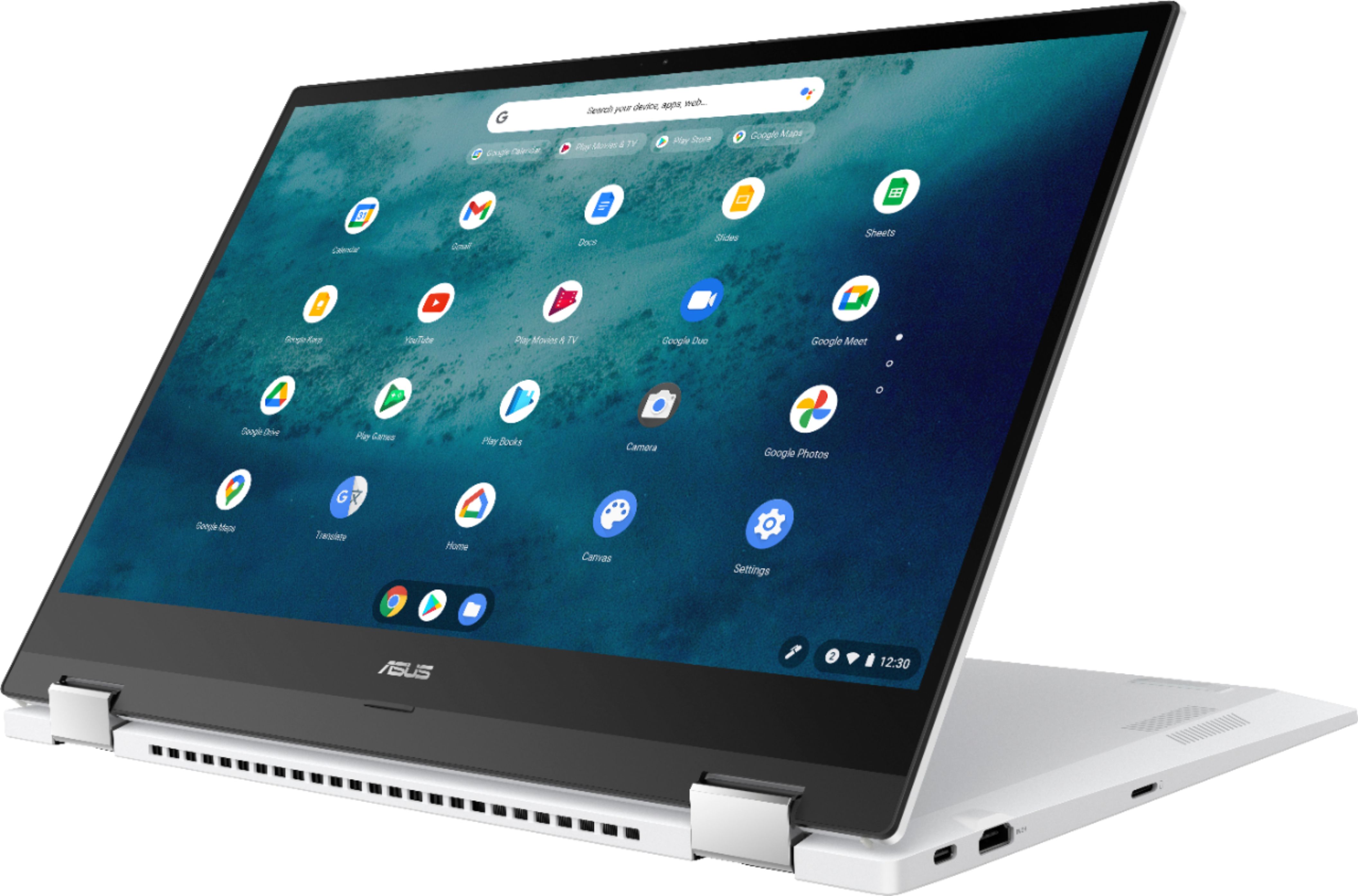
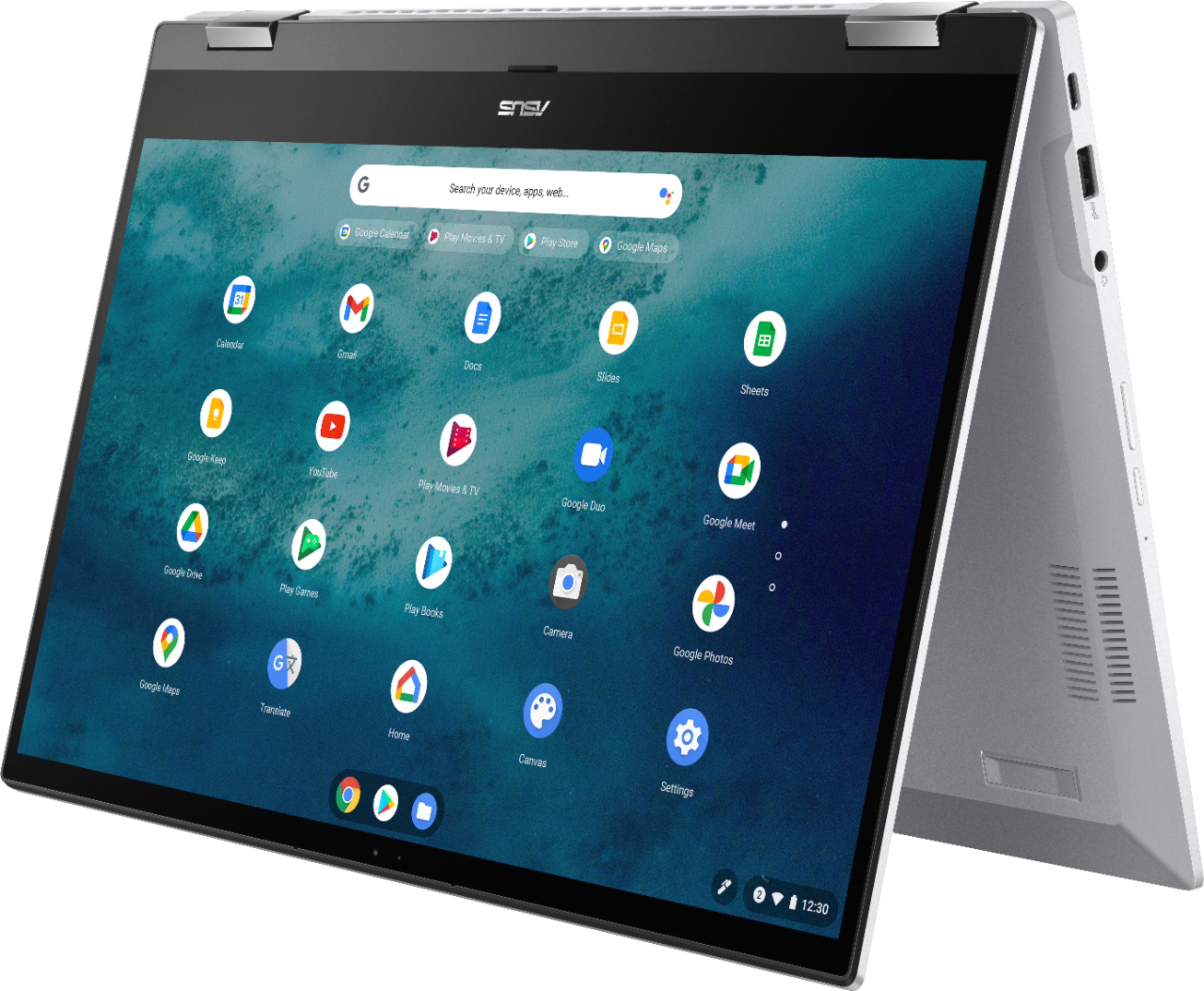
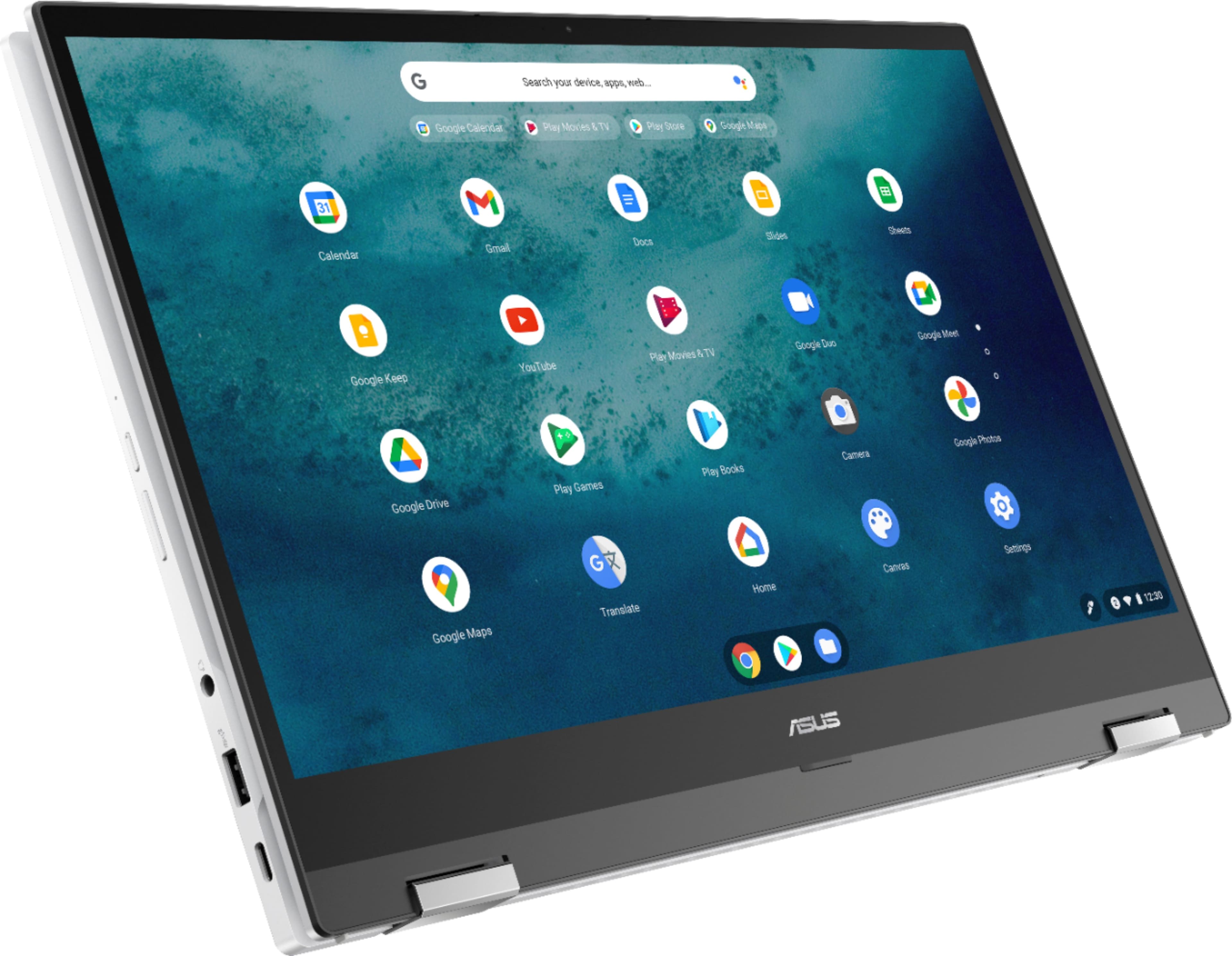
A:AnswerThis model comes with the following:
1x USB 3.2 Gen 2 Type-A
2x USB 3.2 Gen 2 Type-C support display / power delivery
1x HDMI 2.0a
Micro SD card reader
A:AnswerThe fan on mine always seems to be on too, except when you first turn the laptop on. That is the only complaint I have about this device. And I do find it is a bit loud if you're in a quiet room!