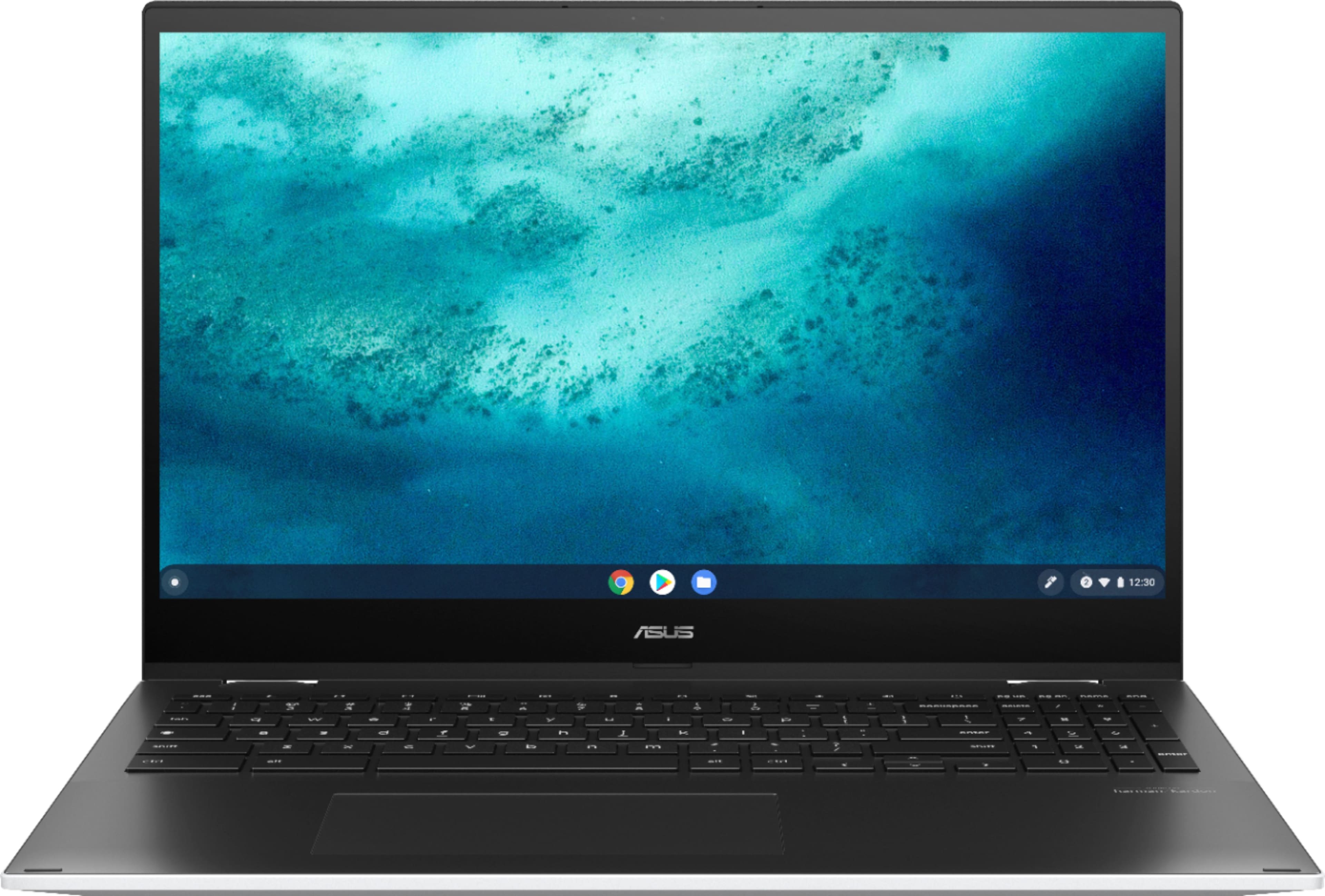
A:AnswerHello Kayla. Based on the manufacturer's information. This model does not come with a pen, however, it does support a capacitive pen. Thank you for choosing Intel
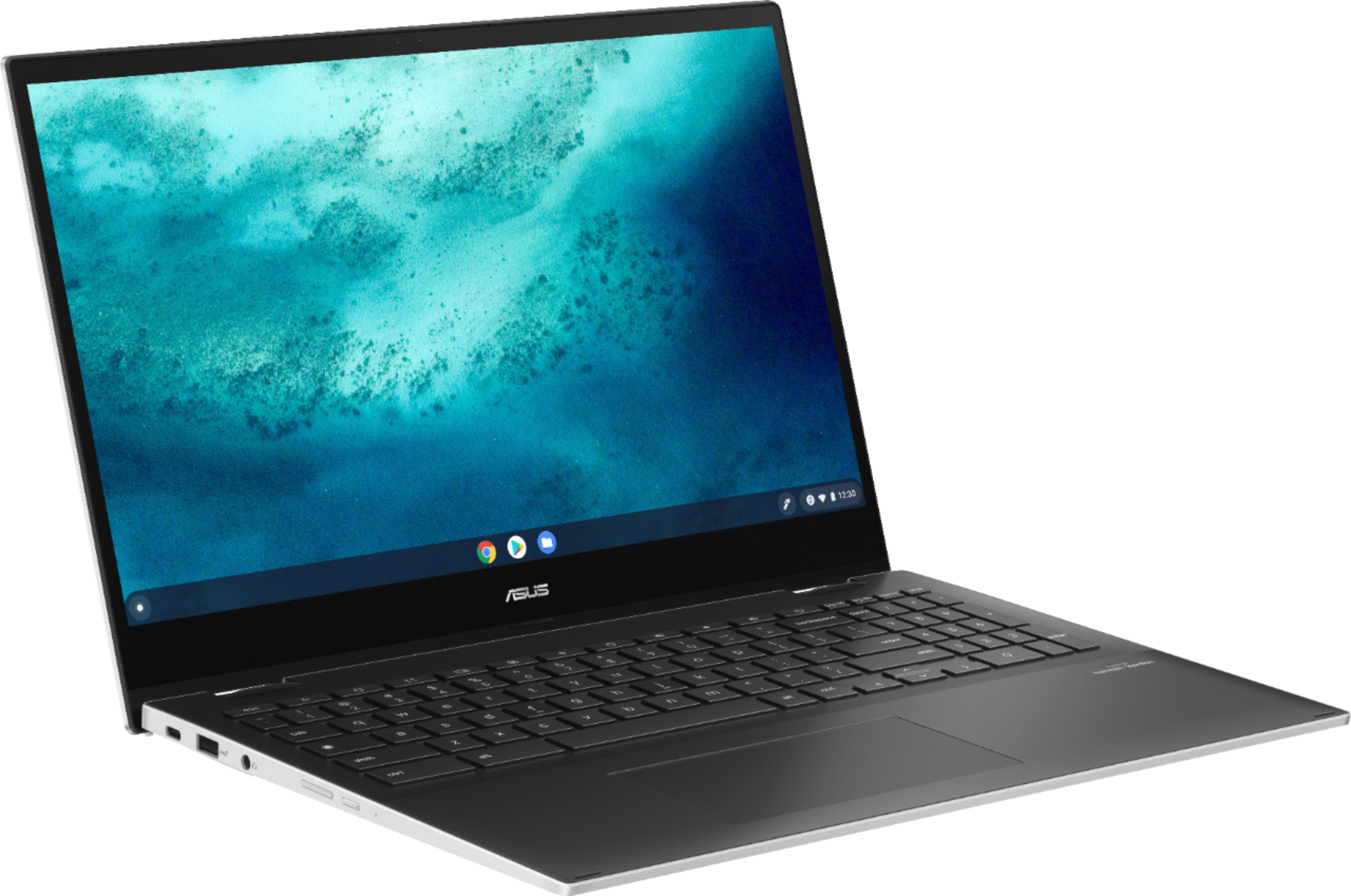
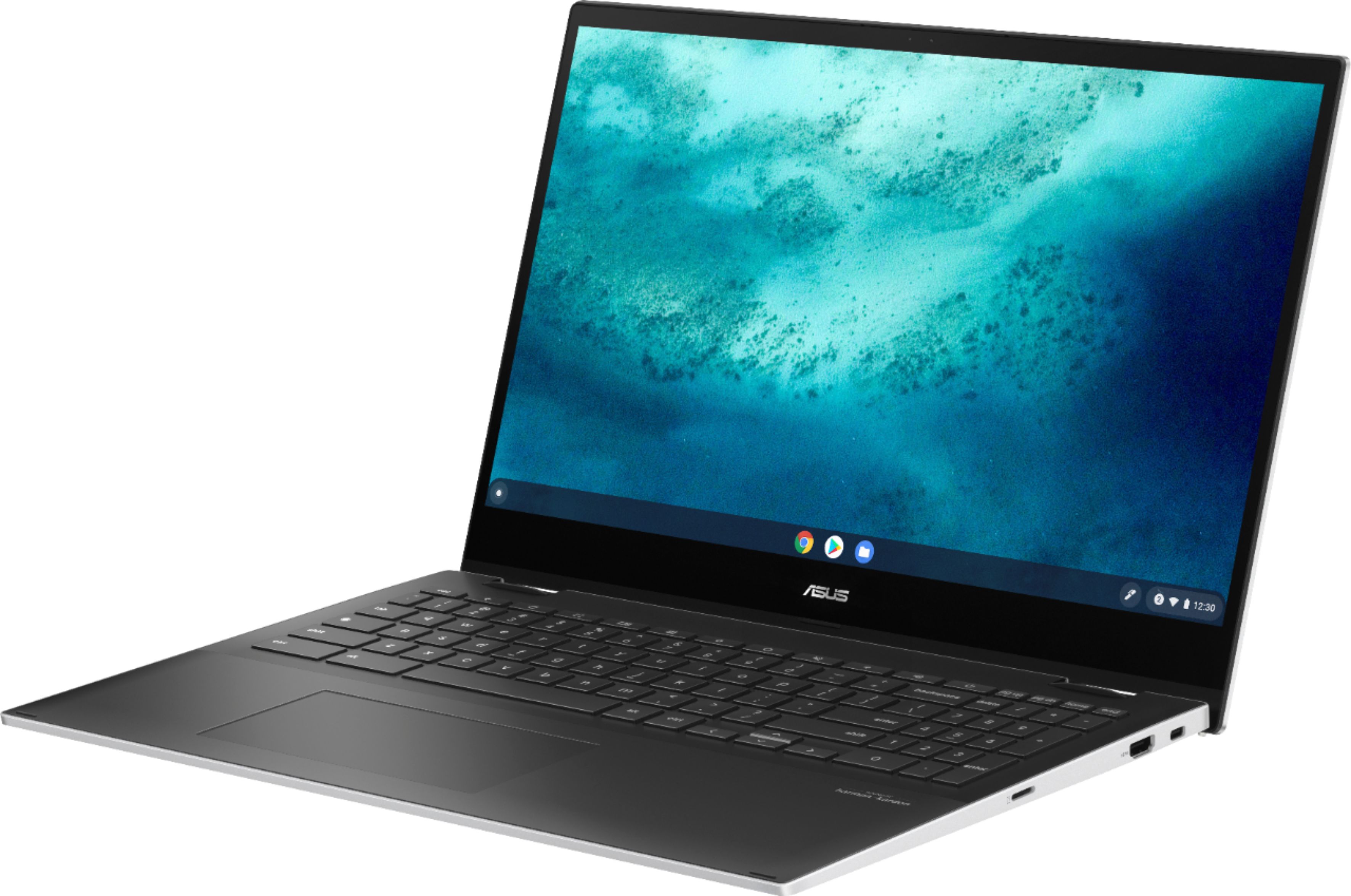
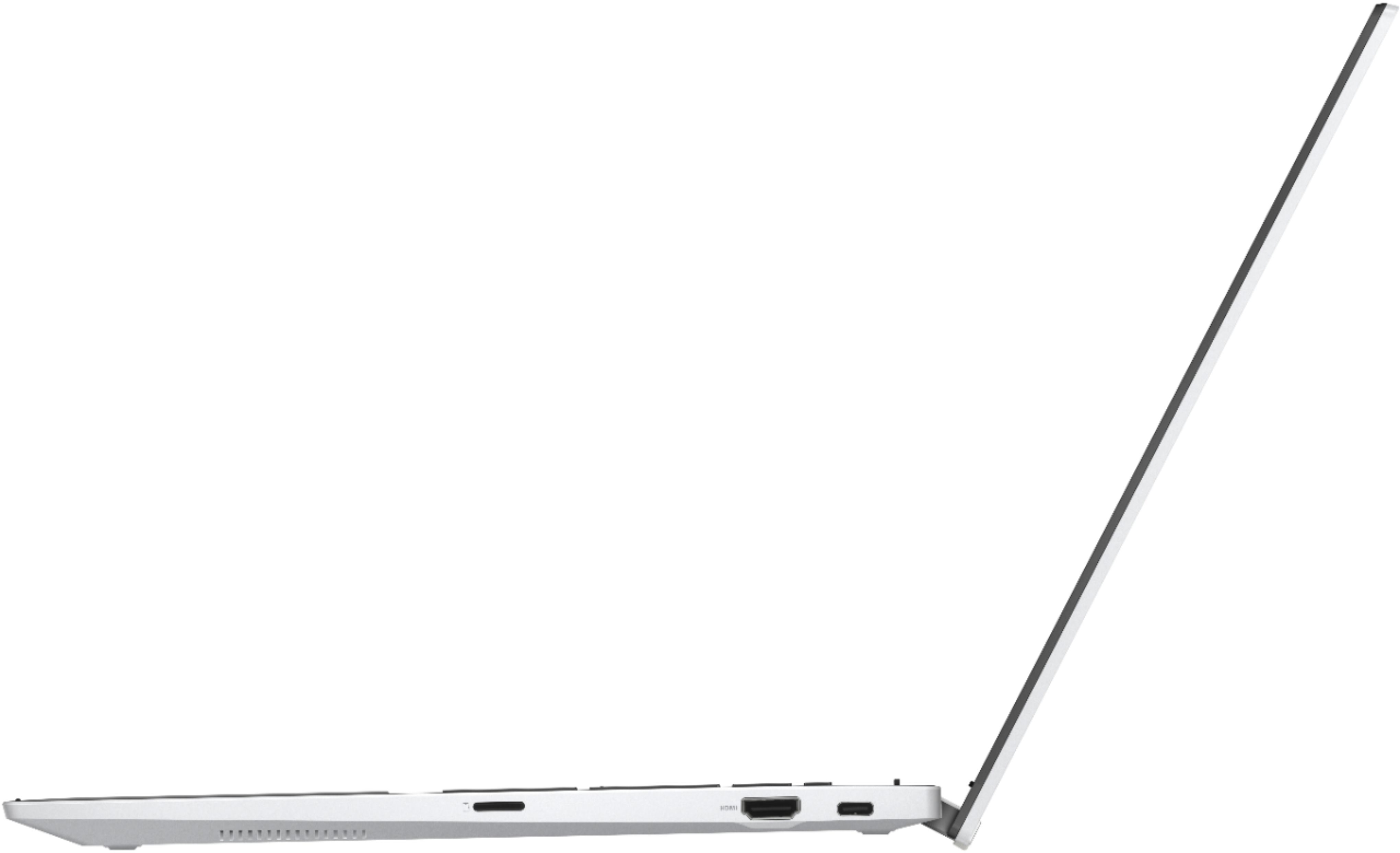
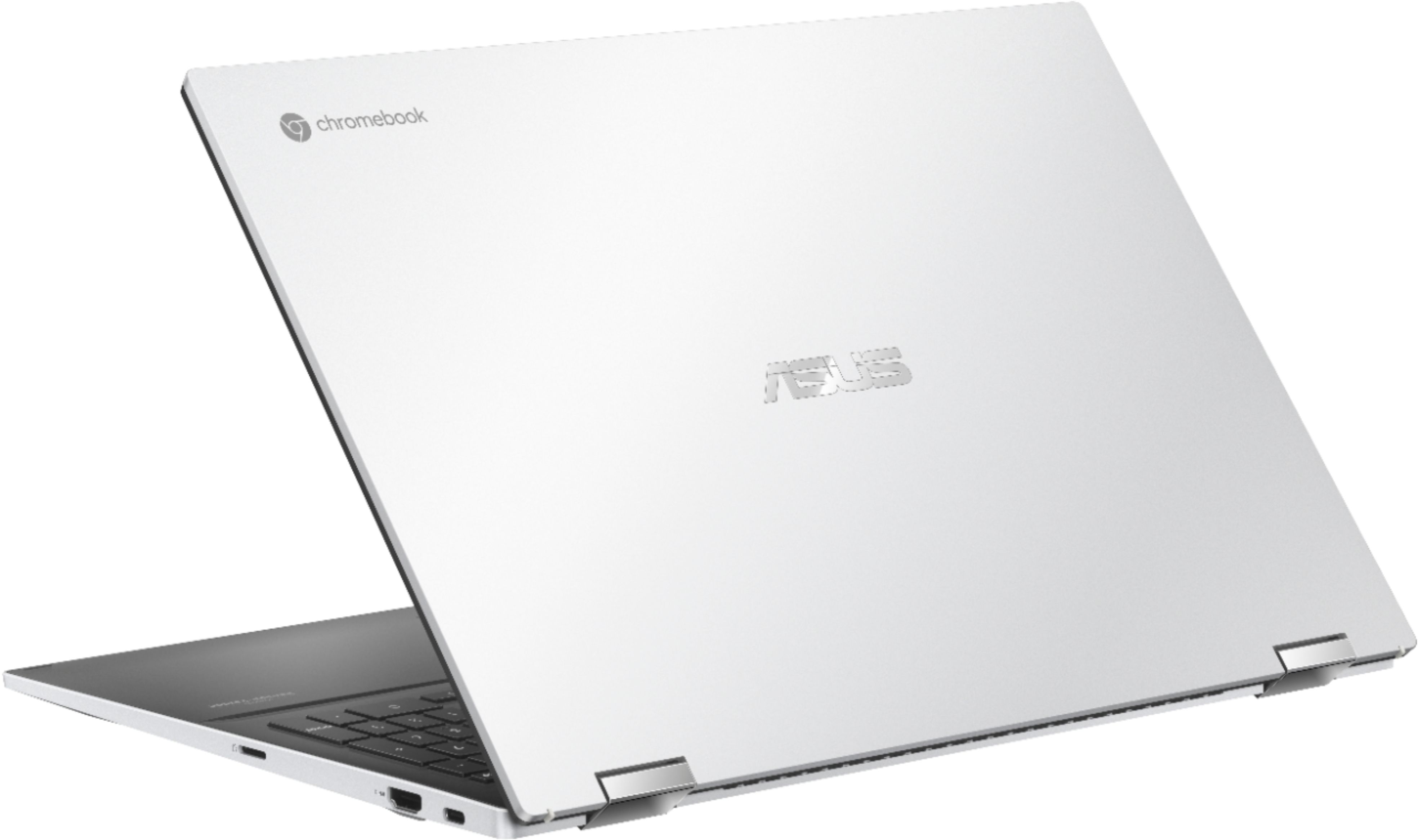
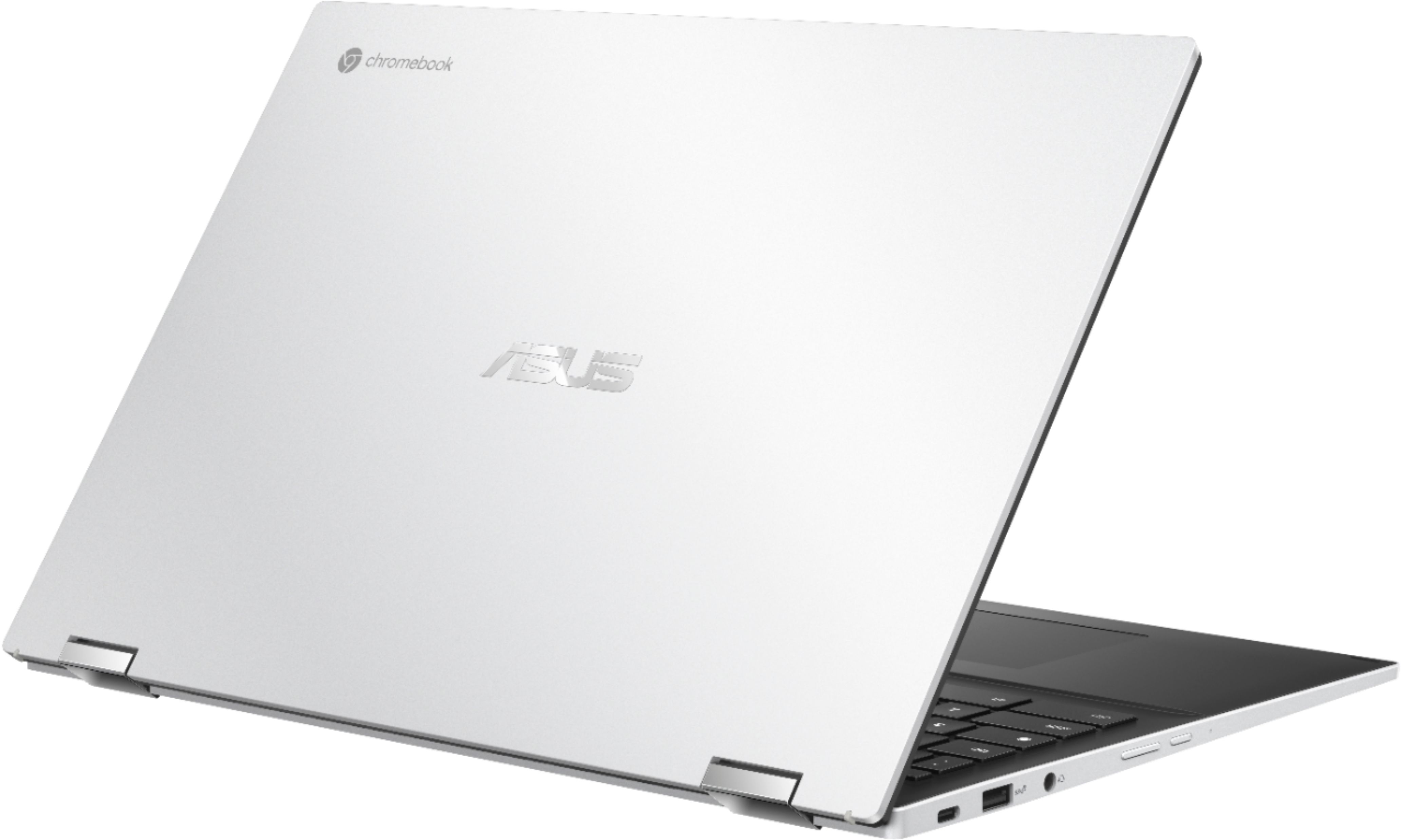
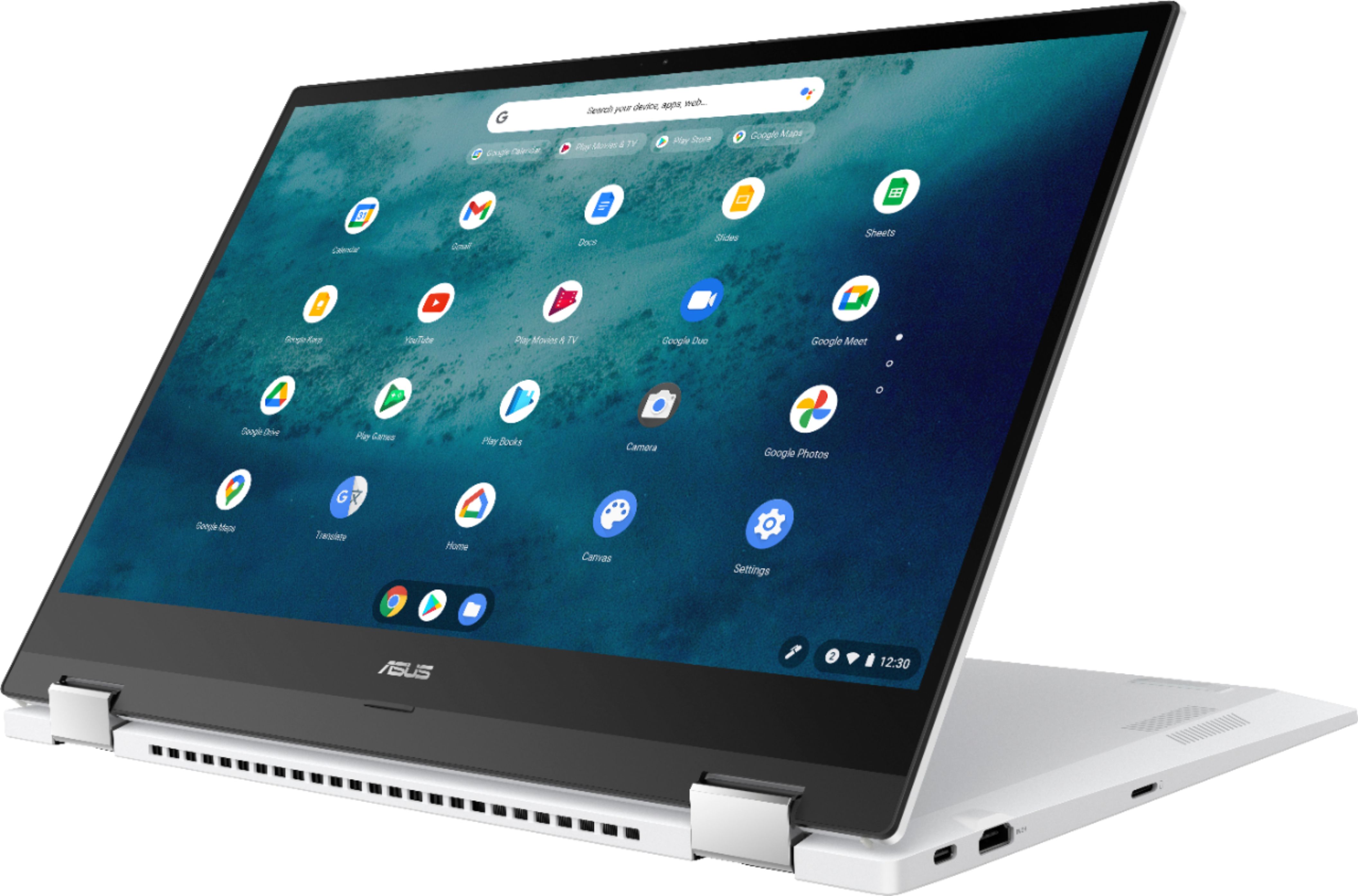
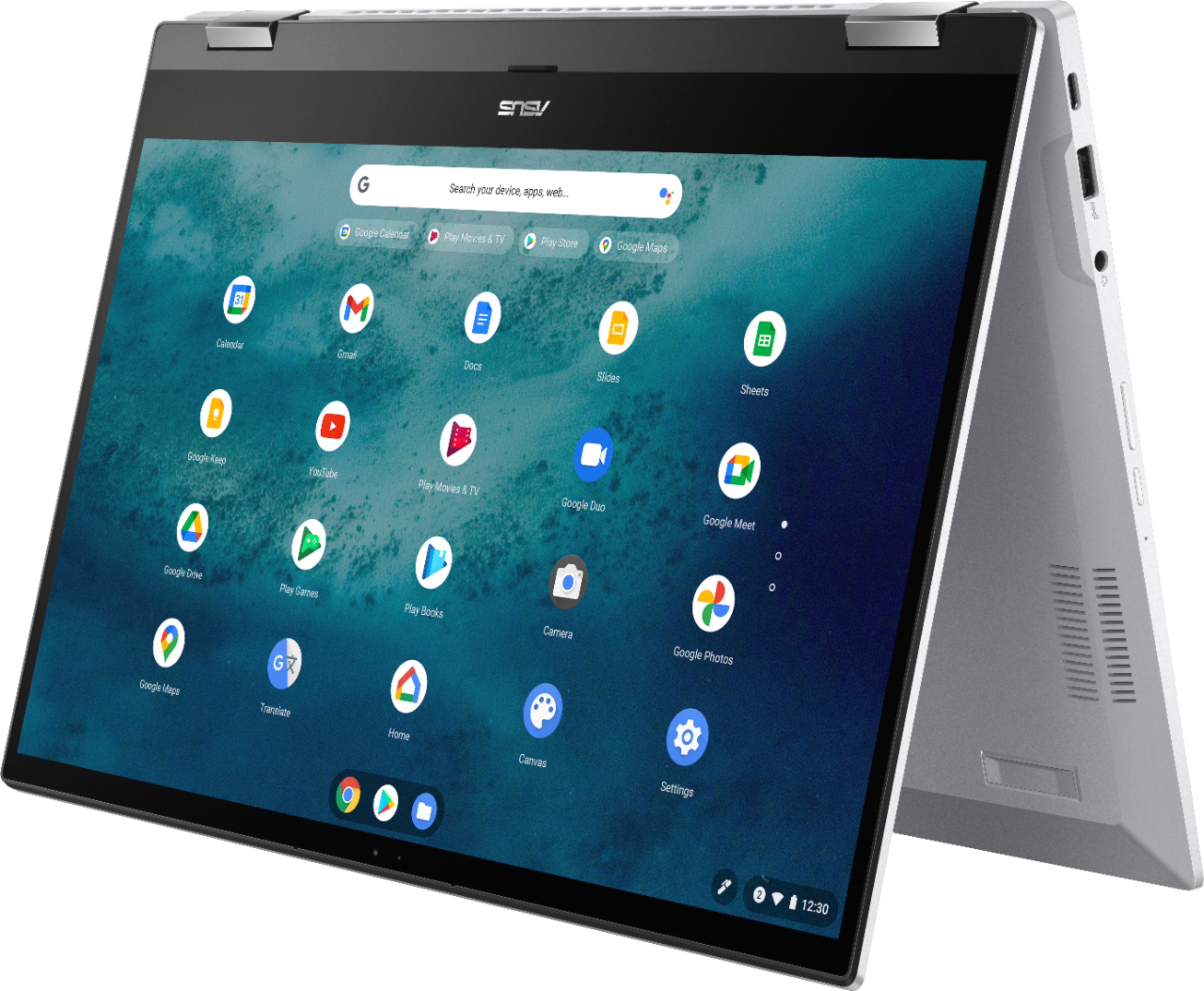
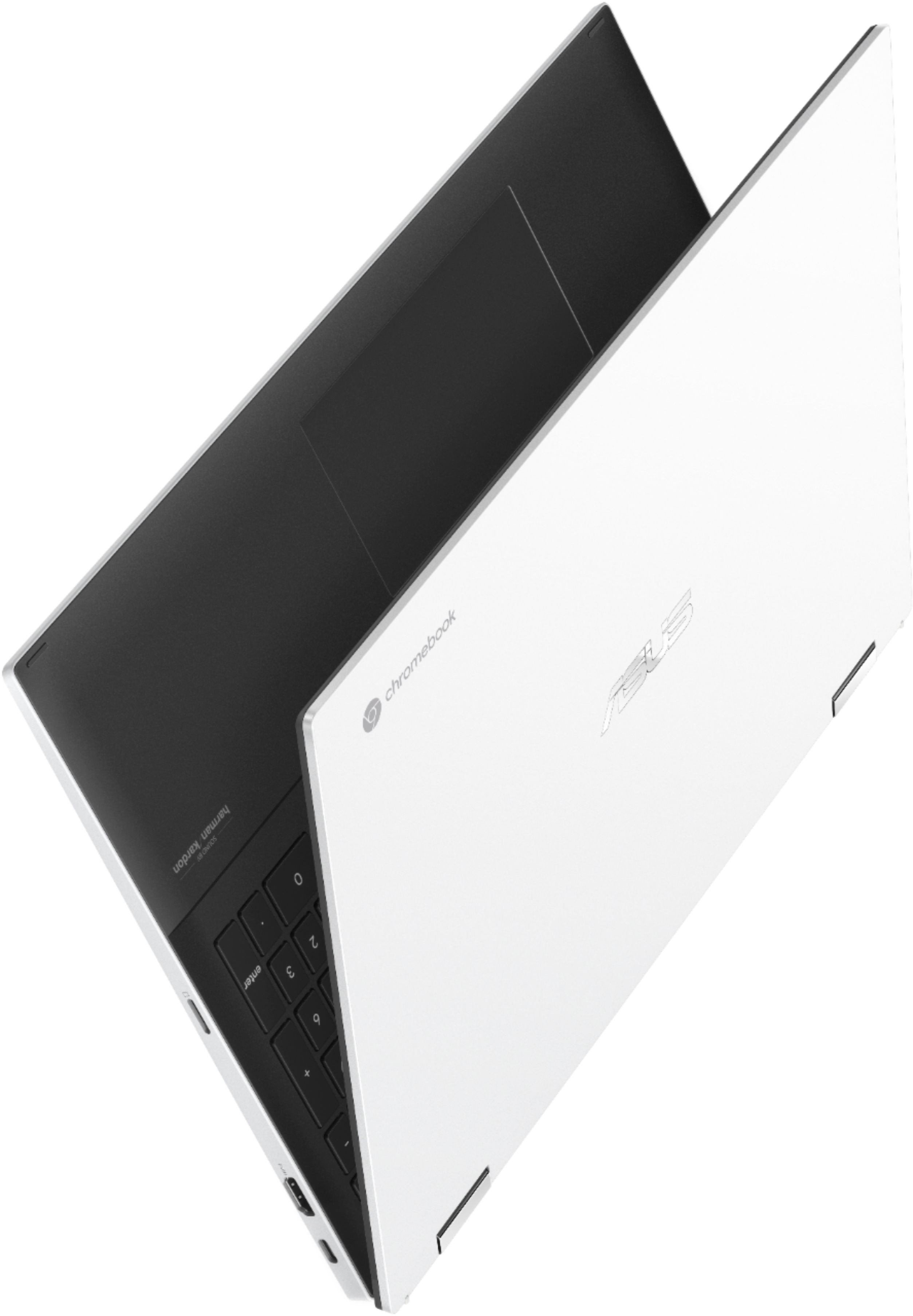
A:AnswerPretty good sound quality from the speakers - I stream music and listen to/watch a lot of YouTube videos and all is good. There are 2 USB-C, 1 USB-A, and 1 HDMI port.
A:AnswerPlease check if the Chromebook is running with the most current OS version. Once OS was updated, enable screensaver, inside Settings > Personalization > Screen saver. The OS update will resolve the issue with Netflix.
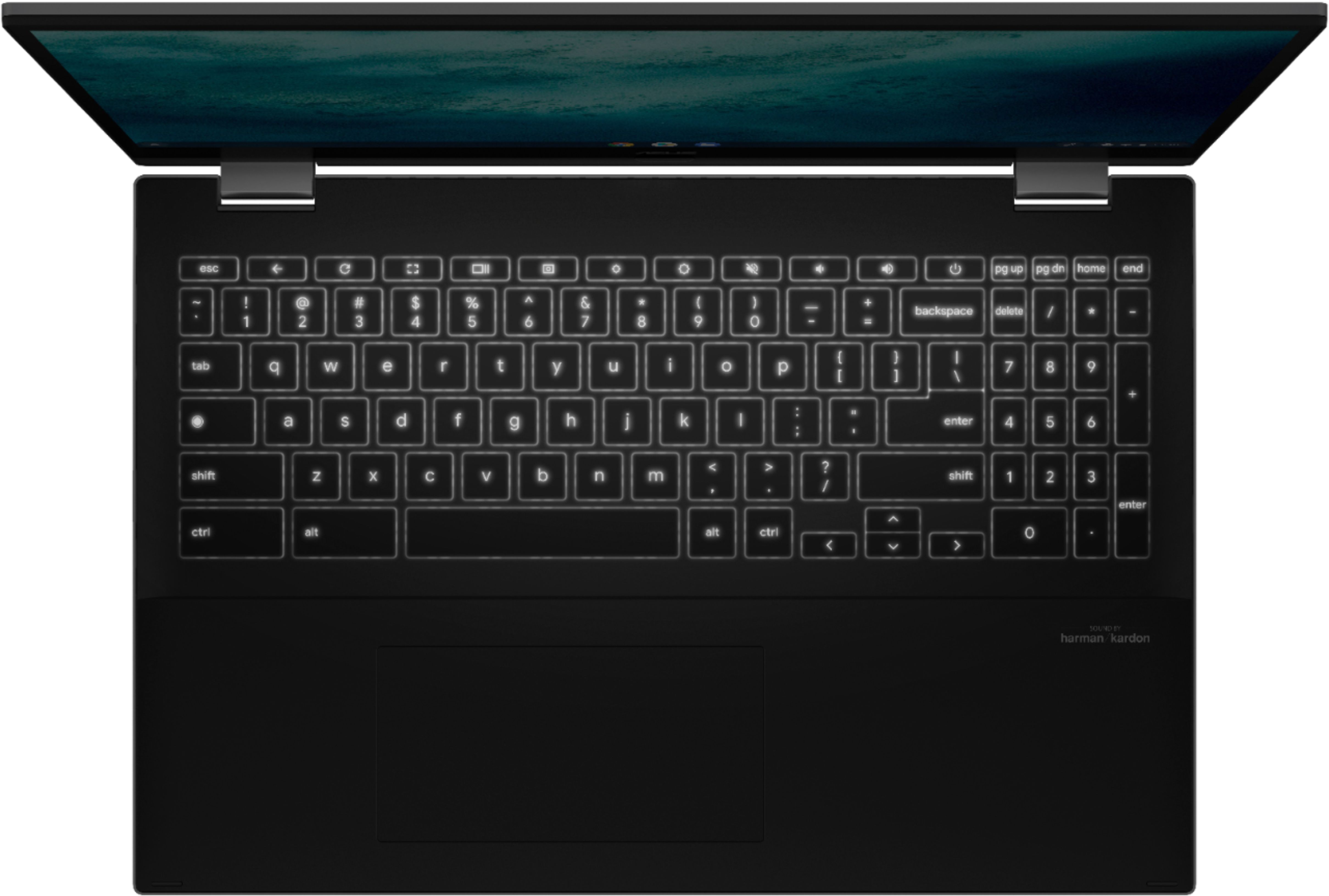
A:AnswerNot a stupid question. Mine won't come on and I can't find any help. I took it into Best Buy for service and basically...they didn't find anything wrong. I open it, and it doesn't come on, and it doesn't have a power button on the keyboard: the button with a circle and a line thru it. The link in the answer from ASUS does not work. I'm at my wits end. I can't even find a user guide.
A:AnswerTo personalize the screensaver, go to Settings > Personalization > click Screen saver > click Google Photos. For detailed instructions, please go Google support webpage.
A:AnswerTry updating the OS and if problem persisted, do a Power wash. If you need further assistance, please call the Product Support Hotline at: 1(888) 678-3688.