Questions & Answers
- Model:
- C536EA-BI3T3
- |
- SKU:
- 6449514
Highly rated by customers for: Screen Size, Processor Speed, Touchscreen
Page Showing 121-132 of 132 questions
Q: QuestionNeed to know whether or not an Epson Perfection V30 flatbed scanner (purchased in 2010) is compatible with the ASUS CX5.
Asked by Daniel.
- A:Answer I'm offering this information so that you can go to a site and research whether you can or not via Chromebook. If it is a WIFI supported printer then yes, you will be able to use it, however, I would Google it since it's their operating system they would probably be able to help you get it done.
Answered by Maryalice46
Q: QuestionWhen I power up the laptop in tablet mode, it doesn’t work as a tablet. I have to close it to laptop mode and then open it back to tablet mode for it to work like a tablet. Is this expected behavior?
Asked by DavidD.
- A:Answer To make it work in tablet mode, you need to make sure it is folded all the way into a tablet. Also, update the OS if it's outdated.
Answered by ASUS Answers

Q: QuestionReplacement charger
Asked by Beagle.
- A:Answer Please contact our support team here: https://www.asus.com/support/callus
Answered by ASUS Answers

Q: Questionwhat is the max screen brightness in nits?
Asked by dcm.
- A:Answer The display or screen maximum brightness is 250 nits.
Answered by ASUS Answers

Q: QuestionCan I browse the Internet and print an article from the Internet? What kind of warranty comes with it? If I buy the Chromebook, what accessores do I need to go with it?
Asked by BarbaraG.
- A:Answer In response to your questions: 1.) Yes, you can browse the internet and print an article from it. 2.) It comes with a 1-year warranty (fairly standard in the tech industry). 3.) You don't really need any accessories if you use it by yourself. I use mine with an external monitor, external keyboard and a mouse, so my setup is similar to a desktop.
Answered by KirthGersen
Q: QuestionHow can you add your photos from goggle photos to screen saver
Asked by Choosen53.
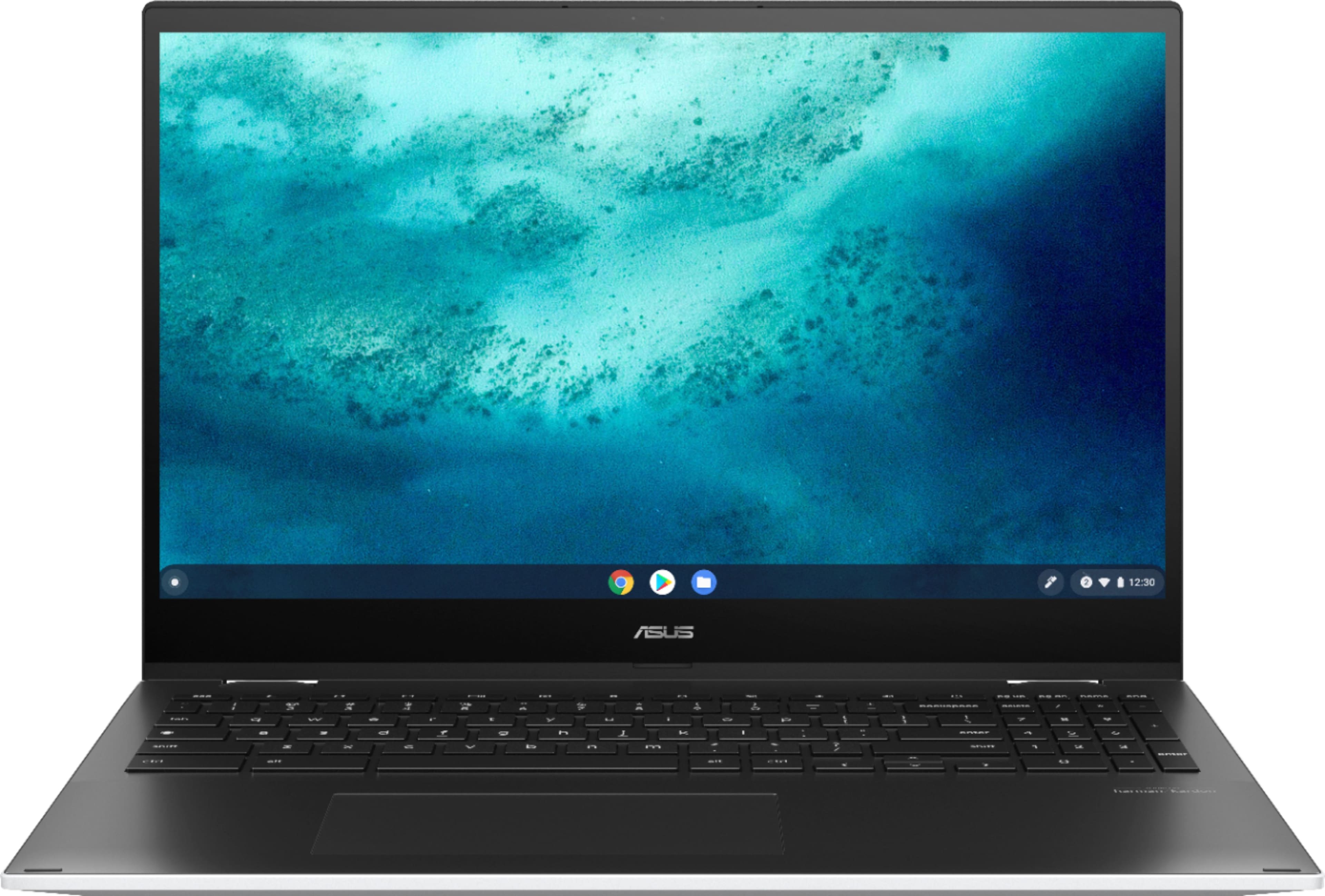
- A:Answer To add photos from Google Photos to screen saver, please go to Settings, click Perronalization, click Sccreen saver, and from the Background menu select or click Google Photos. For further help, please go to: https://support.google.com/chromebook/answer/1251809?hl=en#:~:text=Select%20Settings%20.,-On%20the%20left&text=Screen%20saver.,Google%20Photos%20or%20Art%20Gallery.
Answered by ASUS Answers

Q: QuestionWhat is the estimated weight of the device/shipmenr?
Asked by MohannadNasser.
- A:Answer The Chromebook's net weight is 4.17 lbs and the gross weight, including the packaging is 6.33 lbs.
Answered by ASUS Answers

Q: Questiondoes it come with windows 10?
Asked by Anonymous.
- A:Answer ASUS seems confused here! Like the one answer says - This is a Chromebook. It only runs the Chrome OS. Windows does not nor cannot run any version of Windows.
Answered by PCBTom
Q: QuestionDoes this laptop use a cooling fan (and with that, some fan noise)?
Asked by Rich.
- A:Answer Yes, there is a fan and some minimal fan noise. It definitely increased when using full screen video activities like games or video meetings, but nothing I found disruptive.
Answered by JViking
Q: QuestionDoes this chrome book have a fan for cooling or no?
Asked by Anonymous.
- A:Answer Yes it has a fan but it's very quiet and does not run all the time.
Answered by booch221
Q: QuestionDoes this come with Microsoft word?
Asked by Anonymous.
- A:Answer No. But you can download Word Online from Google Playstore and use that.
Answered by DF1951
Q: QuestionWhen is the i5 model due to be released?
Asked by Sean.
- A:Answer When will l7
Answered by Wheni7
Most-viewed items
- Tech Fest Deal$59.00
- Tech Fest Deal$99.99