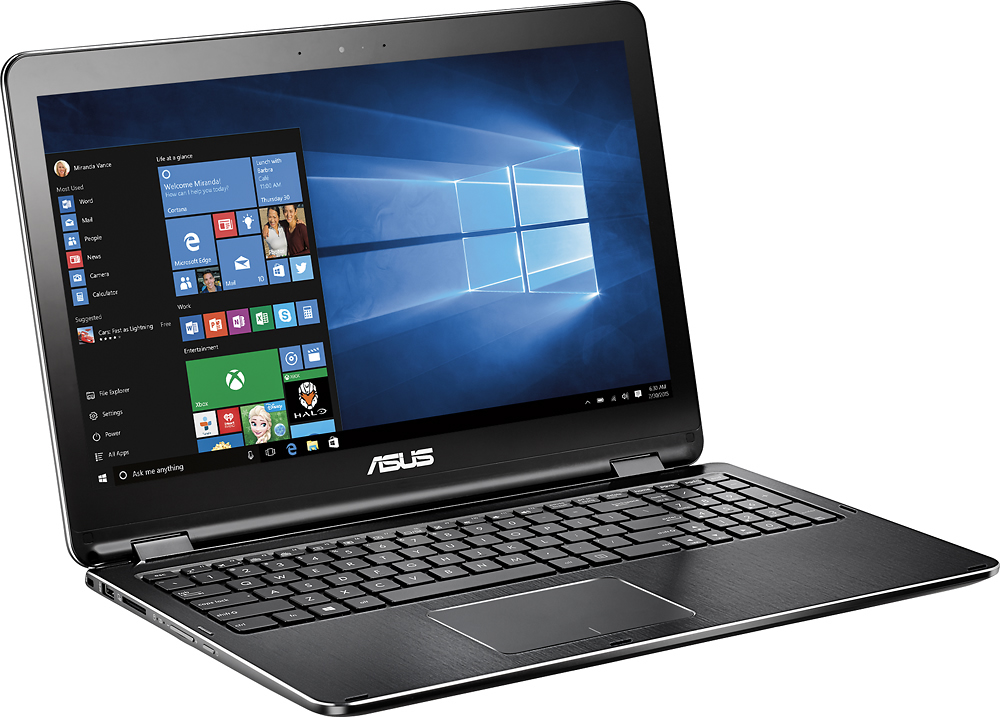
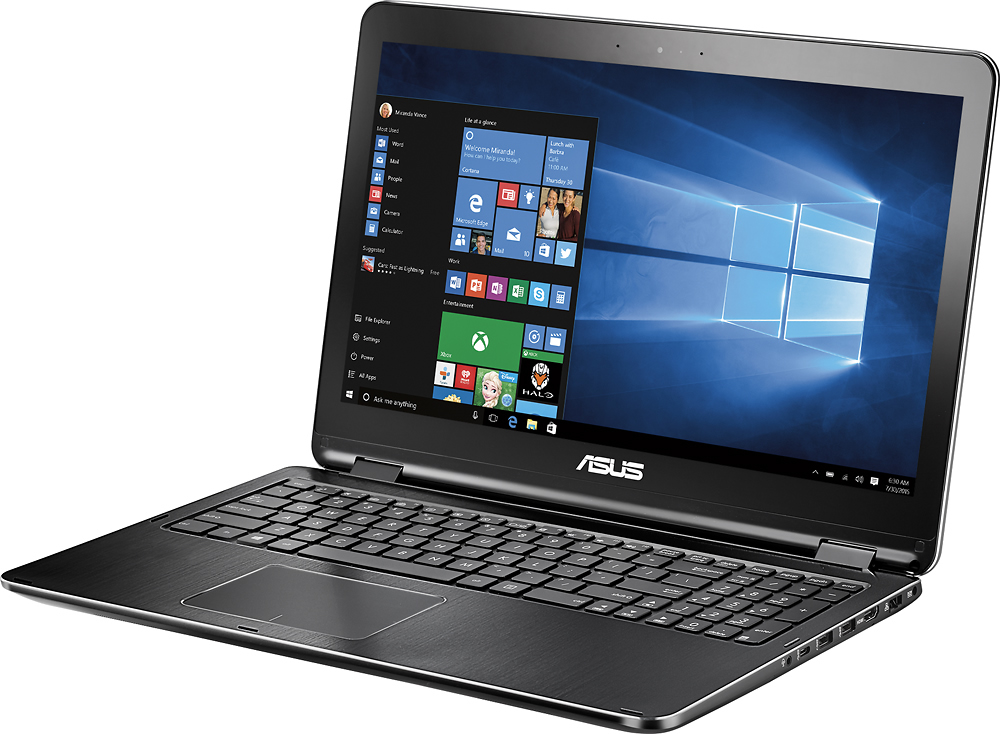
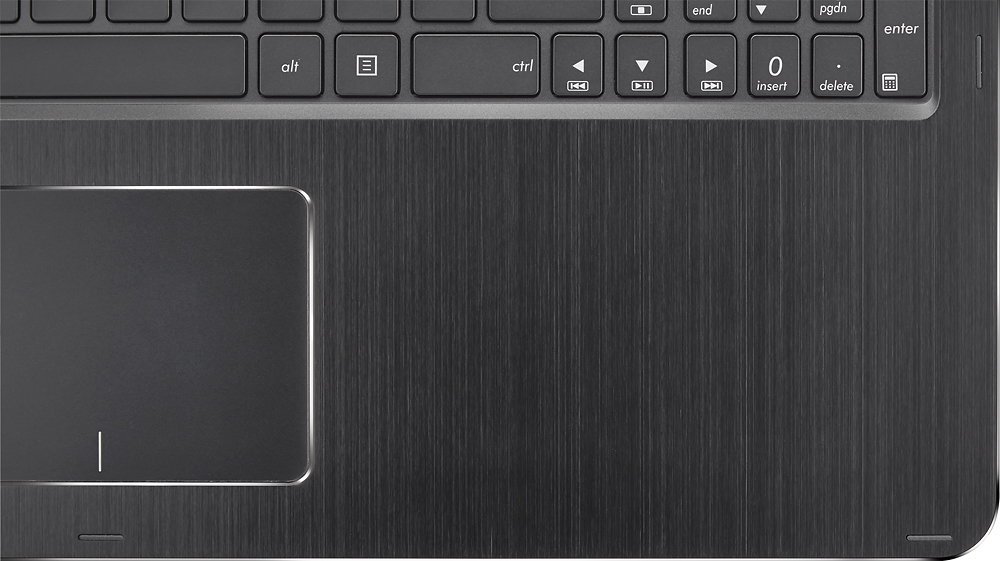
A:Answer You just hold the key on the left bottom that says "fn" and while holding, press f4 (should have a symbol of a keyboard with crudely printed light emanating from it). You can press the f4 until it's bright enough for you. To dim the keboard, press f3 (the crudely printed light is dimmer).
I would only recommend the backlit keyboard when necessary. It tends to drain the batter faster... High five for conserving battery life!