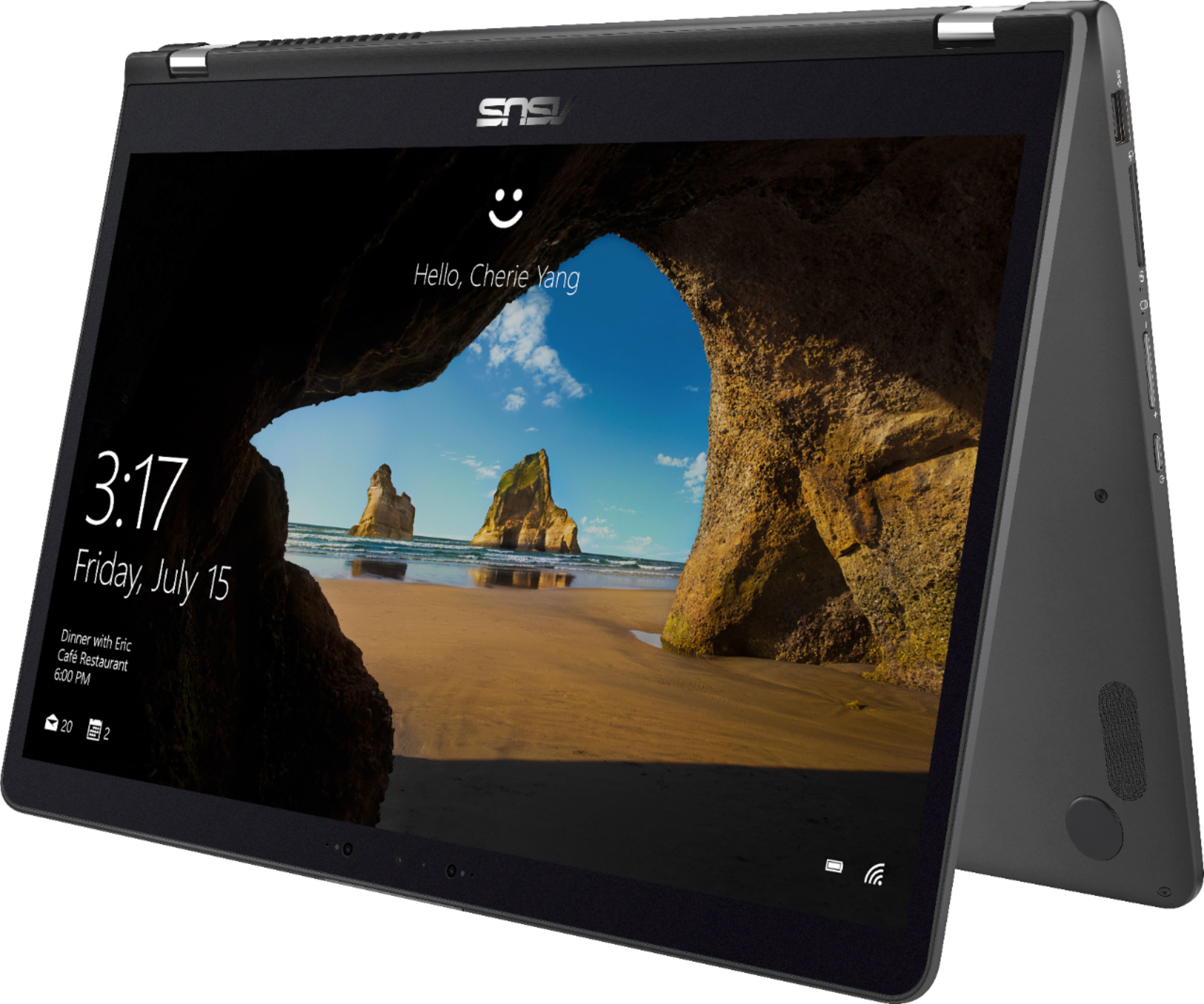
A:AnswerI started at a front corner and used a sharp item like a knife to pry between the back and main body. Once I got a bit of separation I slid a small flat blade blade screw driver around the edge to pop the pieces apart. Be careful there are many plastic tabs that hold the bottom panel on. You will want to make sure they have all been released prior to attempting to fully remove the bottom panel.
In honesty, I found it more difficult to put the panel back on than to take it off.
I will say however that fining the PCIe NVMe slot was a win. I saved an image of the original hard drive to a USB backup drive and then restored it to a HP EX920 M.2 1TB PCIe 3.0 x4 NVMe 3D TLC NAND Internal Solid State Drive (SSD) 2YY47AA#ABC installed in that slot and the performance increase was night and day.
Macrium Reflect is excellent imaging software especially if you boot from CD/DVD ... which in this case I used an external USB DVD-RW drive in one USB port and the external USB backup drive in the other.
A:AnswerRam: Yes. Just remove the screws on the bottom and you have full access to RAM & Hard Drive. I removed the hard drive and installed a SSD.
Graphics: No. It only uses the integrated Intel graphics. There is no separate discrete graphics.
A:AnswerI certainly understand your disappointment and the inconvenience this may have caused you. All ASUS products undergo intensive quality control testing and inspections, and are built to last, this is a random problem. Usually, you will do the following to resolve the issue if the laptop will not power on or it black screen. Try to do a power cycle a couple of times. Shut it down completely, wait for at least 10 seconds then power on. Please wait, if the system is applying updates in the System Registry, it will black screen temporarily. If it still black screen after a few minutes, at least 10 minutes, please repeat the power cycle process again. Please verify if the AC adapter was properly connected from the laptop to a working surge protector or AC outlet and the power button is being pressed all the way down to trigger a power on signal. Also, please try to disconnect the power cable and let the unit drain for 24 hours to clear the memory and reset the hardware to default settings. After doing this, please reconnect your AC adapter then power on the unit.. If you need more information or further assistance with the warranty for the product, please email me at [email protected] and I would be more than happy to help.