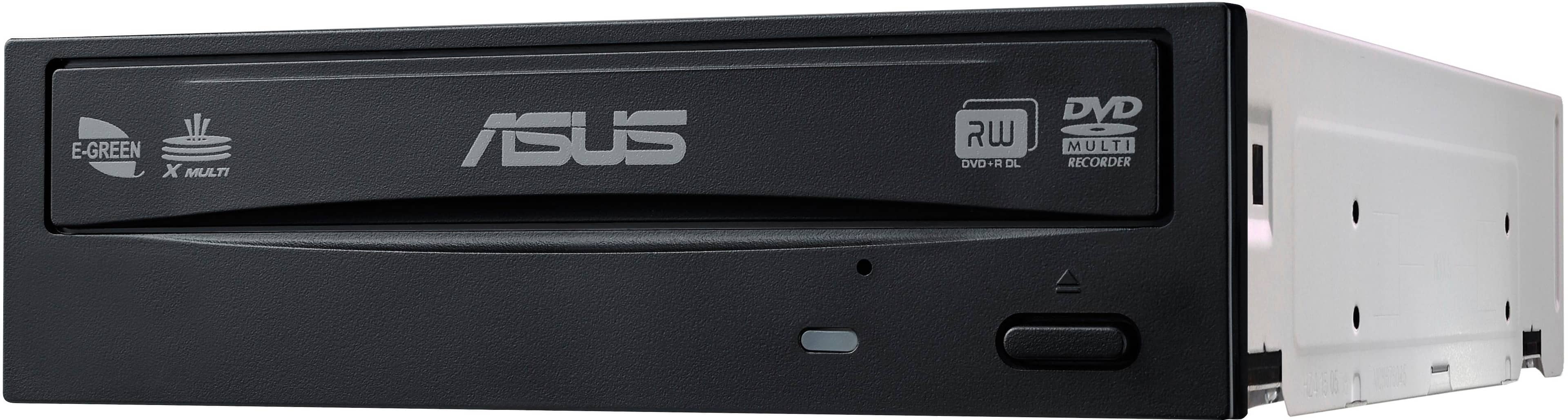
A:AnswerYou can burn those blank CDs in this drive but it will only write them at 48X. This is the web address for this particular ASUS drive: https://www.asus.com/us/Optical-Drives-Storage/DRW24B3ST/specifications/.
A:AnswerThis will not work your Apple MAC computer. This drive is only compatible with the following MIcrosoft operating systems: Windows® 10 86x 64-bit, Windows® 7 86x64-bit,
Windows® Vista 86x64bit, & Windows® XP 86 x 64 bit. I got this information from ASUS website: https://www.asus.com/us/Optical-Drives-Storage/DRW24B3ST/specifications/
A:AnswerThe ASUS 48x Write/24x Rewrite/48x Read CD - 24x Write DVD Internal DVD-Writer Drive is compatible with Windows 11.
https://www.asus.com/motherboards-components/optical-drives/internal-dvd-drive/drw24b3st/techspec/
A:AnswerThe ASUS DRW-24B3ST is an internal DVD writer drive, and it does support CD playback. However, it's not designed to be used in a car directly. To play CDs in a car, you would typically need a car CD player or an external CD drive that can connect to your car's audio system.
A:AnswerEasily installed in 15 yr old Dell desktop. Just look at front of your desktop to see if there is a "cut out" space wide enough to fit the CD/DVD player. Some "cut-outs" are too small, but if is big exact space is present for the player then it will fit.
A:AnswerYes, provided that your computer's mother board has a spare SATA connector. You will need a SATA data cable. It also needs a SATA power connection.
A:AnswerYes Stan, this should fit and run nicely in your Desktop computer. It comes with a Sata Cable and CD containing driver and related programs. I'm not sure about the 48-24 question. These 2 numbers, respectively, are the speed at which the Drive can read and write to the Media used. Also, the Drive is backward compatible.
A:AnswerThese work with regular old DVD’s. You’d need a Blu-Ray drive for Blu-Ray and DVD. Or you’d need an Ultra HD Blu-Ray for 4K Blu-Ray, Blu-Ray, and DVD. These are good DVD drives for a pc. I bought a bunch for retro pc builds.
A:Answerit's an INTERNAL drive way too big to go in a laptop. besides no sata connection is going to be available. better choice is a usb external. they are really cheap and small. i keep mine in my laptop bag and plug in when needed