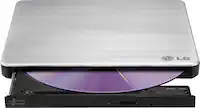
A:AnswerYes, It can read both
cd as well as DVD discs; I use it to read my Social Security letters via a Word document on digital CD.
Make sure to plug the first USB plug from the optical drive into your computer and leave the other USB plug alone (best if it sits away from other cords). I think the 2nd USB plug is for another device like a second computer where both devices can share the one optical drive.
A:AnswerIt should play it if you put it in the drive, it should ask then you want to play DVD or other choices will be there also like view contents or chapters.
A:AnswerThis drive does include the necessary cables to get you started. You can write/burn onto a disk. For information regarding pick-up, it's best to contact your local retailer.
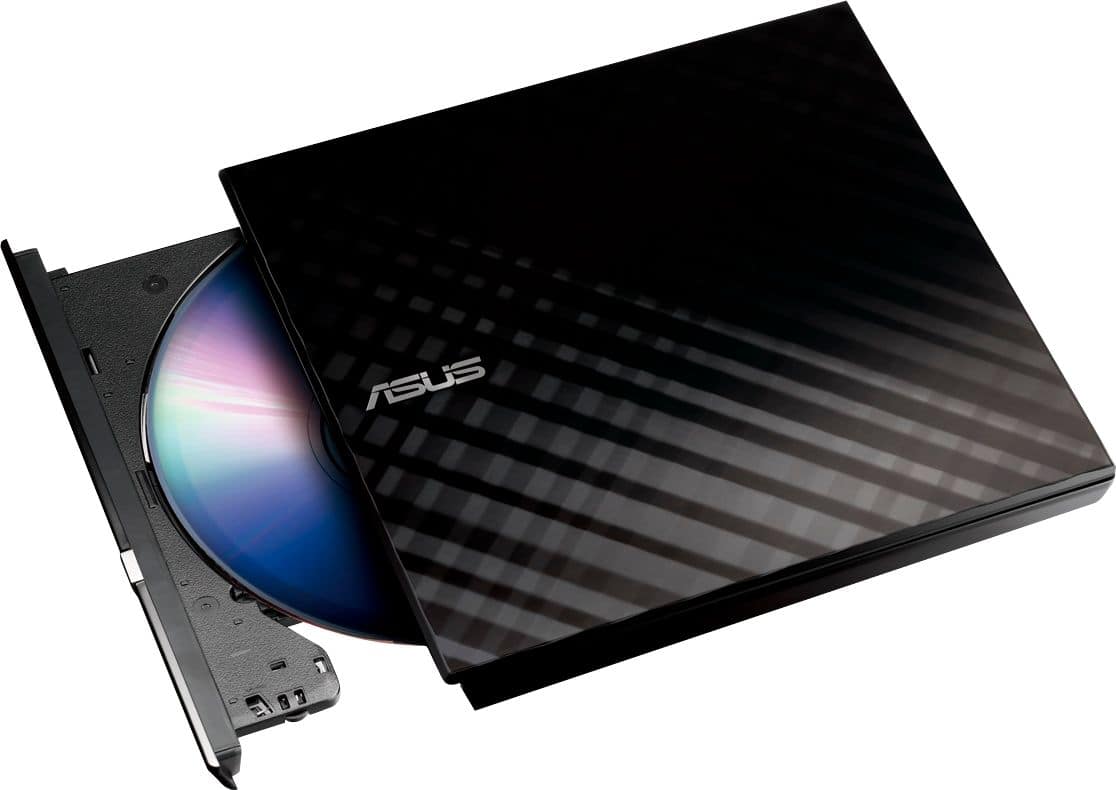
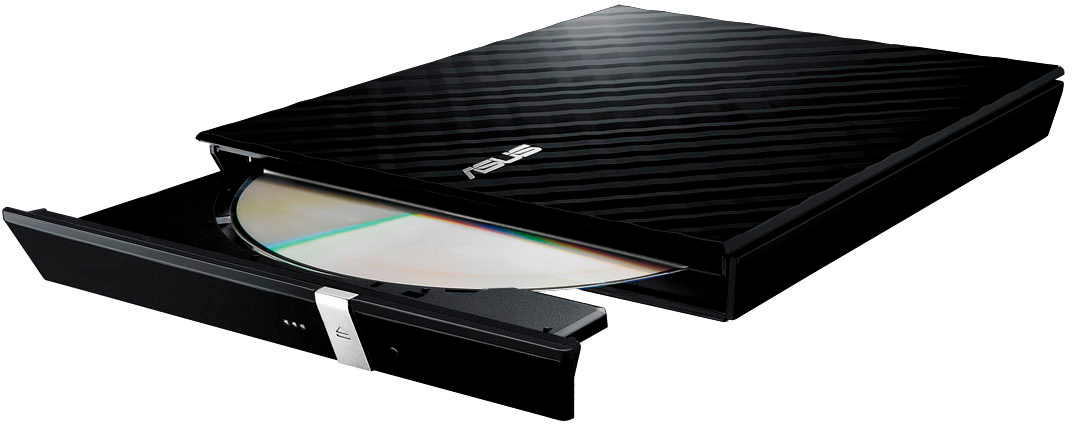
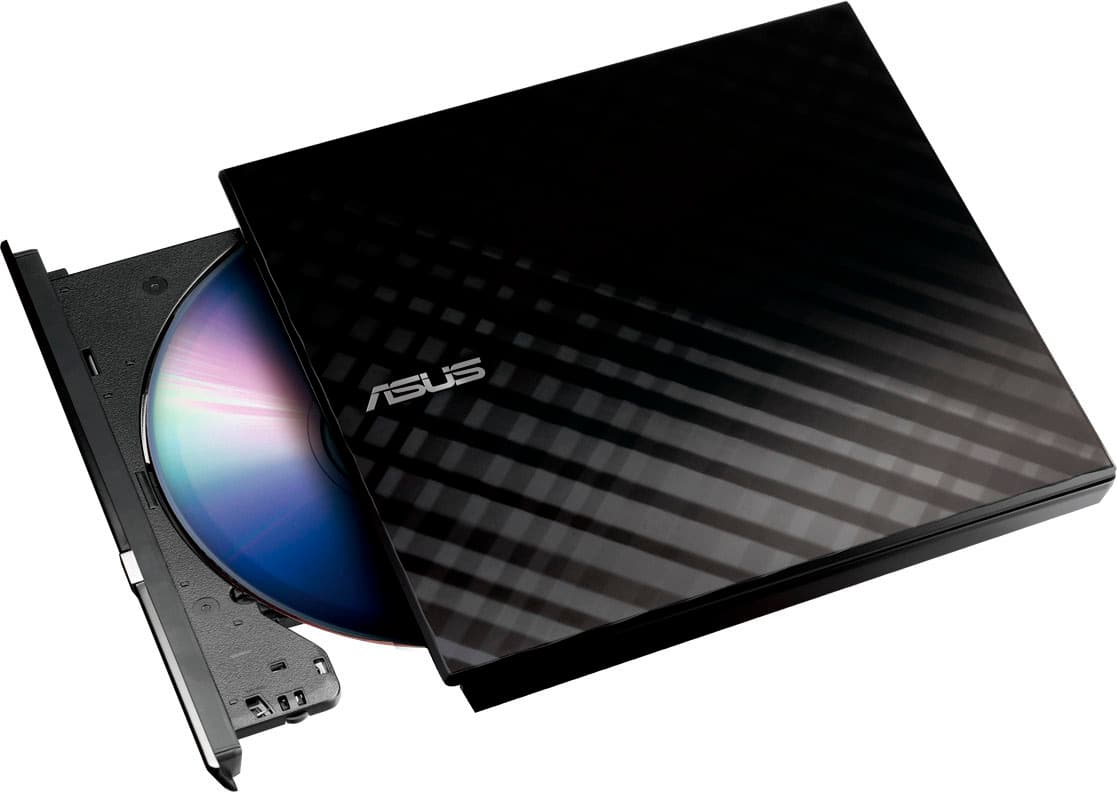
A:AnswerIt is a disc drive, same as in a desktop machine. As such it will play, rip, or burn audio, video, and basically any software disk you are likely to come across.
I've never owned a Dell, but it is universal plug and play with a powered usb port.
A:Answerit takes two USB ports one for power to run it and one for use as drive there is no power plug to a regular outlet needed (I love that) and it comes with that cable.
A:AnswerThat would depend upon your computer, not the specific USB CD/DVD drive. If you can set you BIOS to boot from a USB device (and most any computer in at least the last 15 years can do that), it should work fine.
A:AnswerNo, it is not difficult. You will have two cables to choose from, USB Type-C and Type-A. Choose the cord compatible with your computer, plug it into the burner then your computer. Press the eject button and insert the disc provided to download the programs and your ready to go.