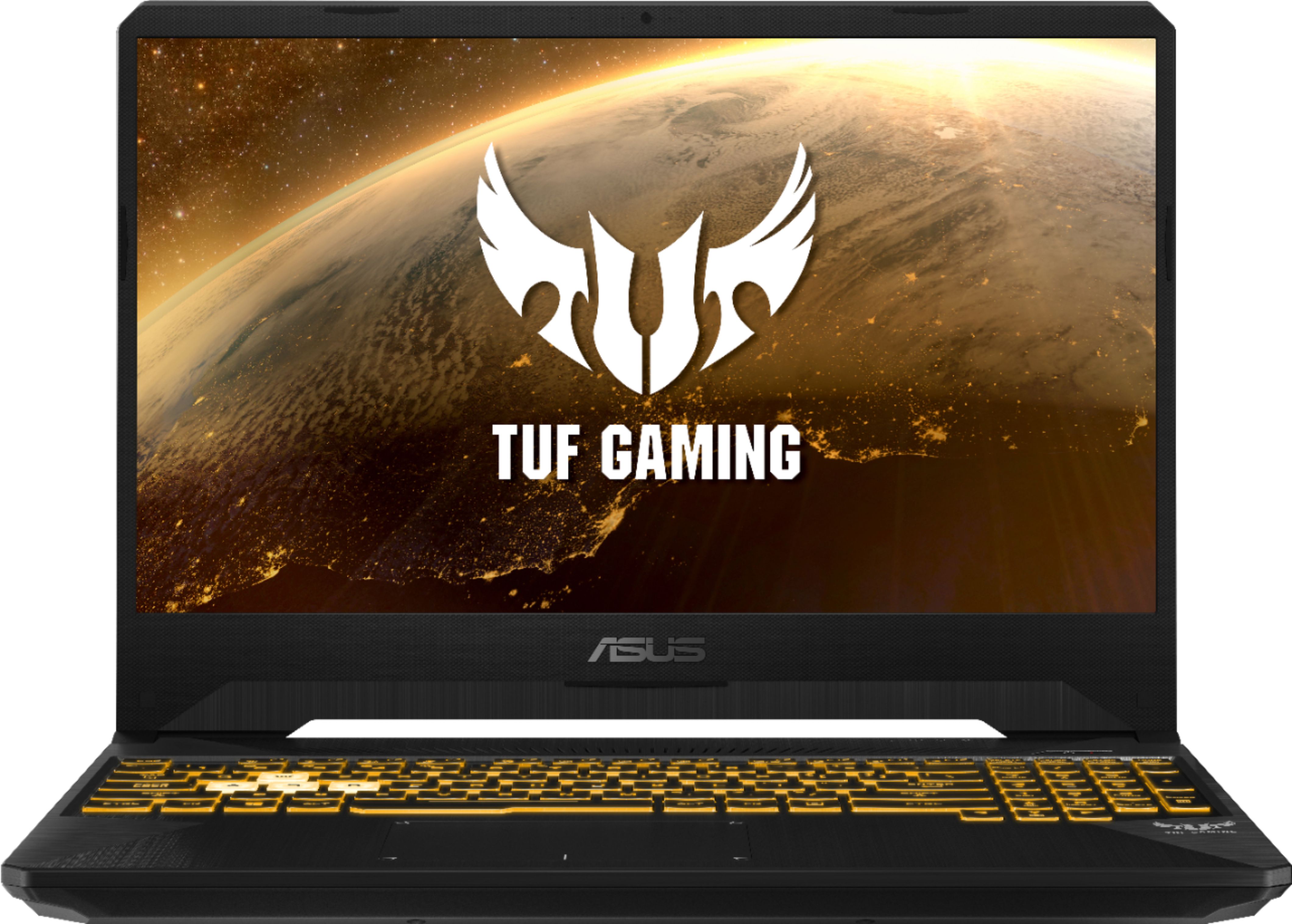
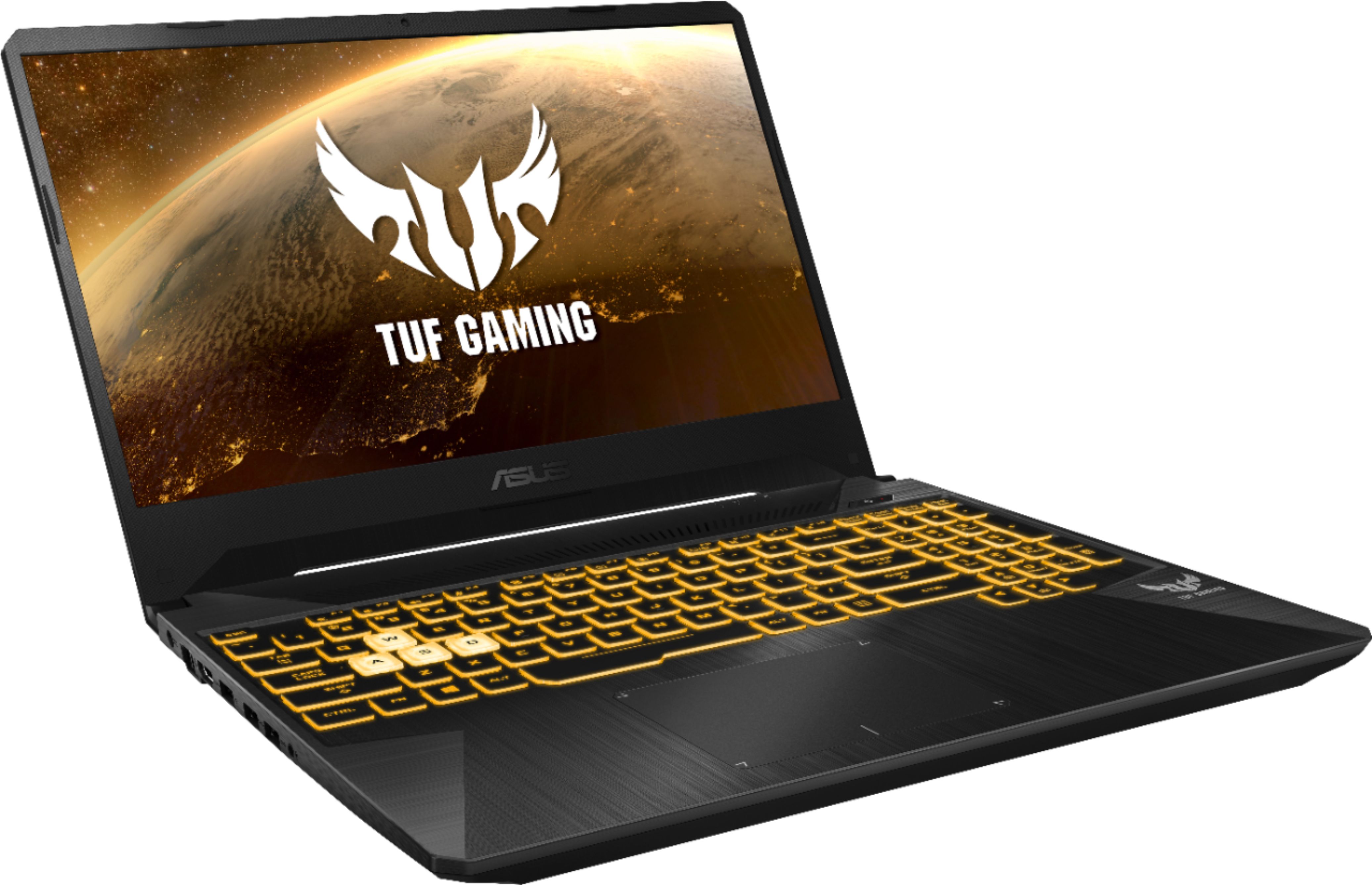
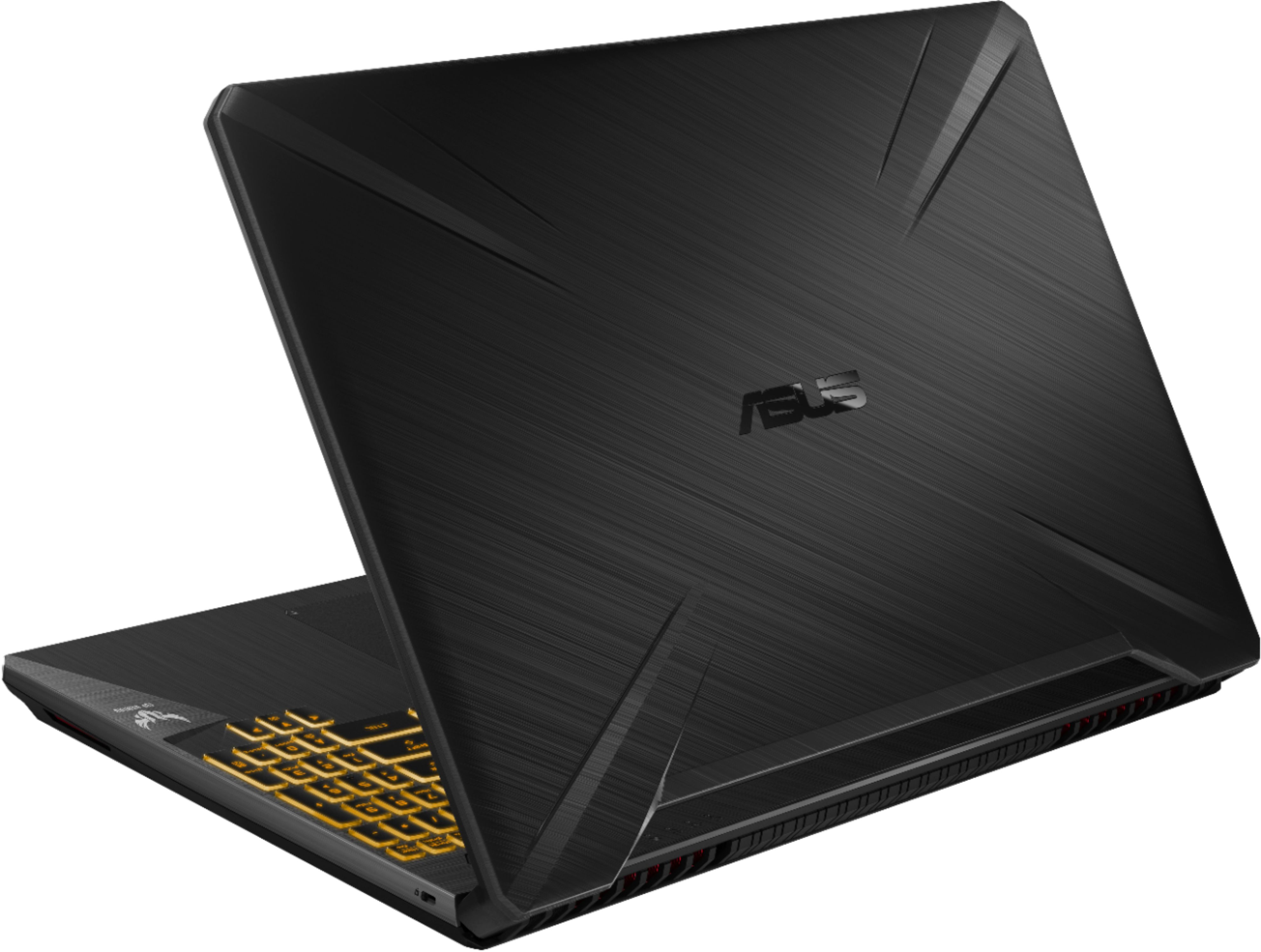
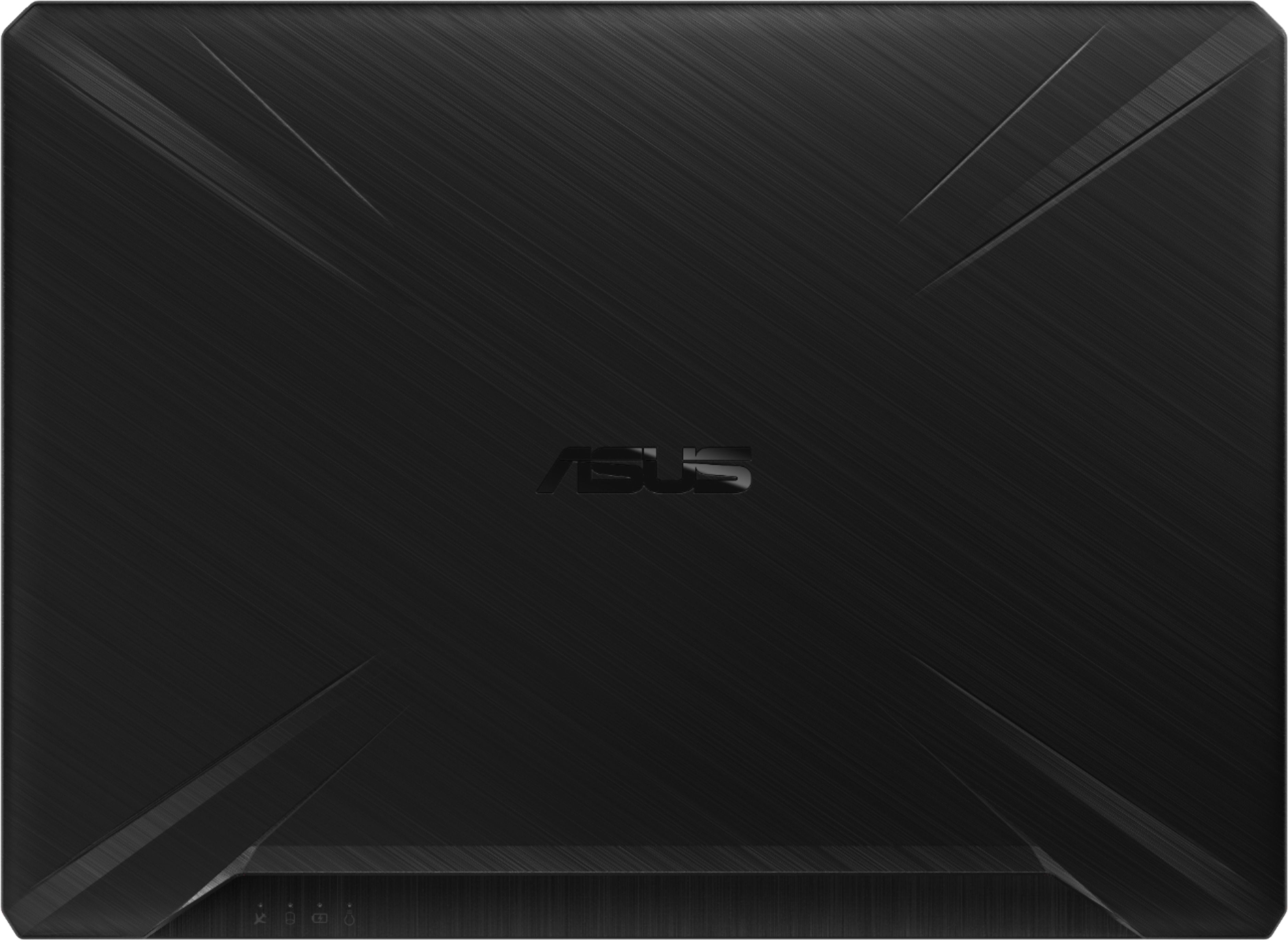
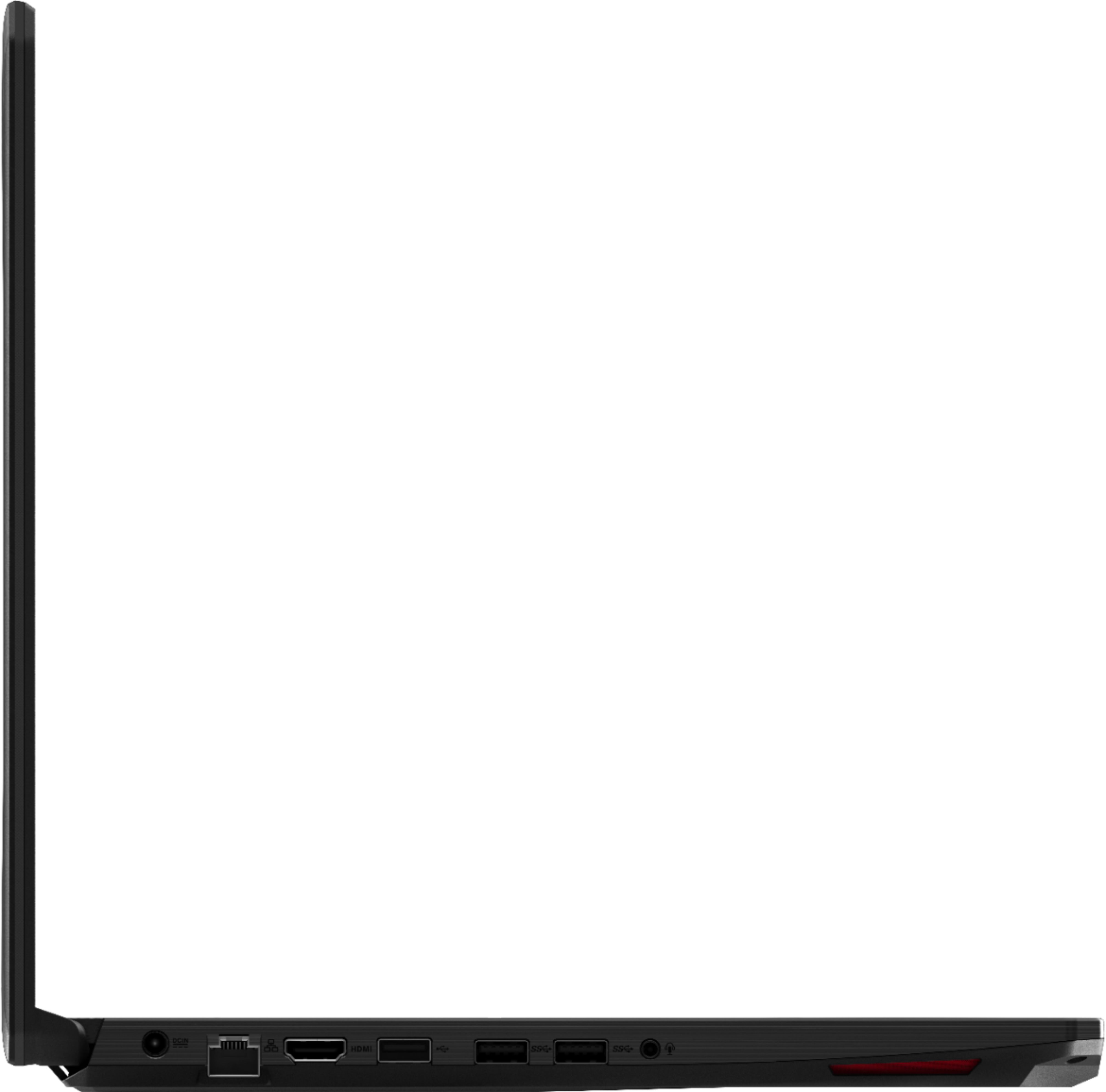
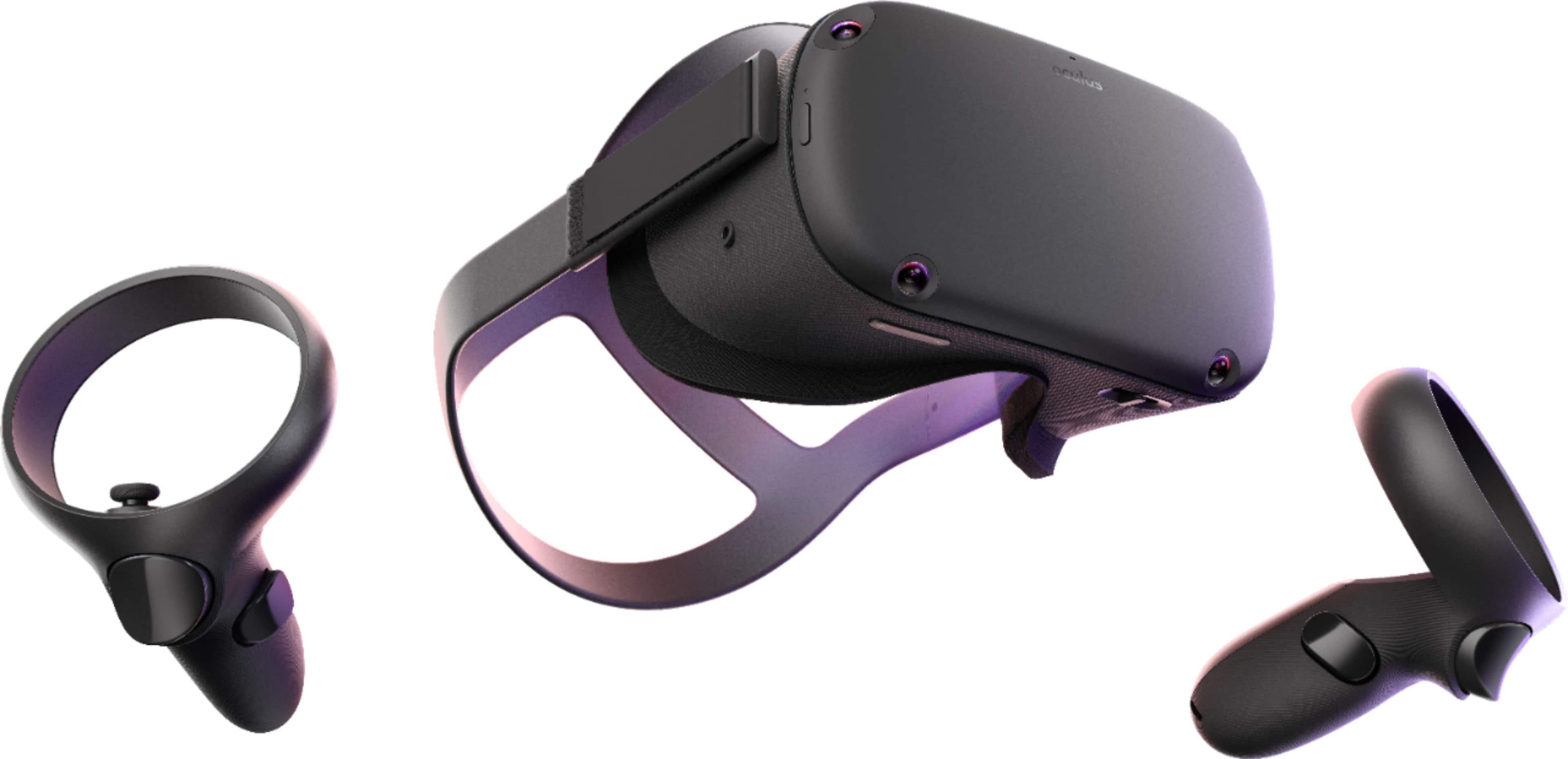
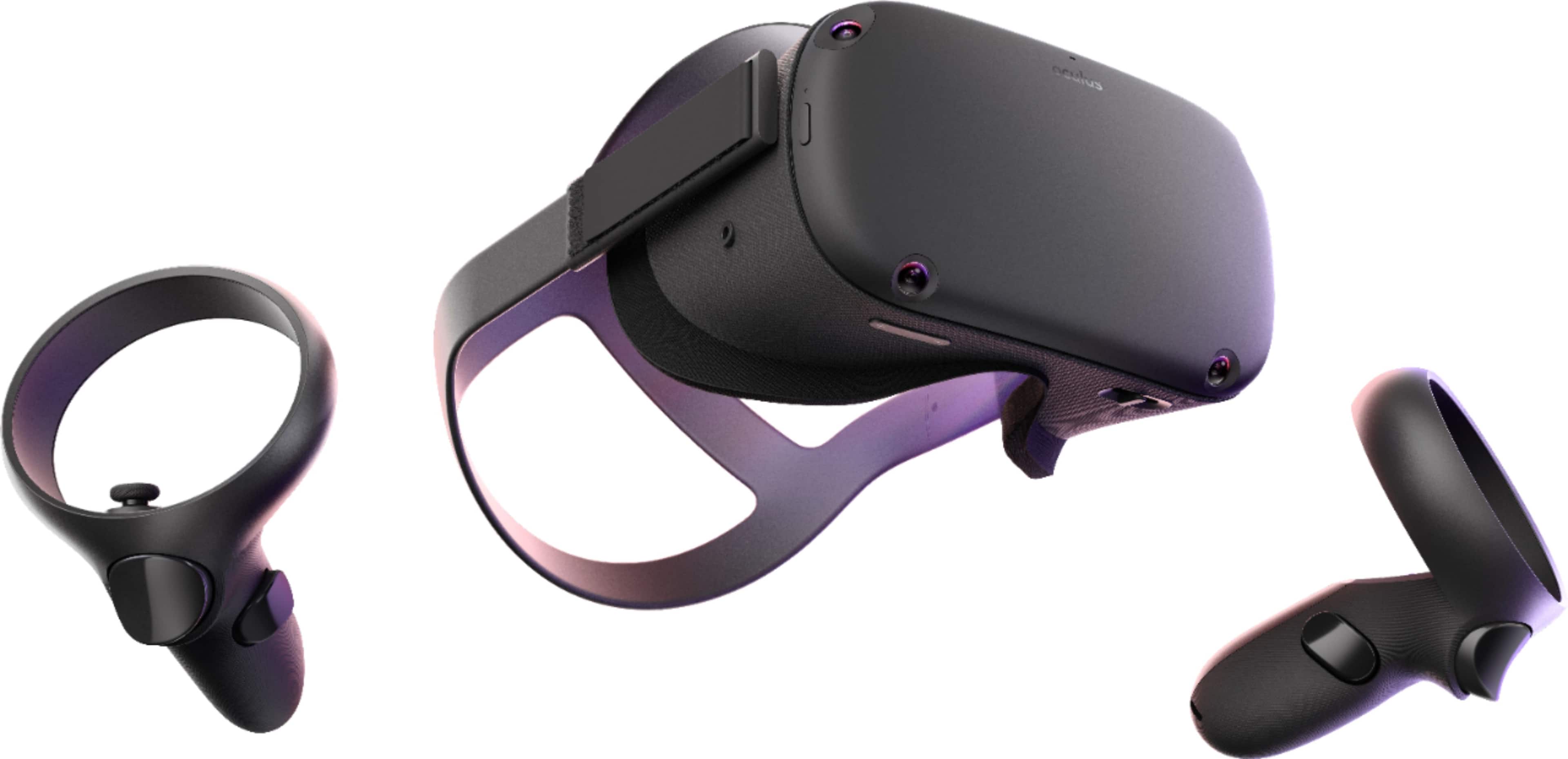
A:AnswerSadly you need a mini display port and the laptop doesn't have it and the Oculus doesn't support HDMI to mini display adapters so the possibility of it working are low. If you really want this laptop and experience VR I would recommend the Oculus Quest, while it is less powerful and has less games than using the oculus connected with the laptop it does have some of the most well known fun vr games such as beat saber and super hot. It is battery powered so you will need to recharge it but that battery lets you experience a cord free experience giving you more freedom.
A:AnswerThe screen or display only support 60Hz, the GPU can be change inside the Nvidia Control Panel. No need to change since it will dynamically or automatically switch to the Nvidia GPU if more video or graphics processing speed is required.
A:AnswerIt lacks a mini display port to connect the Oculus into the laptop. If you really want this laptop while also experiencing VR you can try the VR Quest. While its library is not as big and it is not powered by a laptop which makes it weaker it still is capable of running some of the most well known vr games such as beat saber and super hot.
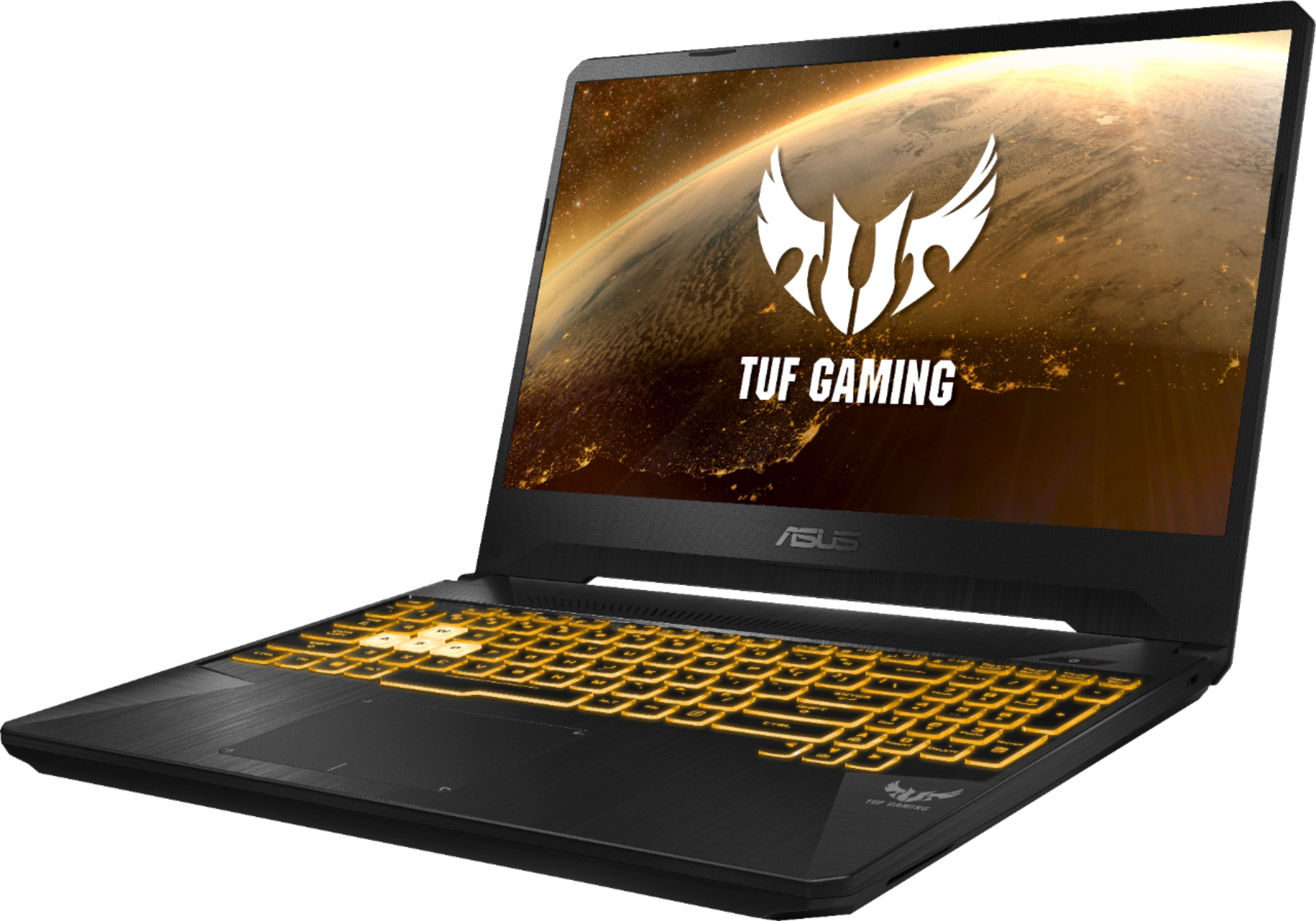
A:AnswerI can't think of the name exactly i just got this laptop couple days ago. But go on start and look for Asus logo. it says asus something and has gray/white background. CLick that and there you can adjust your keyboard lighting.