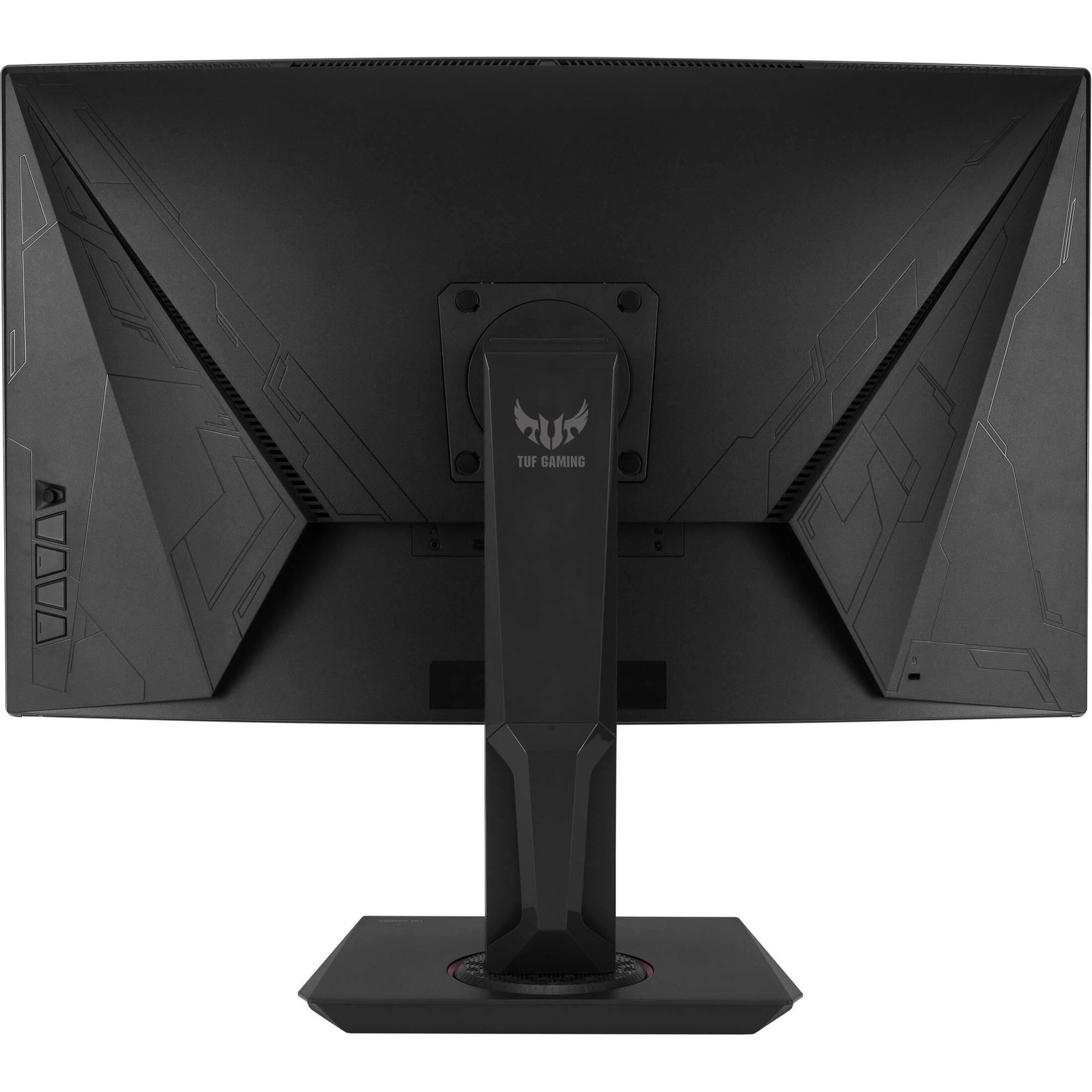
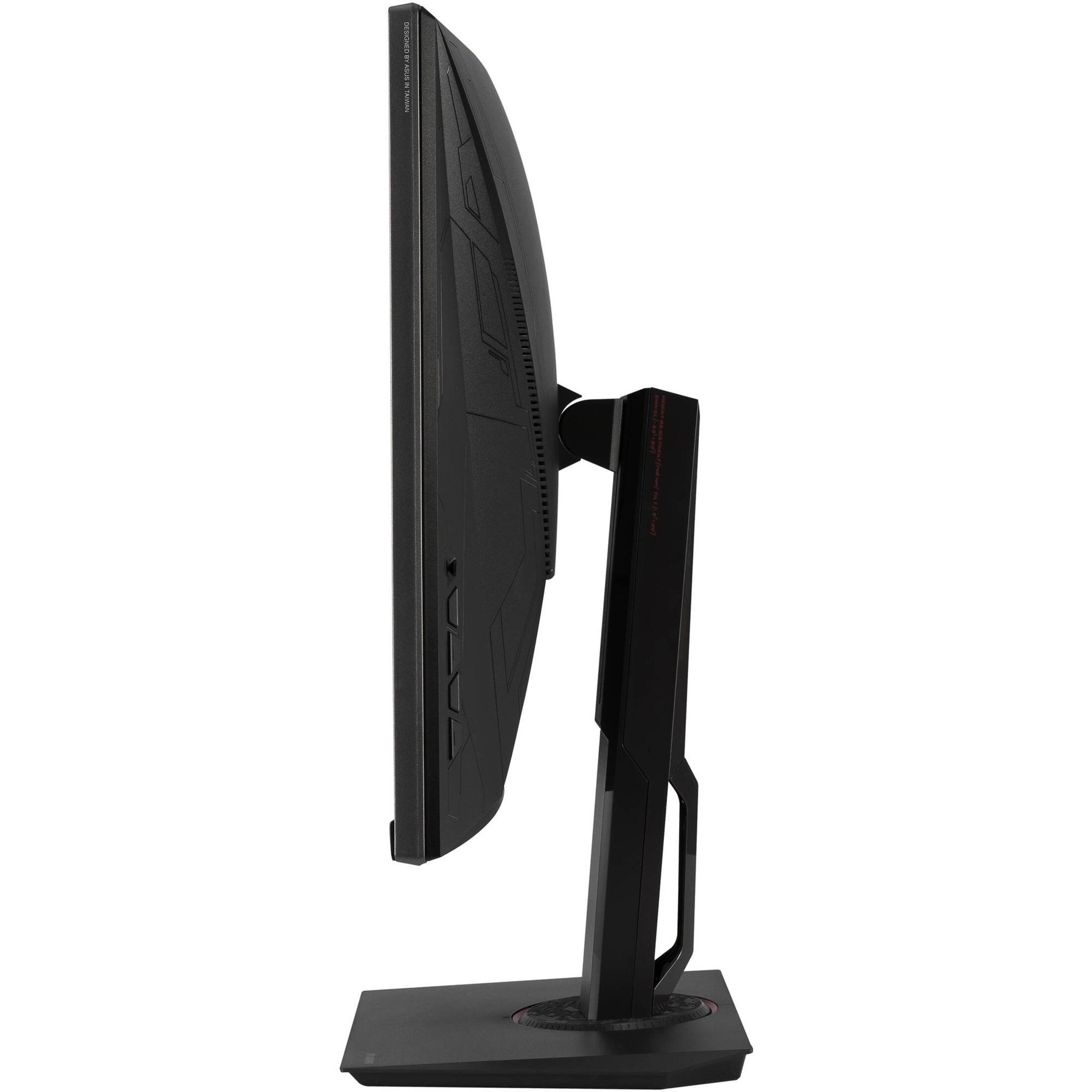
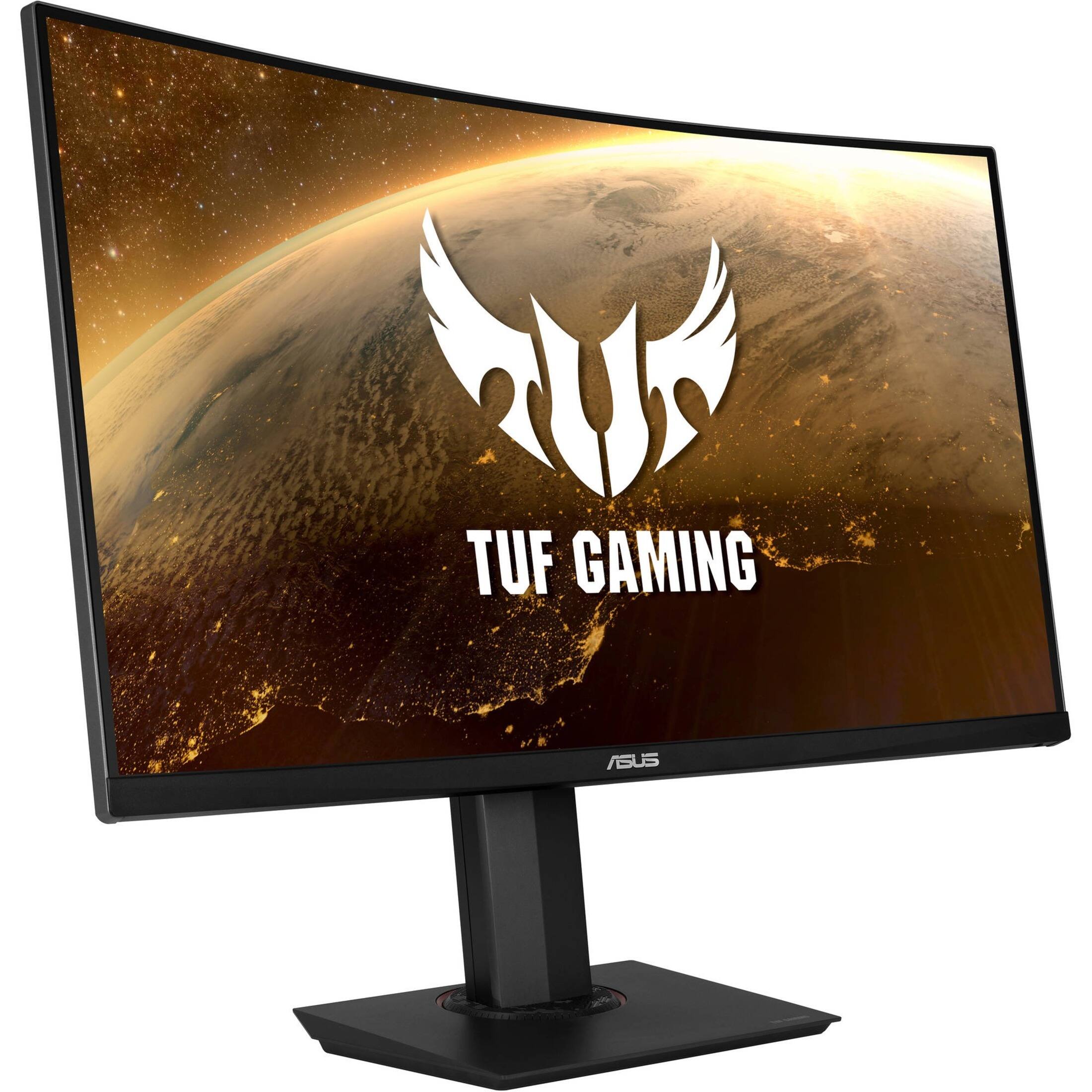
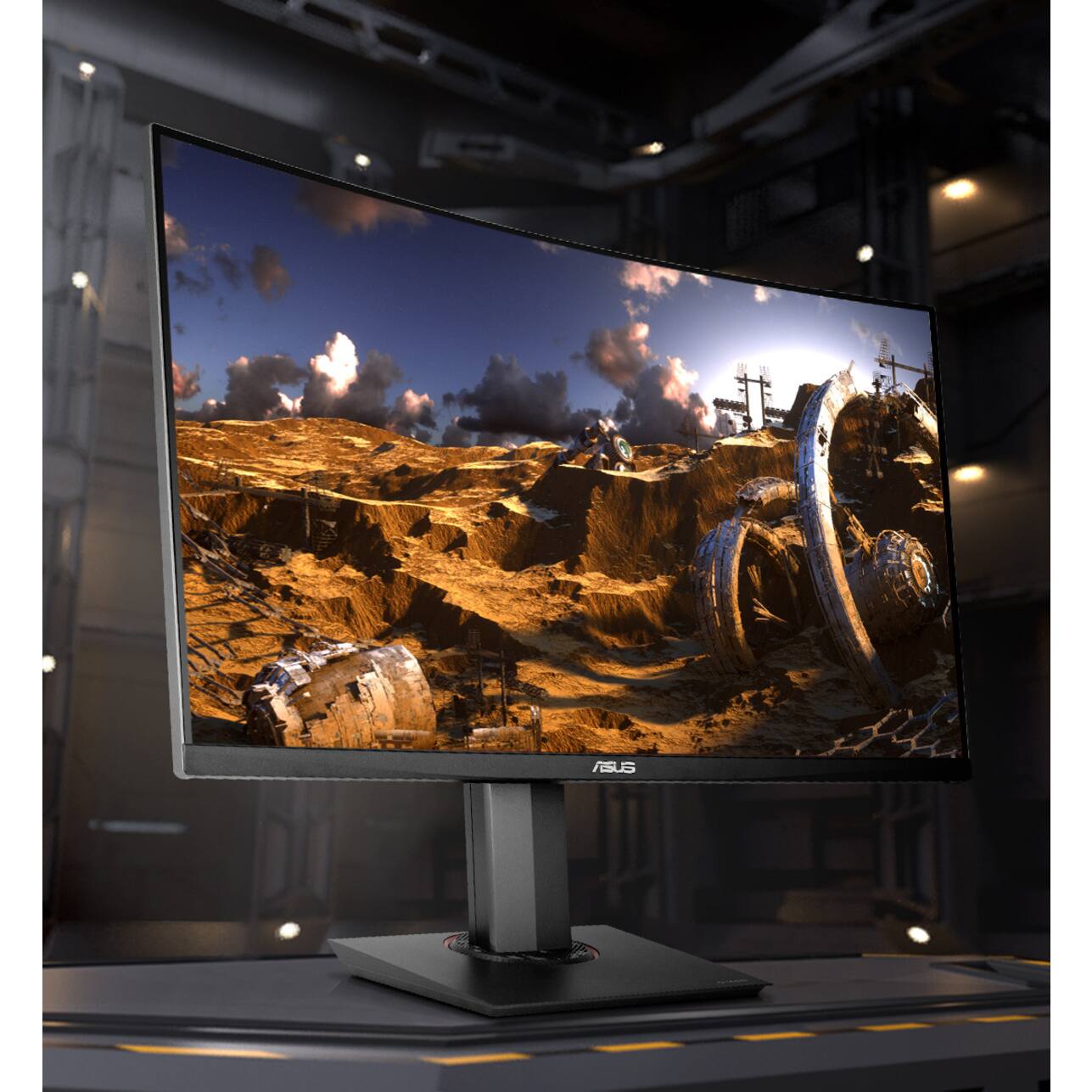
A:AnswerThis monitor supports Extreme Low Motion Blur and ELMB Sync, two features specifically designed to minimize ghosting. https://www.asus.com/Displays-Desktops/Monitors/TUF-Gaming/TUF-Gaming-VG32VQ/techspec/
A:AnswerYes. It has speakers, however, you can to use a different set of speakers or headphones by selecting via windows. I do not use the monitor speakers very much as I have a different set high fidelity speakers. The monitor speakers are OK and work fine, however, they are not what I would consider high fidelity - there is not much bass.
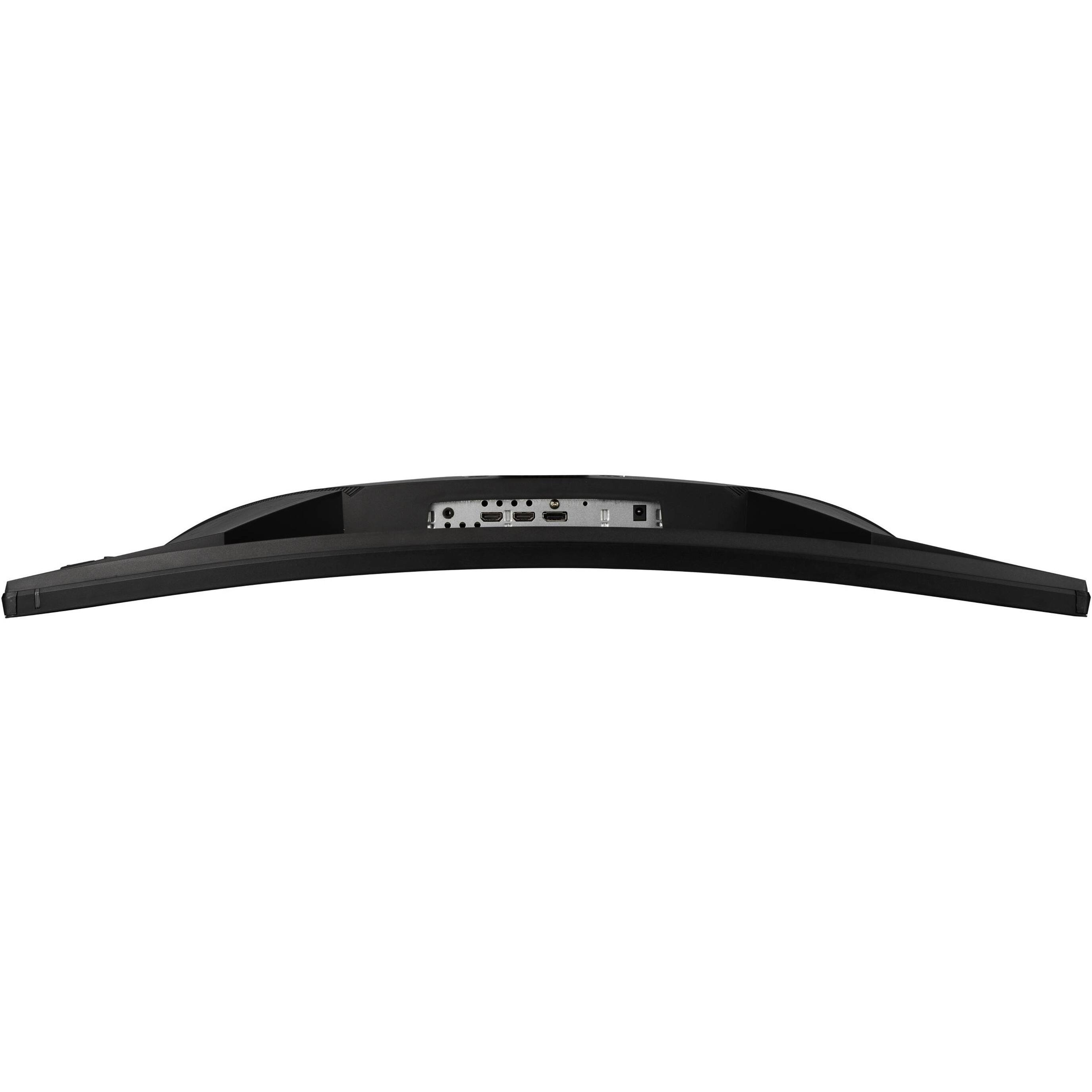
A:AnswerYes this would work with the Xbox s since both use HDMI. This is the best Asus option for the price since it has 4K and a 144hz refresh rate that would allow you to get 120fps.
A:AnswerThere's a third option that shows up on your g-sync panel, that you can enable it will work. but when I hooked it up to my video card it did say it was a incapable monitor but it would still output, and a hundred percent notice the difference I went back to using my old monitor.