A:AnswerThe keyboard and mouse are both "base model" asus peripherals no bells or whistles or that 50 fps boost of rgb. and yes I beleive the keyboard is mechanical.
A:AnswerThere is a front and back piece for the screw. One that basically extends the screw opening and then the screw itself. Put the extender into the normal screw location, put the glass side on those, then put the screws in.
A:AnswerYou can use a Microsoft Remote Desktop client to connect to a remote PC and your work resources from almost anywhere using just about any device. You can connect to your work PC and have access to all of your apps, files, and network resources as if you were sitting at your desk. You can leave apps open at work and then see those same apps at home - all by using the RD client.
https://docs.microsoft.com/en-us/windows-server/remote/remote-desktop-services/clients/remote-desktop-clients
Hope this helps.
A:AnswerSteve. I just purchased this computer and I’m a big flight sim geek. I’m running XPlane 11 on maximum settings with plugins and it is extremely smooth.
A:AnswerAt 1080p on all high settings I run Destiny 2 at a steady 144fps with this pc and rarely does it dip below that. I usually play in 1440p and even then I’m still usually around 110-120fps.
A:AnswerHiya. I removed the front plastic by pulling on it and then it revealed two screws to remove the top plastic. I removed it to add a smaller liquid cooling pump for the cpu cause I couldn’t stand the noise of the stock heat sink and fan
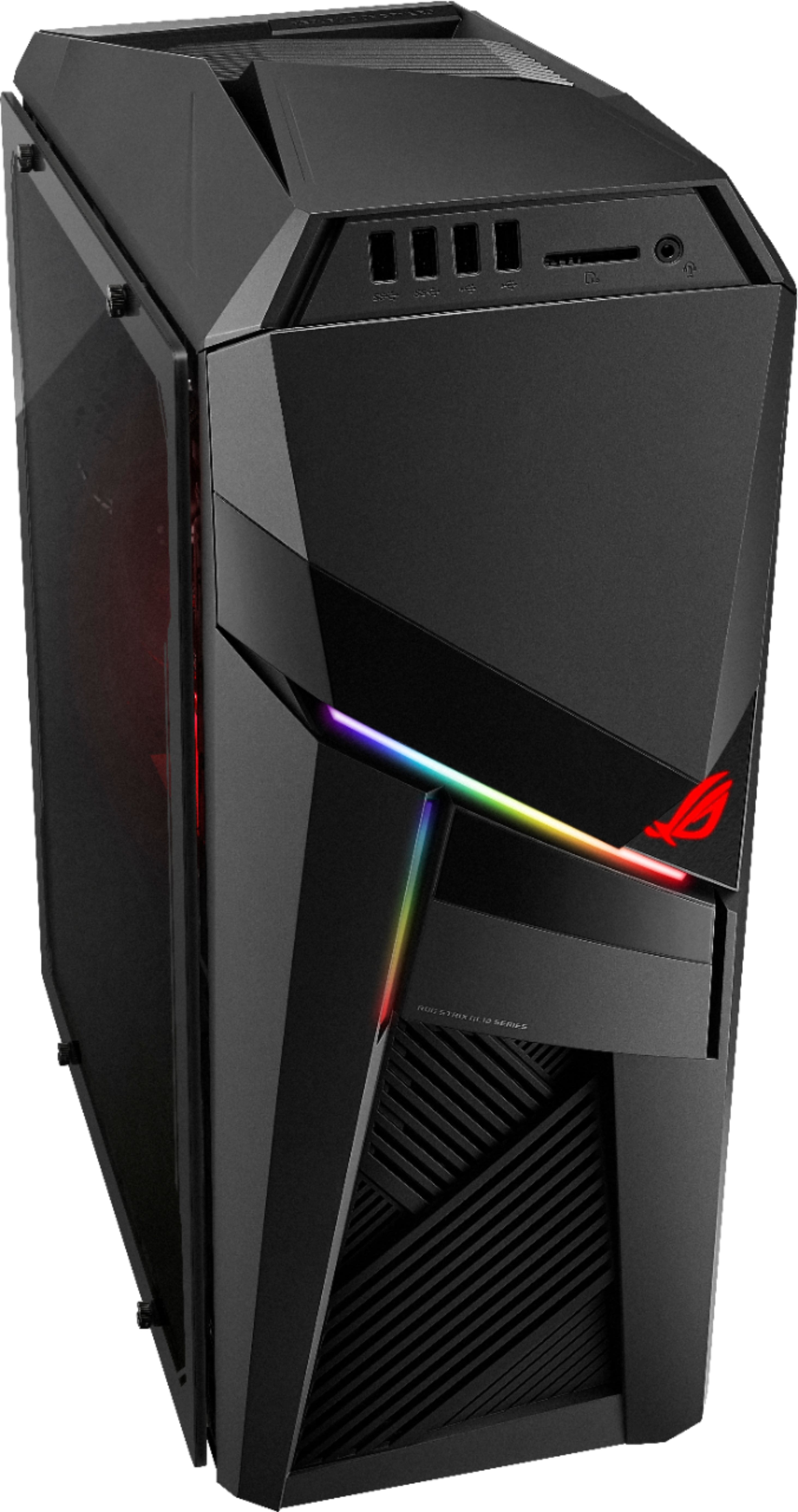
A:AnswerI7 9700F is a solid CPU, but it does not support video out. That being said the GPU has 2 Display Ports and 2 HDMI Ports. Great PC, but this computer is not the one being showed in the pictures, it is air cooled not liquid.