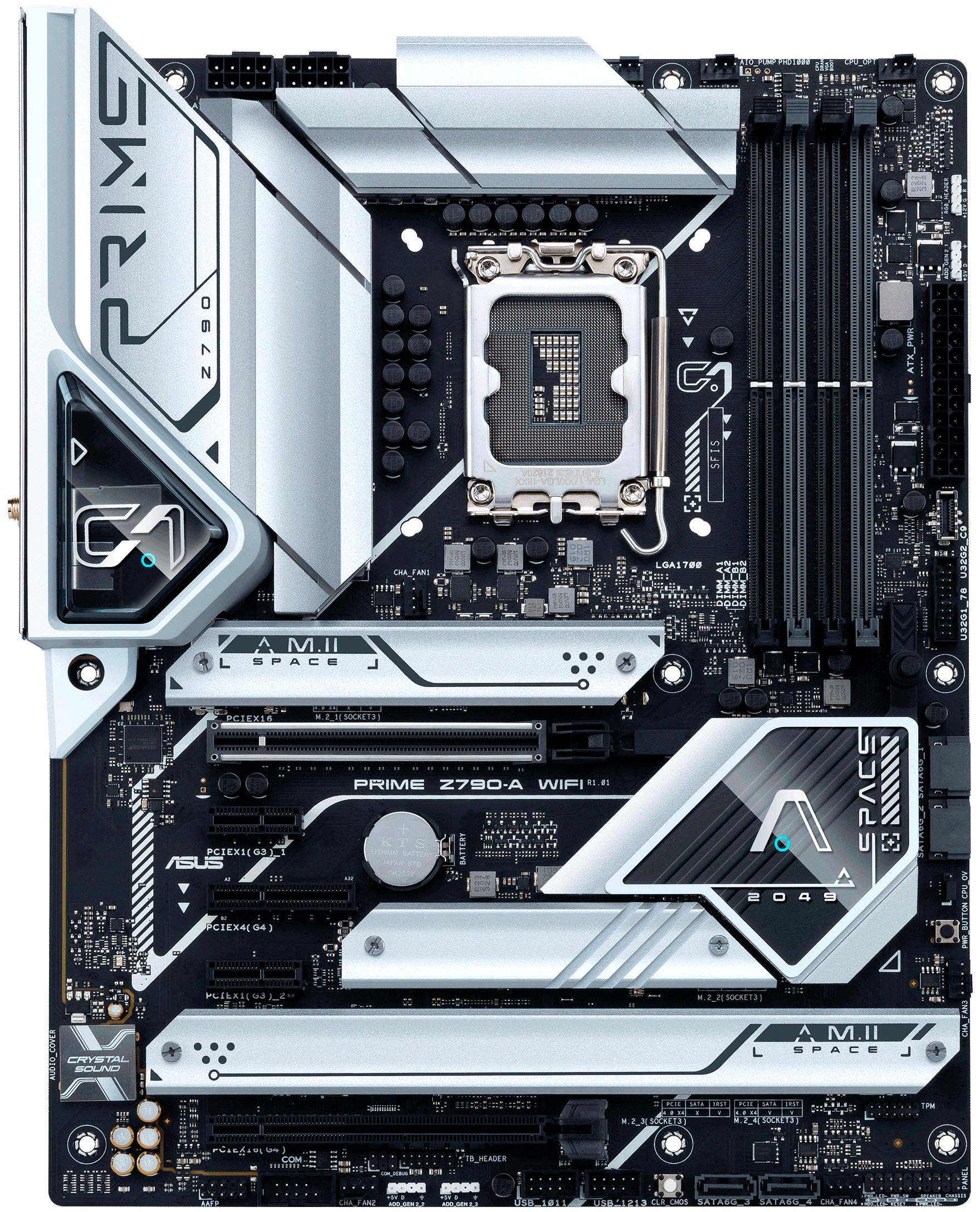
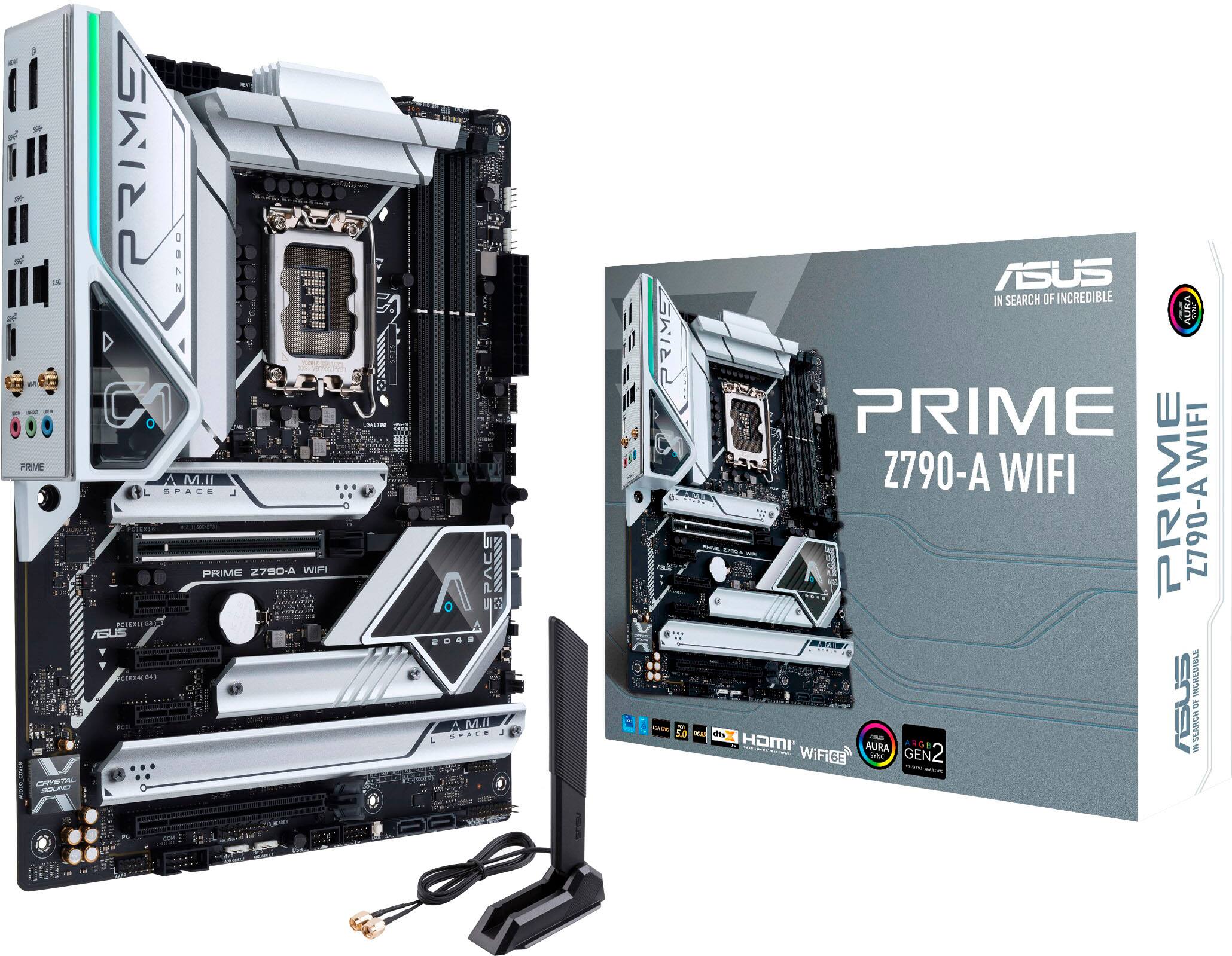
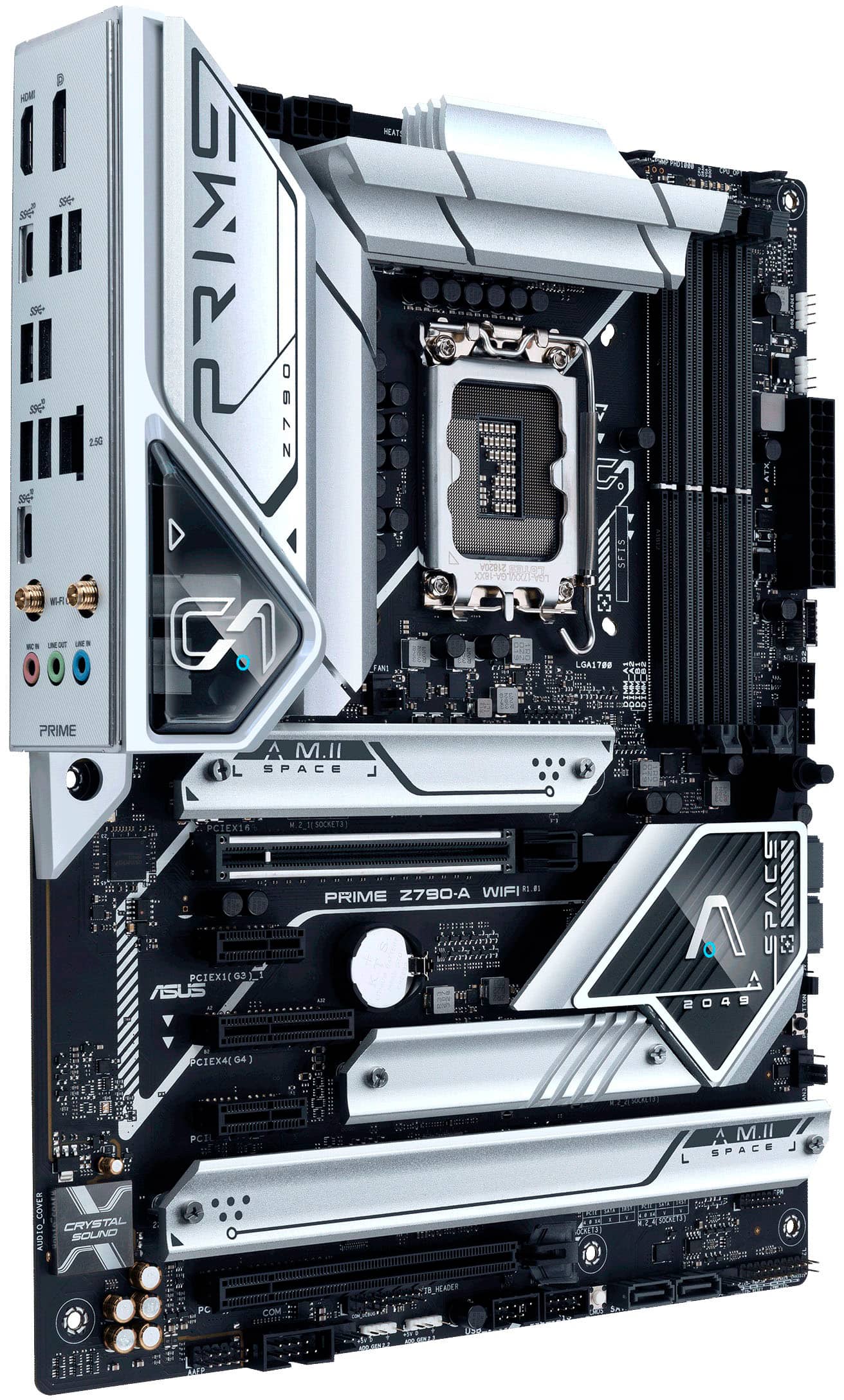
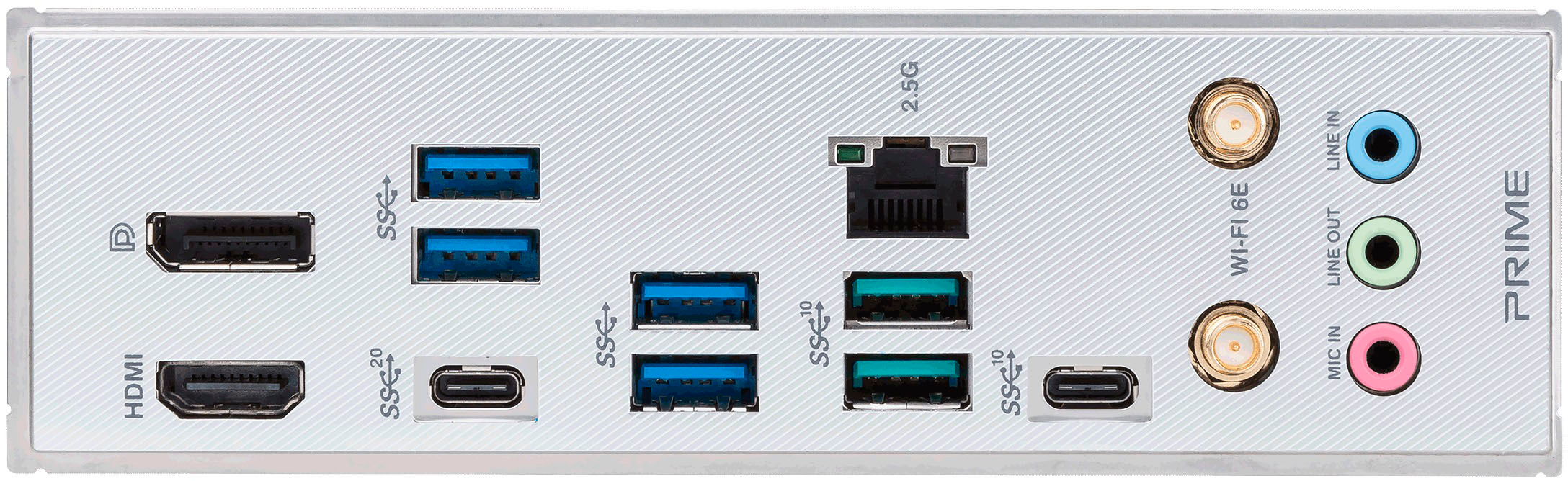
A:Answer Refer to section 2 of the ASUS - PRIME Z790-A WIFI manual and find the following instructions for accessing the BIOS:
2. BIOS setup program
...
Entering BIOS at startup
To enter BIOS Setup at startup, press <Delete> or <F2> during the Power-On Self Test
As of the time of this post, the manual can be found at the support page for this motherboard on https://www.asus.com.
(https://www.asus.com/us/motherboards-components/motherboards/prime/prime-z790-a-wifi/helpdesk_manual?model2Name=PRIME-Z790-A-WIFI)