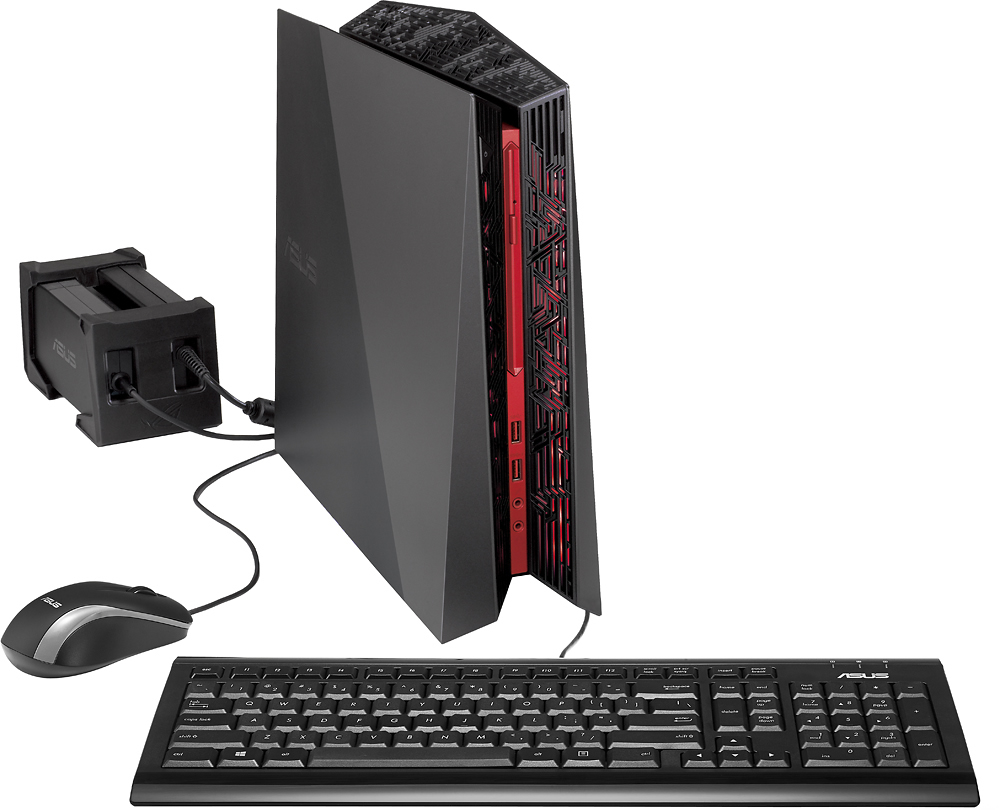
A:Answer On my desktop there is an application called ASUS DT AEGIS II MatrixAdministration, through this application, it brings up a manager for certain things such as your monitor, game mode, and tools.
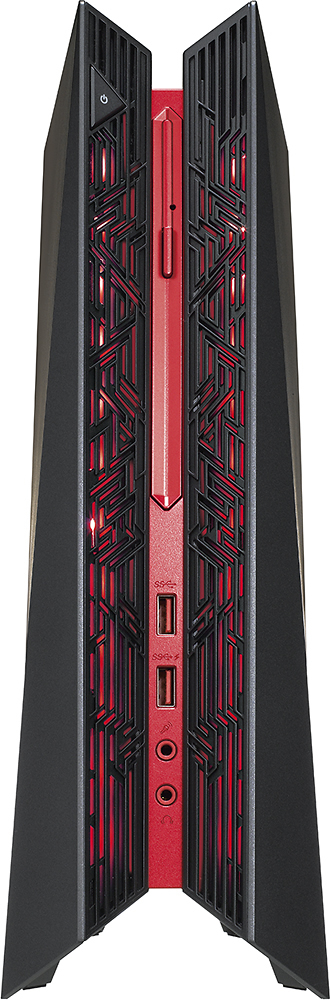
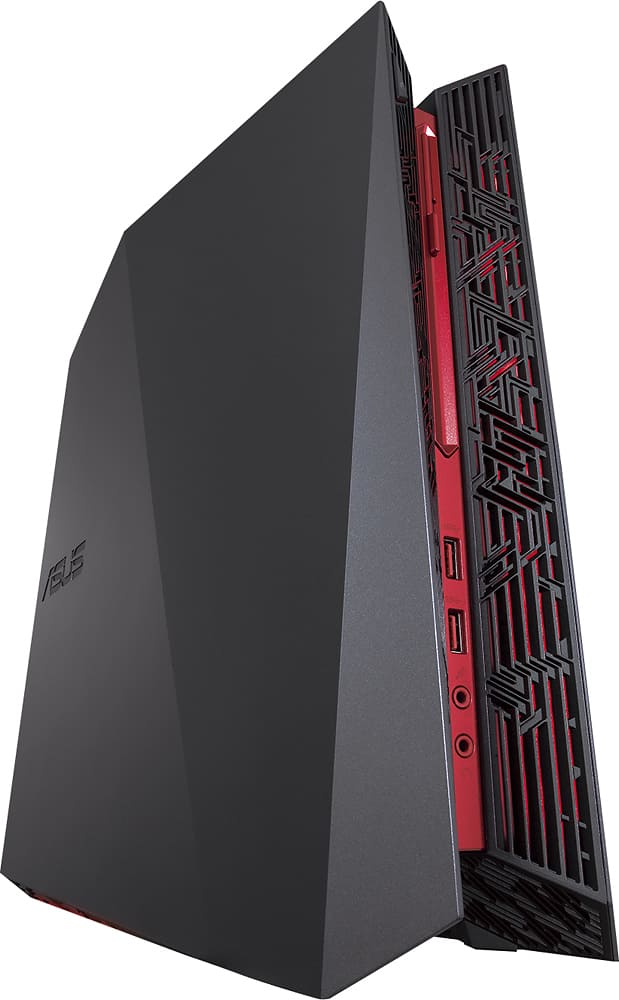
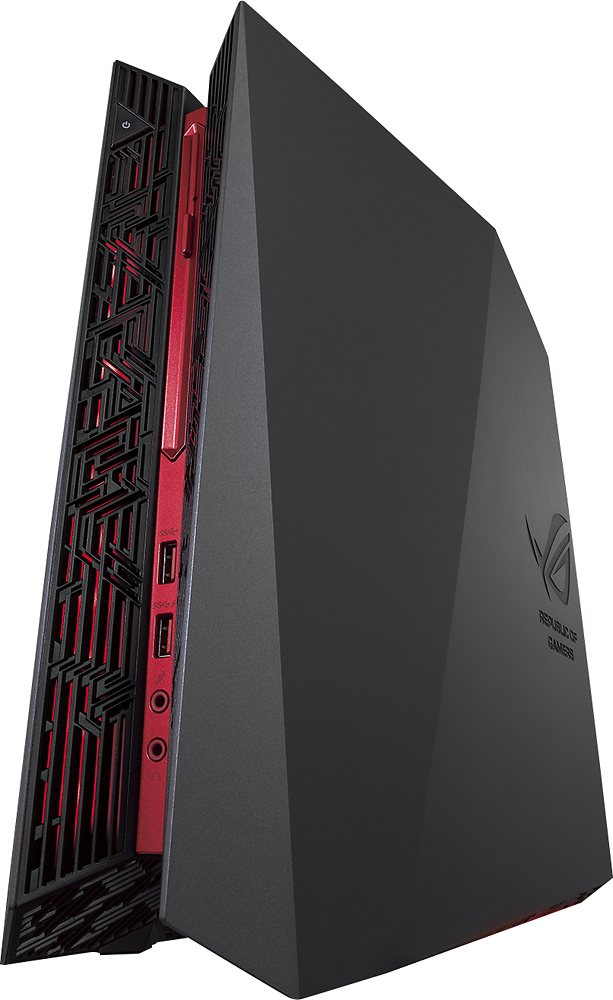
-Under tools, there is a lighting option. Click on that, and its going to bring up a lighting manager. This is where you can customize the different LED colors at the front and the bottom of the computer.
-You have different lighting "zones" that you can change the colors, delay time, etc.
-Under the color "ring" there is an icon called "Sound Effect". It acts as a toggle switch, as do the rest of the icons along the bottom, click on it to turn it on and off. When the icon appears lit up, it is enabled.
-Click on that icon to disable it and shut off the sound effect mode. This should stop the lights from turning on/changing when there is audio playing. Hope this helps!