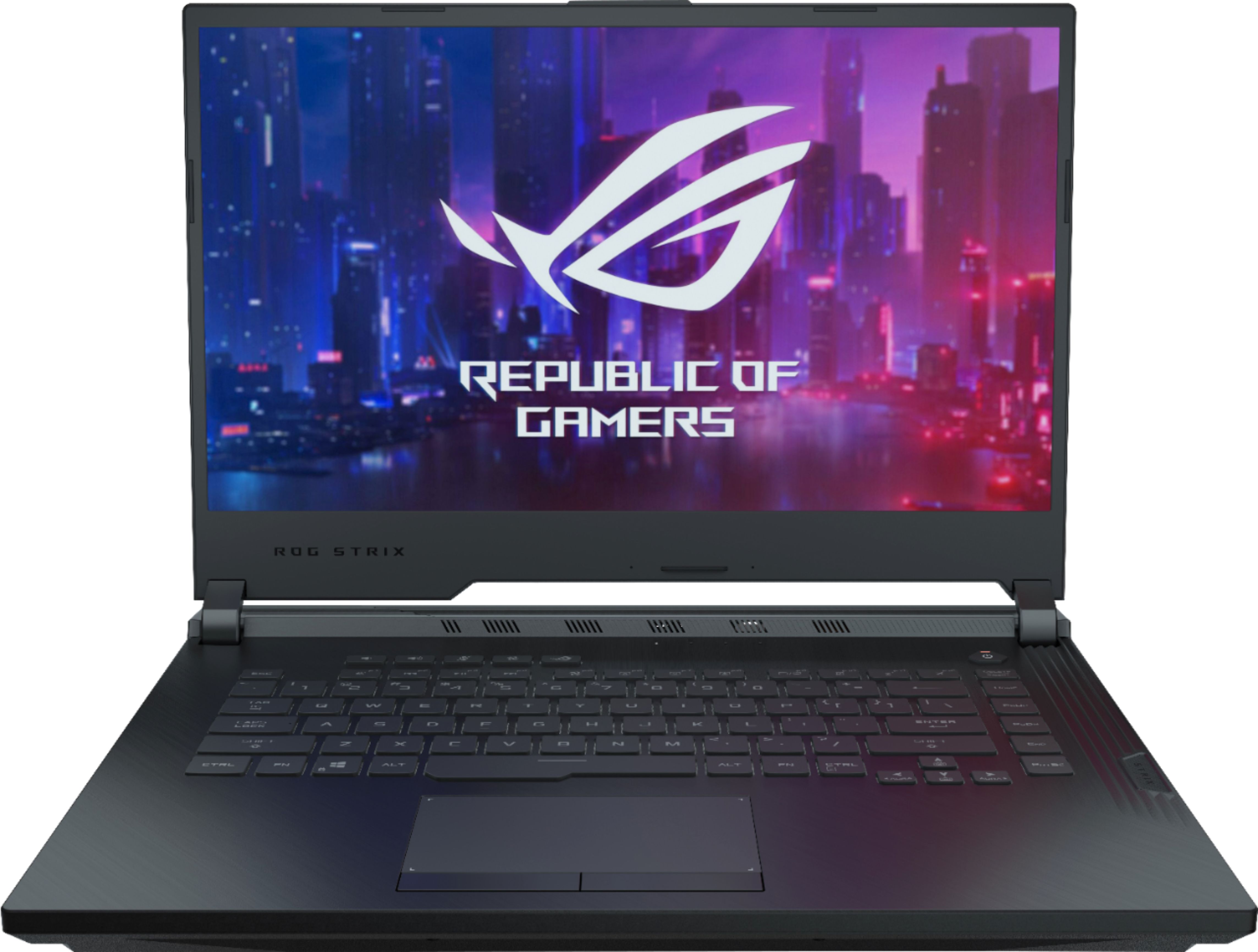
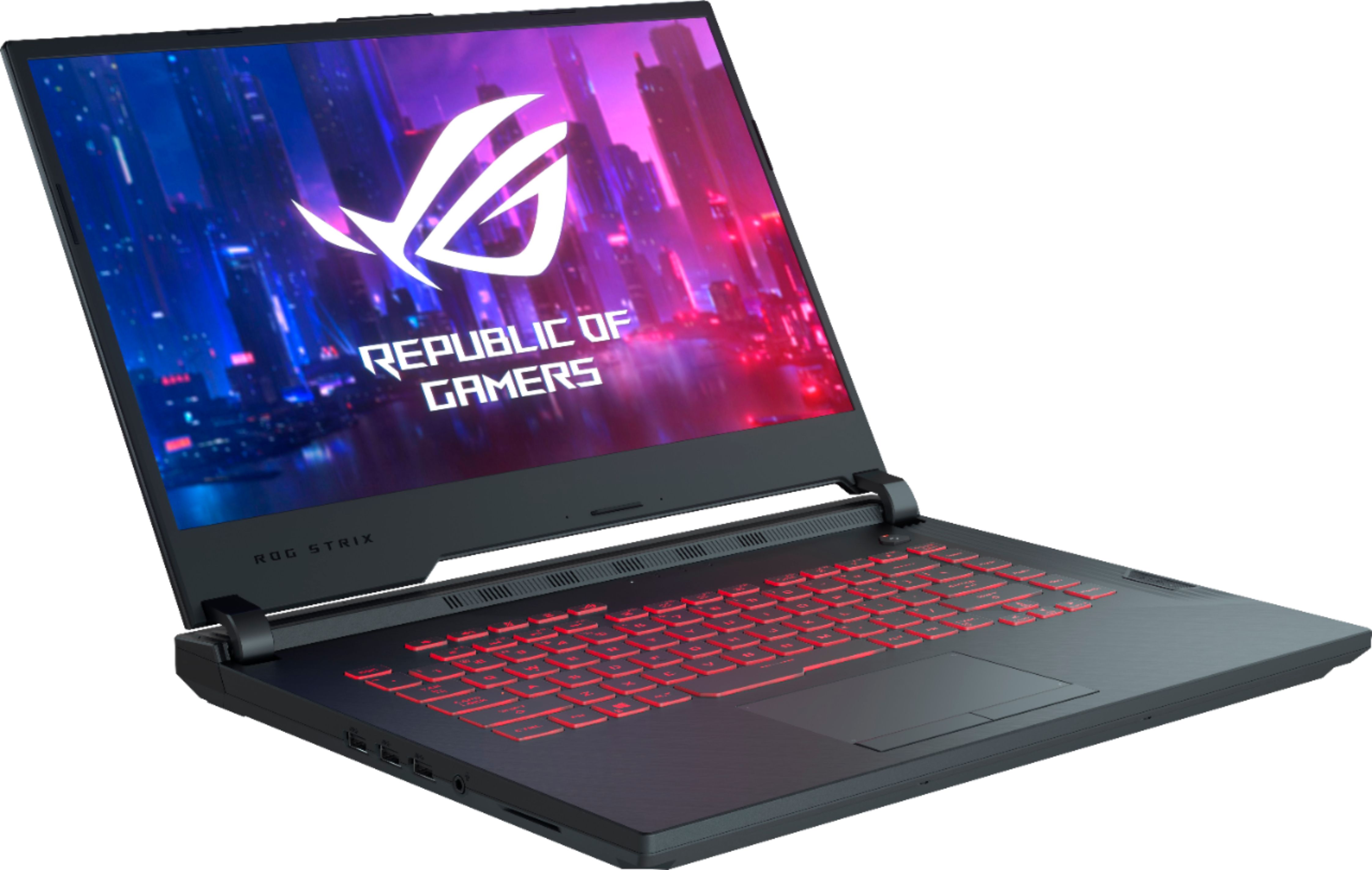
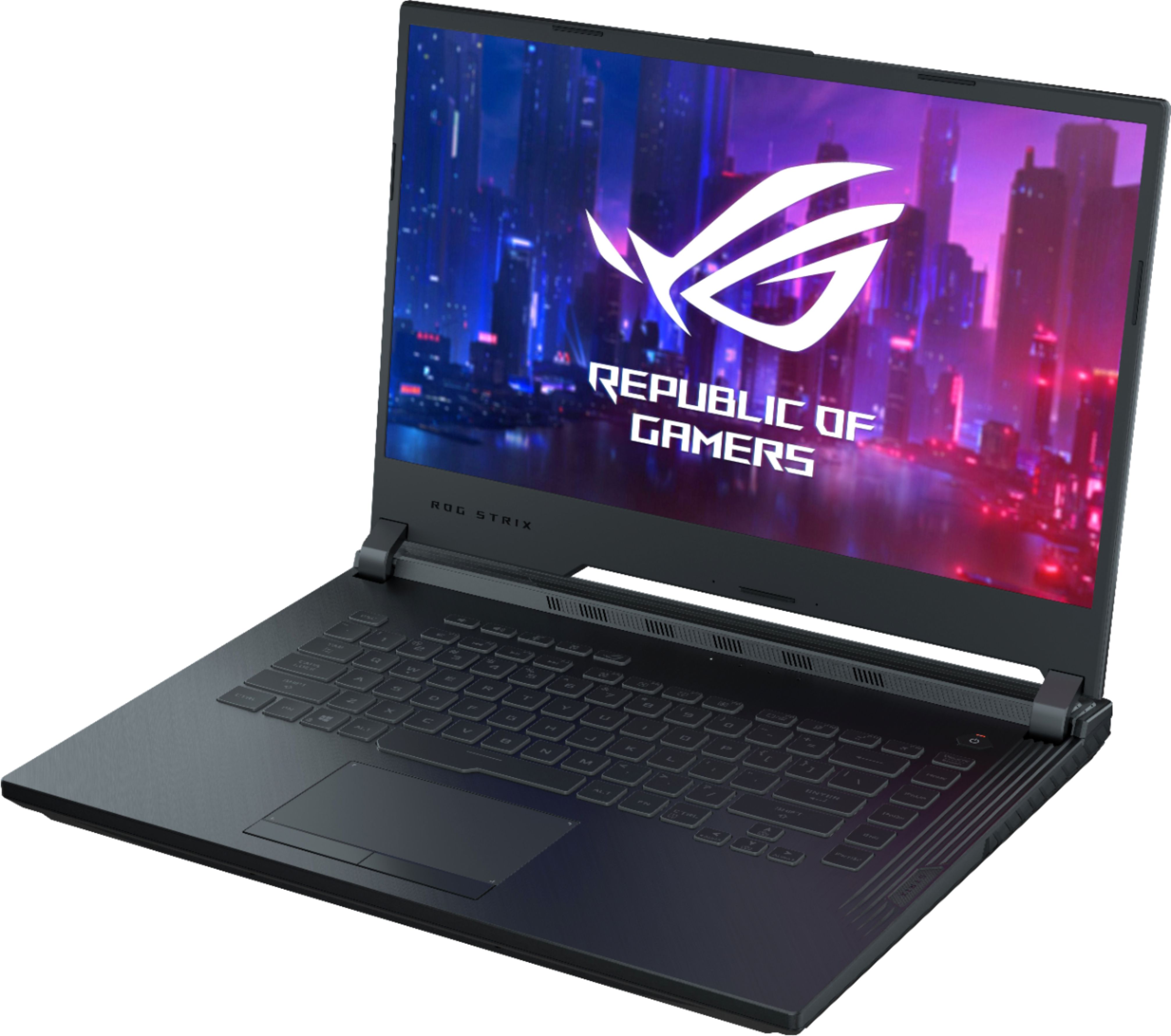
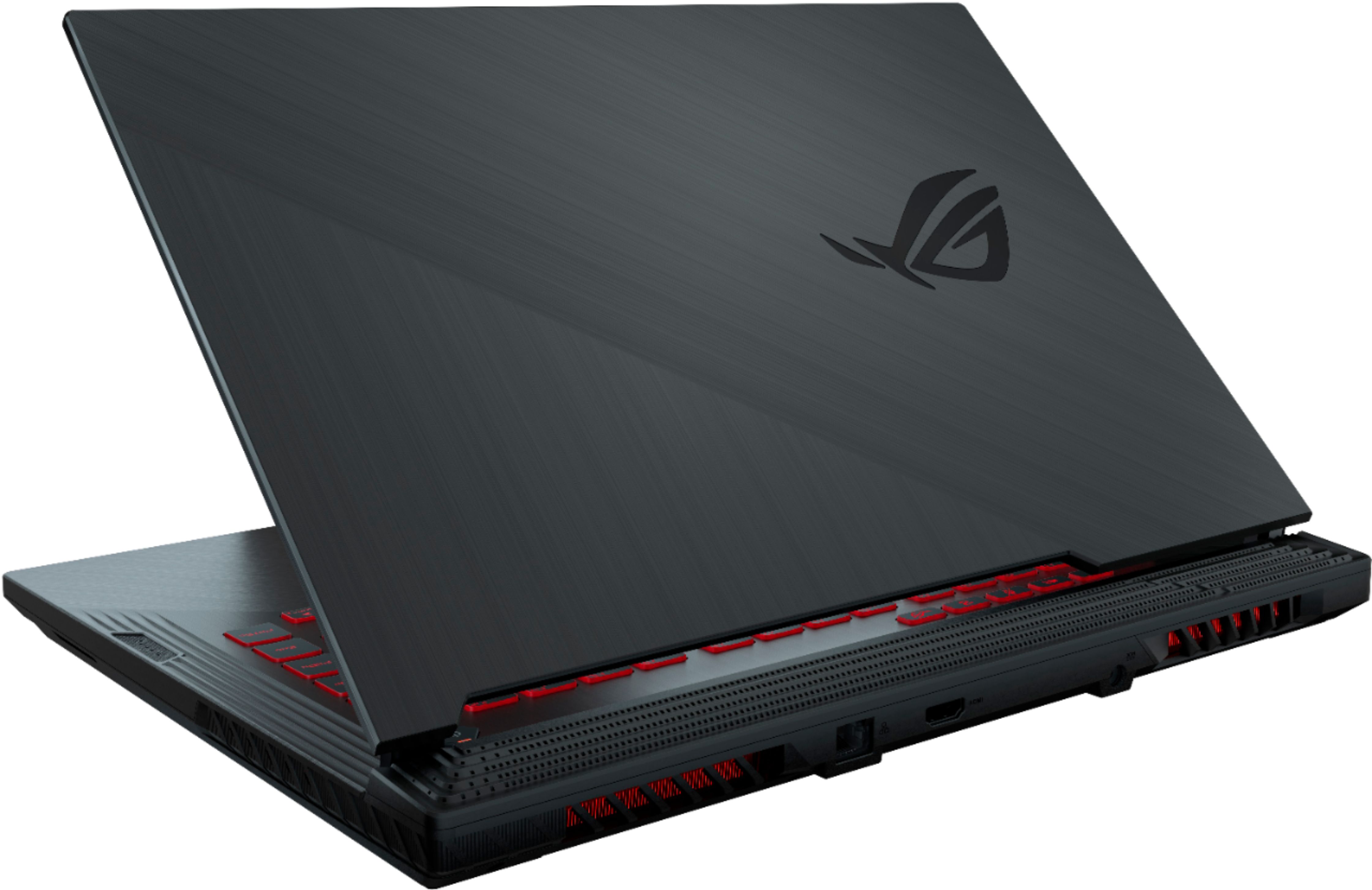
A:AnswerIt will run it just fine. Just upgrade the 8gb of ram to 16gb. Second life favors a faster processor and this has an i7 so you should be golden with this choice.
A:AnswerPlease update your BIOS and Wireless drivers from the link here. For additional troubleshooting help, please reach out to ASUS Support either by phone, chat, or email. https://www.asus.com/support/
A:AnswerThe laptop has built in thermal protection. So don’t worry about it. It’s fine. Maybe consider getting a laptop cooler or making sure the laptop isn’t on a soft surface or the fans are blocked. It may run cooler.
A:AnswerYou could ask your bestbuy location if they would add in ram if you purchased the laptop and ram from them. They may charge you a fee. It is however super easy to do, don’t let it intimidate you. All you need is a Phillips head screw driver and 20 minutes of your time. You can also watch YouTube tutorials on how to upgrade laptop ram. It’s very very simple.
A:AnswerEveryday use plus gaming, yes. Streaming while gaming I would imagine it is doable but performance may be lacking as streaming requires a lot out of processor.
A:AnswerThis pc has no problems running fortnite on low settings. Are you playing without the power plugged in? If so that switches to power save mode and won’t utilize your nvidia gpu. It will instead use the intel uhd integrated graphics. In order to get best performance play with power connected.
A:AnswerThe laptops display has a 60hz panel. The graphics card will pump out as many FPS as you want it to on an external panel as long as the external monitor supports it.. This laptop has a 1650.