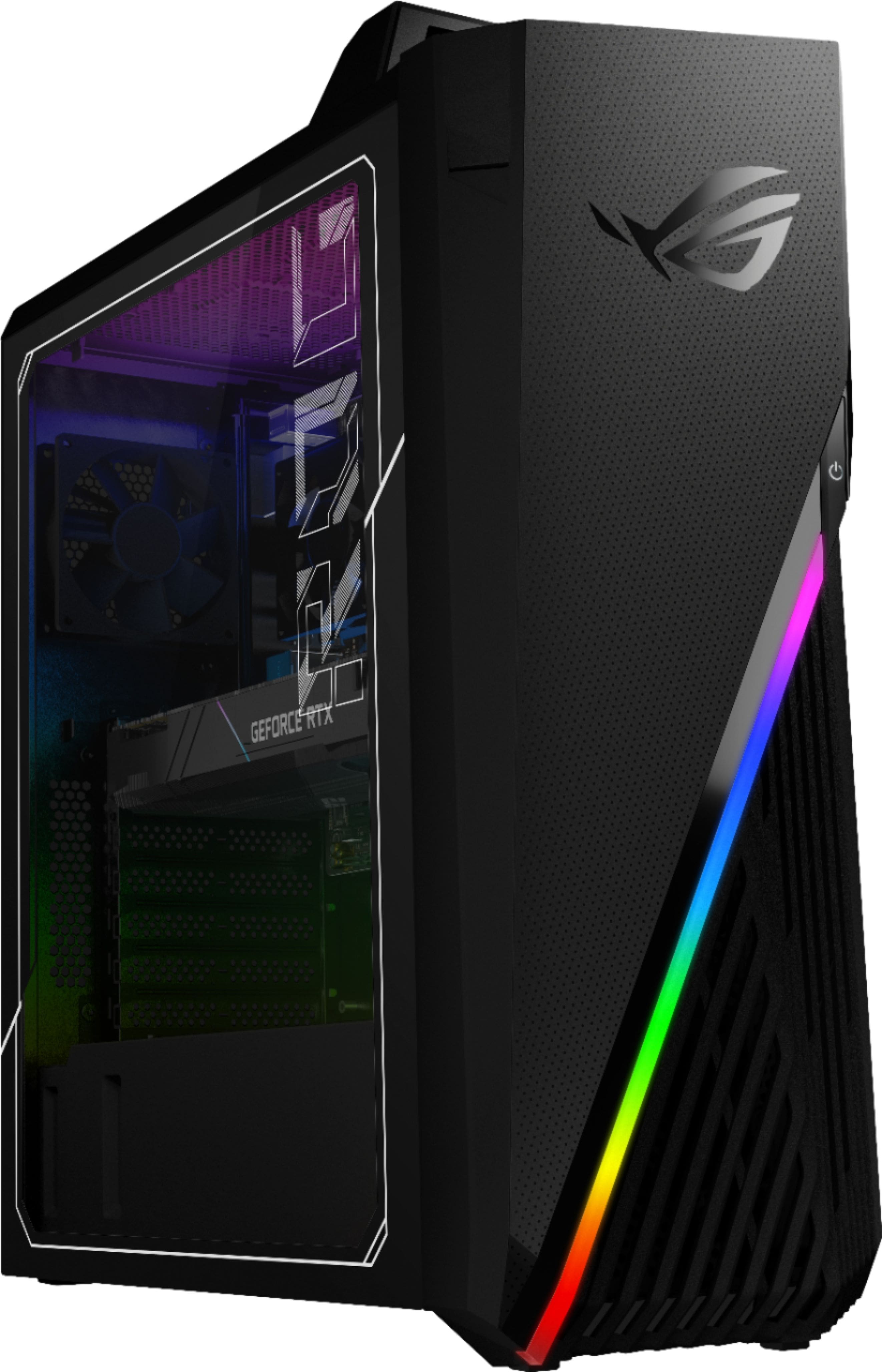
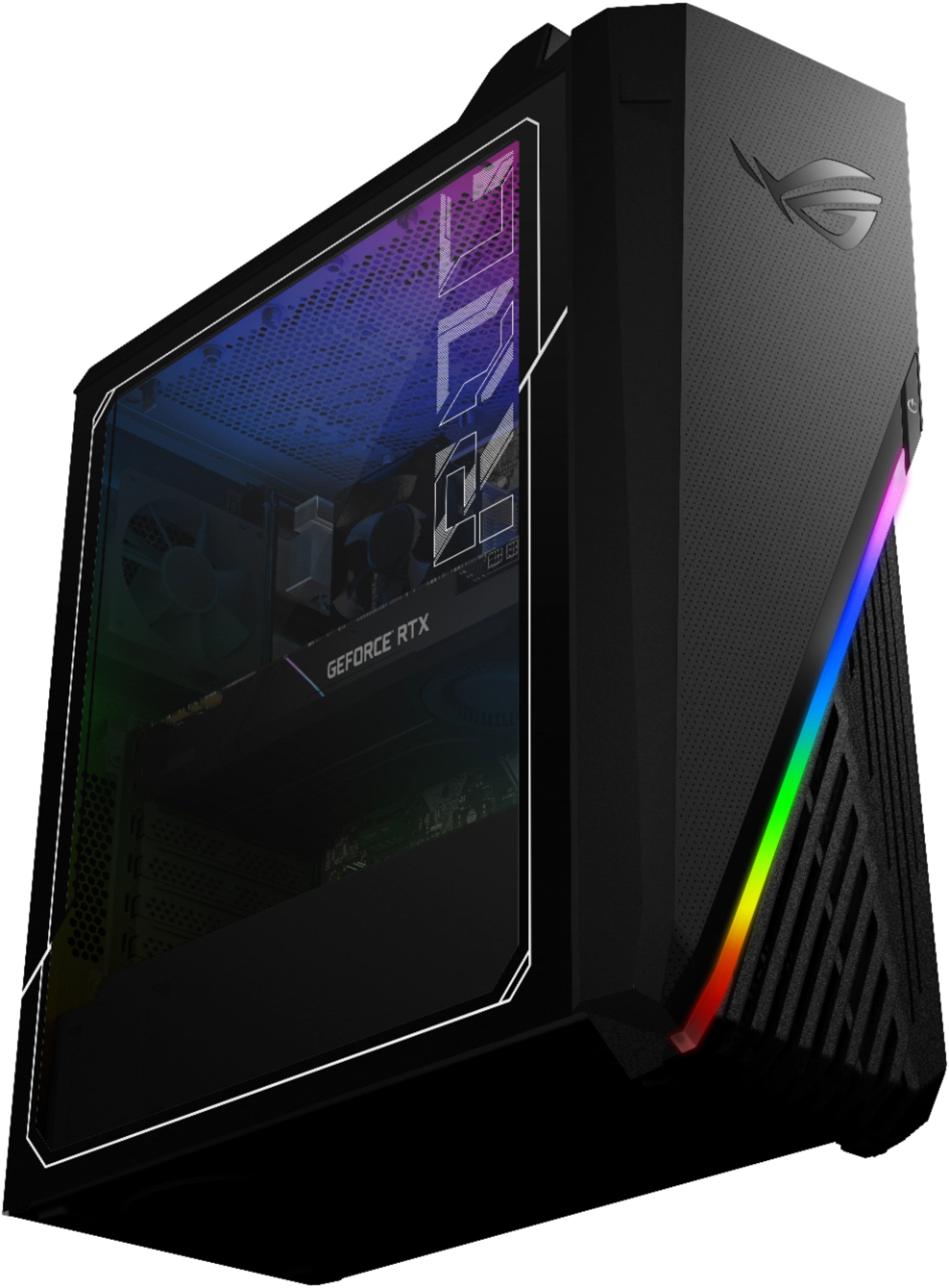
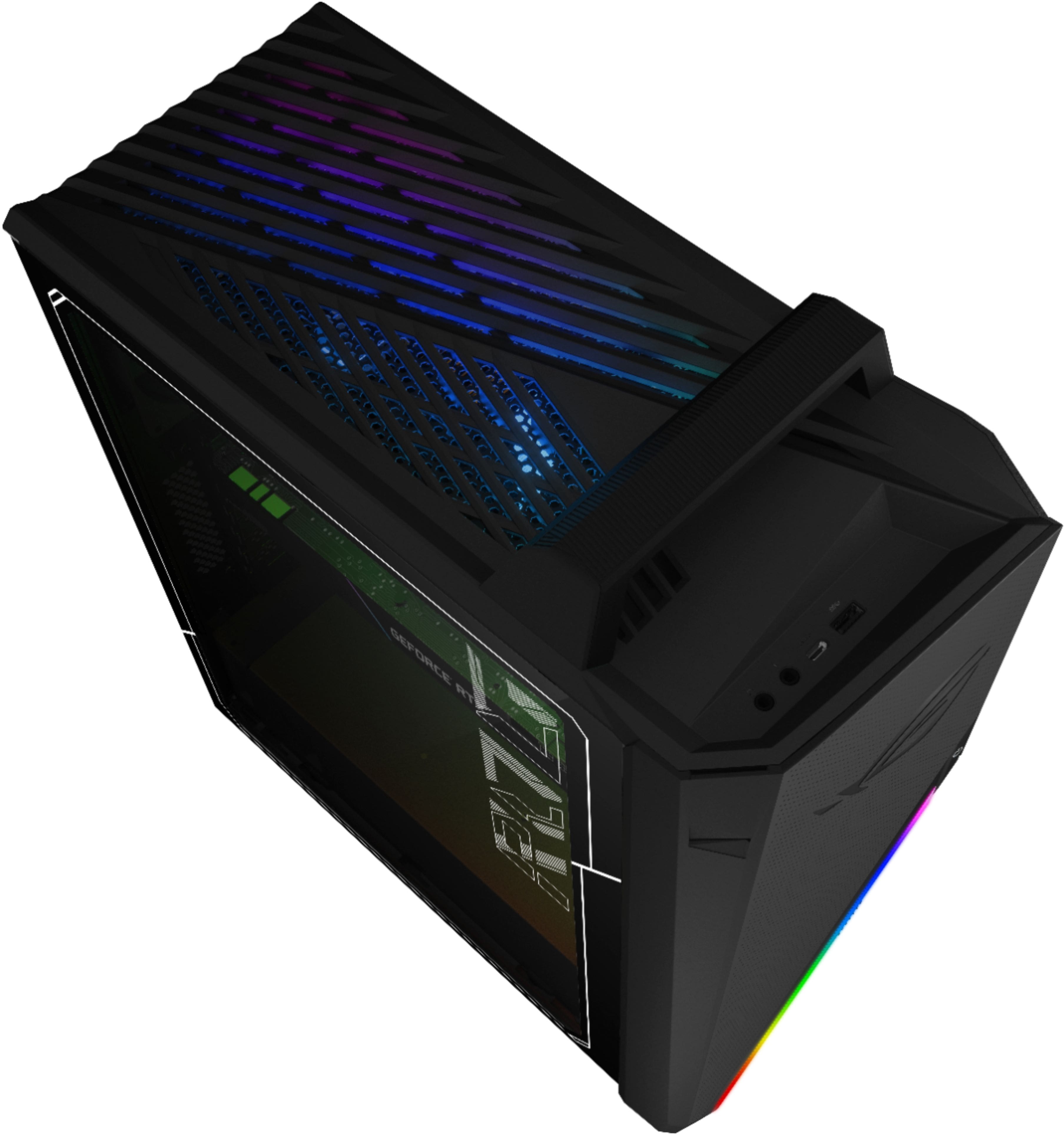
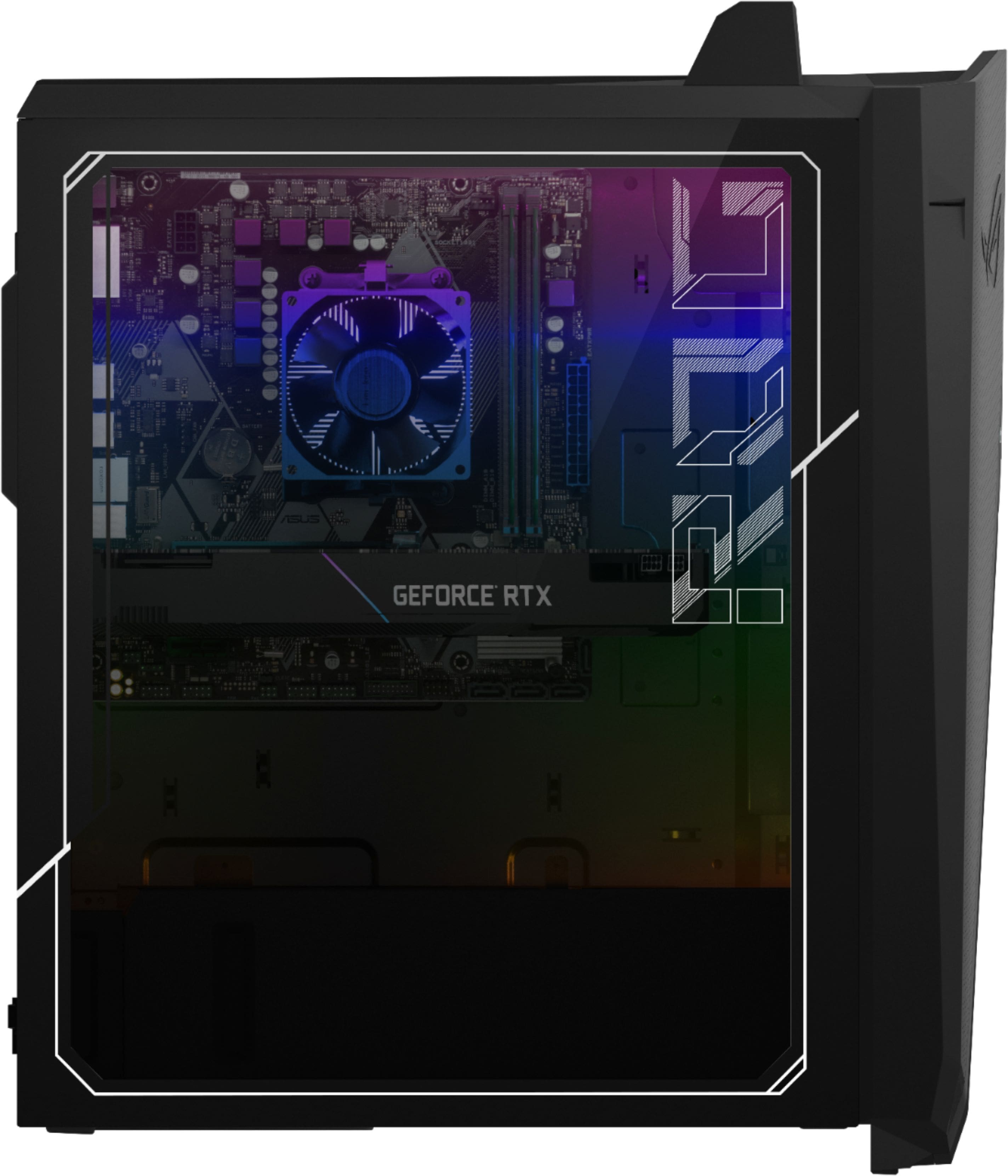
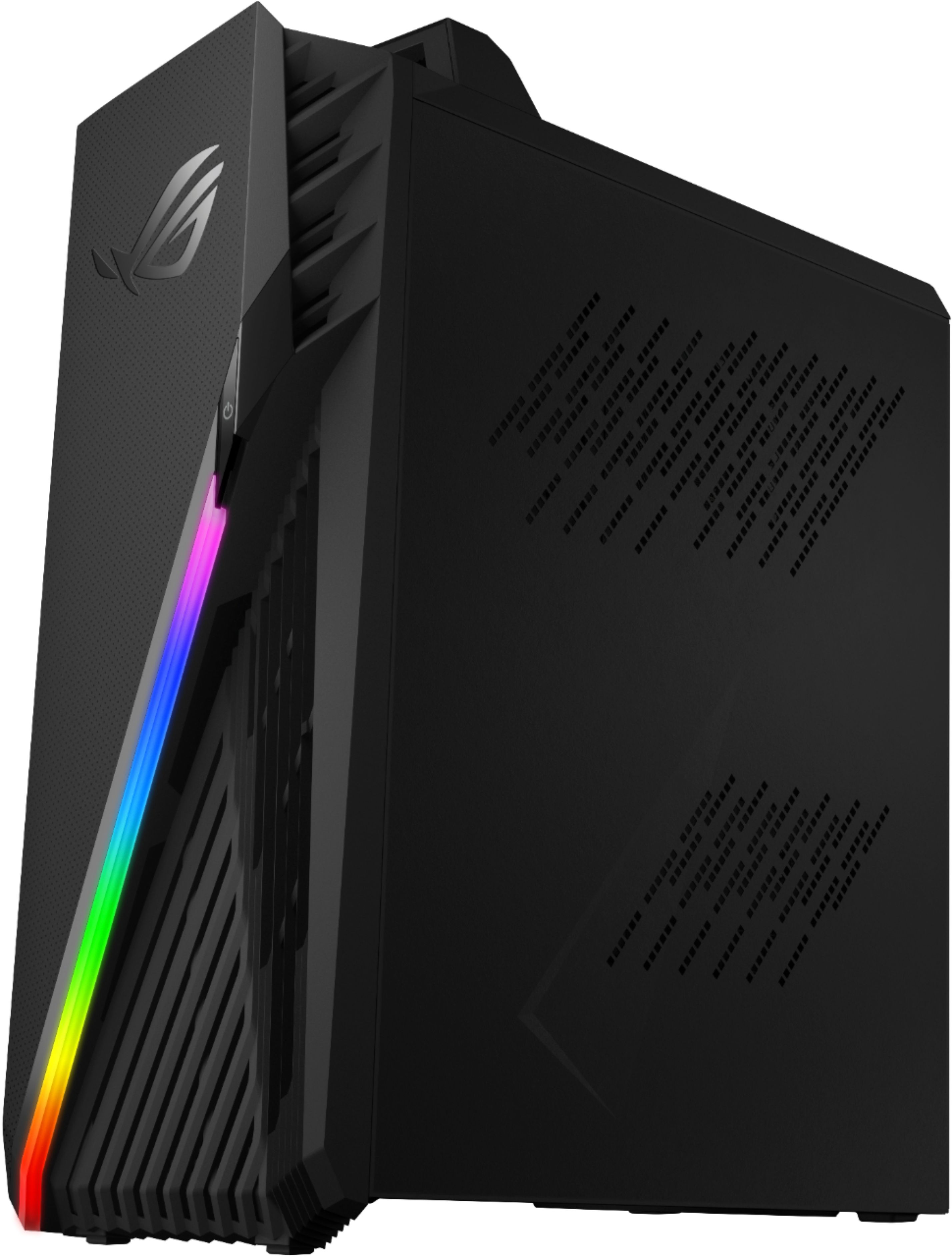
A:AnswerNO. there is only one pcie slot for the GPU. Either way, SLI and Crossfire are dead. Some titles support them, but not a lot. Going with 2 GPUs is almost pointless unless you really need the extra VRAM.
A:AnswerThis machine meets the hardware requirements for that device. For troubleshooting help, please reach out to me at [email protected] and include case #N200869775 in your email for reference.
A:AnswerGPU upgrades should be easy with this system. There are a couple of screws attaching the GPU to the case, but once you remove those you open the clip on the motherboard and it comes right out. I really don't think you can install a liquid cooler or AIO into this case, but you should be able to upgrade the existing heatsink and fan that cool the CPU.
A:AnswerYes there is room on the cable but no bracket is available to add. A person could come up with something to make it work but I just opted to get another SSD to use with the USB C. It is just as fast or faster.
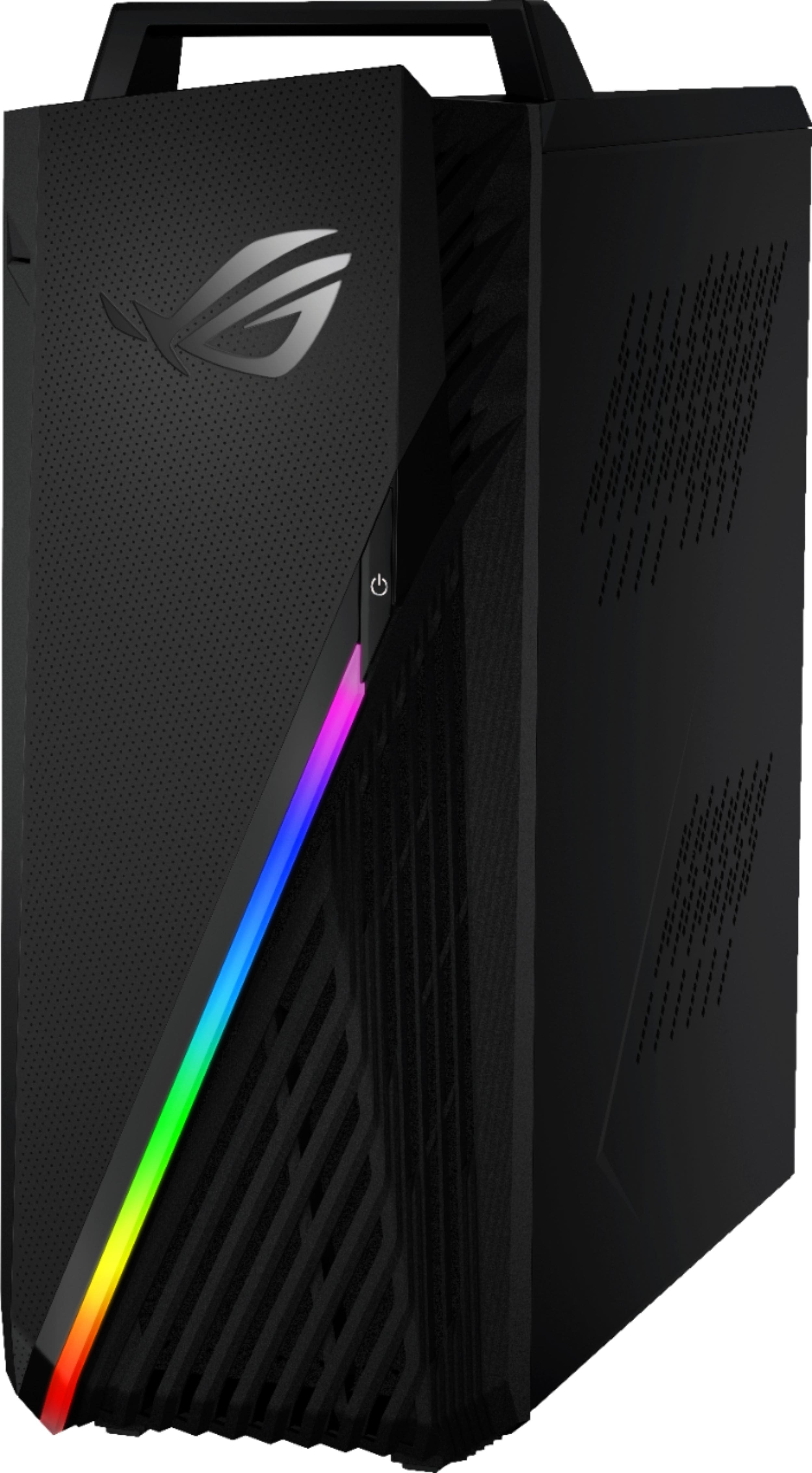
A:Answerit is very loud. My brother recently bought it and 1st thing to say, the cpu and cpu fan are both terrible for the price, and 2nd, I hear it from my room which is 10ft from his all the time, which super annoying, so yeah, it is super loud.
A:AnswerIt is completely normal for the PC fans to speed up and get louder when gaming, as the system needs to deal with the extra heat. If you are concerned about loud operation when on the desktop, I'd be happy to help you troubleshoot. If you have any general or technical questions, please email me at [email protected] and include case #N200867276 for reference.