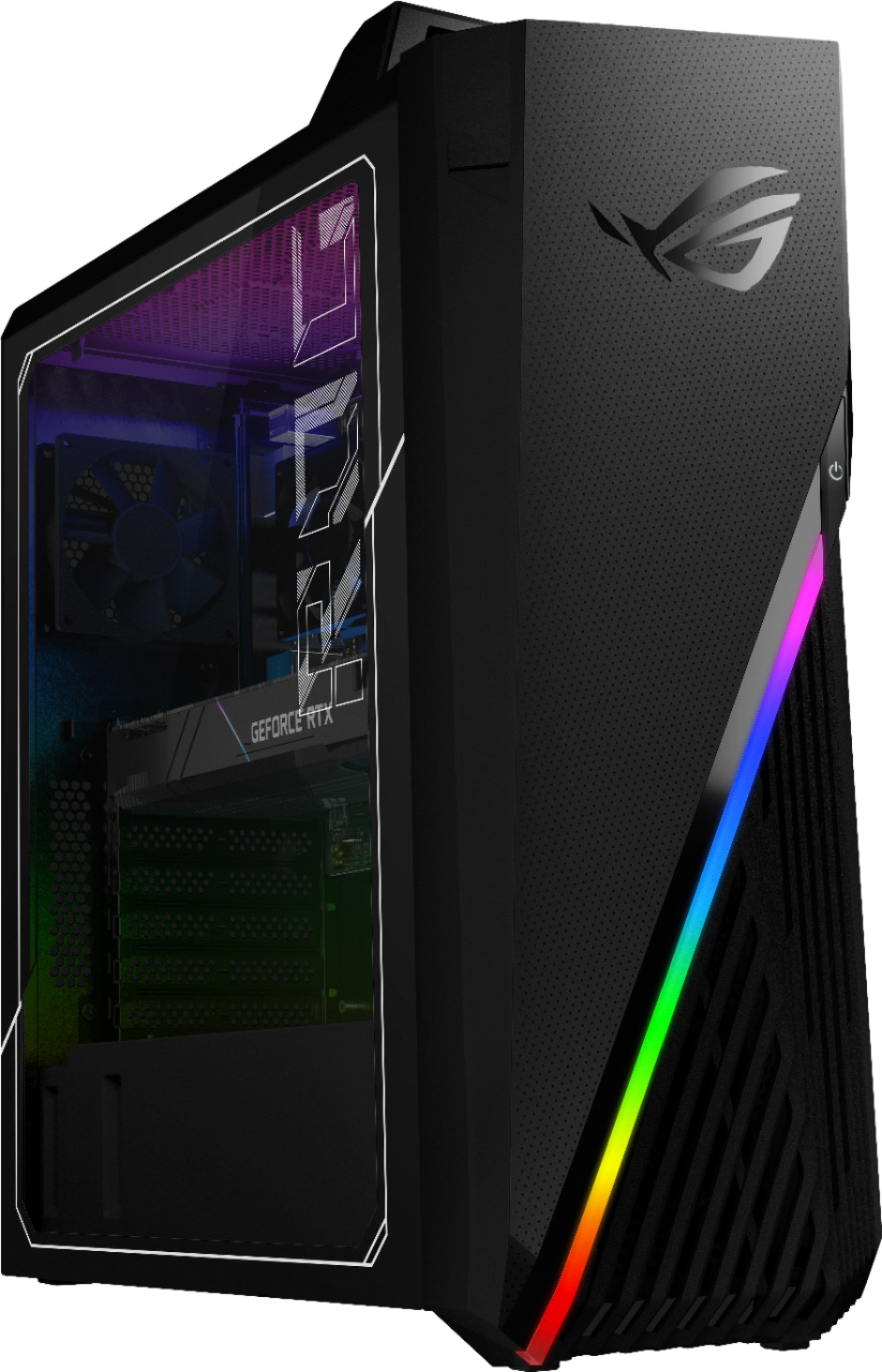
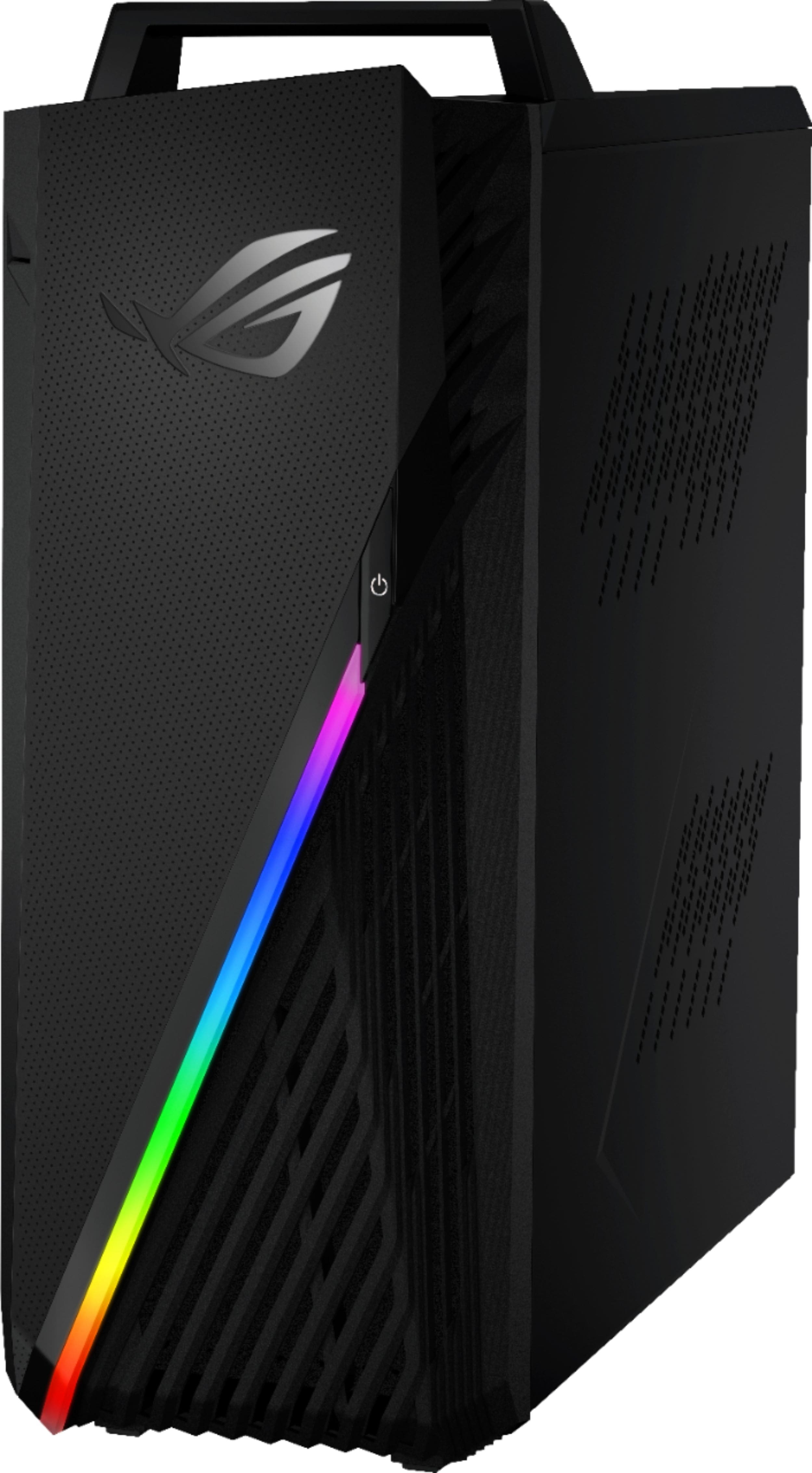
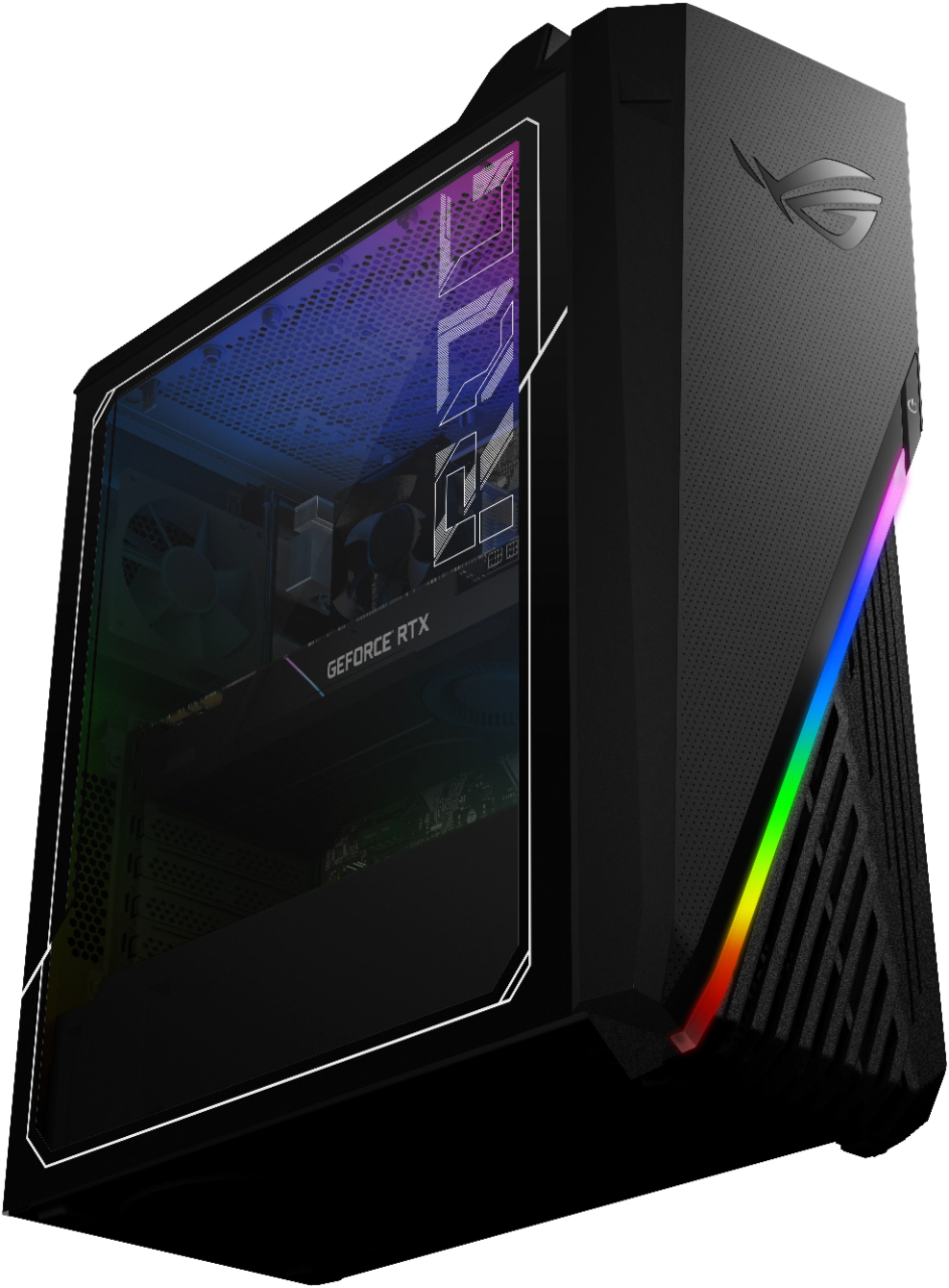
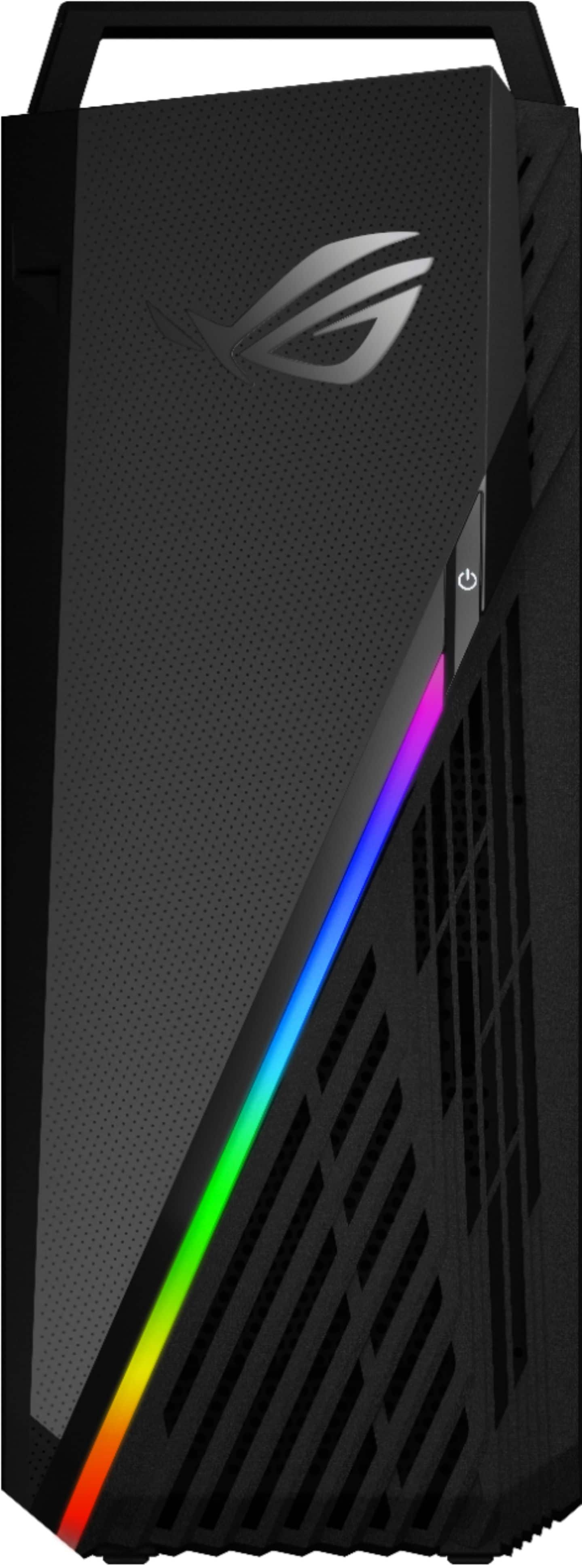
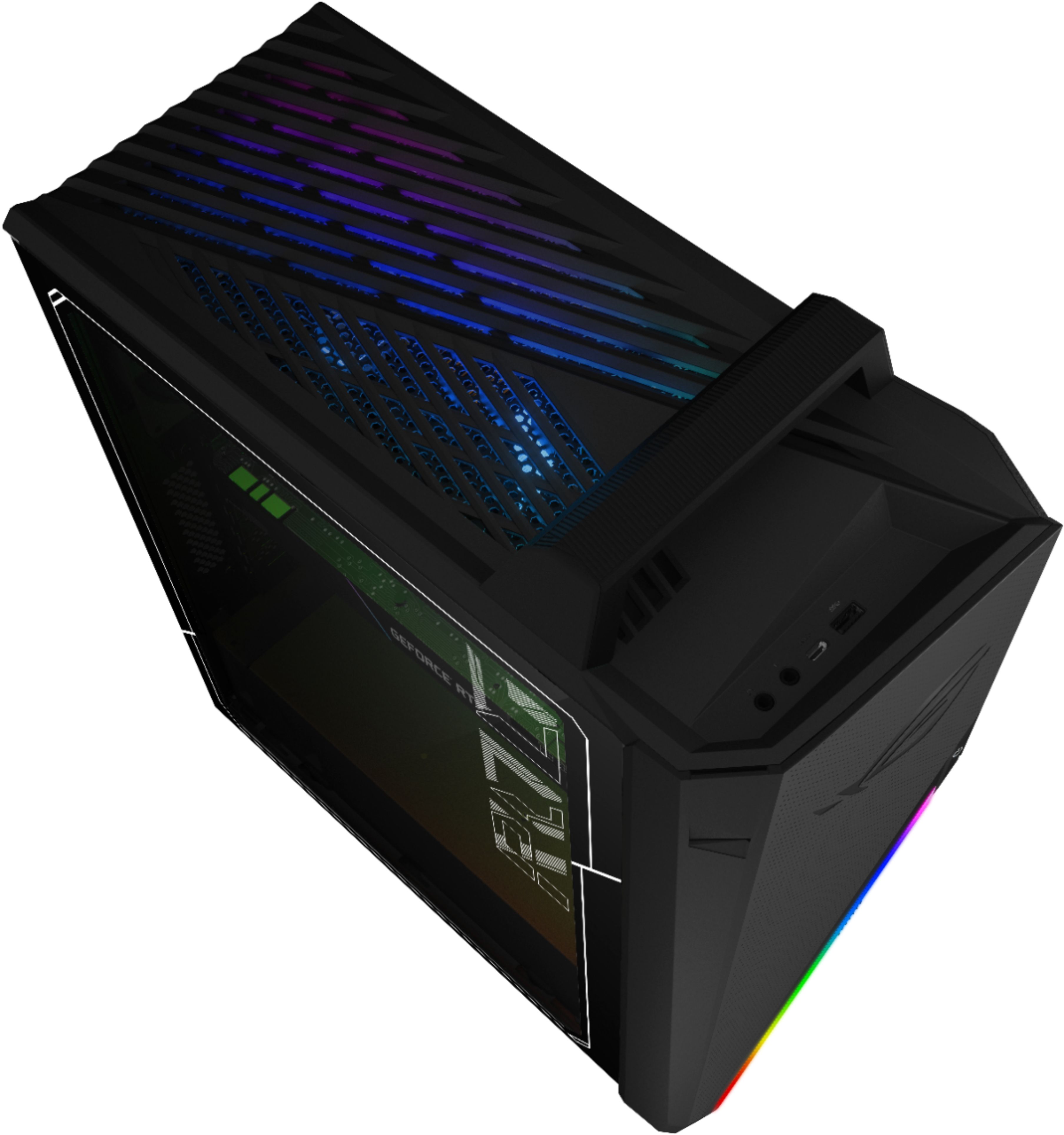
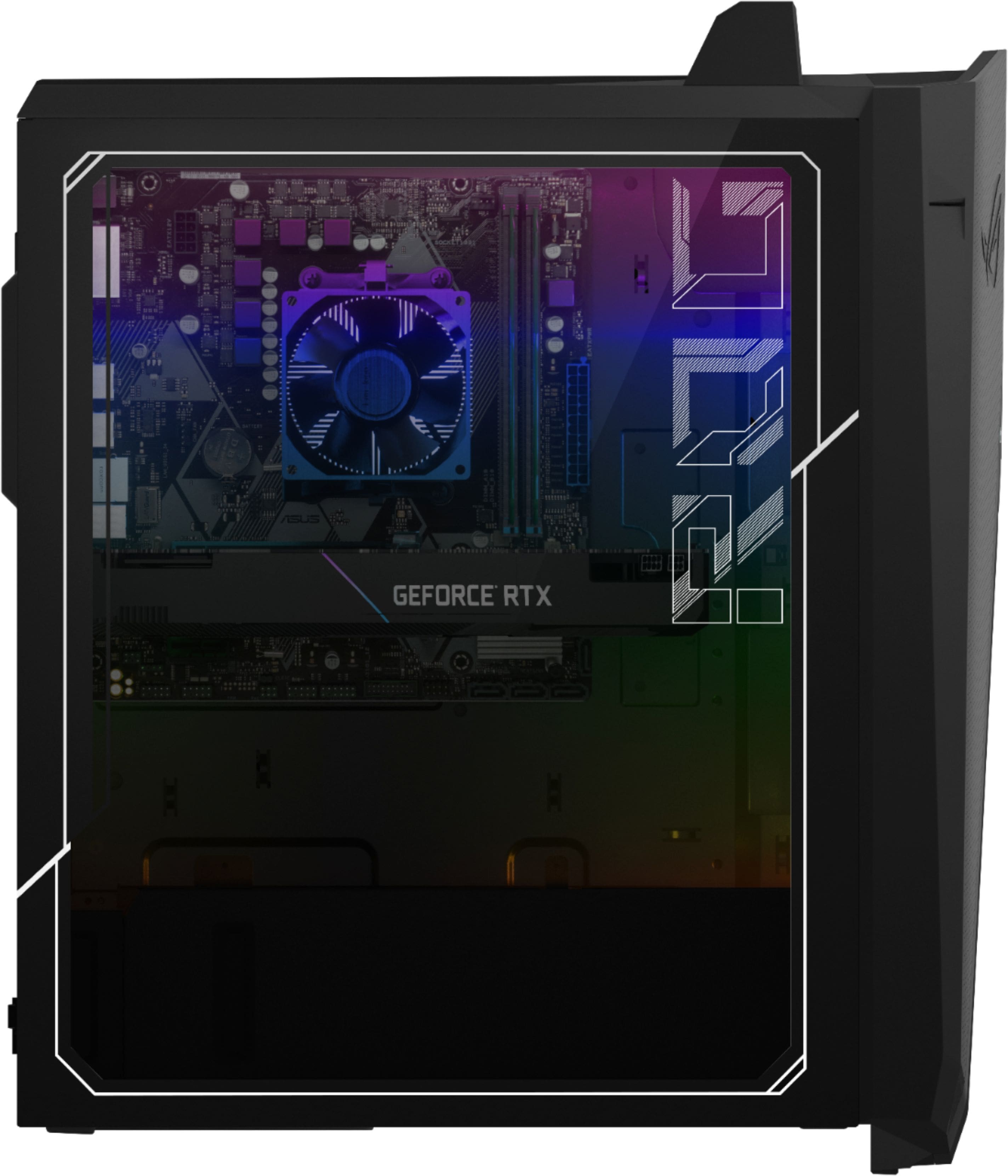
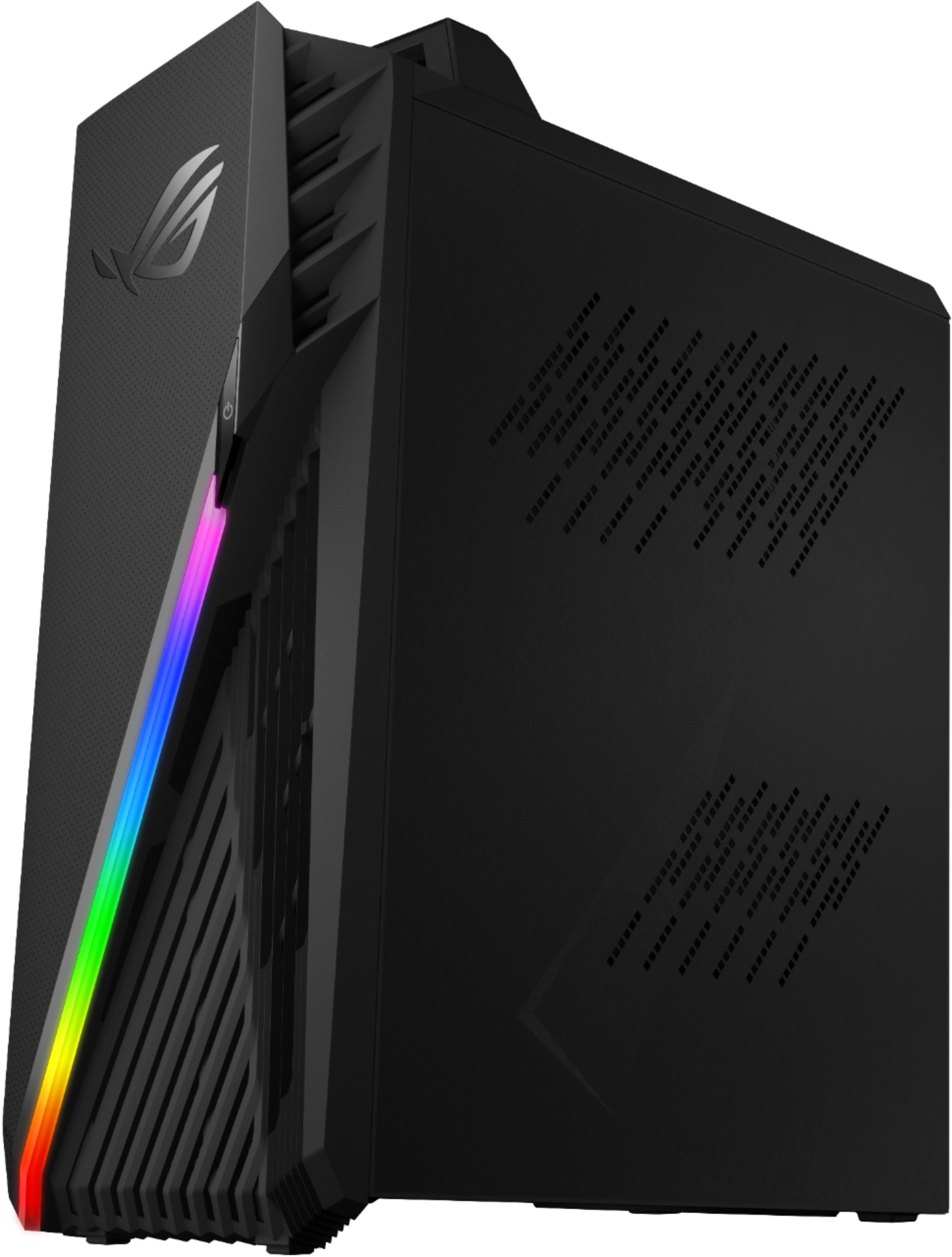
A:AnswerThe Desktop PC is a complete and fully-configured system that can handle power-hungry games and applications. ASUS doesn't provide hardware customization or hardware upgrade support.
A:AnswerHello Spencer. Thank you for your question. To verify if this Asus ROG G15CX-B10 gamin desktop can run an Nvidia GeForce RTX 3080 Ti graphics card, we highly recommend contacting the system manufacturer using the information below:
***https://www.asus.com/us/support/CallUs***
Thank you for choosing Intel!
A:AnswerThe Desktop PC is a complete and a fully-configured system that can handle power-hungry games and application. ASUS doesn't provide hardware customization or upgrade support.
A:AnswerThe desktop PC is a complete and fully-configured system that can handle power-hungry games and applications. ASUS doesn't provide hardware customizaton or hardware upgrade support.
A:AnswerMake sure to completely turn off your system and is unplugged. Once this is completed, you would need to locate the M.2 slot on the bottom half of the motherboard.
A:AnswerThat would be a monitor specification/limitation. DisplayPort currently supports up to 360Hz refresh rates, depending on the resolution and specific monitor.
A:AnswerThe Desktop PC is a complete and fully-configured system that can handle power-hungry games or application without compromising system speed or performance, and without any hardware modification or upgrade.