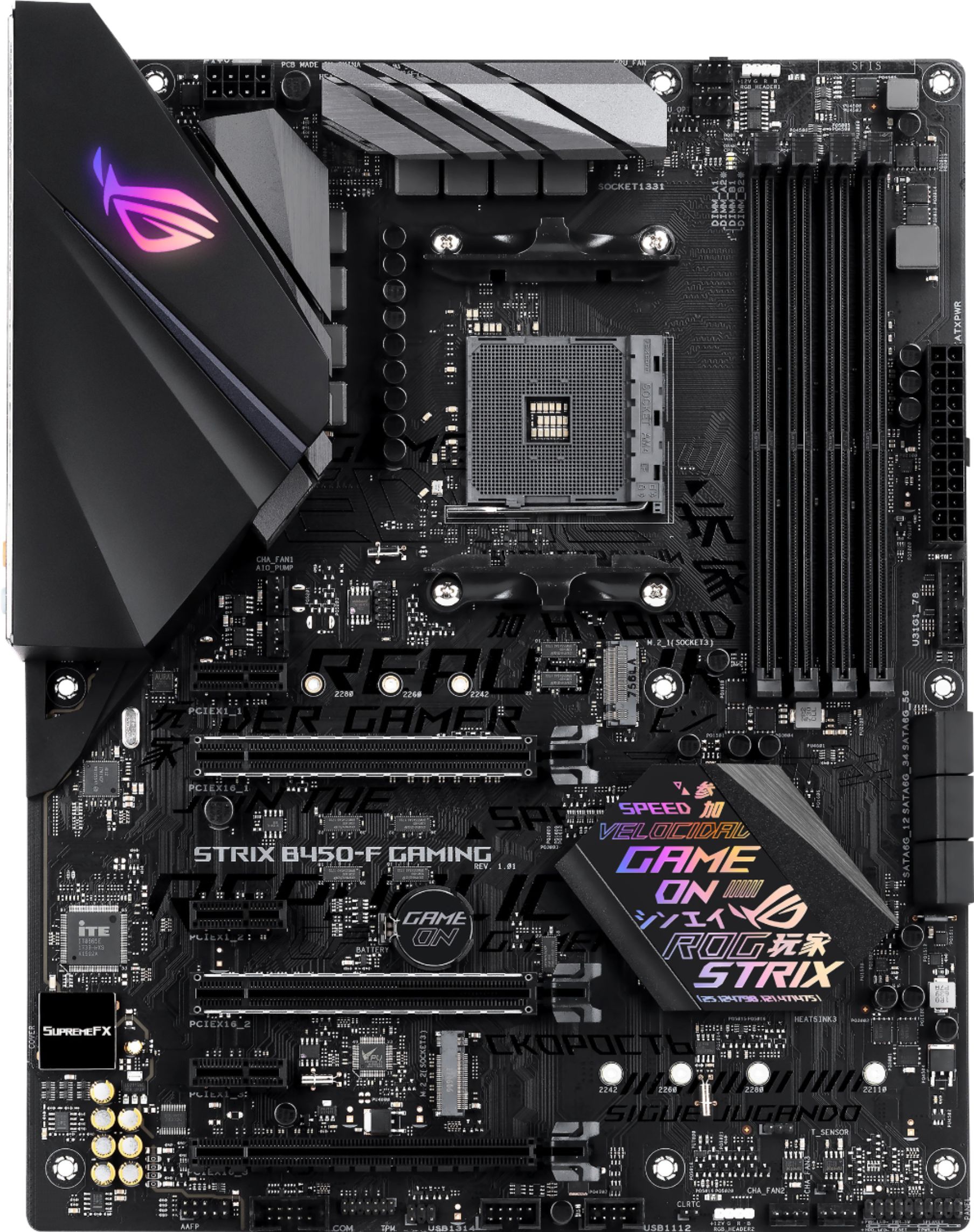
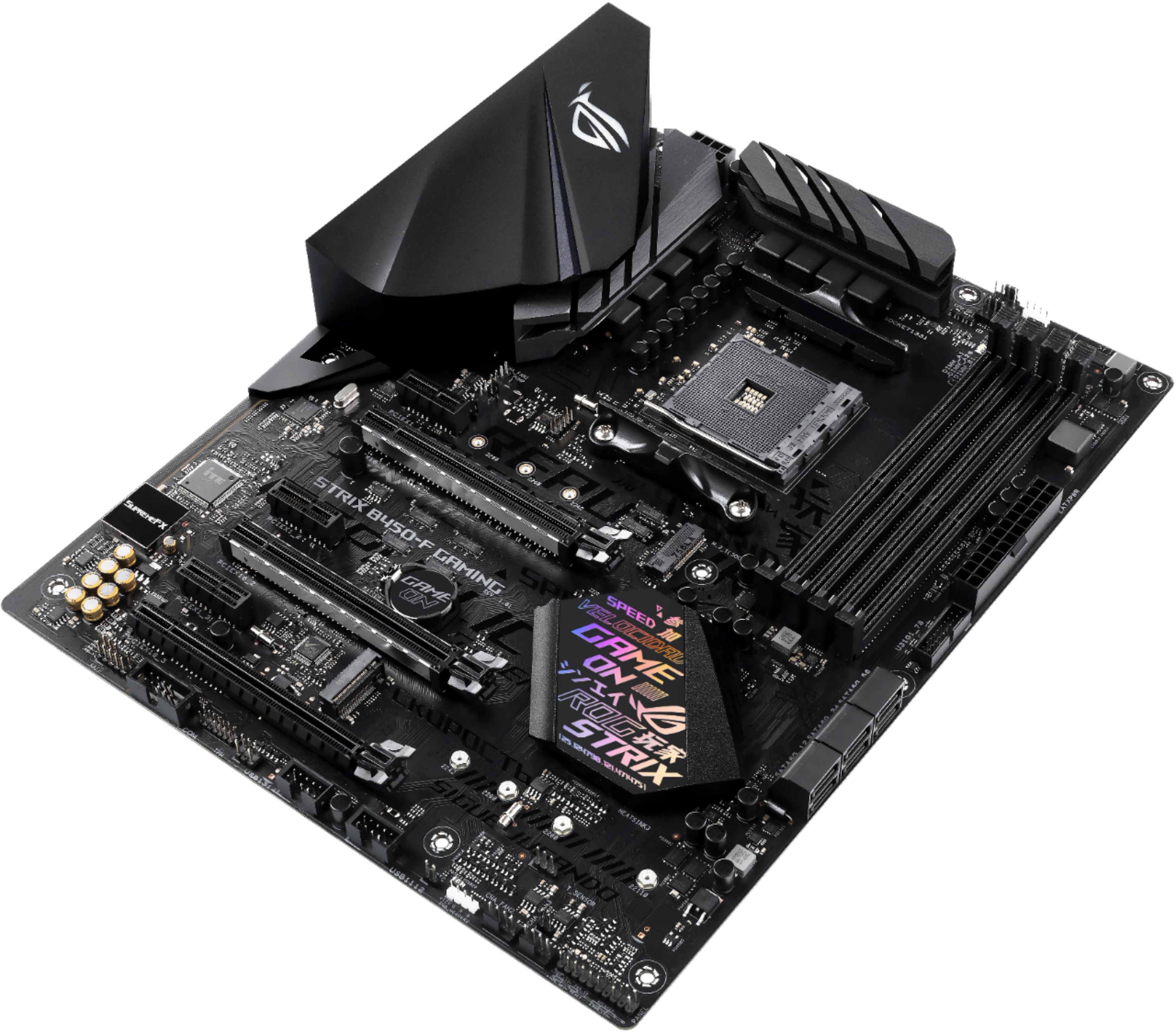
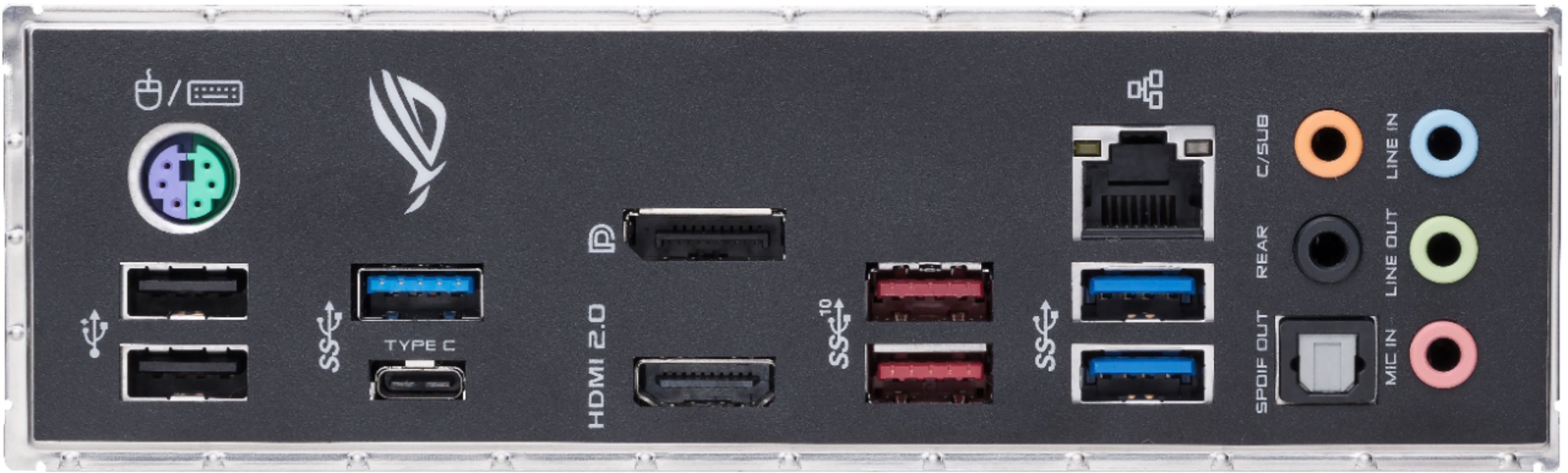
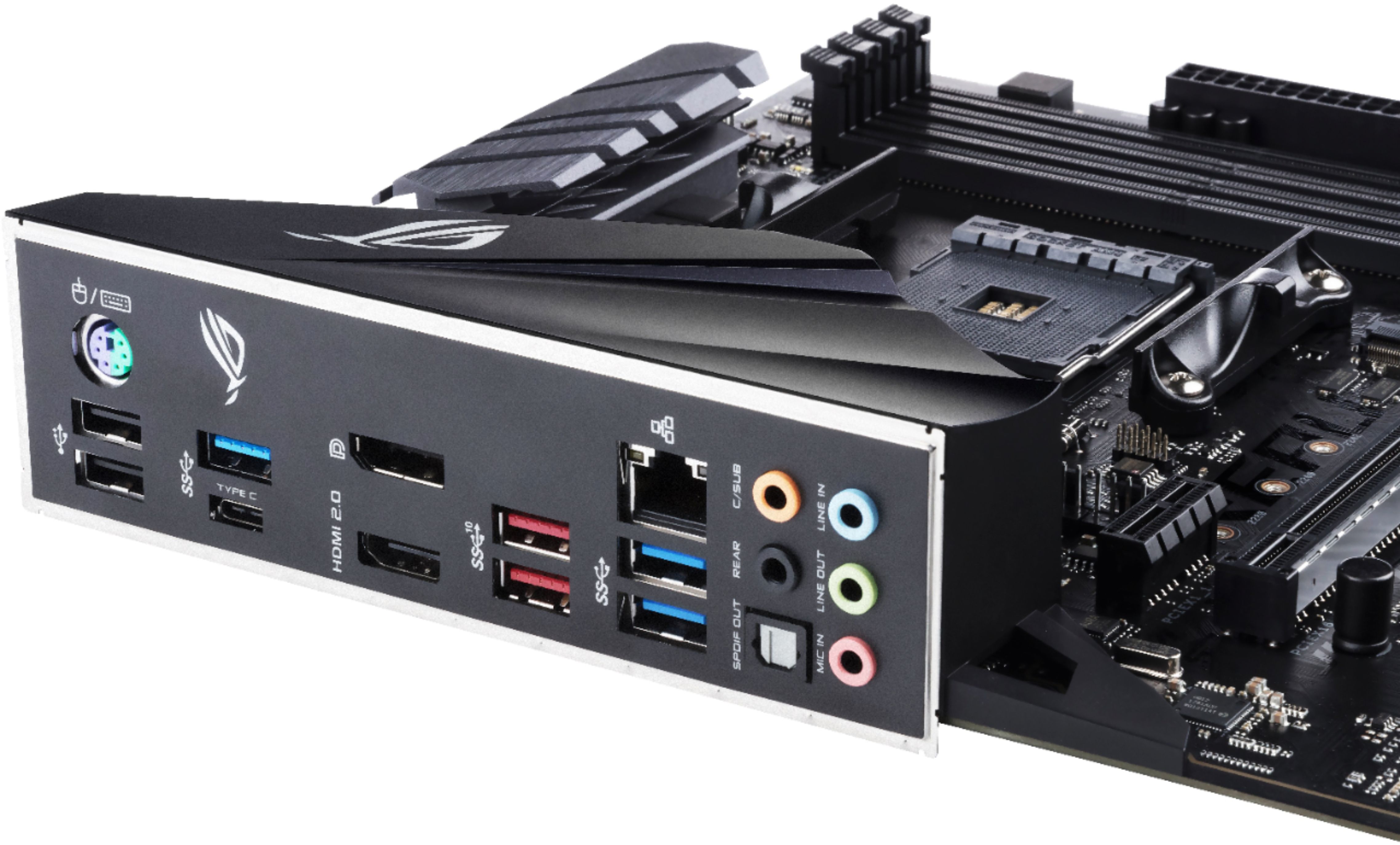
A:Answer I had the same issue on a MSI B450 motherboard a month ago. Try holding down the power button for an extra five seconds to turn the system off, then reboot and press the Del key fast. This might get you into the BIOS. Check out what the BIOS is telling you. Maybe upgrade the BIOS again, especially if you have a 3000-series Ryzen CPU. If you have an older Ryzen CPU lying around, such as a Ryzen 1200, swap them out, then upgrade the BIOS. Then switch back to the new 3000-series CPU. Other possibilities: reseat the RAM, pull out all RAM modules except one, check the RAM compatibility and configuration in the manual, check the CPU for bent/broken pins, ensure that the motherboard is not shorted to the case with the standoffs in the correct positions, swap power supplies. I had inserted a RAM module incorrectly.. it can look ok but not really be ok. You might want to clear the BIOS as per the manual to reset to system defaults. Strip the system down to a bare minimum to help isolate the problem. Check the video card if in use to ensure it is seated in correctly (some of these have a power cable requirement). Also, note that the video outputs on the motherboard may not be active if you have a video card. Also, some Ryzens do not work without a video card.