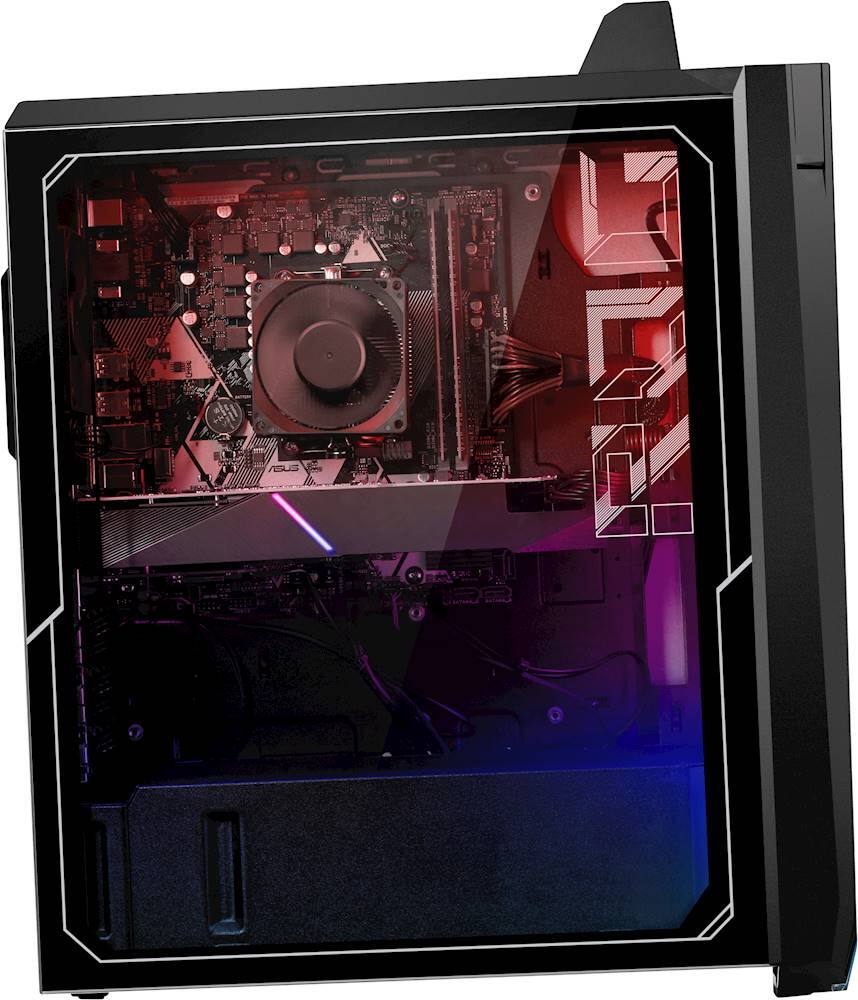
A:AnswerIt does support it. And yes you can upgrade. MOBO limits 3200MHZ though. I upgraded to 32GB of Corsair RGB 3200MHZ. You will have to go into the MOBO bios to change RAM speed to meet the 3200mhz.
A:AnswerBased on third party benchmarks, you can expect 90 FPS in both titles at 1920 x 1080 with high graphics settings. https://www.notebookcheck.net/NVIDIA-GeForce-GTX-1660-Ti-Laptop-Graphics-Card.386426.0.html
A:AnswerBased on 3rd-party benchmarks, the 1660ti appears to deliver around 100 FPS in that title. I recommend more performance benchmarks to get a better sense of the in game FPS prior to purchase.
A:AnswerFor troubleshooting help, please reach out to ASUS Support either by phone, chat, or email. https://www.asus.com/support/ You can also find us on Twitter @AsusHelpUS. The system should boot up when the power button is pressed.
A:AnswerYou should expect around 140 FPS at 1080p. https://www.nvidia.com/en-us/geforce/news/geforce-gives-you-the-edge-in-battle-royale/#:~:text=In%20terms%20of%20concurrent%20users,is%20the%20way%20to%20go.
A:AnswerThe desktop PC is a complete, fully-configured system that is ready to run power-hungry games or applications without compromising speed or performance. ASUS doesn't provide hardware upgrade support.
A:AnswerThe desktop PC is a complete, fully-configured system that is ready to run power-hungry games or applications without compromising speed or performance. ASUS doesn't provide hardware upgrade support.