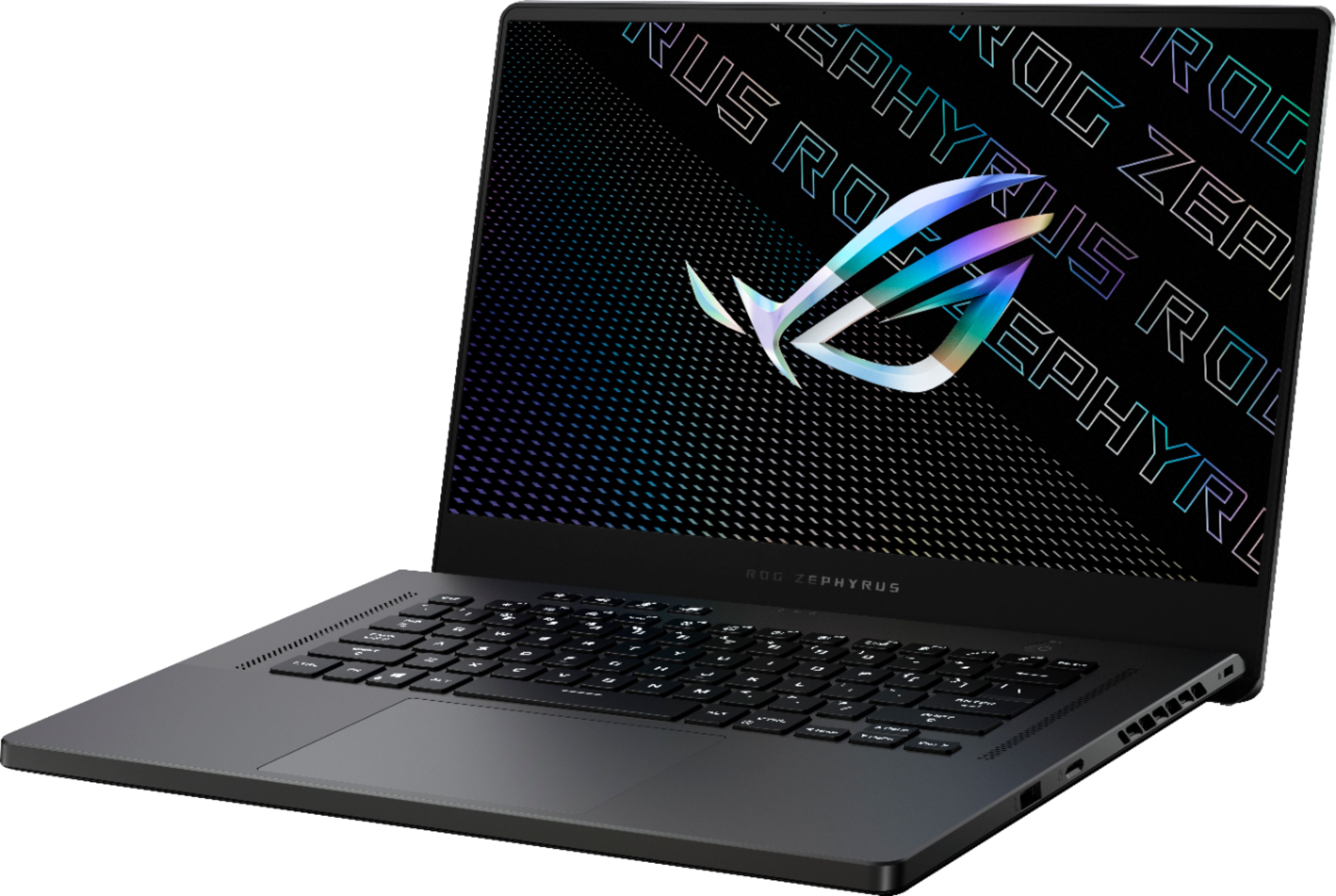
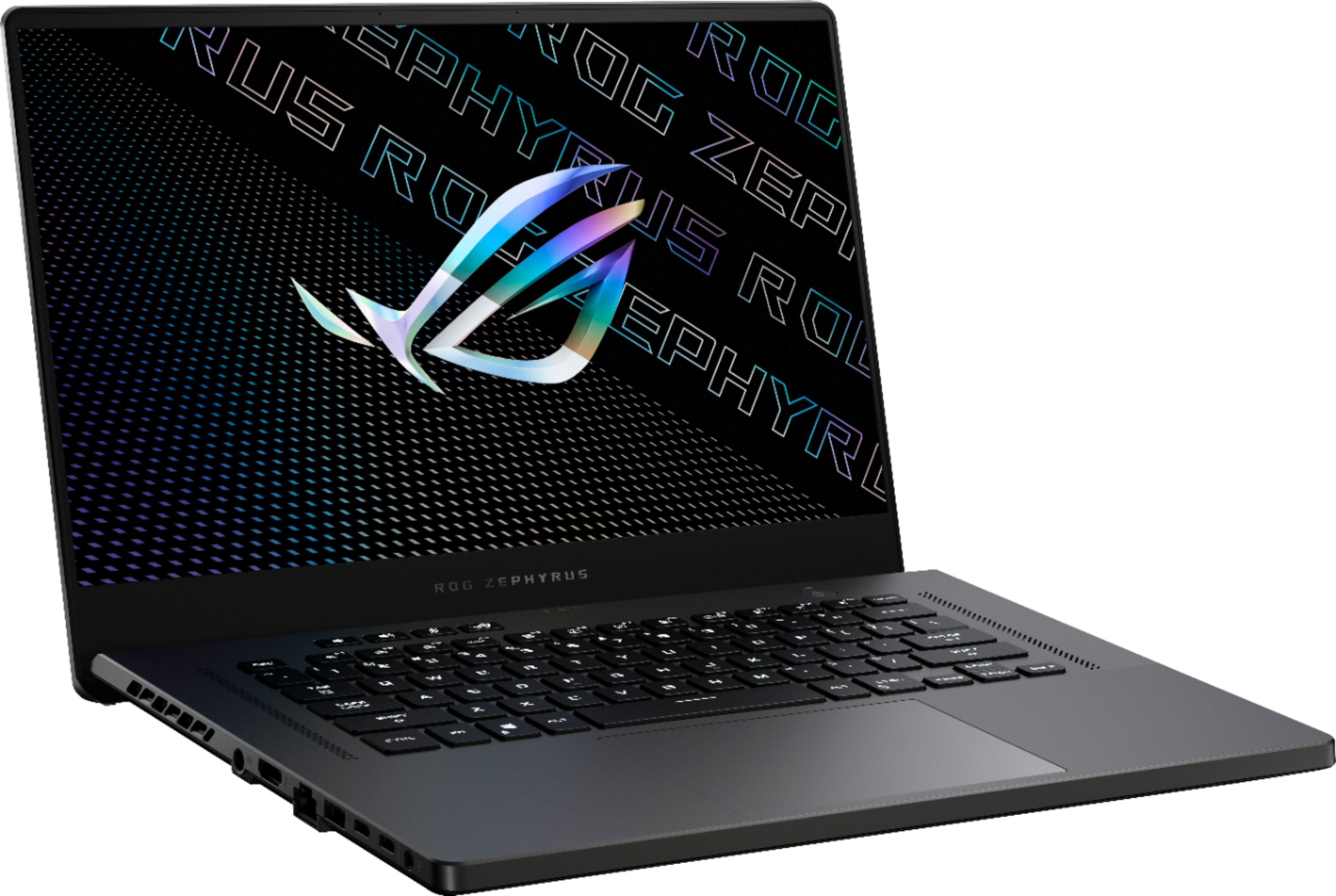
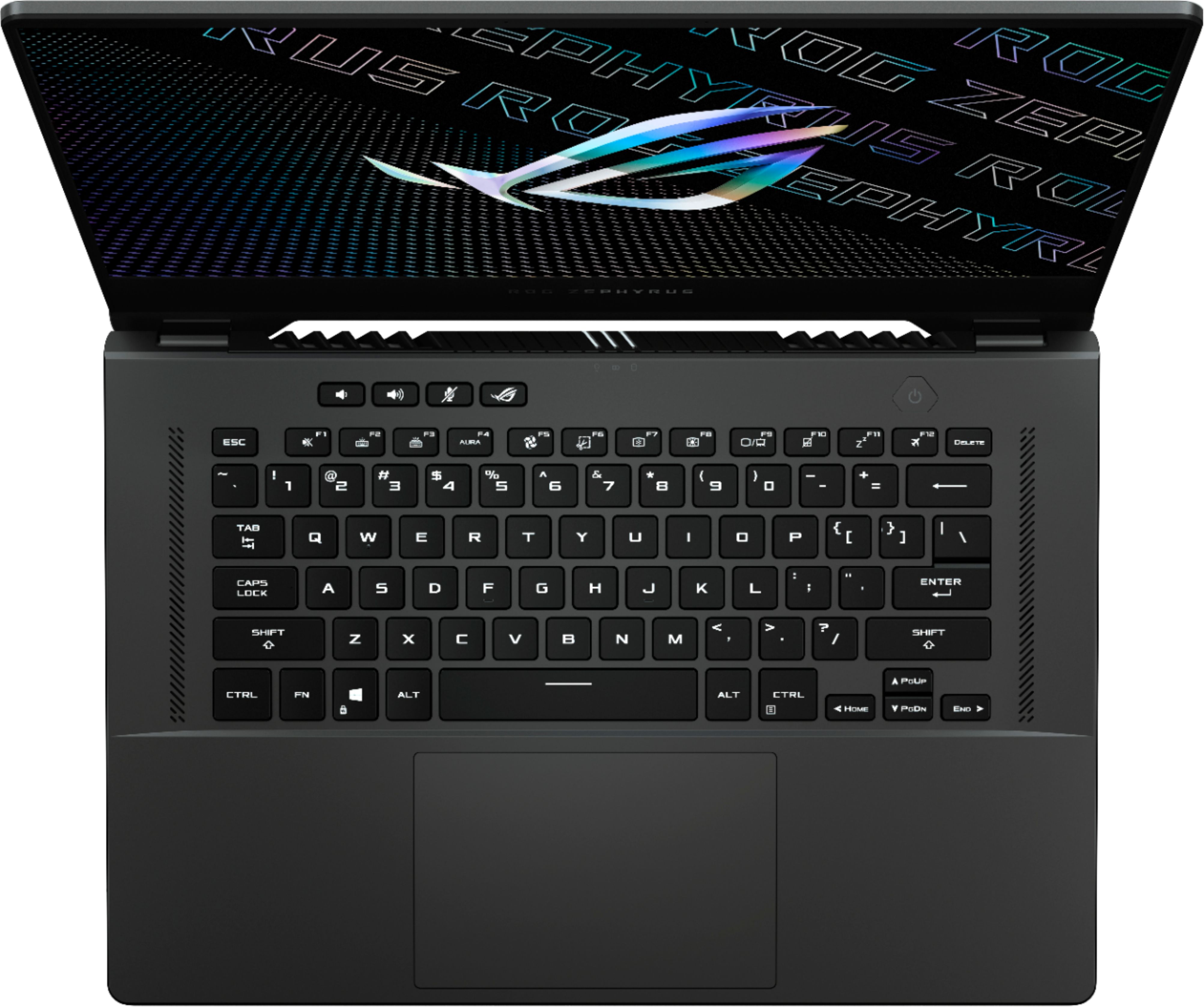
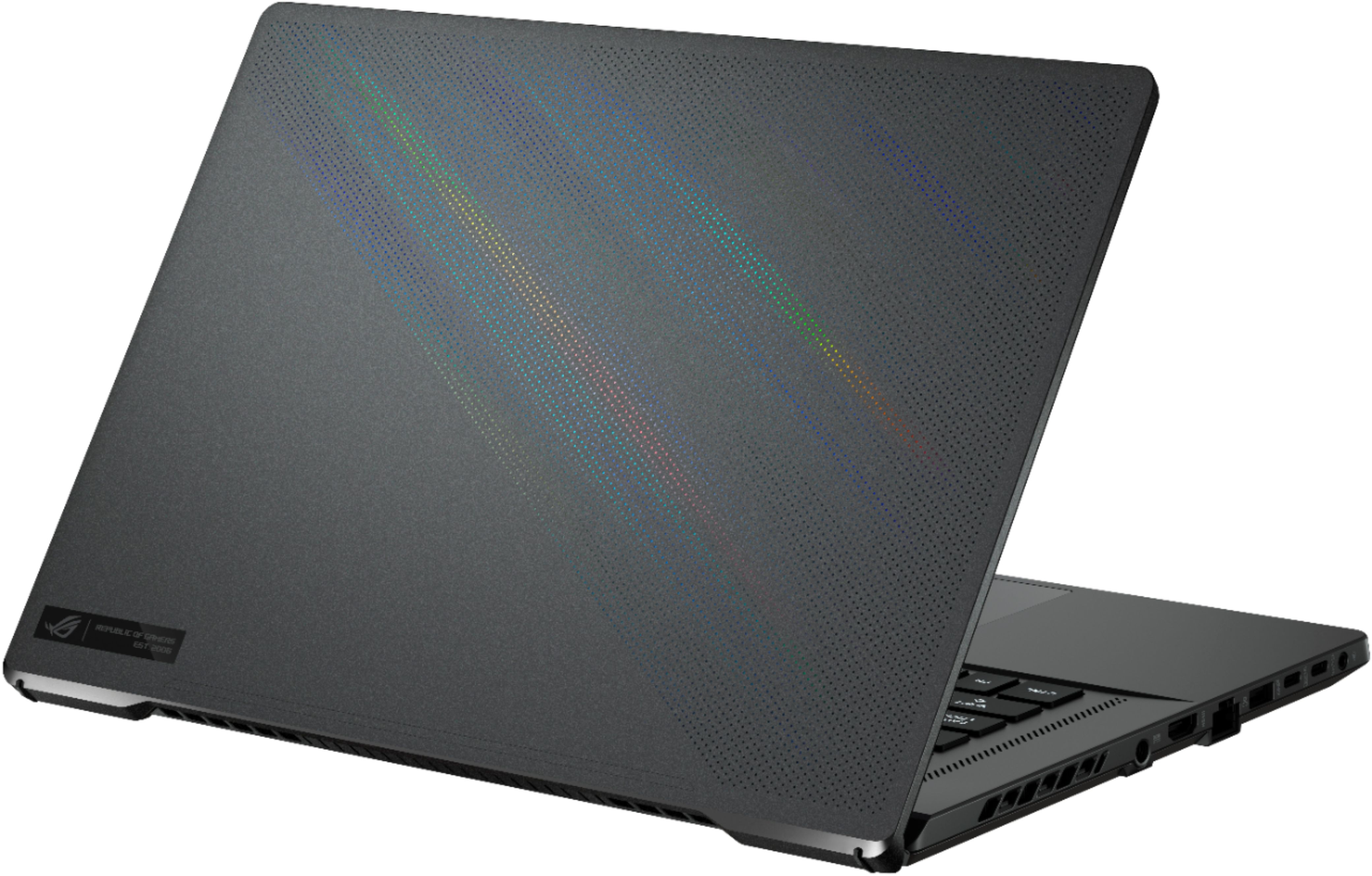
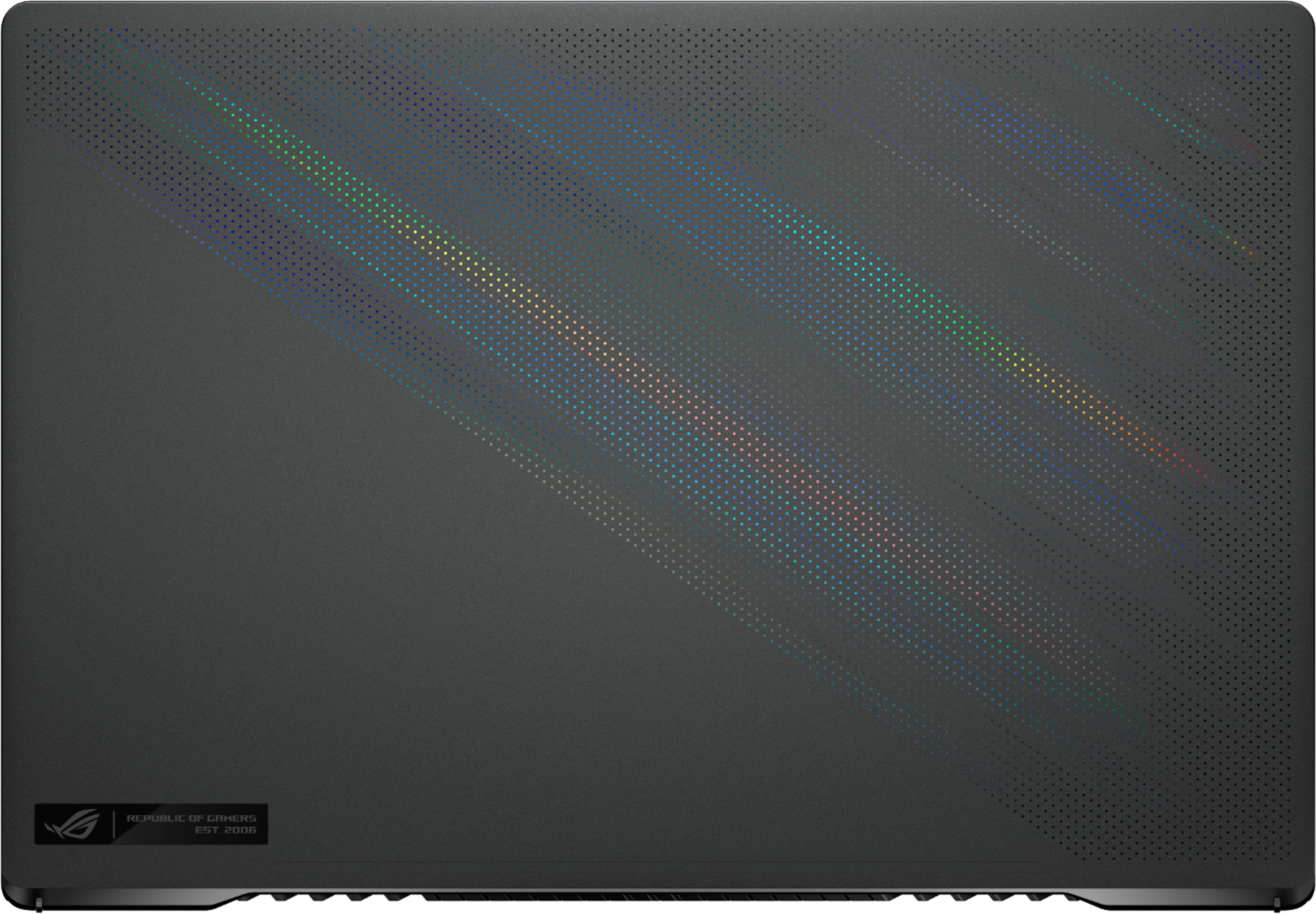
A:AnswerThis model sold through very quickly during the pre-order. Within 15 minutes the allocations were soaked up twice on release day. It's also received most of the attention from reddit versus other models. If stores are going to receive any units, you'll want to call them directly and plan to be in line before they open to make sure you get one.
A:AnswerBased on the G14 vs MSI Stealth, the Asus wins hands down. The fit and finish are just incomparable and the components are a cut above. I had the opportunity to test drive all of the flagships from last year and the G14 was the clear winner. With the G15 refresh, this will likely be the device of the year to have.
A:AnswerYes, you'll need to remove the back cover which consists of about 14 screws, then gently pry off the back cover.
It has 8gb of ram soldered on the motherboard, and a 8gb stick of ram that can be replaced. I replaced the 8gb RAM with 32gb. This gives you a total of 40gb of ram. I believe this is the maximum capacity. You lose dual channel memory access, however, it makes virtually no difference for gaming from the benchmarks I've seen, and in my experience with this laptop.
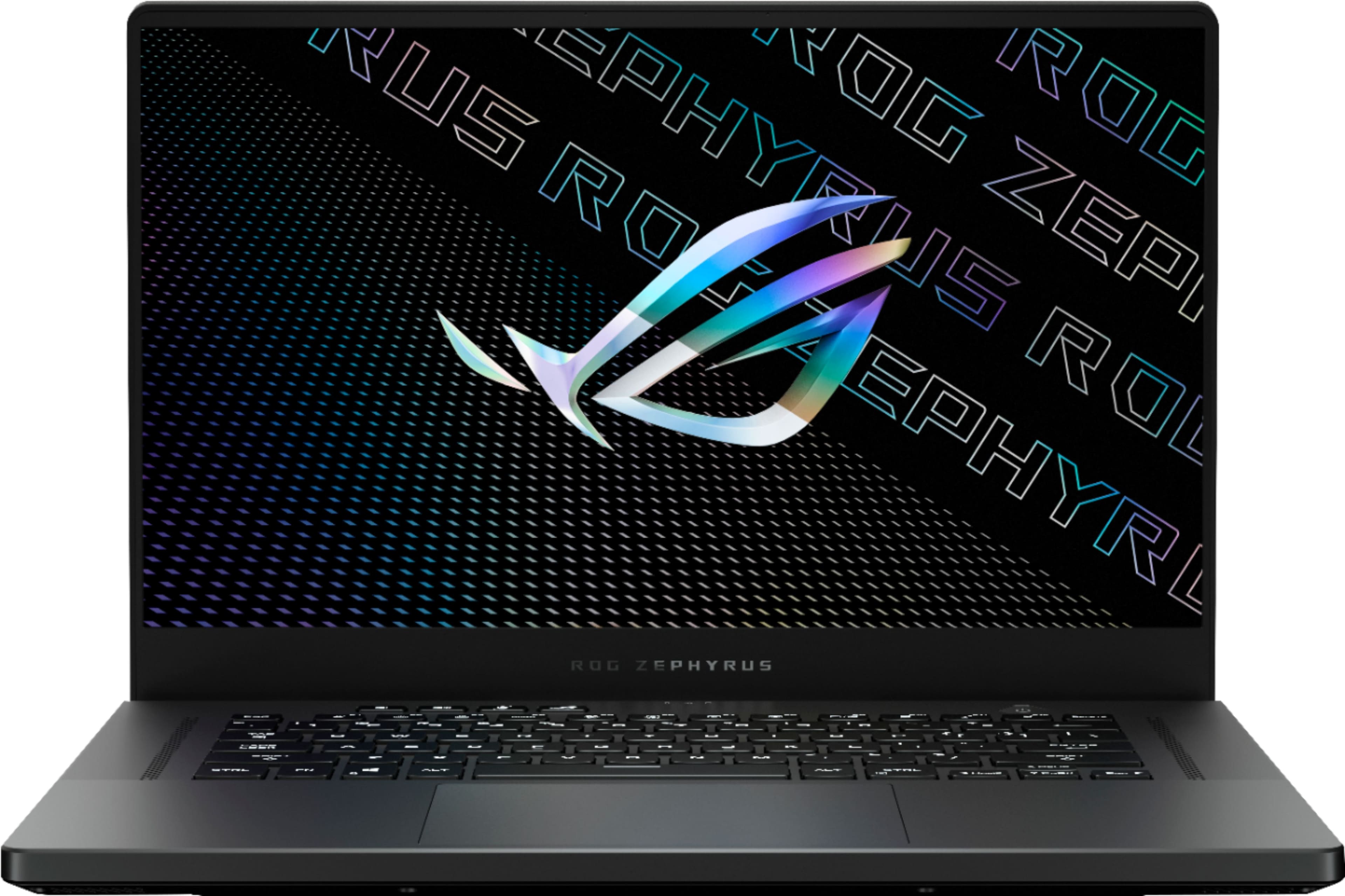
A:AnswerBest buy usually goes with a single configuration and deep stocks them. I believe that we will only see the gray version and one or two hardware configs this year at best.
A:AnswerBest buy has no restock fees.. Alot of buyers like to buy, try it, return and buy something else. I bought open box excellent and it was basically new...
A:AnswerNo, I didn't get it, from Feb 26th, delyayed, without any updating.
I guess that person was right, Bestbuy just gets every orders and doesn't ship at all.
this is very worst stupid.
A:AnswerI know this doesn't help much but this model was showing available online on 2/09 (maybe earlier). I ordered it then drove down to the store and picked it up. What's the point of a pre-order if the item is available in the stores before the pre-order even ships? It appears BB pre-order means pay first but receive last. Go figure!
A:AnswerNo Mux switch. Optimus switches between the AMD Radeon on the chip and the Nvidia RTX3070 when gaming. This allows for better battery life and better thermals in such a thin, lightweight laptop. That said, with a with only a max output of 100W to the card, the graphics are still outstanding. This could be why many have use the word "beast" to describe this laptop.

A:AnswerI mean it has a hdmi port and two usb-c's that function as Display ports. So yeah it can probably work for you setup but you would have to not use the dell dock.
A:AnswerUS Price $1800 does not include tax until end users buy at specified state which have their own specific tax rate. As for EU prices, unfortunately, your prices seem to reflex higher tariff and VAT on top of your retail price.
A:AnswerThe lack of thunderbolt likely means that we cannot use eGPU's. To get around this the Flow 13 uses a proprietary connector that doubles the bandwidth of Thunderbolt. The G15/G14 don't have that connector or the intel only T-bolt.
A:AnswerLikely yes. I think they are now getting ready to sell the same laptop with RTX 3080. They will probably wait for 15 days to put it on sale to avoid people returning the laptop with 3070 to get the one with RTX 3080.
A:AnswerThe wifi card is an Intel AX200 Wi-Fi 6(802.11ax) card, so it is theoretically capable of 2.4 Gbps. The RJ-45 port is controlled by a Realtek PCIe GbE Family Controller and it seems to be rated for 1.0 Gbps.
A:AnswerUsing a usb-c fast charger (like a 15w phone charger), it recognizes that it is charging, but gives the user a notification that this is not equivalent with the 200W shipped charger (and that this will most likely just extend battery life rather than fully charge the device). The 7.5/40W Switch charger gives a similar message.
I don't have access to any USB-C based chargers which deliver over 40W, but the there are 100W USB-C chargers, and the information sticker on the bottom of the laptop specifically states that 20V/5A (which must be 100W by spec) Type C input charges are an accepted input.
A:AnswerThe speakers sound like crap from the time you open the box. I had to go into the Dolby app and enable the soundfields. "Dynamic" sounded best to me for all around use and not having to keep changing things in app. Mine were bottoming out till I enabled Dolby settings and finished all the various updates.
As for the error. not sure what that part of your question is about.