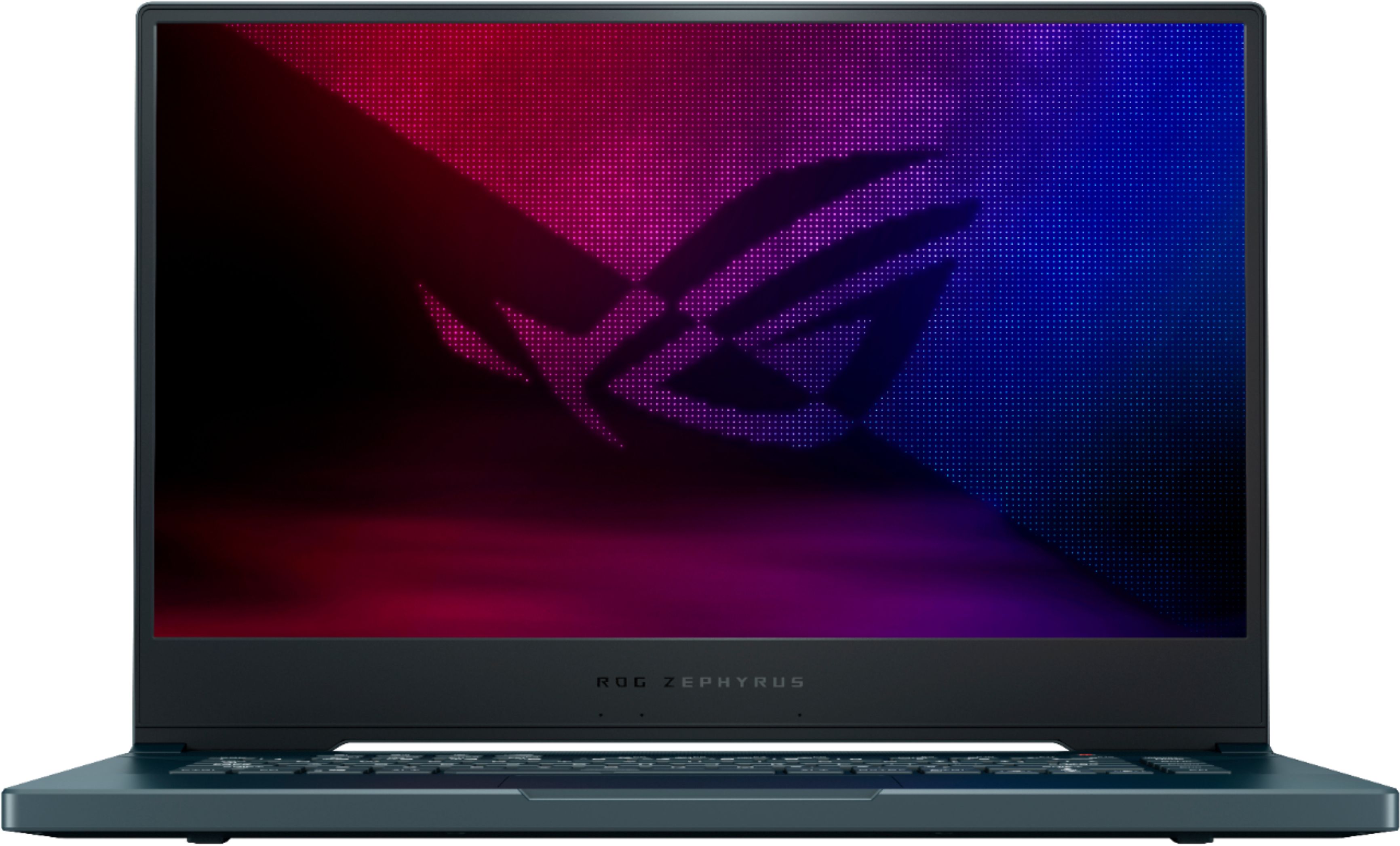
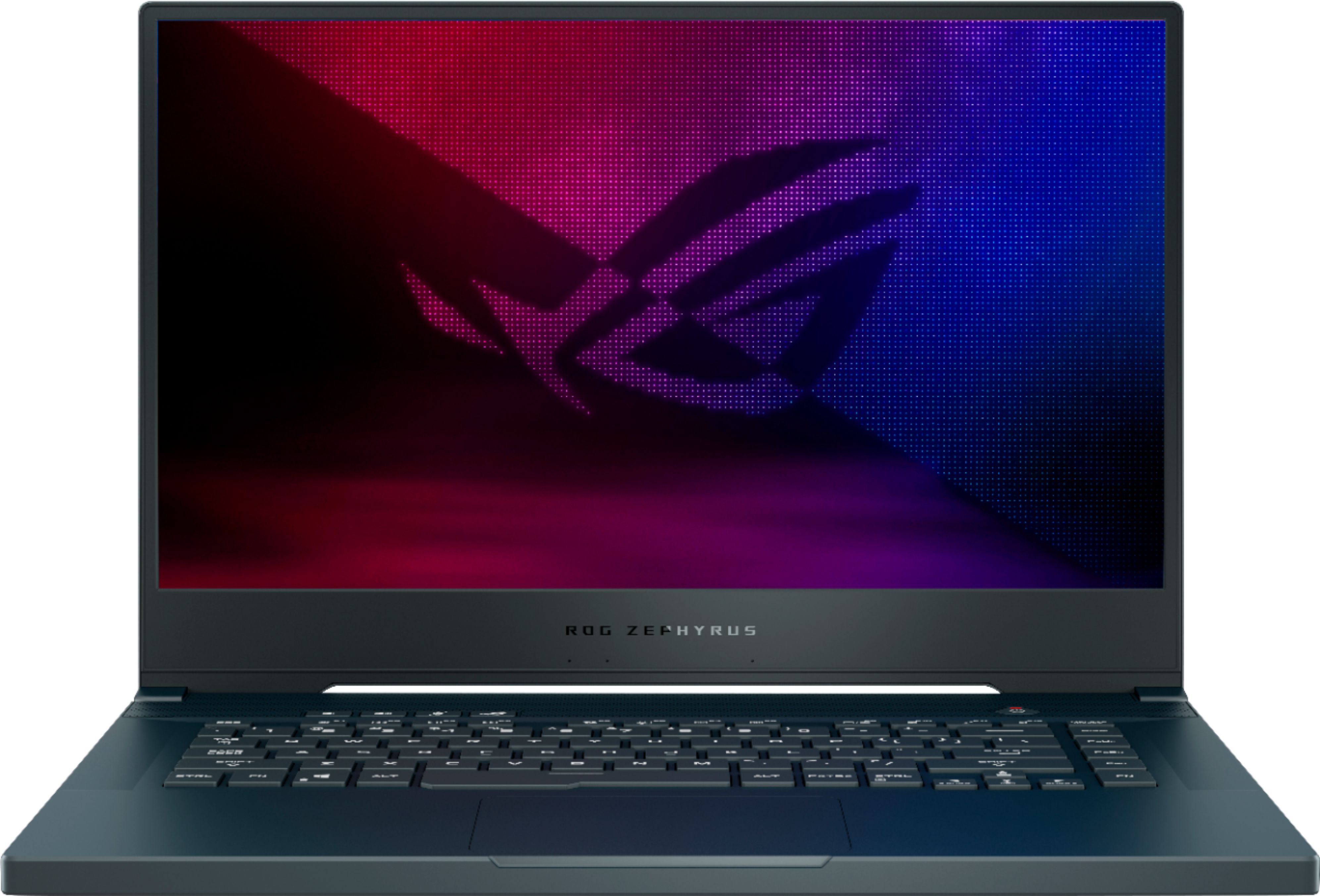
A:AnswerAs long as the laptop meets the system requirements of the game, Windows, chipset and video drivers are up to date, the game will run at maximum frames per second.
A:AnswerI would go to your local Best Buy and tell them that , I had a similar experience but mine went out of stock so they matched the price and even threw in an extra $100 so I got a better one for the same price
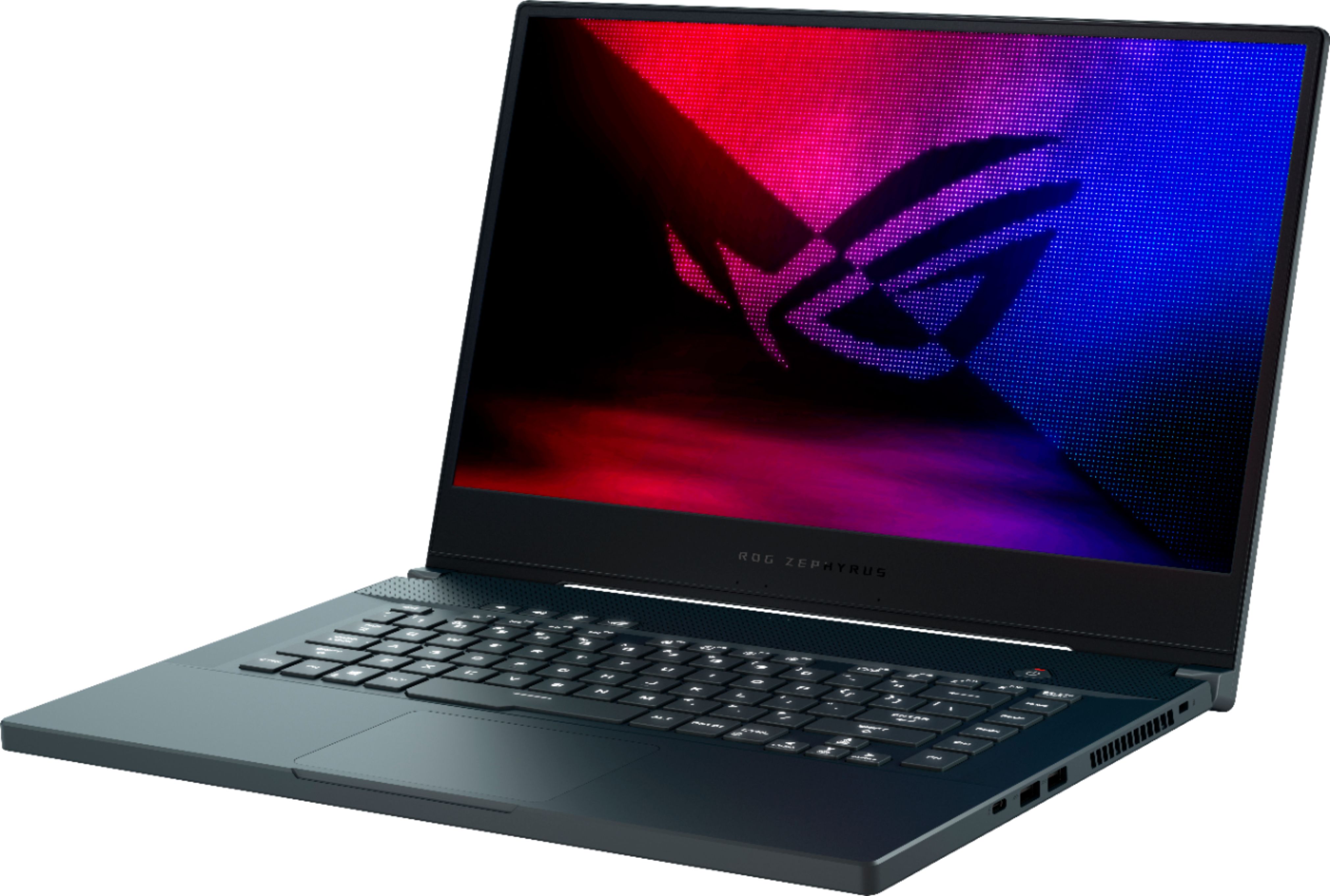
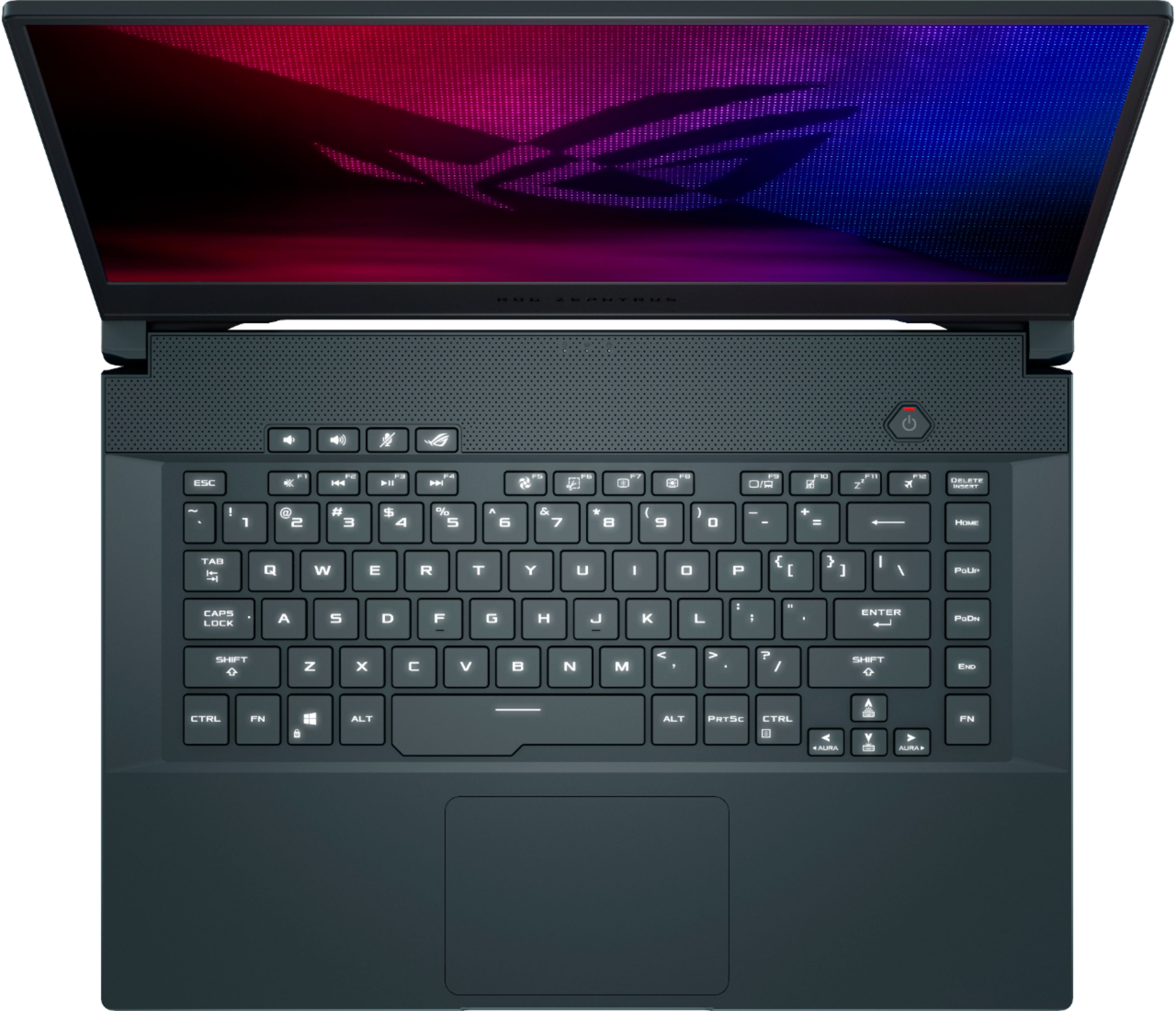
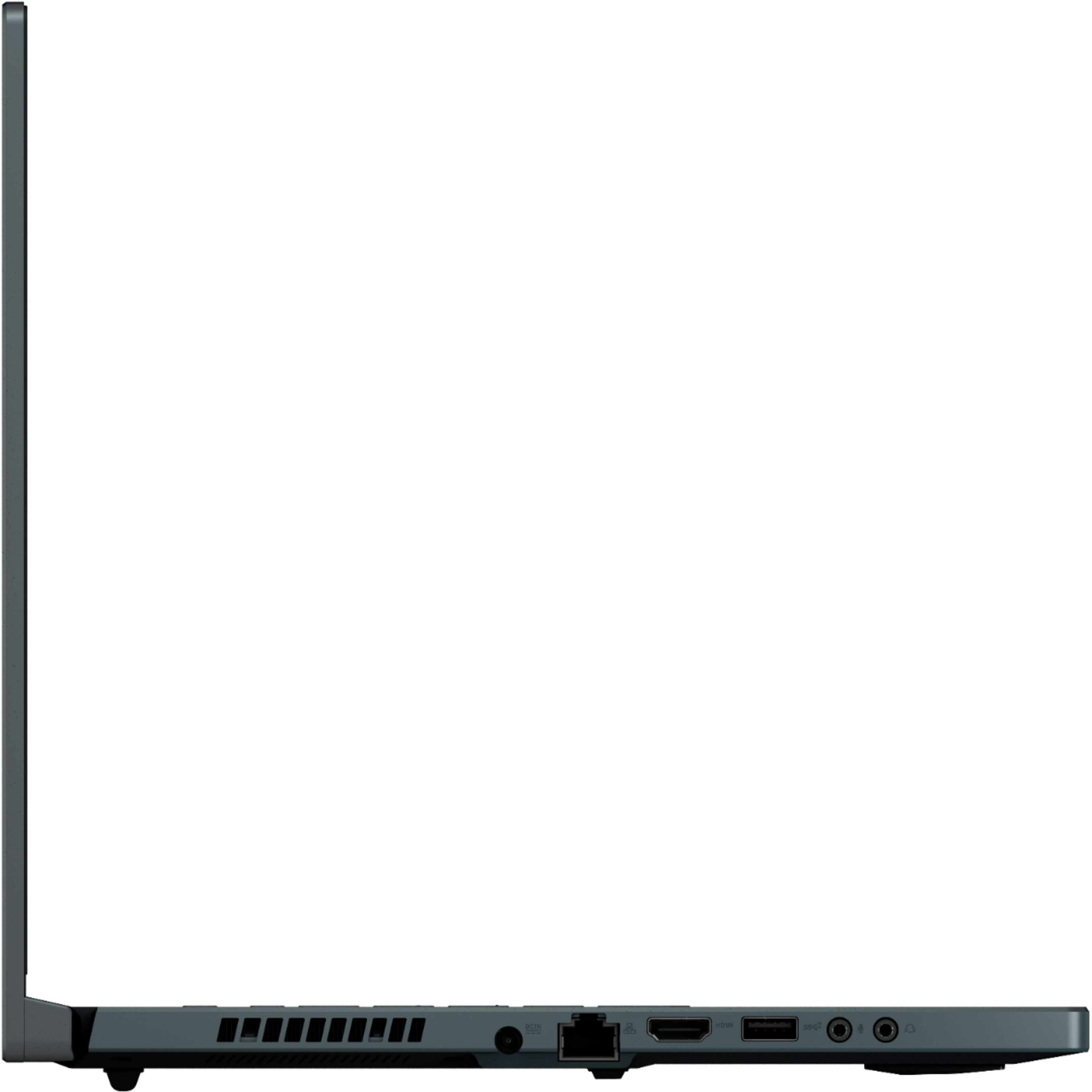
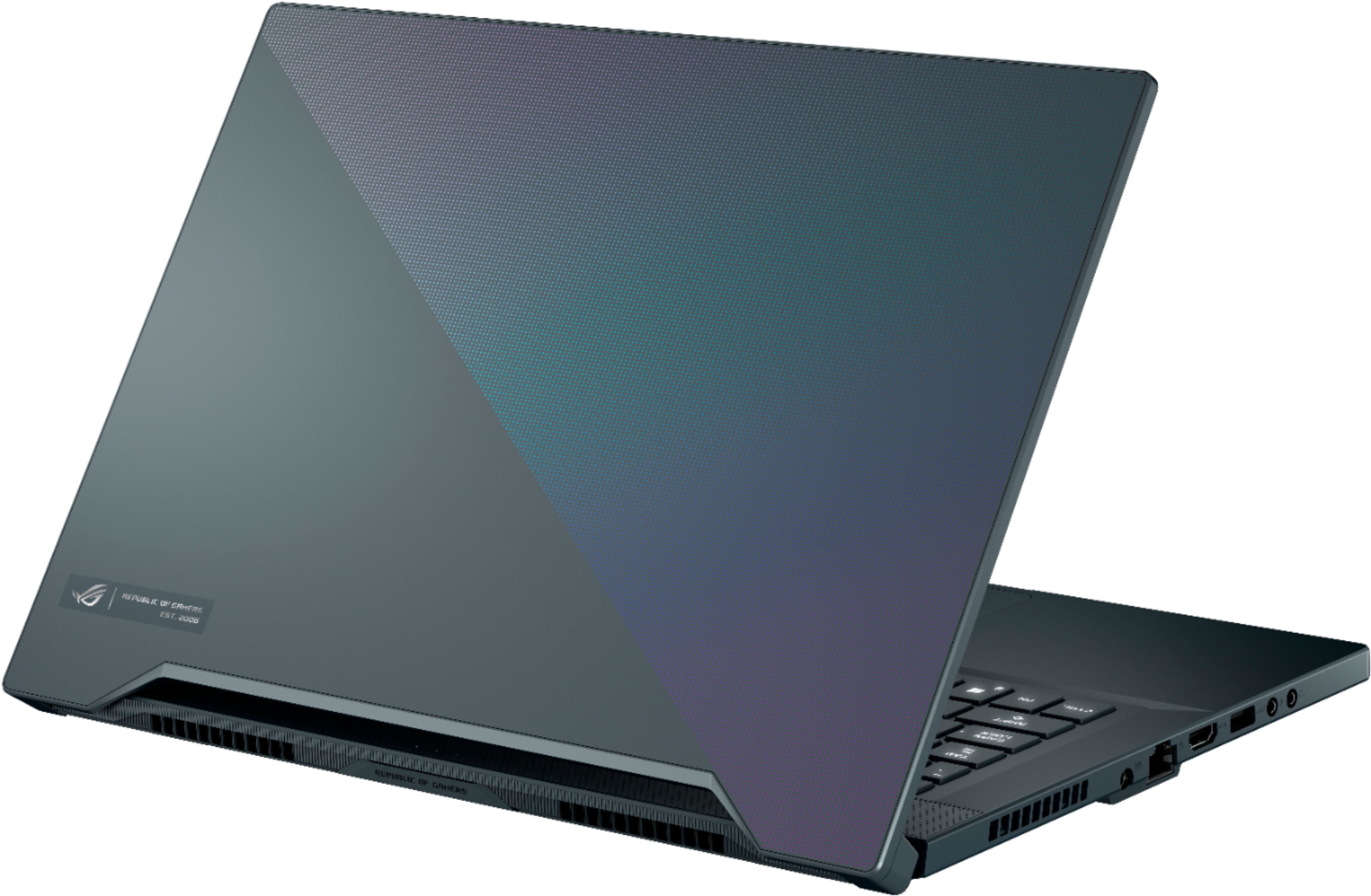
A:AnswerThis laptop will work with Warzone and streaming, you may need to adjust your graphical settings to your desired preference. There's a total of 4 USB:
1 x Thunderbolt 3 with USB3.2 Gen 2 and DisplayPort™ 1.4 and Power Delivery 3.0 (Input: 20V/3.25A, Output 5V/3A)
2 x USB3.2 Gen1 Type A right side
1 x USB3.2 Gen2 Type A left side
A:AnswerThis machine does not support HDDs. You can add one additional M.2 drive to this device. https://dlcdnets.asus.com/pub/ASUS/GamingNB/GU502LU/E16075_GU502LWS_LVS_LU_LI_Upgrade_Guide_WEB.pdf
A:AnswerBased on the system requirements posted here, this machine exceeds the recommended requirements. You should have no issues. https://www.vmix.com/software/supported-hardware.aspx
A:AnswerI recommend returning your machine to stock configuration and checking for a boot. If you continue to have power issues, please contact Best Buy customer service directly for warranty support.