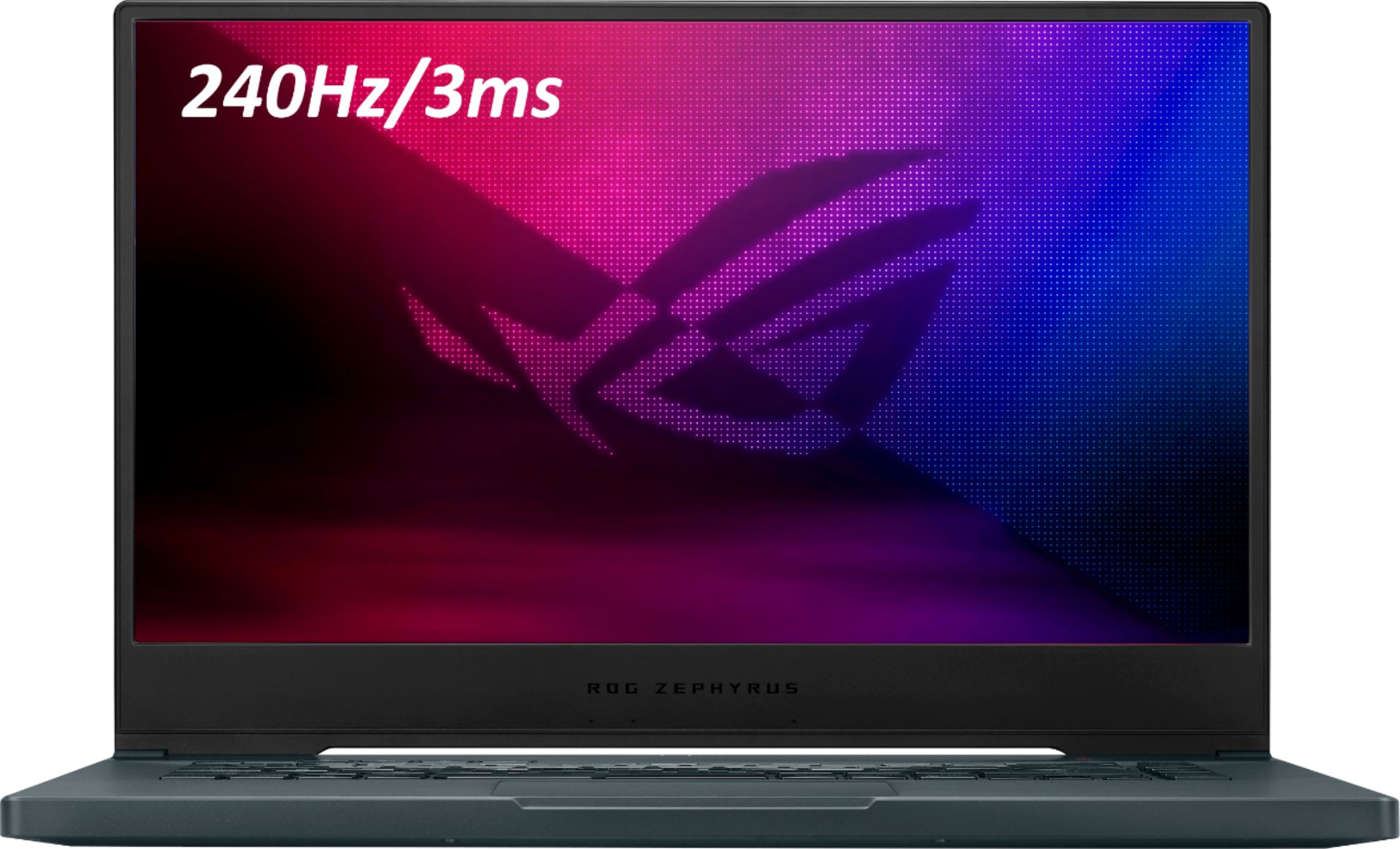
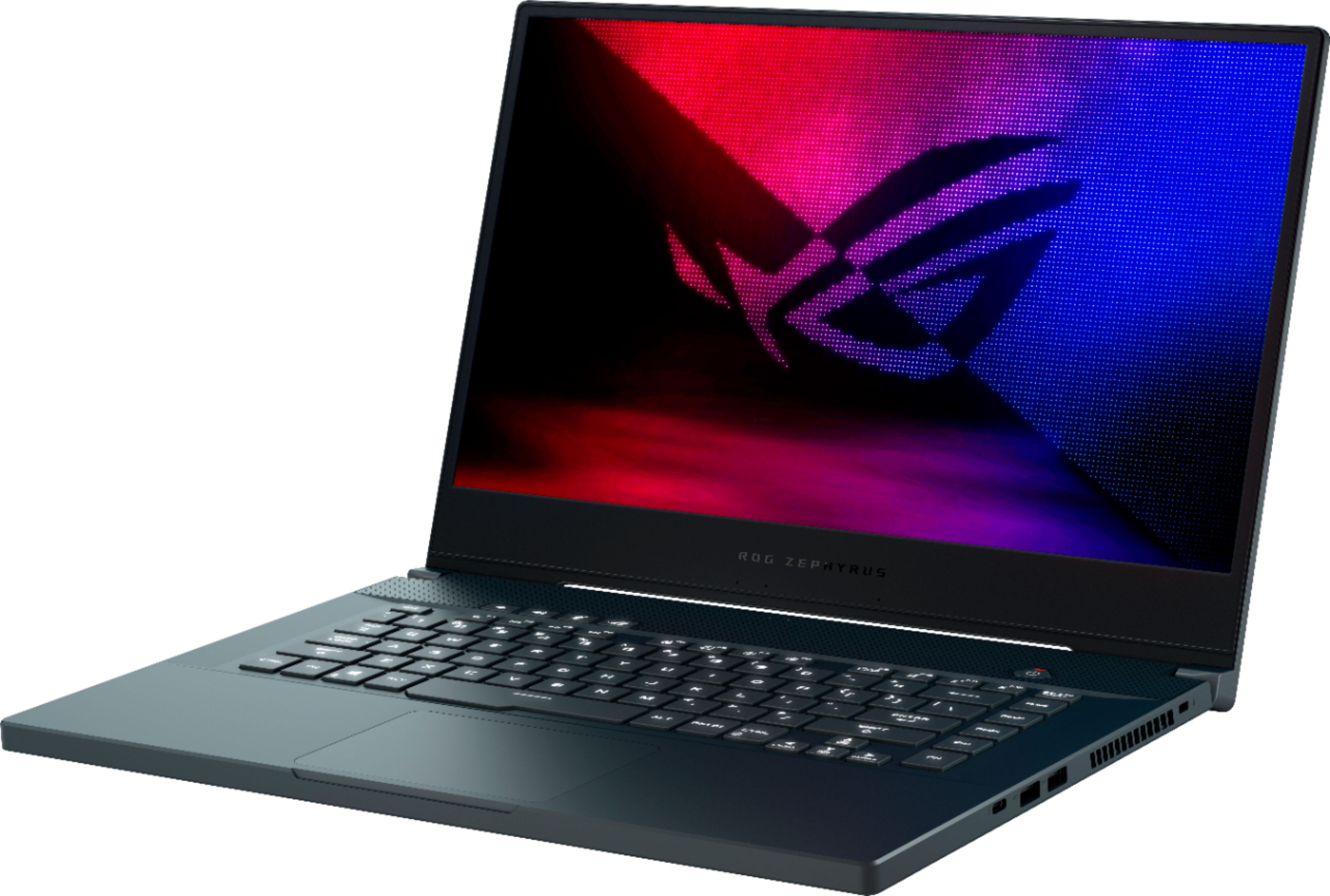
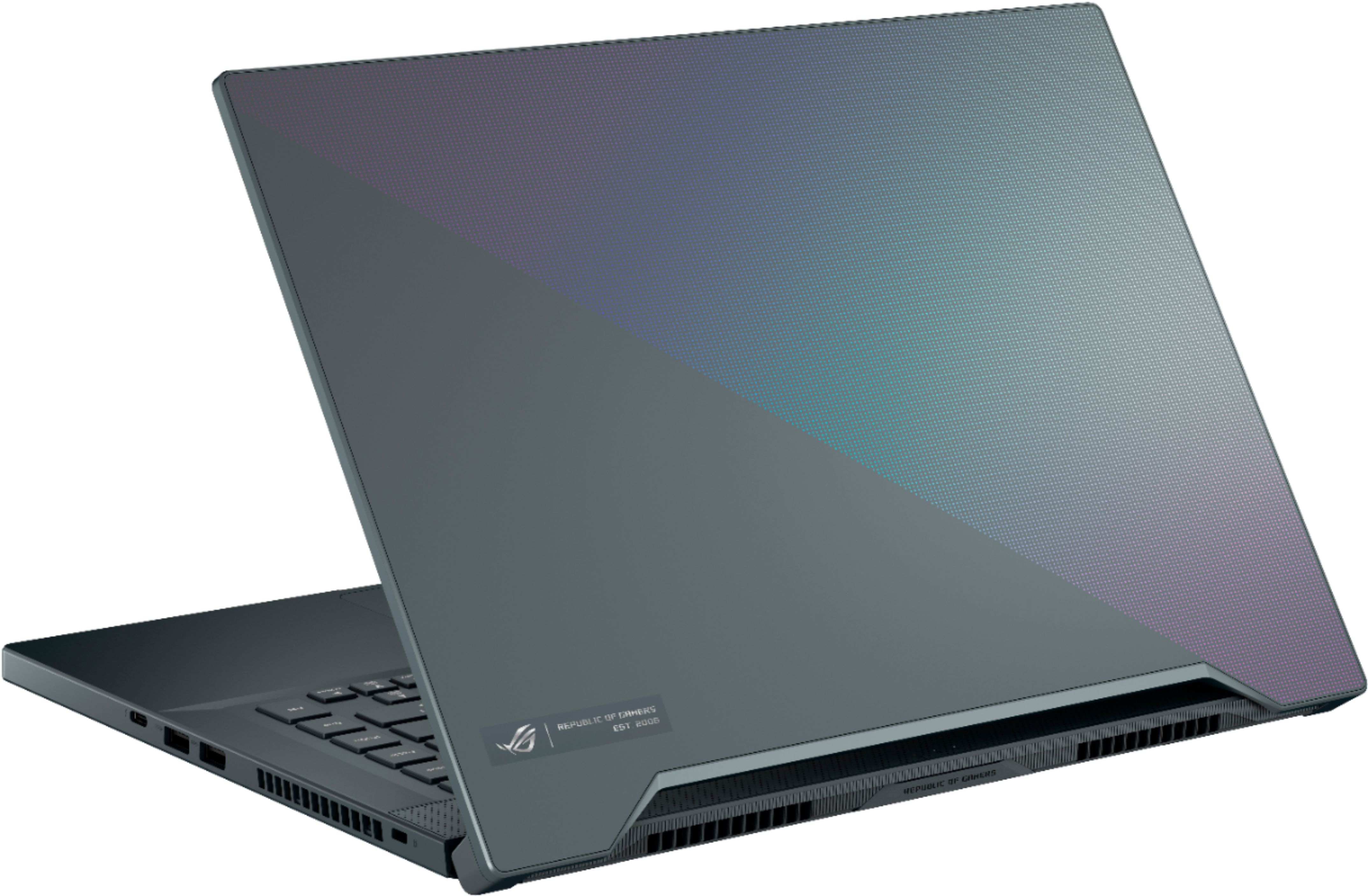
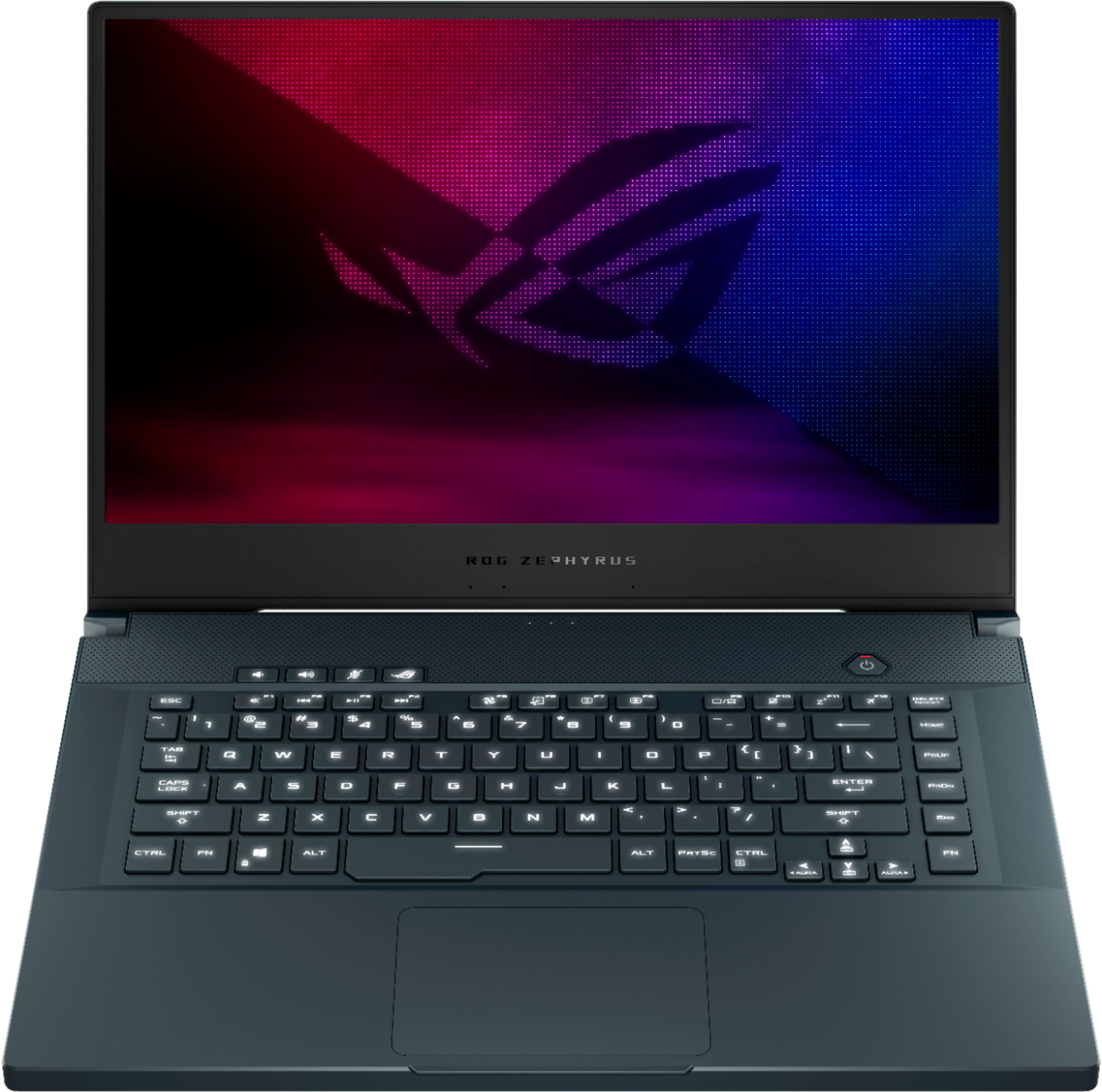
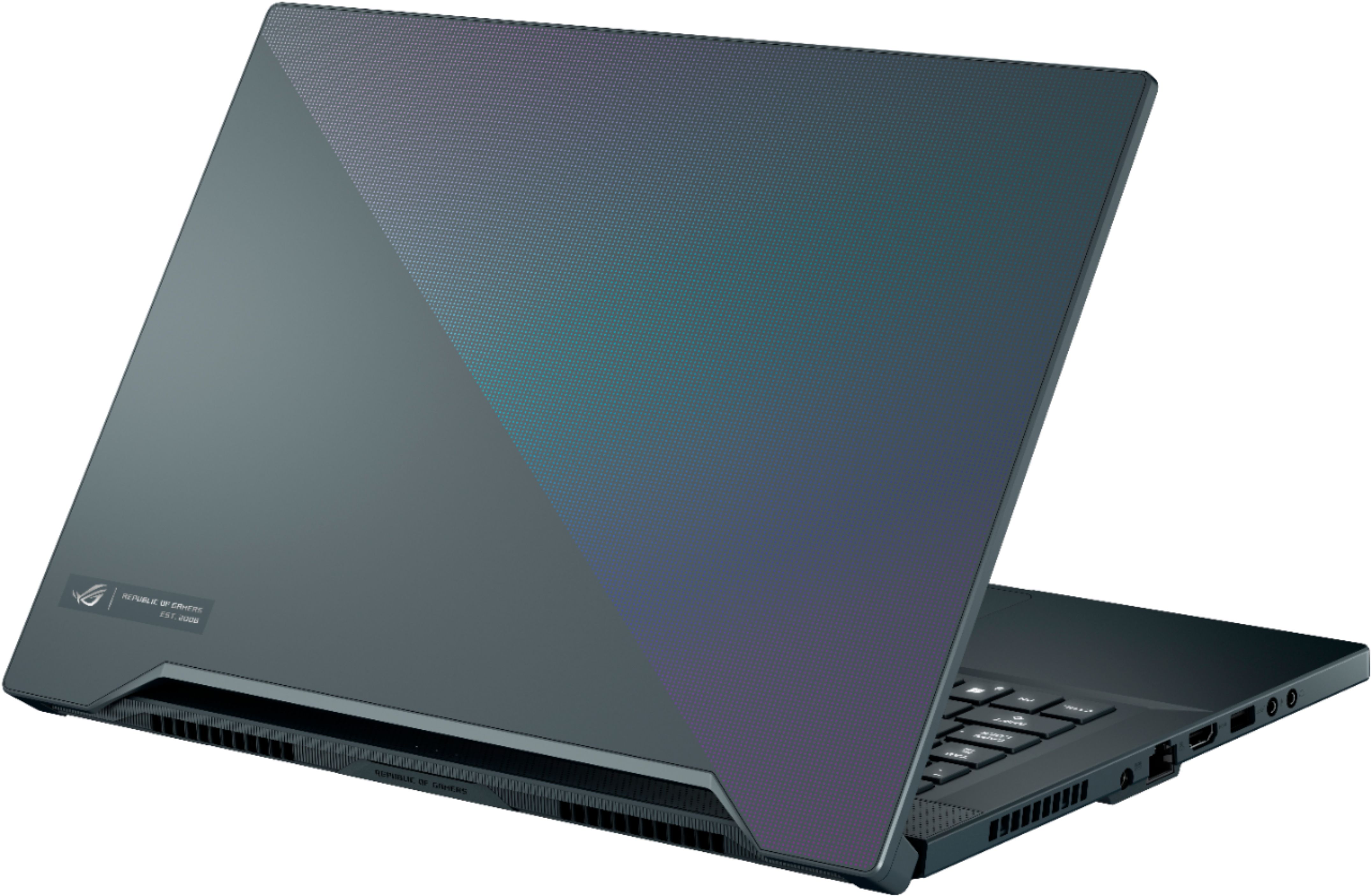
A:AnswerIt has a lightning bolt port which uses a USB type C port. It is located on the right side of the laptop and is the furthest port from the screen side.
A:AnswerYou cannot upgrade the processor, as it is probably soldered on. There is an additional NVMe slot for that optane ssd however. I believe it is a PCI 3.0 slot as well so you should get good performance outta there.
A:AnswerYes, it is possible. I bought the 16GB version and put another 8 GB in it. Just make sure to verify the BIOS doesn't override it down - mine did not, but I have seen others - could be they are using an outdated BIOS.
A:AnswerI don't believe the built-in display will do G-SYNC. I have not tried messing with the settings and setting the laptop display screen to the GPU and not the intel display driver - however I have confirmed when attached to a G-Sync capable monitor, it will output with G-Sync.
A:AnswerYou can't upgrade due to the first ram stick being soldered. I'm very satisfied with this laptop, but if I would have known before purchasing, I would have chosen another one since I do 3D and normally upgrade to 32gb immediately.
A:AnswerIt is a single zone RGB keyboard and you can do color shift, and that's fine with me...great typing experience as well. Fantastic gaming laptop... highly recommend.