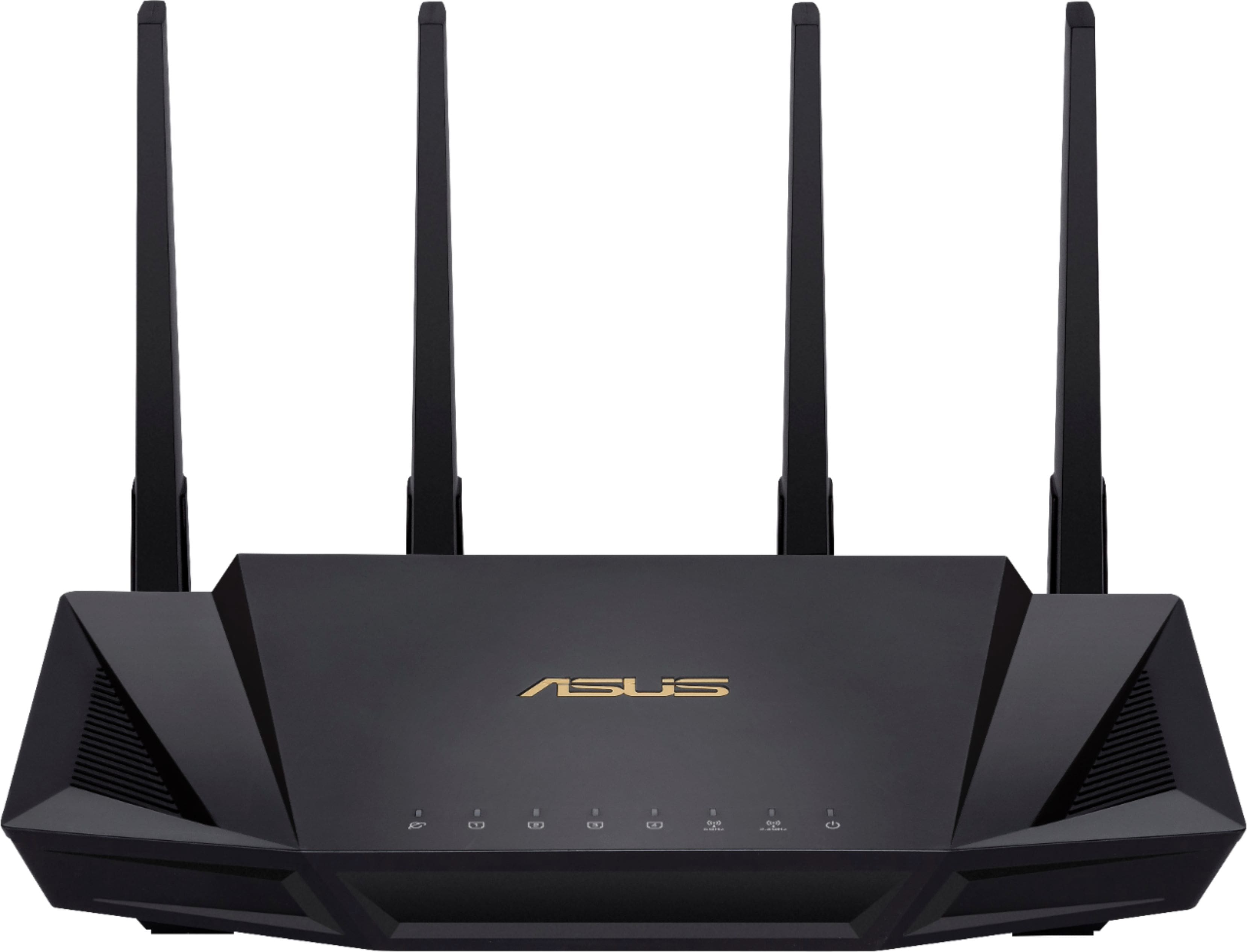
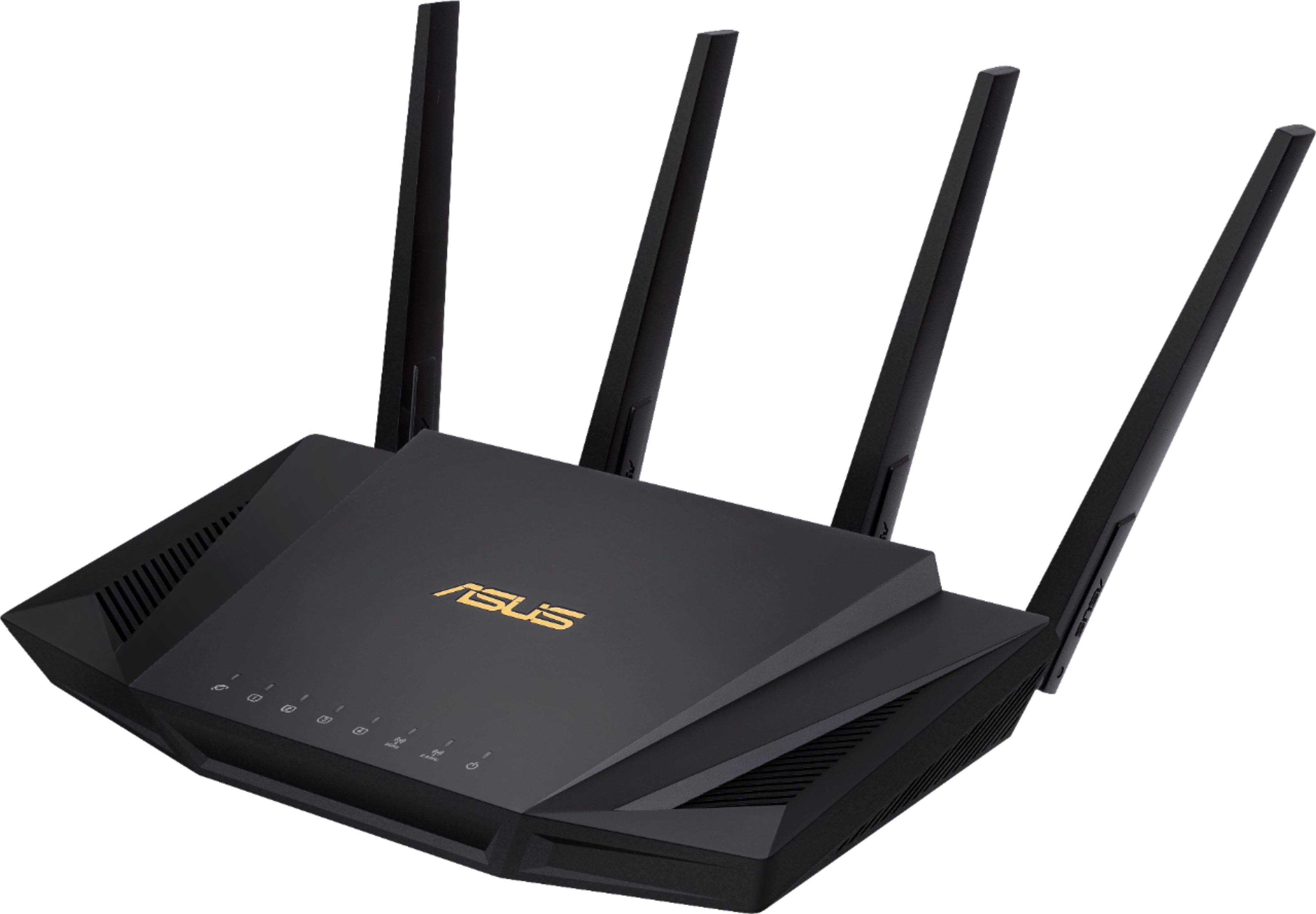
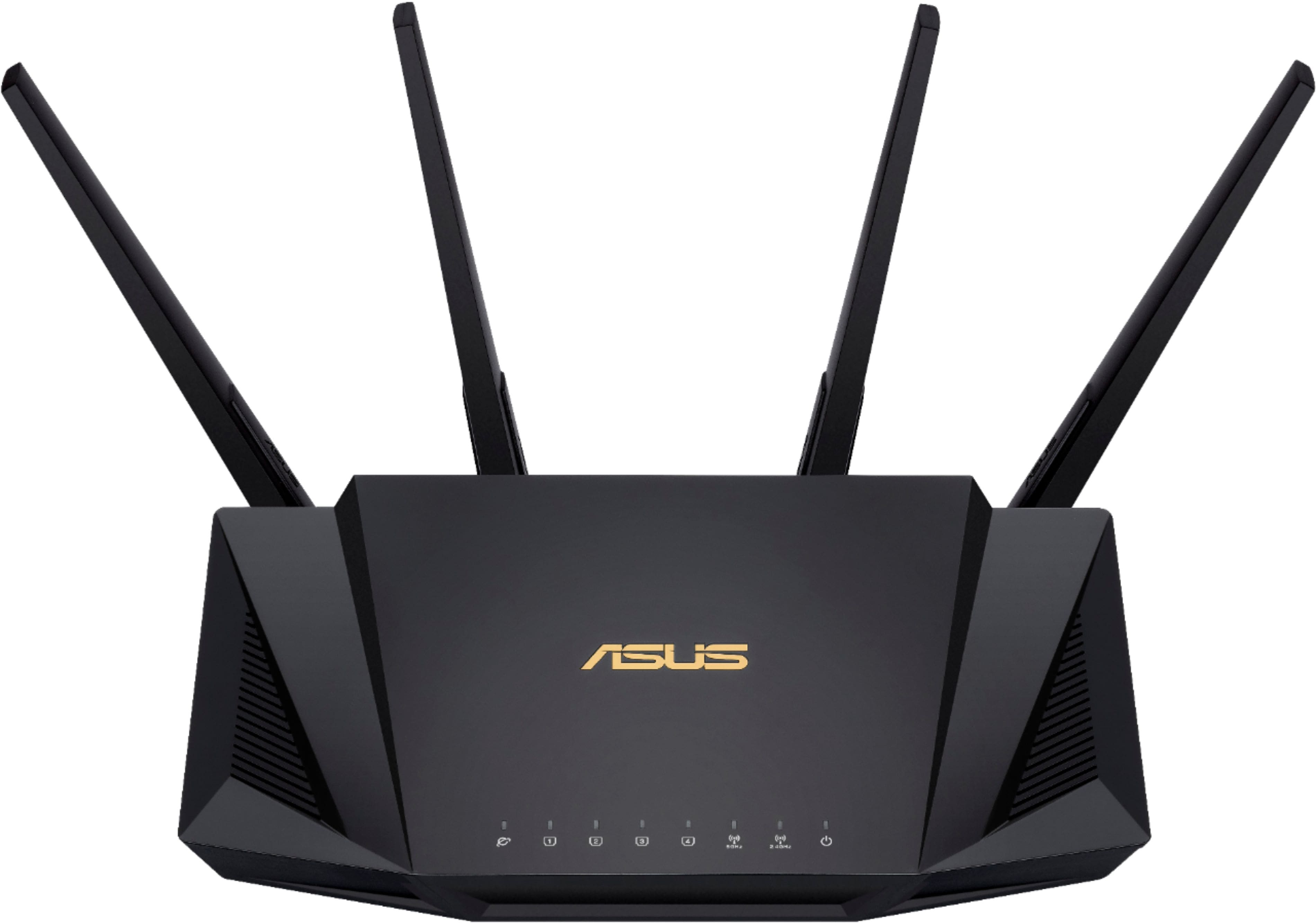
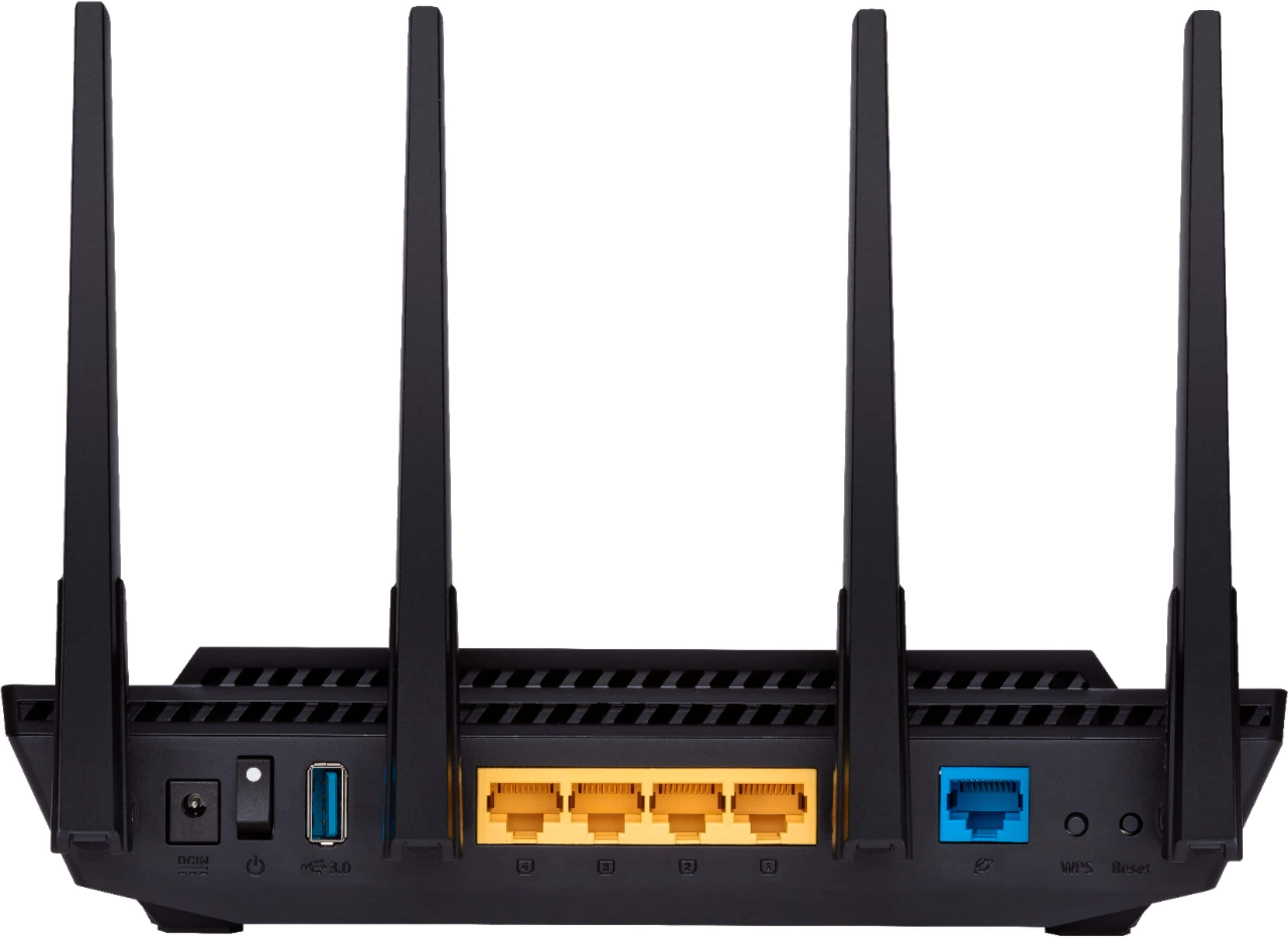
A:AnswerYou will need to check the documentation on the Centurylink device or call them if you can't find it. Most combination modem/router units will allow you to switch off the internal router and set the modem so that it allows the new WifFi router to manage the IP addresses for your wired and wireless devices. Once I properly prepared my AT&T modem/router, the AX3000 basically configured itself to connect to the internet and manage all the device IPs.
A:AnswerThis is dual band. So both band are active, (ON by default). You CAN selectively disable one or both bands and schedule "active" times for each band.
A:AnswerJust fine, We live in a brick home and I can get a signal on the street or on our garage out back. I was hesitant to pay as much as I did, but, it was worth every penny.