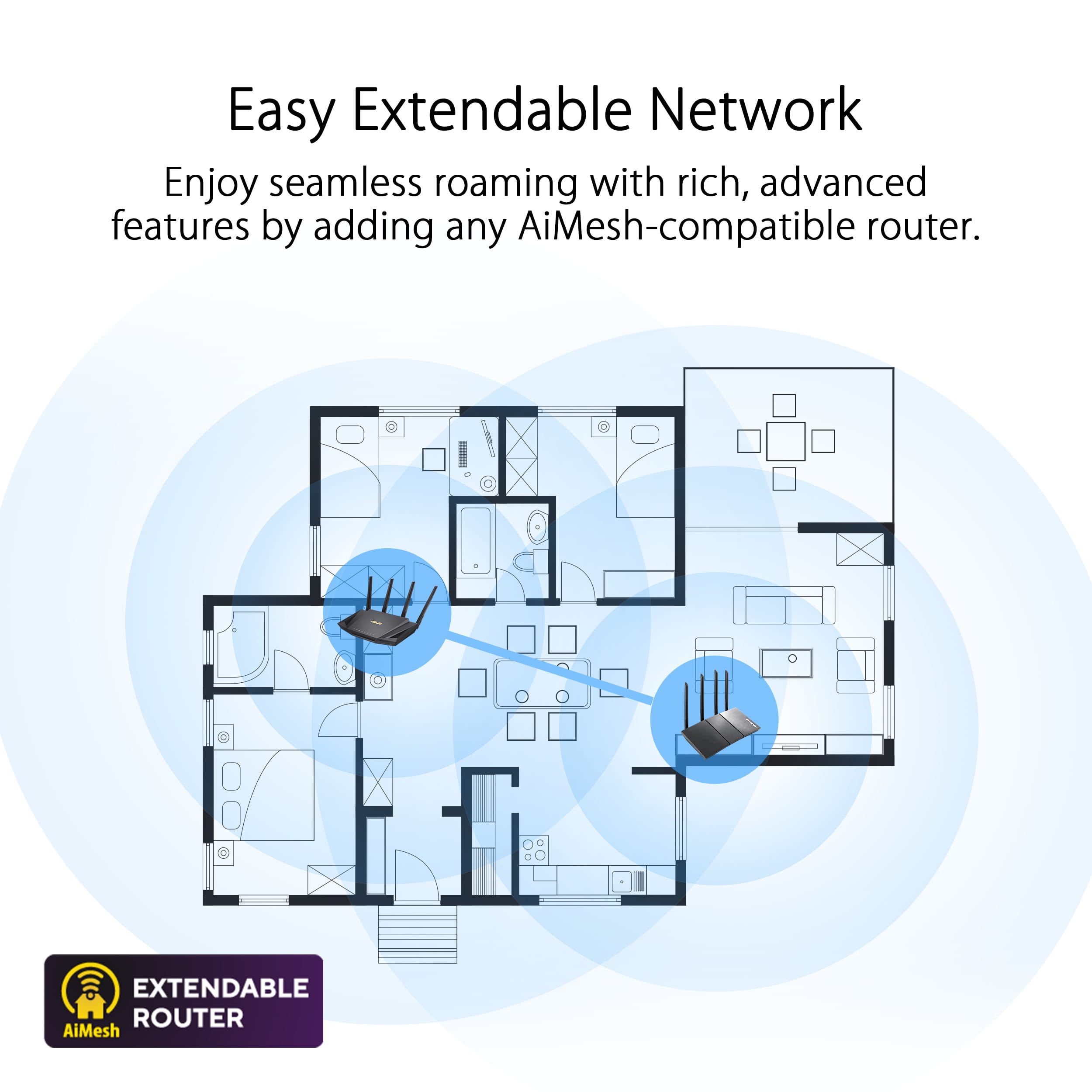
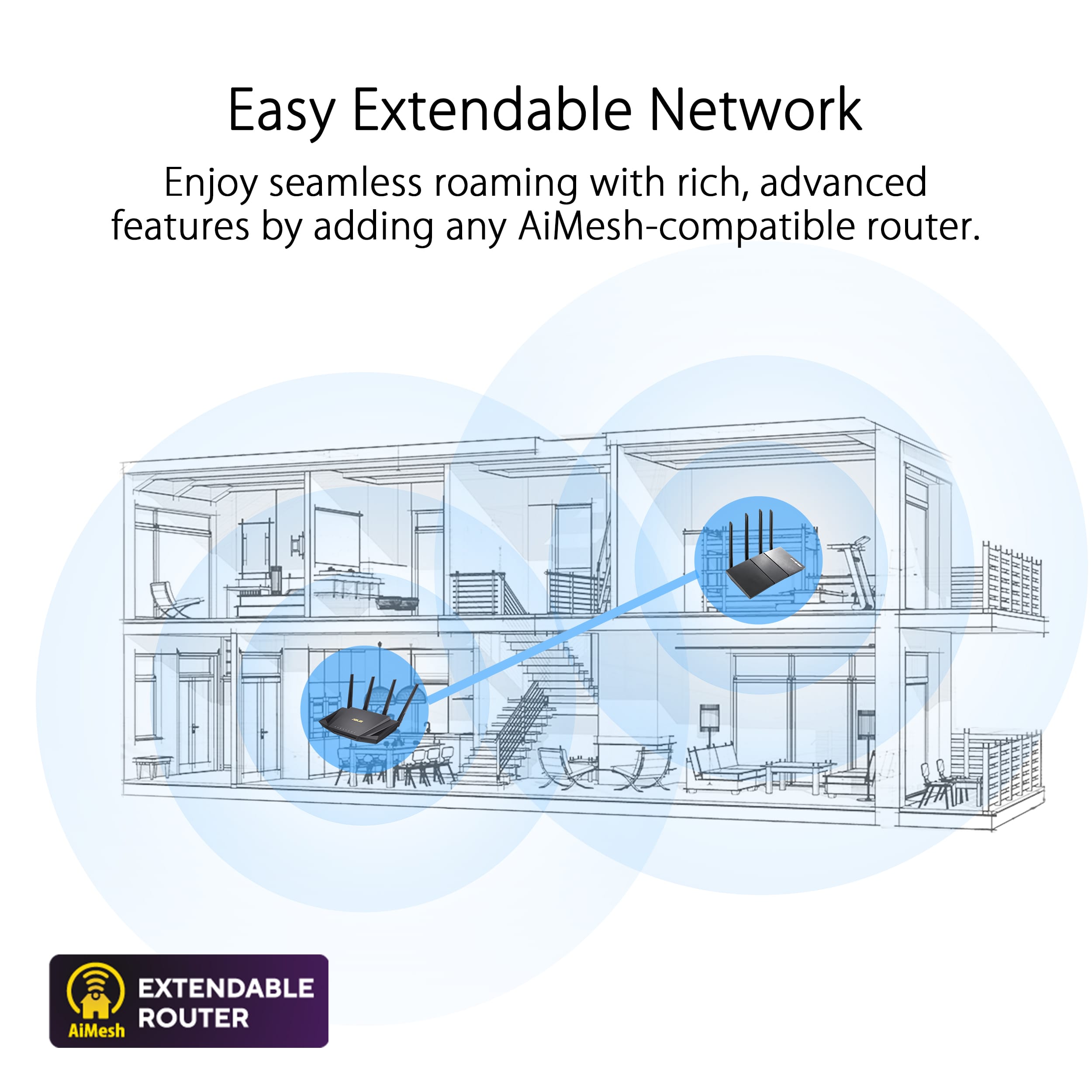
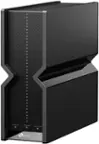
A:AnswerThis router will have comparable range to any other AX router of the same speed and antenna count. It will largely depend on where you're installing it.
It's impossible for anyone to tell you the range of a radio product without knowing the environment that it's being installed into. Thickness and construction of your walls and floors play the biggest factor in WiFi signal propagation.
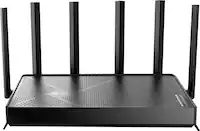
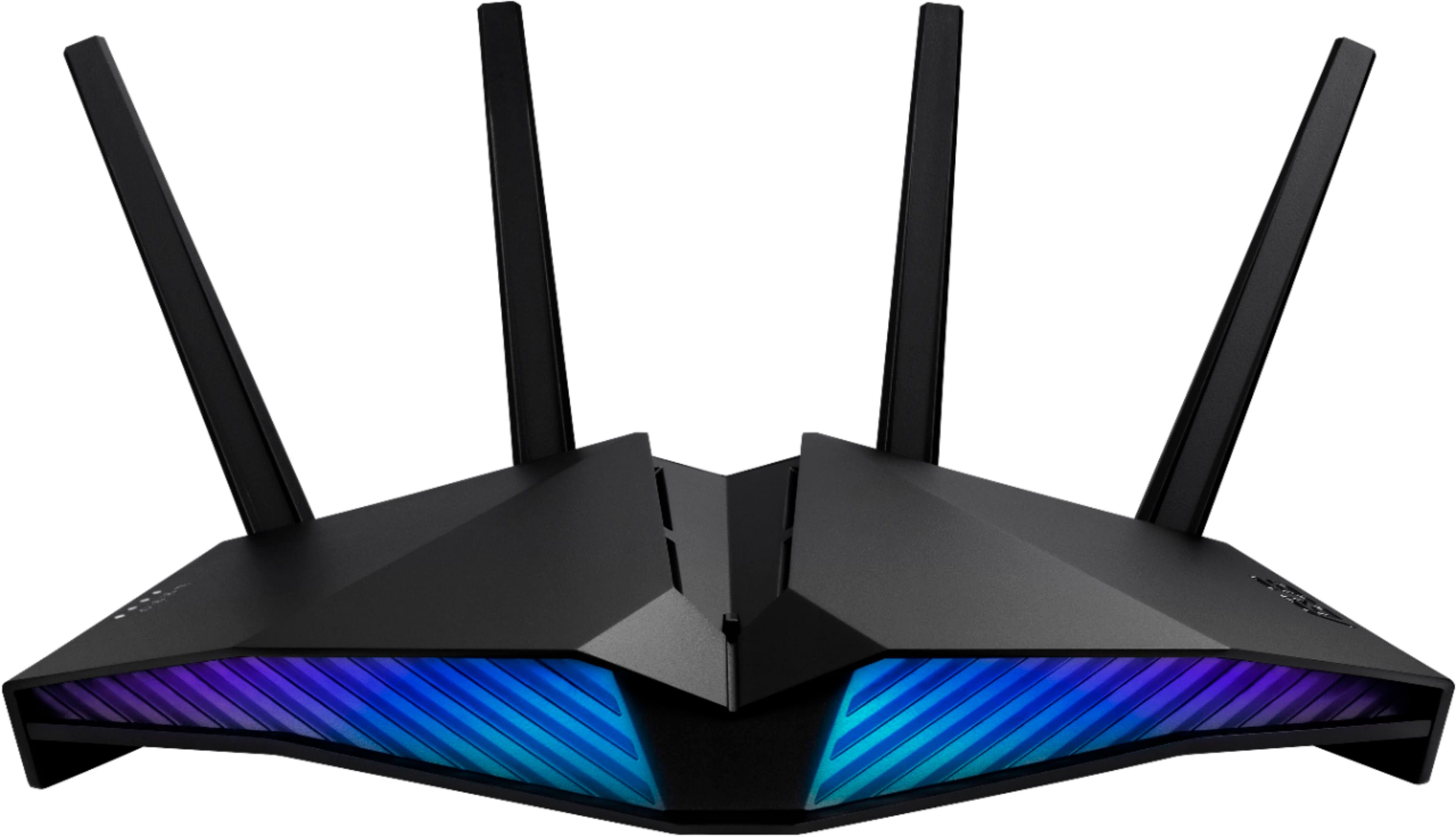
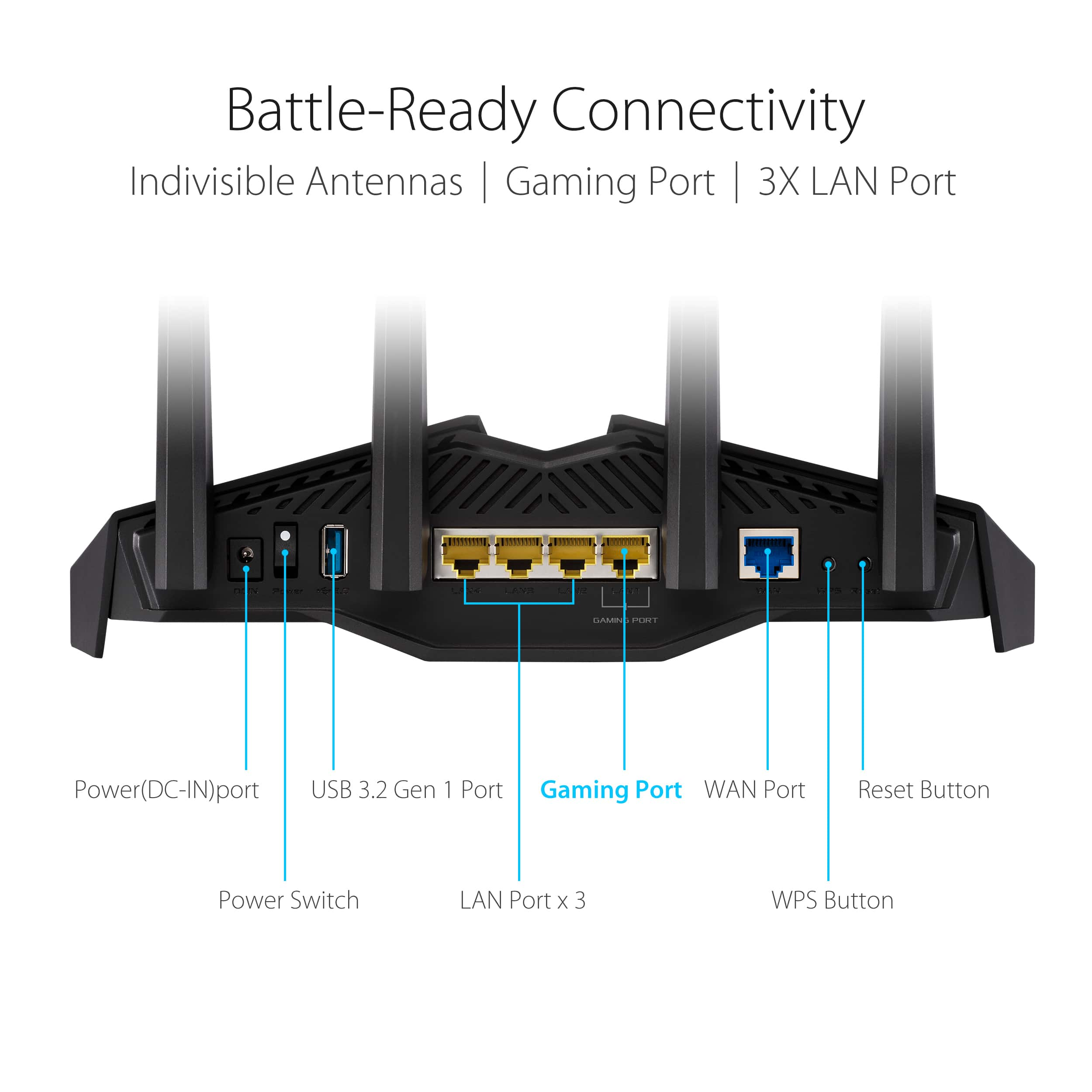
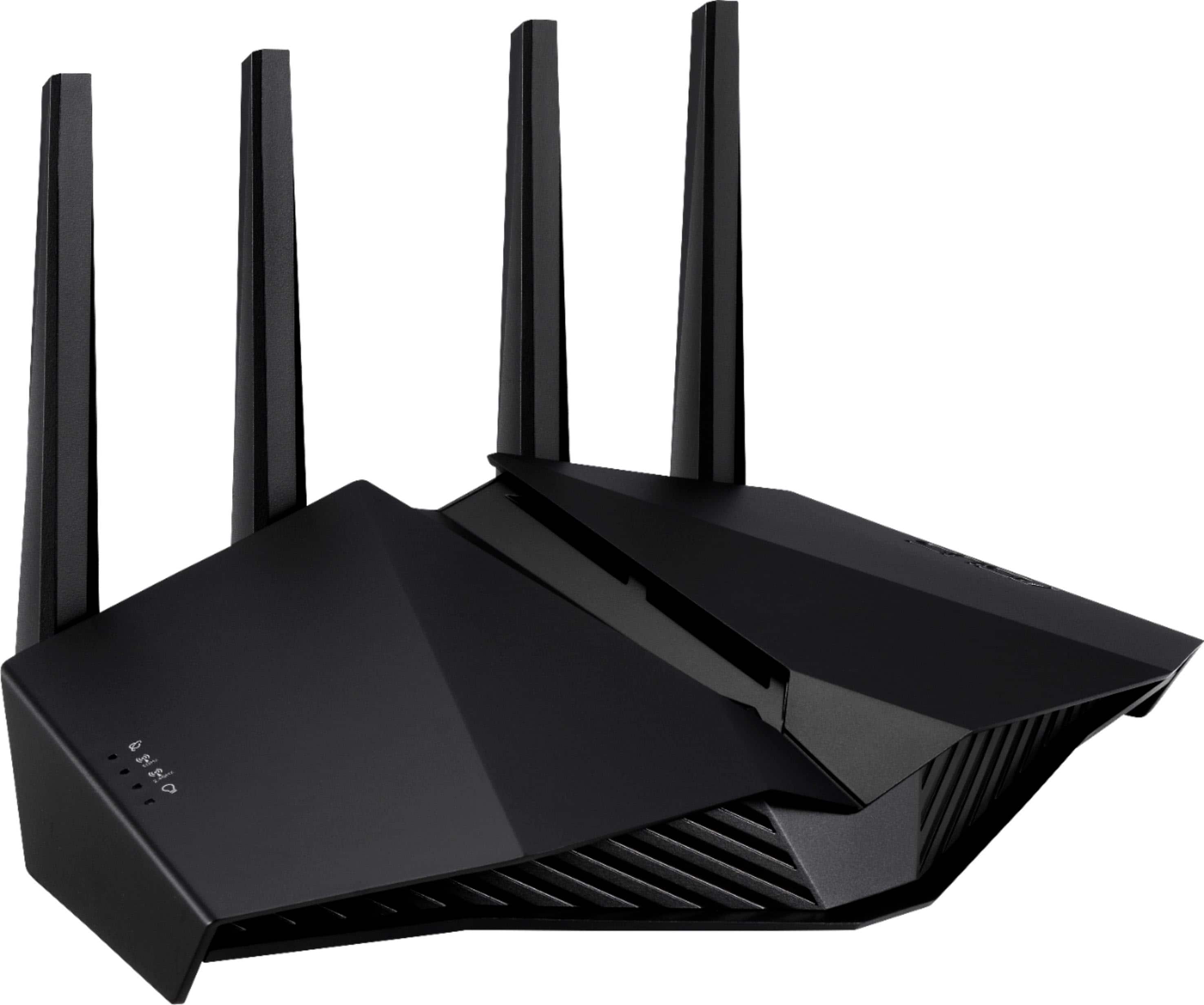
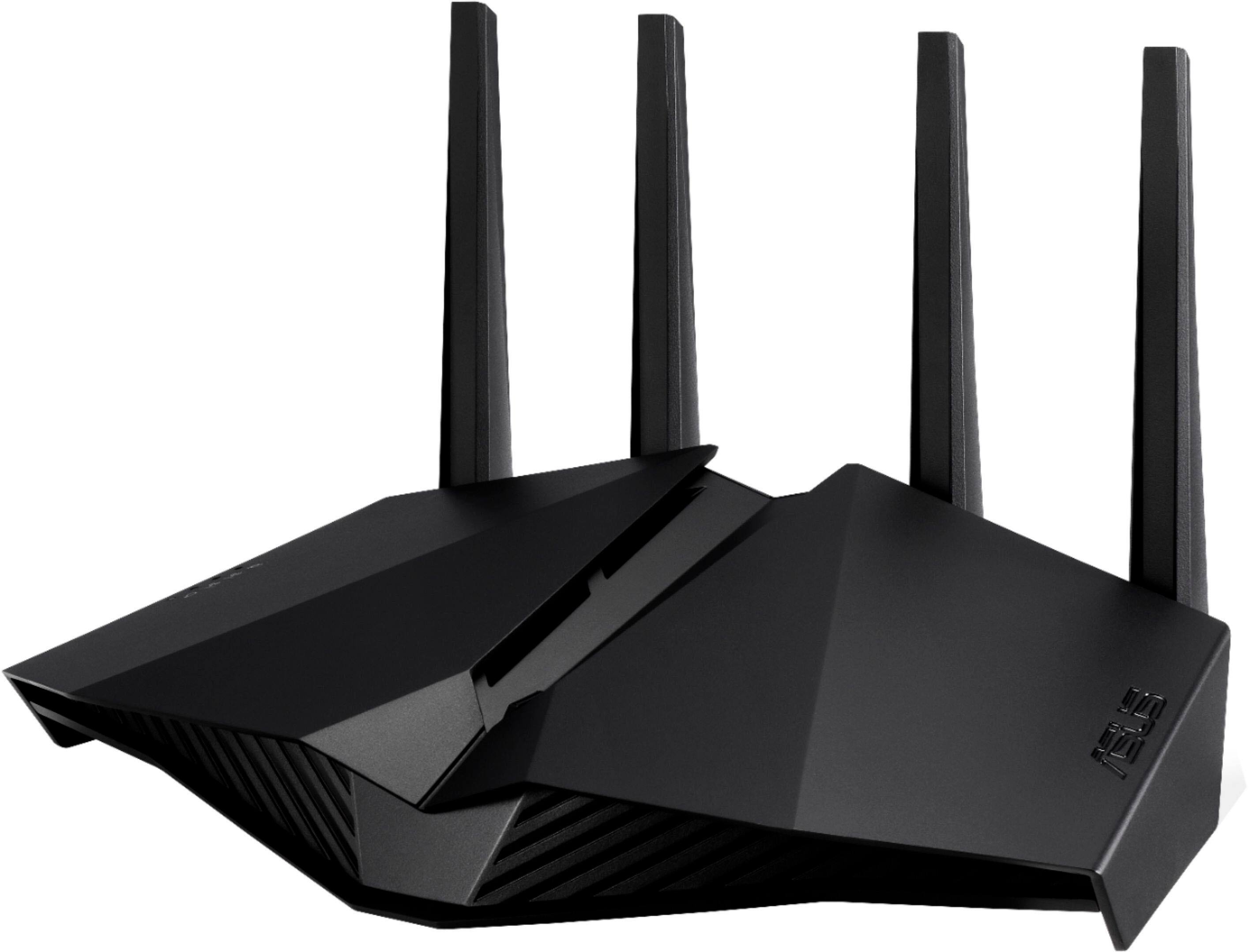
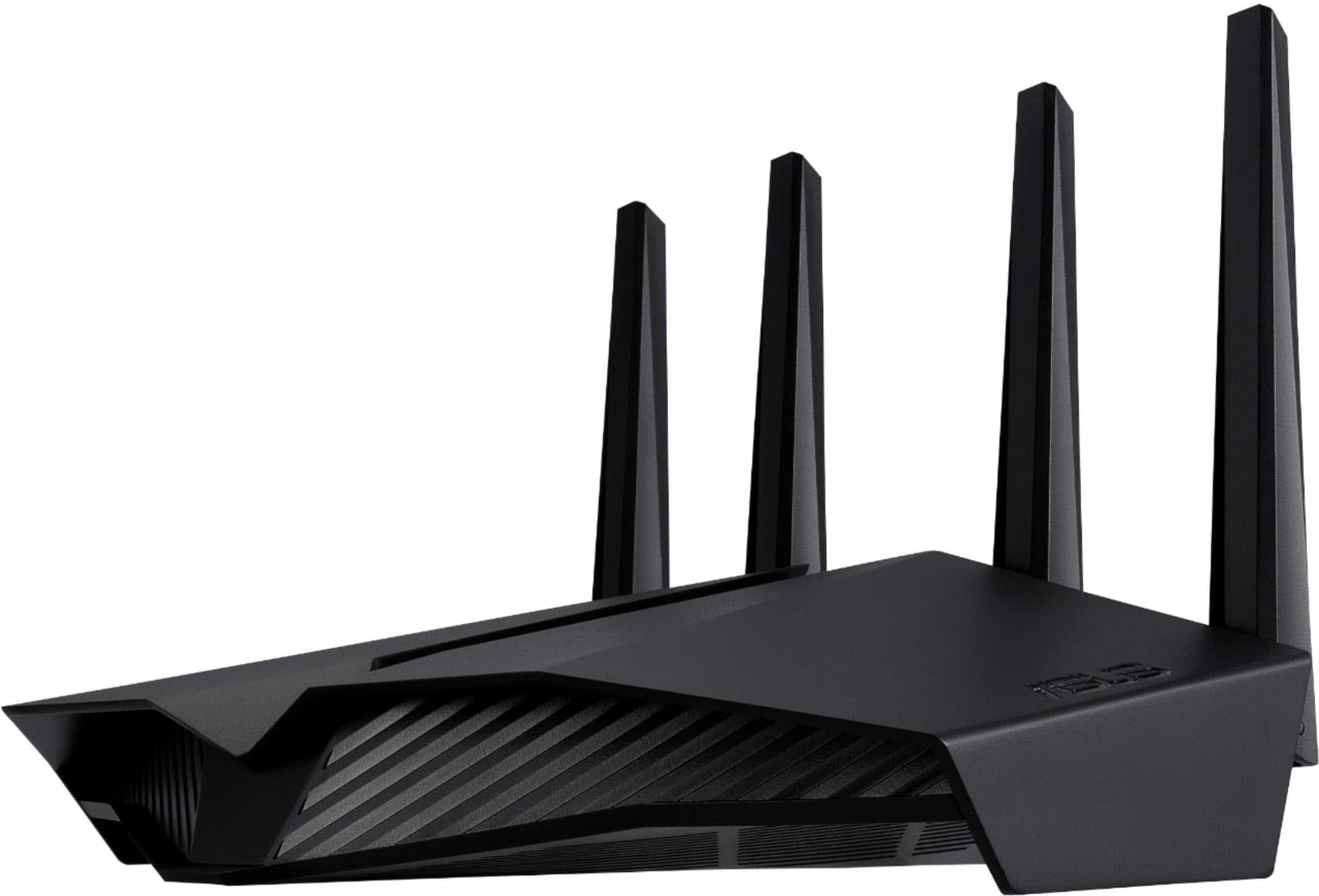
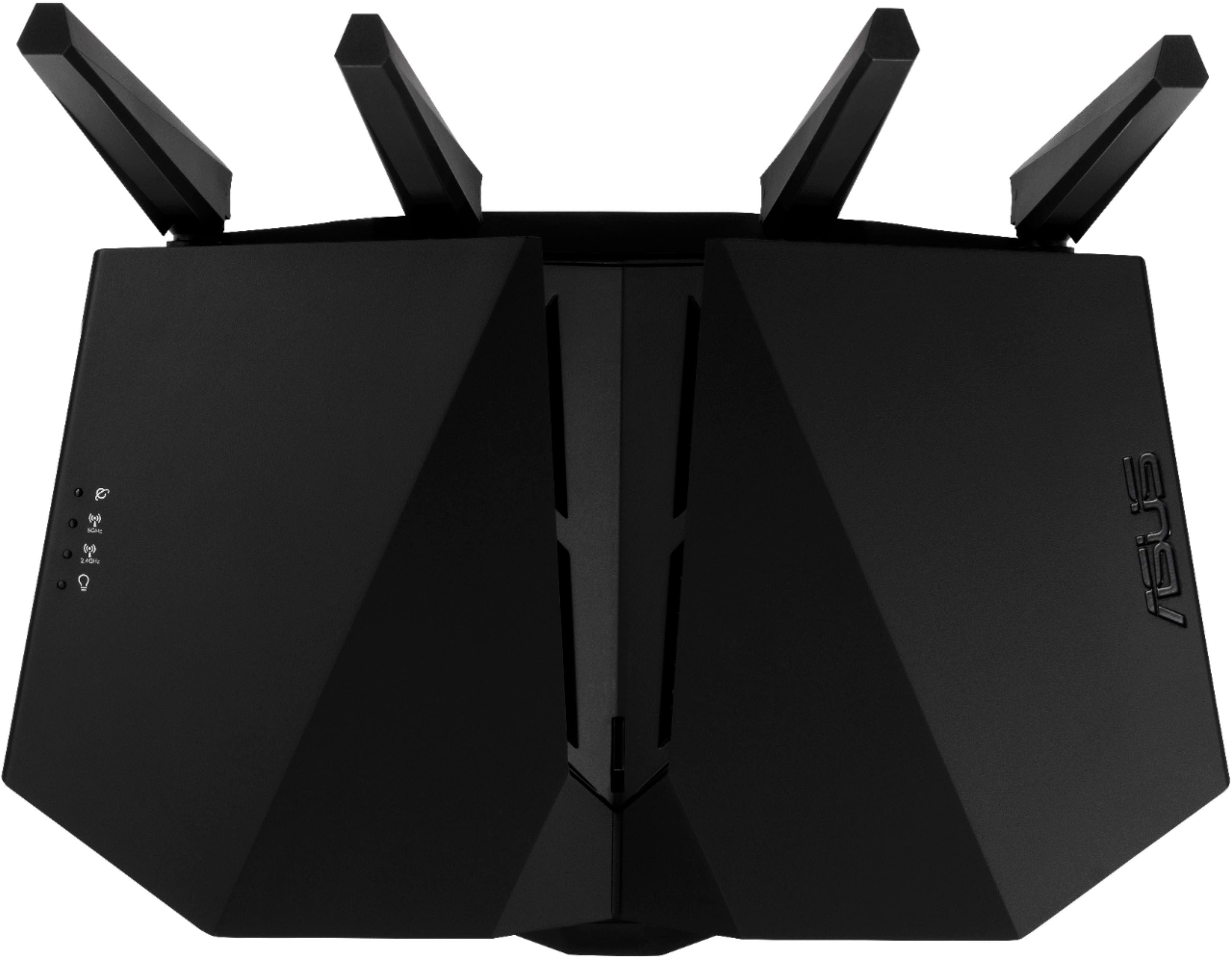
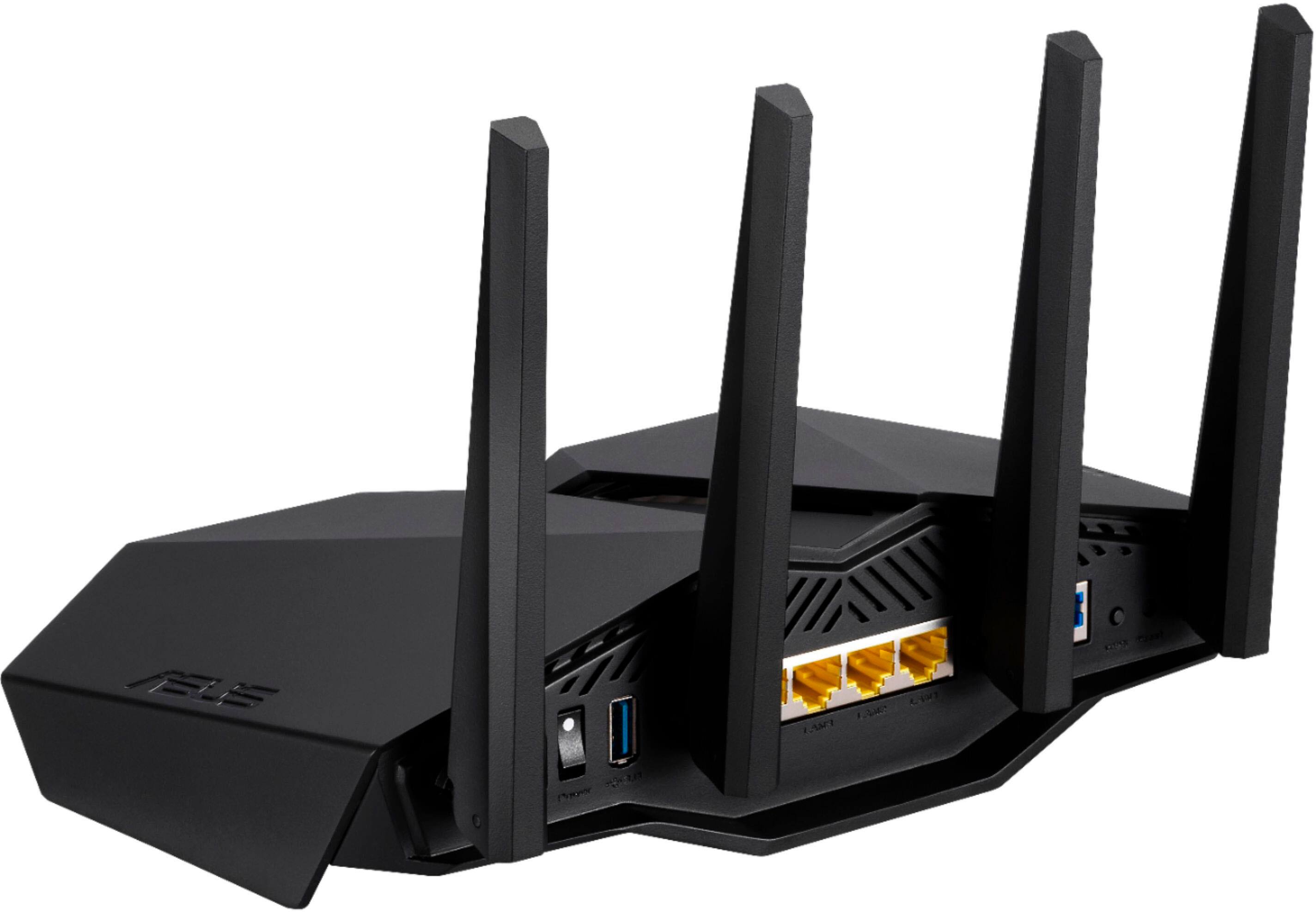
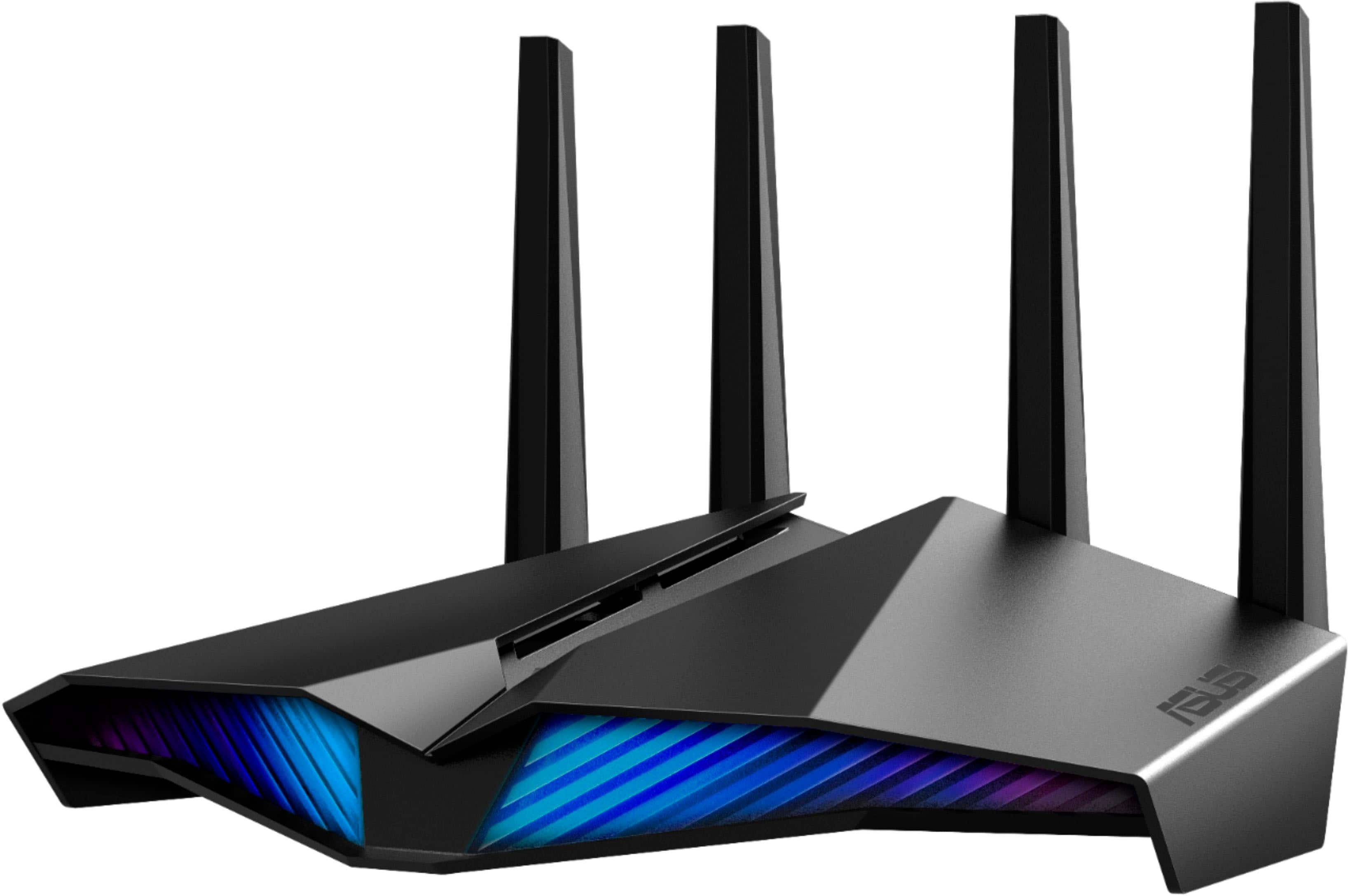
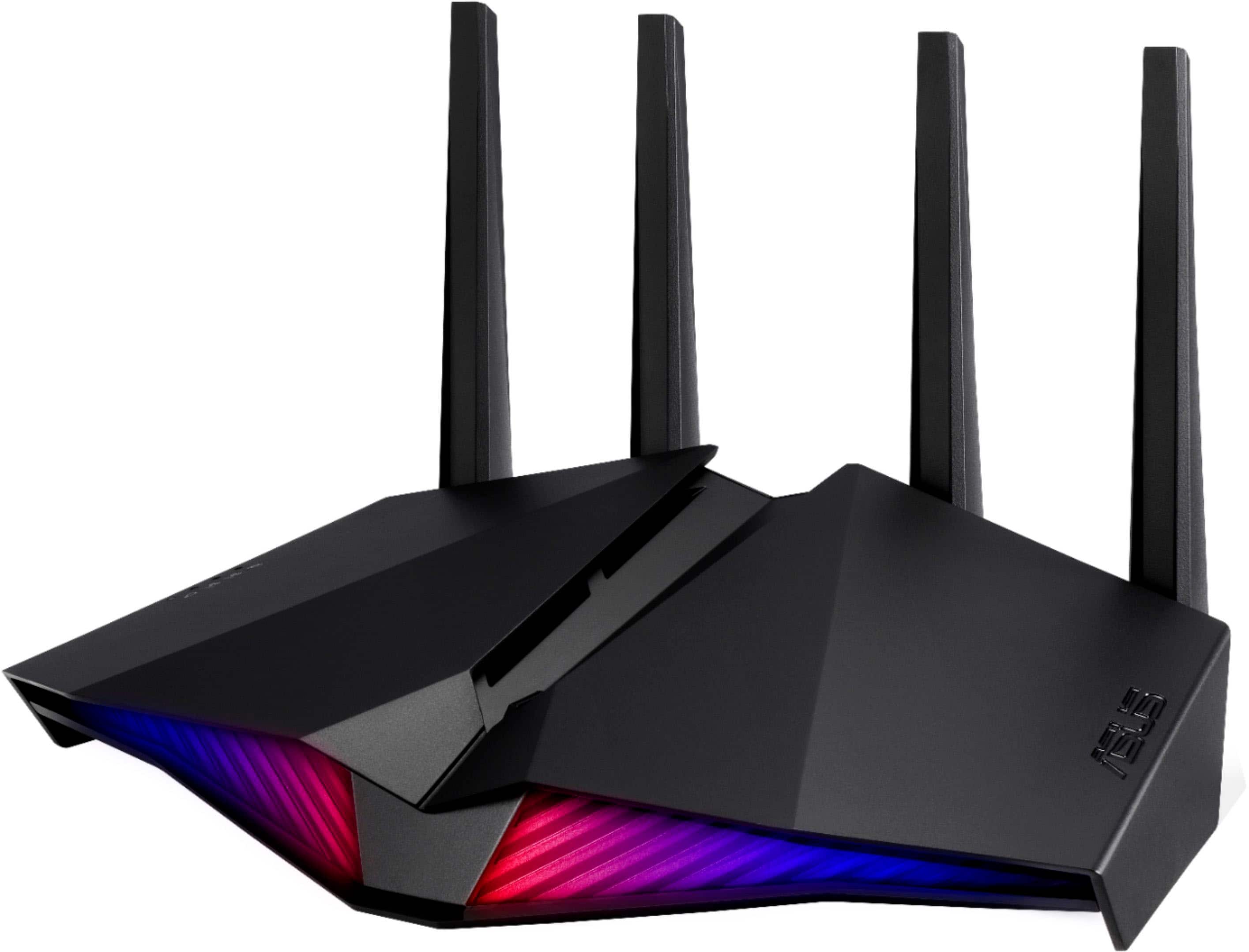
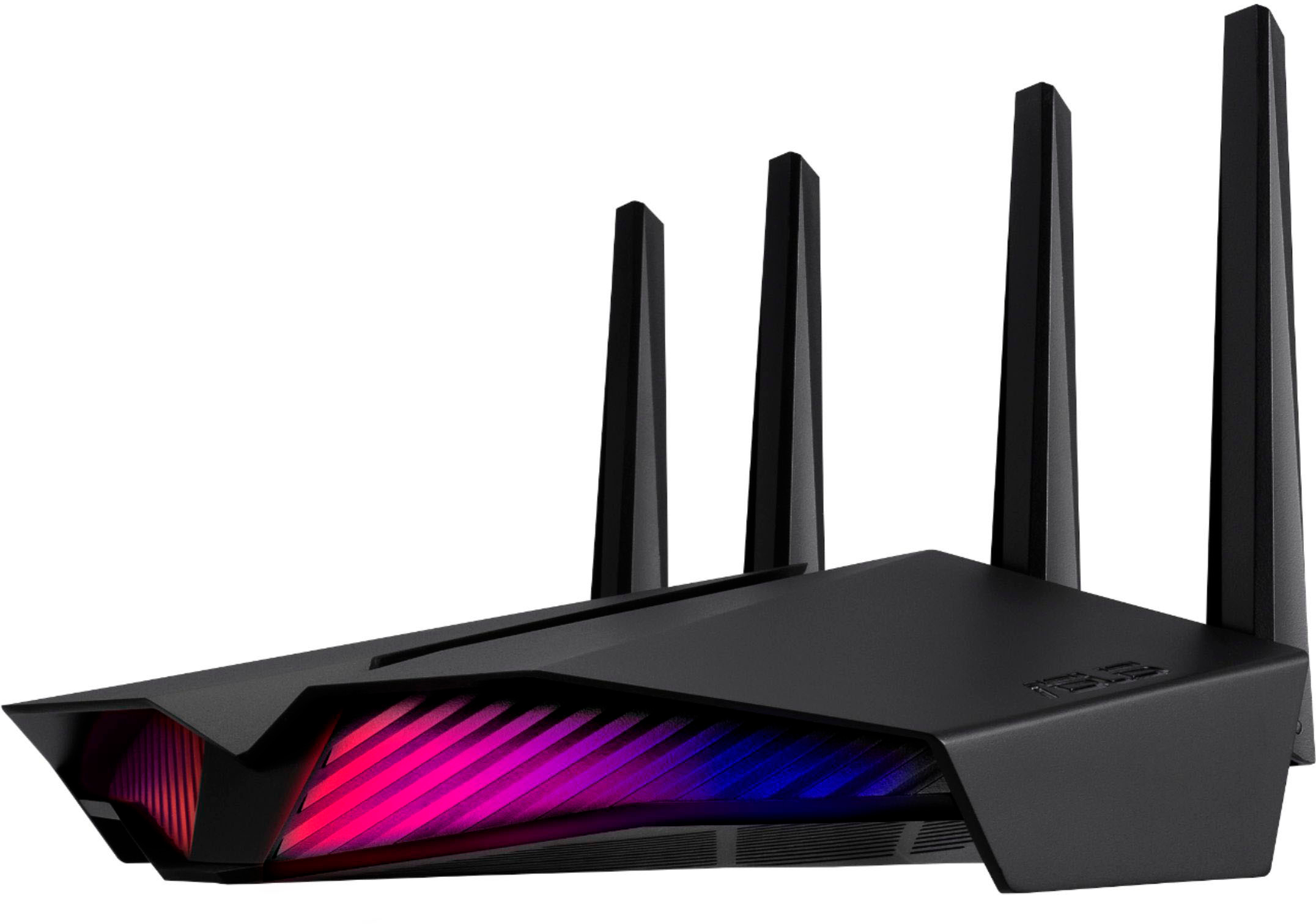
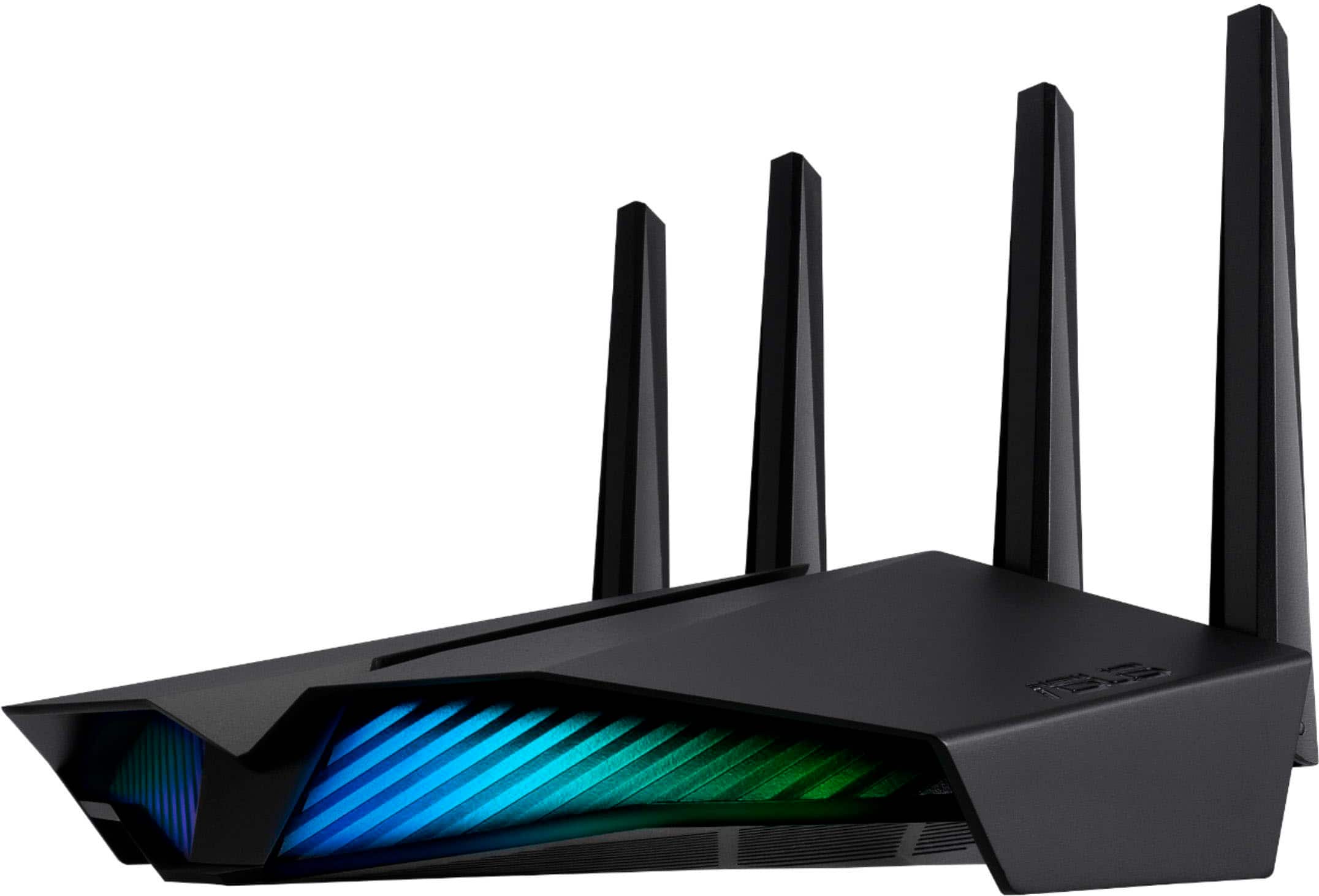
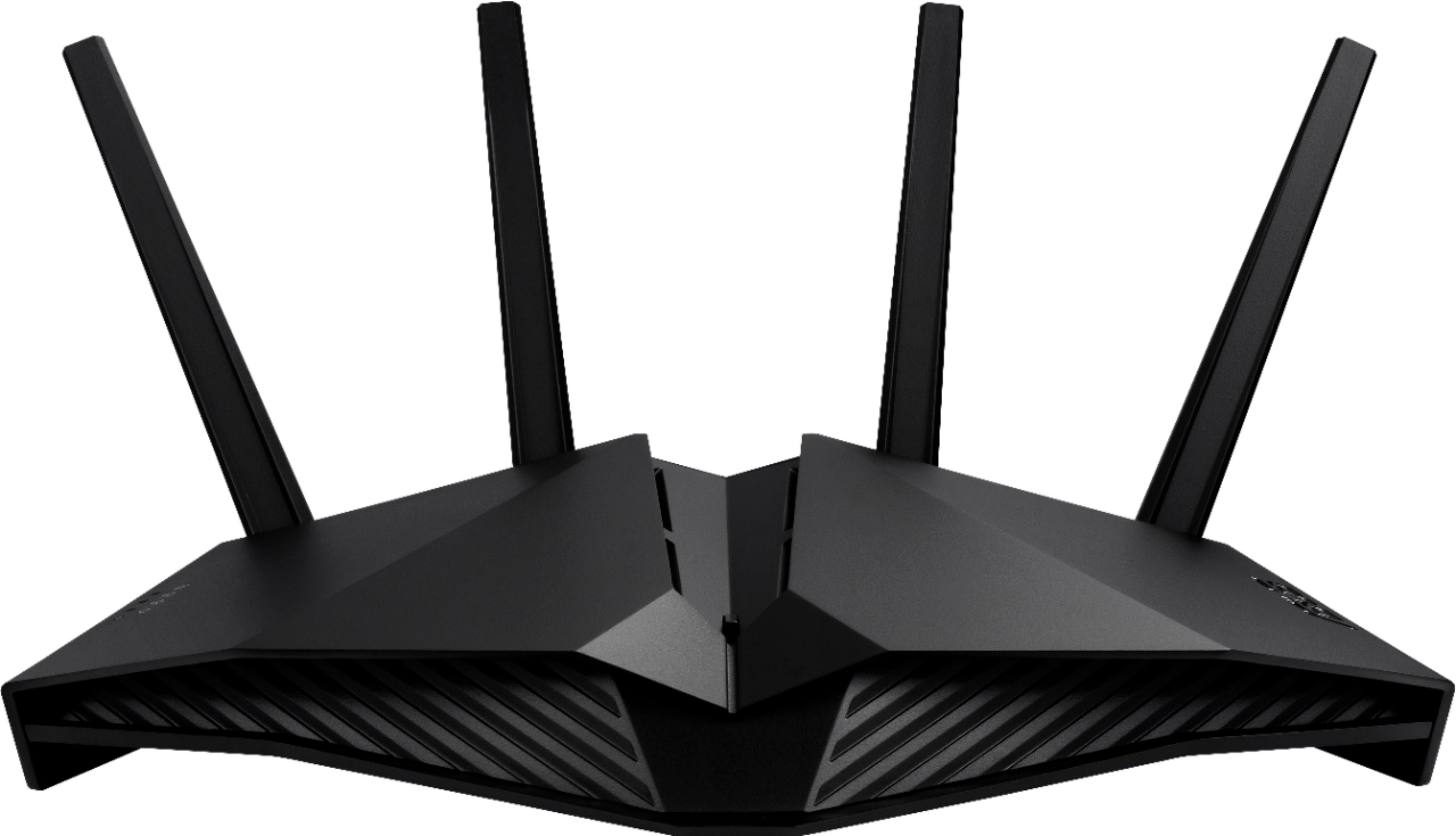
A:Answer“Invisible antenna” refers to internal antennas built into the router’s body. In addition to the four external antennas, the ASUS RT-AX82U V2 includes internal antennas to enhance signal coverage while maintaining a clean design.
A:AnswerThe firewall on the ASUS RT-AX82U V2 router is stateful. Stateful firewalls can monitor and track the state of active connections and make decisions based on the context of the traffic, providing a higher level of security.
A:AnswerThere are 4 ethernet ports for plugging in devices for a wired internet connection.
The number of wifi connections and the speed you get are both going to be determined by your internet service provider.
This router is capable of handling speeds up to 1000 mbps. Most home internet services will not exceed that speed.
A:AnswerIs Frontier Fios is fiber optic, like the Internet service provider website mentions, then they will use the WAN connection on the back of the router. If that is the case, it should be compatible.
A:AnswerIt doesn't replace your gateway, you will still need that to hook into the fiber network. I do have it plugged into the gateway broadcasting a network with a different name, and everything connected to the router works just fine. It has much better coverage than the AT&t gateway. It worked fine both as a router, which separates the devices on its network from any that you may have plugged into the gateway or attached to the gateway's network. It also works fine in access point mode as well, which leaves devices attached to it on the same network and able to easily talk to devices attached to the gateway.
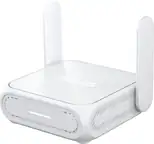
A:AnswerNo, it’s a router, you still need a modem, So the modem is used to translate the internet signal coming in to your house and it connect to this router which manages that connection through WiFi or hard wired.