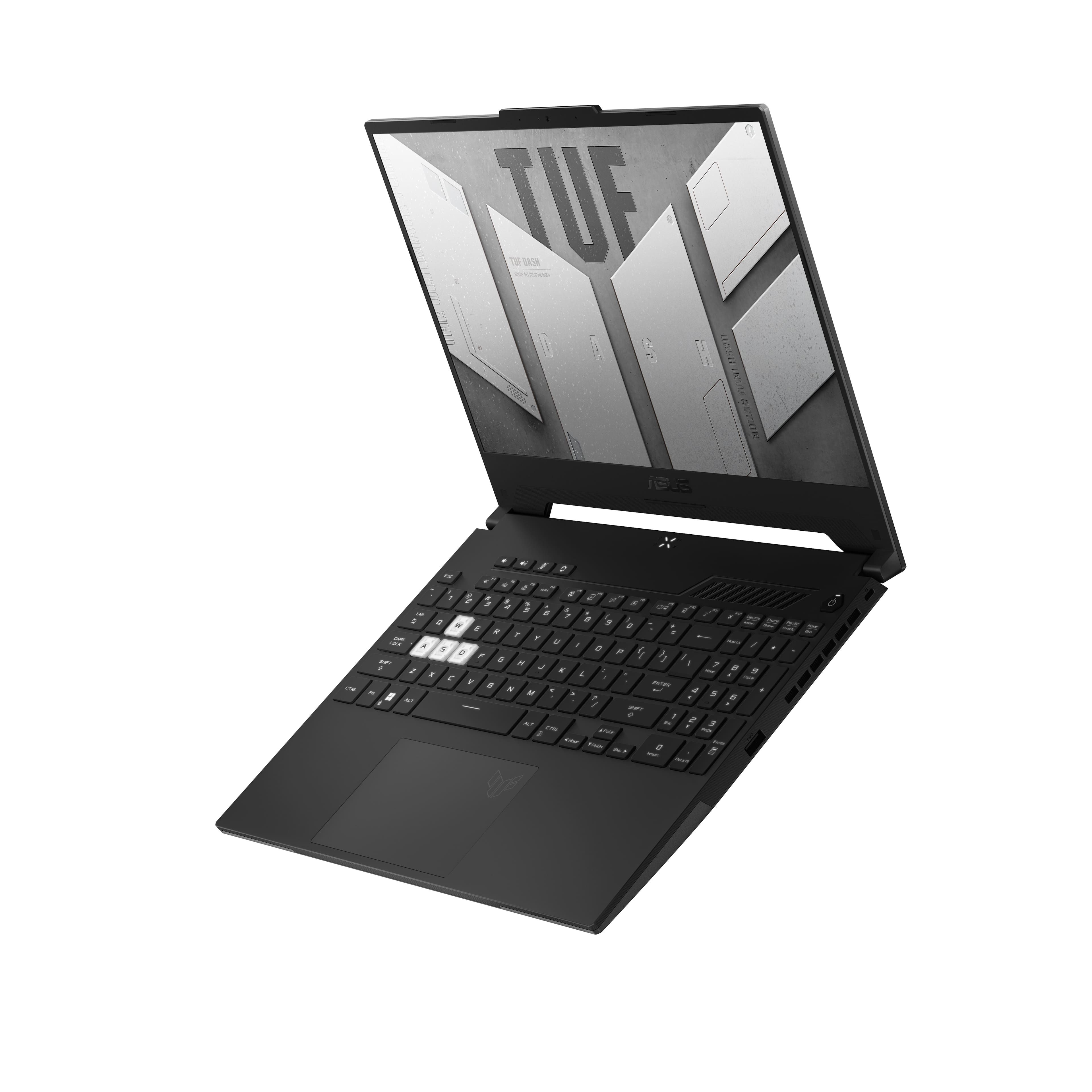
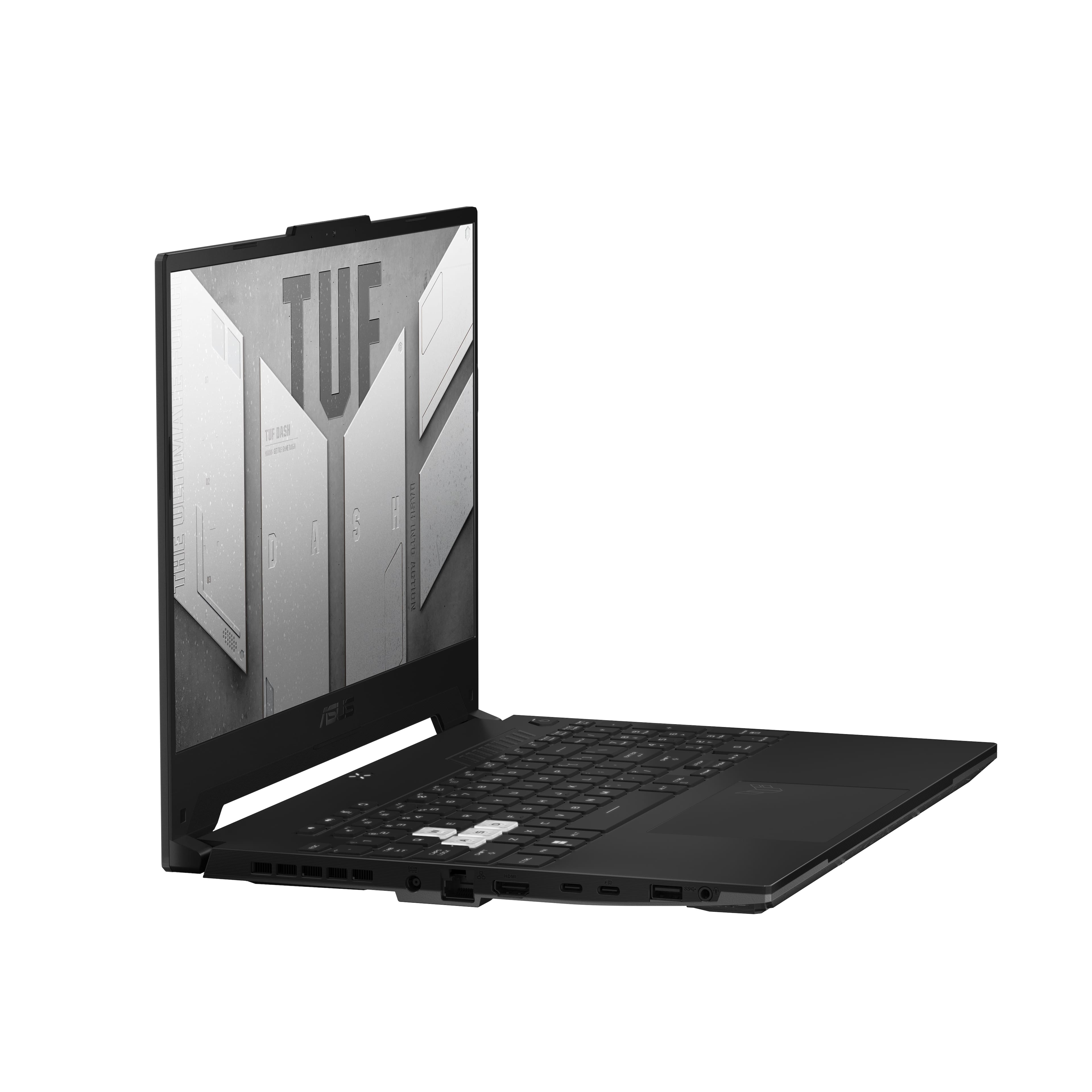
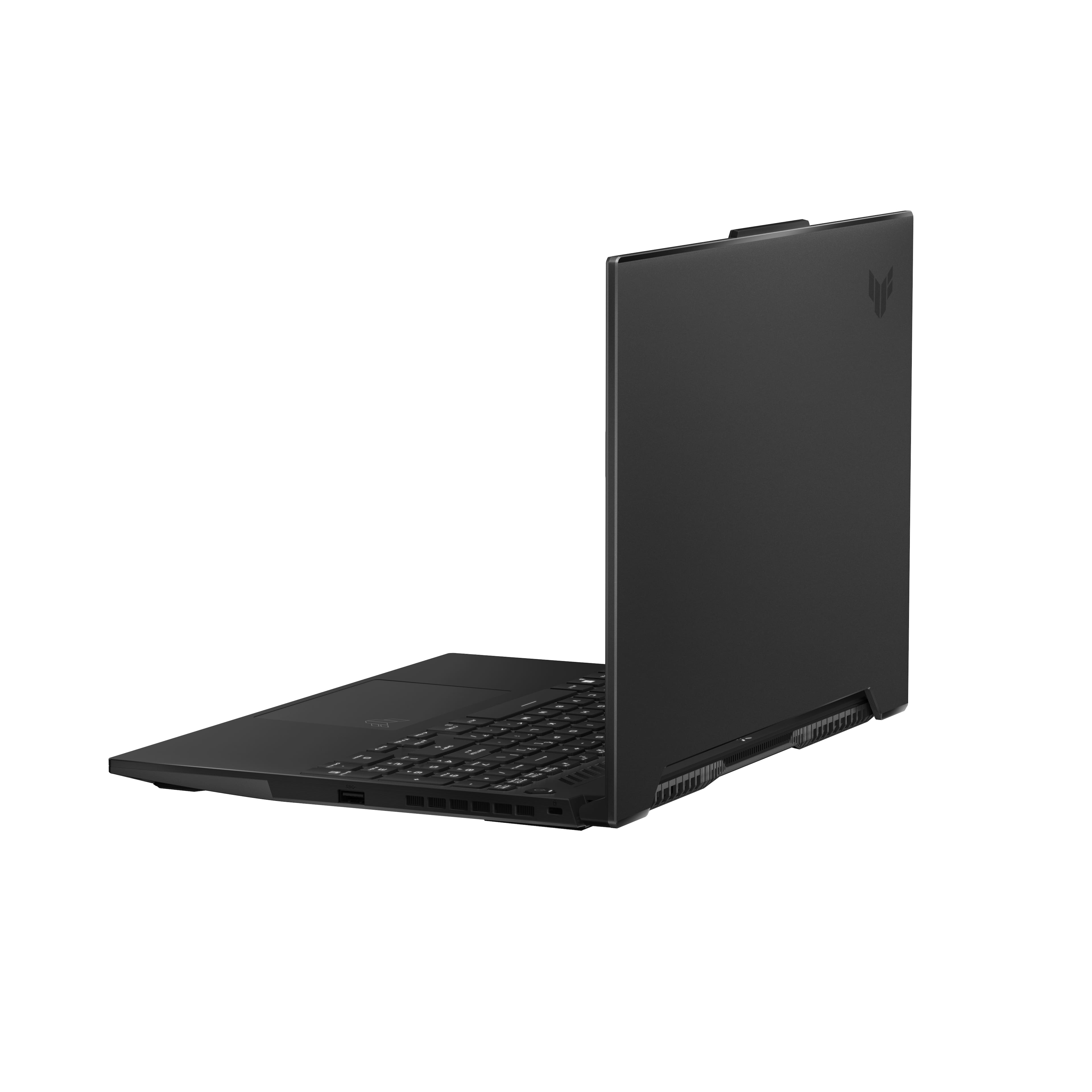
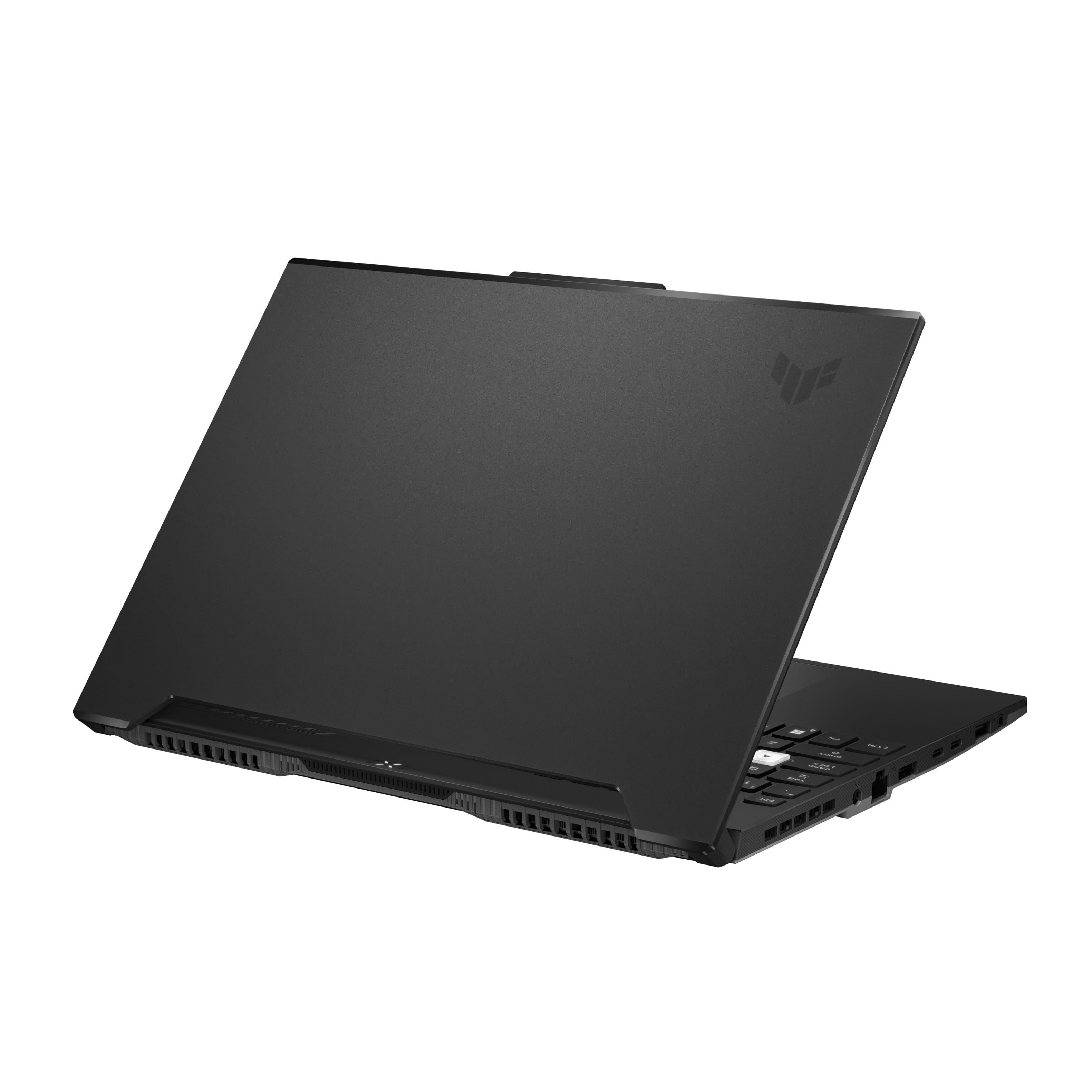
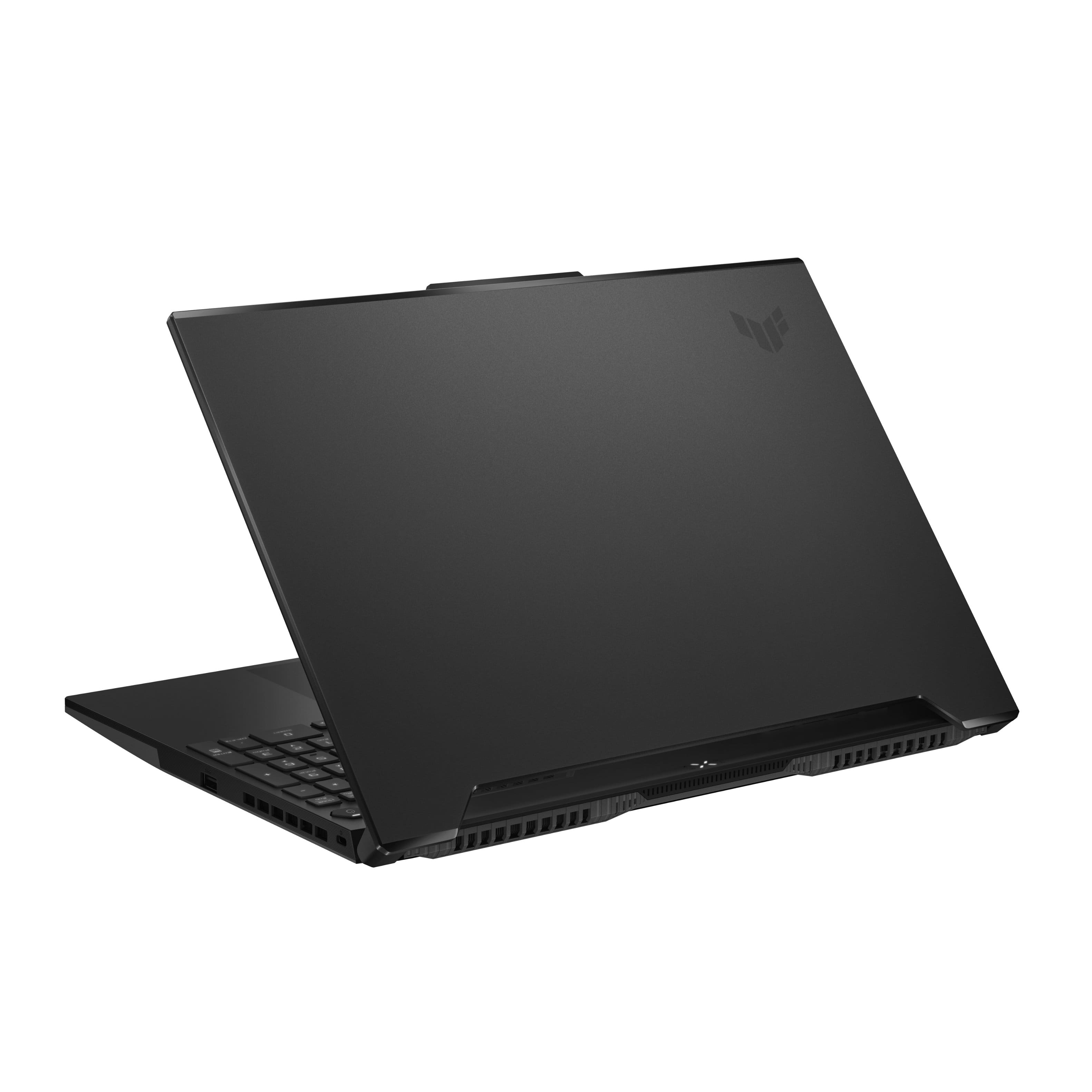
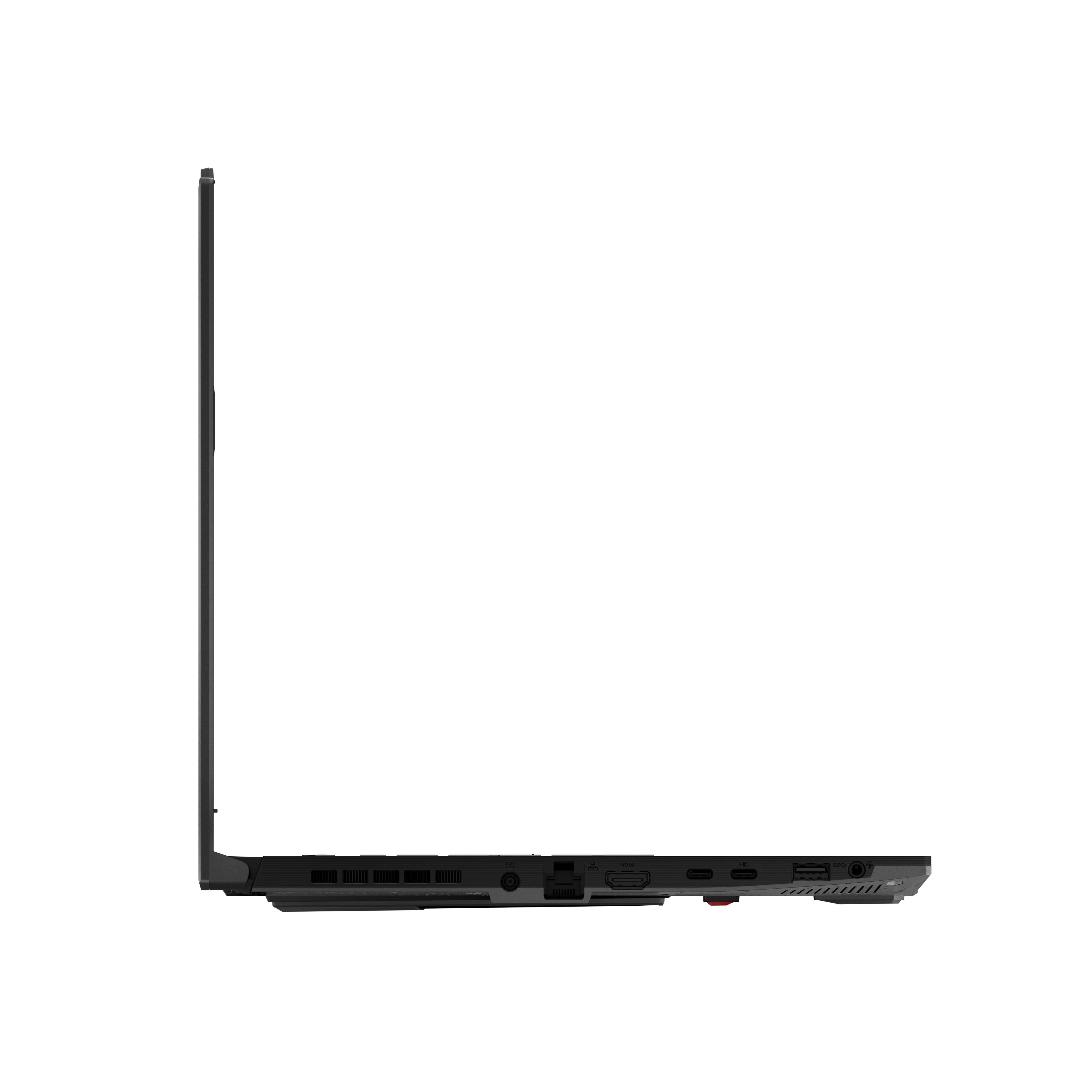
A:AnswerThere is a button at the top that changes the laptop from modes and it will change the fan speeds depending on what mode it is in you also have armory crate you can use
A:AnswerHaven't used it for that personally but this laptop has more than enough power and performs exceptionally so there should be not a single problem other than software related issues with the quest+windows 11
A:AnswerIf you have the brightness turned all the way up when you are outdoors in direct sunlight, you can make it work. Some details will still be hard to make out, so I would say 250 nits would be on the lower end of what you want. Light mode on everything is preferable when outdoors, and you will likely have issues if your screen isn't clean (has fingerprints, dust, hair, etc.) The photos were taken with morning sunlight hitting the screen.
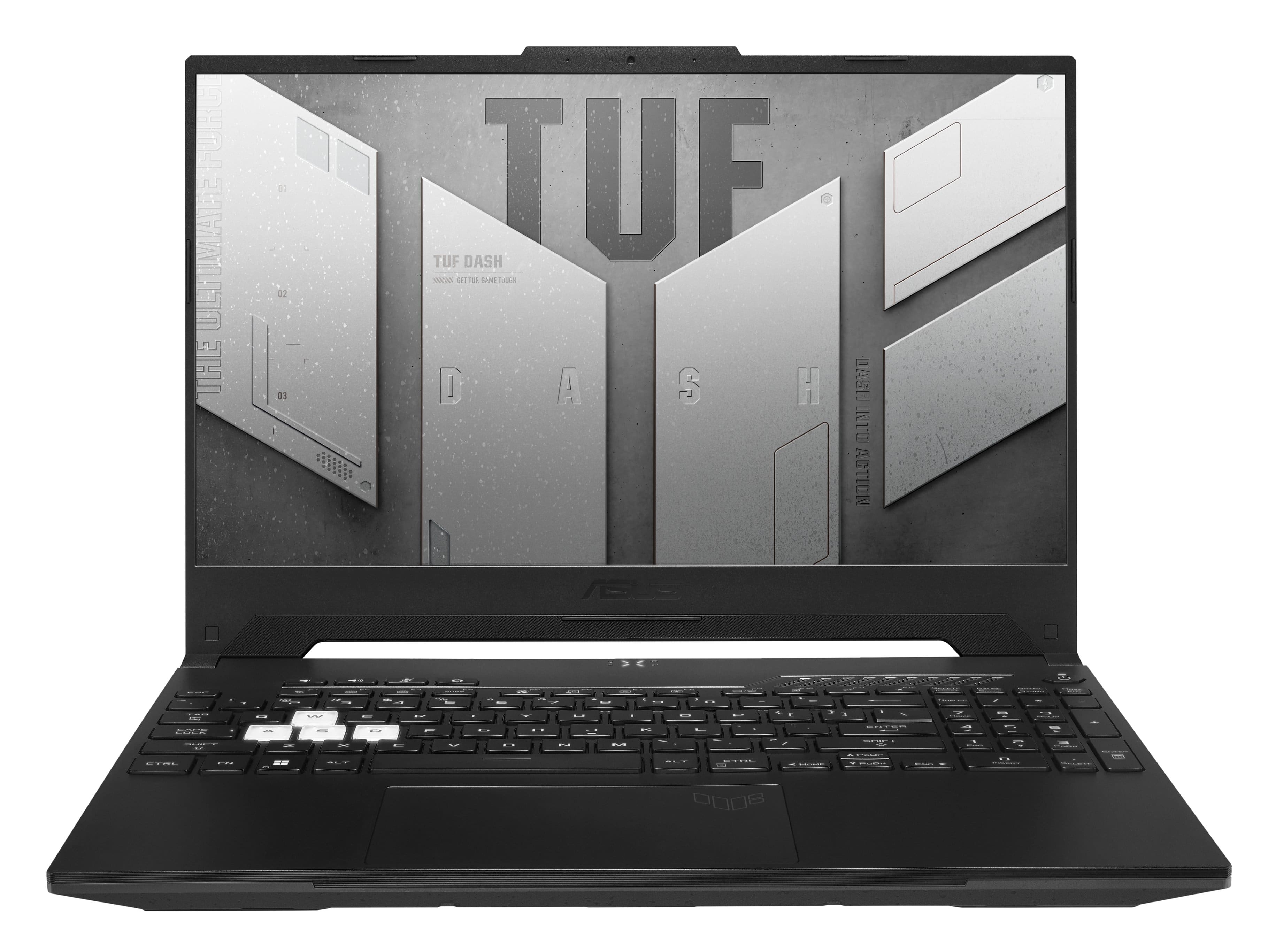
A:AnswerMine currently does this for some reason, it seems like a transition between power mode types. I haven’t fixed it yet, but just wanted you to know that it seems normal as of now.
A:AnswerI dont have any means of measuring it but compaired to my desktop display at 1ms I would say its on par i cant really see any lag in multiplayer online gaming.
A:AnswerWont void warranty bestbuy even states that these laptops are expected to be opended and upgraded. You can verify if you google bestbuy laptop warranty.
A:AnswerThe RTX 3060 has the boost clock advantage at 1.78GHz compared to the RTX 3070's 1.73GHz. However, the RTX 3070 does have a big difference in the number of its CUDA Cores, which amount to 5888, surpassing the RTX 3060's 3584.
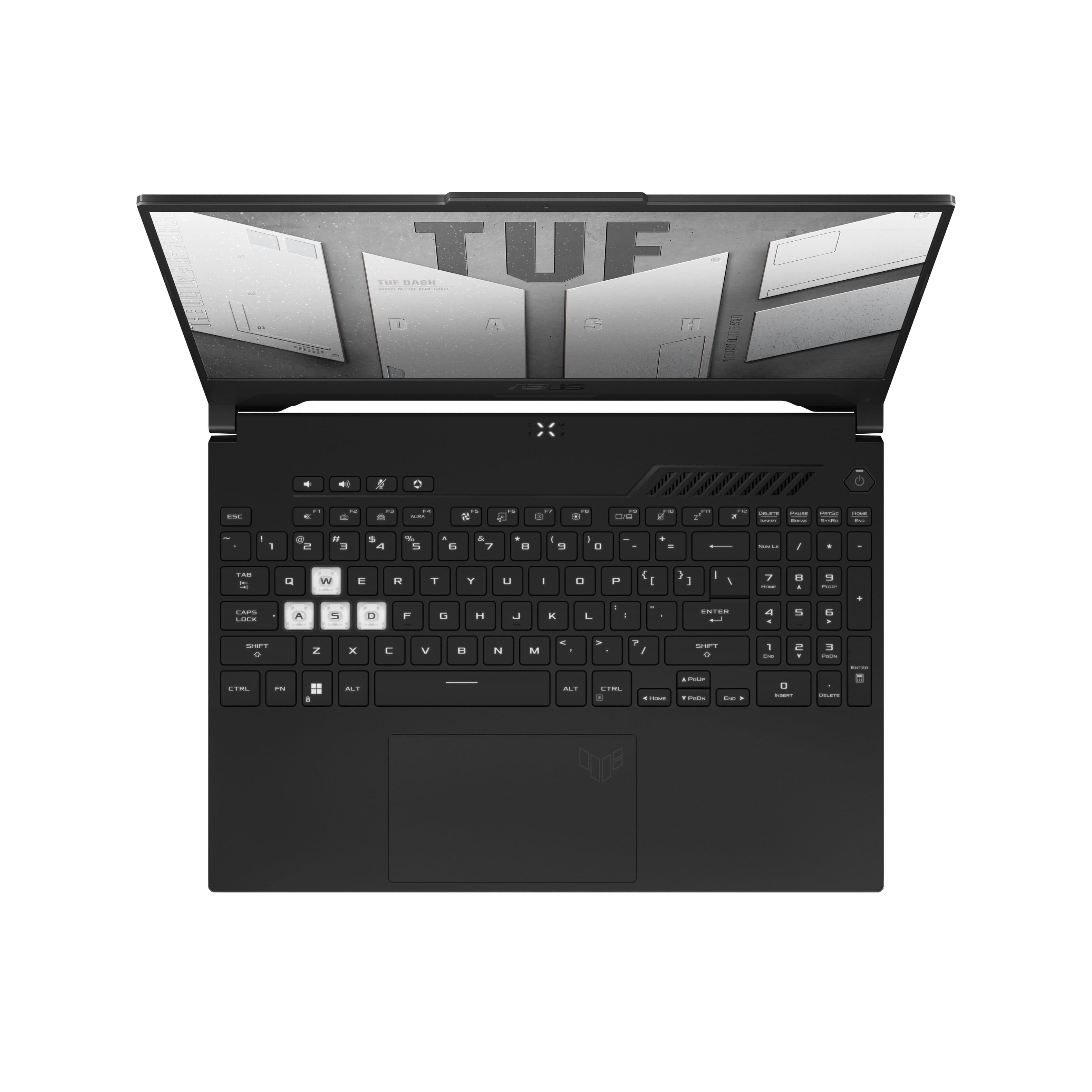
A:AnswerThe keyboard has a white back light from the factory, trying to add RGB I think would be much more of a hassle. I would just find another laptop that has a RGB backlit keyboard.
A:AnswerI did youtube for about 2 and a half hours on a full charge, gaming for like an hour. It's a gaming laptop the battery is not going to be glorious