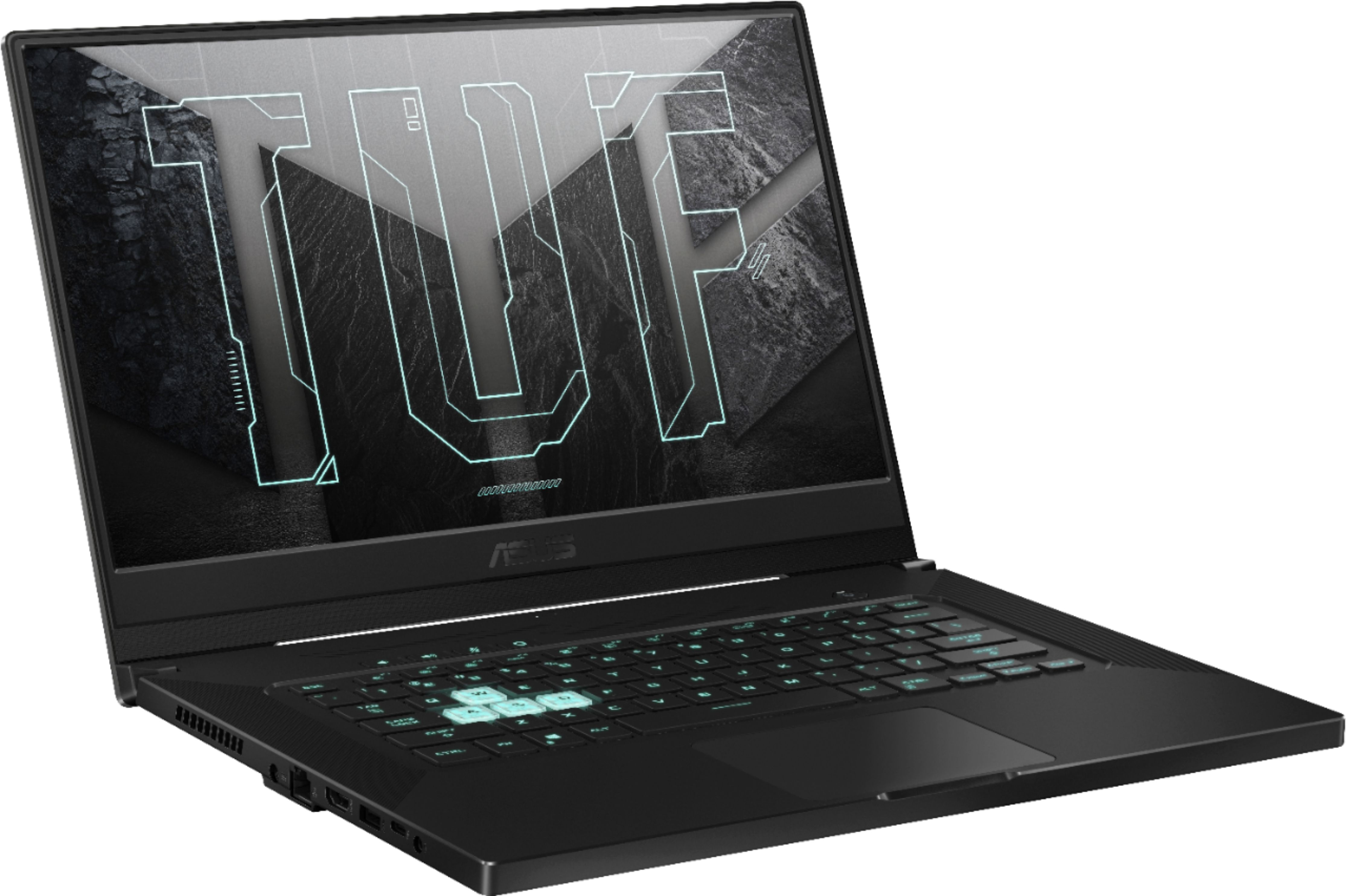
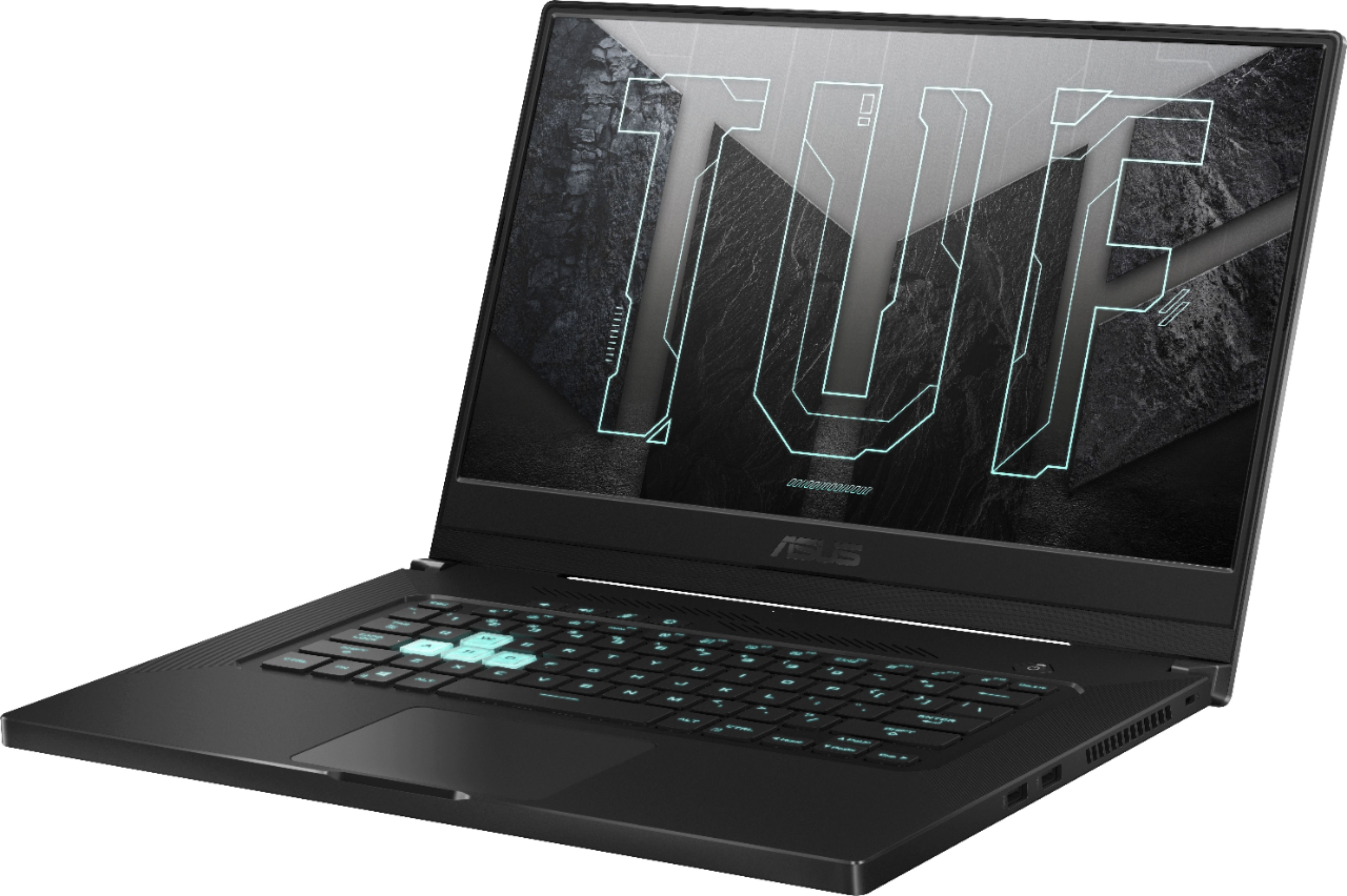
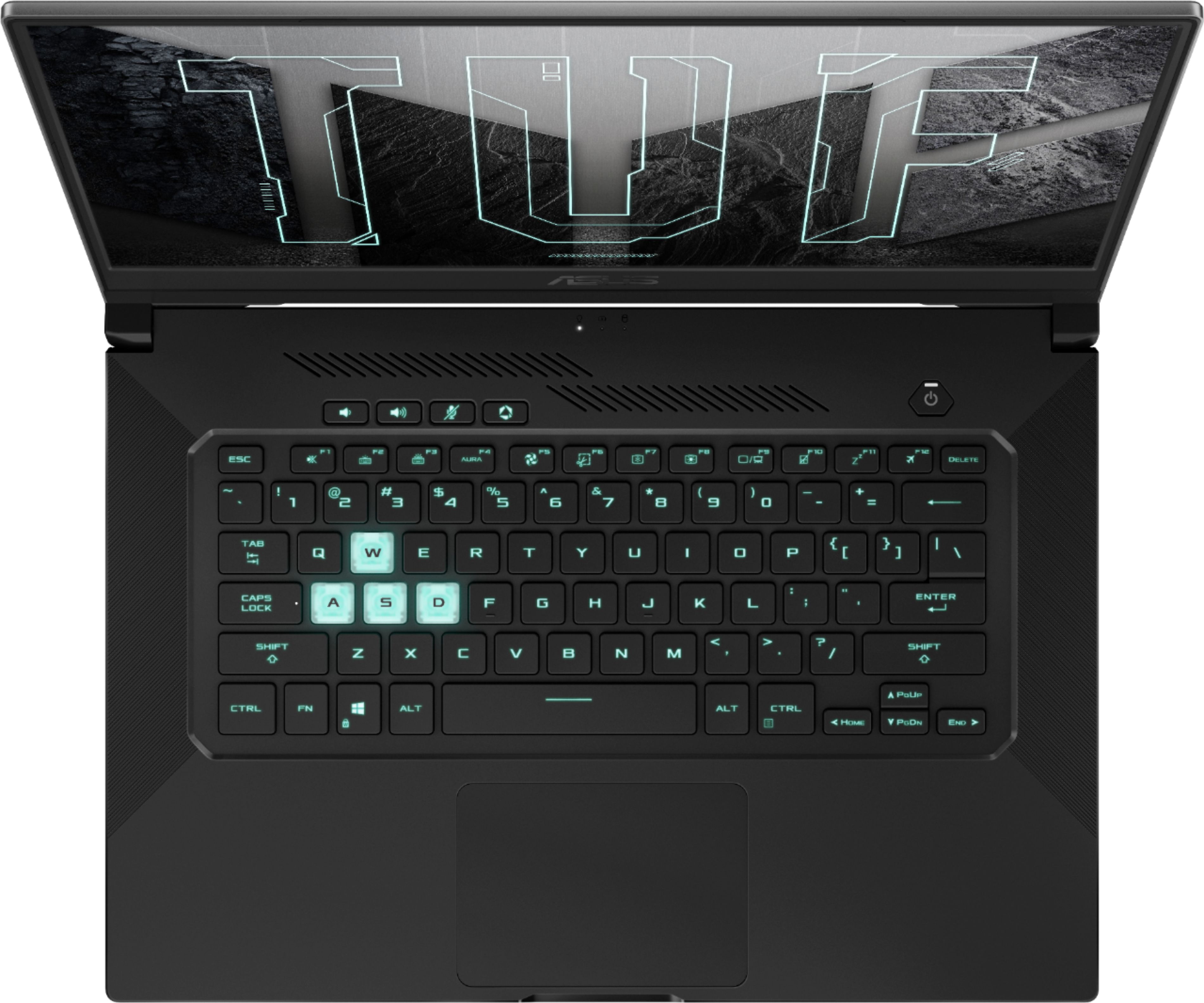
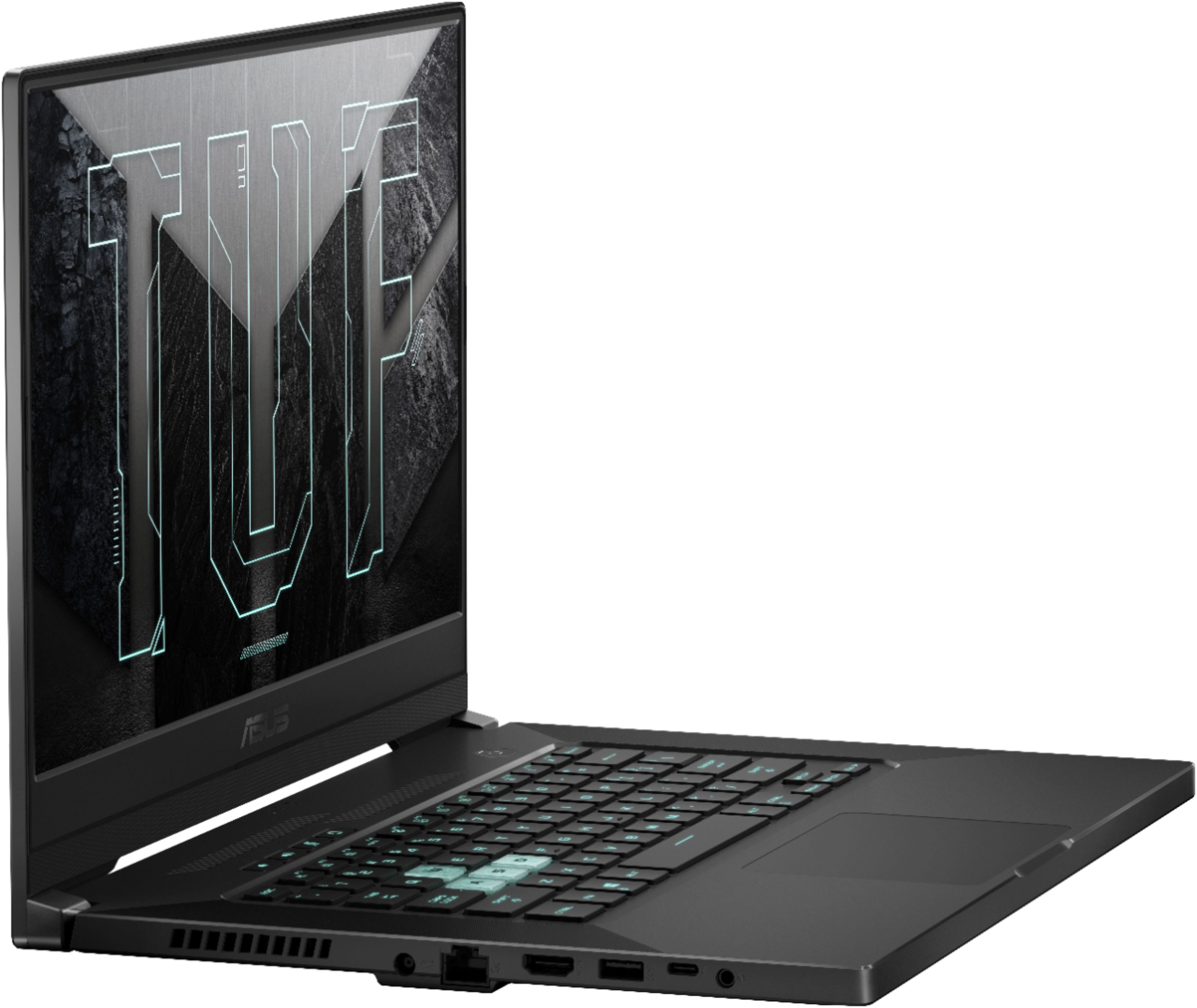
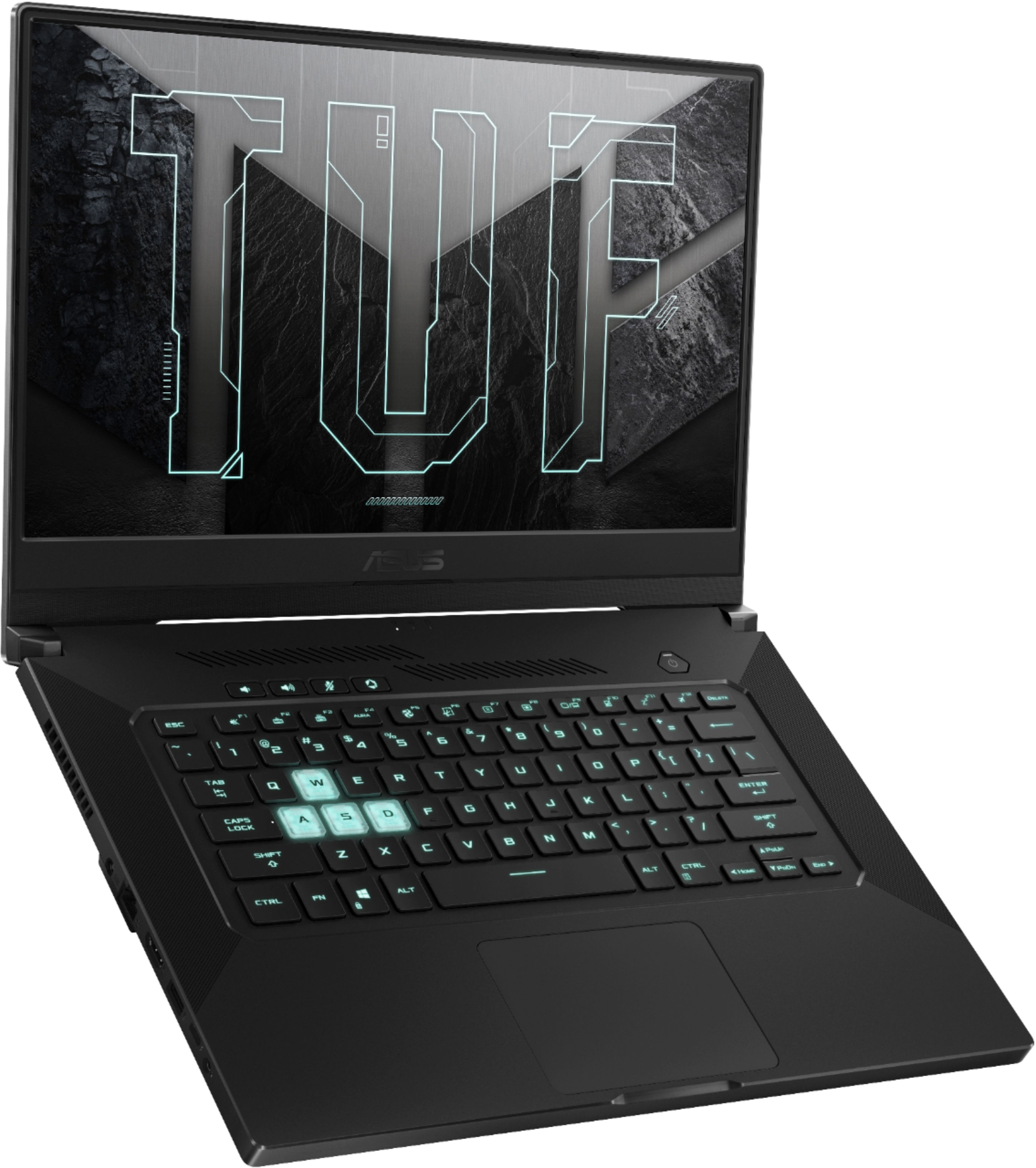
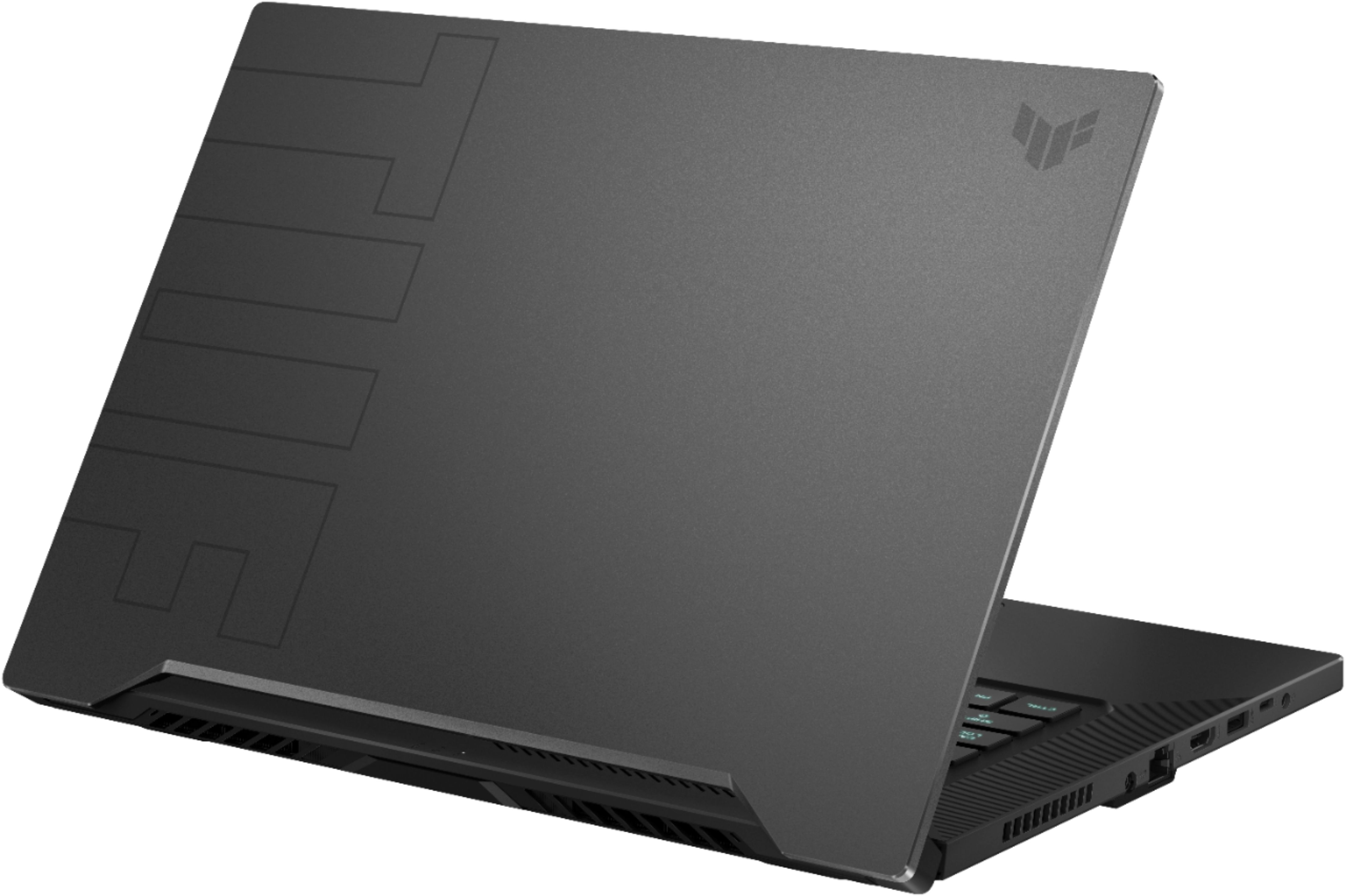
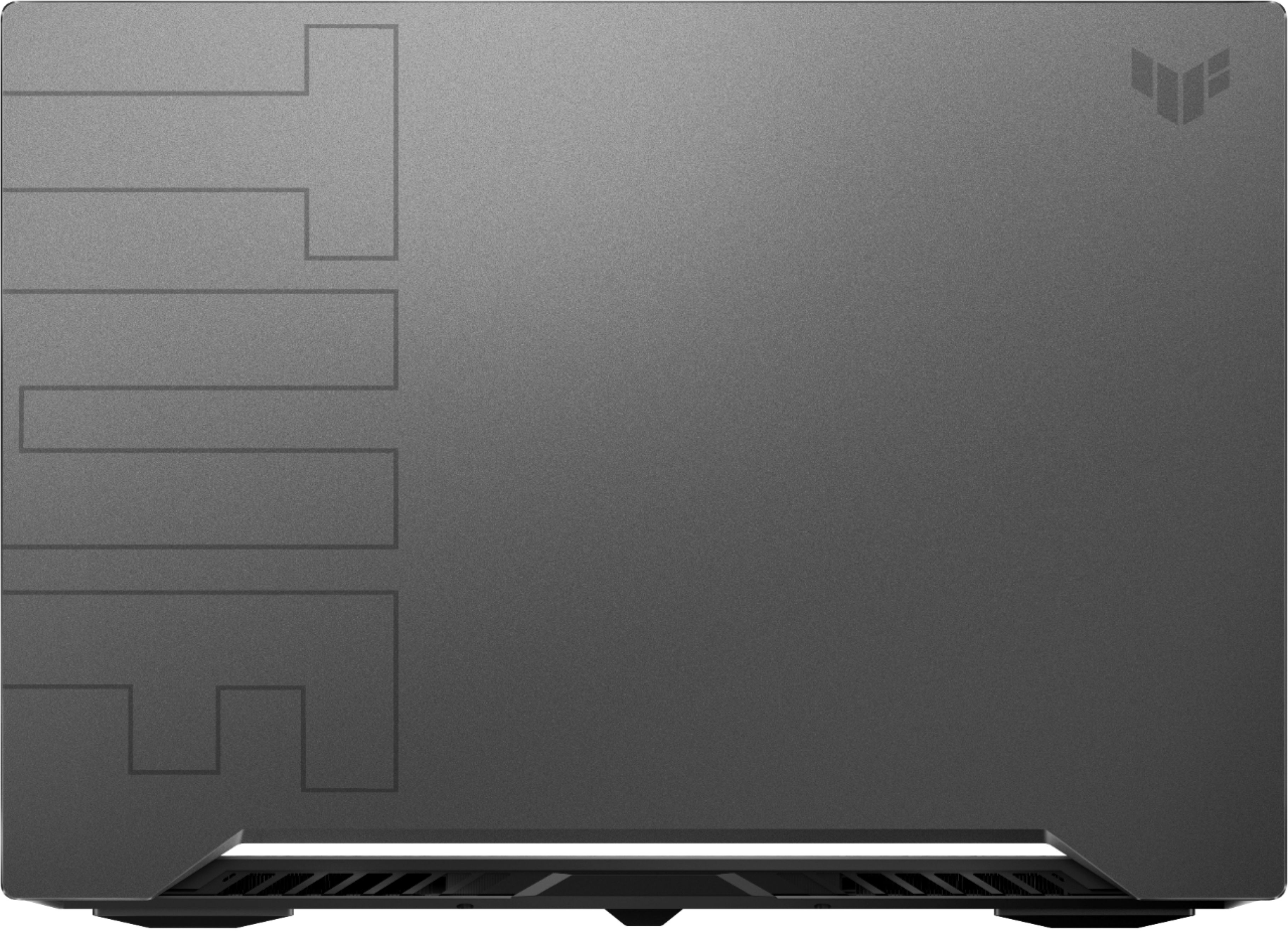
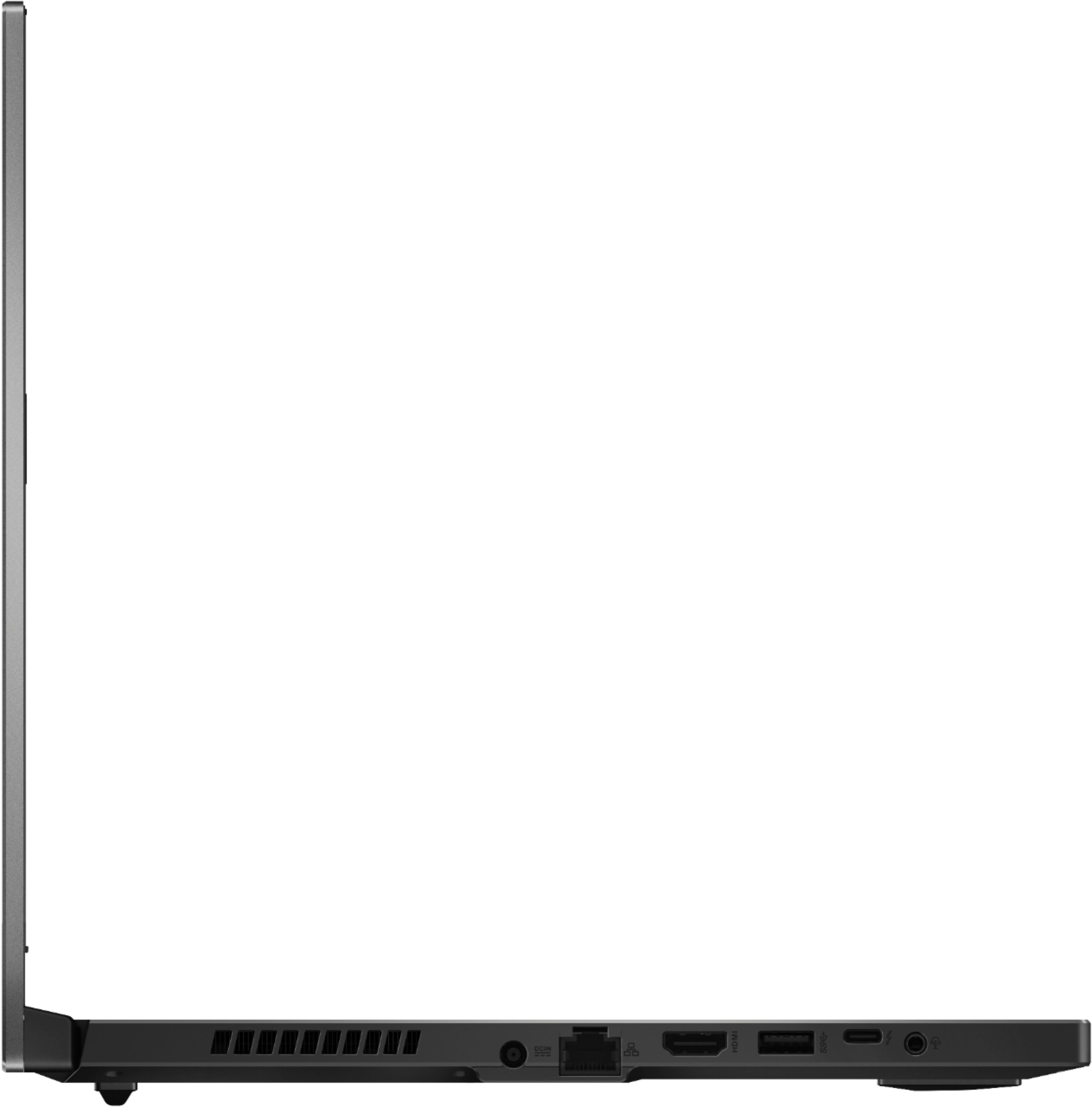
A:AnswerTheoretically speaking, yes you should be able to install Linux on this laptop. The real question is *should* you install Linux? I'm going to go ahead and say no, you probably shouldn't. Before you get upset with me, please know that I'm an avid Linux fan and am currently typing this comment on Linux Mint 20. I honestly wouldn't advocate installing Linux on any brand new hardware until the Linux community has had the chance to add proper support/drivers in the kernel etc (which typically takes several months). There's absolutely nothing stopping you from nuking Windows and installing the Linux distro of your choice, however be warned that something is likely to break and/or an advertised feature might not be available in Linux (like Ray Tracing for example). Not to mention the fact that you likely won't get much support from the Linux community because of how new the laptop is (I'm not saying the Linux community isn't helpful, just that it's hard to support hardware that's so new it's unfamiliar to everyone). You might have better luck 6 months or so after this laptop is released, by then the Linux community should have caught up and added all the relevant drivers etc. Once again, you're certainly free to try and install Linux, just be warned that you're mostly on your own if something doesn't work right. Cheers mate!
A:AnswerIf there's bottleneck, I can't notice. I got Witcher 3 running with multiple chrome tabs open and a video playing. There's no lag even in this situation!
A:Answer`No - definitely not. I'm finding this laptop with the speed of this laptop to be truly worth the price I paid.
The GPU works well with the current Intel 4 core , giving me solid gaming performance as well as video editing speed.
These GPU's do get hot if your gaming for long periods of time - or you are rendering huge video files - but NVidias latest software allows
you to up the fans to turbo mode - and it's still not too loud for me, but keeps the system in the 65c sweet spot (60c to 70c).
It's a fun - boots up fast - the right size for myself - the 17" are too big and cumbersome for my taste.
Hope this helps!
A:Answerit is rated at 12 hours.
that is only for web surfing, video playback and lite use. So if you are gaming, the safe bet would be (depending on game of course) 4-5 hours I would assume.
A:AnswerThis laptop will be able to play total war games and many others on steam. Keep in mind you would need to adjust your in-game settings to your desired experience.
A:AnswerHello Dnaidm. Thank you for your question. This Asus TUF Dash gaming laptop comes with an 11Th Generation Intel® Core™ i7-11370H Processor, which has 4 cores and 8 threads and can reach up to 4.80 GHz speed. You can check more technical specifications about this processor here:
***https://ark.intel.com/content/www/us/en/ark/products/196655/intel-core-i711370h-processor-12m-cache-up-to-4-80-ghz-with-ipu.html***
Thank you for choosing Intel!
A:AnswerHello Question99. Thank you for your question. This Asus TUF DASH gaming laptop comes with an Intel® Core™ i7-11370H Processor which has 4 cores and 8 threads.
You can find more technical specifications for this Intel® Core™ i7-11370H Processor here:
***https://www.intel.com/content/www/us/en/products/sku/196655/intel-core-i711370h-processor-12m-cache-up-to-4-80-ghz-with-ipu/specifications.html***
Thank you for choosing Intel!