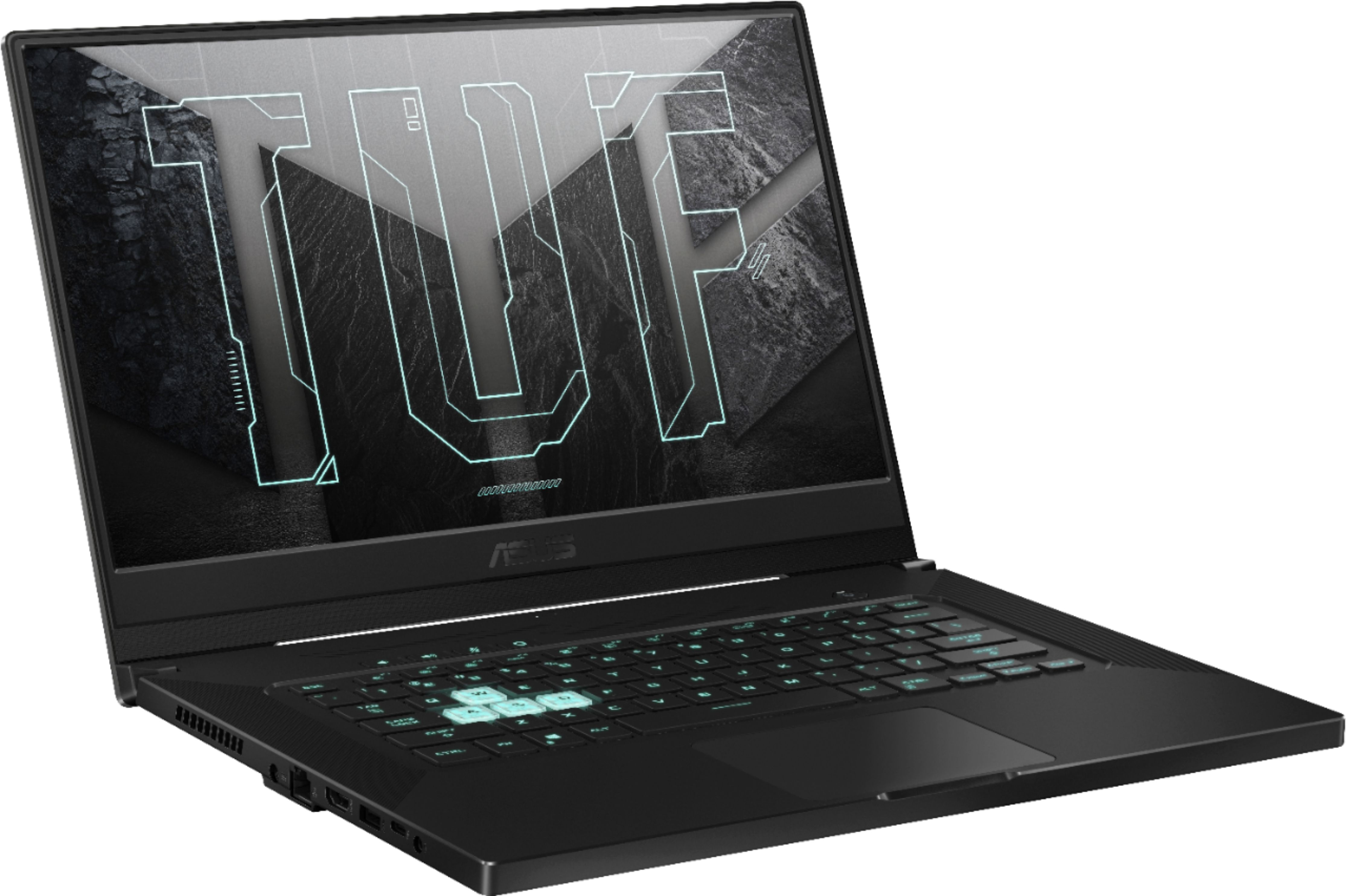
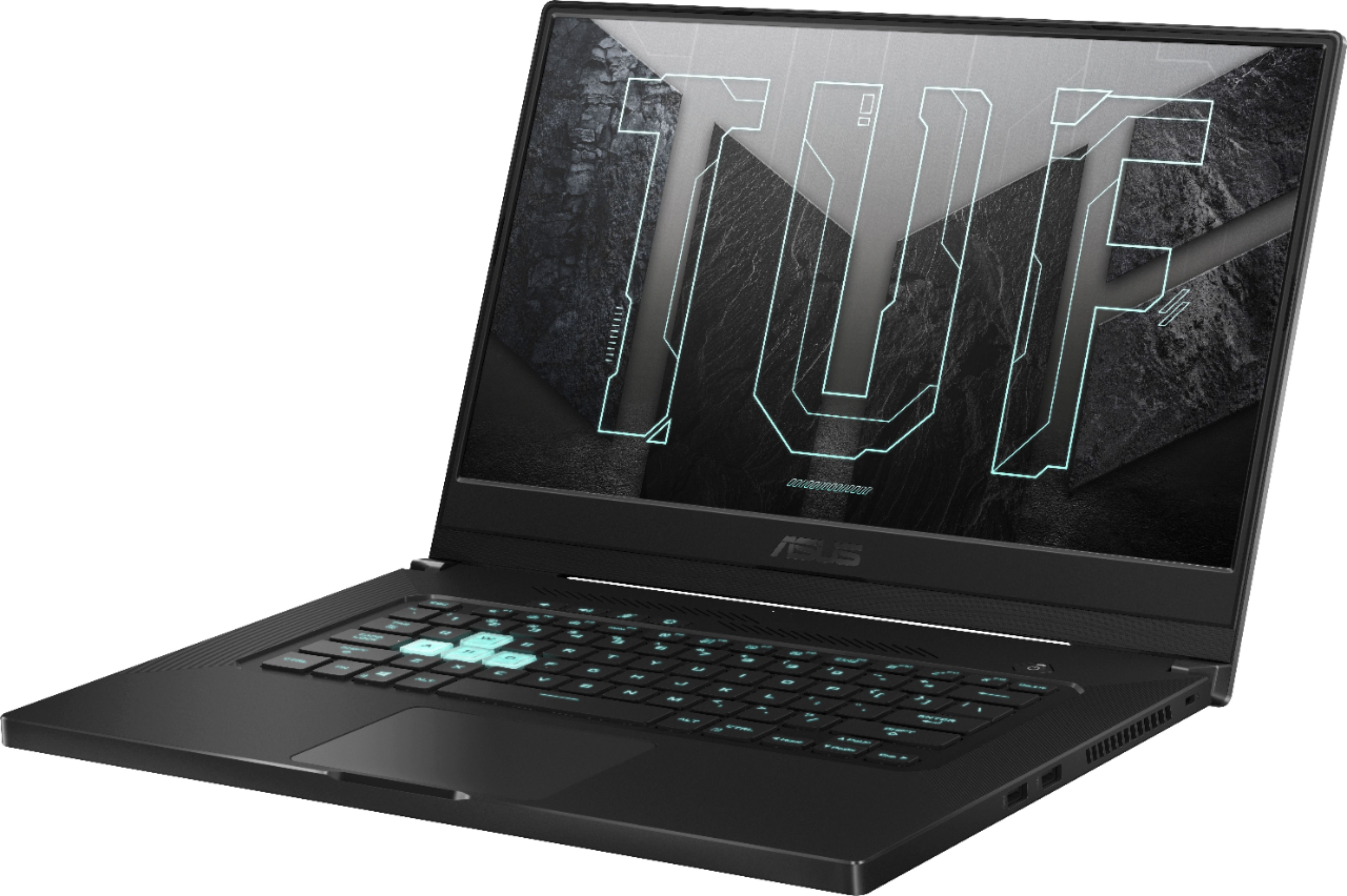
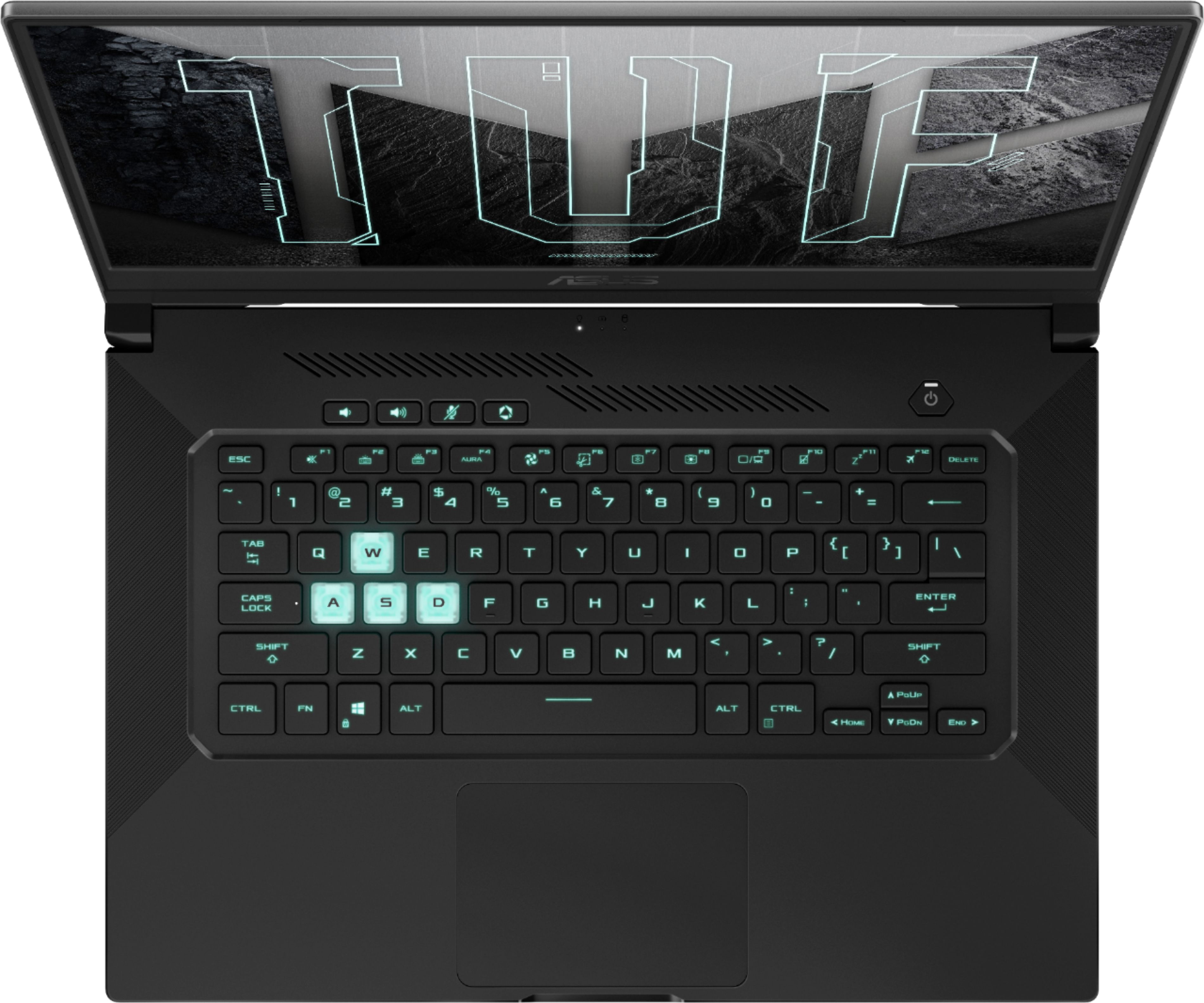
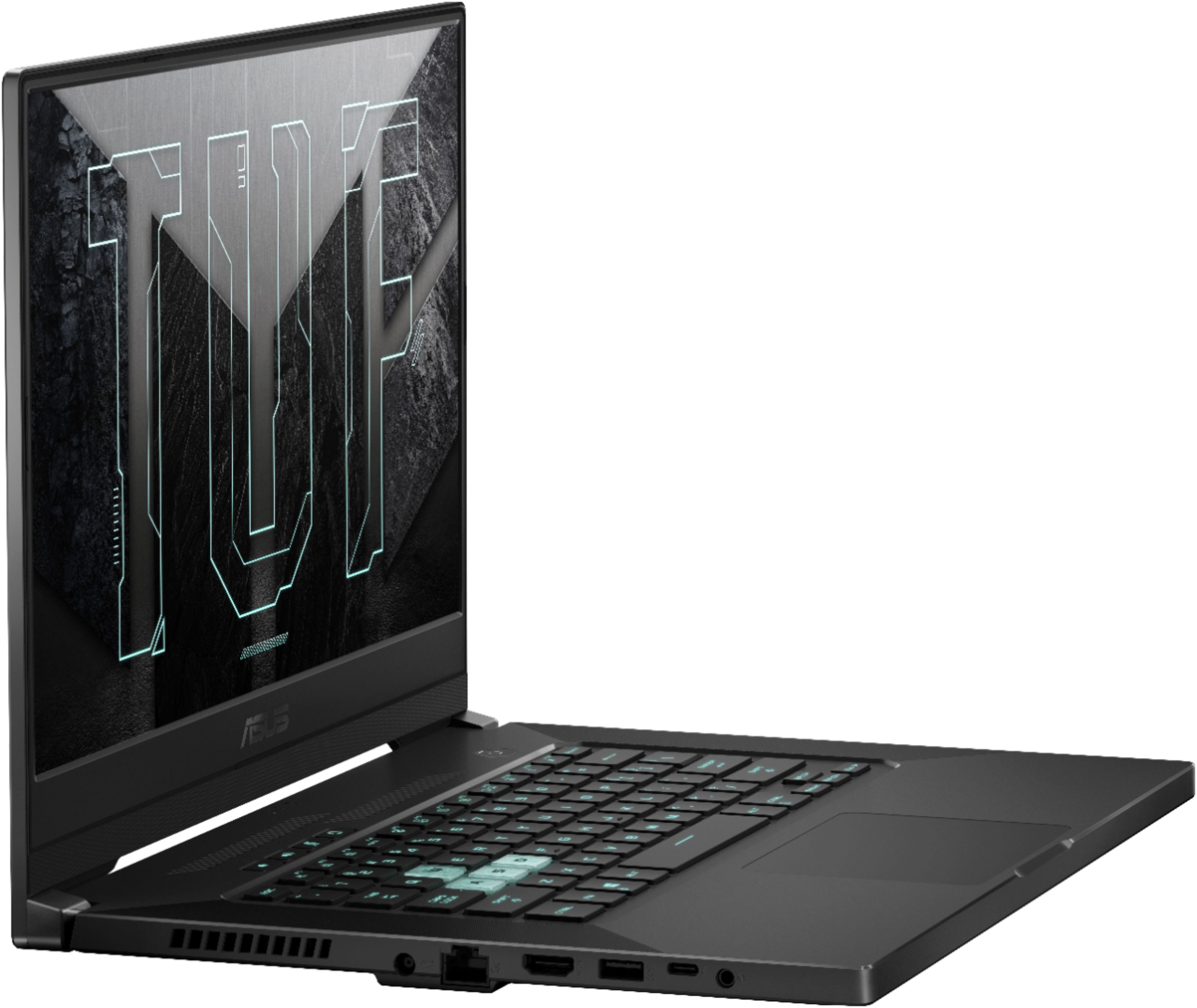
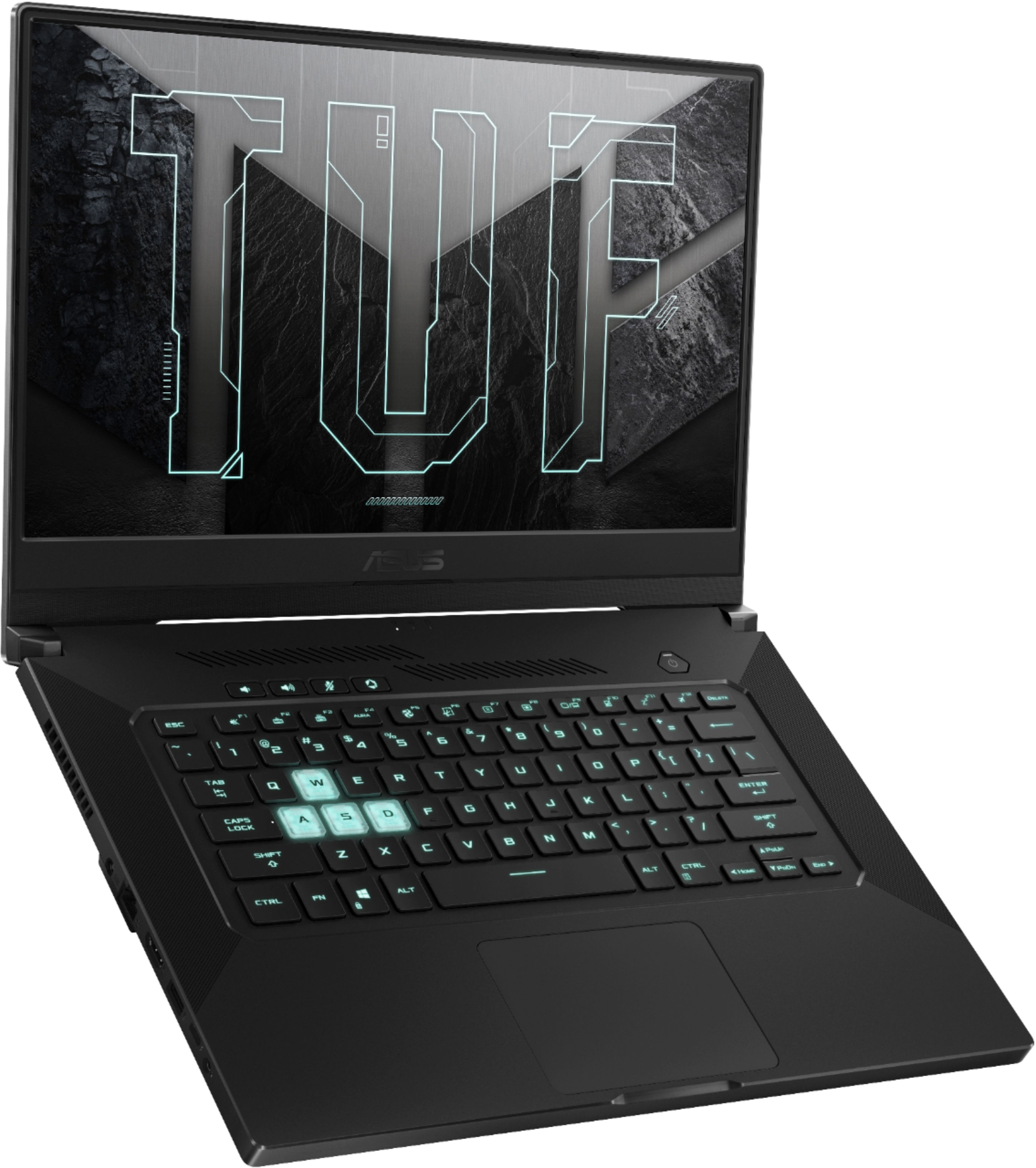
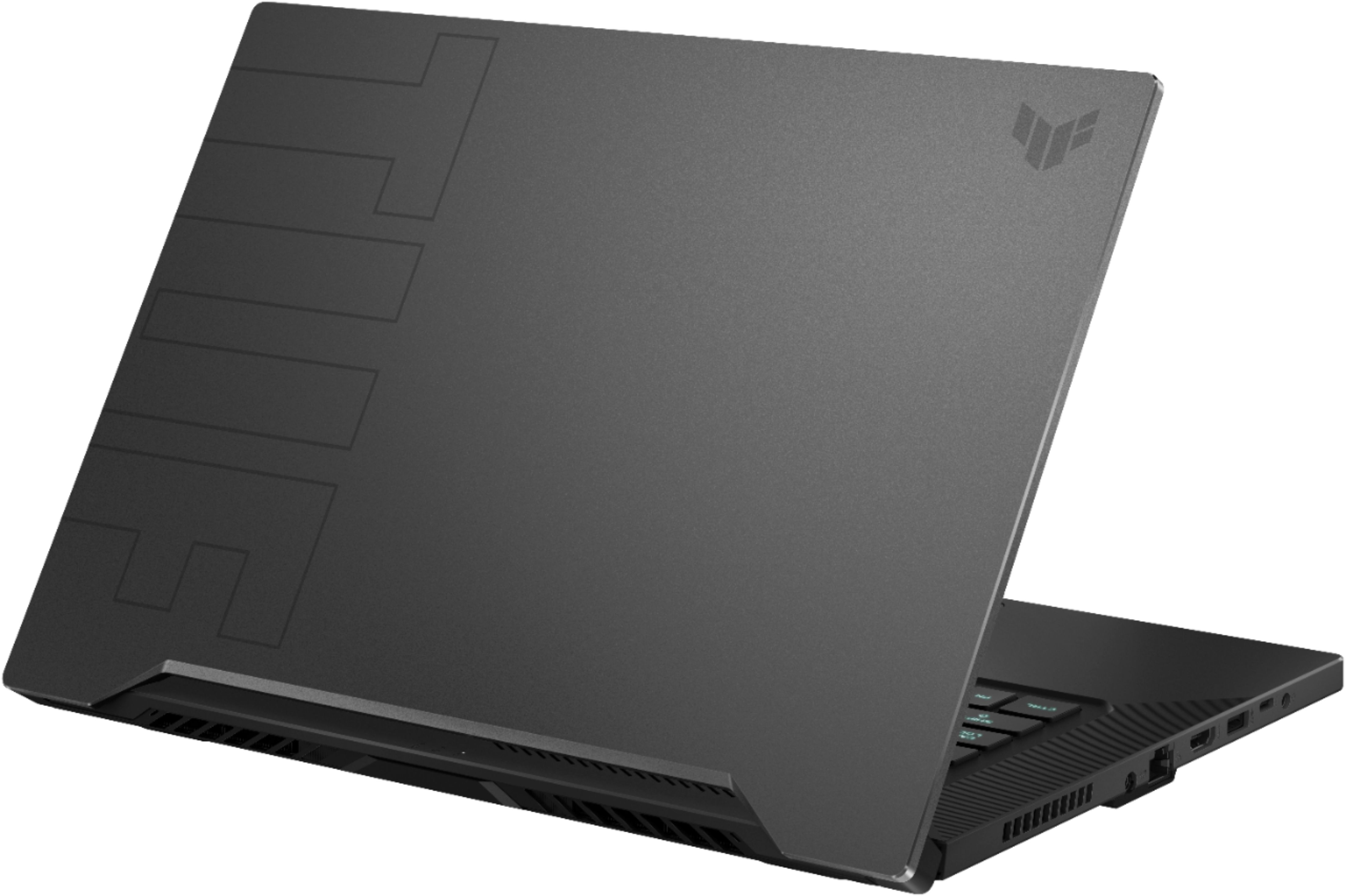
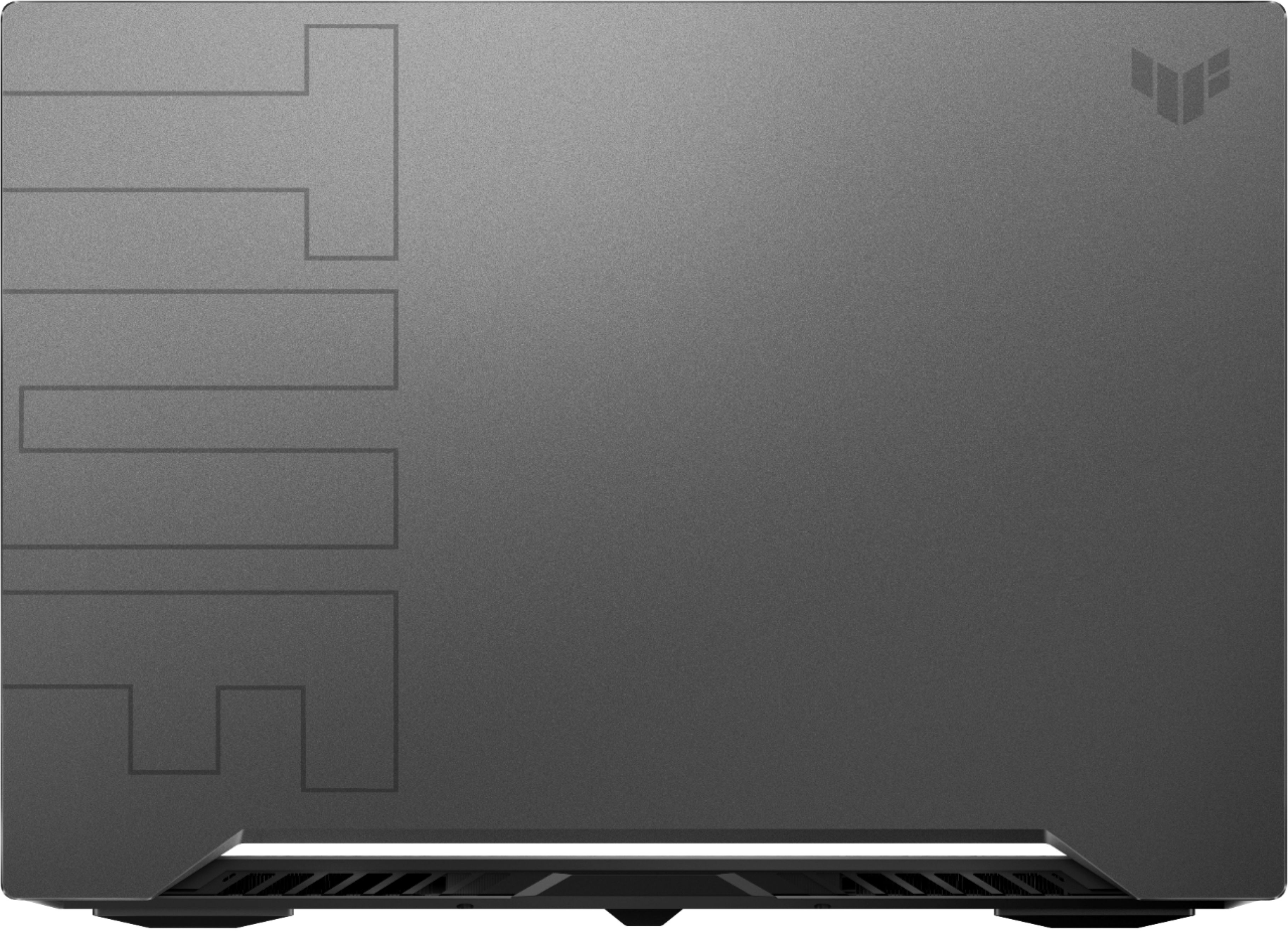
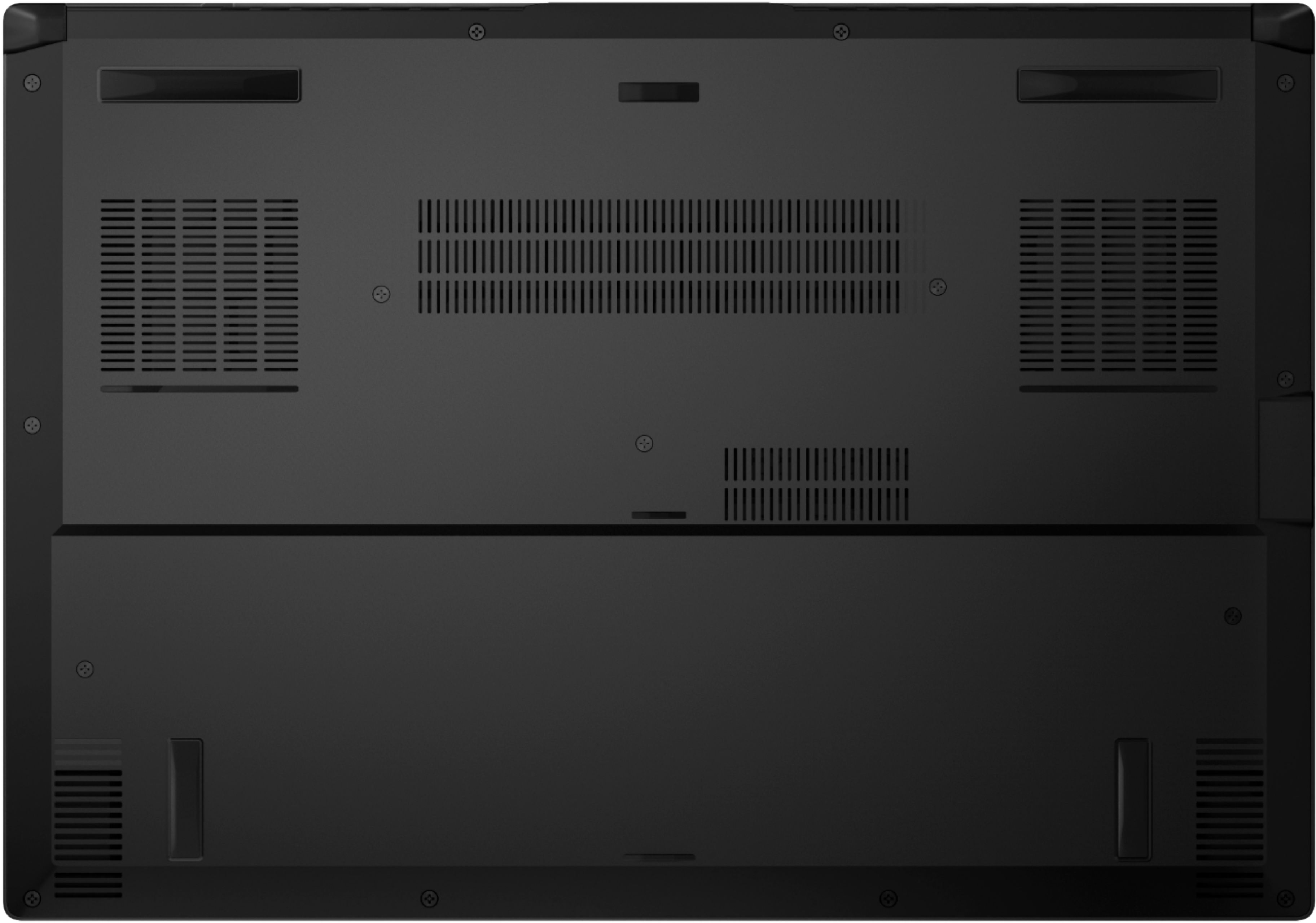
A:AnswerNo - the laptop doesn't overheat - unless you are playing heavy games for hours or Video Editing & Rendering.
However - NVidias new GeForce Experience Software allows you to set the fans in Turbo Mode - which never bothers me and allows
me to keep the system cool in between (60c to 70c) the sweet spot for GPUs.
The laptop boots up fast, graphics are fast and I am totally satisfied with the price I paid for mine!
Hope this helps!
A:AnswerThis may sound completely stupid and like a generic answer machine, but make sure your BIOs is up to date, you can find that either on the Asus website or on the myASUS app that should be preinstalled on the laptop.
If that doesn’t work, your best bet is to either contact Best Buy for a refund or contact ASUS for a replacement/repair.
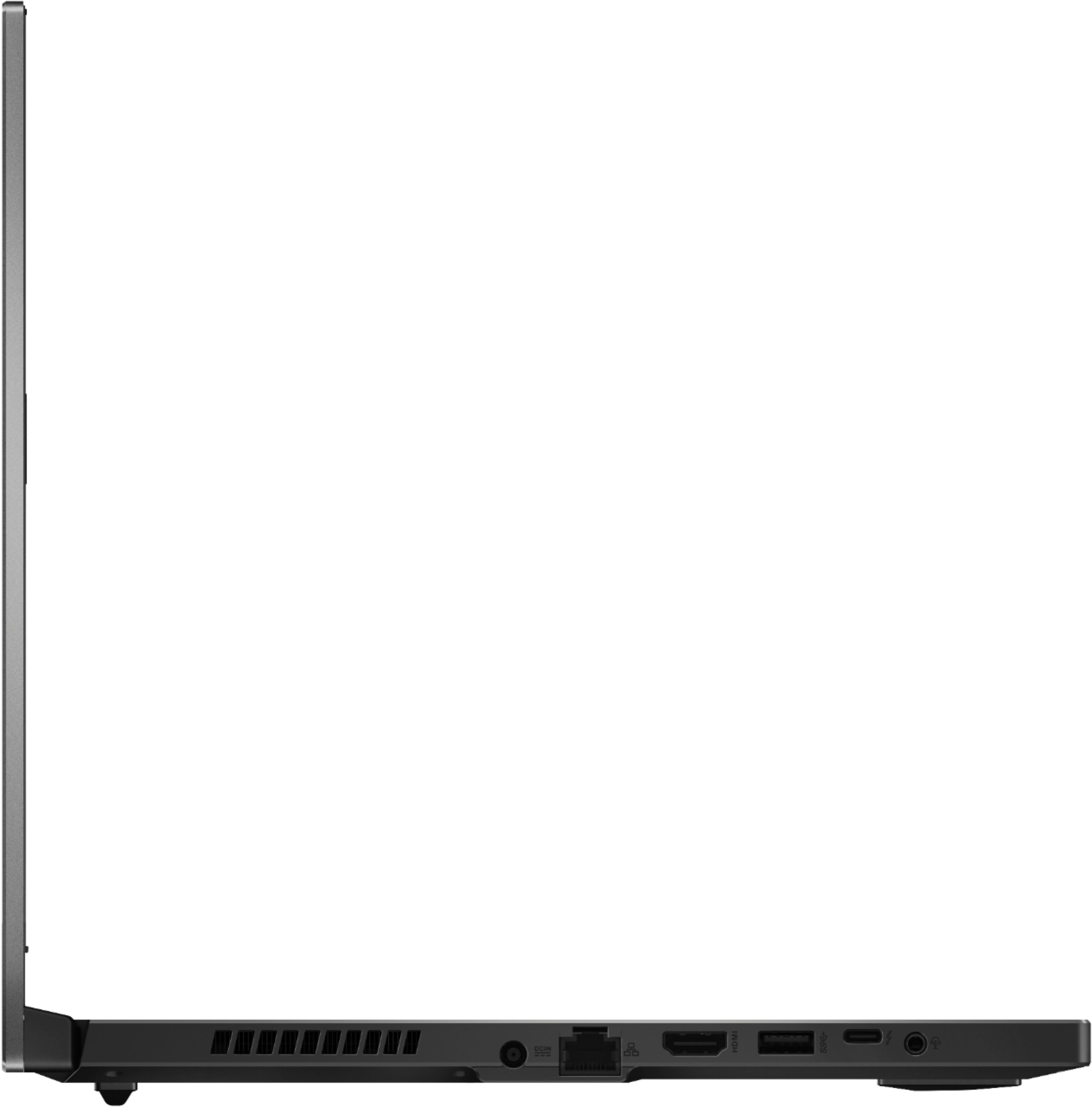
A:AnswerIt's clearly written the screen is FHD, so not 4k, also oled is bad for computer screens as the taskbar can ruin pixels and it's expensive so it doesn't have oled as well. Now about the Nits, it's not written anywhere , but i'm guessing it will be like simillar asus laptops 250-300 nits. Clearly teh display isn't the selling point of the laptop i'd suggest buy it for the internals and connect to a monitor, it supports both HDMI2.0 and thunderbolt4 so 4k 60fps, u can run 4k60fps easily.
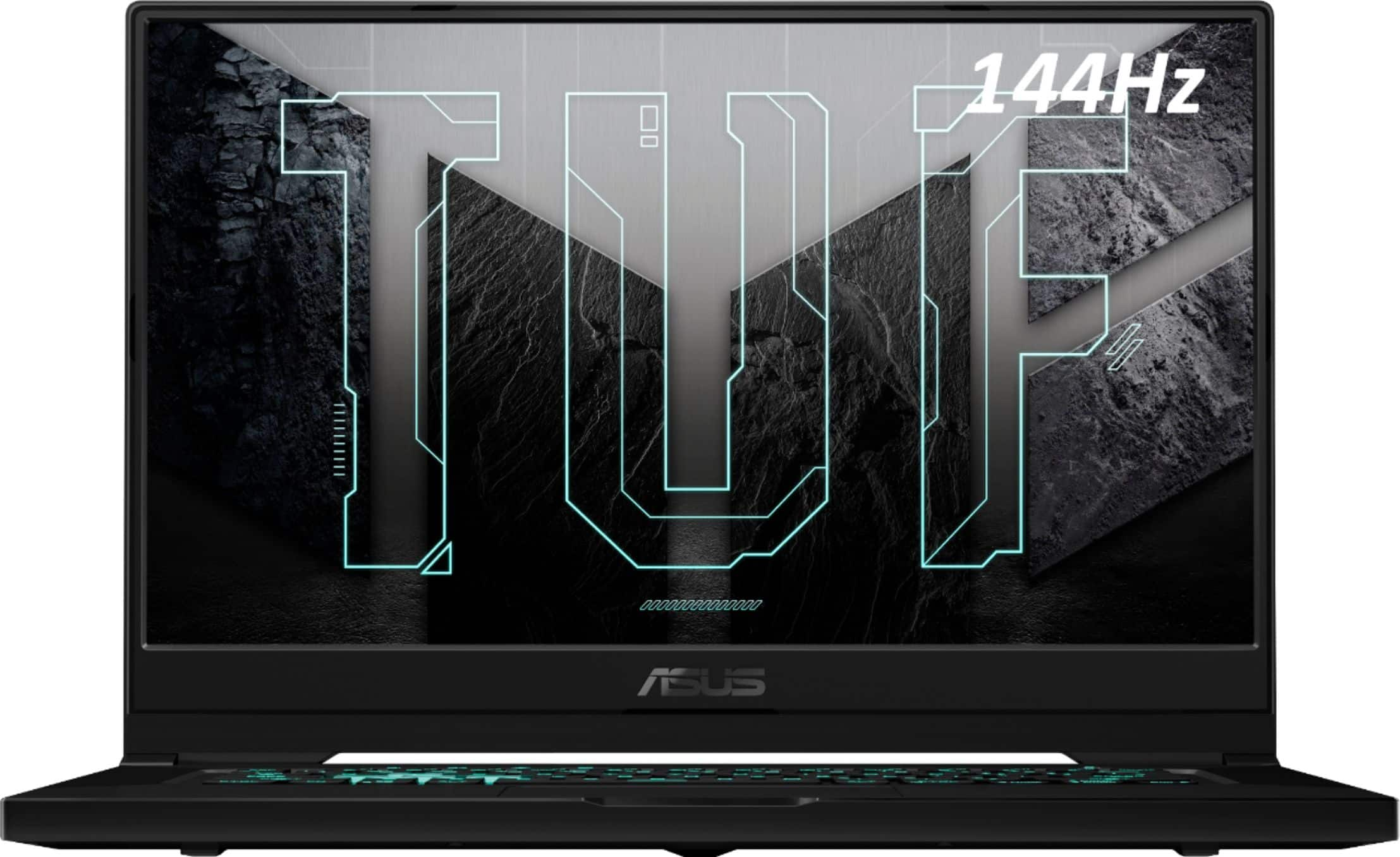
A:AnswerMost games today are way more GPU heavy than CPU heavy. The RTX 3060 and the i7 will perform amazingly in games and will give you a great experience.
A:AnswerRefresh rate: 144hz
Response time: 3ms (honestly you won't be able to tell the difference unless it's above 5ms)
battery life: ~9 hours for basic usage (surfing the web, watching videos etc), of course YMMV
Source:
https://www.pcmag.com/reviews/asus-tuf-dash-f15