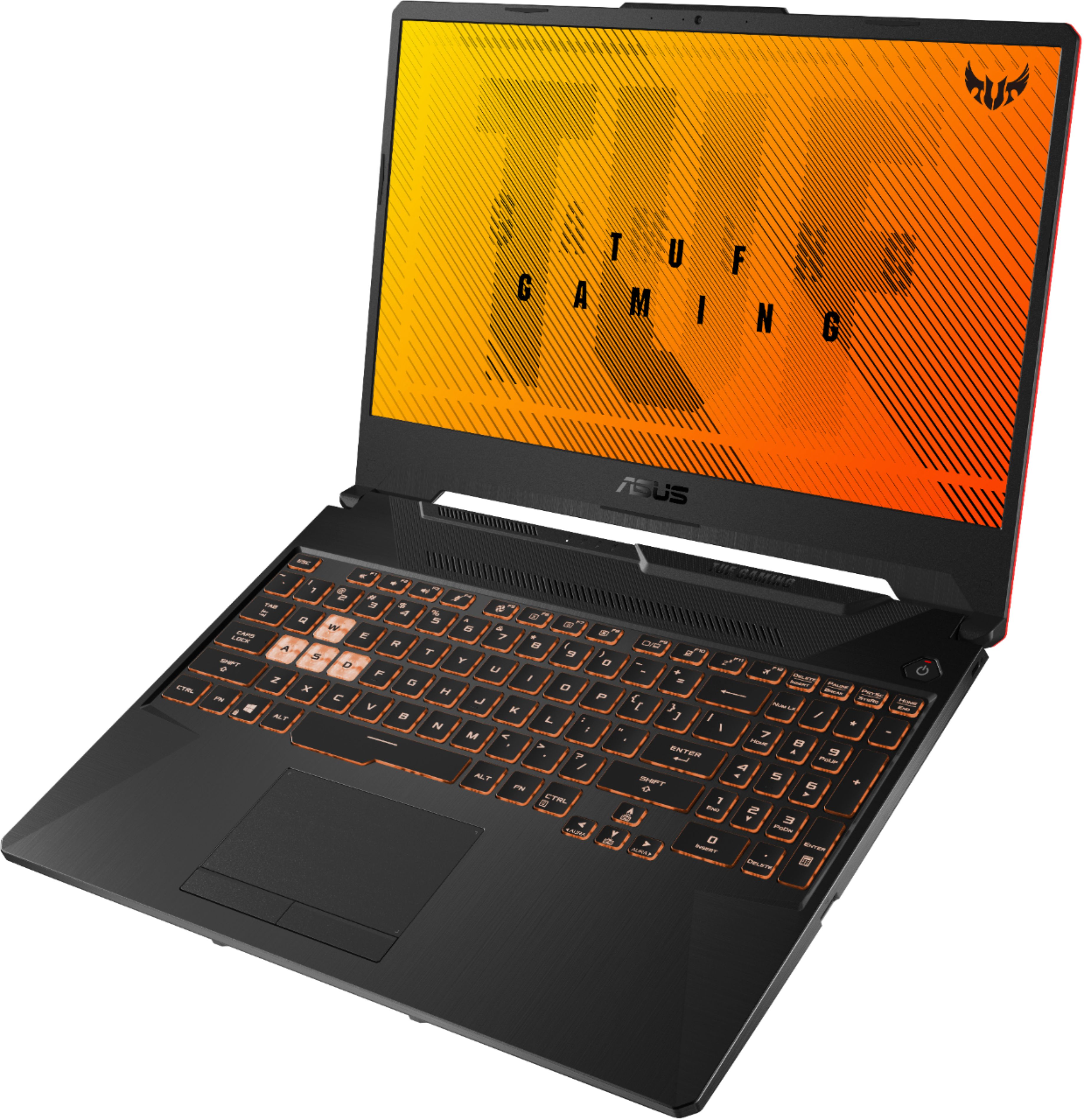
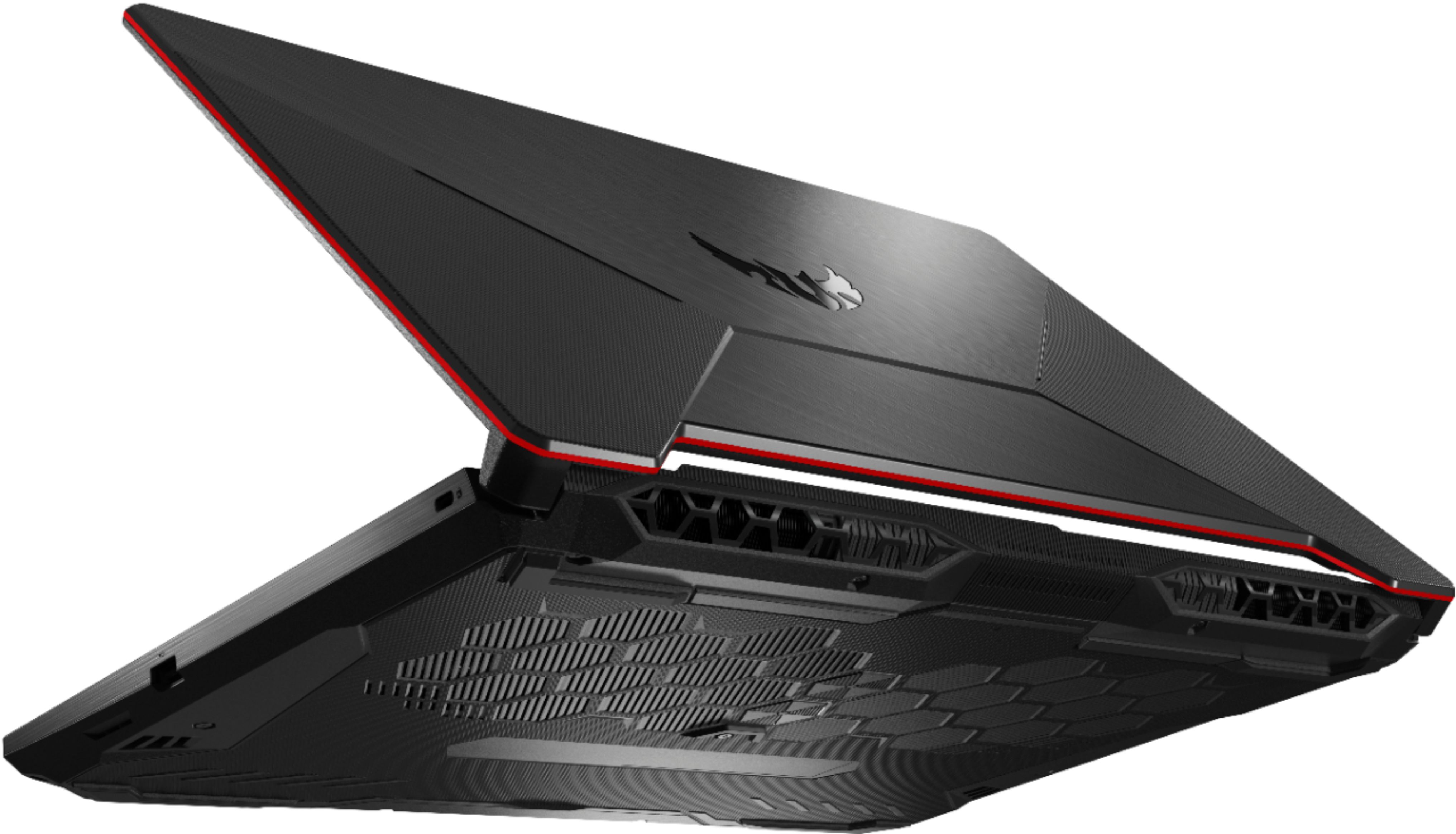
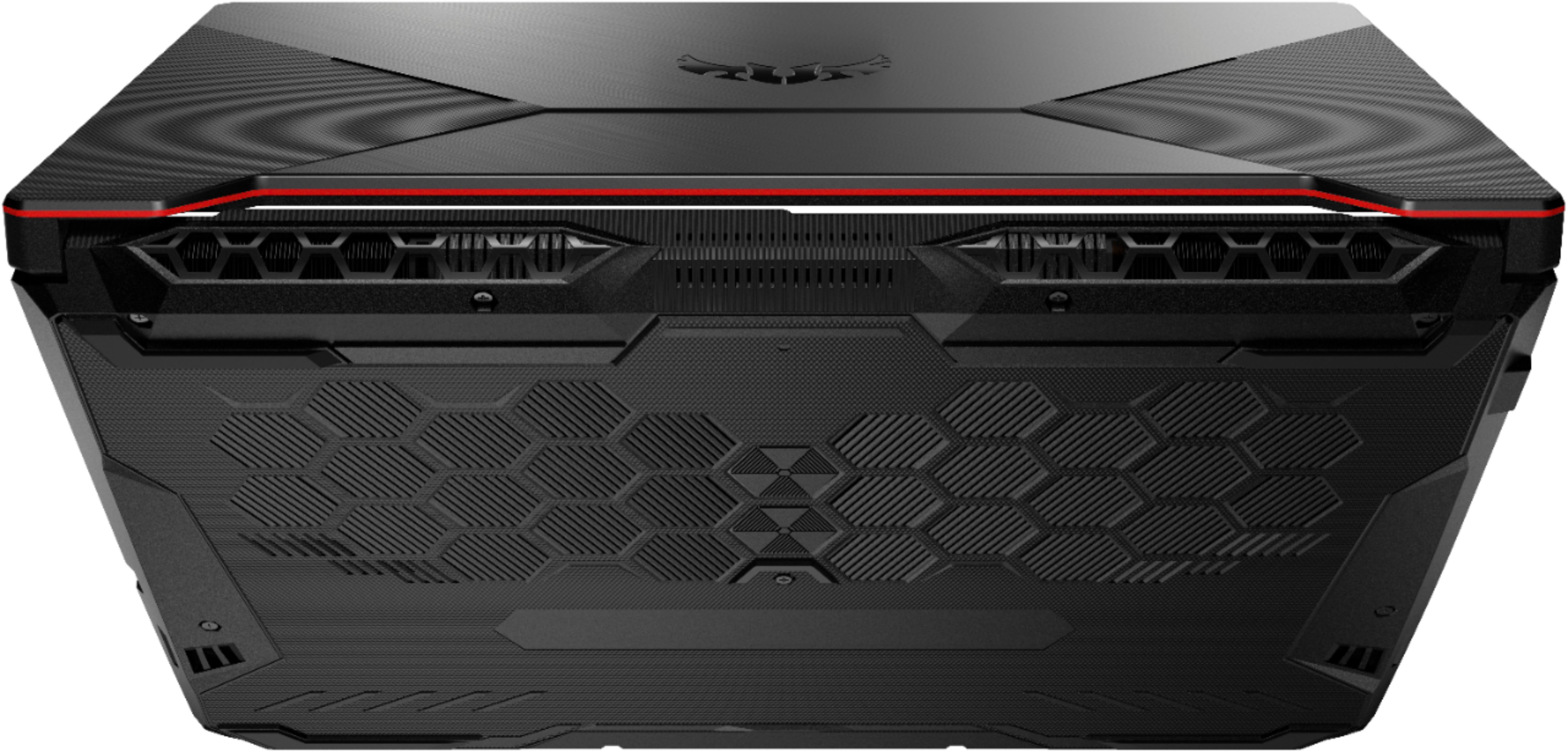
A:AnswerI had to search ASUS website as I was asking the same thing myself. Look here....
https://www.asus.com/supportonly/FX506LI/HelpDesk_Manual/
According to the "Upgrade Guide" both SODIMM slots are removable, the NVME is removable, and there's space for a 2.5" ssd/hdd as well. I ordered one to replace my 9yo HP DV6 core i7 with discrete 7660xt. I hate HP whitelisting for upgrades.
I can't find anything close in price for a 1650ti, and I'm not willing to pay $100-200 more just to get a Ryzen with a regular 1650. This core i5 is benching faster 1-core and 2-core speeds than 4000series Ryzen, so I'm not upset. I'm just glad the strong AMD showing is already driving 10th gen Intel prices down so low! We'll see how hot thermals get on this 10th gen ASUS setup...
A:AnswerNo, this is the standard configuration. However, you can upgrade this machine to up to 32 GB of RAM after purchase. https://dlcdnets.asus.com/pub/ASUS/GamingNB/FX506LH/E15754_FX506_FX706_Upgrade_Guide_WEB.pdf
A:AnswerCheck the box again. I bought this laptop yesterday and the hdd adapter connector is in there. It’s very easy to miss. If you don’t have one, I would exchange the laptop as you are missing parts. I installed an additional sata sdd using the included hdd adapter.
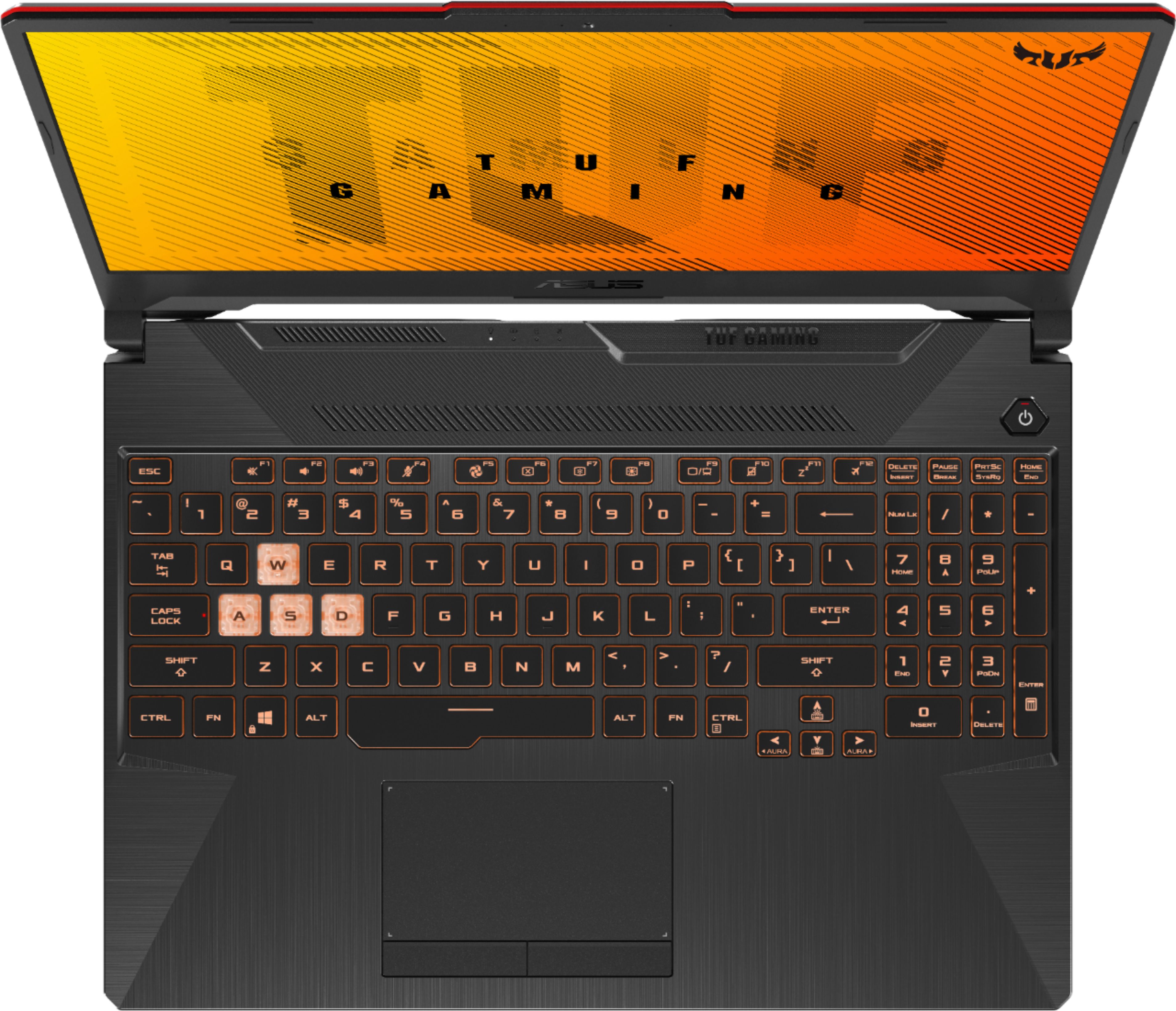
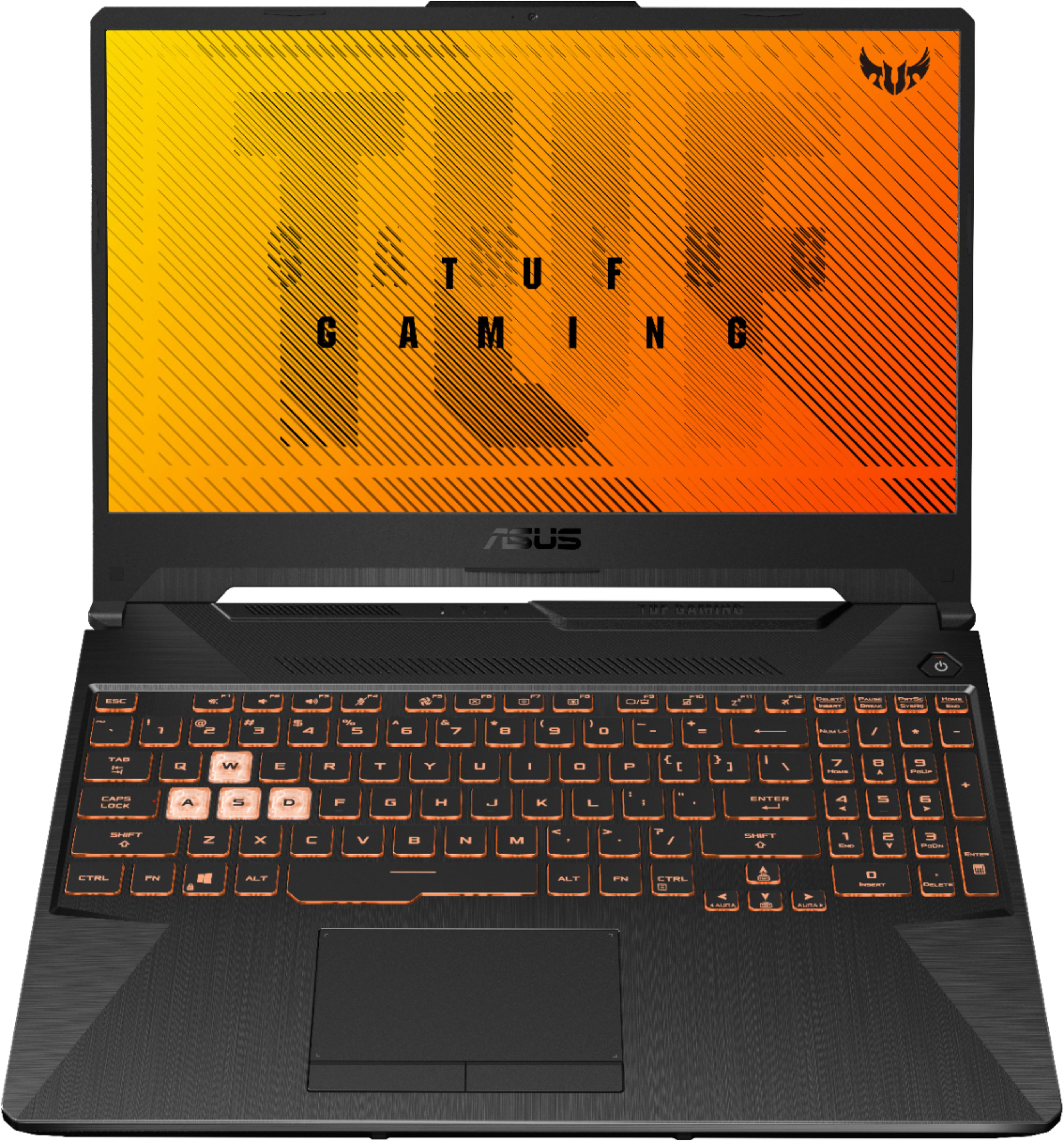
A:AnswerGo to the Preloaded Software downloaded on the computer called "Armoury Crate" and then when you are there click on the tab on the left with a keyboard and mouse icon and when you get there at the top there will be a tab saying Lighting and there you can adjust the keyboard lightning
A:AnswerThe model number is FX506LI-BI5N5. This particular sub-model does not have a dedicated specifications page. https://www.asus.com/supportonly/FX506LI/HelpDesk_qvl_device/