A:AnswerFor troubleshooting help, please reach out to ASUS Support either by phone, chat, or email. https://www.asus.com/support/ You can also find us on Twitter @AsusHelpUS.
A:AnswerDear Charlene,
If the laptop will no longer boot up or it's just black screen, please do the following.
Verify if the AC adapter is connected properly from the laptop to a known good power outlet or AC source. Try another power source.
Try to press and hold down the power button to shut it down completely, just in case laptop is not in hibernate mode, wait for at least 10 seconds then power on. Please wait, if the system is applying updates in the System Registry, it will black screen temporarily. If it still black screen after a few minutes, at least 10 minutes, please repeat the power cycle process again.
Also, please try to disconnect the power cable and let the unit drain for 24 hours to clear the memory. This will reset the hardware to default settings. After doing this, please reconnect your AC adapter then power on the unit.
If you need further assistance, please email me at [email protected] and I will be more than happy to help. Or, call Product Support Hotline at: 1(888) 678-3688. Also, you can chat with an ASUS live support agent at http://bit.ly/AsusLiveChat.
Thank you for choosing an ASUS product.
Regards,
Rodel
ASUS Customer Loyalty
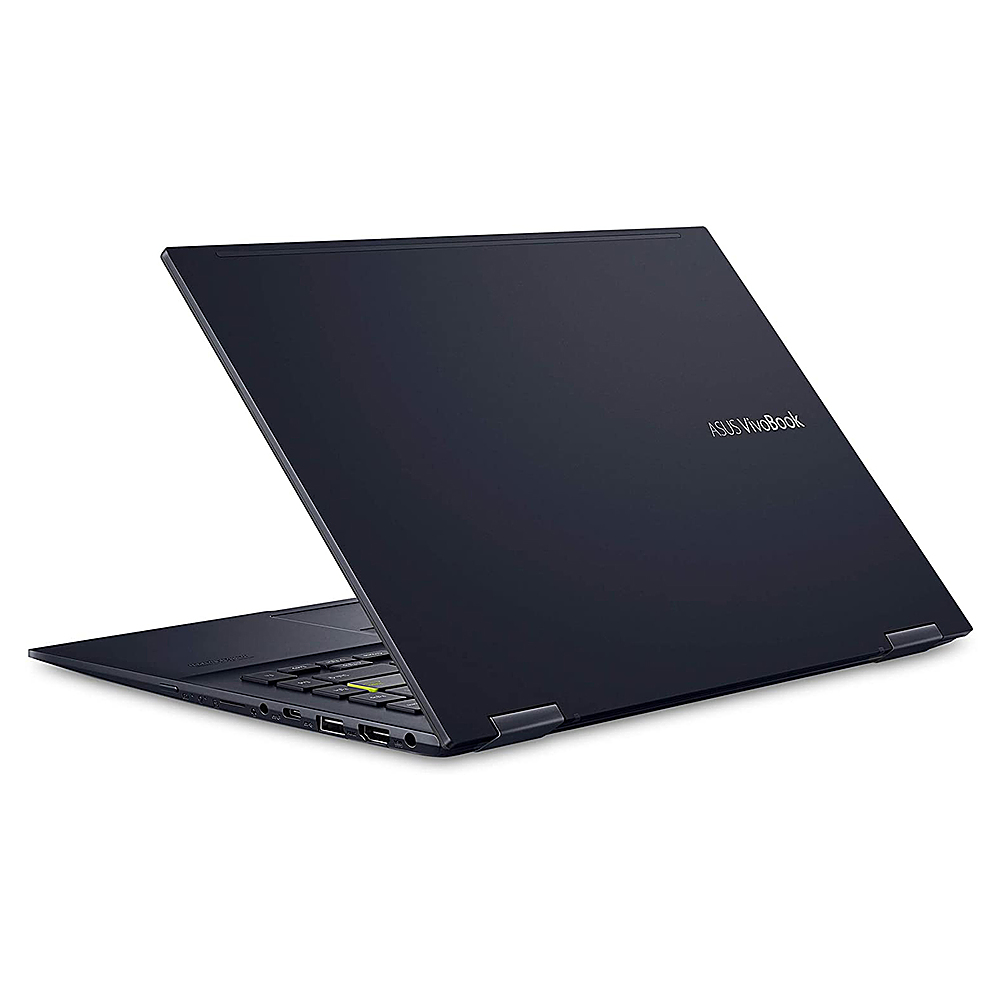
A:AnswerThe speed of the USB-C is 10Gbps, it does support charging small mobile devices like cellphone and tablet. External monitor can be connected using a USB-C to a video-out adapter.