Last-Minute SavingsLimited quantities.Shop now

Skip to content
Gift Ideas
Main Content

Questions & Answers

Your price for this item is $370.99
Clearance
The comparable value price is $1,499.99
Page Showing 61-74 of 74 questions
  • QuestionCan the wireless card be upgraded to an Intel BE200 WiFi 7 card? Is the WiFi M.2 2230 socket Key E?

    Asked by BobH.

    • Answer ASUS doesn't provide hardware customization/modification support, please do it at your own discretion. The WIFI card is preinstalled on a PCIe slot.

      Answered by ASUS Answers

  • QuestionDoes this have discreet GPU? I need this as an architecture student and that was a requirement.

    Asked by Rose.

    • Answer Yes, the "RTX 3050" listed in the description is indeed a discreet GPU, which means a separate chip from the CPU If there was not a discreet GPU the same there would be no graphical memory aka GDDR5/6 on board, no mention of Nvidia and the GPU would be listed as being "Integrated" Discreet refers to the fact mobile GPUs are not the size of a brick like the typical desktop variants (and much less powerful, they pack a punch into that >$800 brick), thus they are "discreet" by comparison to the desktop unit.

      Answered by thomasleonhighbaugh

  • QuestionDoes this Laptop has a NVeM.2?

    Asked by Makelo.

    • Answer The ASUS Vivobook Pro 15 OLED (Q543MJ) supports NVMe M.2 SSDs. It has two M.2 slots that can accommodate PCIe 4.0 NVMe SSDs, allowing for fast storage and quick data access.

      Answered by ASUS Answers

  • QuestionDoes this have a built-in fingerprint reader?

    Asked by BillinDallas.

    • Answer This model does not have built in fingerprint reader. It does allow for facial recognition via camera however.

      Answered by Jack

  • QuestionWhat type of portable USB C Laptop Docking Station is compatible and where can I find more information regarding the use of USB C Docking Stations for this laptop?

    Asked by Mike.

    • Answer Any USB-C or USB-A docking station will be compatible with this laptop. To learn more about supported USB docking station, please go to: https://www.asus.com/us/, select "Accessories" from the menu, then click on "Docks, Dongles and cables".

      Answered by ASUS Answers

  • QuestionIs the i9 processor overclocked by intel of bbuy?

    Asked by Jocko.

    • Answer No, the Intel i9 processor is not overclocked.

      Answered by ASUS Answers

  • QuestionWhat’s the Wattage of the USB Type C power supply?

    Asked by Anonymous.

    • Answer The maximum power delivery on the USB-C port is 100 watts. The laptop can only be charged through the DC-IN port.

      Answered by ASUS Answers

  • Questionwhat is the maximum speed of the sd reader?

    Asked by SavvyTechShopper.

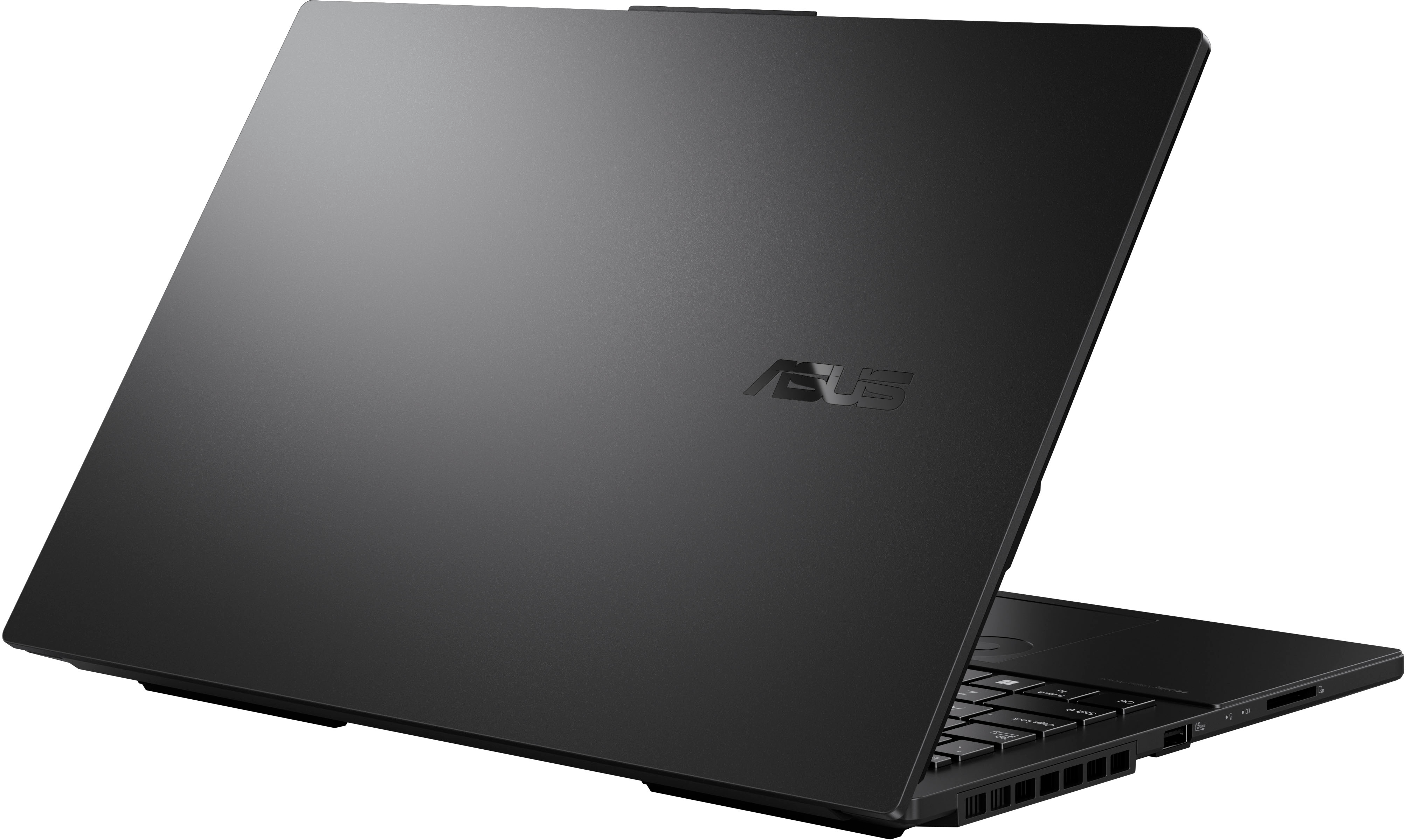
    • Answer The maximum speed of the SD card reader is 312MB/s.

      Answered by ASUS Answers

  • QuestionWhat sort of battery time would you expect with a light workload?

    Asked by Anonymous.

    • Answer Just got mine a few days ago, and when I unplug, it tells me I have less than TWO hours. Might be the reason I return this one!!

      Answered by BillinDallas

  • QuestionCan the vram be upgraded lets say to rtx 4060?

    Asked by Ashdimz.

    • Answer The ASUS Q543MJ (Vivobook Pro 15 OLED) comes with integrated graphics, which means the VRAM is not upgradable. The GPU is part of the CPU and cannot be replaced or upgraded like a dedicated graphics card.

      Answered by ASUS Answers

  • QuestionHow to delete programs for return!

    Asked by Cher.

    • Answer You mean how to uninstall what you have installed on your system as the first step to returning it? If so, you can either use the Windows Settings (search "Uninstall" and it should come up) or you download the recovery media on a flash drive (see Microsoft's website) to reinstall Windows that way or you can boot into recovery and reinstall from there. Installing the whole OS from scratch takes about 3 hours (for no good reason, downloading the ISO from Microsoft and flashing it to a USB drive takes <10 minutes on Linux), but will insure that any data has been cleared from the drive effectively enough that 99% of the population would never be able to recover anything from it (the other 1% that could uses Linux, probably not concerned with data you have in Windows applications outside of the cache for your browser and so that data is safe regardless). The flash drive option will also mean the OEM's bloatware will be gone (not Microsoft, CandyCrush will be there still), which BestBuy might care about but if they are truly refurbishing the machine, it shouldn't be an issue as they are just as able as the rest of to get from Asus the bloatware to put back on it and likely have a streamlined way of doing this provided by Asus as they do significant business with one another.
      Answered by ThomasLeonHighbaugh

  • QuestionCan I upgrade it with 32GB of RAM? does it support that much?

    Asked by Reza.

    • Answer No, this laptop's maximum RAM size supported is 24GB, cannot be upgraded to 32GB.

      Answered by ASUS Answers

  • QuestionWhat kind of SSD is installed and can a second SSD be added ?

    Asked by SavvyTechShopper.

    • Answer Not mentioned: apparently it’s 2 TB. Also a reviewer posted sequential read/write speeds in the 7000+ range - not bad.

      Answered by Anonymous

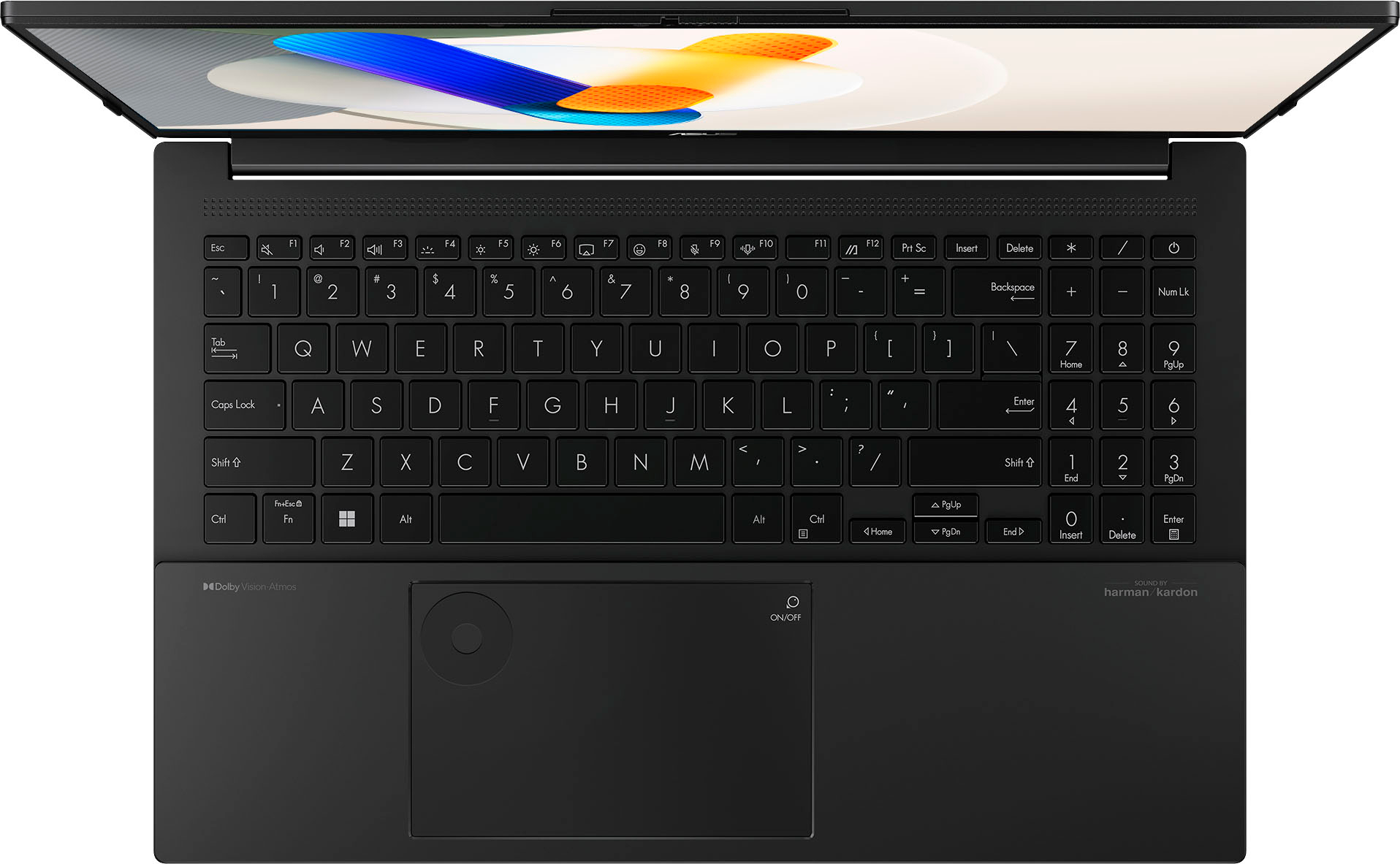
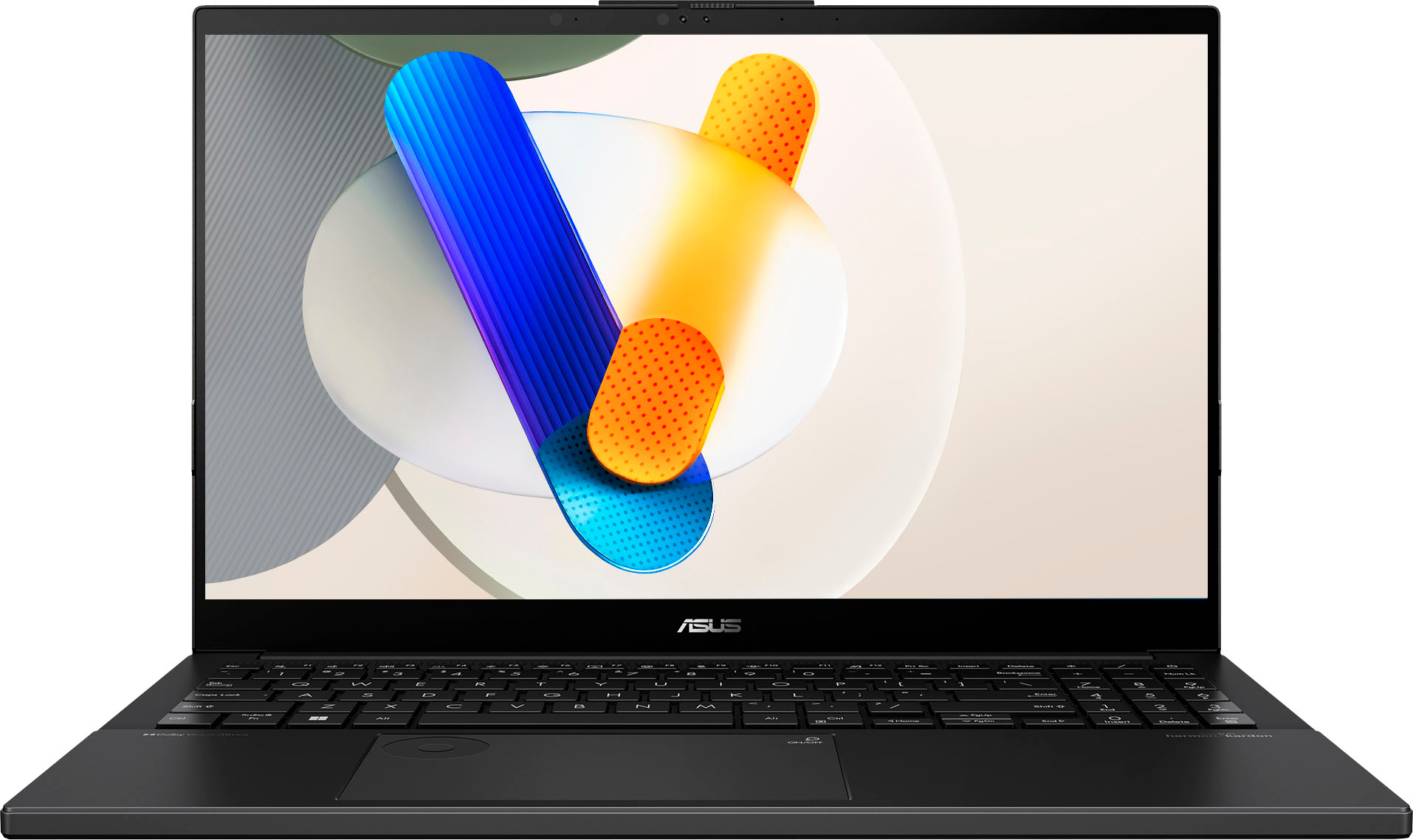
  • QuestionI recently bought this laptop and I'm trying to figure out how to use the dialpad, I configured it in the settings; however, once I click the dialpad nothing appears on screen. How do I enable the dialpad?

    Asked by Anonymous.

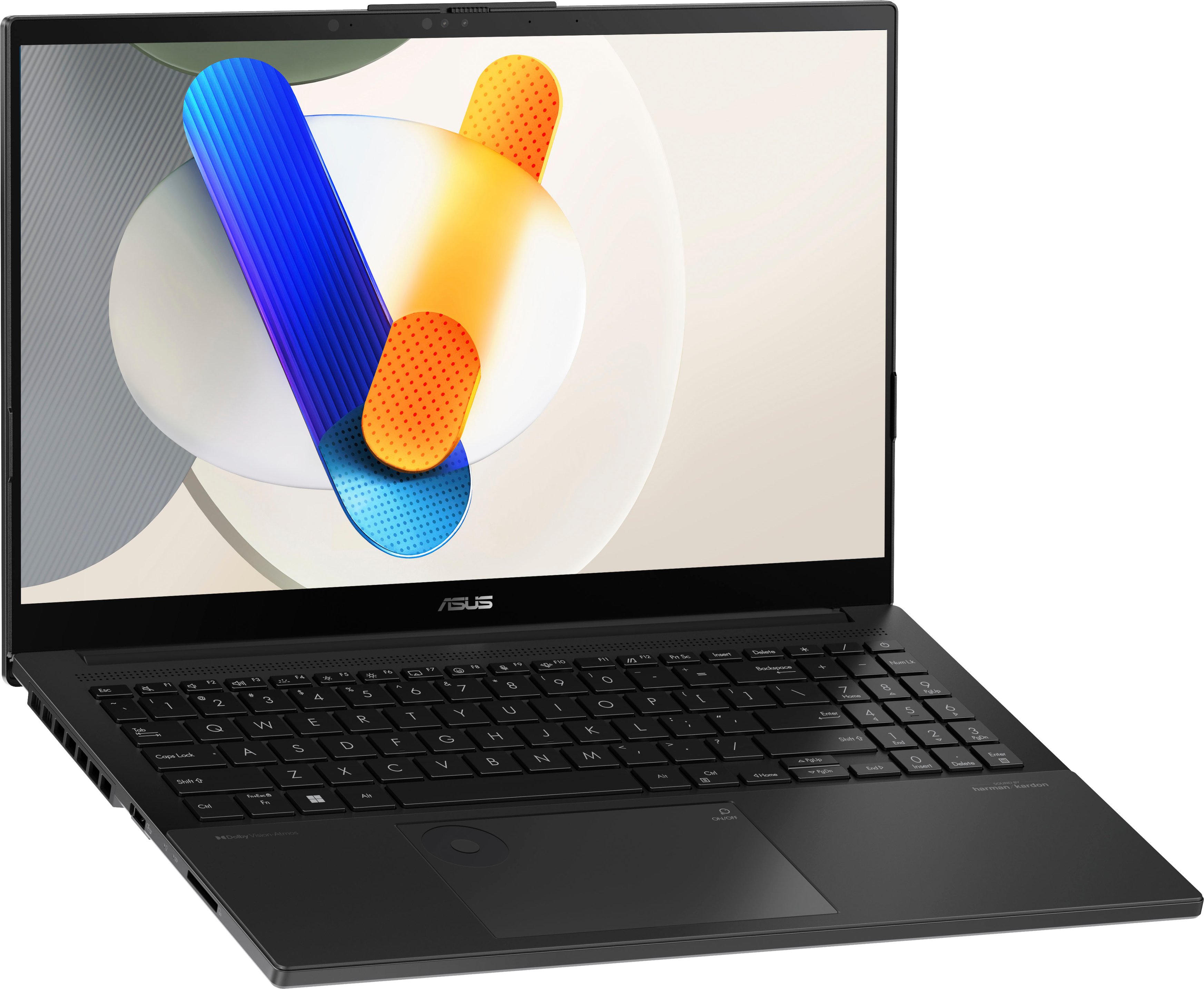
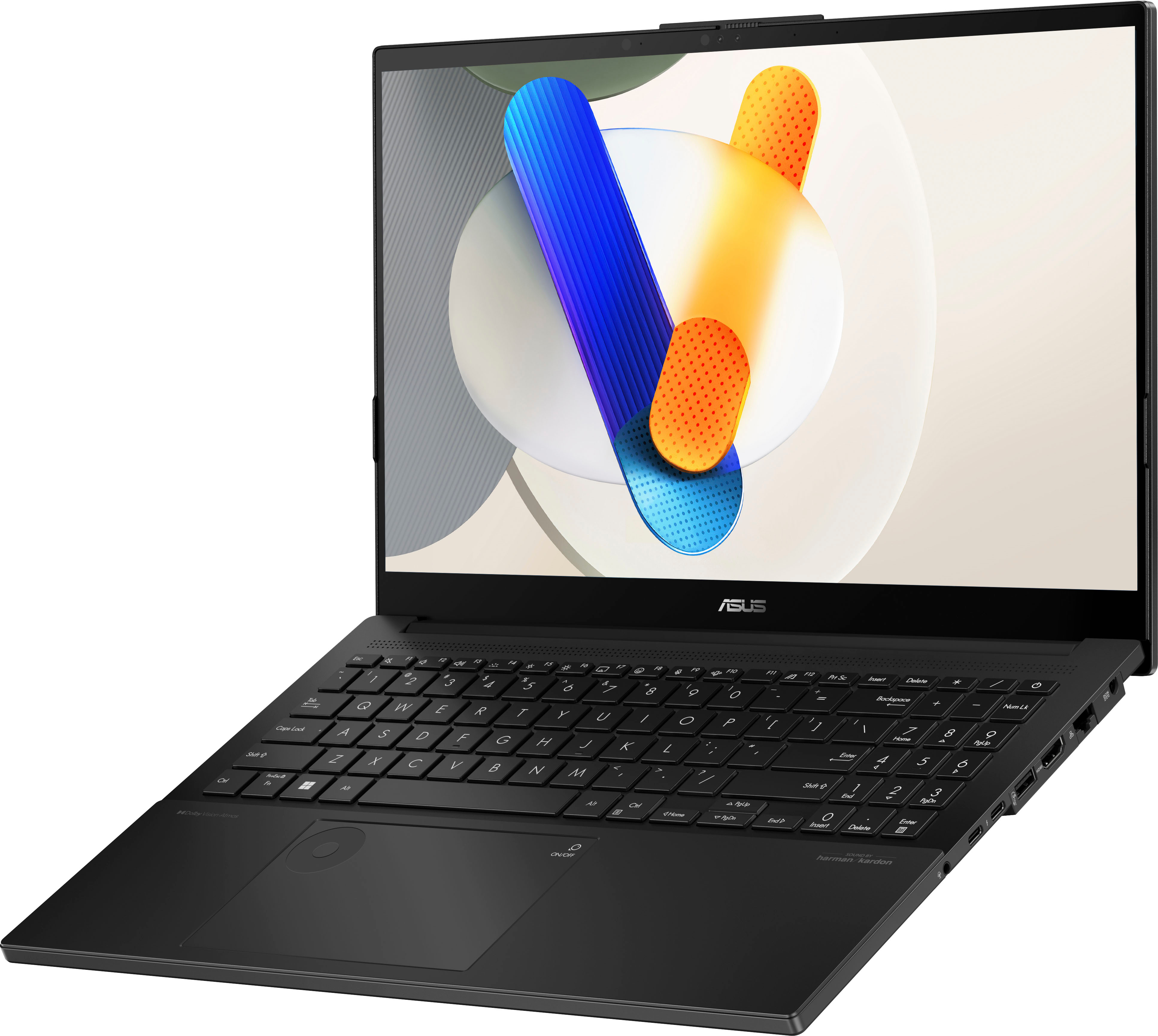
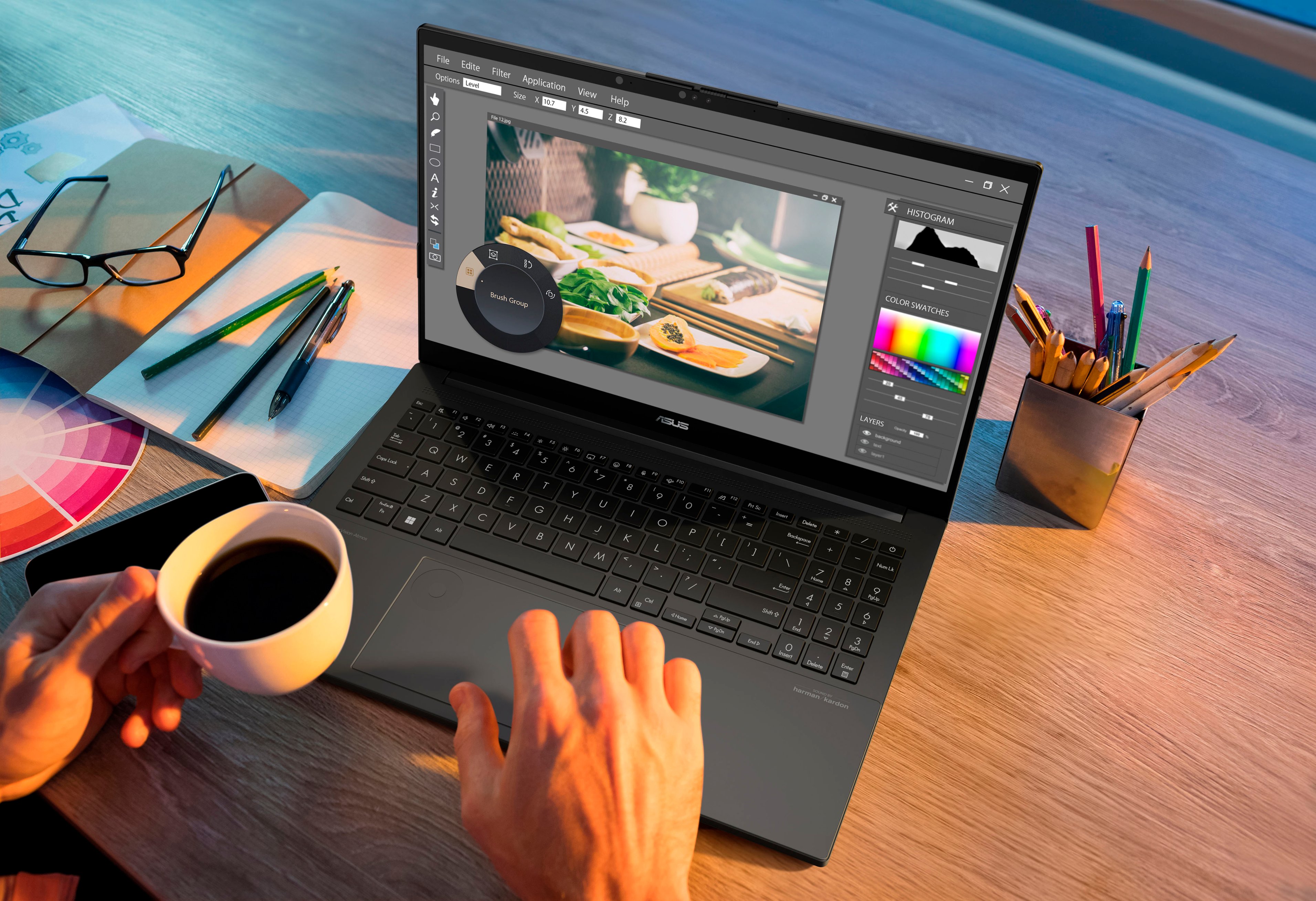
    • Answer To start using the Dial, simply click it. This will enable the Dial overlay on your screen. Turn the Dial to select the option you like, and press again to control the function. To start using the DialPad, move your finger to the icon on the top-right of your touchpad, and slide the finger diagonally toward the middle of the touchpad. An illuminated circle will appear on the left side of your touchpad. To learn more about the DialPad, please go to: https://www.asus.com/us/content/how-to-create-like-a-pro-with-asus-dial-and-dialpad/.

      Answered by ASUS Answers