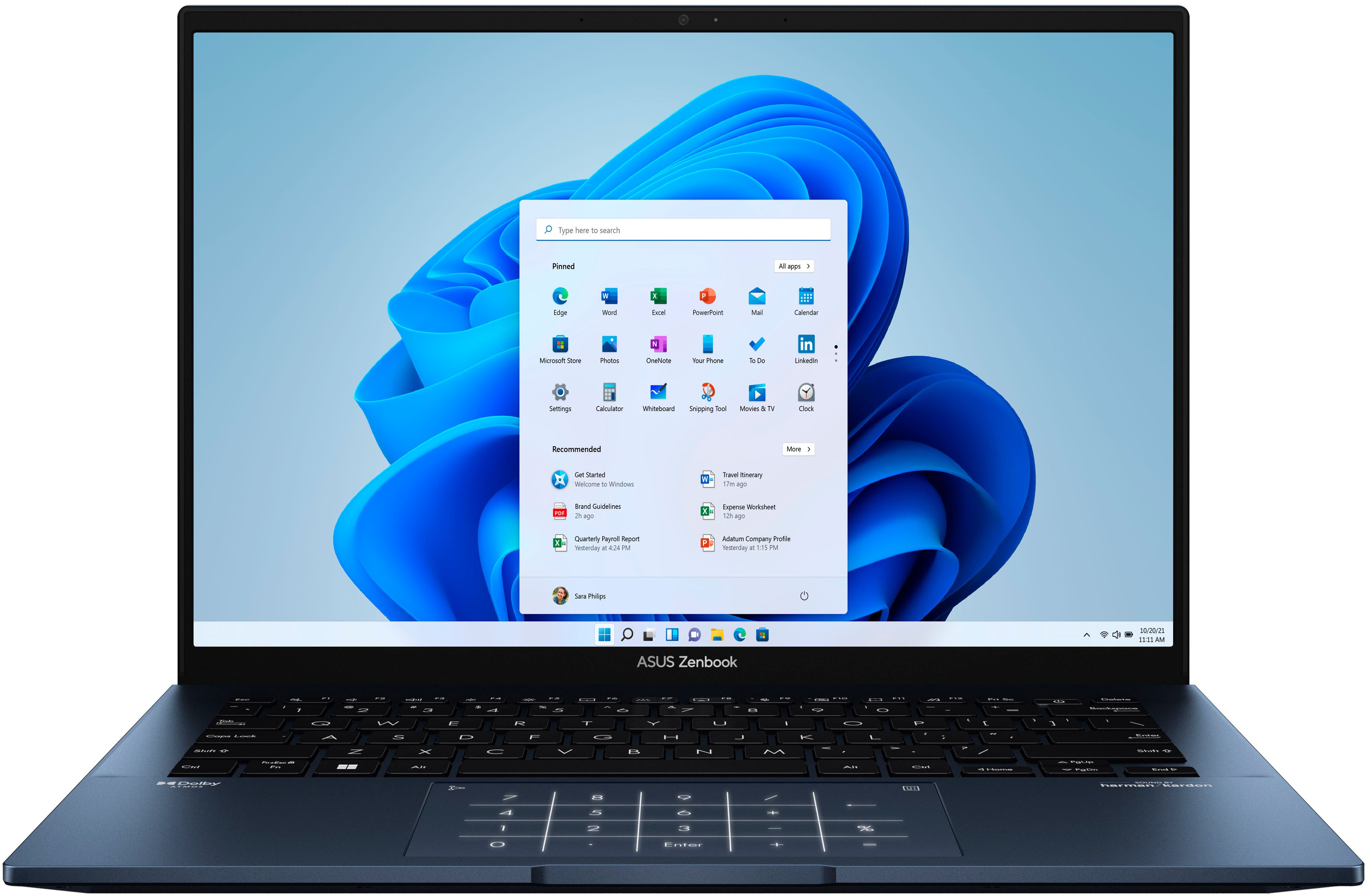
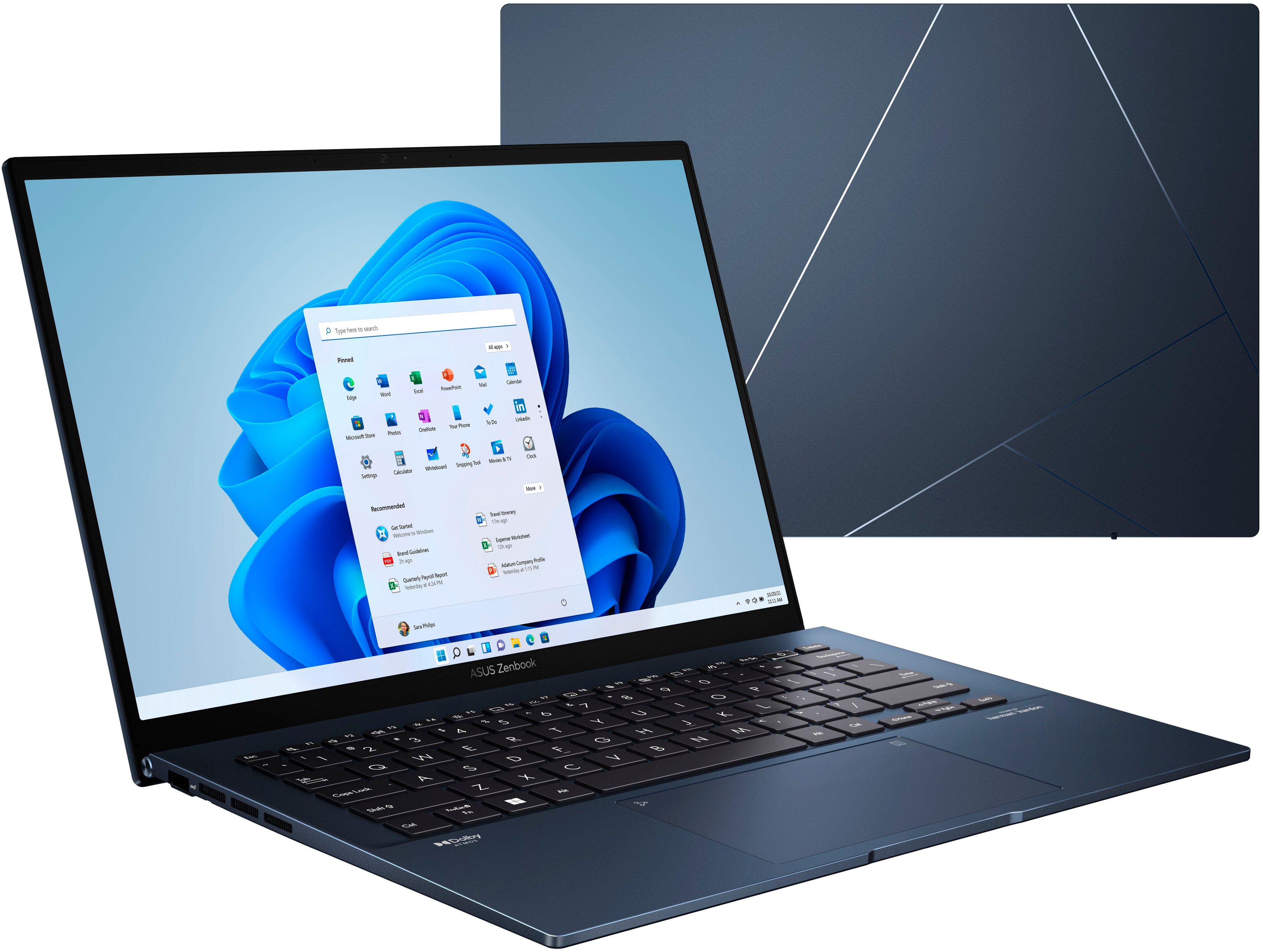
A:AnswerThere shouldn't be any activation number that you need. If you mean for Windows 11, it should activate automatically (go to Settings -> System -> Activation to see Activation Status).
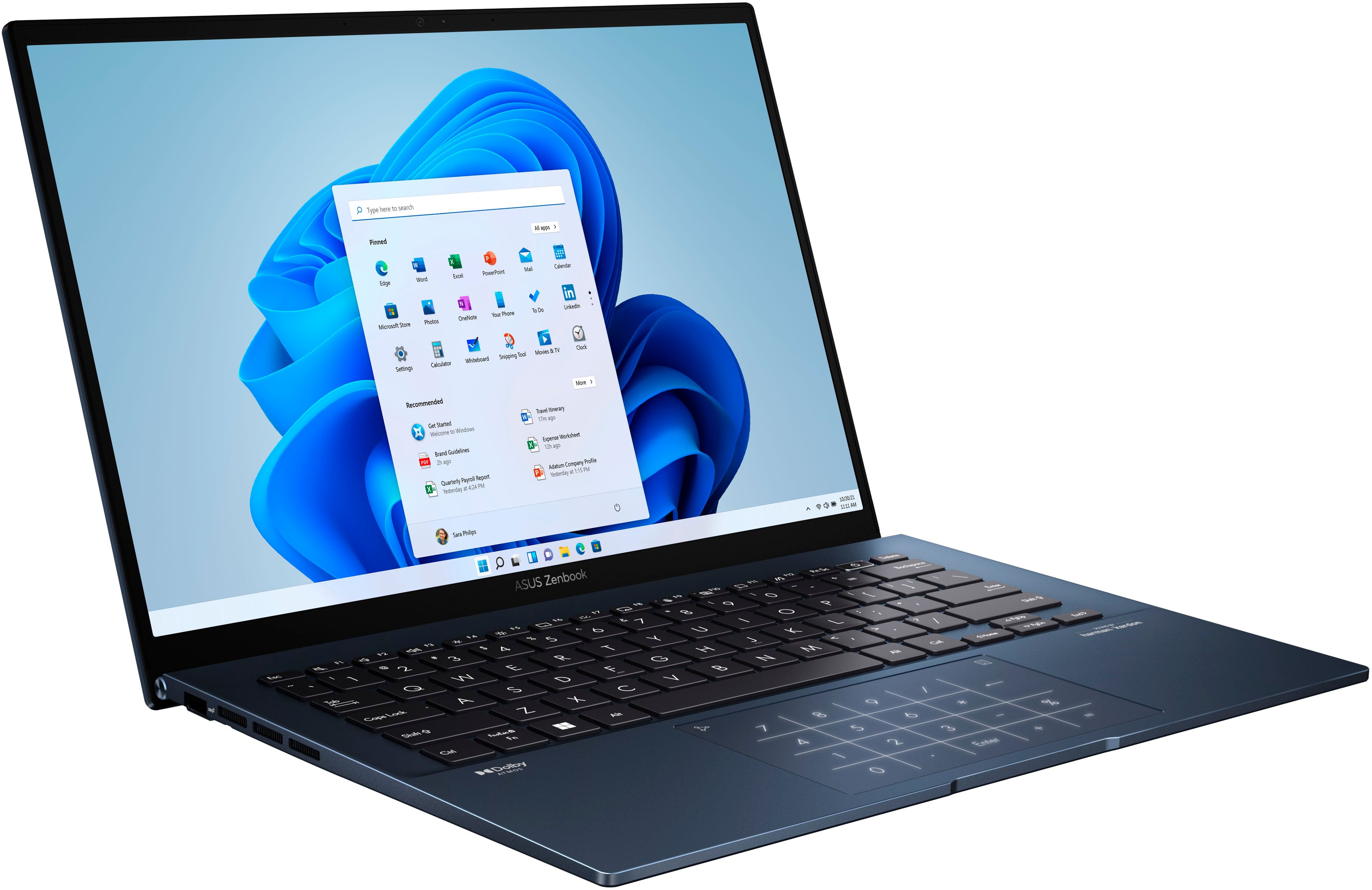
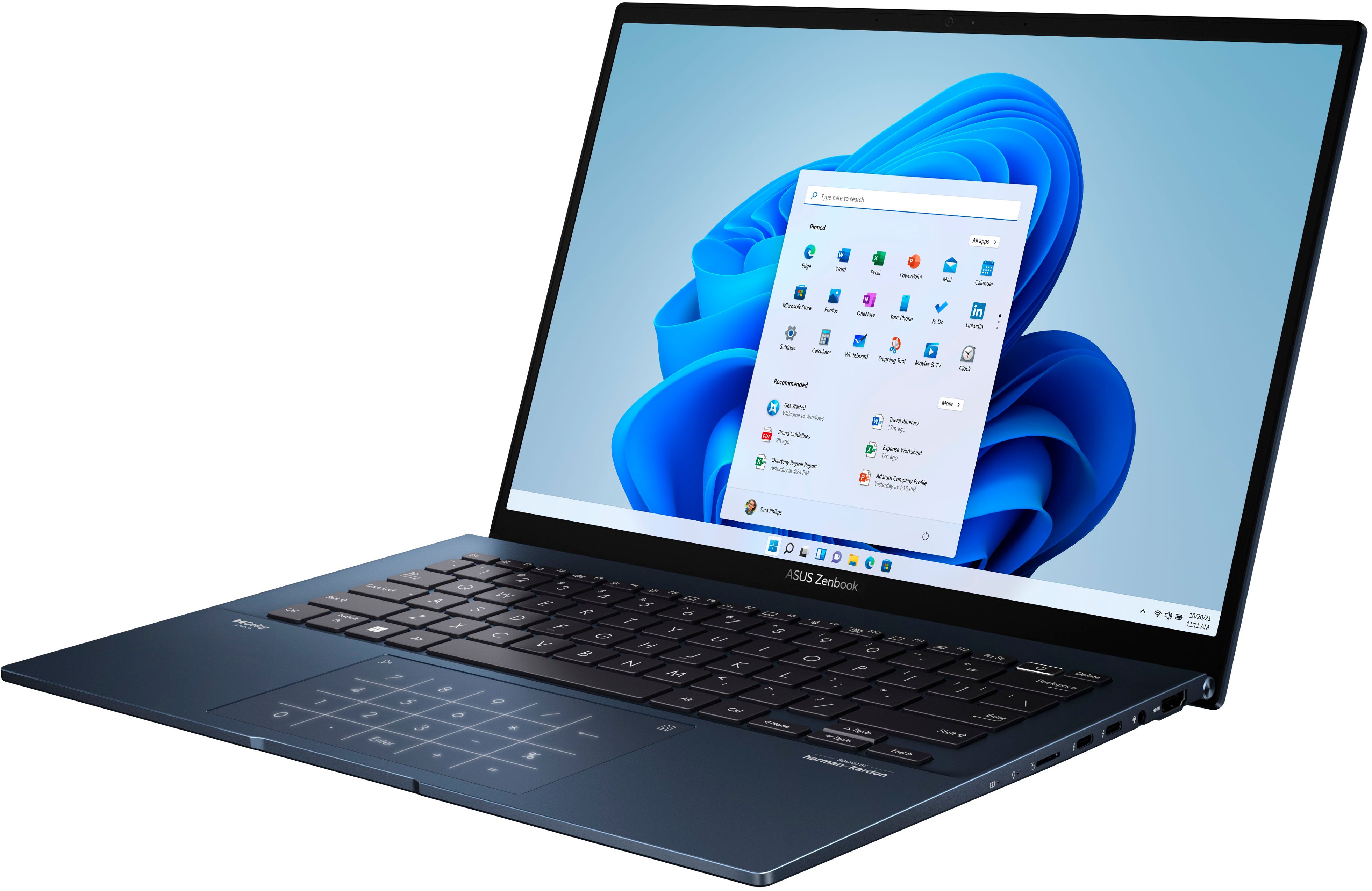
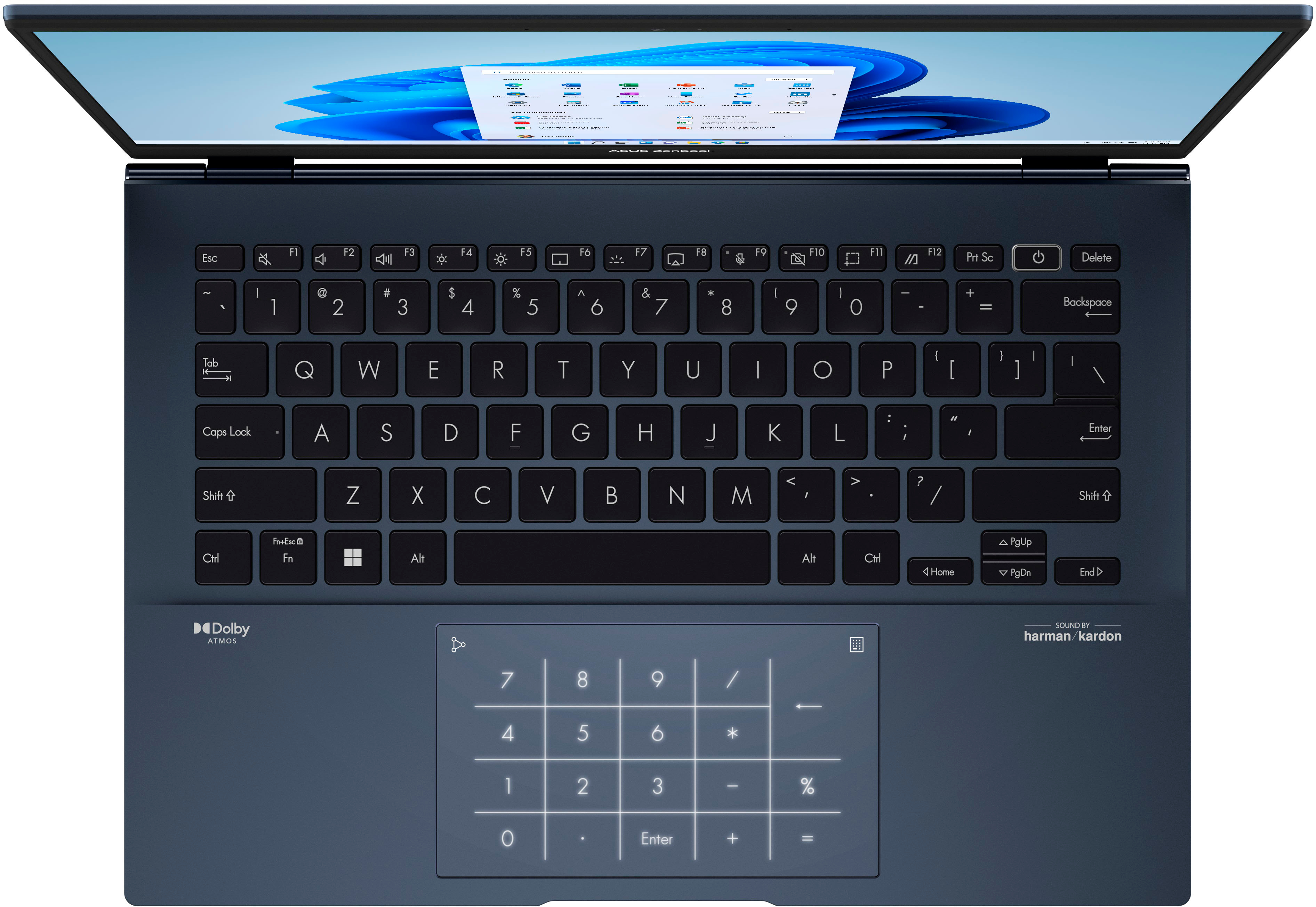
A:AnswerYes. the keyboard has an adjustable white back light with 3 levels to choose from. I also has a backlit numpad under the touchpad that can be toggled on.
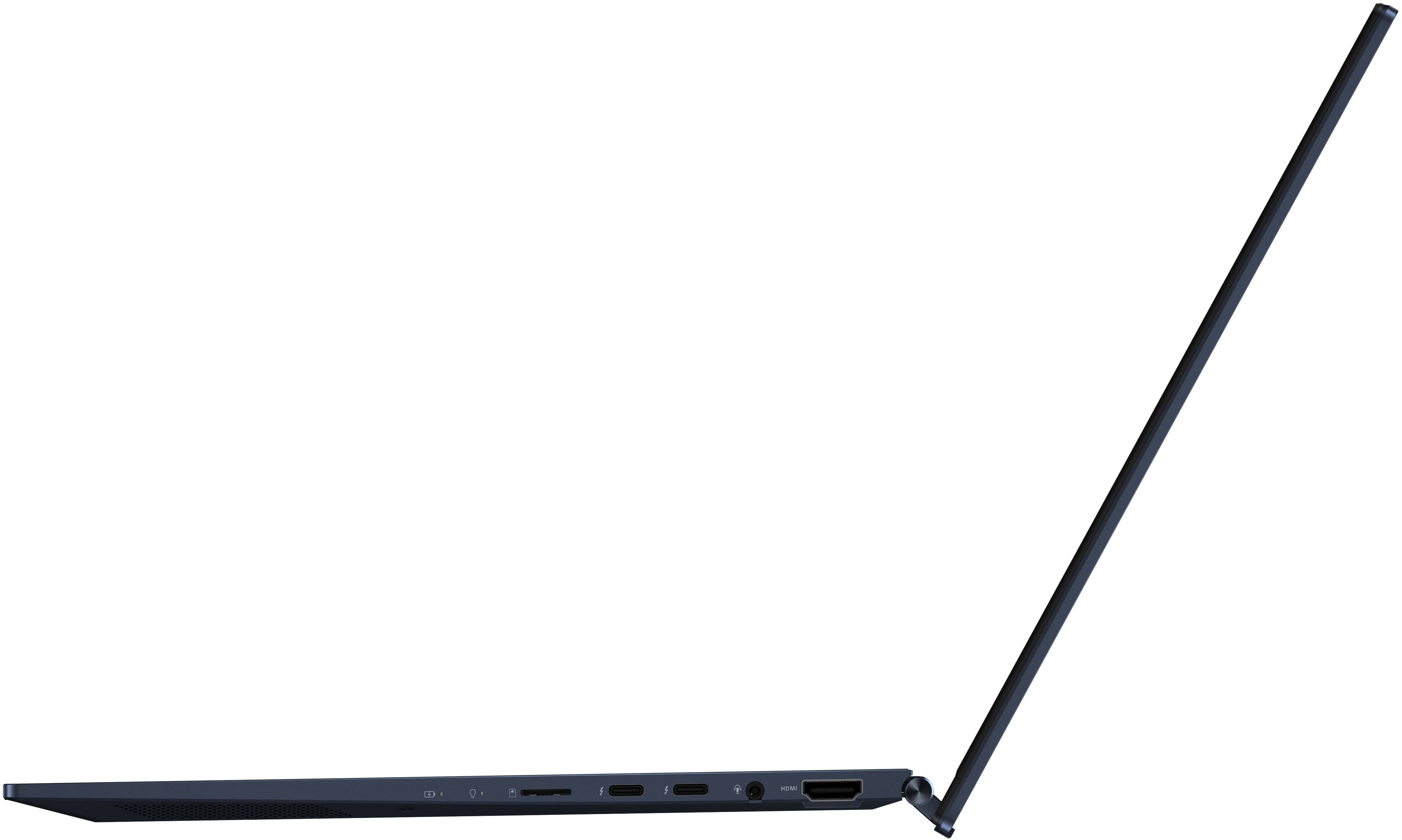
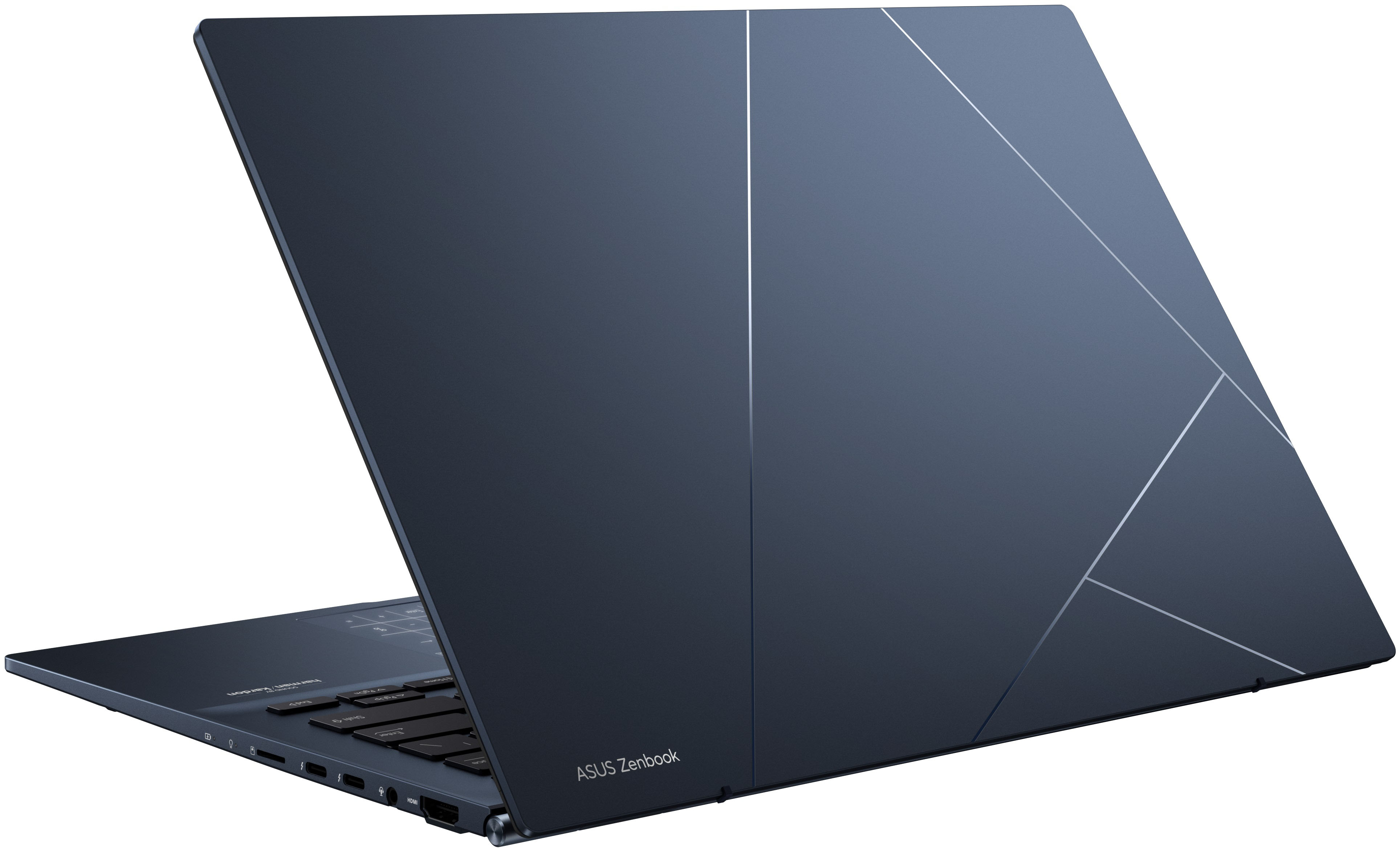
A:AnswerThe Windows Second Screen feature allows for various resolution and aspect ratio displays via the HDMI port. Here's a breakdown of how it works:
Extend Screen Mode: This feature displays an extension of the desktop on the connected display in its native resolution. This allows for a larger virtual desktop, where you can move windows and apps between the screens seamlessly.
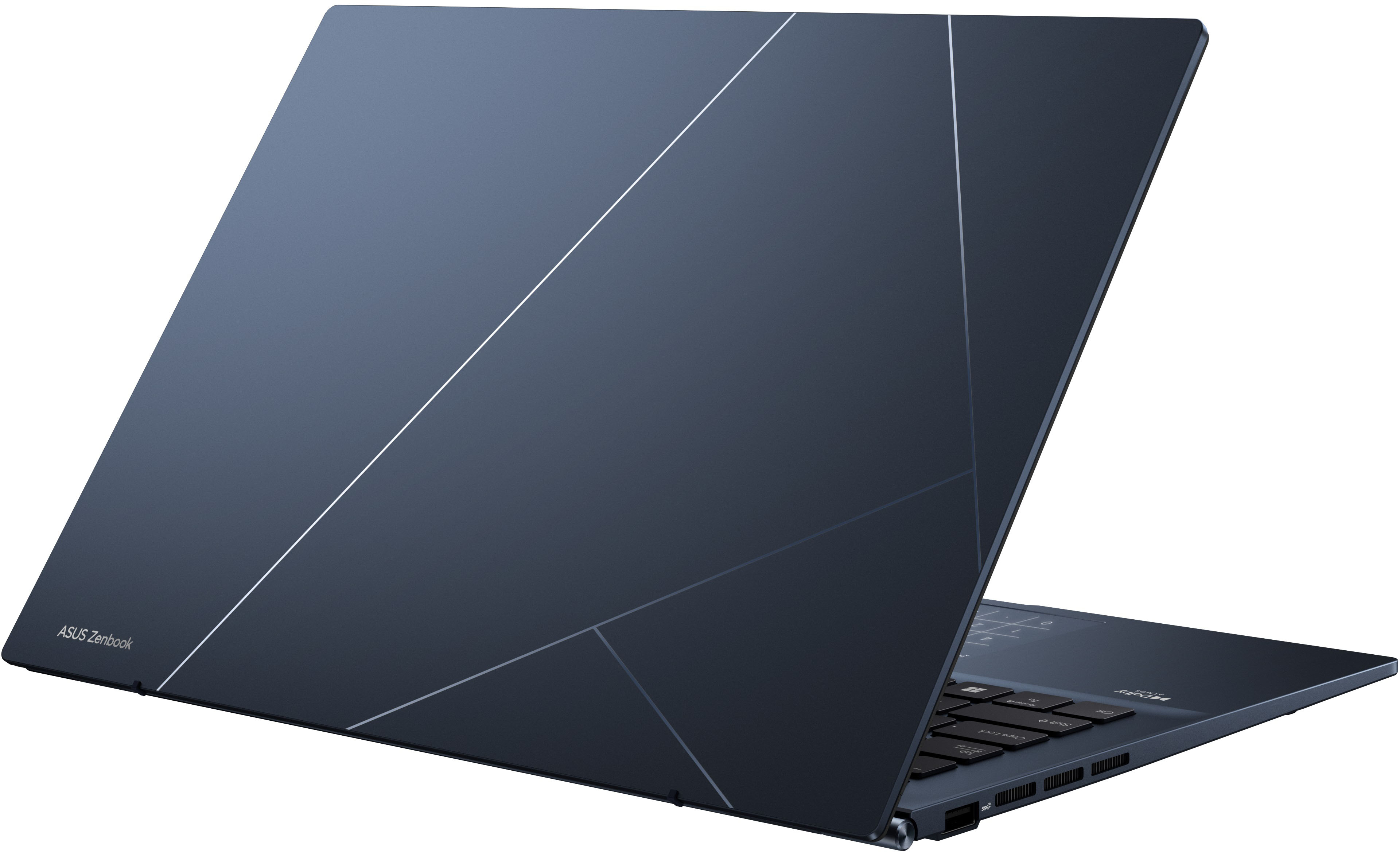
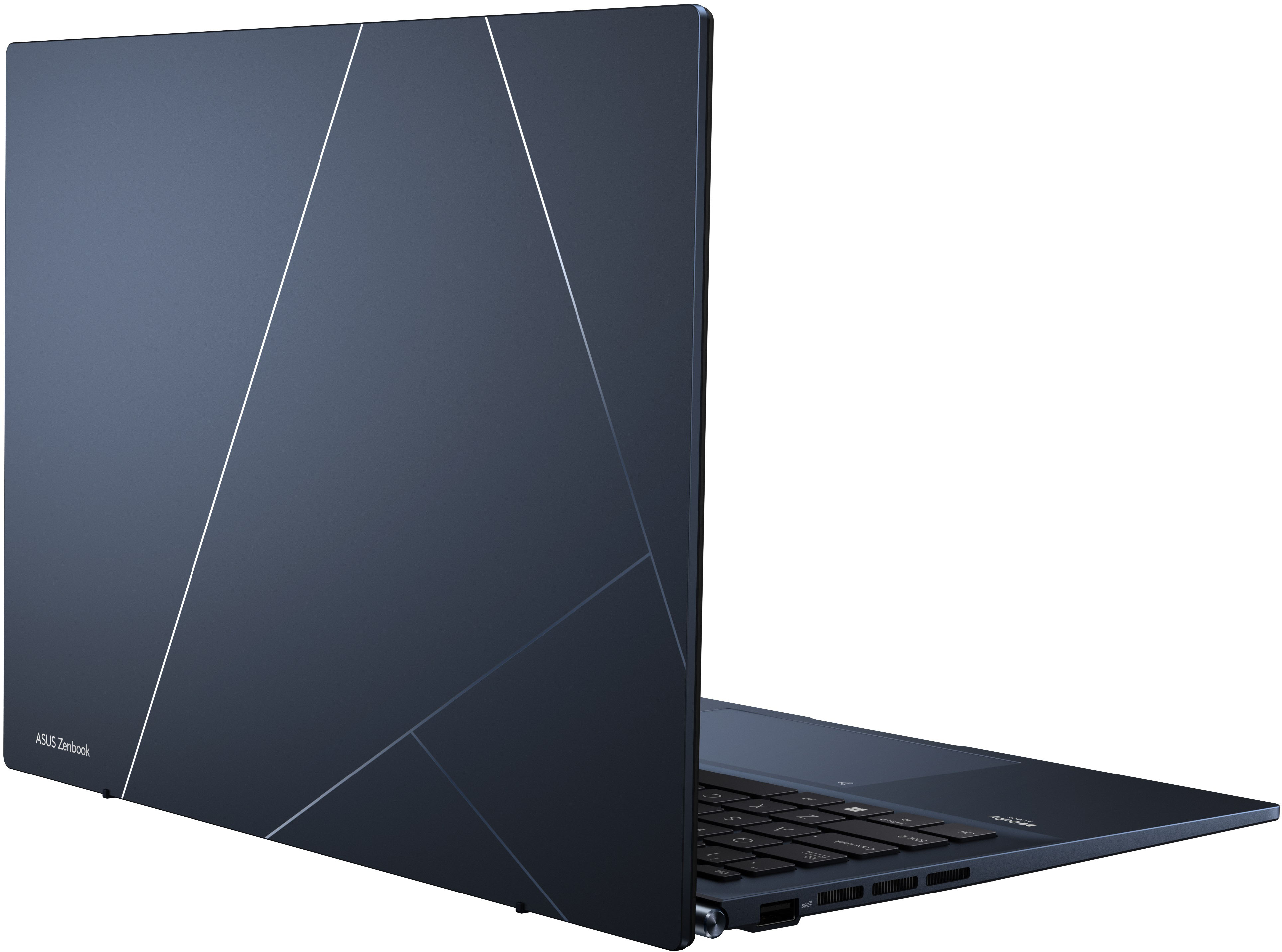
A:Answerit's a laptop. but notebook meaning per google means smaller then the typical laptop and easy to carry, which it is. the 14 in screen size is perfect and the machine weighs nothing.
A:AnswerHello there. Software has minimum requirements that need to be verified on your device before downloading it. We highly recommend you check the specific software publisher's website for their minimum/recommended hardware requirements to run their program, then compare those requirements to this system's configuration. Thank you for choosing Intel.