Questions & Answers
- Model:
- Q407IQ-BR5N4
- |
- SKU:
- 6403819
Highly rated by customers for: Lightweight, Speed, Price
Page Showing 161-167 of 167 questions
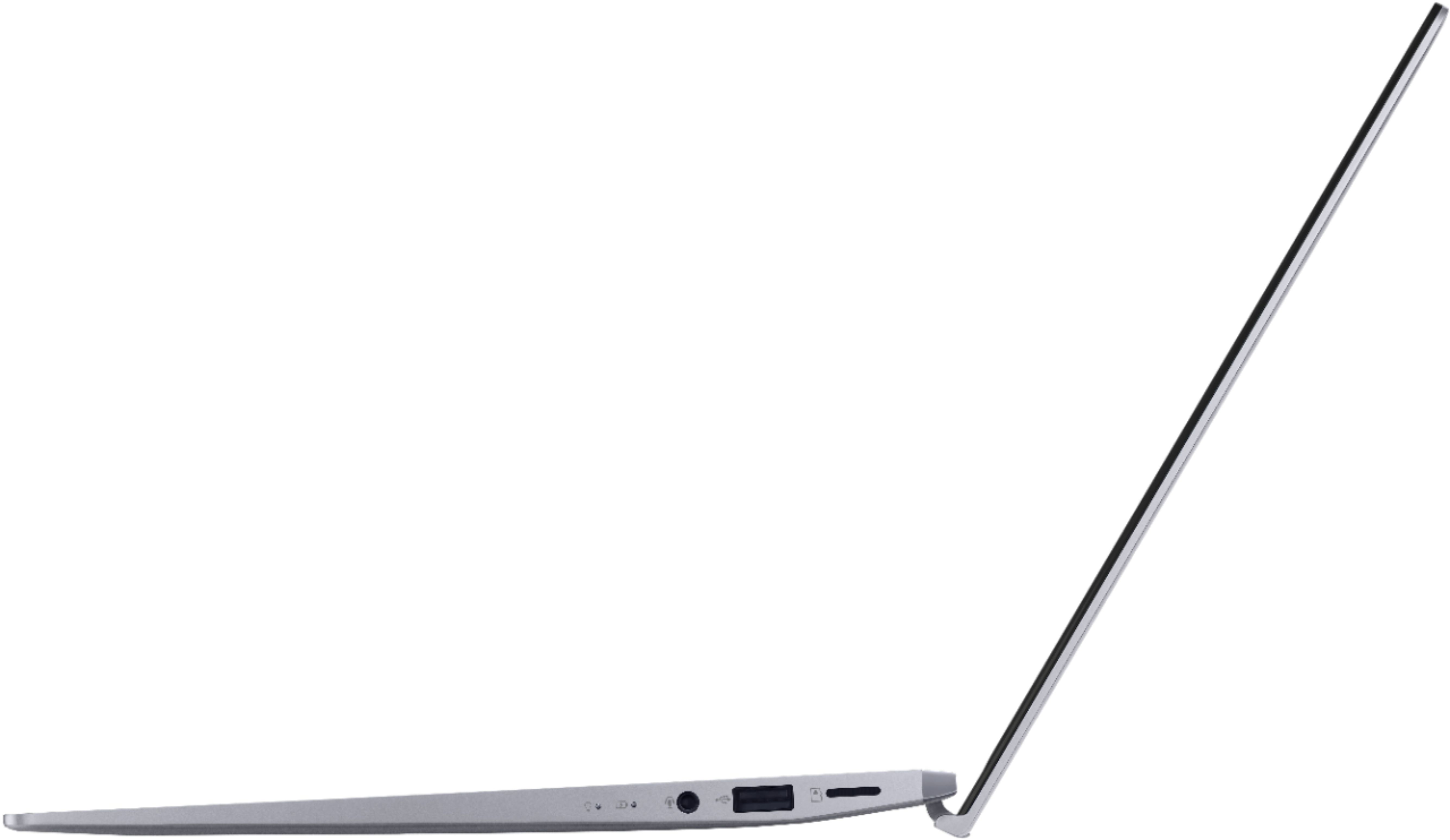
Q: QuestionTrying to drive an external monitor with HDMI input, using a USB-C to HDMI adapter cable. I get the error message "display connection might be limited". No video to the external monitor. Does this laptop support video output via the USB-C port???
Asked by NoVideoConnectivity.
- A:Answer https://www.asus.com/support/FAQ/1042843/ this asus model does not support display output via the usb-c port.
Answered by John
Q: QuestionCan you play Steam games such as Celeste and (not a steam game) Minecraft on here?
Asked by MyNameisVelk.
- A:Answer Yes, this model can run these games.
Answered by ASUS Answers

Q: QuestionWhich would you choose? This laptop, or the HP Elitebook 840 G6 ( with i5-8365U and 16GB RAM), ignoring price difference? Thanks!
Asked by InTexas.
- A:Answer Absolutely not! The Asus is awful, I hate it!
Answered by vabensons
Q: QuestionI read somewhere this USB-c doesn't support display out. Can anyone confirm if this is correct?
Asked by Isaac.
- A:Answer It does not support display out. It is simply a USB C port.
Answered by stinkingbob
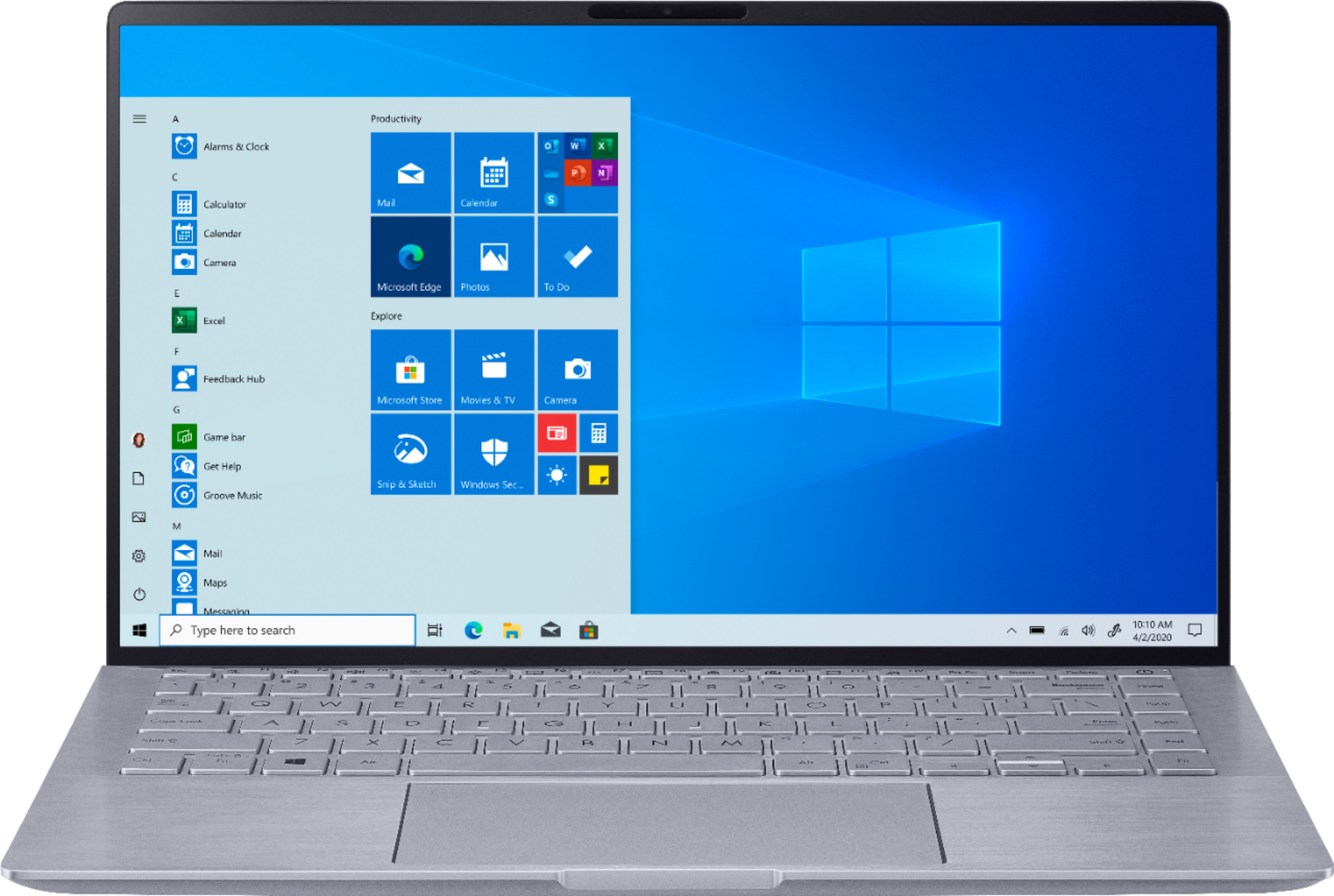
Q: QuestionDoes it have a matte display? Brightness in Nits? When will the UM433IQ model be released ? Can the USB-C 3.2 gen 2 be used as display port (to connect to external monitor)? Thanks in advance
Asked by boga.
- A:Answer I don't know about the UM433IQ model, but the display is a matte 300nit 14 inch 1080p panel. Panel model number: BOE NV140FHM-N63 if you want to see the full specs. Yes, the USB-C 3.2 can be used to connect to an external monitor with the appropriate cable. If you found this helpful, please click the Helpful button below. Thanks :)
Answered by alwaysrightanswers
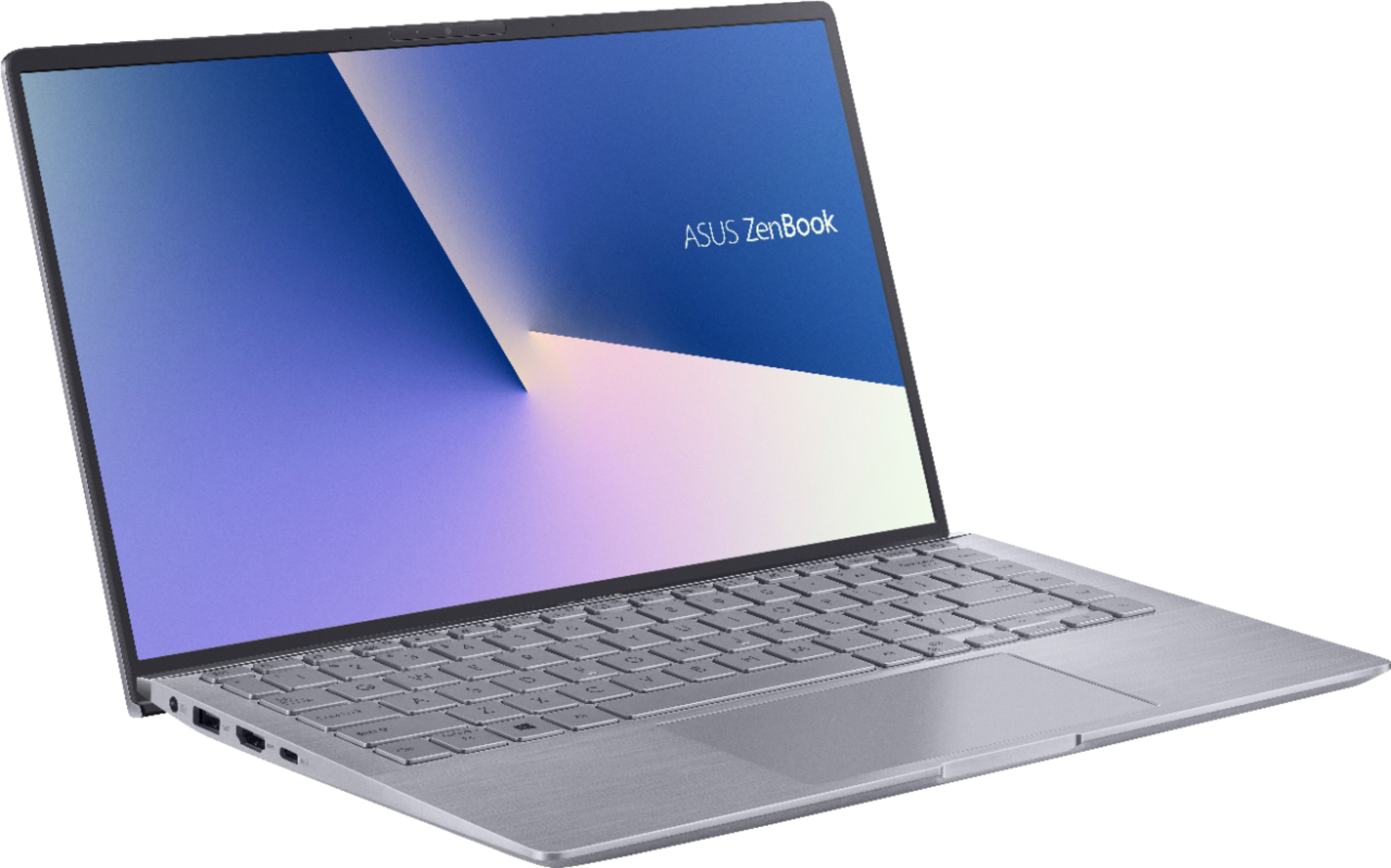
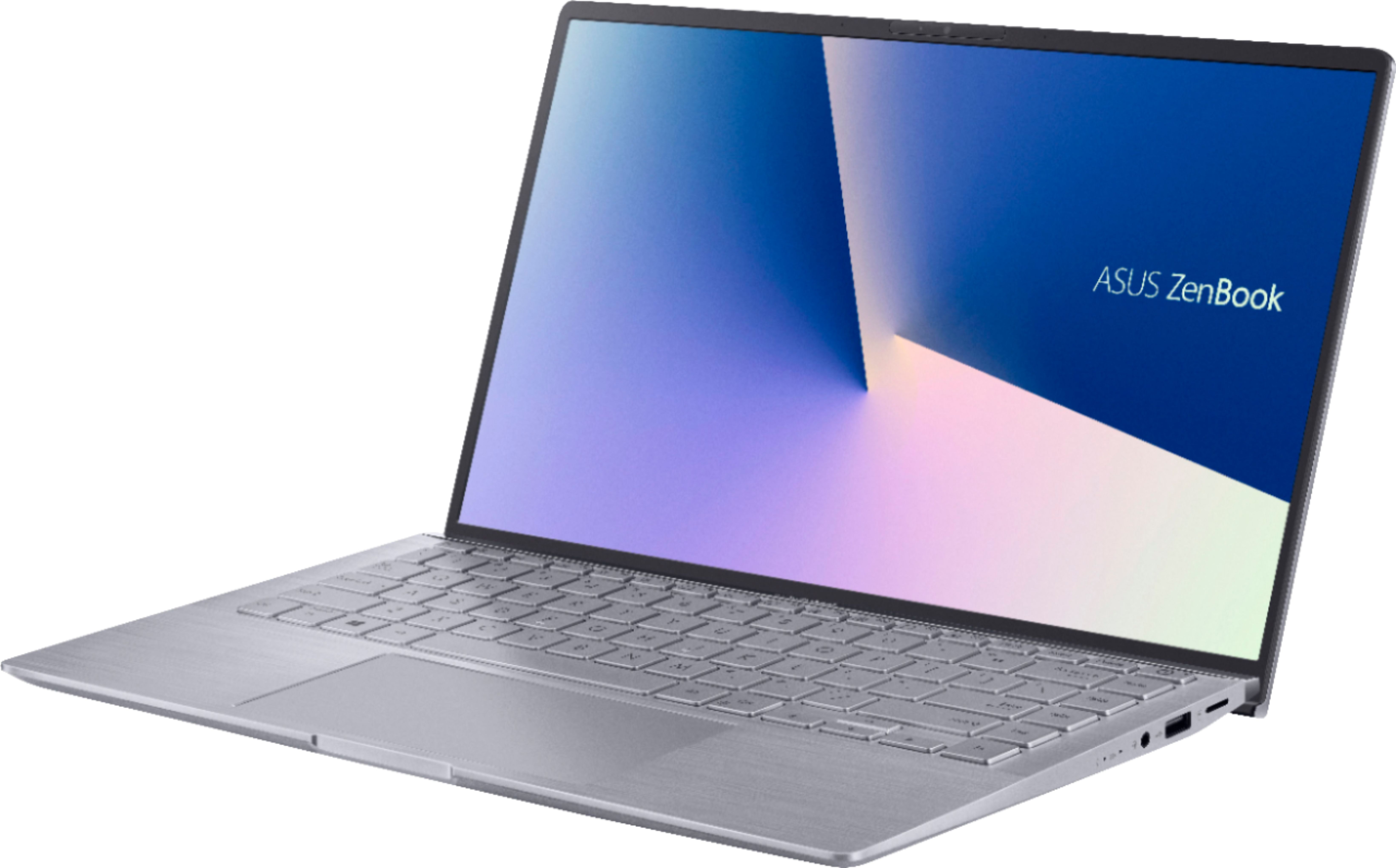
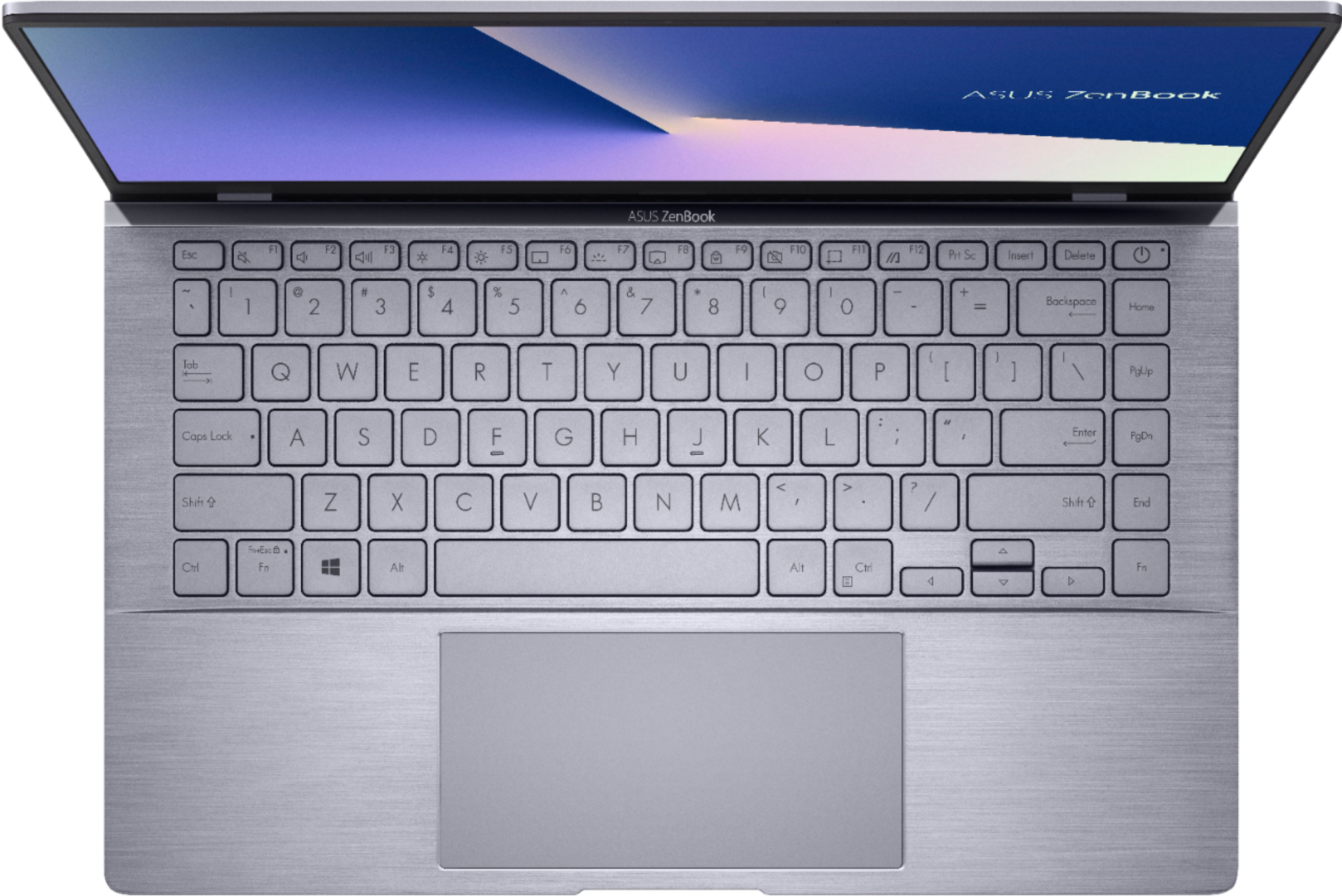
Q: QuestionDoes it have a keyboard back light
Asked by Lories.
- A:Answer Yes, this unit does have a backlit keyboard.
Answered by CommunityAnswer
Q: QuestionI find the key board keys very difficult to read. The color of the letters blends into the keys. if the keyboard is back lit, how do you turn on the light because I have to adjust the monitor to read the letters.
Asked by tommy.
- A:Answer Press the F7 key to toggle how bright or dim u want backlight to be. To use the actual F1-F9 buttons you must hold the Fn key.
Answered by Diogenes
Best-selling Best Buy
- $99.00$99.00The price was $129.00
- $14.99$14.99The price was $19.00
- $24.99$24.99The price was $29.99
- $14.99$14.99The price was $19.00